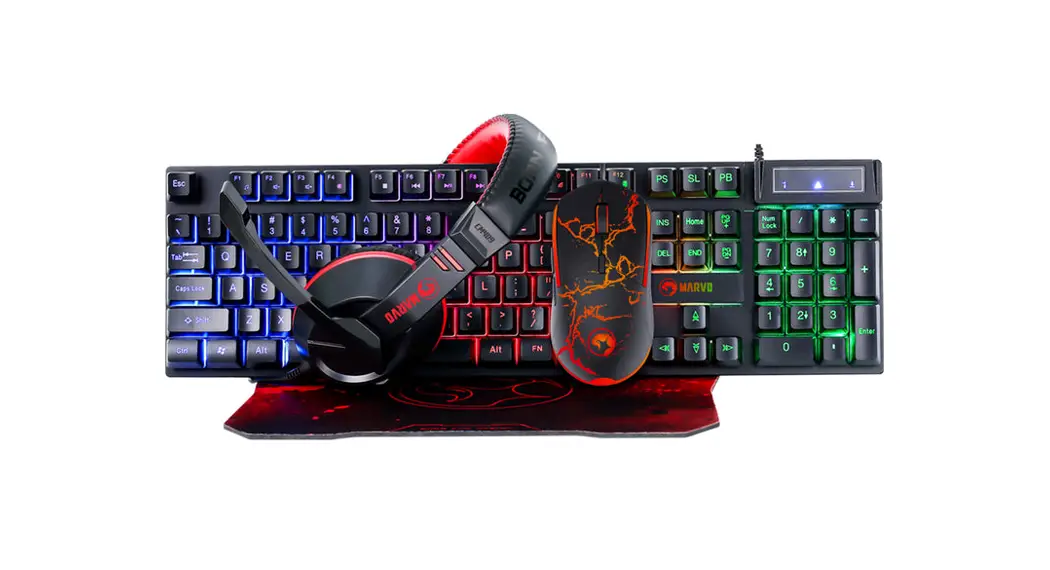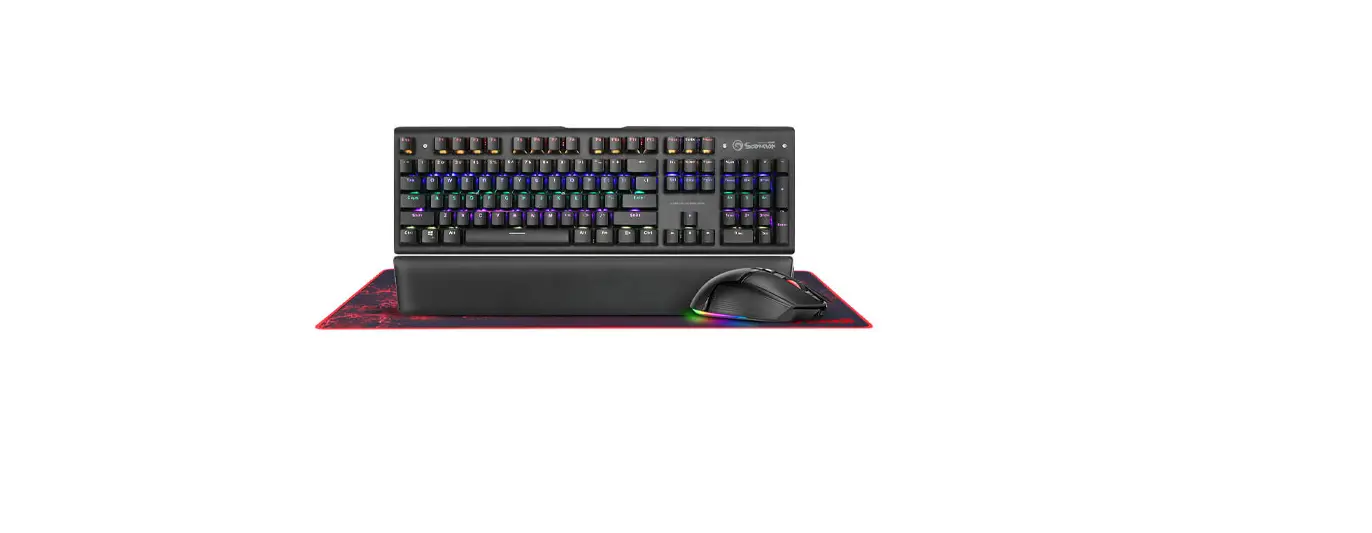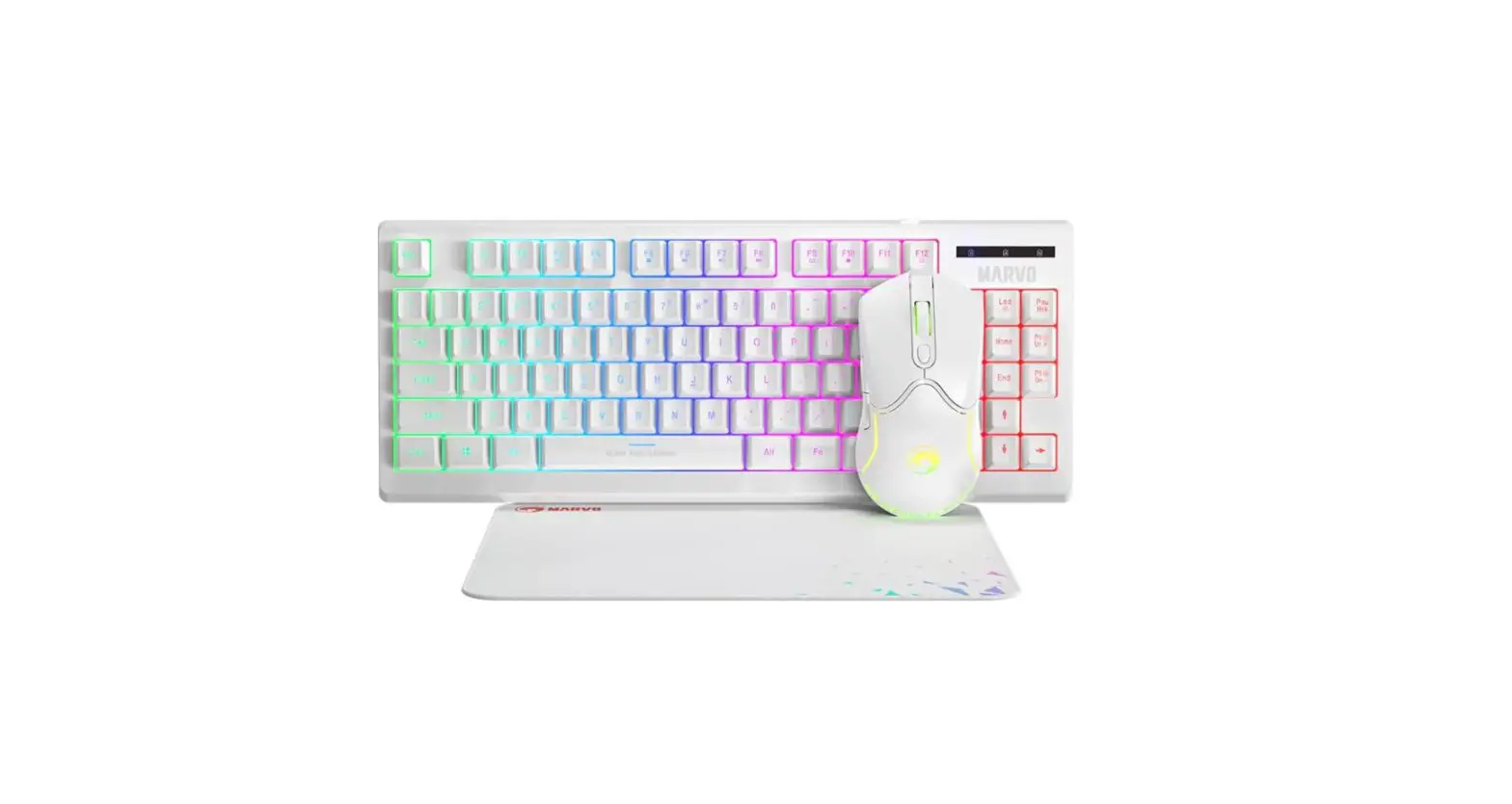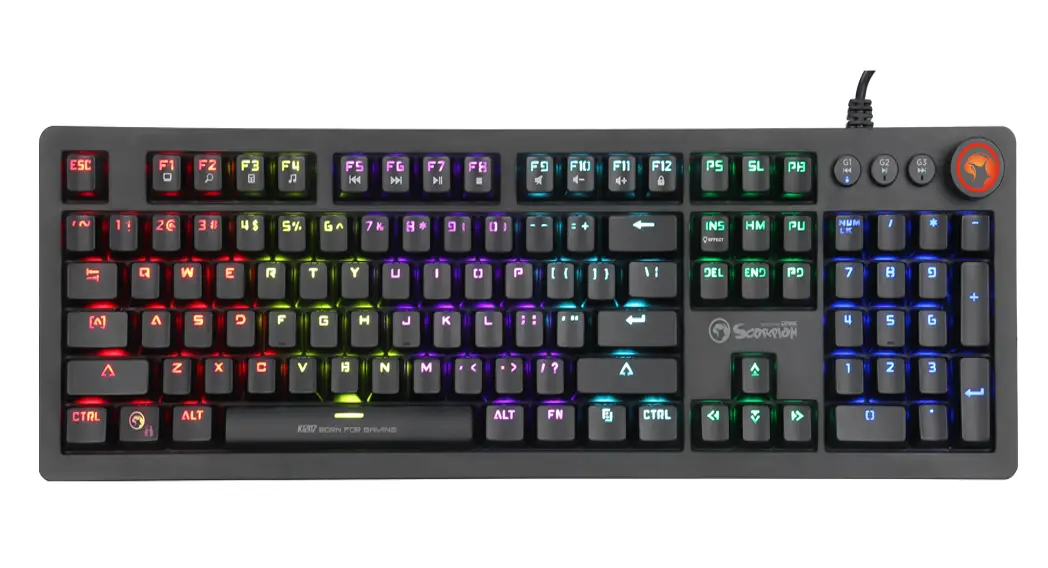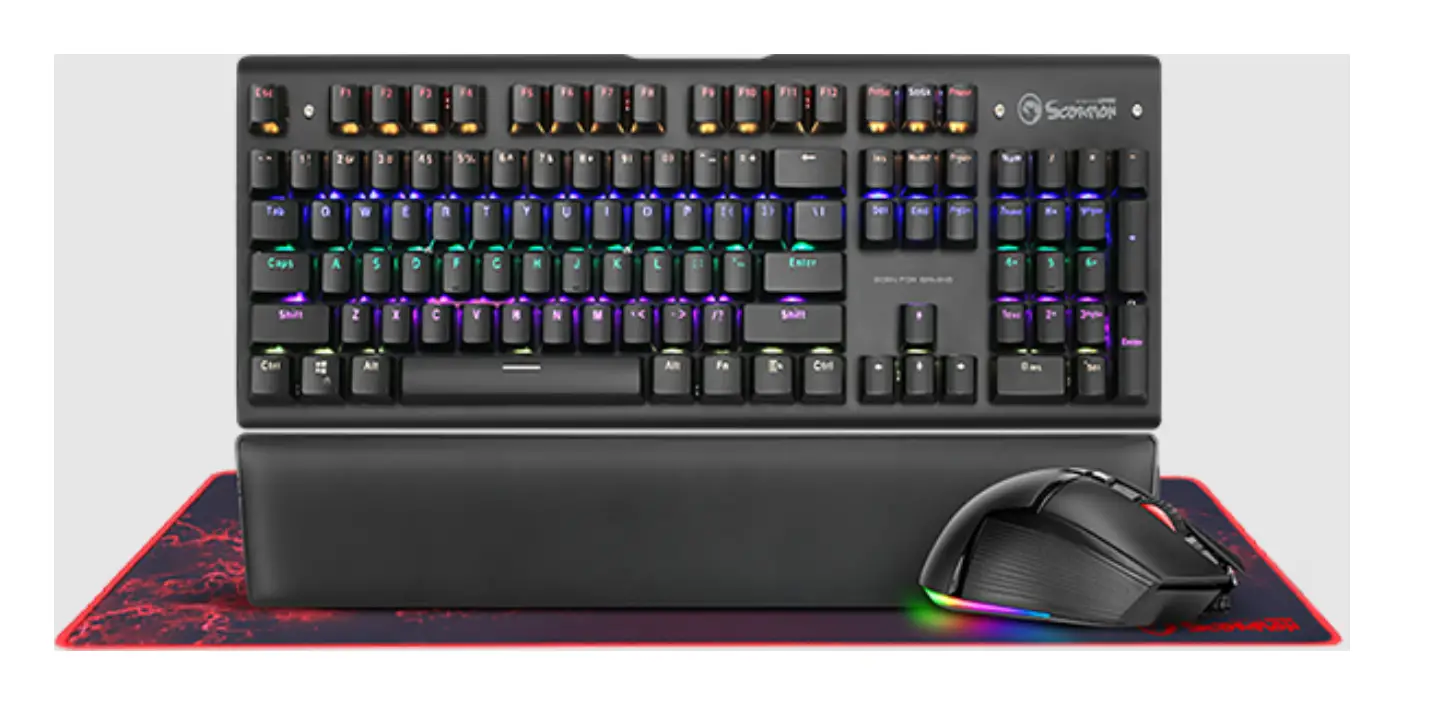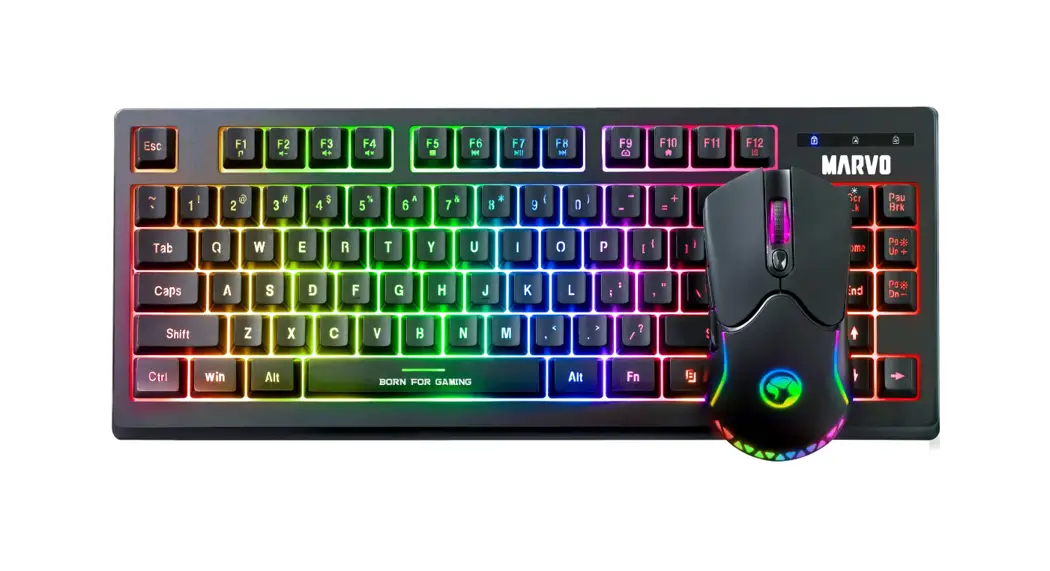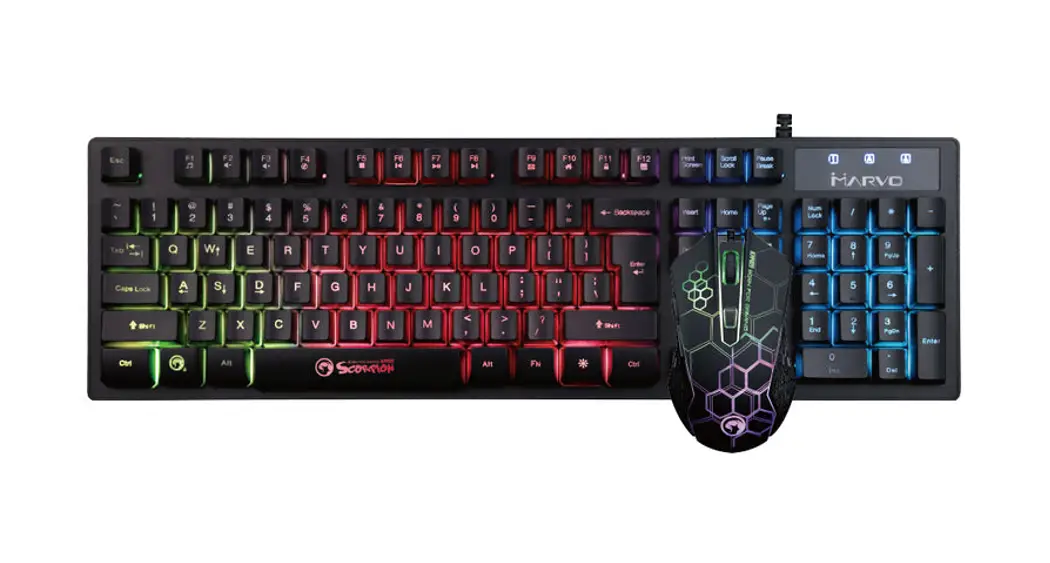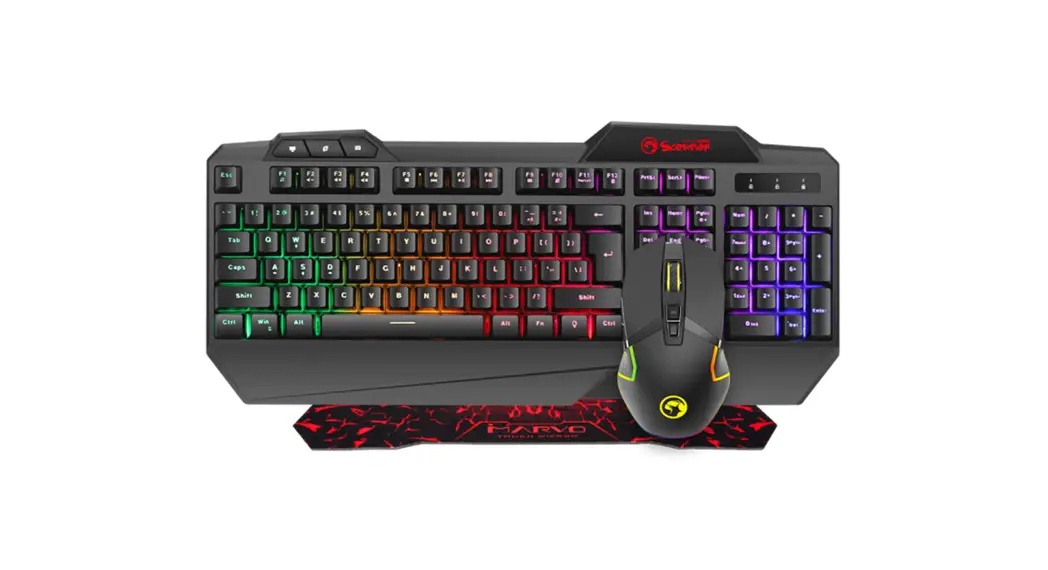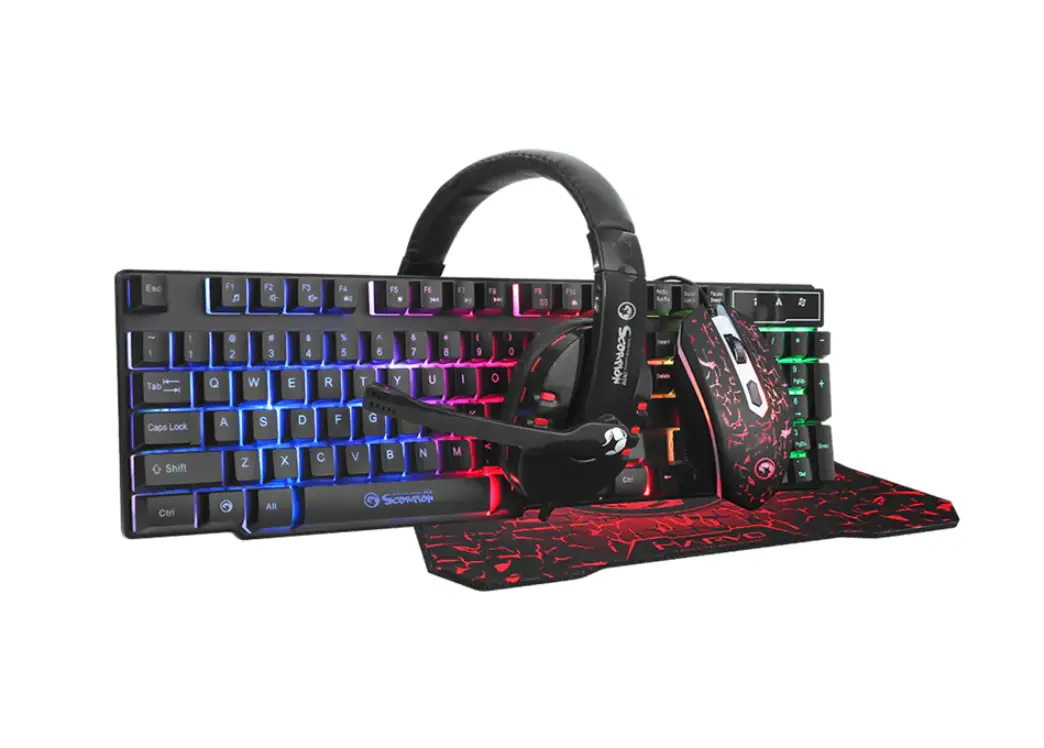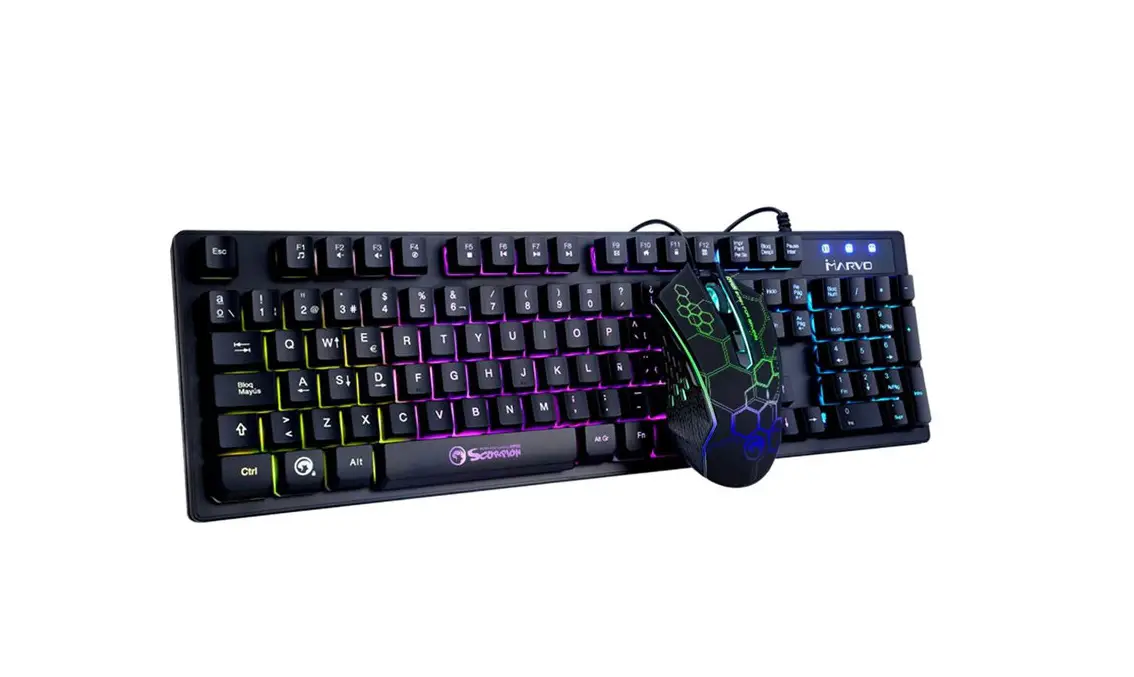
MARVO KM409 Gaming Combo User Guide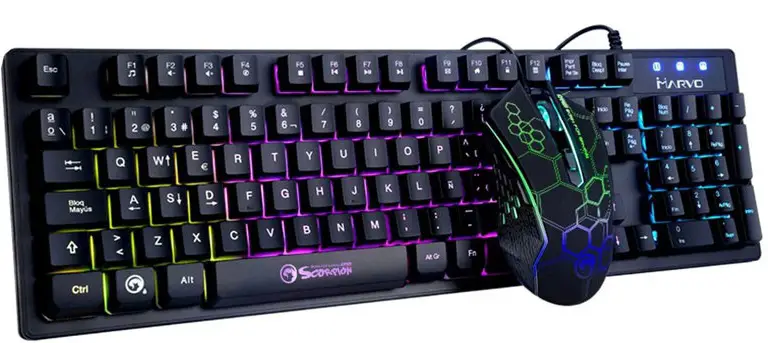
TECH SPECS
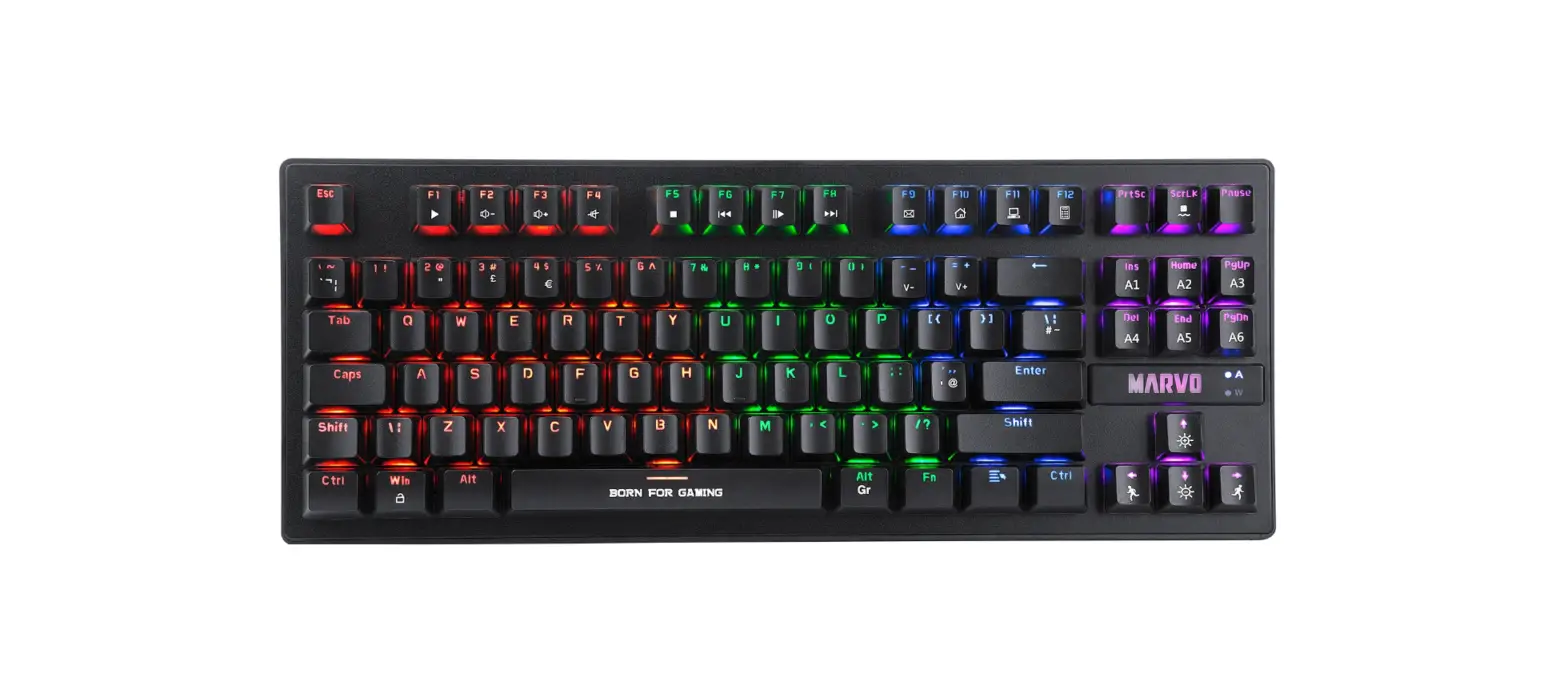
- Keyboard Specs:
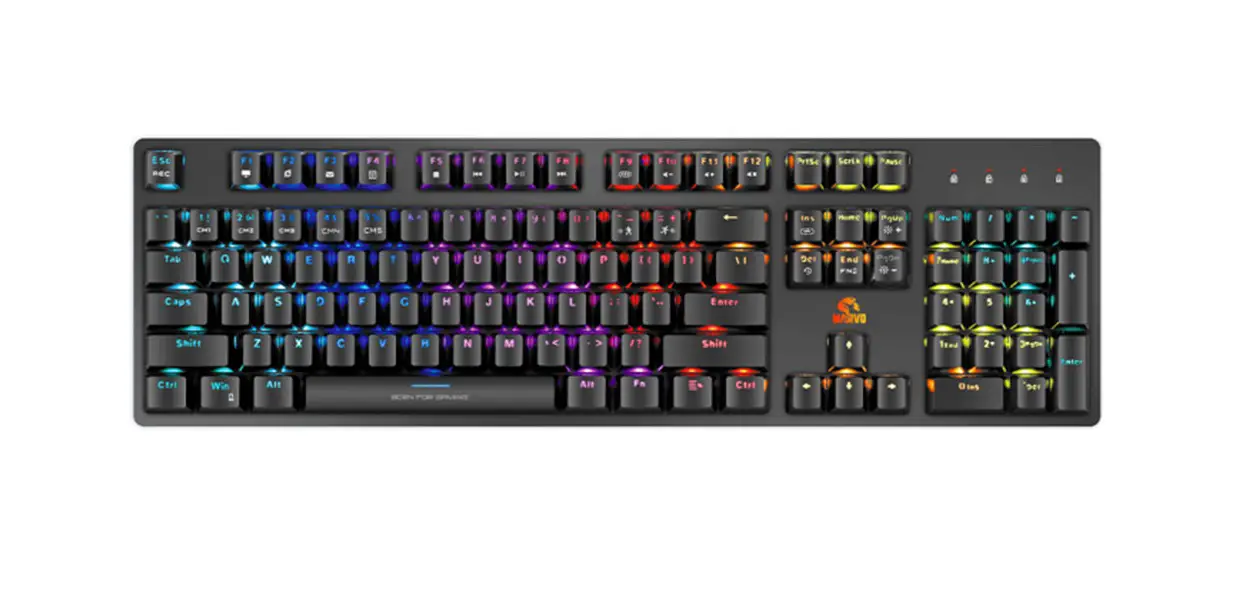
- Keys: 104
- Switch type: membrane
- Switch rating: 10 million presses
- Key route: 4 ± a3 mm
- Operating force: 55 ± 5 g
- Backlight: 3 mixed colors
- USB 2.0 cable length: 1.55 m
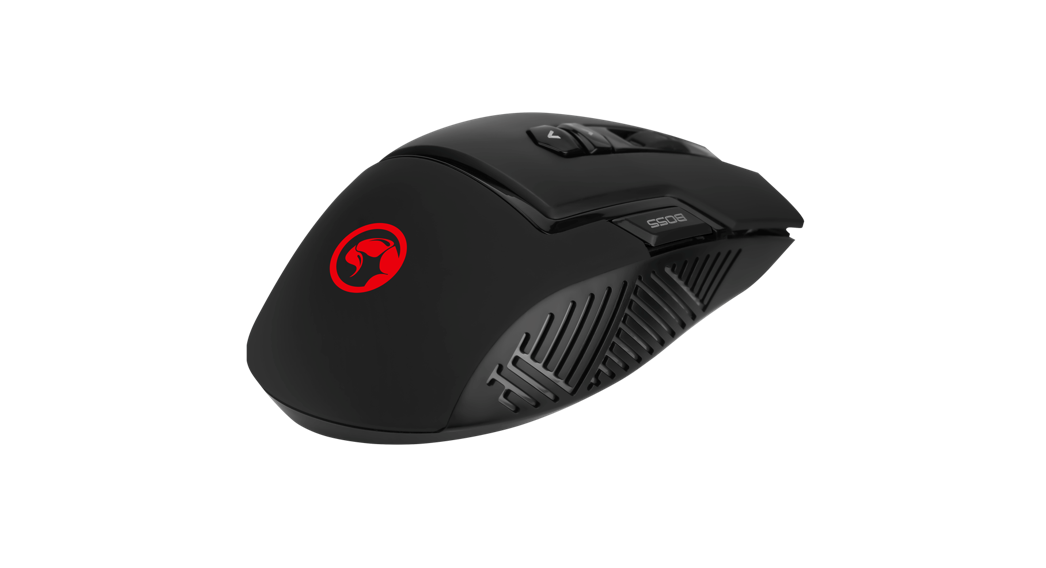
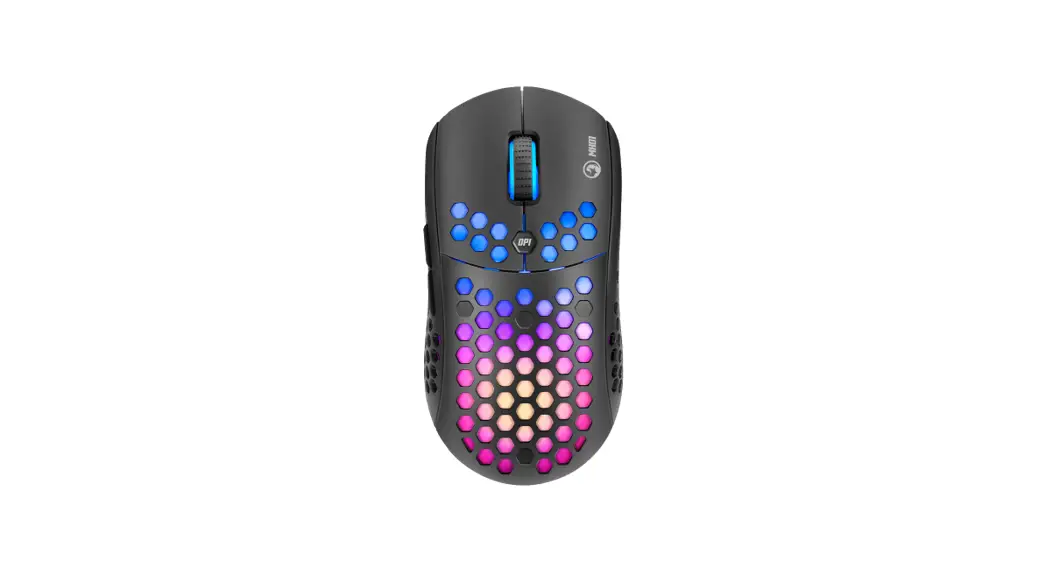
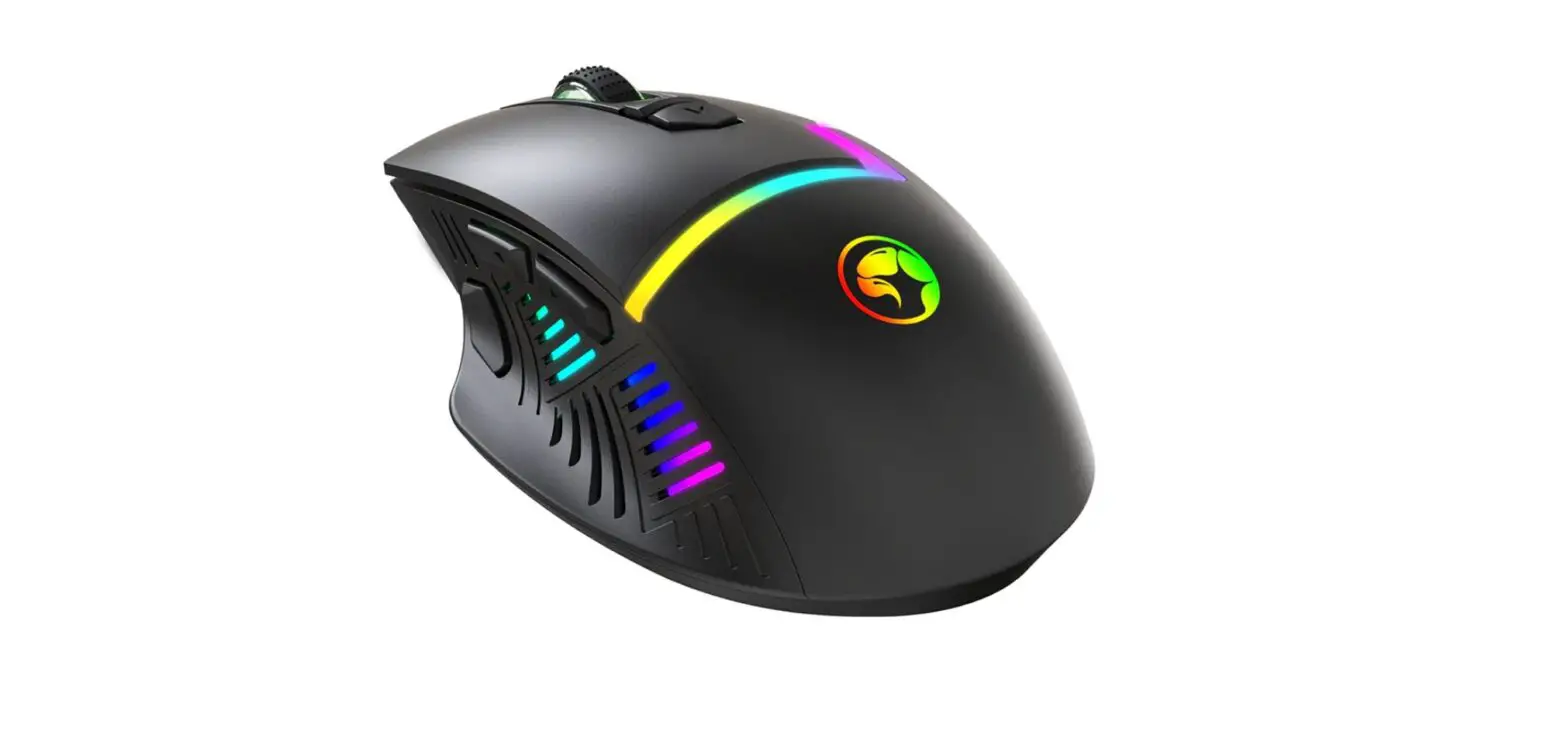
- Mouse Specs:
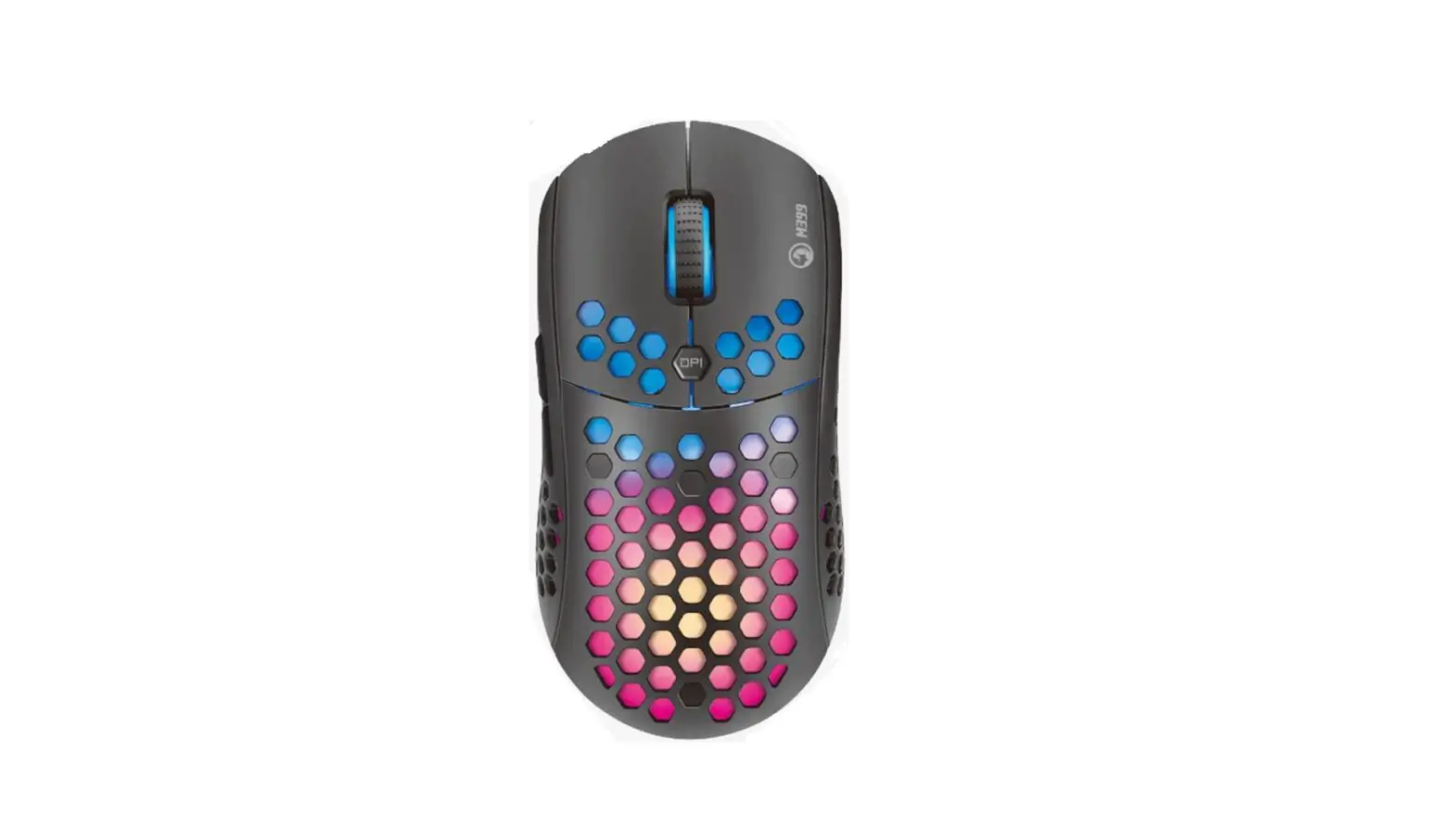
- Sensor: Optical
- DPI: 800-1200-1600-2400
- Buttons: 6
- Switch rating: 3 million clicks
- Backlight: 7 colors
- USB 2.0 cable length: 1.5 m
- OS support: Windows 7 or newer
PRODUCT PRESENTATION
FEATURES
- Advanced anti-ghosting with 19 key rollover support delivers enhanced command readings in the heat of the battle.
- See-through characters with unique backlit visuals (3 colors mixed in a rainbow effect).
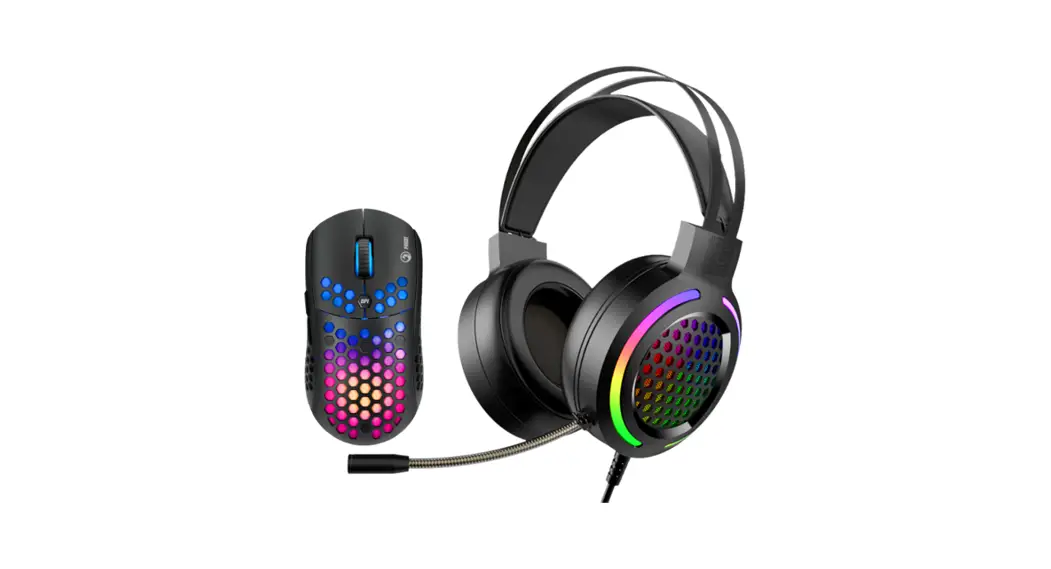
- Optical gaming mouse with 6 buttons and on-the-fly sensitivity adjustment.

 ERGO DESIGN
 BACKLIT KEYBOARD
  ADVANCED ANTI-GHOSTING
 NO-DRIVER NEEDED
 2400 DPI OPTICAL/LASER SENSOR
 DPI STEPS 800/1200/1600/2400
SAFETY NOTES
- Please do not take apart or exchange any component, except there are especially marked operations in User Manual;
- Please do not put the product into water or any other liquid, for this product is not water-proof;
- Please disconnect the product with other device and remove it if any liquid splashes into it, for it may cause fire or electric shock if the users continue to use it;
- Please make sure that the hands are dry when installing or taking apart the product in order to avoid getting an electric shock;
- Please do not expose the product close to heat source or the fire directly;
- Please do not put the product into a great magnetic field, for it may cause dysfunctions.
INSTALLATION
- Remove the keyboard and mouse insert it to the computer USB PORT.
- Check whether the PC can recognize the keyboard and mouse correctly;
- Operate according to User Manual;
- Please do not use the product in an extreme environment.
USE
Keyboard:
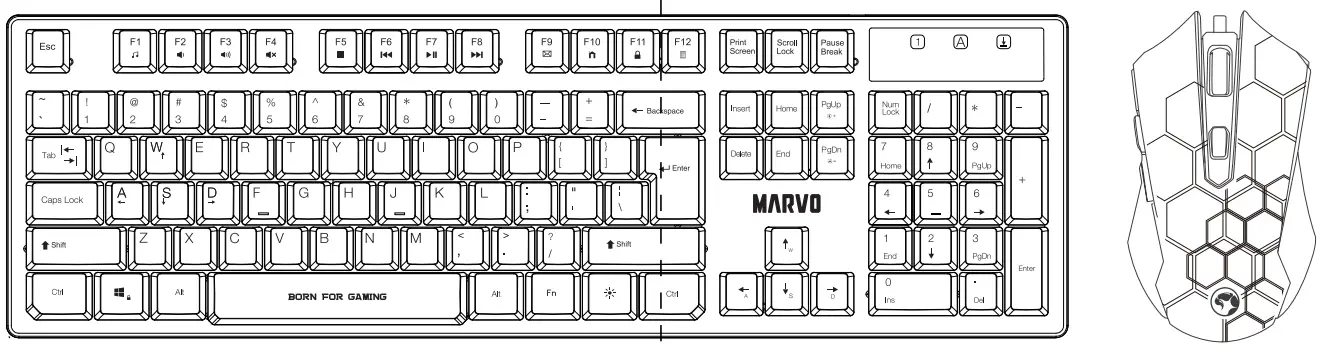
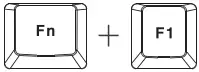
Configuring the keyboard and using the special functions is done by using the various key combinations detailed below.
Multimedia and office functions
 | open media player |
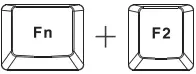 | decrease audio volume |
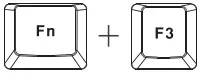 | increase audio volume |
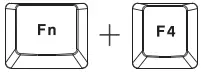 | mute |
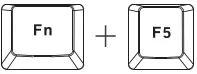 | stop media file playback |
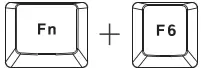 | previous track |
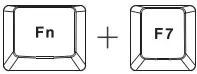 | play / pause |
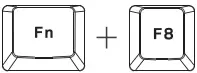 | next track |
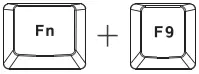 | open the e-mail client |
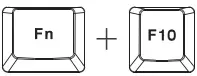 | open the Internet browser |
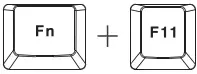 | Keyboard lock |
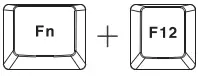 | open the Calculator |
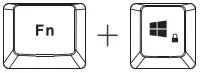 | enable / disable the Windows key |
Backlight control functions Press the it  key to change the backlight.
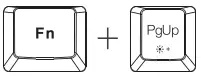 : increase brightness
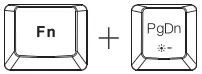 : decrease brightness
Mouse:
Press the button below the scroll wheel to change the sensitivity according to predefined DPI steps.
TROUBLESHOOTING
Solutions to the conditions in which the device cannot be recognized, with no functions or dysfunctions.
Check whether the USB ports both at the computer and device are damaged; check whether the USB port of the device is inserted correctly; check whether computer settings are correct; disconnect and reinsert; restart computer.
If the suggestions above cannot solve the problems, please contact the local dealer!
GENERAL INFORMATION
Unauthorized repairs or disassembly of the product will void the warranty and may cause its damage.
- This product is safe and complies to EU requirements.
- This product is manufactured conforming with the European RoHS standard. This standard was introduced to reduce the amount of electrical and electronic waste emitted into the atmosphere.
- Using the WEEE symbol (the crossed-out bin) indicates that the electrical and electronic equipment inside the package can be recycled. When recycling waste properly, you protect the environment and people health. Segregated household waste collection, aids recycle materials and components used for the production of this device. For detailed information about recycling, please contact your retailer or a local authority.
Warranty Card
Product Model: _______
Product Serial No: _______
Date of Purchase: _______
Customer Name: _______
TEL: _______
Address: _______
Distributor Name: _______
TEL: _______
Warranty Card is the important certificate for after-sale service of Marvo products, please keep it safe.
QR Code
 FACEBOOK Scan Me
Wanna Know more Scan Me