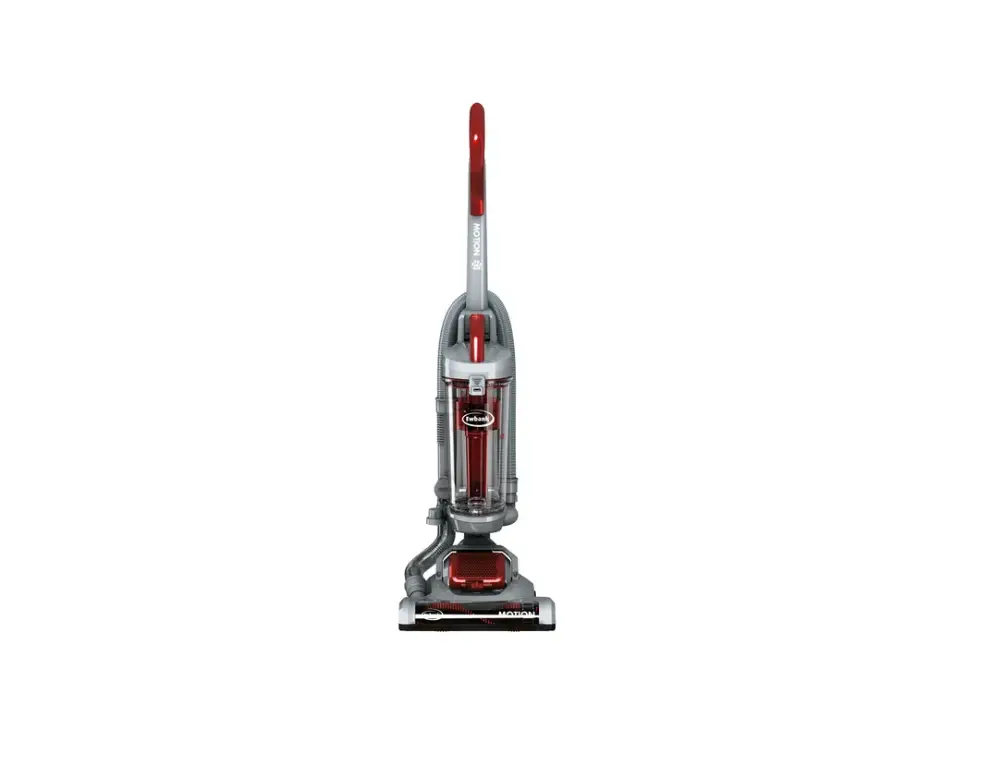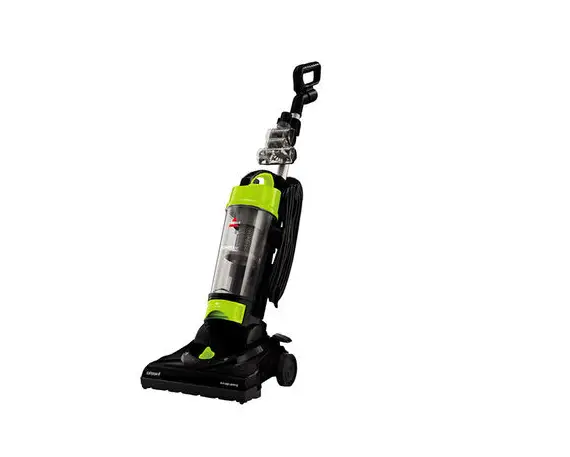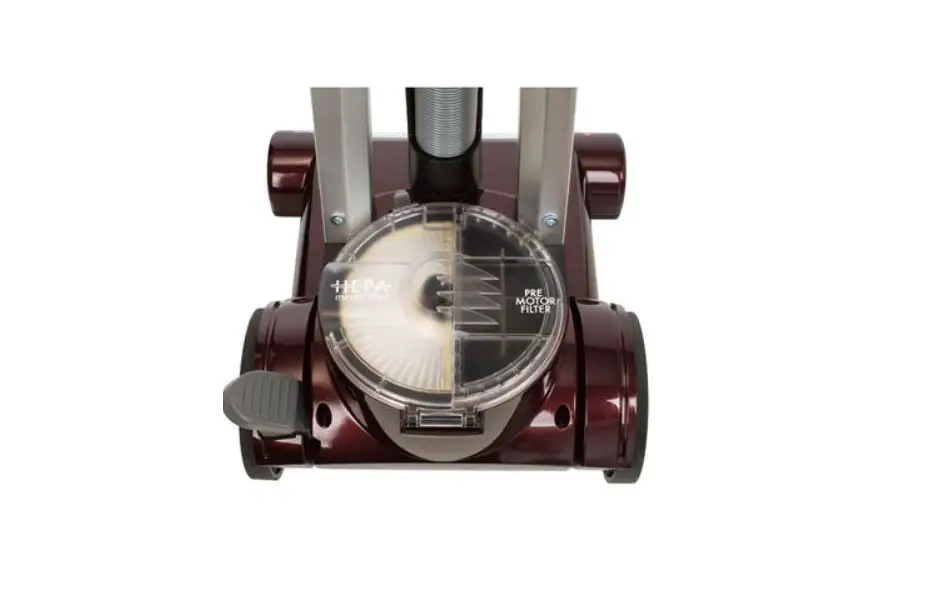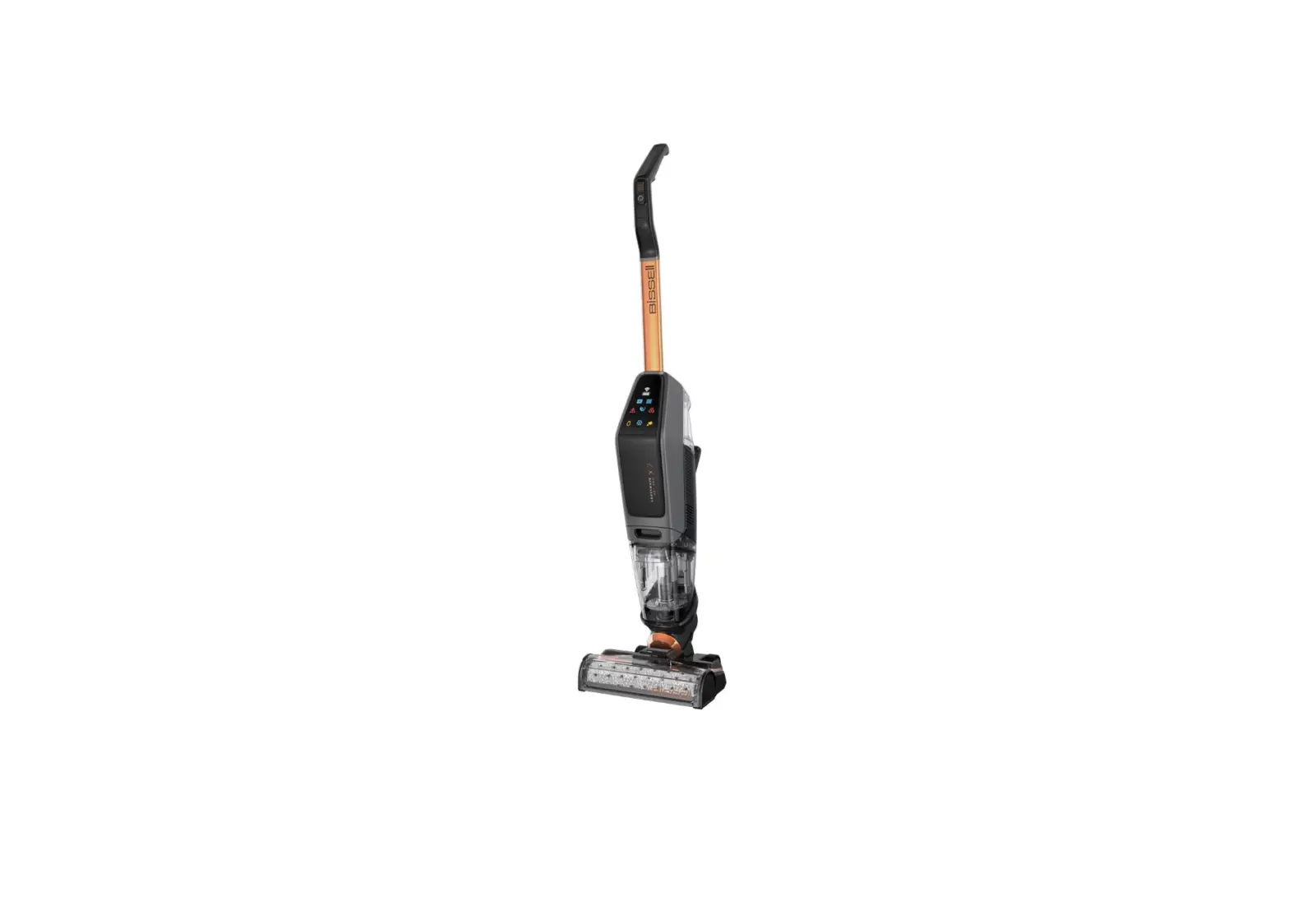
If brush roll is not turning, follow these steps to resolve:
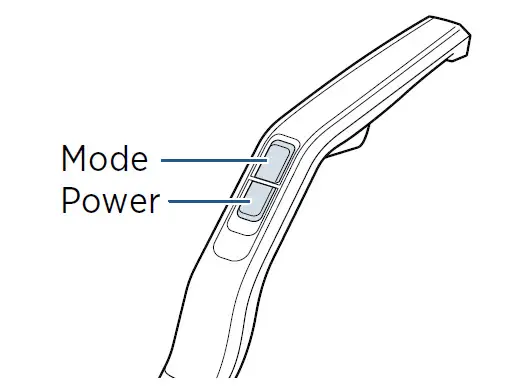
- Turn machine on by clicking power button
- Recline machine to activate brush roll
- If light on the foot is blinking white & red error light triangle is blinking on the LED display, this indicates an obstruction in brush roll
- Power machine off by pushing power button
- Put machine in upright position
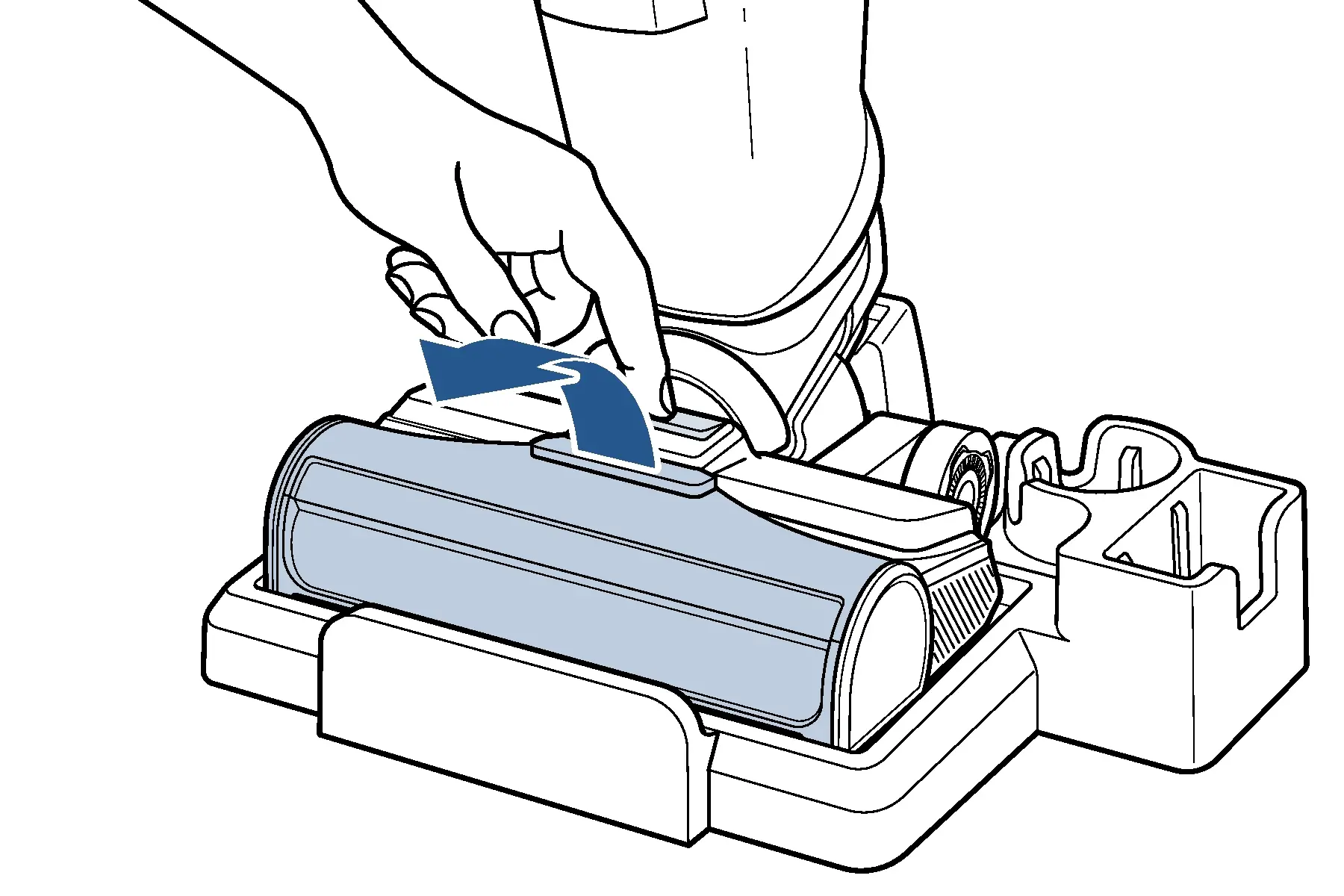
- Remove brush window by pushing button on top of the foot
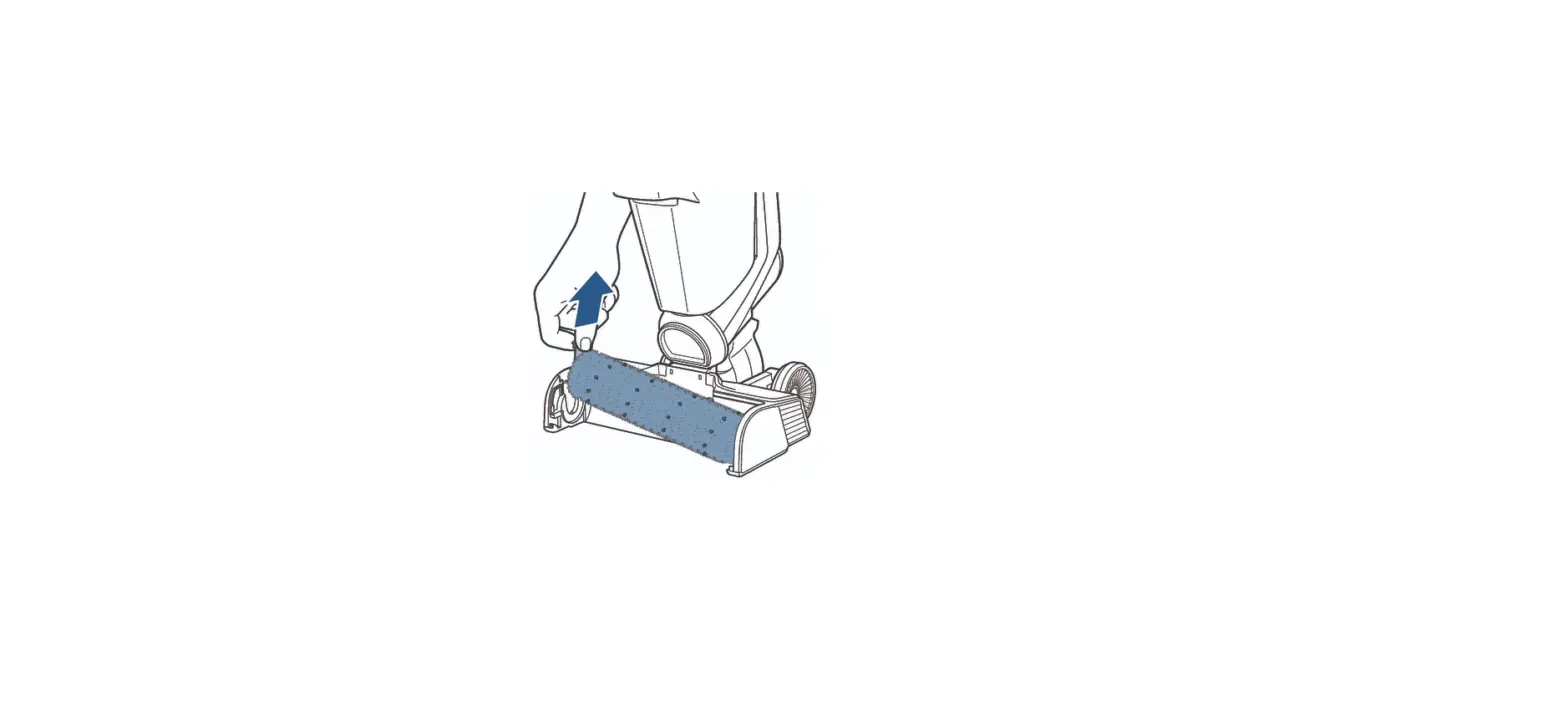
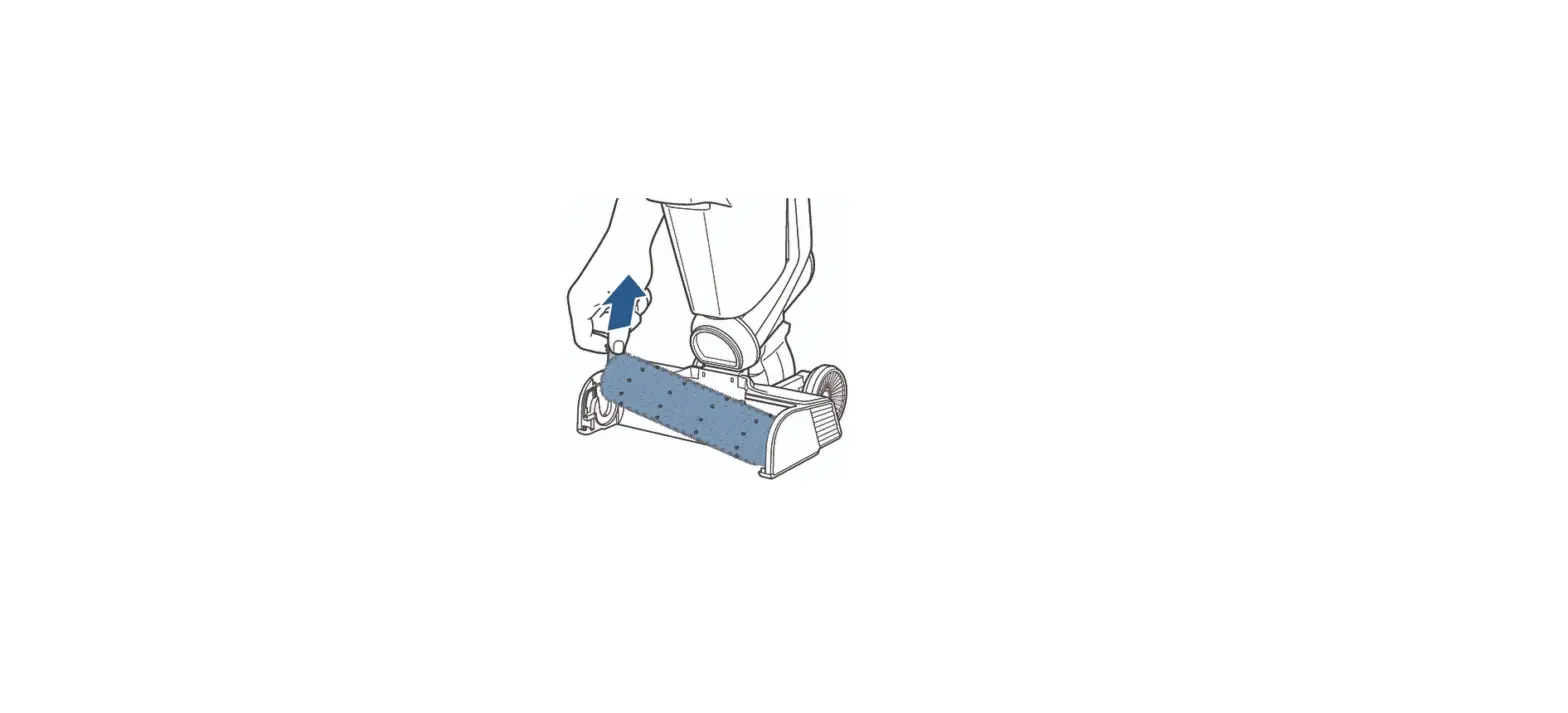
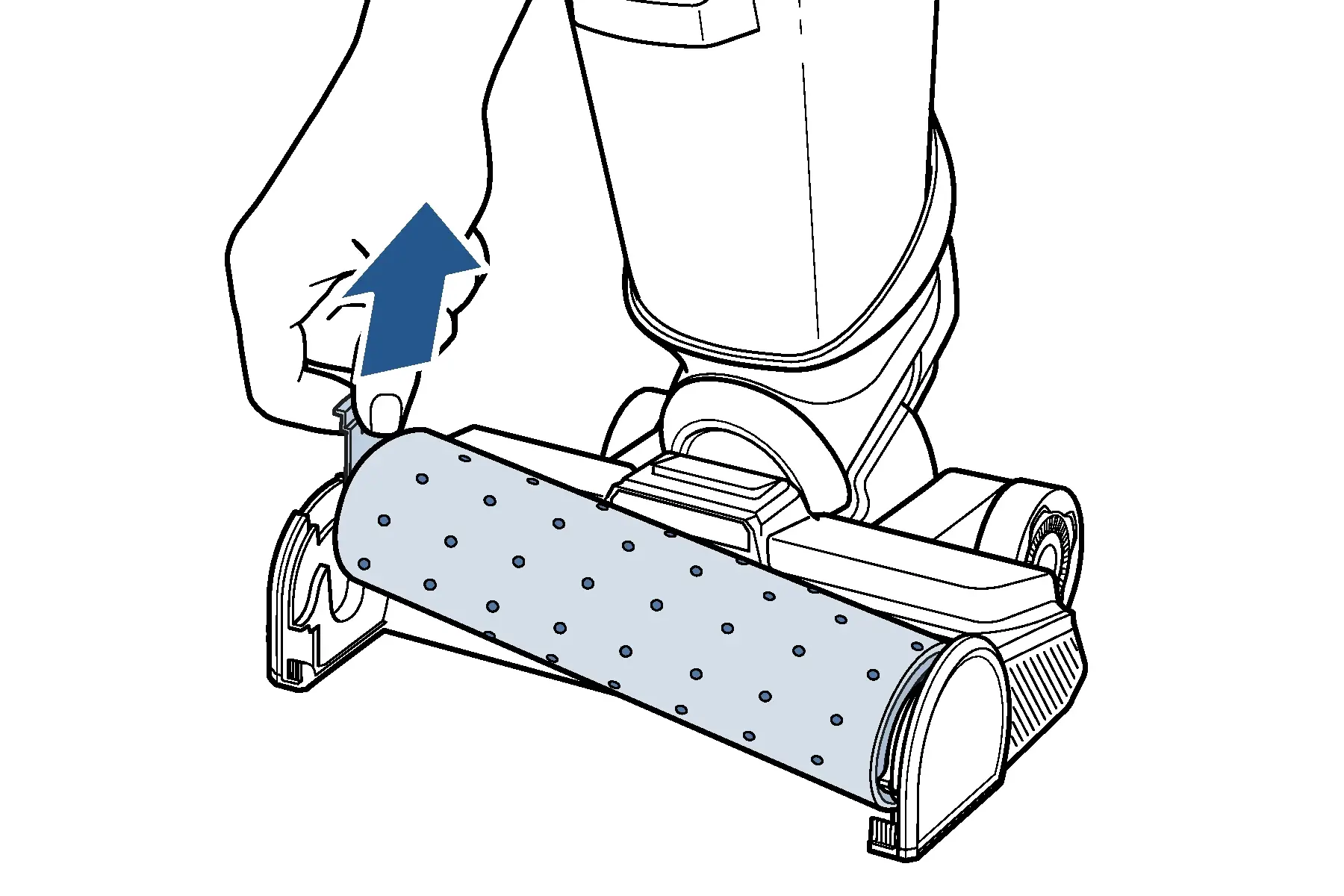
- Pull tab on left side of brush roll to remove
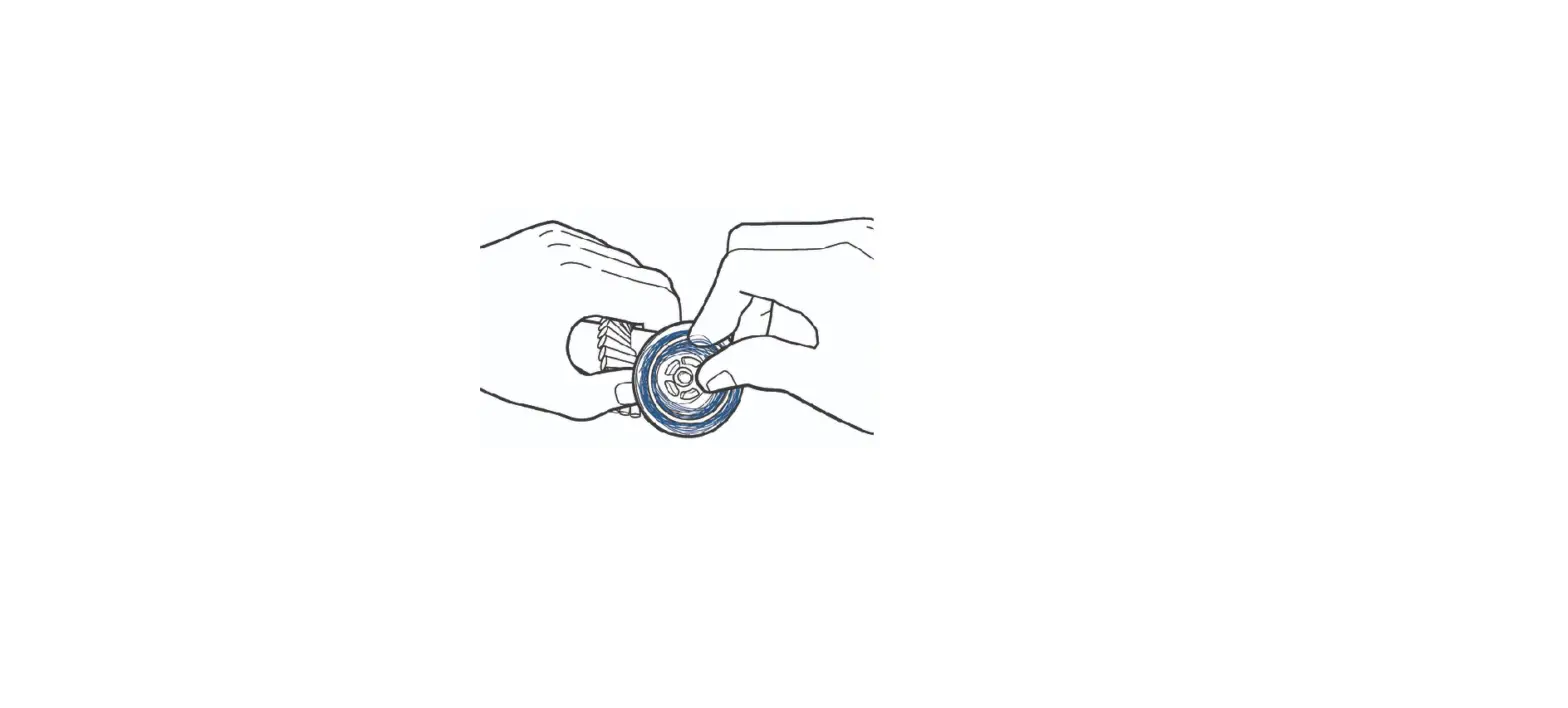
- Clear all debris from brush roll, brush ends, brush gear, and brush housing
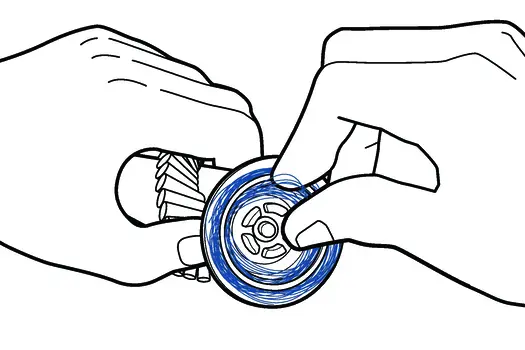

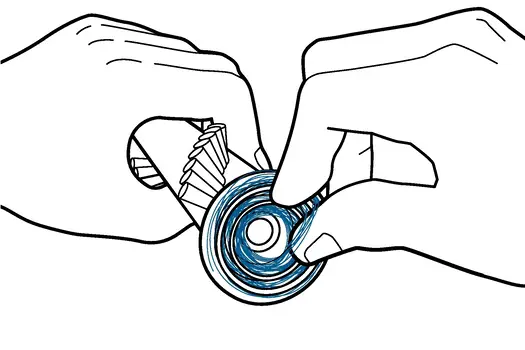
- Test brush by holding colored pull tab and spinning other end
- If brush does not spin, a replacement brush is needed > Go to Parts & Supplies
- Check for significant wear/tear to end of the brush (opposite pull tab), remove any hairwrap or debris
- It is normal for brush roll to have some marks after use – it will not affect any function
- Check gear on foot that end of brush inserts into, remove debris & turn gear by hand
- Does gear spin?
- Yes > Continue Troubleshooting
- No > Contact Us
- Does gear spin?
- Reinstall brush roll by inserting end into right side of machine and then pressing down on tab until it clicks into place
- Use a different brush roll from what was previously in machine, if possible
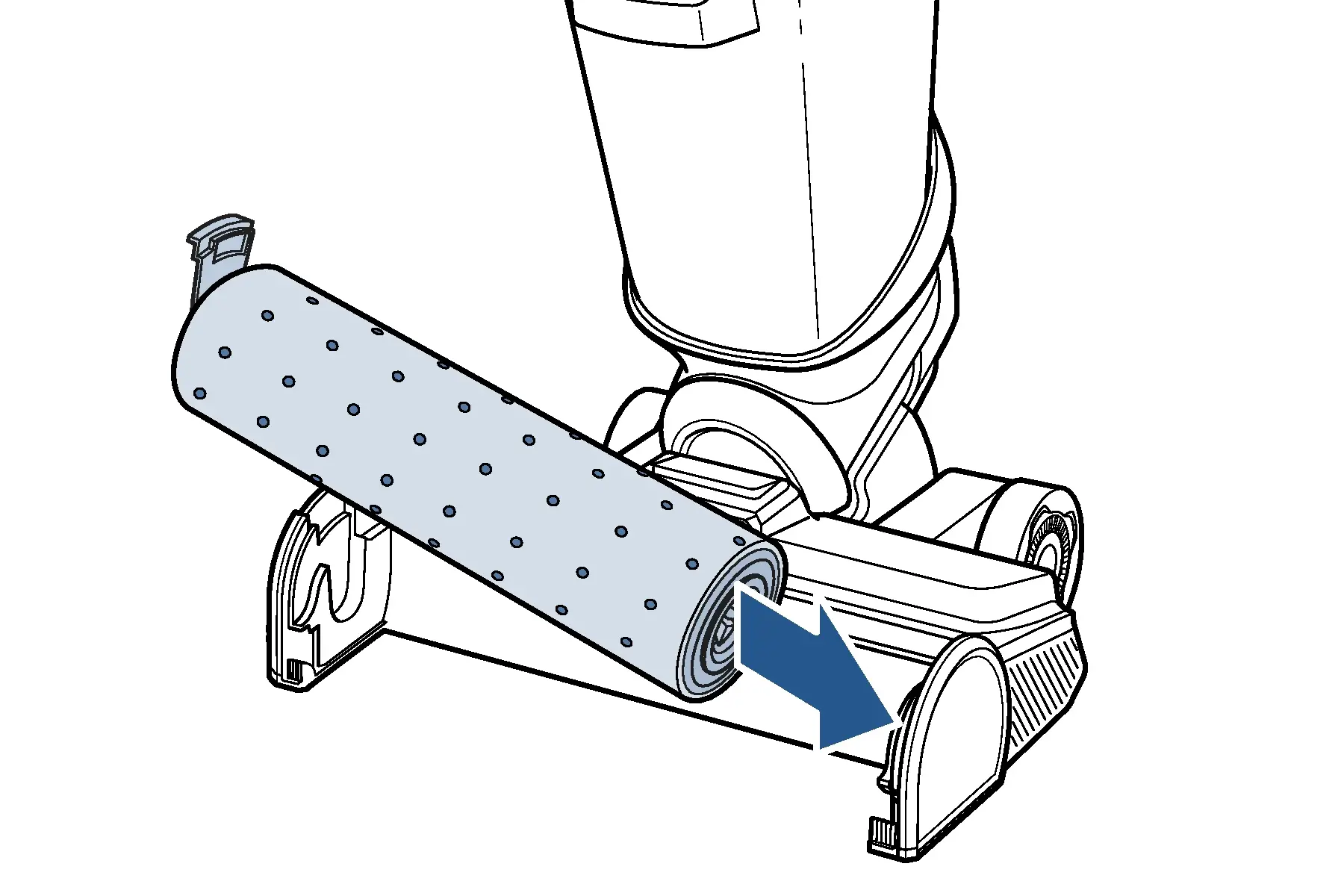
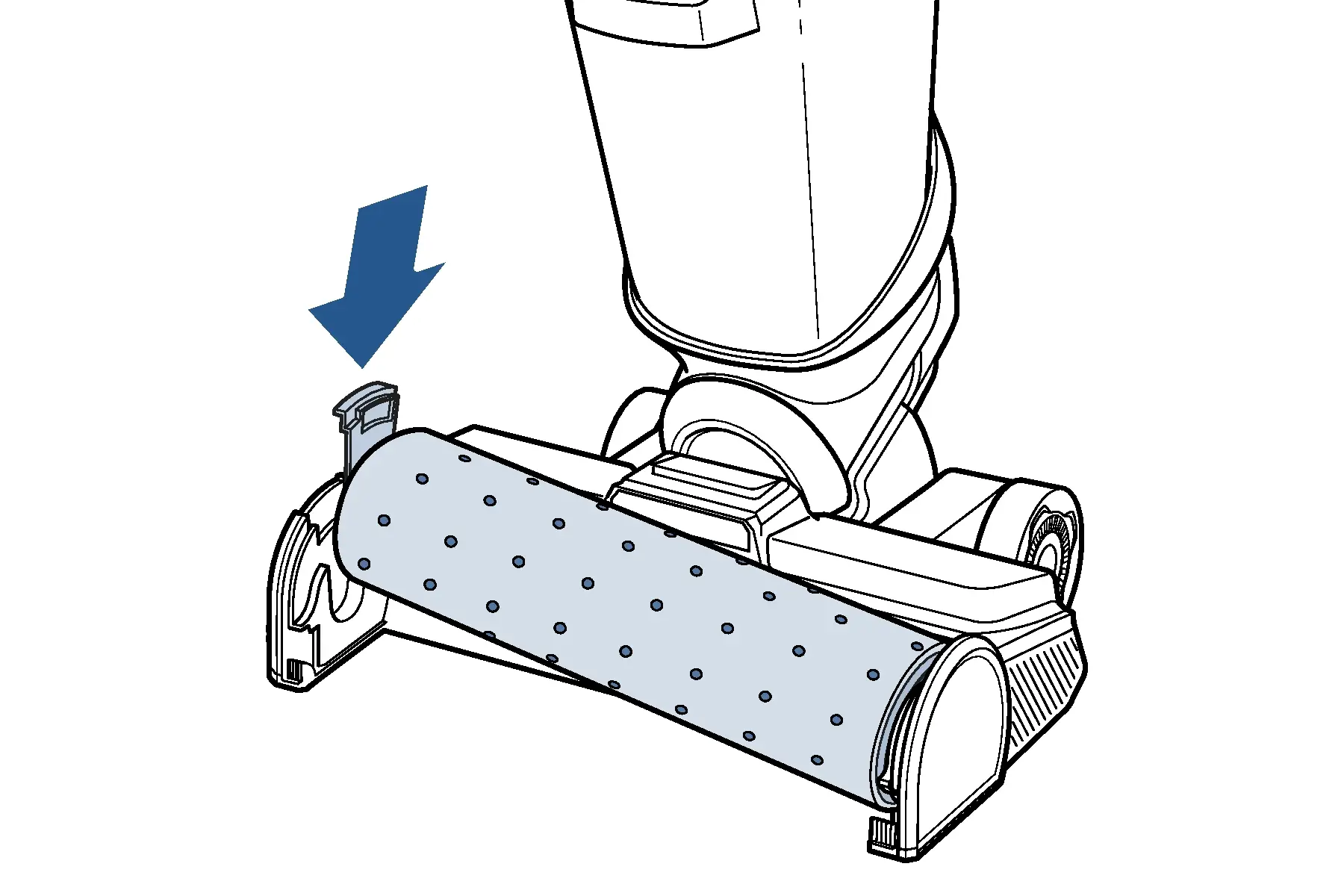
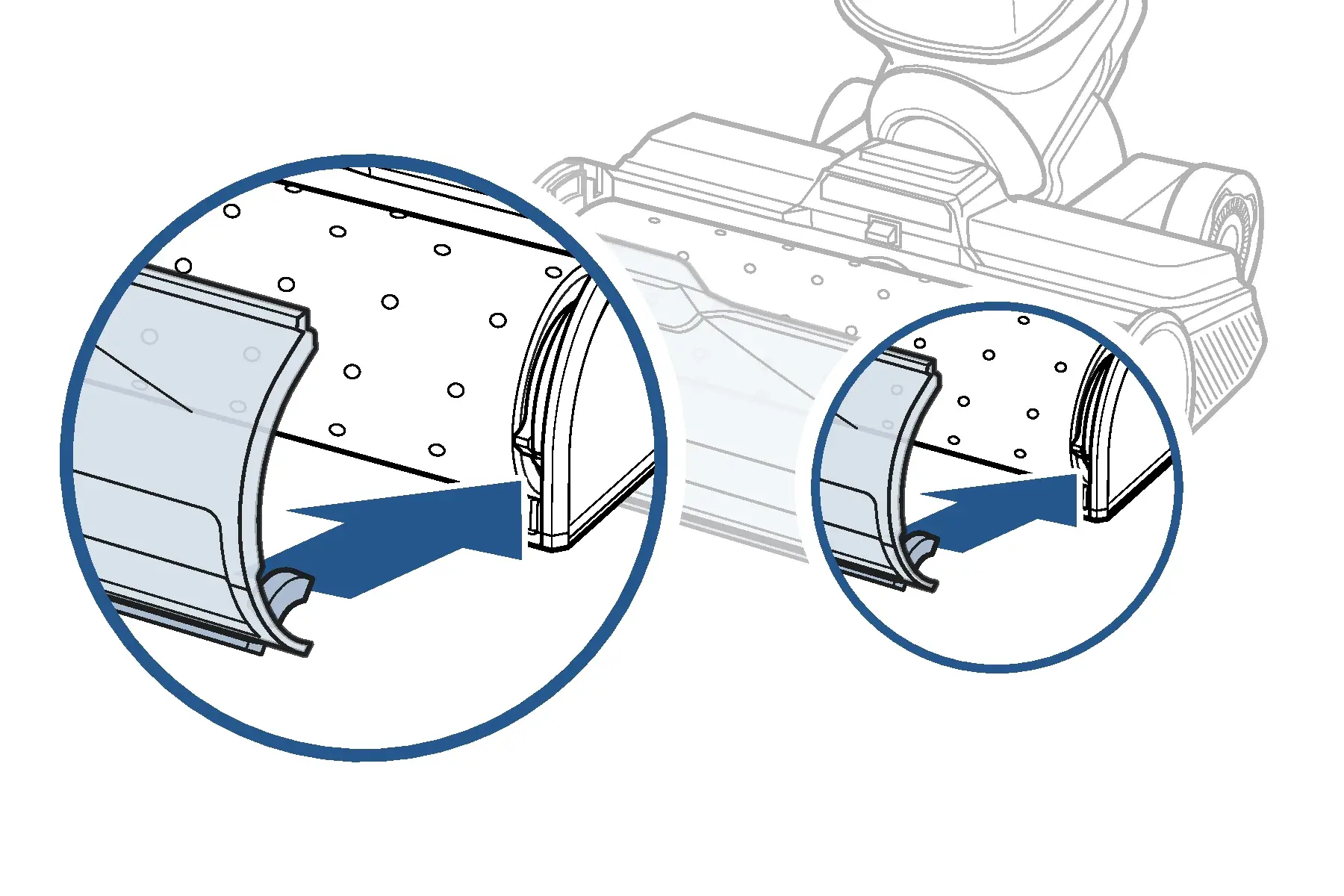
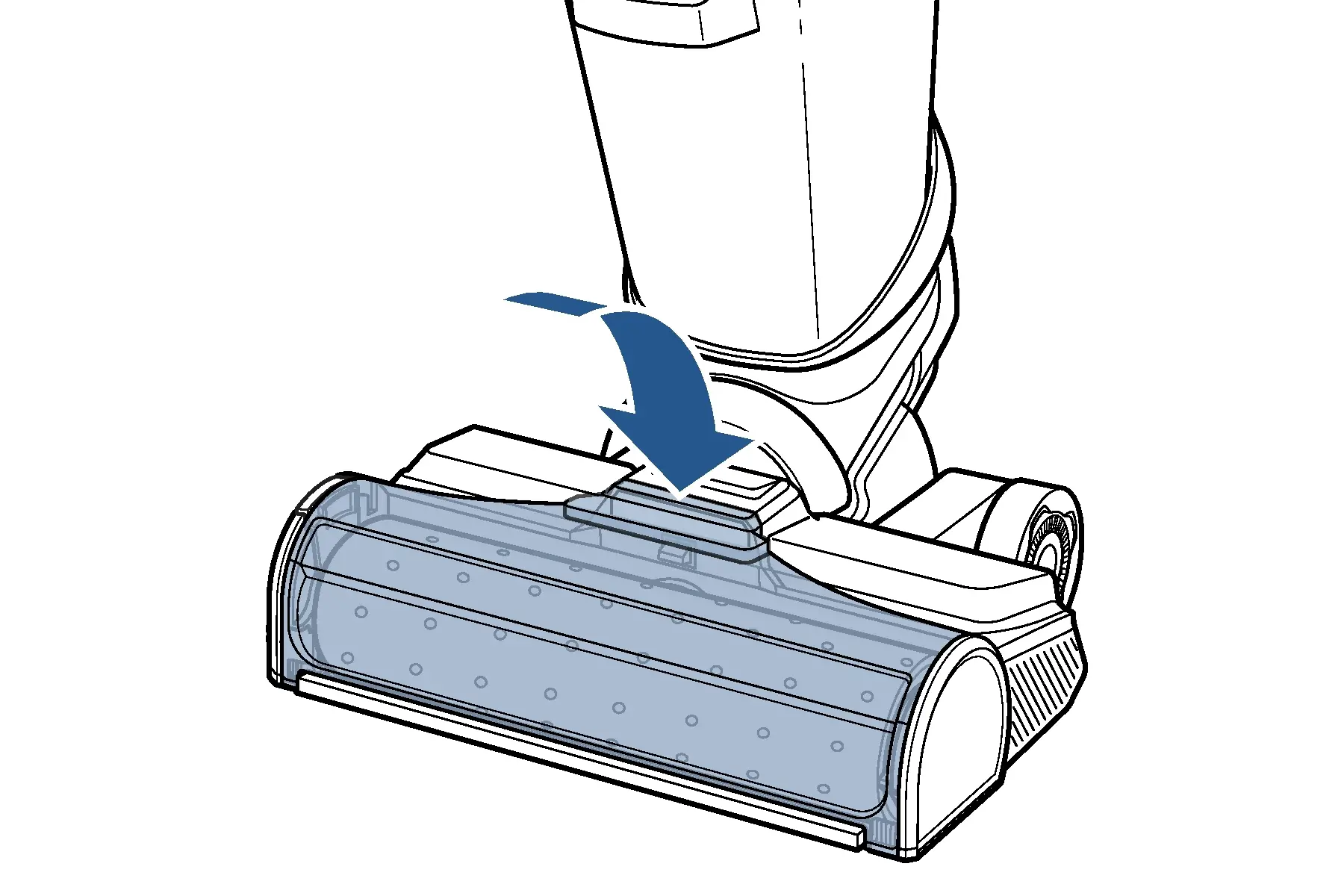
- Reattach brush roll window
- Line up tabs on front edges of foot and then rotate window into place until it clicks
- Power machine on, recline, and test to see if brush roll will turn
- Has this resolved the issue?
- Yes > Great! Glad we could get you back to cleaning!
- No > Contact Us