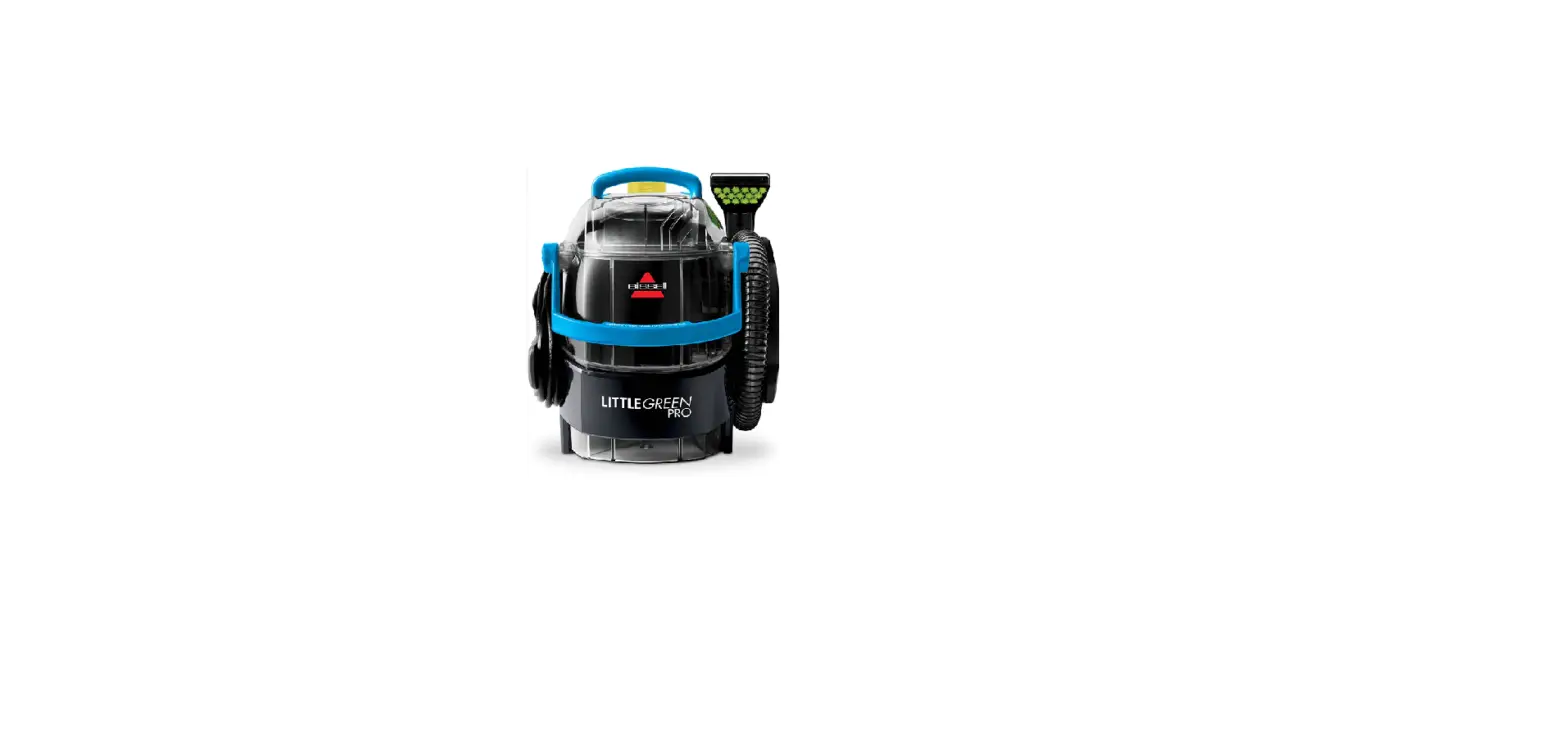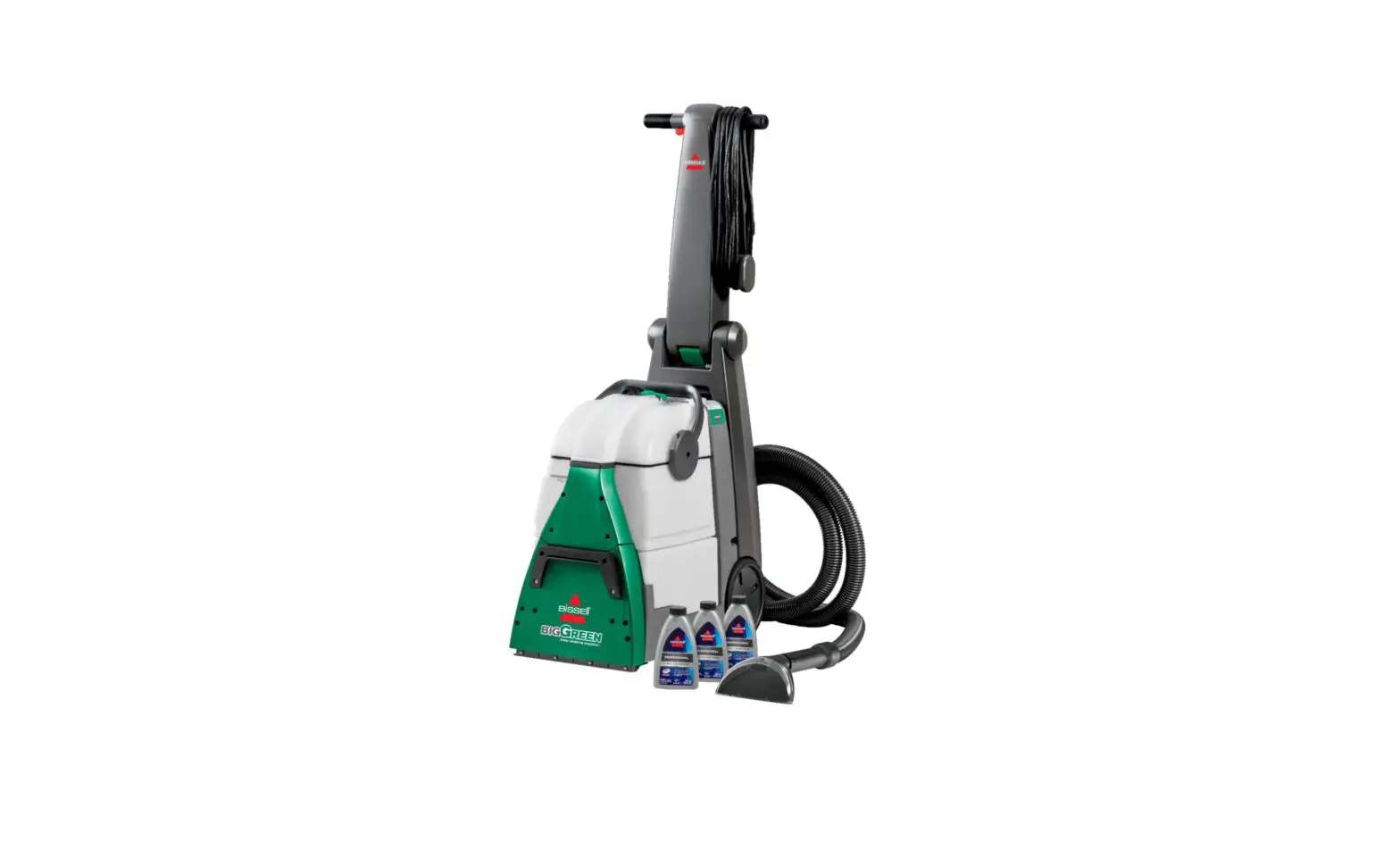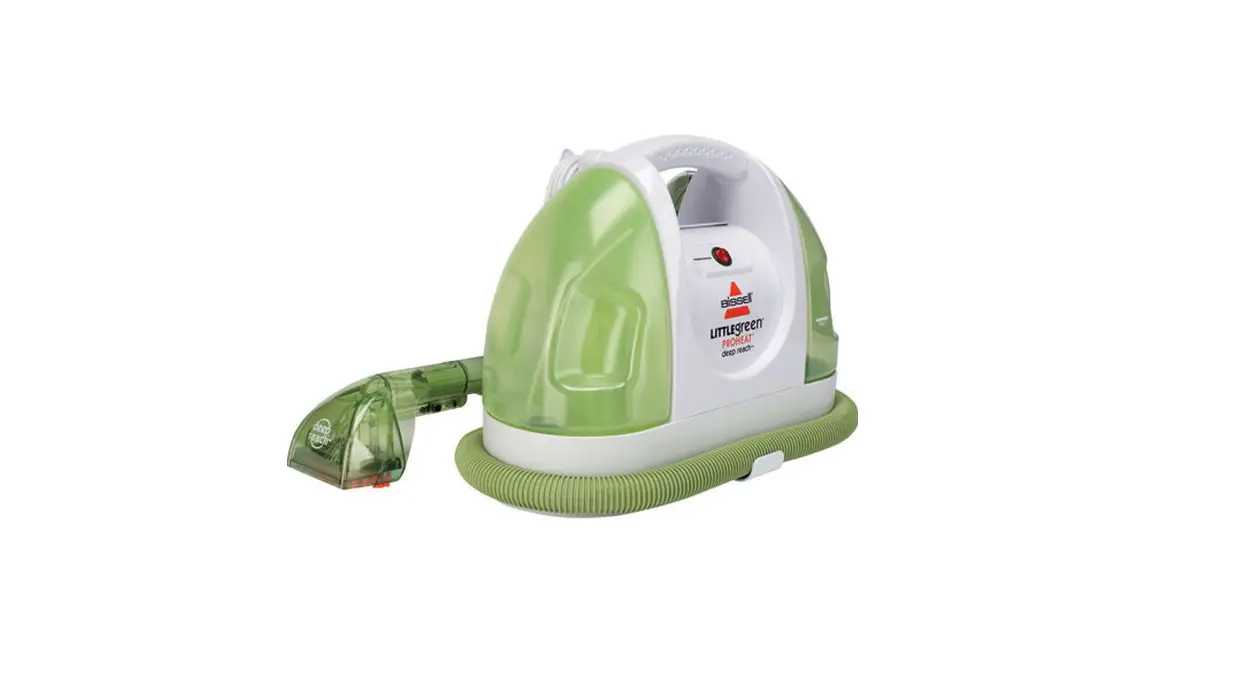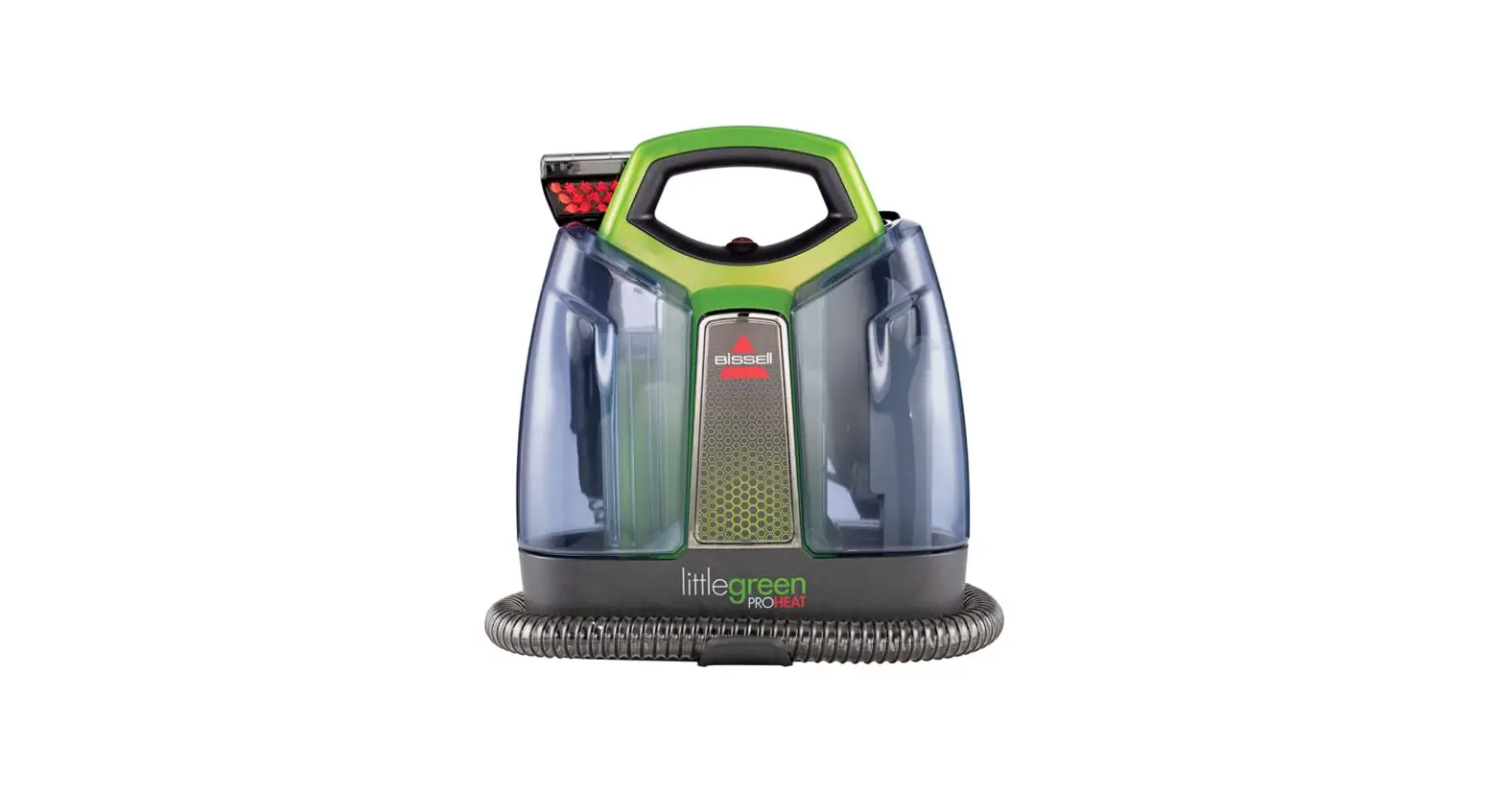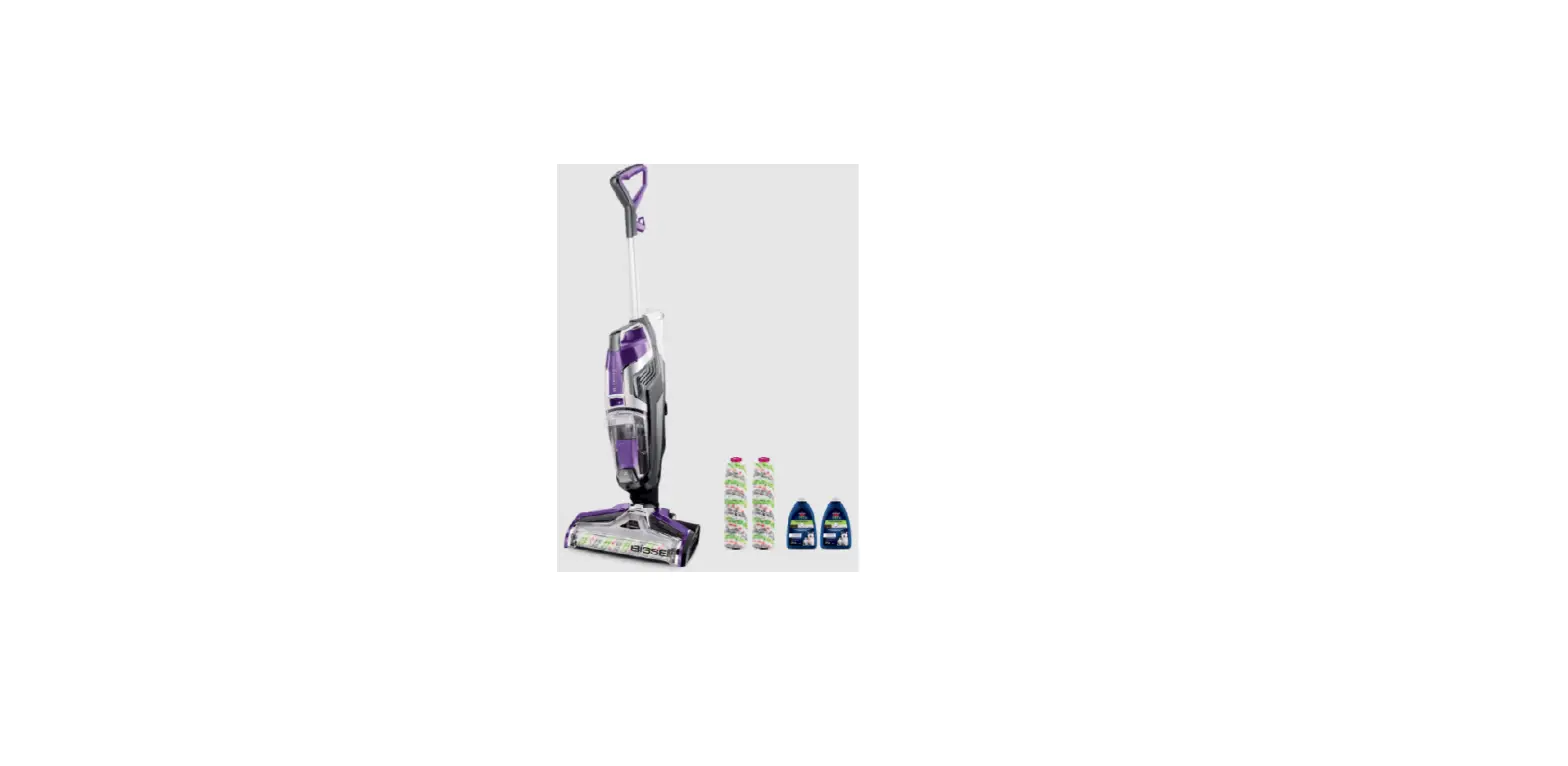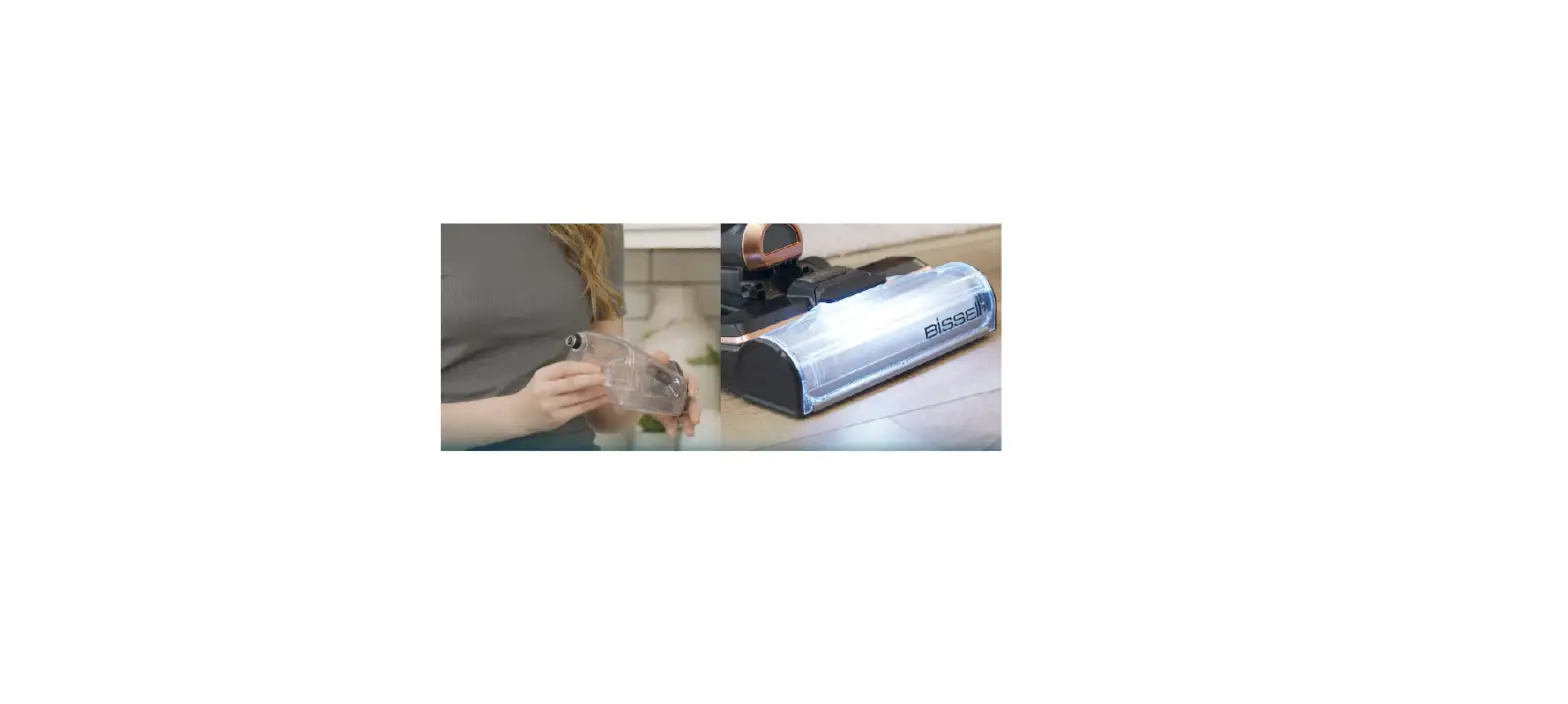
If experiencing No/Low Spray, follow these steps to resolve:
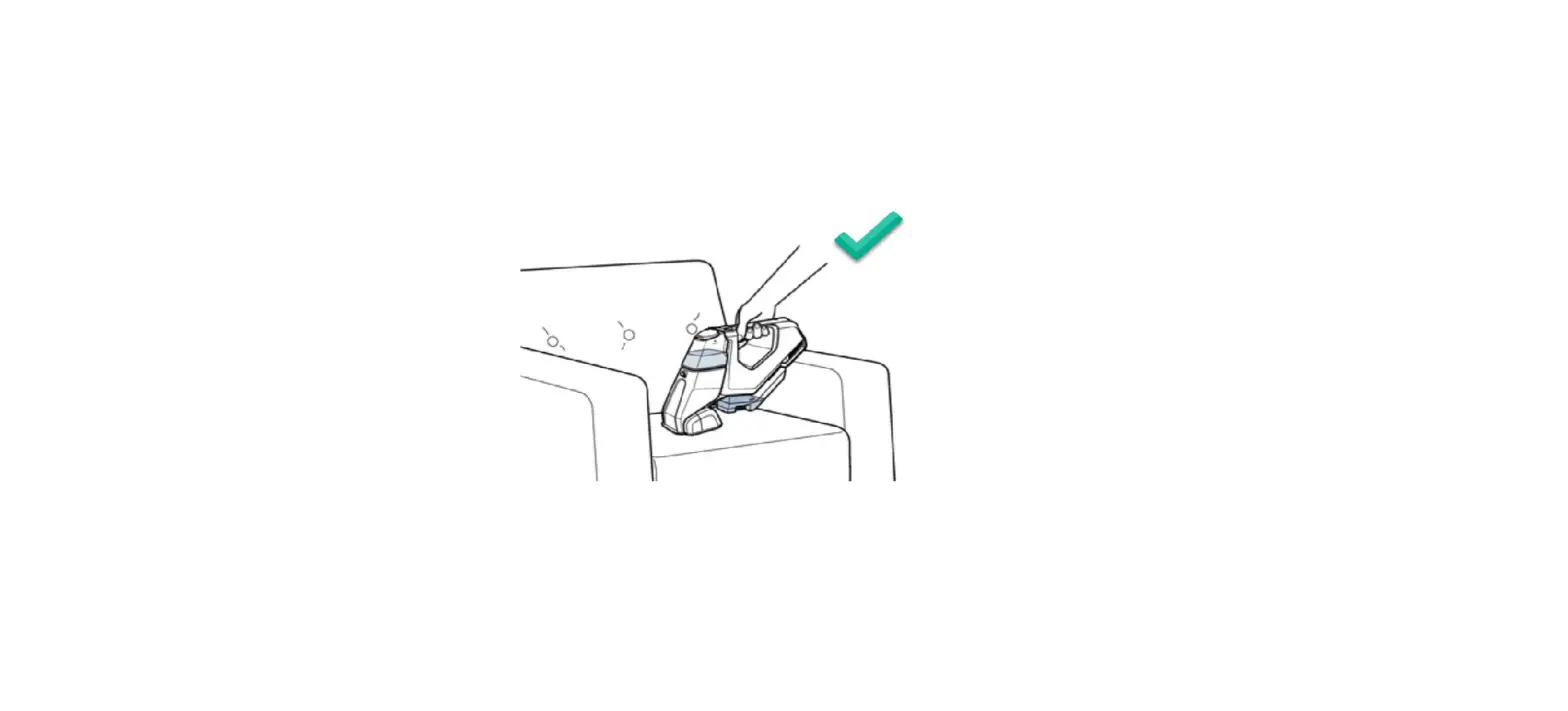
*The trigger on handle must be held in order for machine to produce spray
- Clean water tank on back of the machine should be full
- Clean water tank should be sitting flush with the machine
- Remove tank and firmly push it back into place
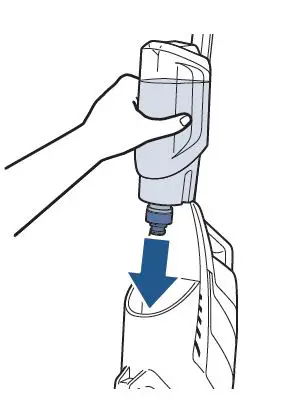
- Plug machine in with a full clean water tank
- Hold the spray trigger down for 10-15 seconds and test for spray
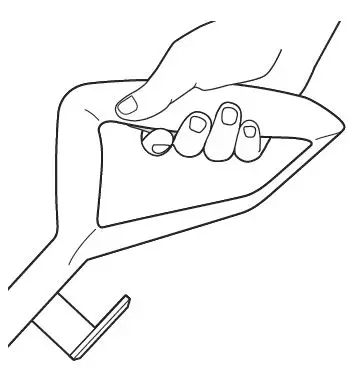
- Is there spray?
- Yes > Great! Glad we could get you back to cleaning!
- No > Unplug machine and remove water tank
- Inspect water tank for cracks and leaks
- If your tank is leaking or damaged, a new one should be ordered > Go to Parts & Supplies
- With water tank still removed, check for cracks on cap and rubber gasket
- If your cap or gasket is damaged, a new one should be ordered > Go to Parts & Supplies
- Has this resolved the issue?
- Yes > Great! Glad we could get you back to cleaning!
- No > Go to Brush Roll and Nozzle