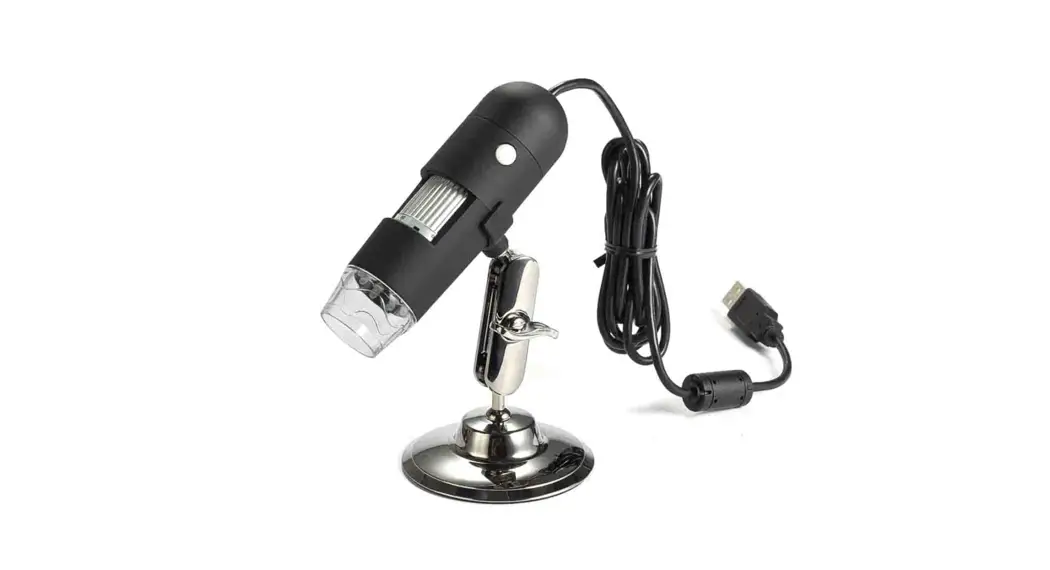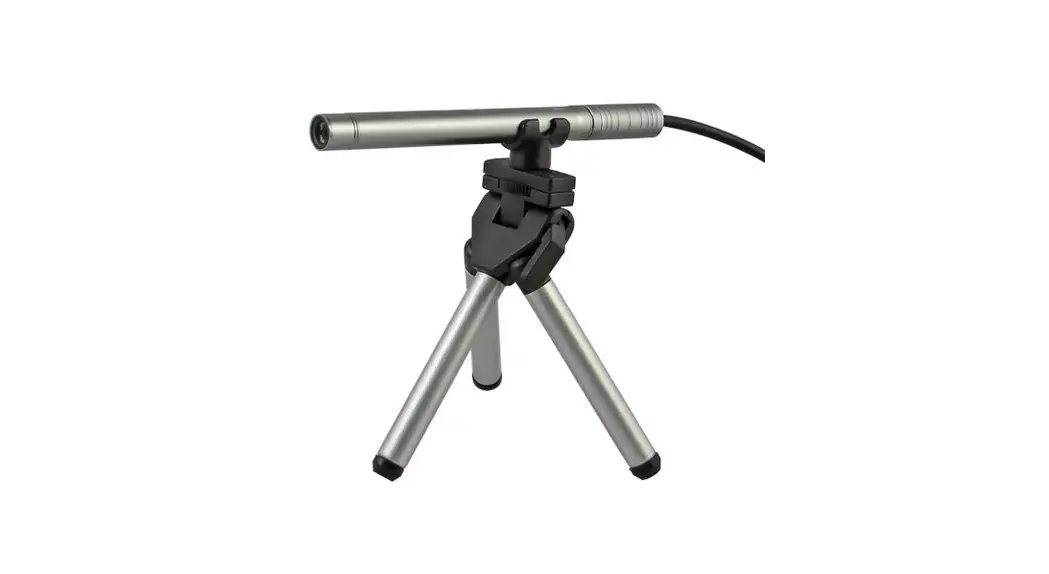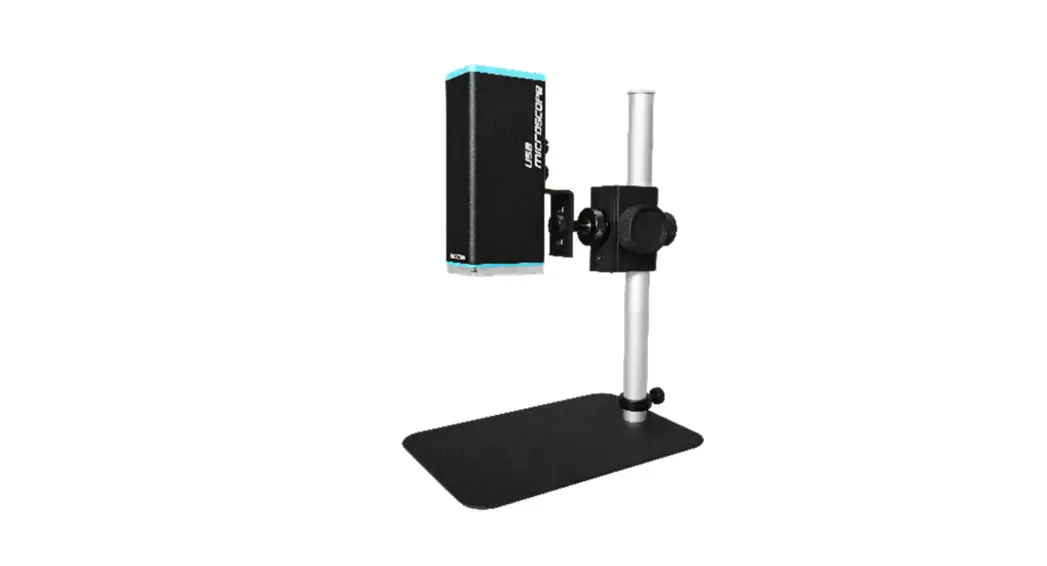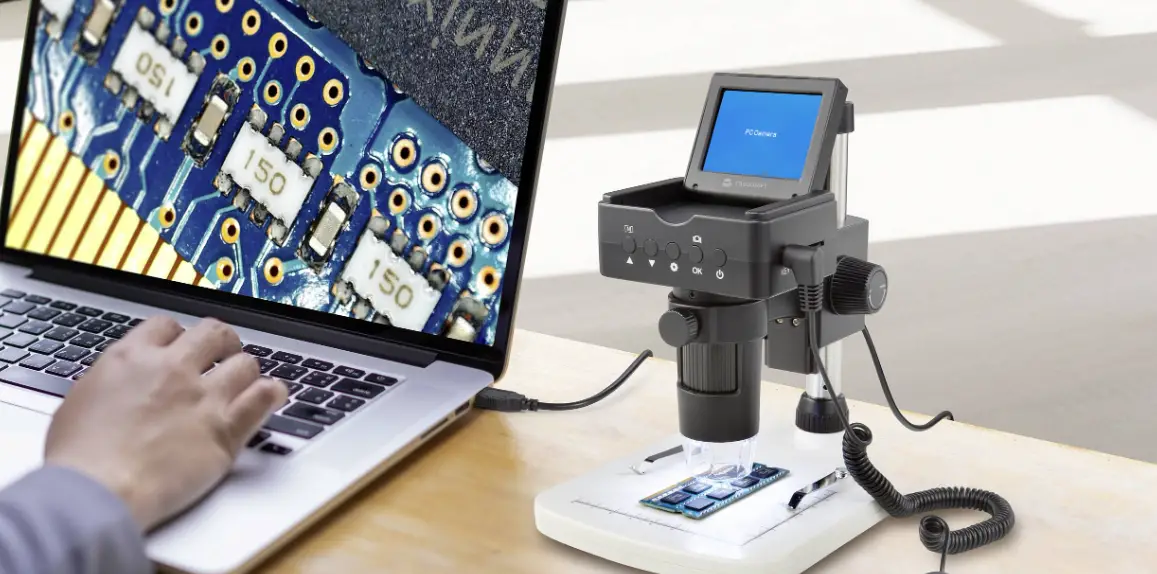
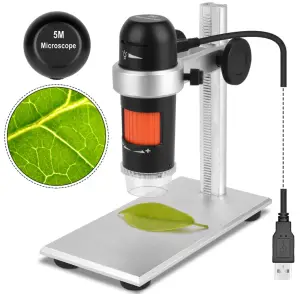
TOPROVIEW DM022C Digi Capture Pro Polarizer USB Microscope
Quick Start Guide
Scan the QR code to download the PC software and User Guide, also available on www.download-toproview.com

Step 1: Find your product model name(DMXXX)according to the top right of the package.
Step 2: Search the product model name in the website and download all files appeared.
Step 3: Install the software `DigiCapture Pro’ on your computer and follow the User Guide to start the microscope.
Note: If it’s not clear, please download the file named as `Files name of microscope’ on the top of the website to find what files are needed for your microscope .
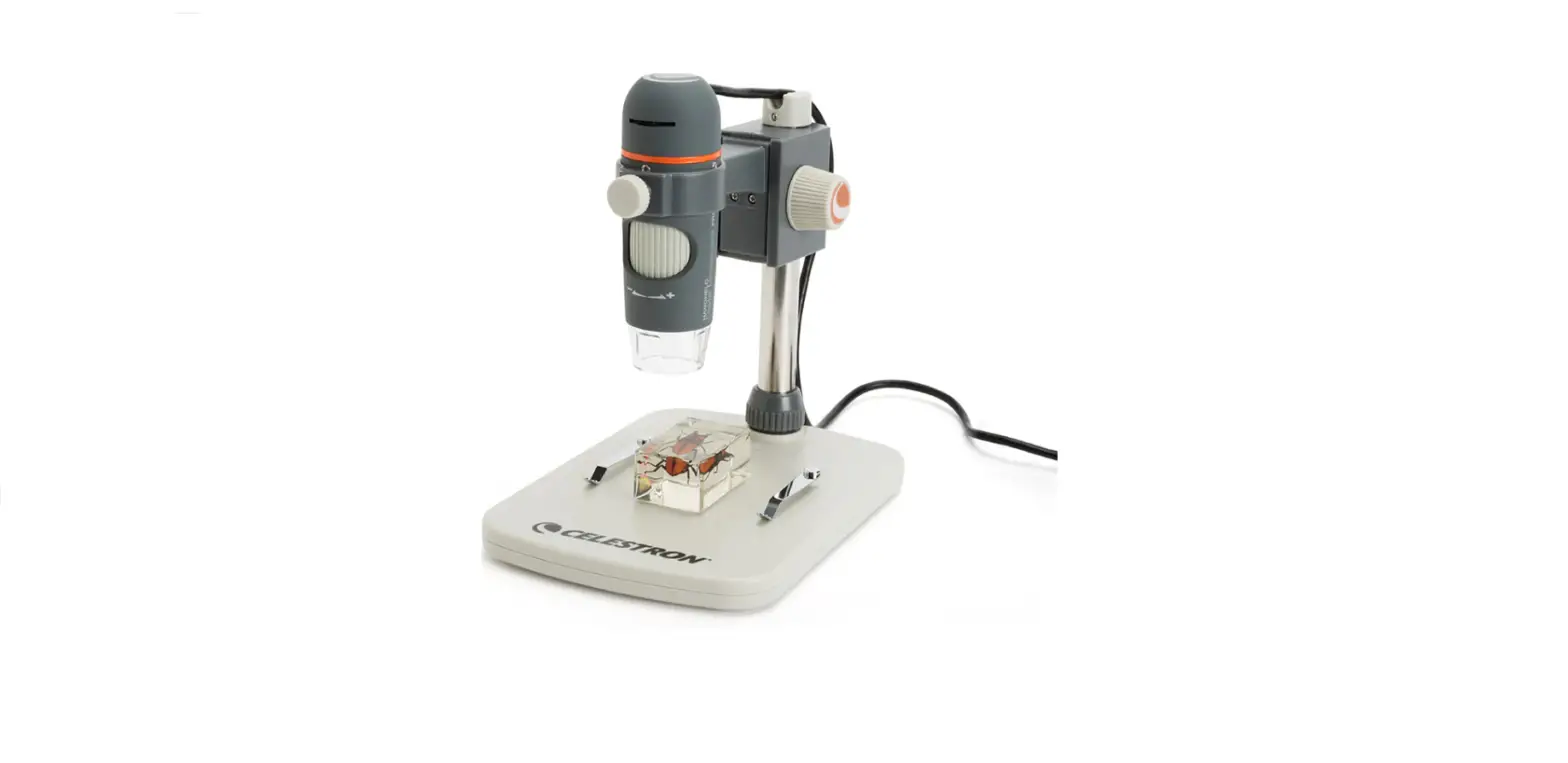
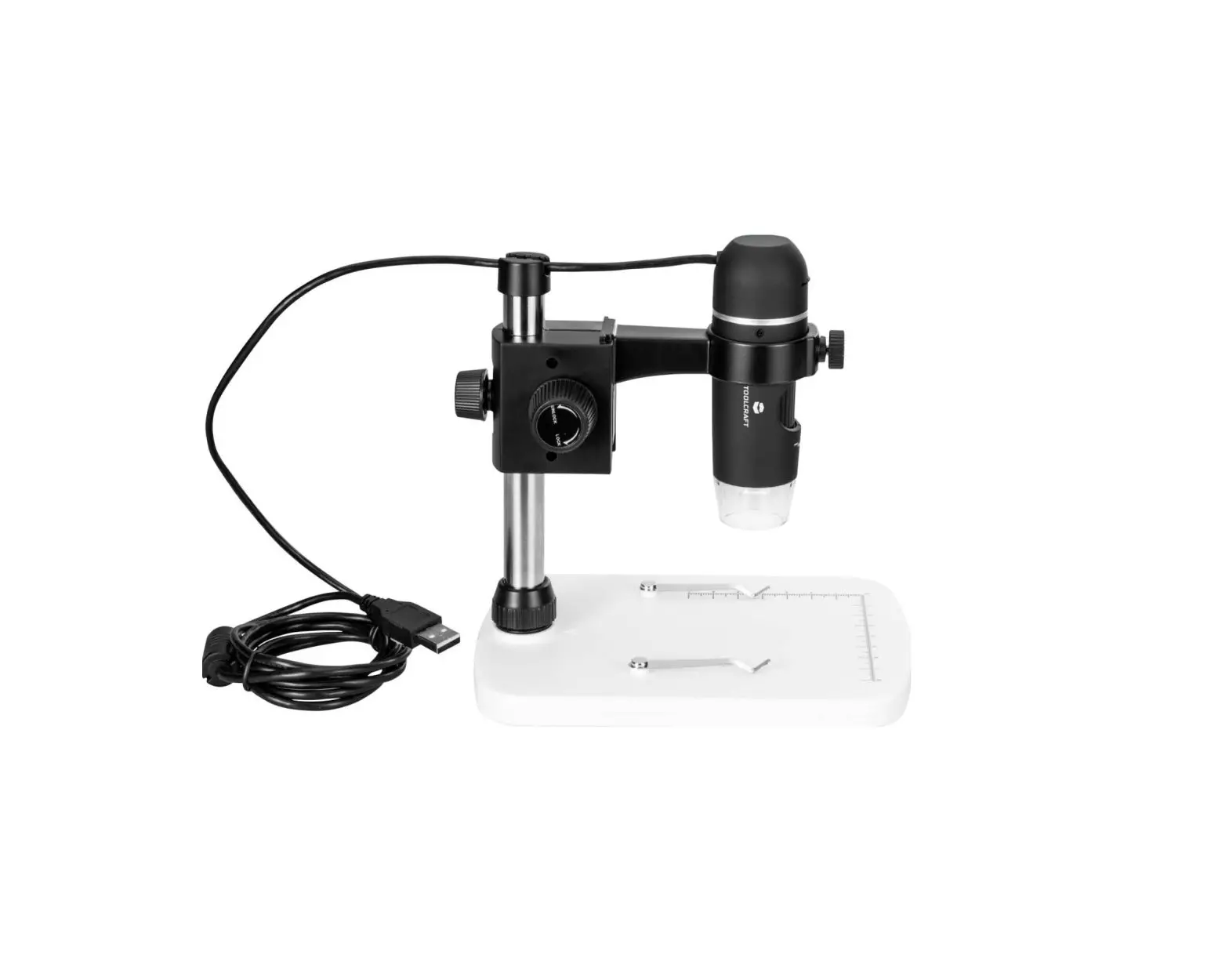
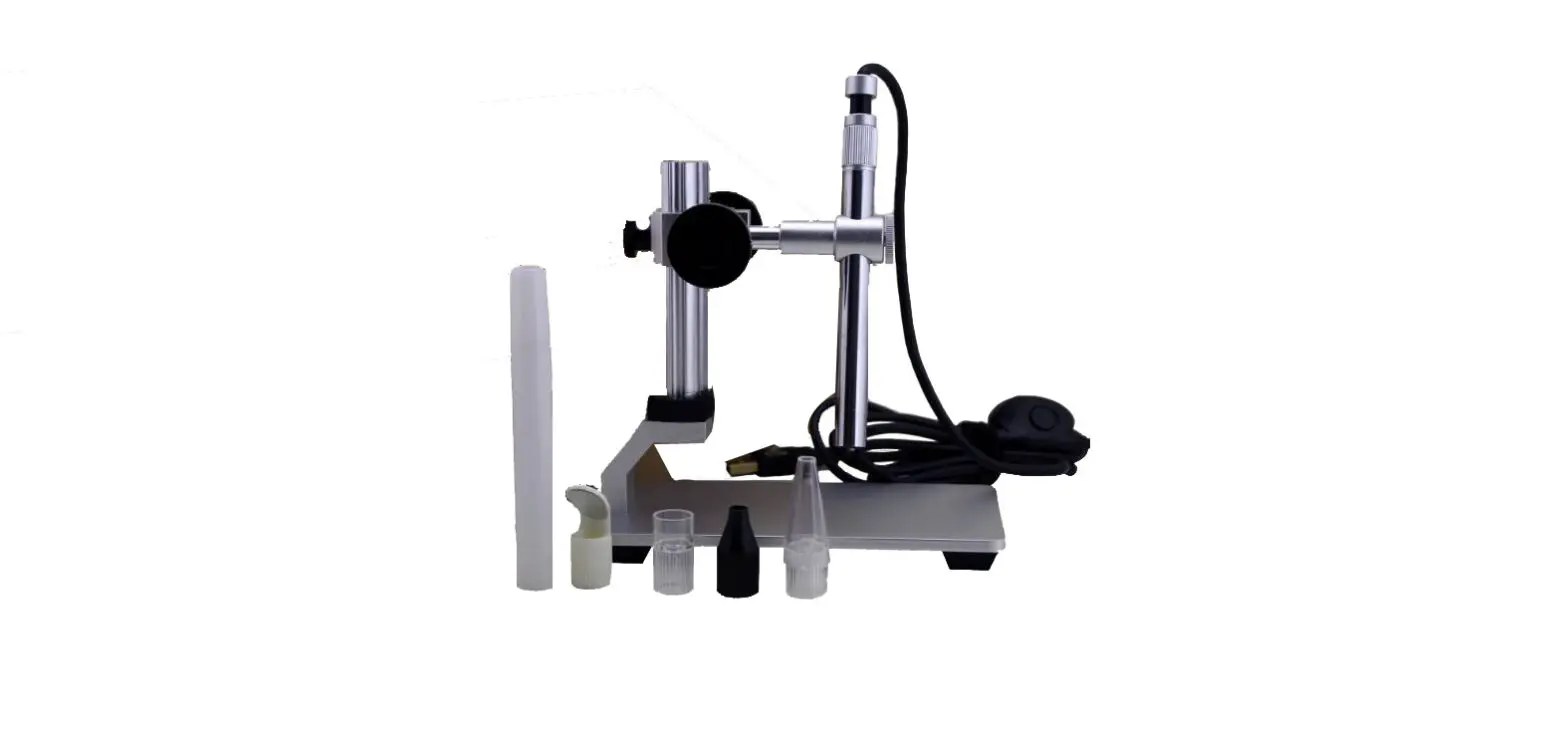
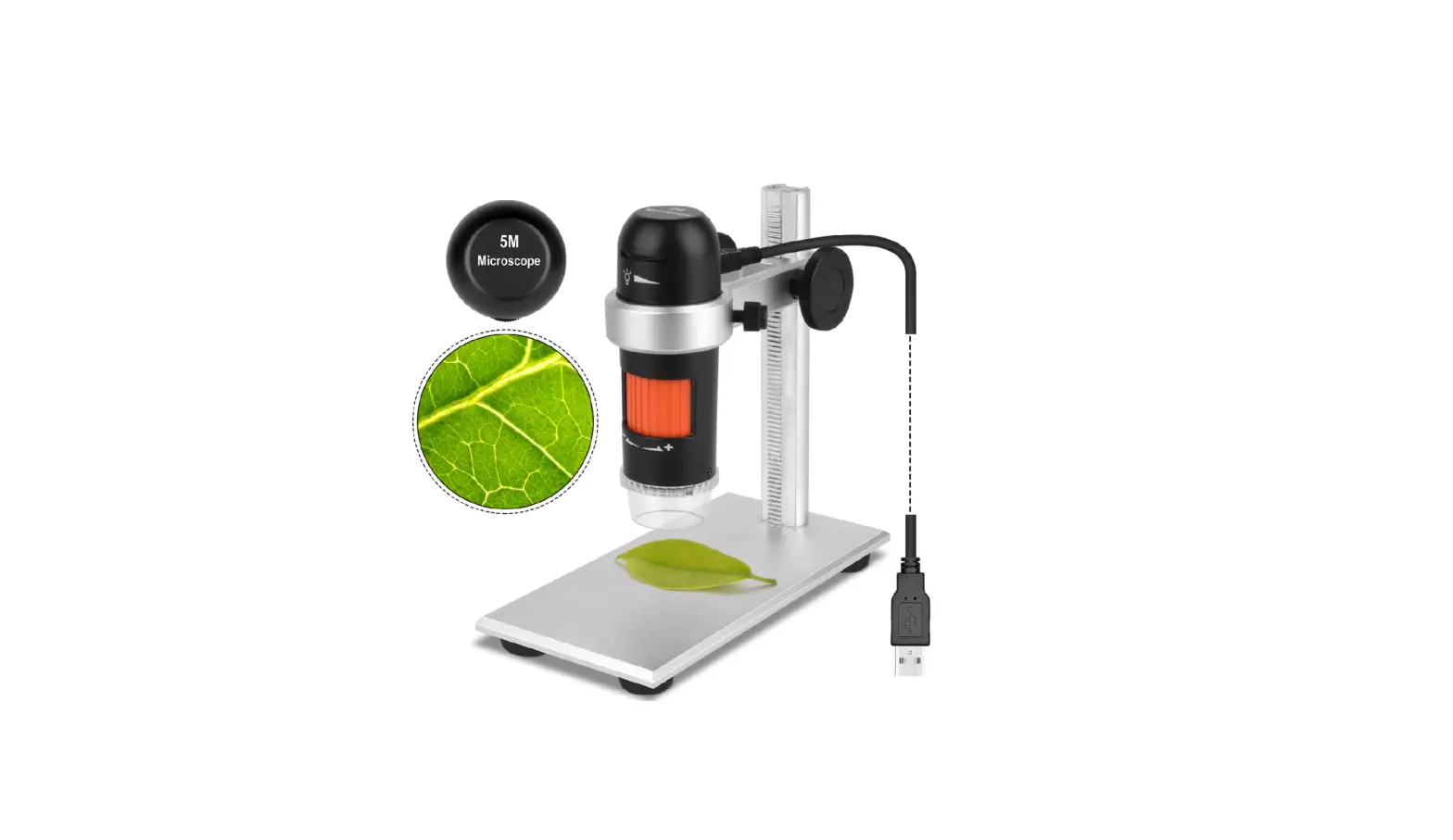
How to use the stand

A. Rotate the two knobs clockwise to tighten scope into the scope holder.
B. Rotate the rear knob clockwise to lock the `Up/Down’ adjustment. (Please don’t forget this step or the scope and holder will be glided down easily )
C. Rotate the two knobs to Up(clockwise) /Down(a nticlockwise) microscope focus.