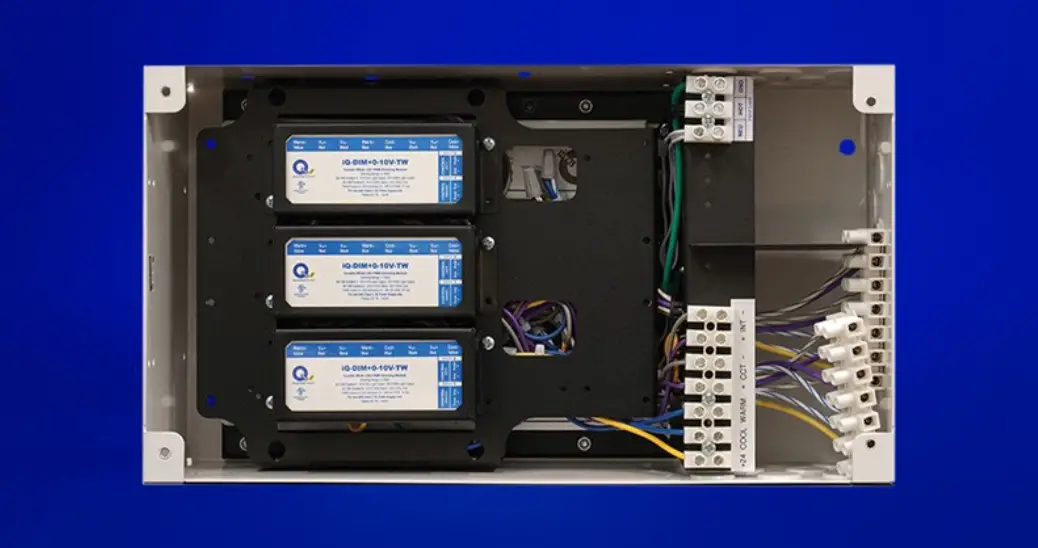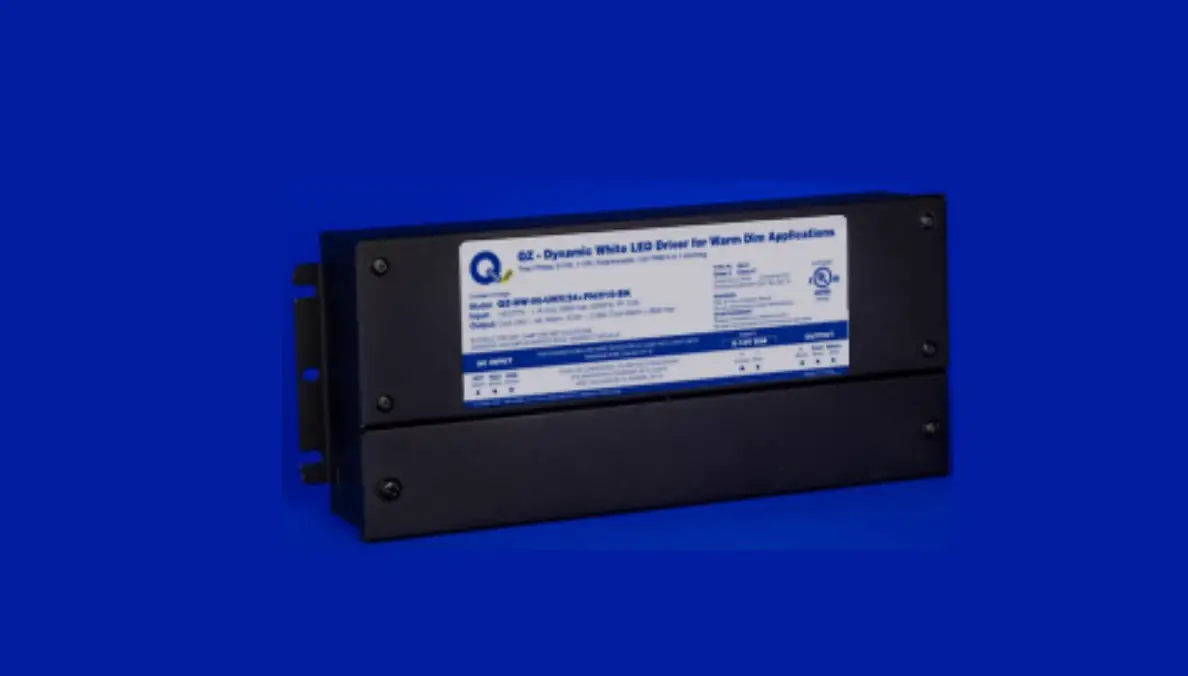
Q-TRAN QZ-ND Compact LED Drivers Installation Guide
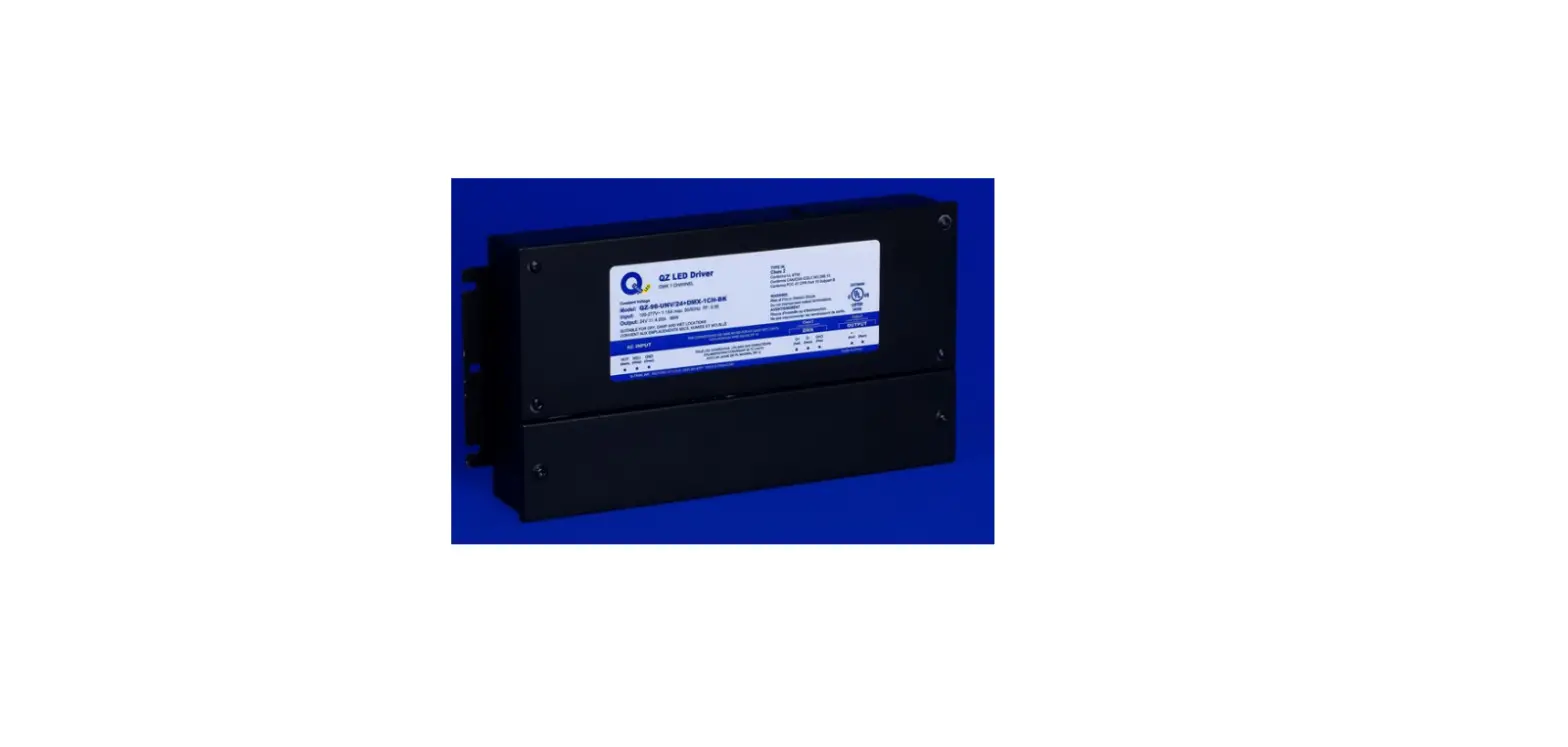
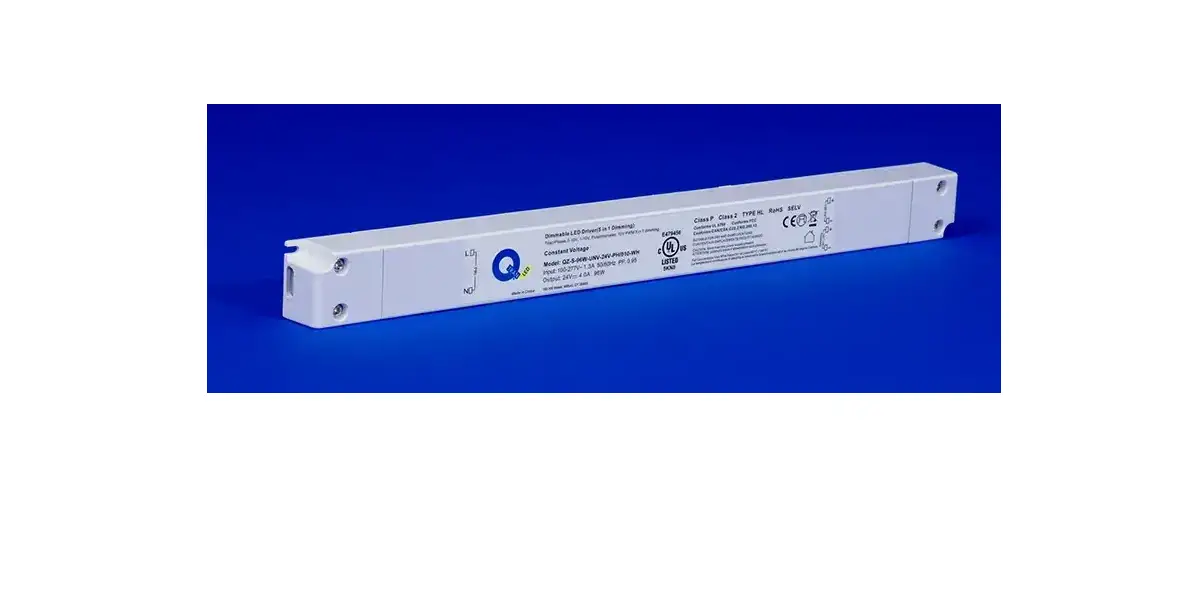
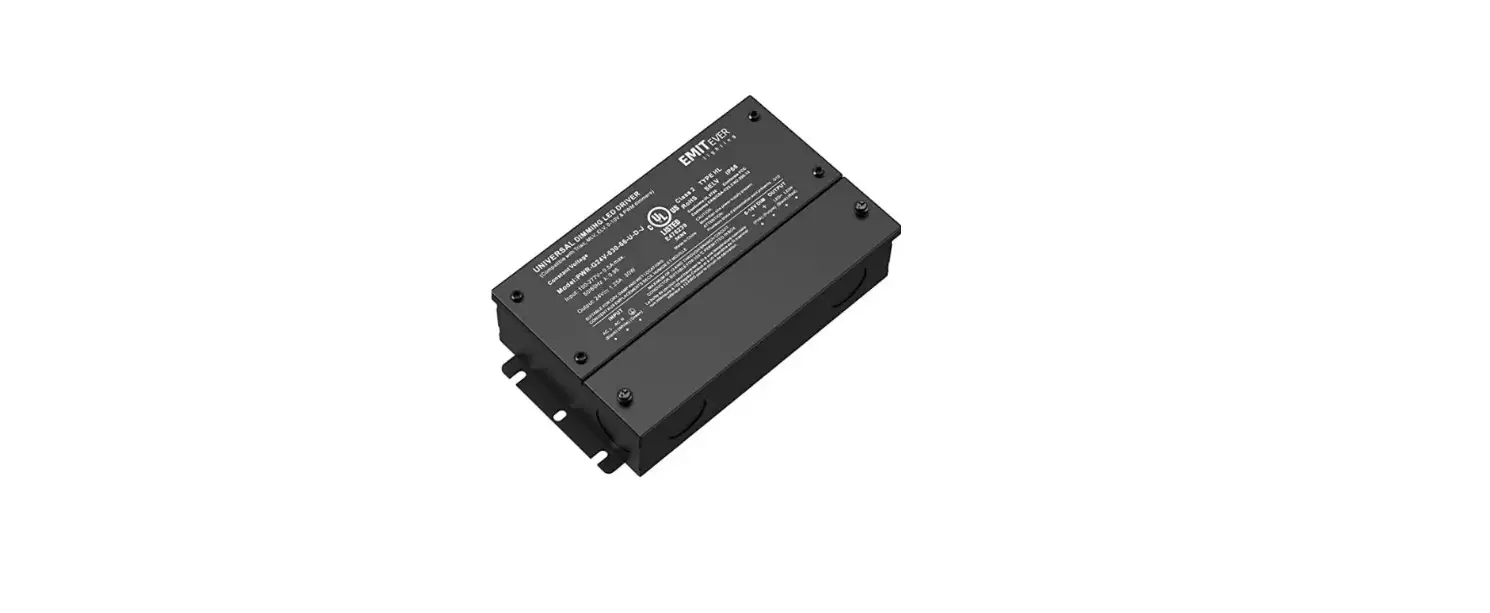
QZ Components
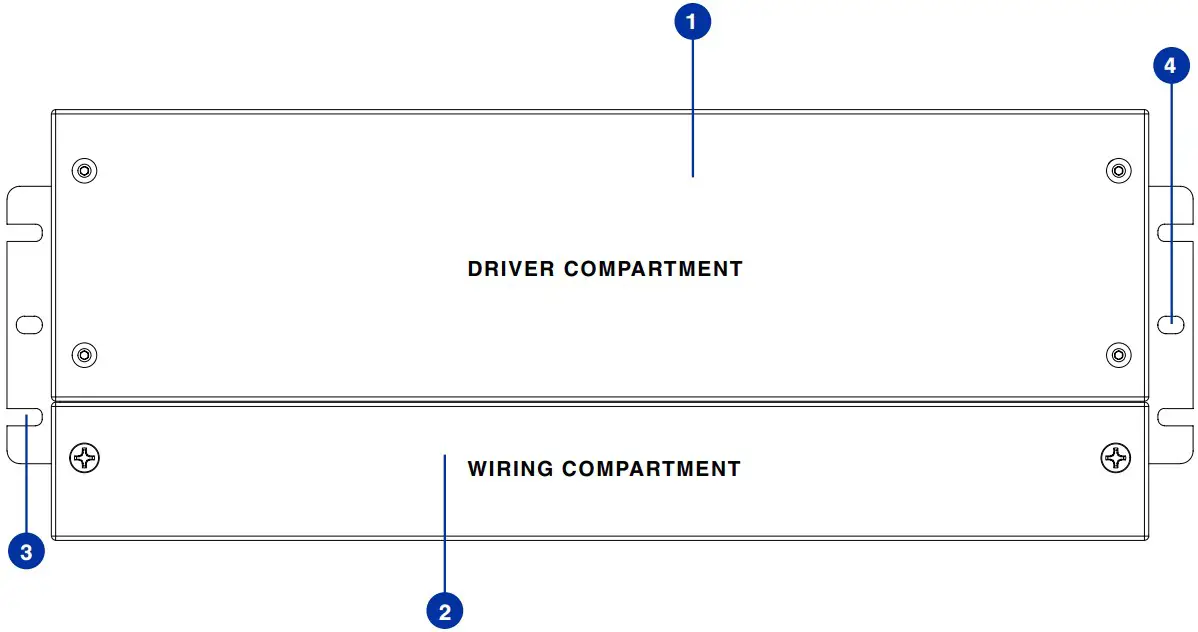
- Driver Compartment
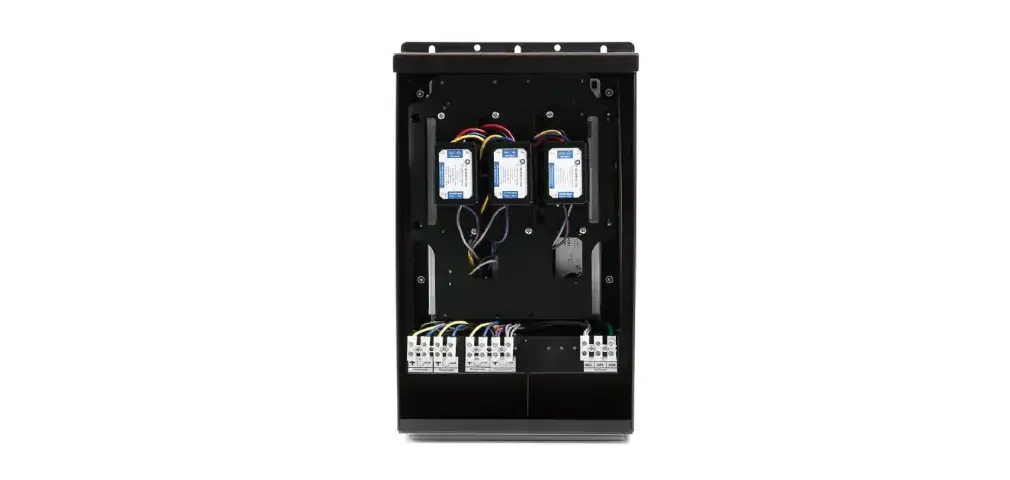
- Wiring Compartment
- Mounting Tab Slots
- Mounting Tab Holes
Required Hardware
#6 Flat head screw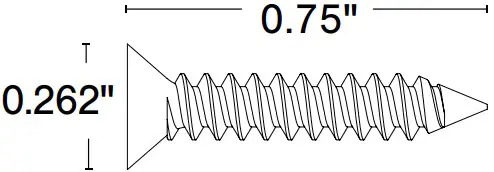
Mounting Foot
30/60/96W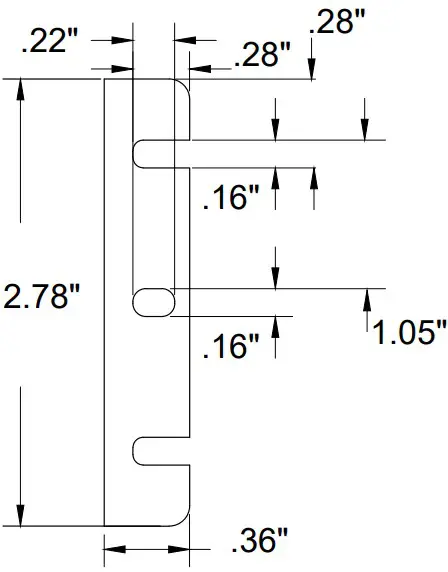
192/288W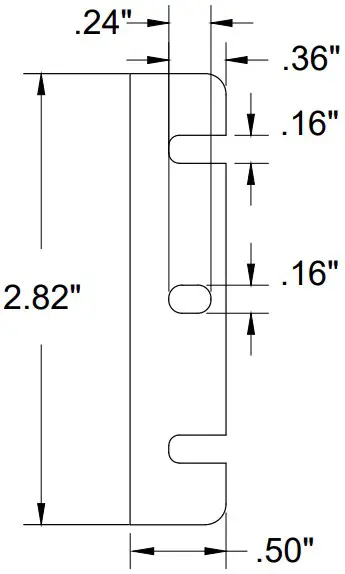
Mounting
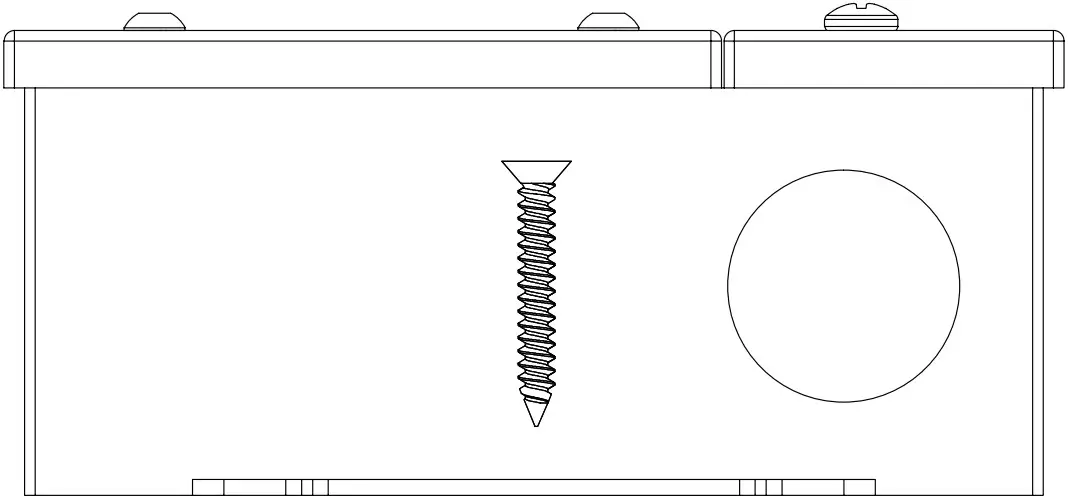
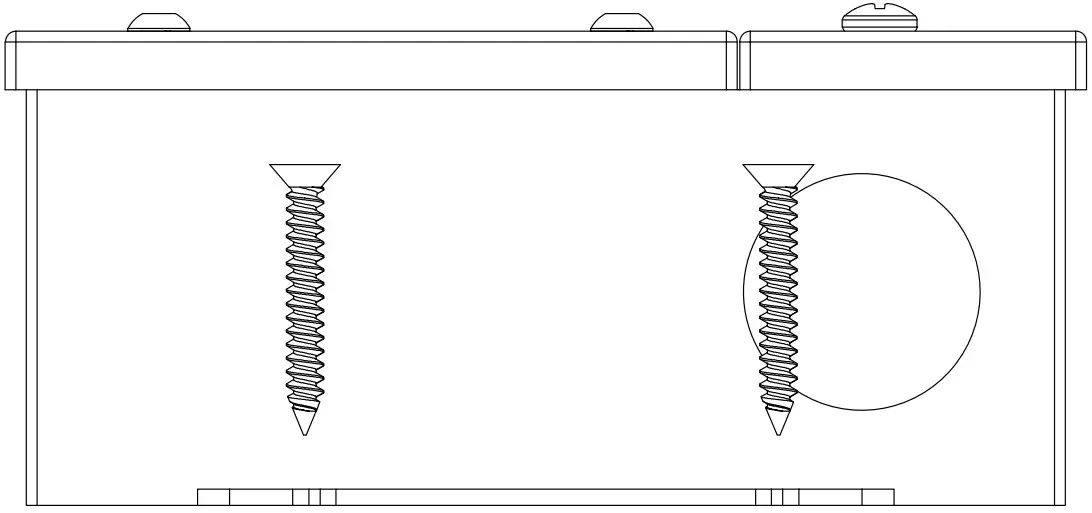
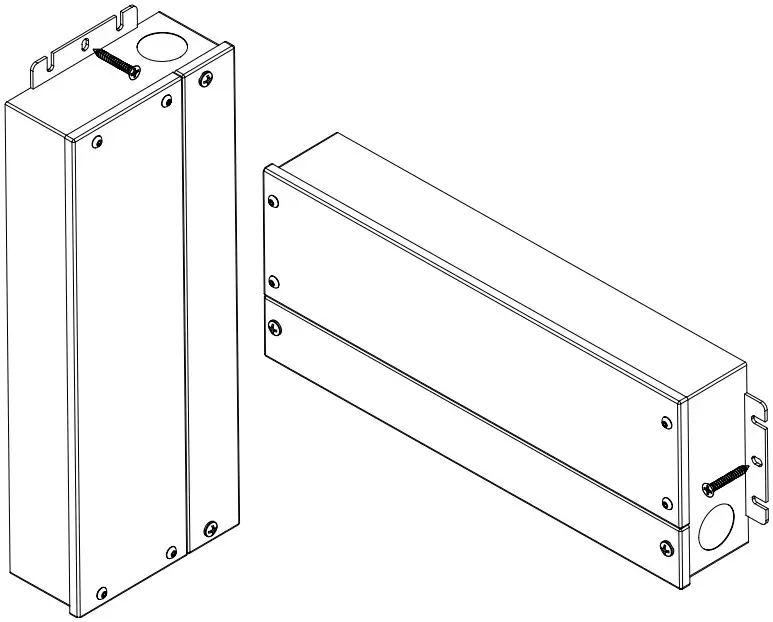
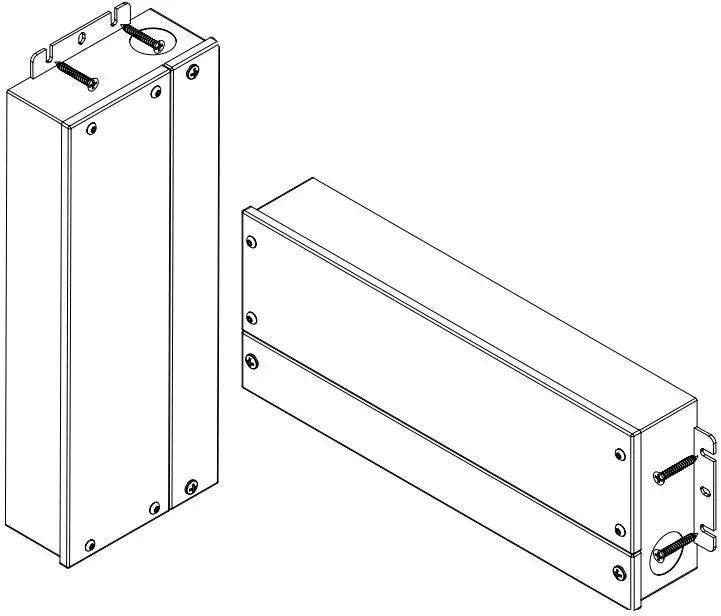
- The QZ-Non Dim can be mounted either vertically or horizontally, utilizing the supplied screws and the mounting tabs on the bottom of the enclosure.
CENTER HOLE
SIDE SLOTS
- The QZ must be mounted into a stud for sufficient support, using either the center holes or the slots of each mounting tab
CENTER HOLE
SIDE SLOTS
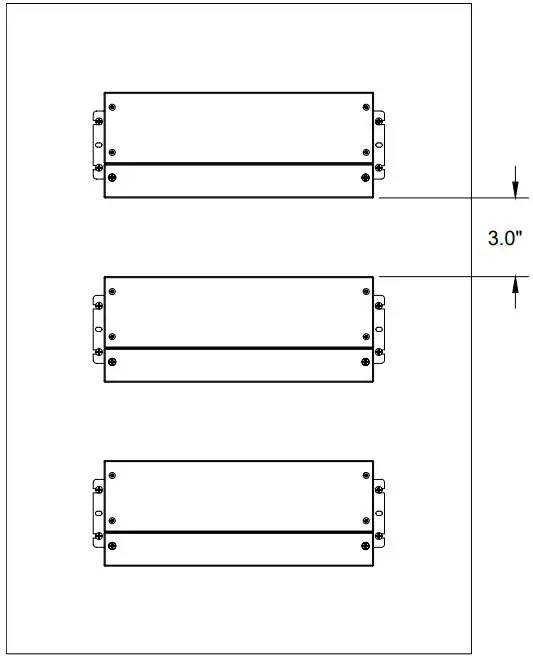
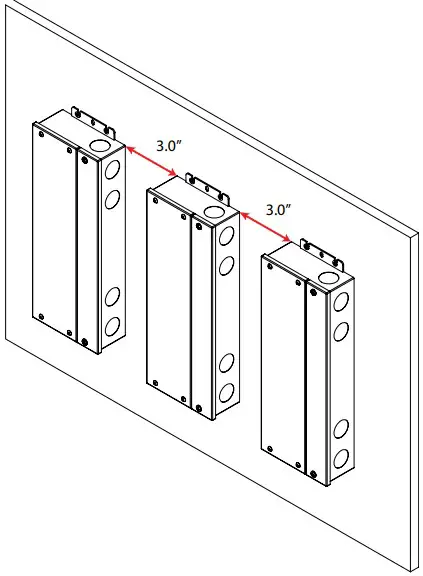
- When installing multiple QZ power supplies, seperate the enclosures by 3” of space from edge to edge. This prevents the rise of ambient temperature between the power supplies
Horizontal mount illustrated above
Vertical mount illustrated above
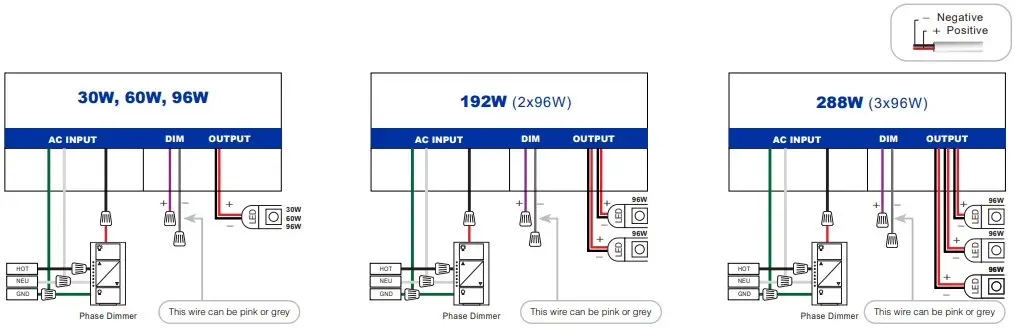
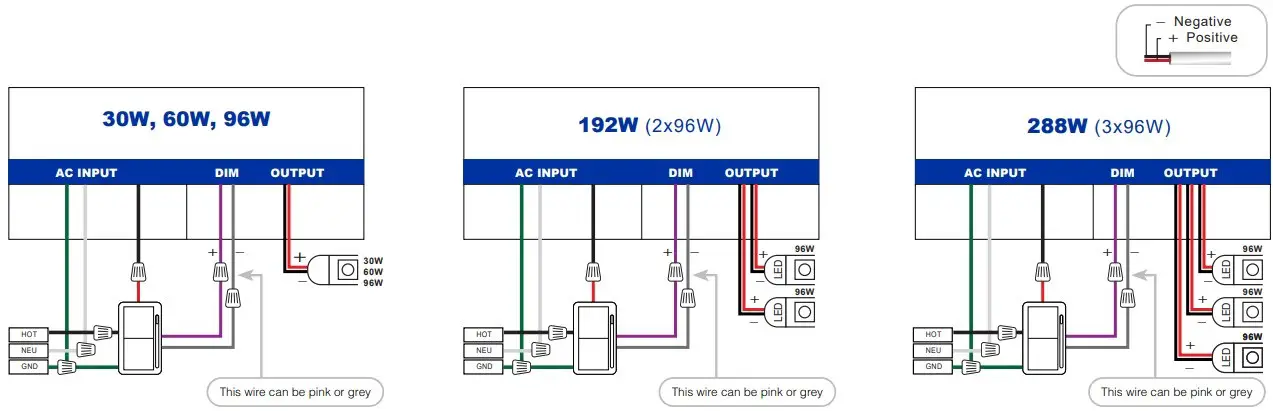
- Wiring diagram
Phase Dimming
0-10V Dimming
Non Dimming
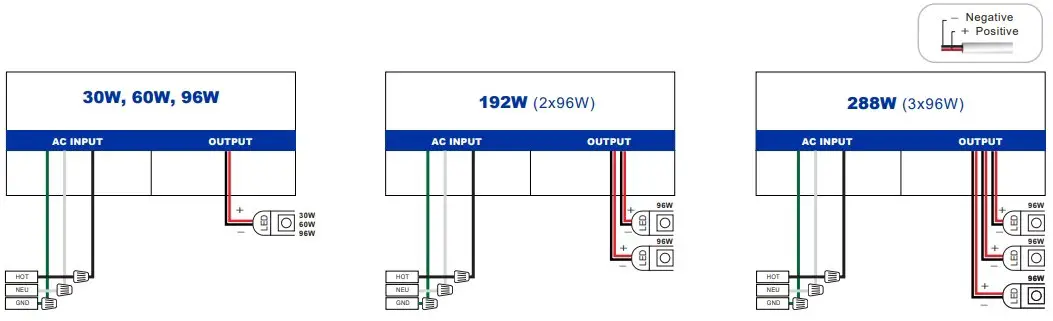
Wiring from power supply to light fixture must be two conductor cable
Dimensions
TOP VIEW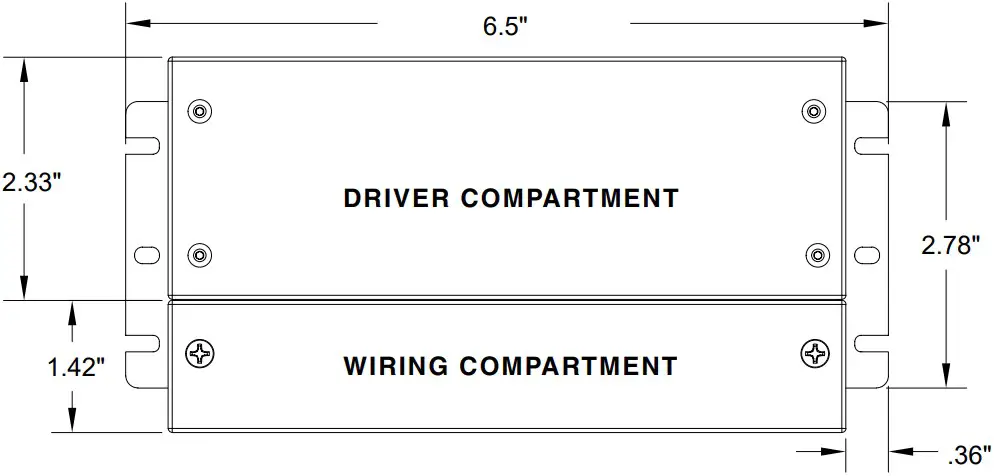
WIRING COMPARTMENT VIEW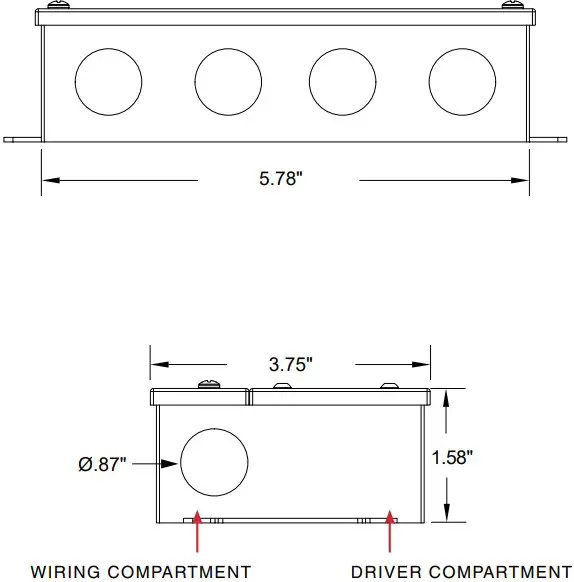
TOP VIEW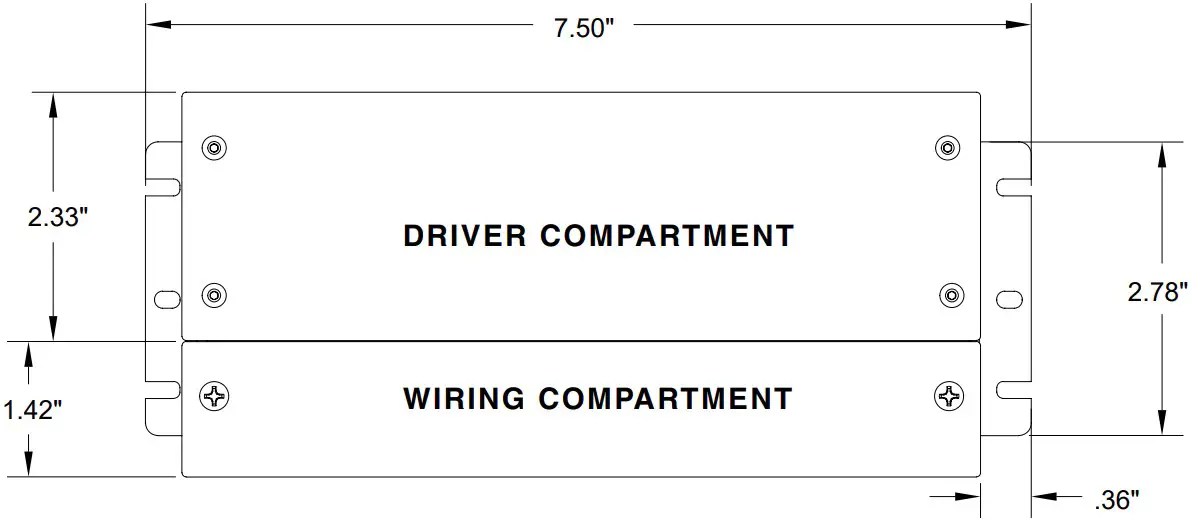
WIRING COMPARTMENT VIEW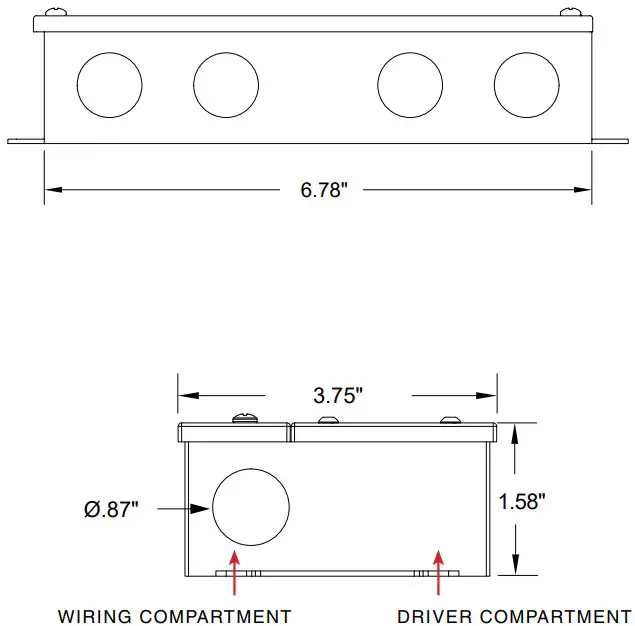
TOP VIEW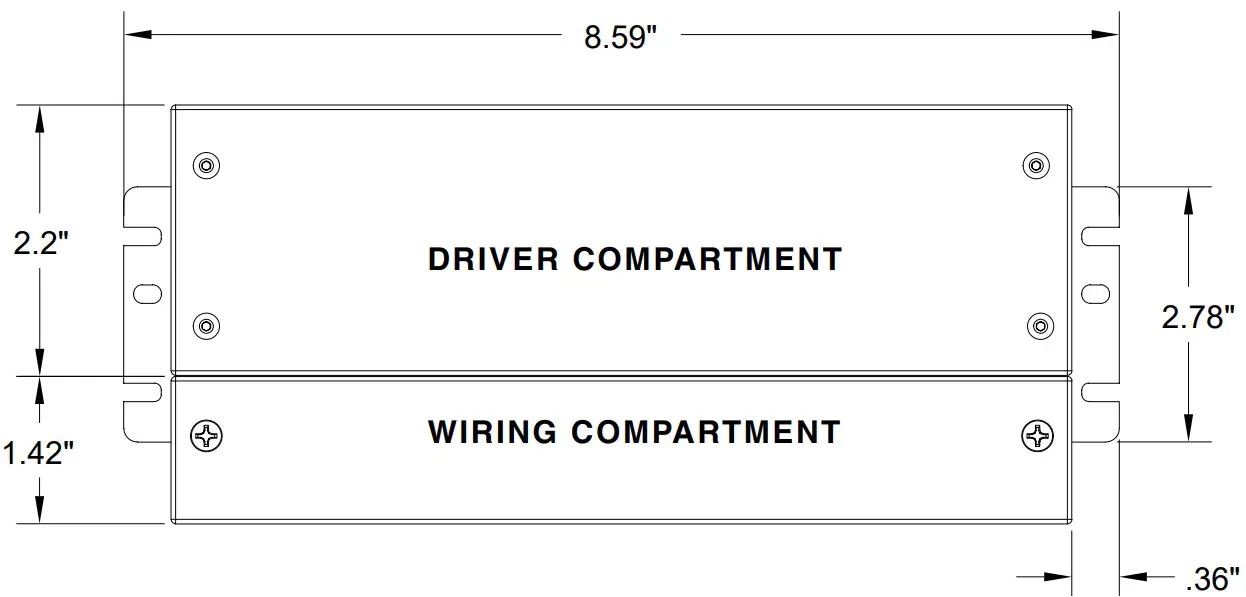
WIRING COMPARTMENT VIEW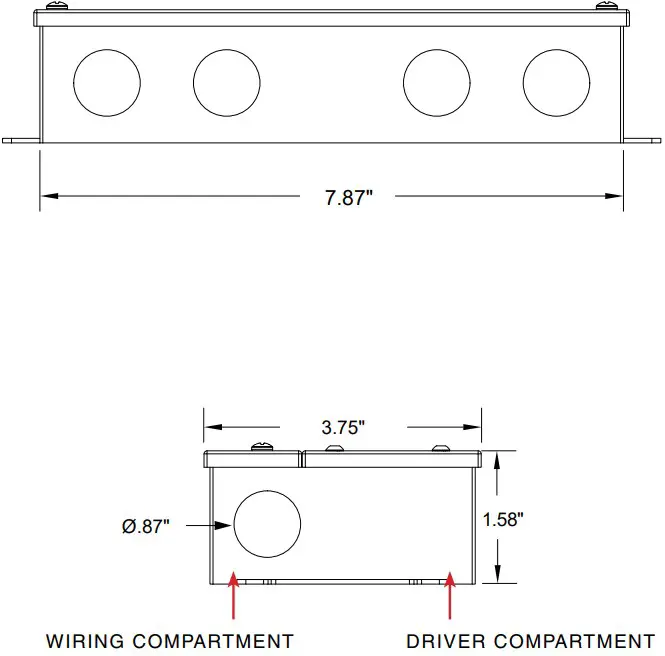
TOP VIEW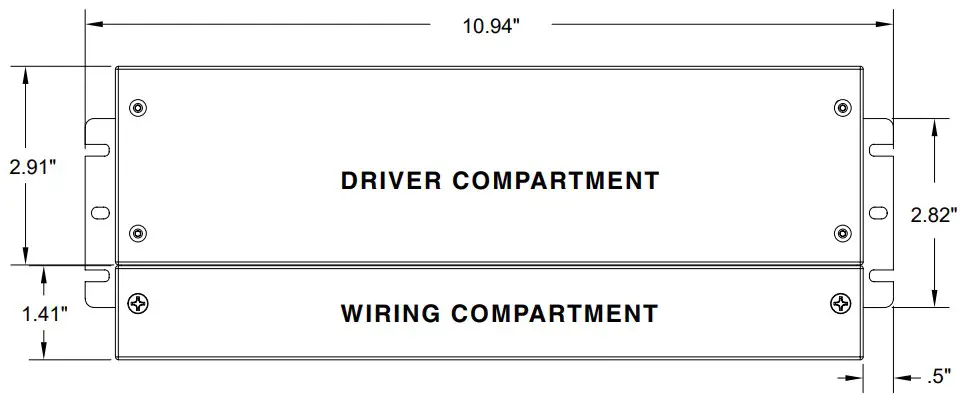
WIRING COMPARTMENT VIEW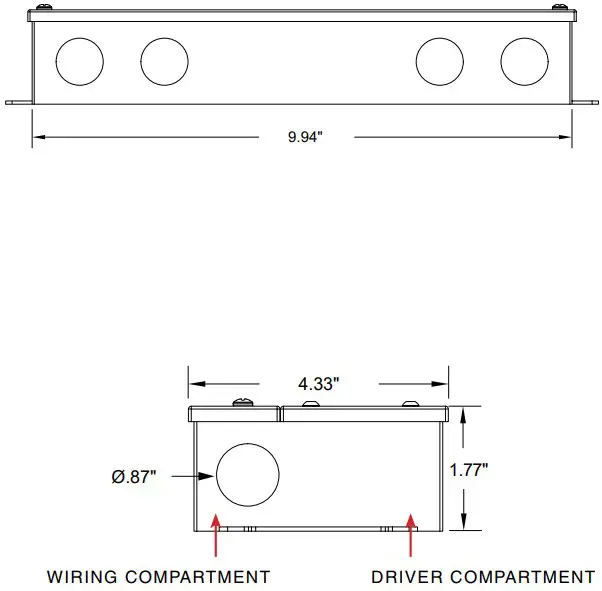
TOP VIEW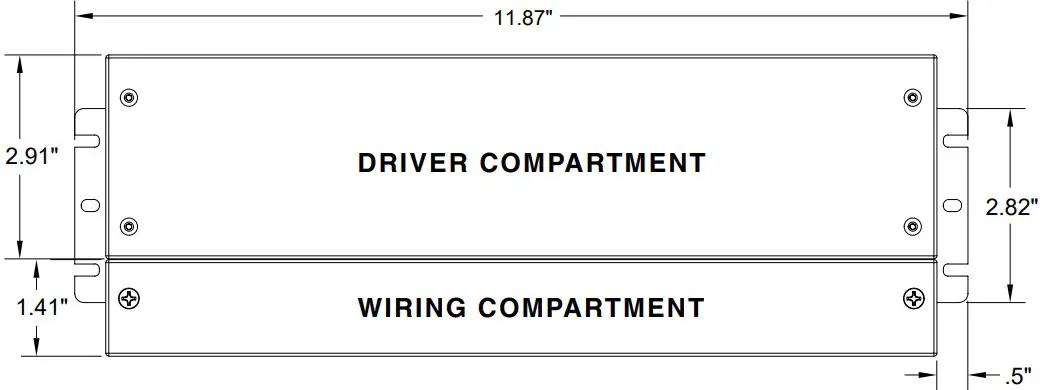
WIRING COMPARTMENT VIEW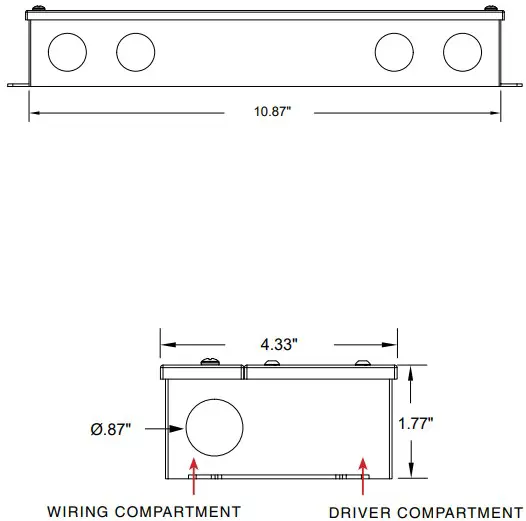
© 2022 Q-Tran Inc. All rights reserved | 155 Hill St. Milford, CT 06460 | 203-367-8777 | [email protected] | www.q-tran.com Specification subject to change. Rev-10-24-22