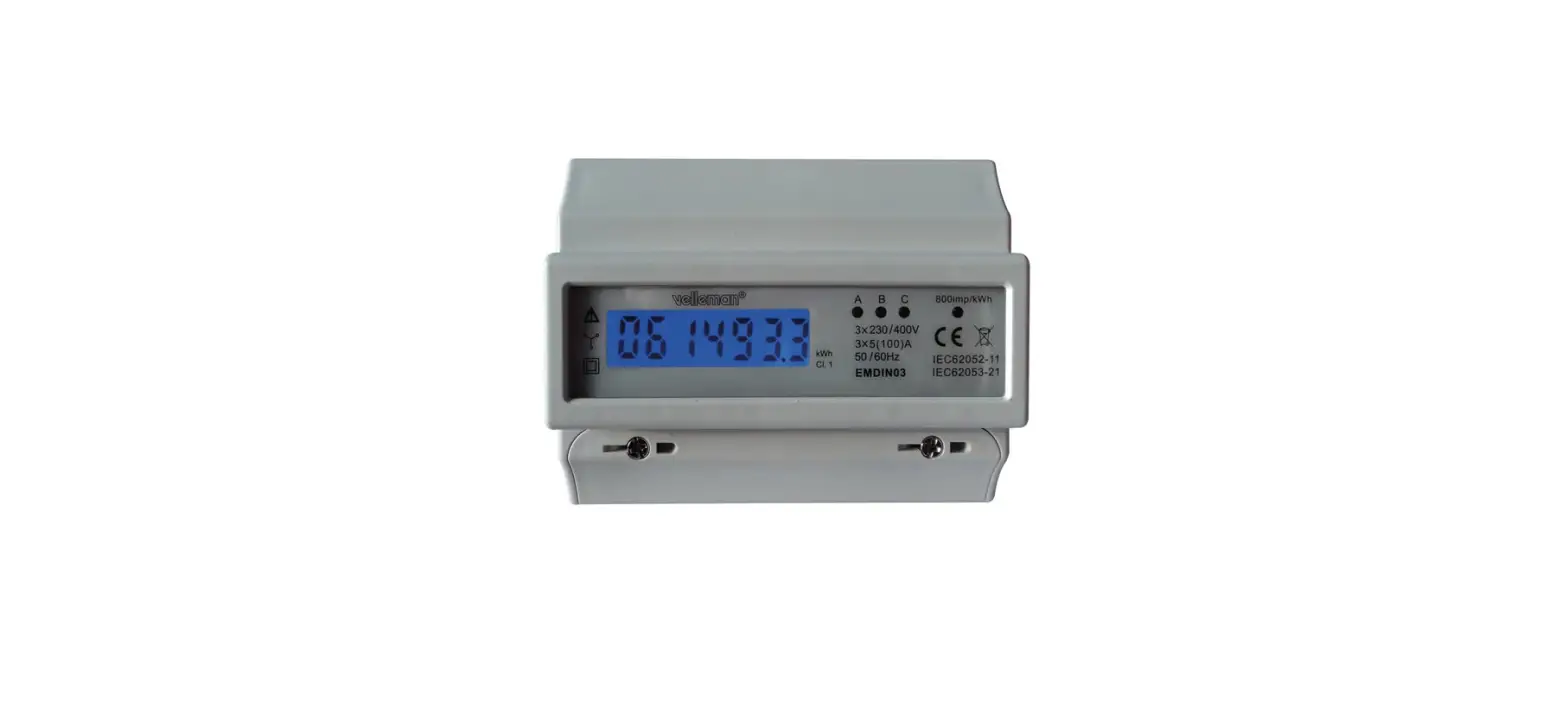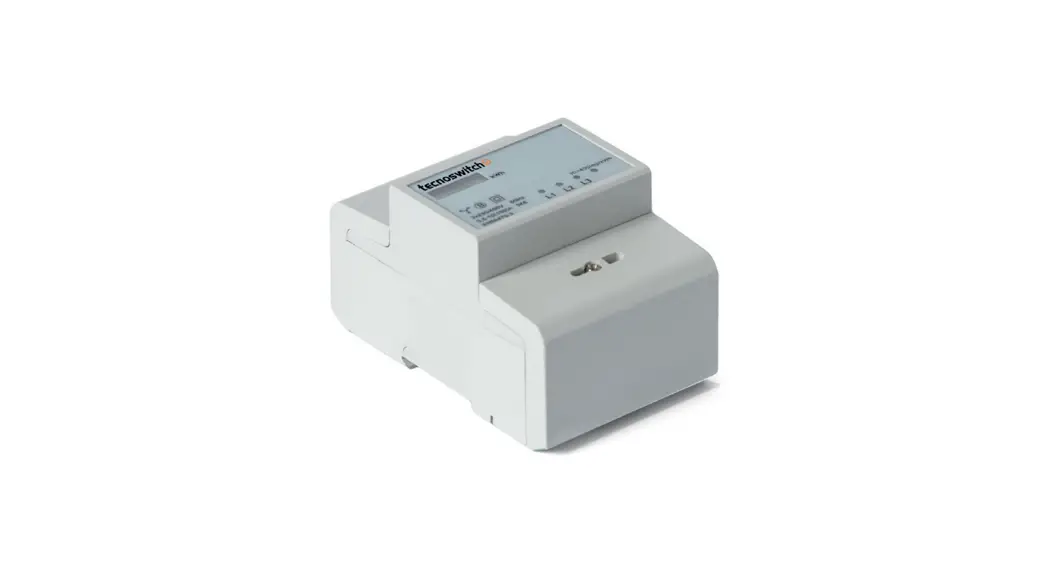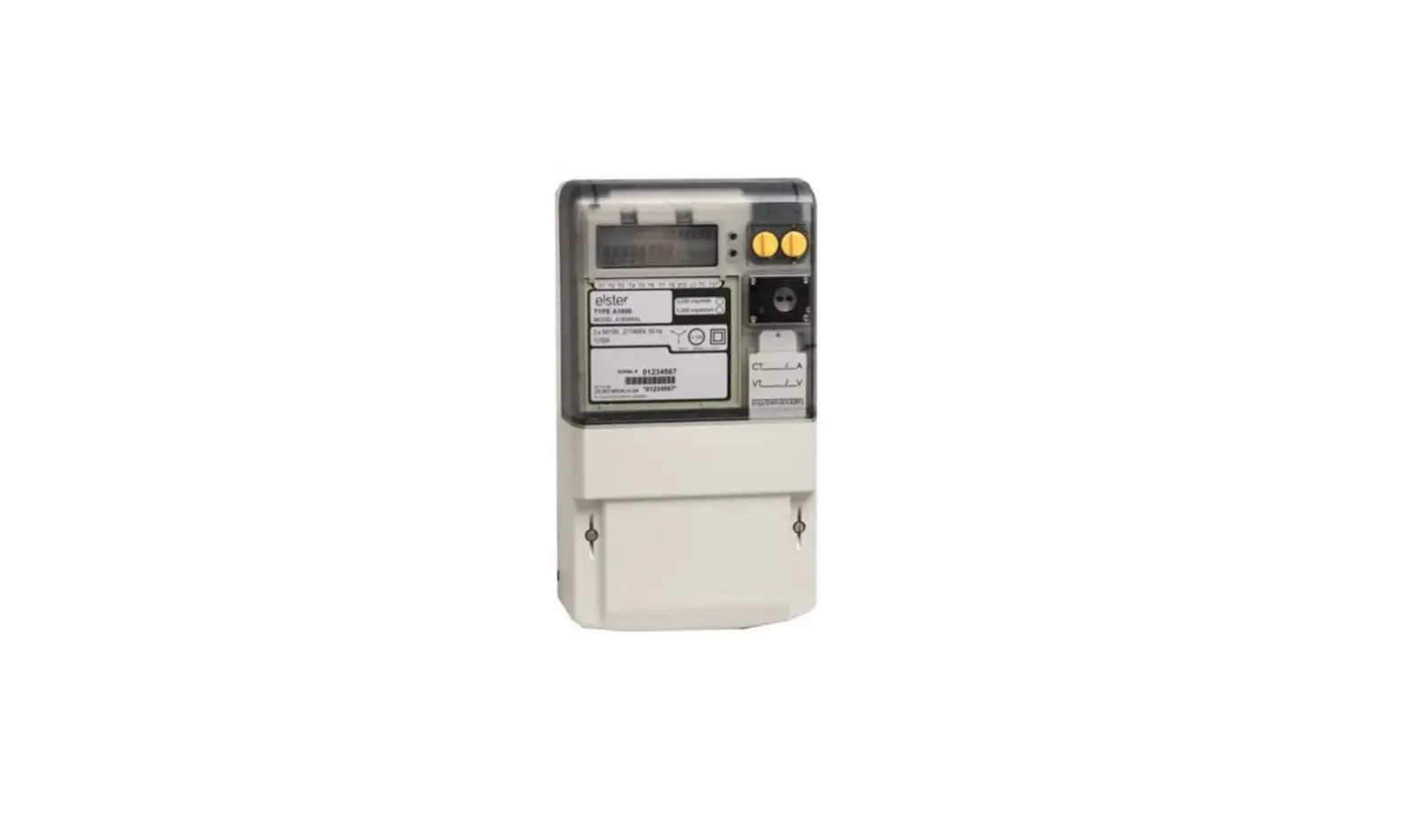


ES-10B 4
Terminal Single Phase
Electricity Meter
Product guide
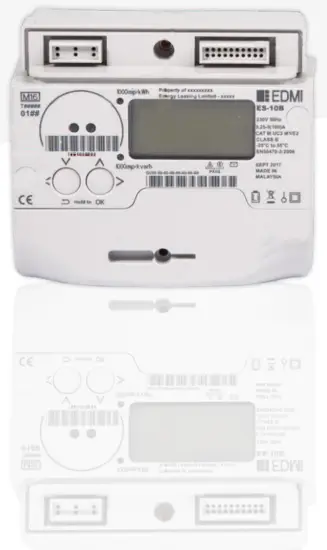
External features
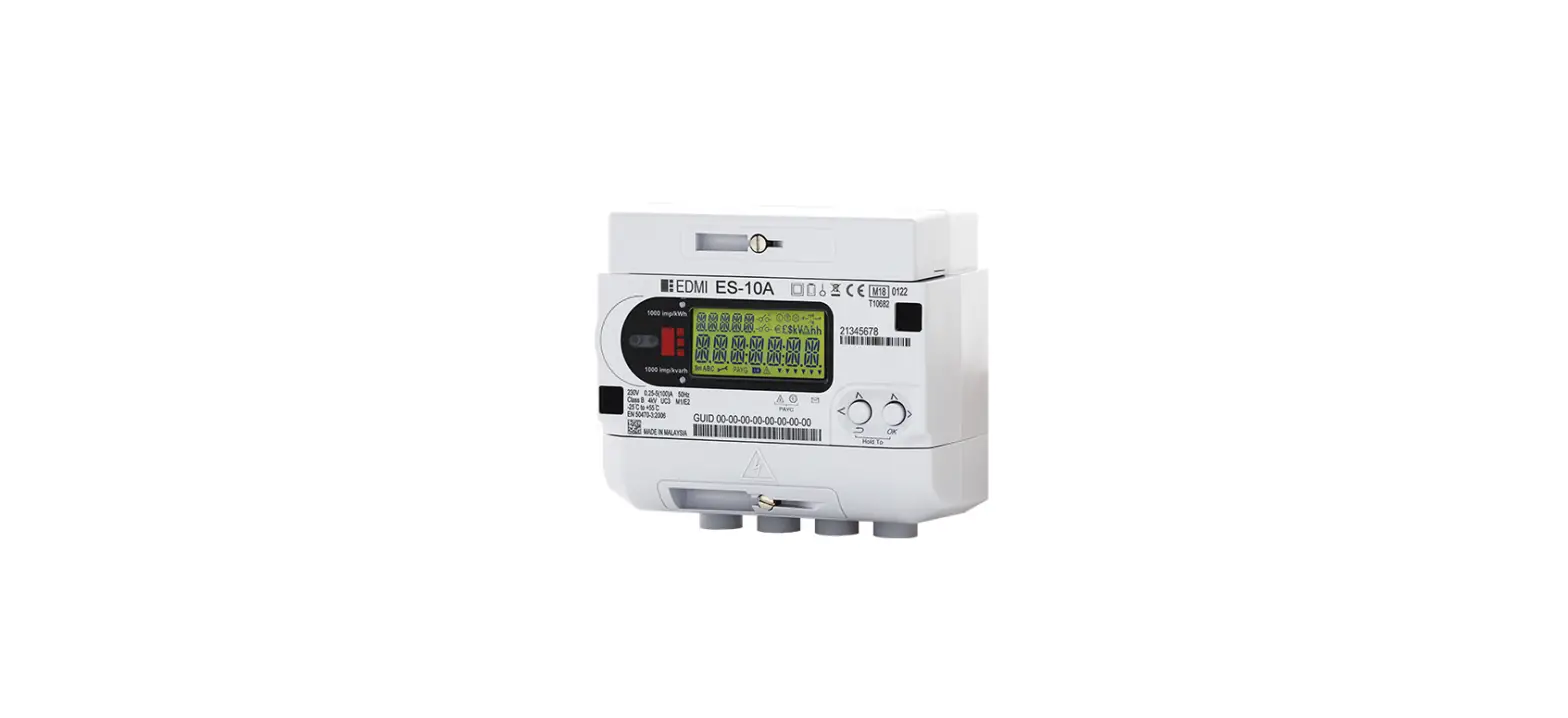
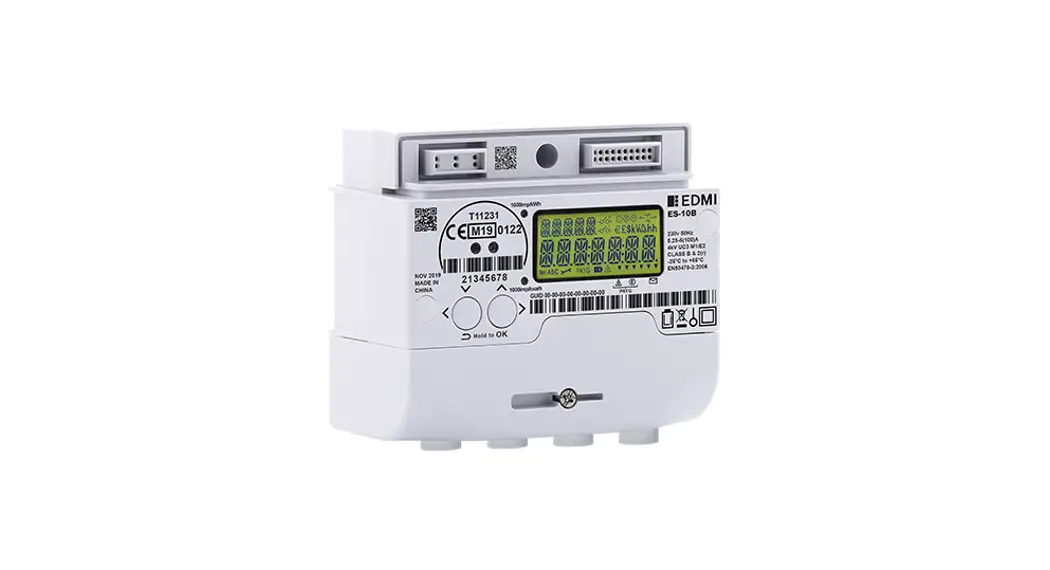
1.1 Meter parts
Figure 1. ES-10B Meter
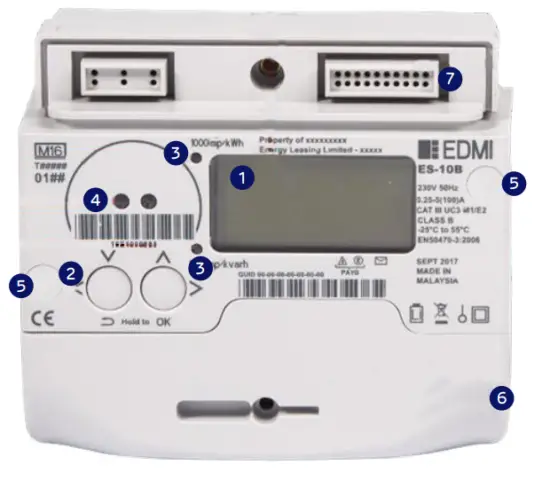
Table 1. Features
| 1. Liquid crystal display (LCD) | 5. Tamper evident seals protecting the meter lid screws |
| 2. Navigation buttons (for menu navigation and selection): • Left button: Press to navigate up or left (as applicable), press and hold to return • Right button: Press to navigate down or right (as applicable), press and hold for OK | 6. Terminal cover – beneath this cover is the terminal block for the main supply and the Auxiliary Load Control Switch |
| LED energy indicators: • Top: Flashing at 1 pulse per Wh (1/1000th kWh) • Bottom: Flashing at 1 pulse per vary (1/1000th vary) | 7. ICHIS cover – remove to install a Communications Hub on the meter
|
| 4. Local optical port |
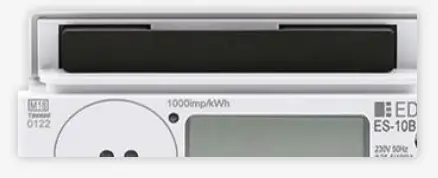
1.2 Meter markings
Figure 2: Meter markings
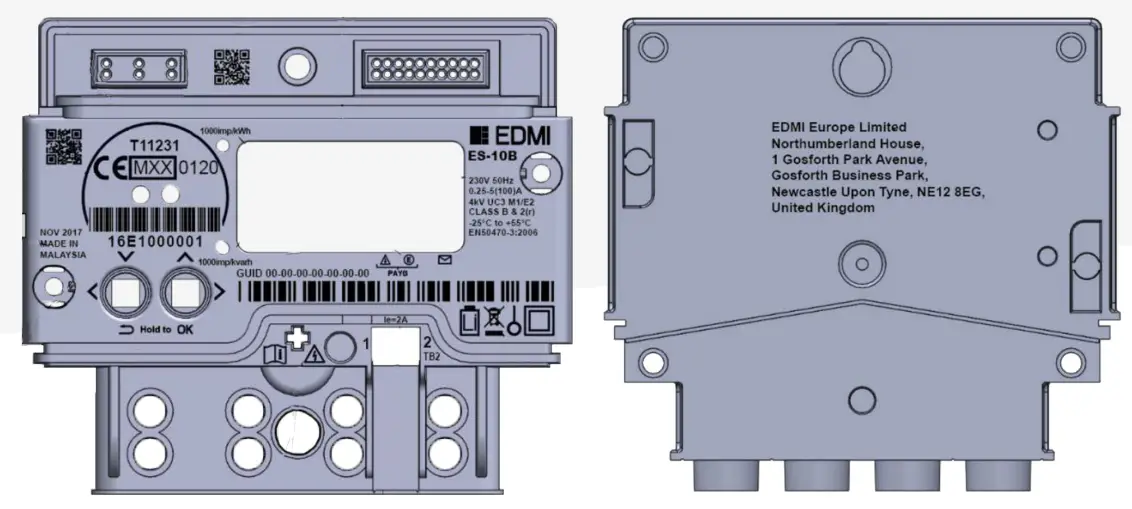
 EMDI ES – 10A EMDI ES – 10ALogo of EDMI (the meter manufacturer) and model type | MXX MID marking (M##) where ## is the last 2 digits of the year of manufacture |
| “MADE IN MALAYSIA” or “MADE IN CHINA” (dependant on the factory) Place of manufacture | 0120 or 0120 (dependant on the factory) MID Notified Body Number (Module D) |
| EDMI Europe Limited Northumberland House, 1 Gosforth Park Avenue, Gosforth Business Park, Newcastle Upon Tyne, NE12 8EG, United Kingdom Manufacturer’s postal address |  WEEE Marking with a year of Manufacture anywhere on the device |
| ES-10B Designation of type | 50Hz 230V 0.25-5(100)A Nominal Frequency, Voltage, Maximum & Nominal Current |
 CE mark CE mark |  Battery marking and type symbols |
XXEXXXXXXX Serial Number (Technical Recommendation M2 Serial Number (Technical Recommendation M2Version 1.2 – Serial numbering of ‘smart type) | Class B & 2(r) Accuracy class on the front of the device |
GUID 00-00-00-00-00-00-00 GUID GUID | 1000 imp/kWh 1000 imp/vary LED pulsing outputs (pulses per fundamental unit) |
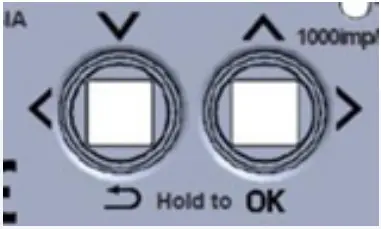 Labeled buttons on the front of the unit to show their function Labeled buttons on the front of the unit to show their function |  1st enunciator labeled to denote low credit warning 1st enunciator labeled to denote low credit warning |
 Single-phase connection symbol Single-phase connection symbol |  3rd enunciator labeled to denote Emergency Credit available 3rd enunciator labeled to denote Emergency Credit available |
 Sign of insulating encased meter of protective class II Sign of insulating encased meter of protective class II |  3D barcode linking to EDMI Europe website 3D barcode linking to EDMI Europe website |
| UC3 Utilization category (UC) | 3D barcode linking to EDMI Europe website |
| 4kV Rated impulse voltage rating (withstand the transient voltage) Cat III | 2D barcode for internal traceability |
| EN 50470-3:2006 Reference to standards European standard EN50470-3 | N/A Meter Asset Provider’s name (not used if Sample meter) |
LE = 2A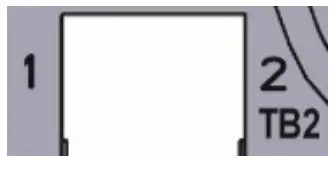 Rated current of the Auxiliary Load Switch Rated current of the Auxiliary Load Switch | MMM YYYY Year of manufacture |
| M1/E2 Environmental Class marking | N/A MAP Details (not used if Sample meter) |
| -25ºC to +55ºC Operating Temperature range | Warning symbol on the terminal cover (Lightning Bolt warning sign) and the meter lid screw sealing covers to indicate danger if removing |
| EC Type Examination Cert No. | 6th LCD enunciator labeled with ‘Message’ icon |
The liquid crystal display (LCD)
The LCD is the main user interface for the meter (Figure 3). Its purpose is to provide feedback during installation, manufacture, calibration, and diagnostics issues, and simply for your reference. It has a central row of 7 ‘starburst’ type digits to display values/date/time/messages and 5 upper left ‘starburst’ type digits to display a description/label.
The LCD has a number of fixed segments to indicate a range of functions. For low light conditions, the LCD has a backlight, which comes on when a button is pressed, unless configured not to do so at manufacture.
Figure 3:
Liquid crystal displays
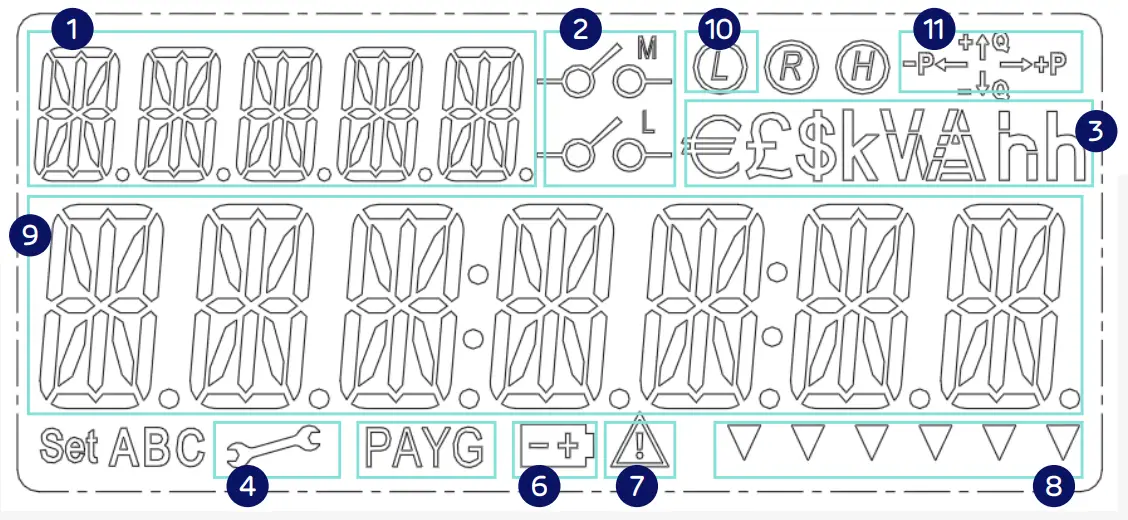
| 1. 5 character label, shows: • Description for main character array (9) • Current menu level | 7. Alert indicator |
| 2. Relay state icons. M for main disconnect relay, L for ALCS. Operating states: • M icon ON: Main supply has been disconnected • L icon ON: ALCS is on • M & L icons ON: Meter is currently in a ‘Non-Disablement’ period • M & L icons OFF: Supply connected, ALCS off | 8. Enunciators. Please refer to section 11 for more detail |
| 3. Currency and unit symbols. Only £ will be used in the UK. | 9. Main character array. Shows all figures for billing, information, and content for messages |
| 4. Engineering menu activated | 10. Load Limiting indicator. The icon is lit when a site has a restricted maximum load |
| 5. Pay As You Go (or Prepayment) mode is activated | 11. Power flow quadrants • +P = Import Kw • – P = Export Kw • +Q = Import kbar (Lag) • -Q = Export kbar (Lead) |
| 6 . Internal battery low indicator |
The ES-10B has two pushbuttons for you to interact with the meter, and both are multifunctional. Figure 4 shows the two buttons and the labeling around them. The left button acts as both the ‘down’ and ‘left’ functions, and the right button acts as the ‘up’ and ‘right’ functions.
The two buttons have further functionality when held down for a period of 1 second. Holding the left button acts as a ‘return’ function, and holding the right button acts as an ‘OK’ function. The ‘Hold To’ text underneath is there to prompt you to hold the buttons to perform these actions.
Figure 4: Pushbuttons
| To | do this |
| Move down the menu structure one level | Press the OK (right/down) button and hold it for 1 second. |
| Move left, within the same level of the menu structure | press and release the Left button. |
| Move right, within the same level of the menu structure | press and release the Right button. |
| Move up the menu structure one level | Press the Return (left/up) button and hold it for 1 second. |
| Confirm a selection (i.e. Press OK) | Press the OK (right/up) button and hold it for one second. |
Note: After a period of inactivity, the meter will revert to the main screen.
This time will depend upon each supplier’s configuration.
The meter’s menu is activated by pressing the OK button. This level of the menu includes the main headings of the document (Billing, Security, Info, and Message). Pressing OK on each of these headings on the User Interface (UI) will open up the submenus denoted by subheadings under each section.
Pressing the left and right buttons navigates between menu headings.
4.1 The Default (Main) Screen – Credit Mode
The main screen displays basic information at-a-glance, cycling through:
| Active Import register | 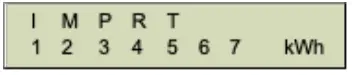 |
| Active Export Register | 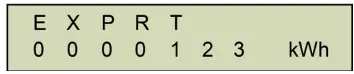 |
| Meter Balance | 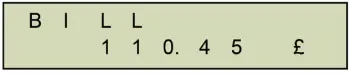 |
When on any other screen, the meter display reverts to this default screen if no buttons have been pressed for one minute.
4.2 Billing menu screens
The Main Billing screen provides access to:
- My Bills, which display your energy usage in kWh or £
- Tariffs, which enables you to view the current tariff and standing charge
- Advanced billing information (Time of Use (TOU) Register Matrix, TOU Block Register Matrix, and TOU Block Counter Matrix)
4.3 MyBills
The bills menu displays kWh and £ usage for the current billing period, allowing you to scroll through previous periods.
When in this menu, the UI buttons perform the following actions:
| Left/Right | Manually scroll through the information |
| OK | Go to menu |
| Return | No effect |
| Current usage in kWh |  |
| Current usage in kWh | 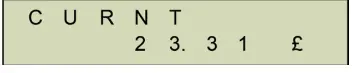 |
| The previous period in kWh | 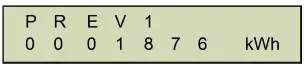 |
| The previous period in £ | 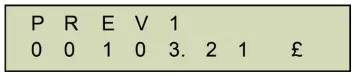 |
4.4 Tariffs
The Tariffs menu provides access to:
- Display of current tariff
- Display of current standing charge
4.5 Tariff Now
The Now menu item displays the current active price.
For example:
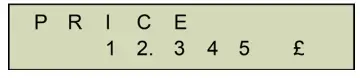
When in this menu, the UI buttons perform the following actions:
| Left/Right | No effect |
| OK | No effect |
| Return | Returns to parent menu |
4.6 Standing charge
The standing charge menu item displays the current standing charge.
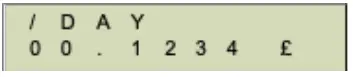
When in this menu, the UI buttons perform the following actions:
| Left/Right | No effect |
| OK | No effect |
| Return | Returns to parent menu |
4.7 Advanced
The advanced menu shows you the:
- Time of Use (TOU) Register Matrix
- TOU Block Register Matrix
- TOU Block Counter Matrix
4.8 TOUmatrix
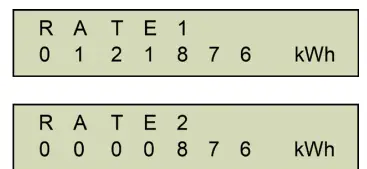
The TOUmatrix menu item displays the Time of Use (TOU) Register Matrix. Pressing the left and right UI buttons allows you to scroll through the list of rates and associated kWh values. For example:
Customer support
For help with your meter’s functions, please contact us. 01473 372430
 [email protected]

ES-10A 4 Terminal Single Phase Electricity Meter –
Product guide HP1046
Copyright © 2020 EDMI Europe Ltd.
All rights reserved
drax.com
Updated on: 24/09/2020
 Home - Drax Global