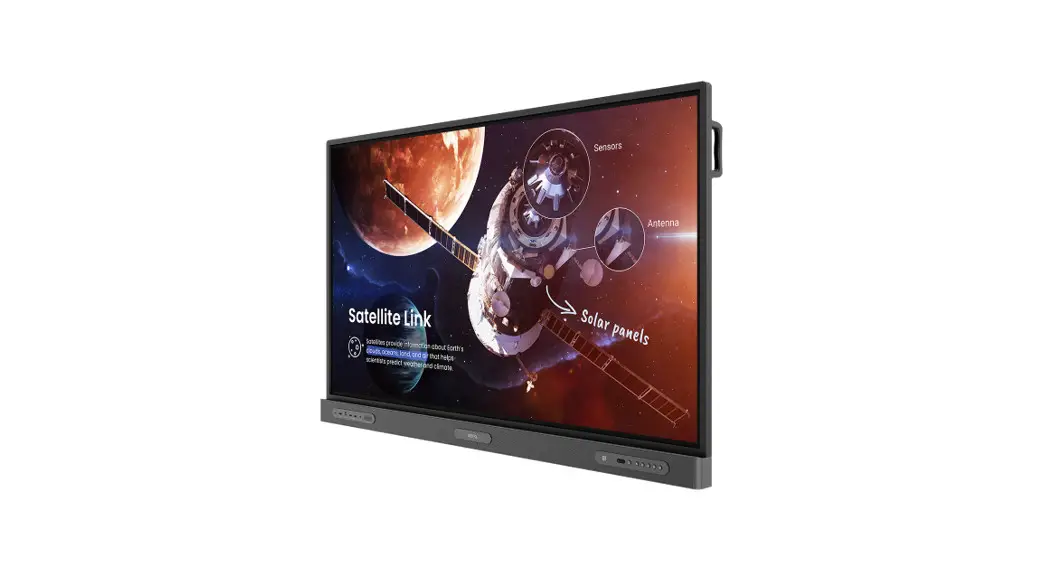
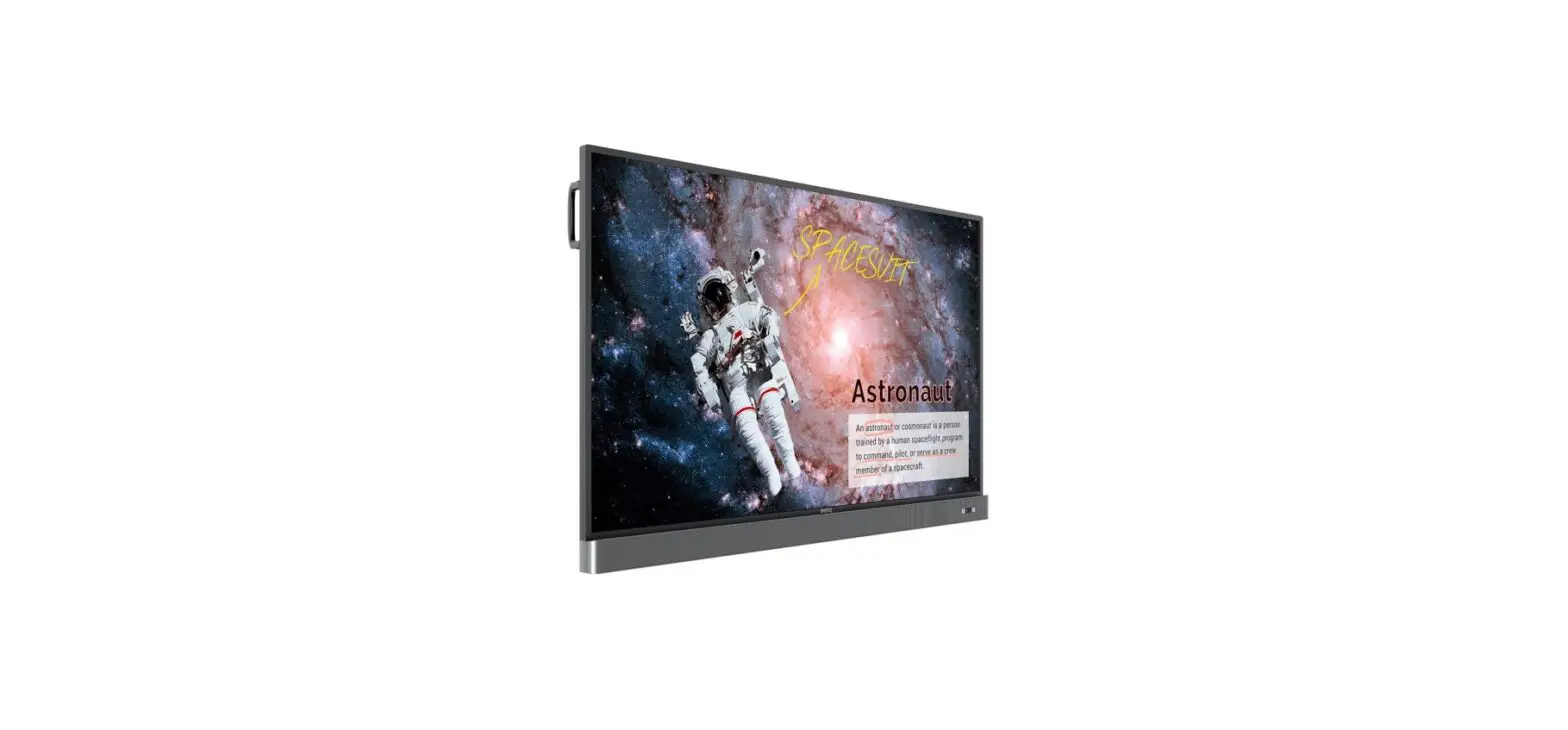
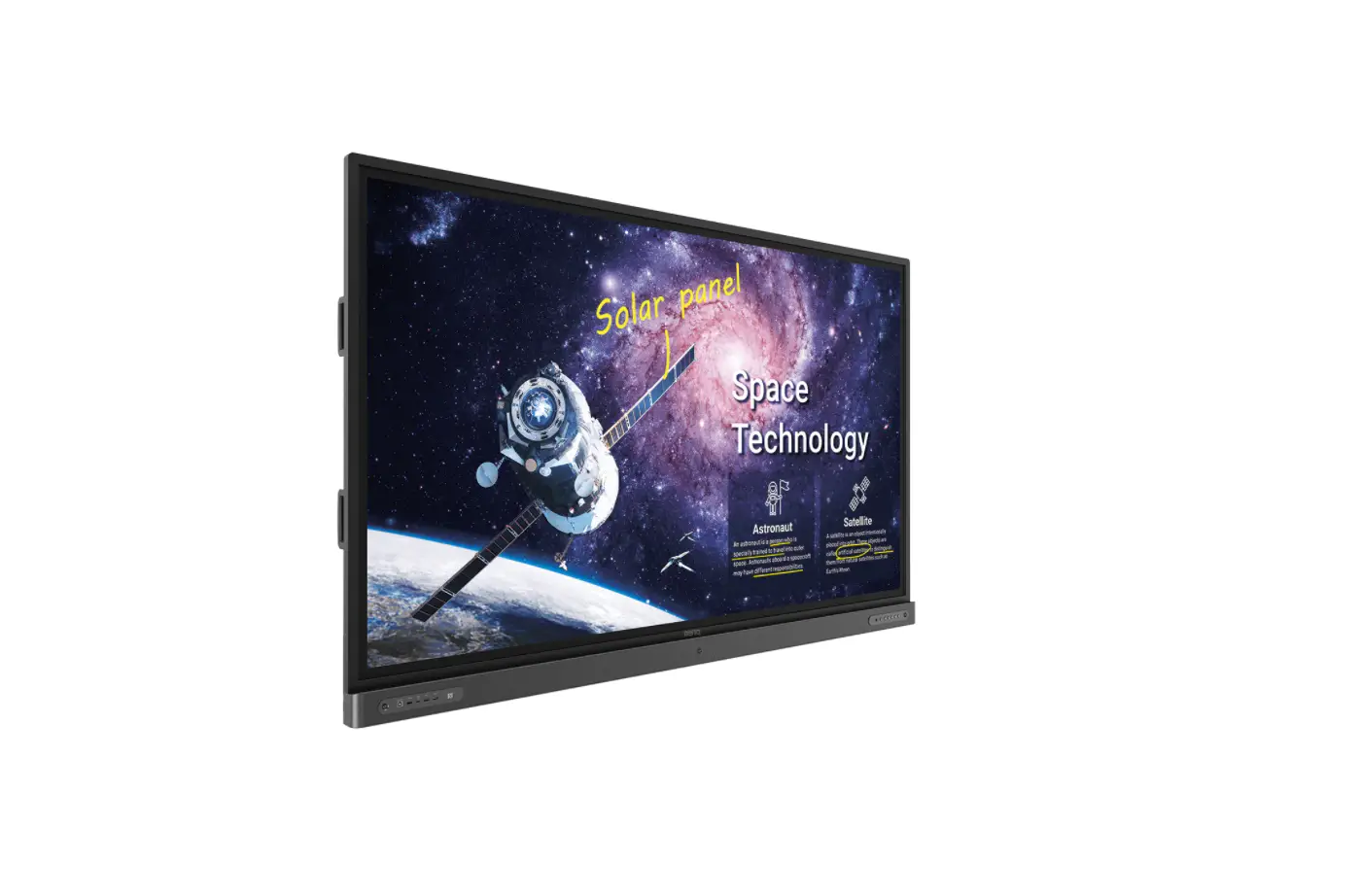
RE6501 65 Inch Education Interactive Display
Product Information
The product is a display model manufactured by BenQ. The
specific models that the information applies to are RE6501, RE7501,
RE8601, and RE9801.
The firmware for the display can be downloaded based on the part
number or the software/firmware version. The part number can be
identified by checking the last 3 digits of the part number
provided in the user manual. The firmware version can be identified
by checking the 2nd digit of the software/firmware version.
There are two types of firmware available for download: OTA_FW
and Image_FW. OTA_FW upgrades the system firmware while keeping all
user settings, while Image_FW upgrades the system firmware and
resets everything.
Product Usage Instructions
- Identify the firmware to be downloaded based on the part number
or software/firmware version.
- If using the part number:
- Check the last 3 digits of the part number.
- Refer to the corresponding firmware version for the identified
part number.
- If using the software/firmware version:
- Check the 2nd digit of the software/firmware version.
- Refer to the corresponding firmware version for the identified
software/firmware version.
the identified part number or software/firmware version.
personal preference.
file).
Procedure) included in the downloaded zip file to proceed with the
firmware upgrade.
check the firmware upgrade SOP.
Instruction
Read me before downloading the firmware Apply BenQ Model: RE6501, RE7501, RE8601, RE9801
Please read carefully for the below instruction: There are two ways to identify which firmware should be downloaded for your display:
Method 1 from the Part Number 1. BenQ Part Number can be found on the spec label at rear side of the unit.
If you are having trouble finding the Part Number, please provide the Serial Number to local BenQ Support and we can check it for you.
2. Check the last 3 digits of the Part Number: BenQ part number
Model RE6501 RE7501 RP8601
Part Number 9H.F6YTK.xxx 9H.F71TK.xxx 9H.F72TK.xxx
RE9801
9H.F79TK.xxx
3. Kindly refer to the last 3 digits of the part number and download the corresponding firmware.
Model
SKU
DE1, DN1, DT2, DA2, DT3
RE6501 DE3, DP3, DA4, DN4, DC4,
DE6, DP6, DA6, DE7, DP7
RE7501
DE1, DA1, DN1, DC1, DT1, DP2, DA2, DN2, DT2 DE4, DP4, DN4, DT4, DA5, DA8, DE9, DP9
RE8601
DE1, DP1, DA1, DN1, DC1, DT1, DE2, DP2, DA2, DN2, DT2, DT3, DAA, DEB, DPB
RE9801 DP1
FW version v1.0.0.xx v1.2.0.xx v1.3.0.xx v1.0.0.xx v1.1.0.xx
v1.0.0.xx
v1.0.0.xx
Note: Last 2 digits of firmware version will depend on the current latest firmware.
4. There are 2 types of firmware available for download. Kindly select the one that is
suitable for you.
OTA_FW
Upgrade the system firmware and keep all the user setting
Image_FW Upgrade the system firmware and reset everything
1
BenQ Corporation
Instruction
You can find the firmware upgrade SOP from the zip file that you downloaded.
Method 2 from the software/firmware version on the display 1. Check the software version currently on your display.
It can be checked under the OSD menu > About
Or through the DMS cloud
2. Refer to the 2nd digit of the software/firmware version and download the corresponding firmware.
Model RE6501
Software version 1 v1.0.0.xx
Software version 2 v1.1.0.xx
Software version 3 v1.2.0.xx
RE7501
v1.0.0.xx
v1.1.0.xx
–
RE8601
v1.0.0.xx
–
–
RE9801
v1.0.0.xx
–
–
3. Kindly refer to the 2nd digit of the firmware version and download the corresponding firmware.
2
BenQ Corporation
Instruction
Model
Software version v1.0.0.xx
Firmware version to be downloaded v1.0.0.xx
RE6501
v1.1.0.xx
v1.1.0.xx
v1.2.0.xx
v1.2.0.xx
RE7501
v1.0.0.xx v1.1.0.xx
v1.0.0.xx v1.1.0.xx
RE8601
v1.0.0.xx
v1.0.0.xx
RE9801
v1.0.0.xx
v1.0.0.xx
Note: Last 2 digits of firmware version will depend on the current latest firmware.
4. There are 2 types of firmware available for download. Kindly select the one that is
suitable for you.
OTA_FW
Upgrade the system firmware and keep all the user setting
Image_FW Upgrade the system firmware and reset everything
You can find the firmware upgrade SOP from the zip file that you downloaded.
3
BenQ Corporation