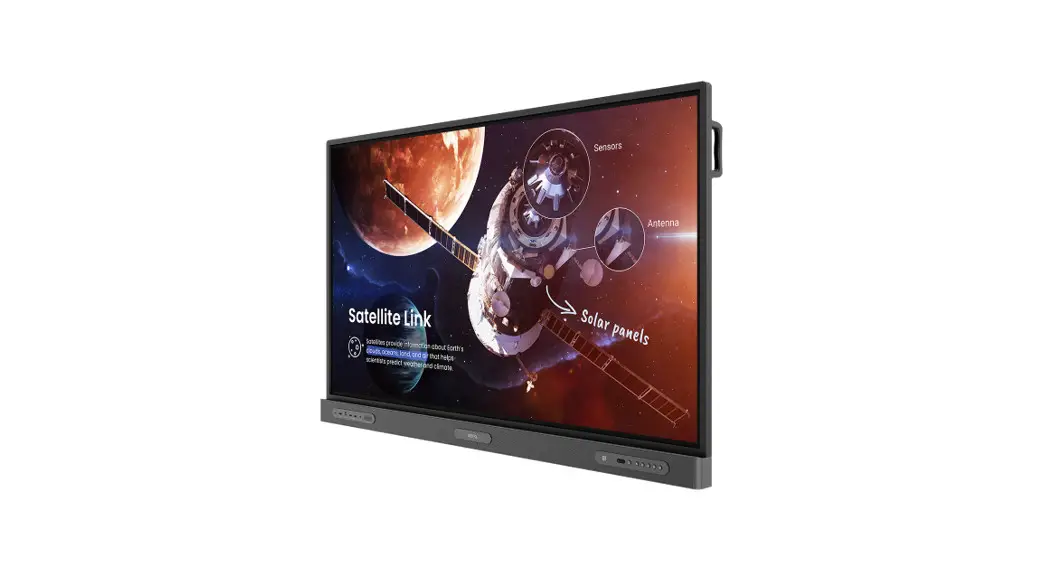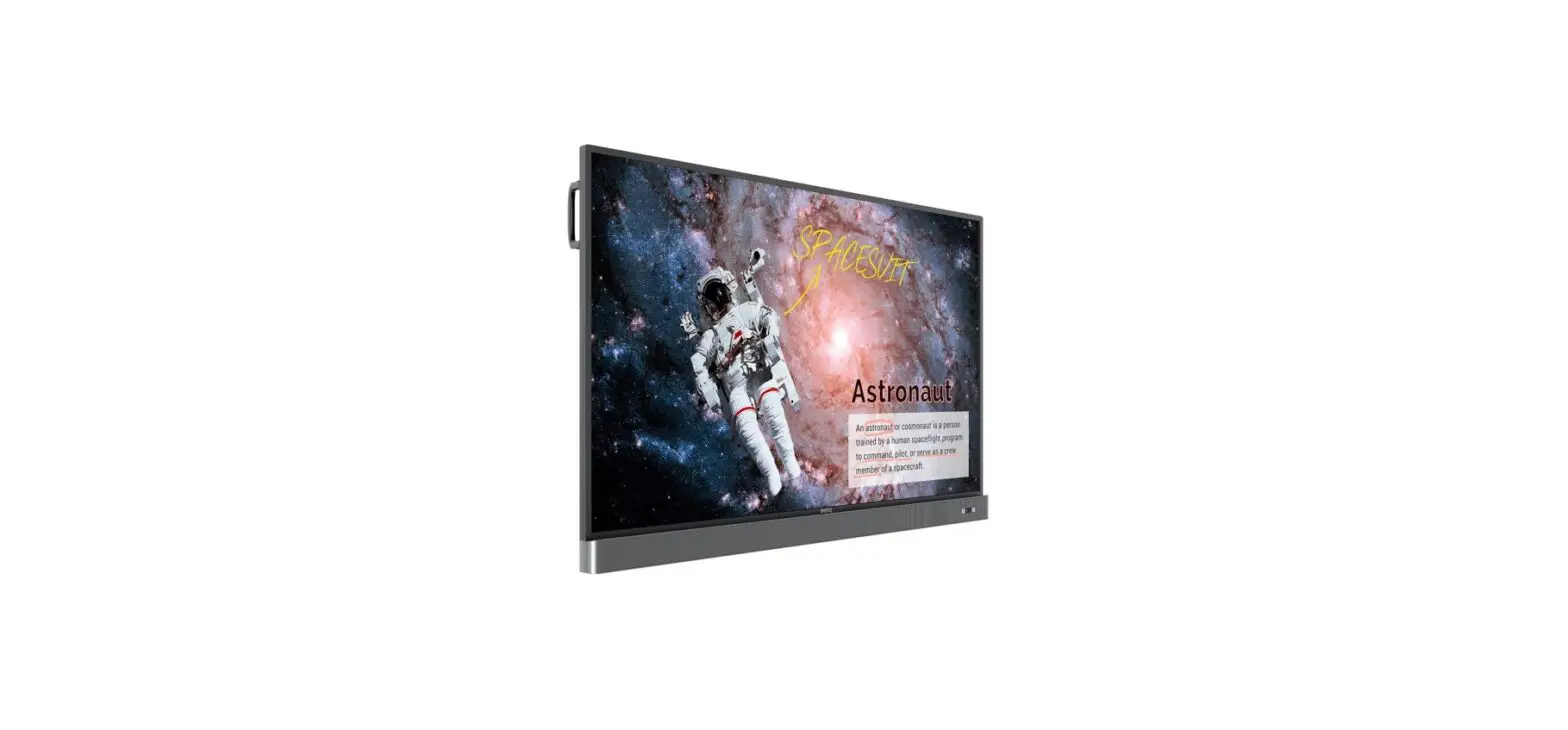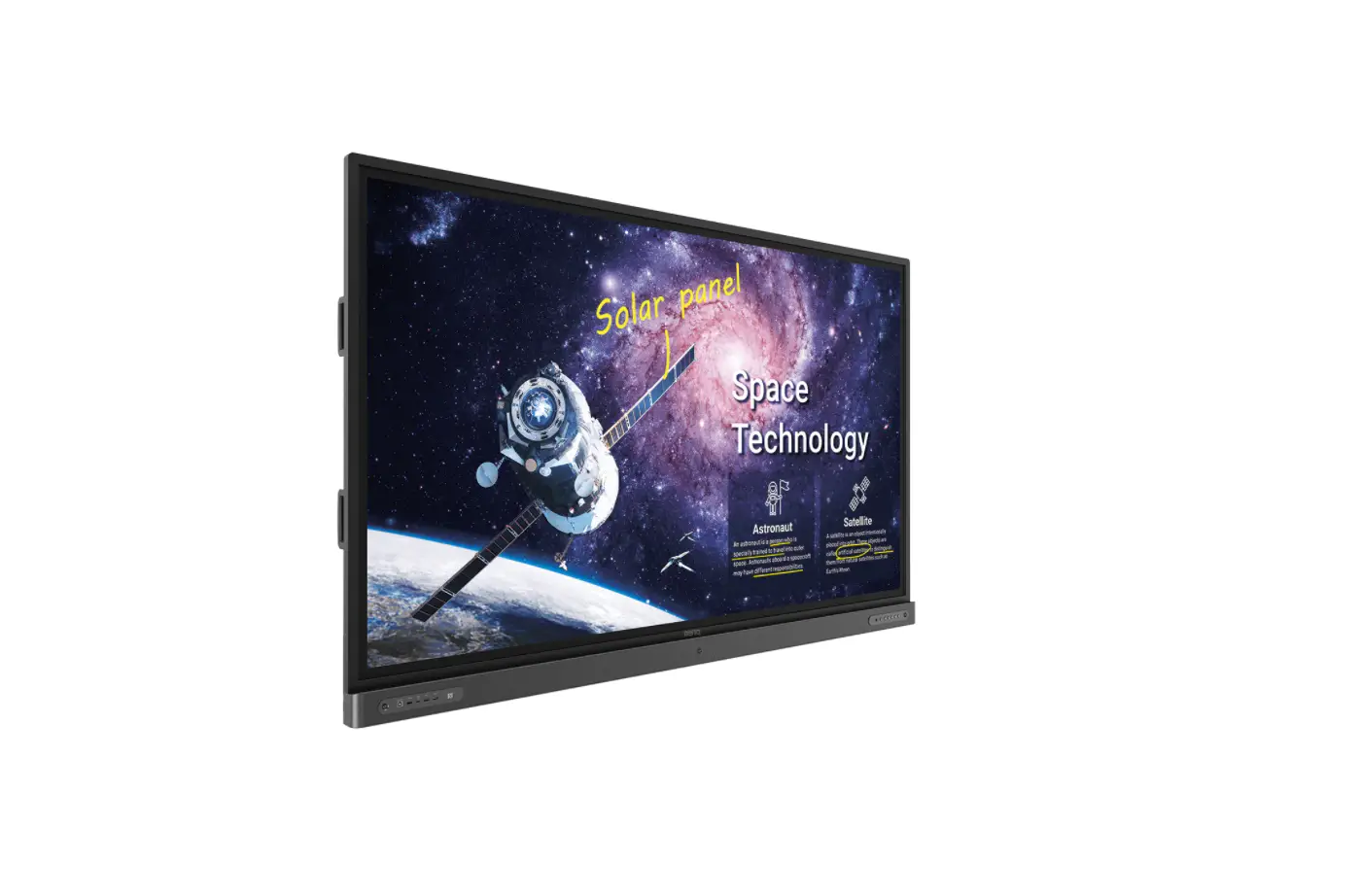

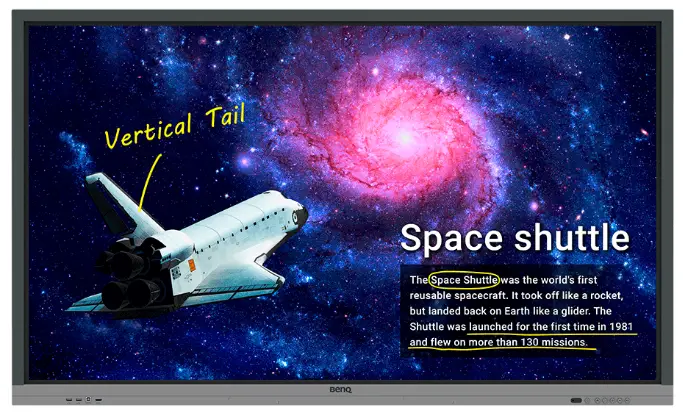
BenQ RE6501 65 Inch Education Interactive
Read me before downloading the firmware
Apply BenQ Model: RE6501, RE7501, RE8601, RE9801
Before downloading the firmware, please check the BenQ part number
| Model | Part Number |
| RE6501 | 9H. F6YTK.xxx |
| RE7501 | 9H. F71TK.xxx |
| RP8601 | 9H. F72TK.xxx |
| RE9801 | 9H.F79TK. xxx |
Kindly refer to the last 3 digits of the part number and download the corresponding firmware.
| Model | SKU | FW version |
|
RE6501 | DE1, DN1, DT2, DA2, DT3 | v1.0.0.xx |
| DN3 | v1.1.0.xx | |
| DE3, DP3, DA4, DN4, DC4, | v1.2.0.xx | |
| DE6, DP6, DA6, DE7, DP7 | v1.3.0.xx | |
| RE7501 | DE1, DA1, DN1, DC1, DT1, DP2, DA2, DN2, DT2 | v1.0.0.xx |
| DE4, DP4, DN4, DT4, DA5, DA8, DE9, DP9 | v1.1.0.xx | |
| RE8601 | DE1, DP1, DA1, DN1, DC1, DT1, DE2, DP2, DA2, DN2, DT2, DT3, DAA, DEB, DPB | v1.0.0.xx |
| RE9801 | DP1 | v1.0.0.xx |
Note: Last 2 digits of firmware version will depend on the current latest firmware.
How to find BenQ Part Number
BenQ Part Number can be found on the spec label at rear side of the unit. If you are having trouble to find the Part Number, please provide the Serial Number to local BenQ Support and we can check it for you.
There are 2 types of firmware available for download. Kindly select the one that suitable for you.
- OTA_FW: Upgrade the system firmware and keep all the user setting
- Image_FW: Upgrade the system firmware and reset everything
You can find the firmware upgrade SOP from the zip file that you downloaded.