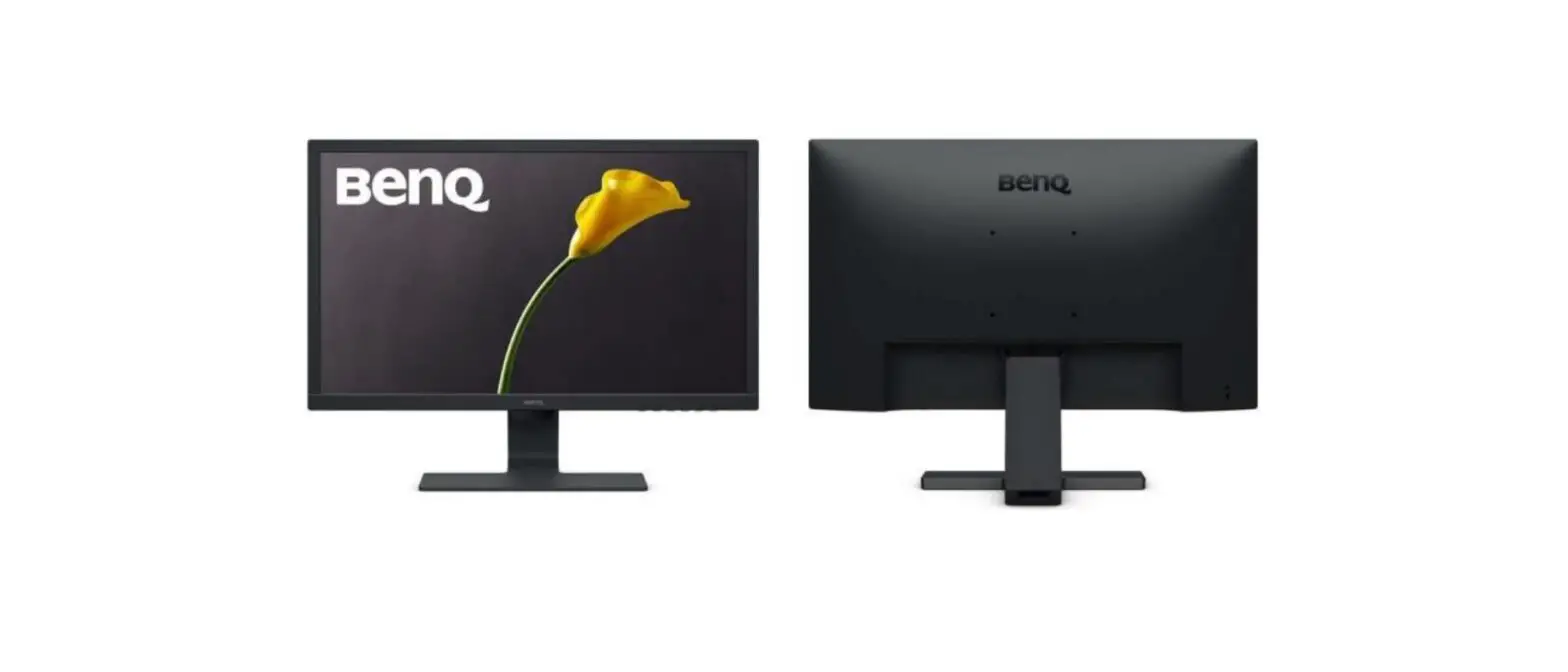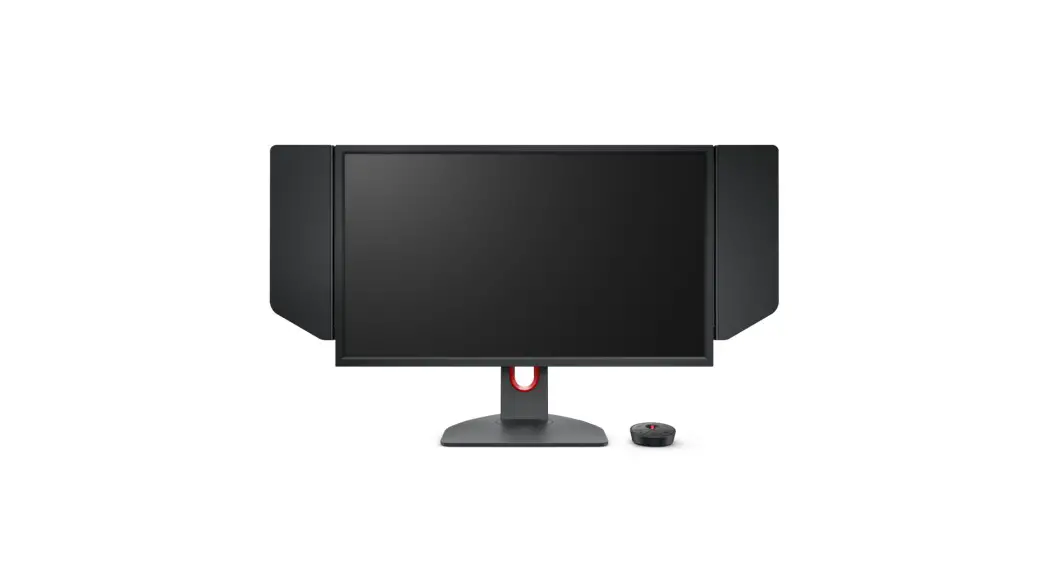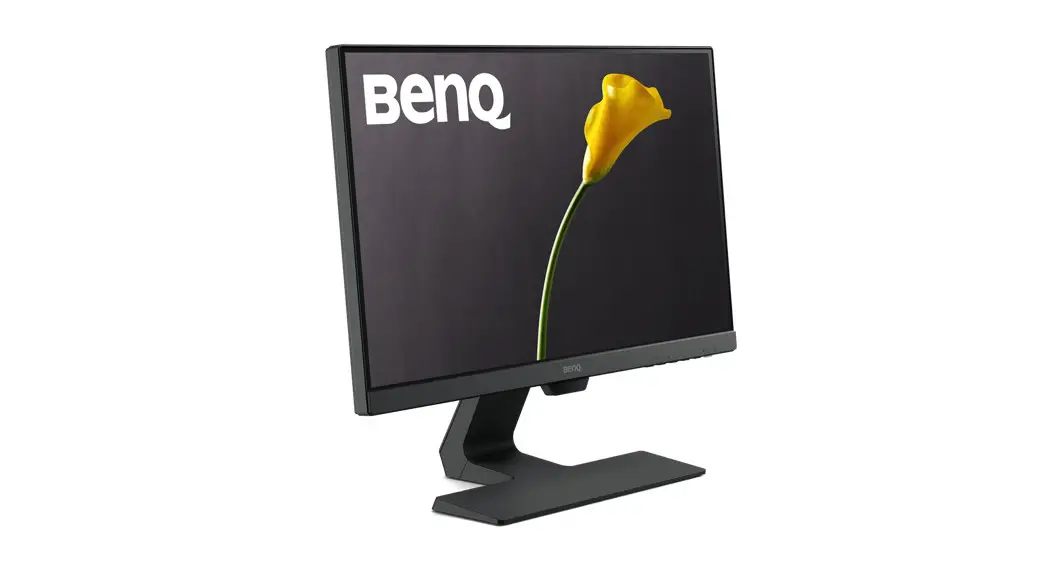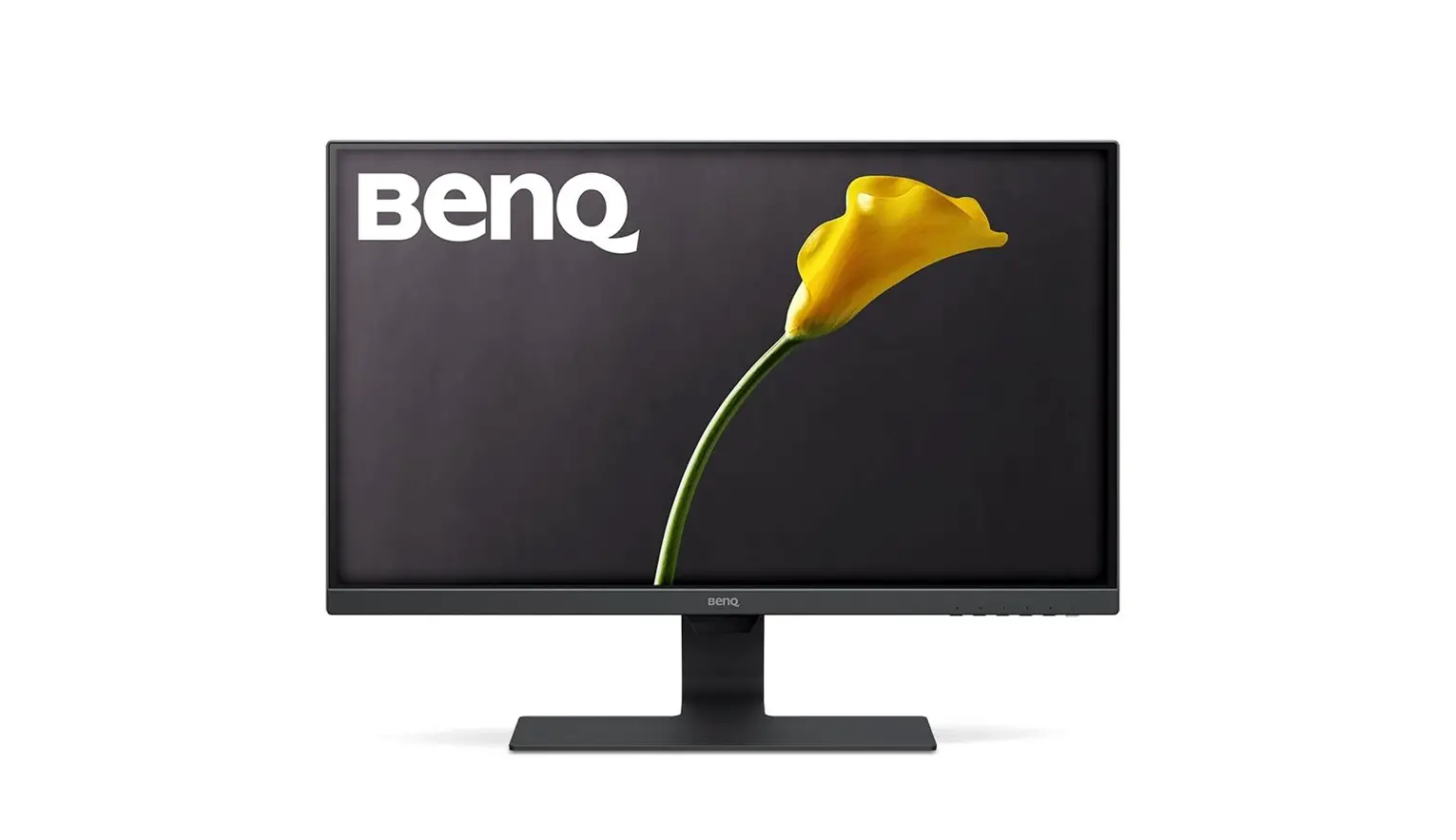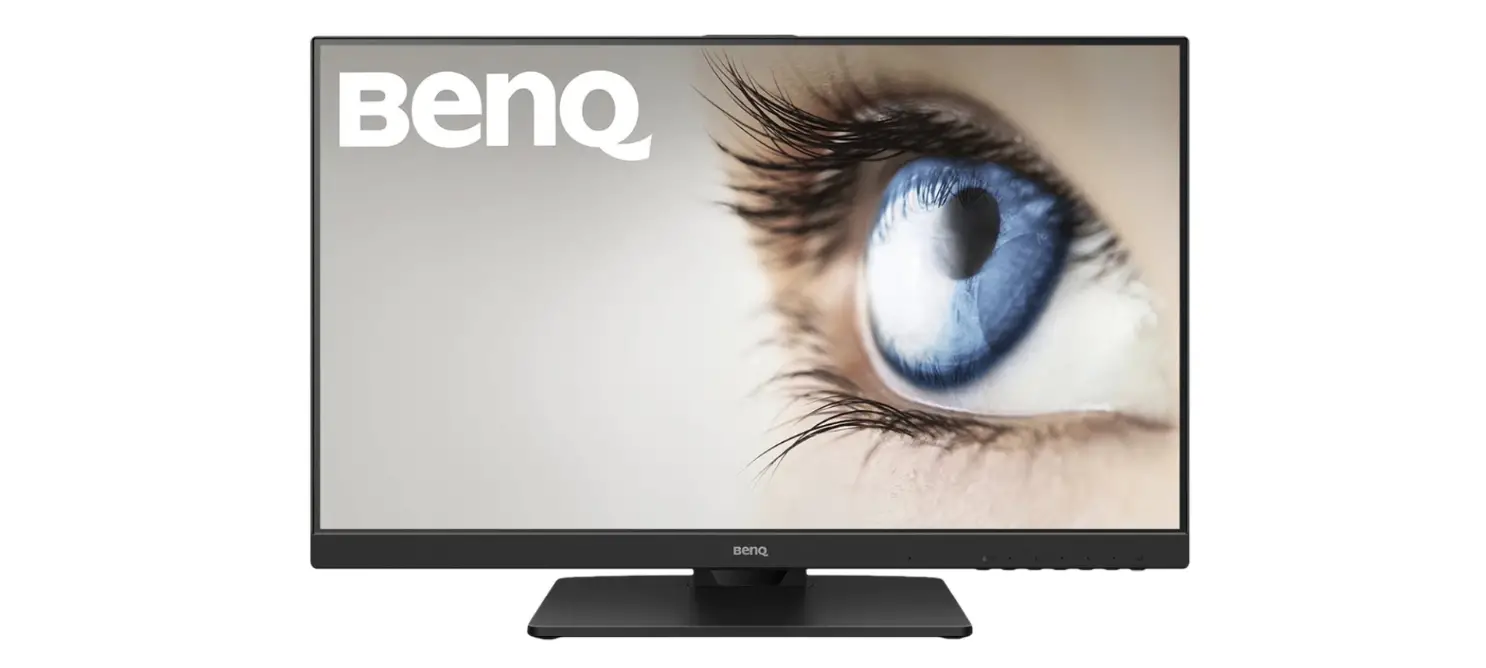

BenQ BL2785TC Portable Monitor
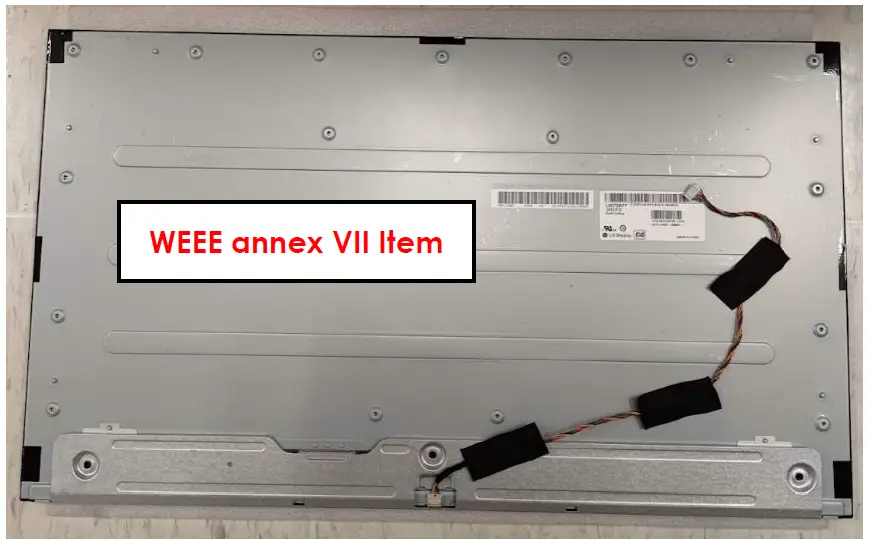
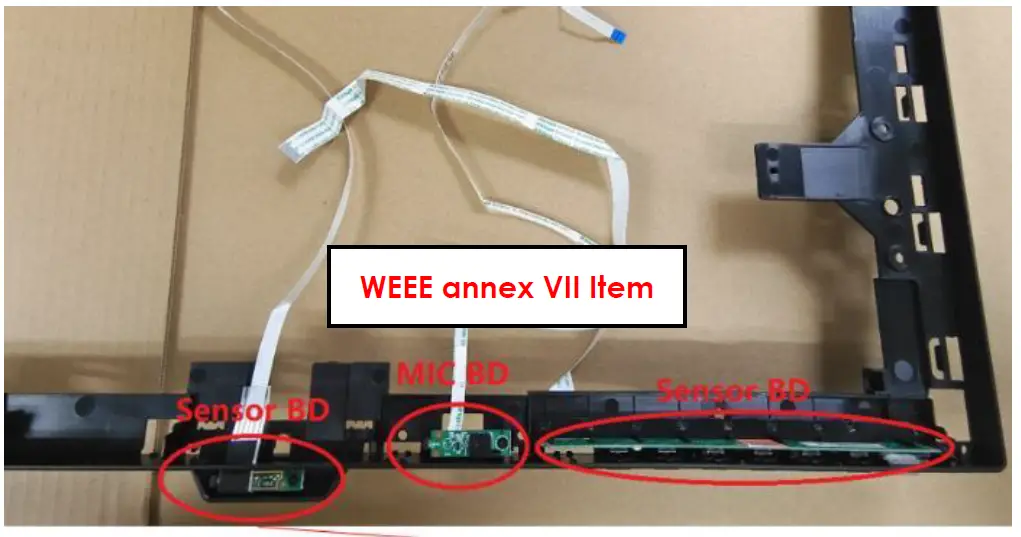
Requirements according to ANNEX VII of DIRECTIVE 2012/19/EU
on waste electrical and electronic equipment (WEEE)
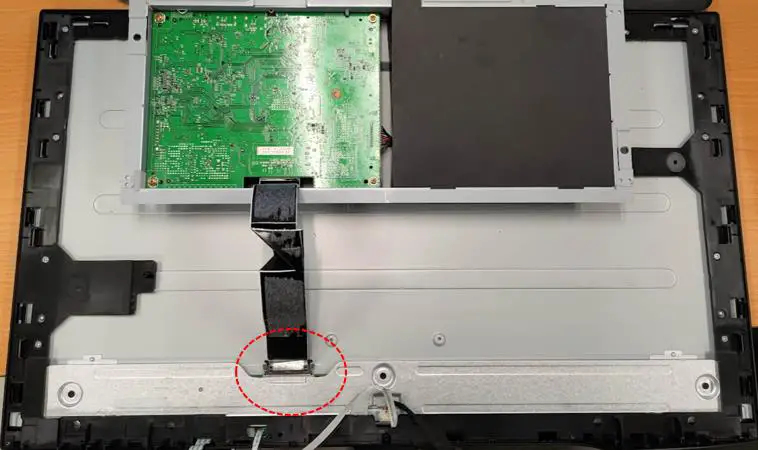
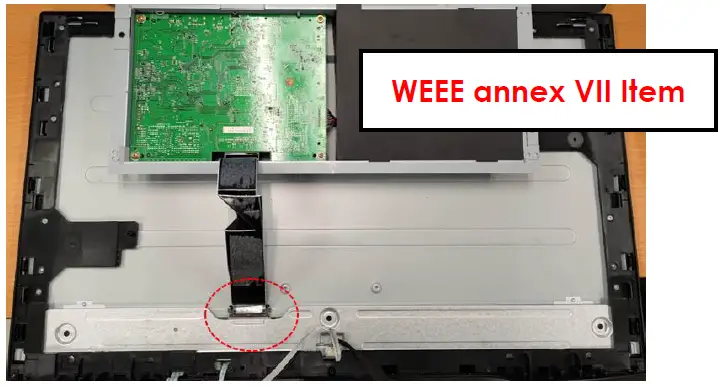
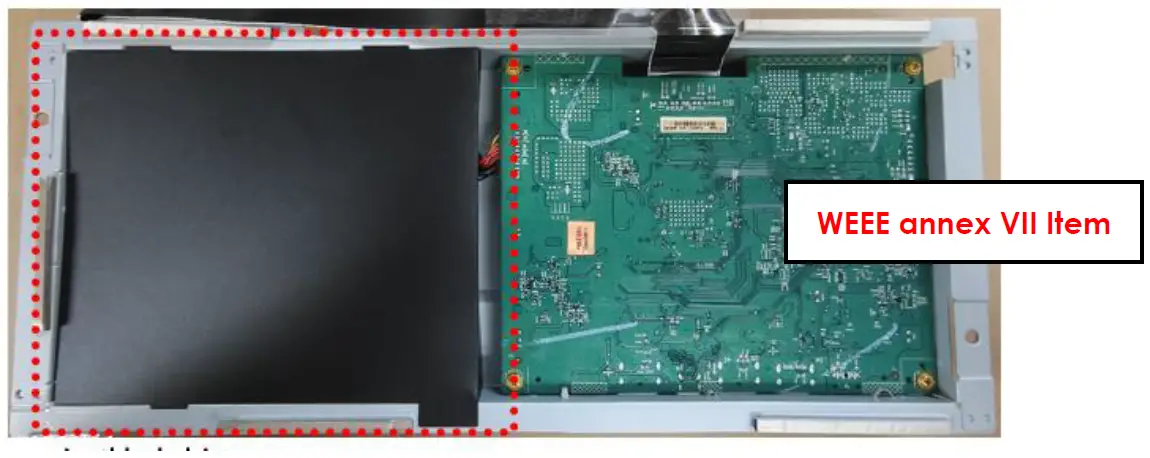
Materials and components with hazardous content
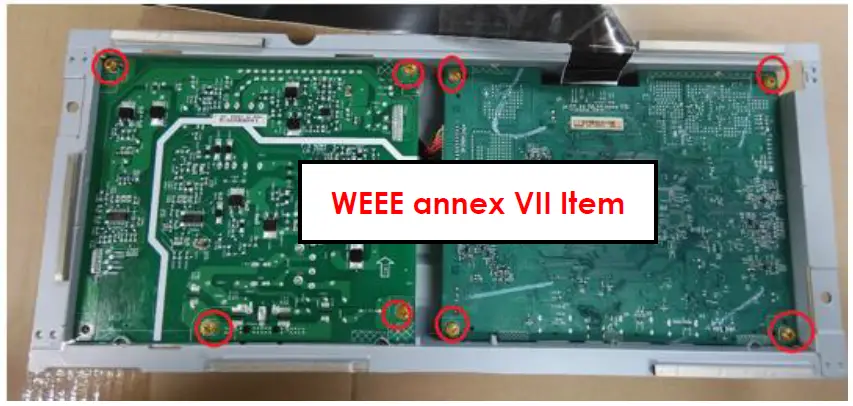
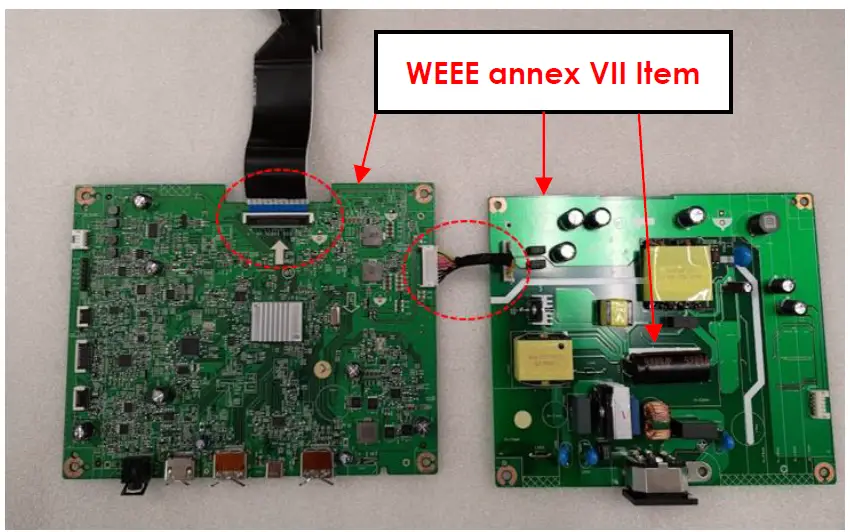
LCDs may contain hazardous substances like Pb and BFRs which are covered by exemptions under the RoHS directive. However, the majority is present in the printed circuit boards assembly. In order to reduce emissions as much as possible, a complete disposal of the old appliance is required. This treatment may only be performed in authorized handling plants.
- Product Name: LCD Monitor
- Model No.: BL2785TC, GW2785TC, GW2785TE
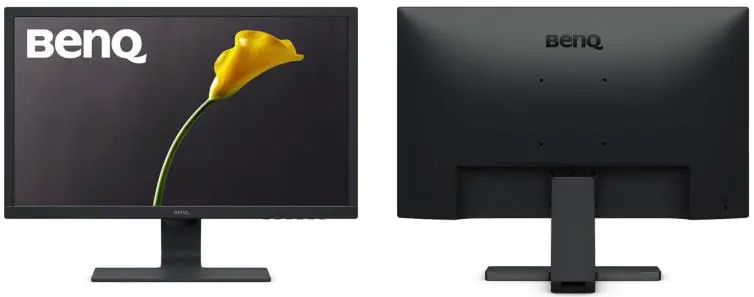
Disassembly Tools
| Tool | picture |
| Philips Screwdriver for M3 Screw | 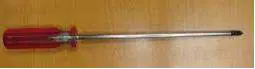 |
| Nosed Pliers | 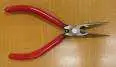 |
| Diagonal Cutting Pliers | 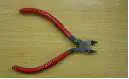 |
| Slotted screwdriver | 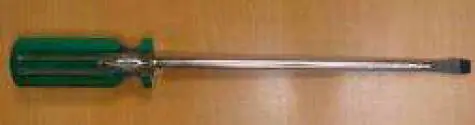 |
| Six Point Sockets | 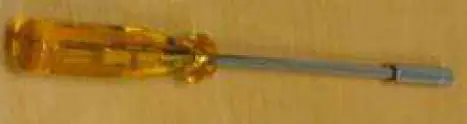 |
| Philips Screwdriver for M2.5 Screw |  |
| Knife |  |
Disassembly process
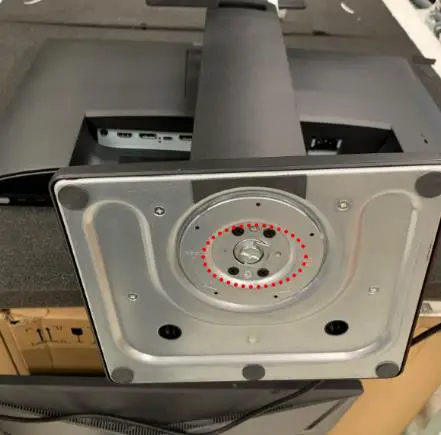
- Remove ASSY Stand
- Remove base by pressing release Screw.

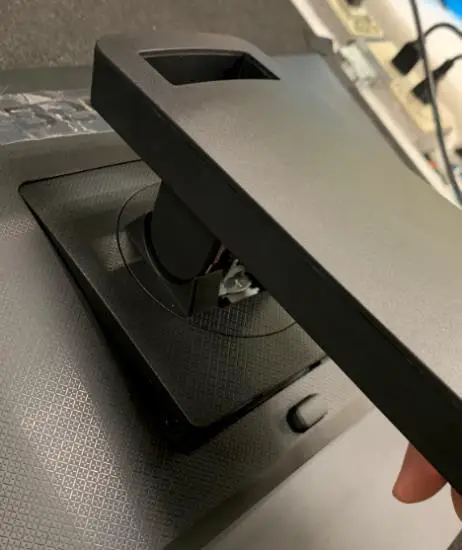
- Remove ASSY CLMN by hand.

- Remove base by pressing release Screw.
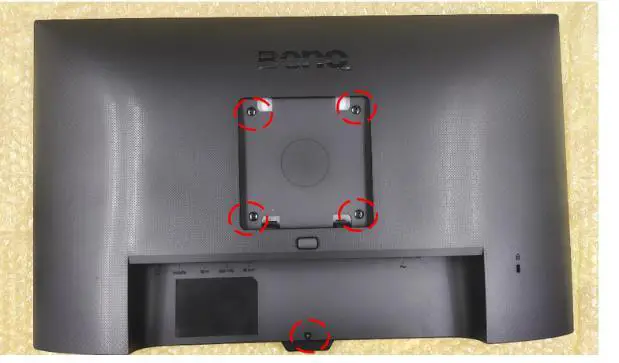
- Remove ASSY Rear Cover
- Remove one screw on back side to release Rear Cover.

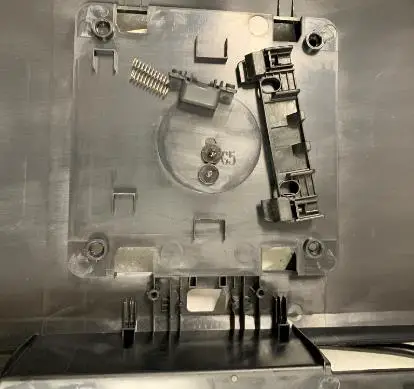
- Remove Slider module and lens from RC by Screwdriver and hand

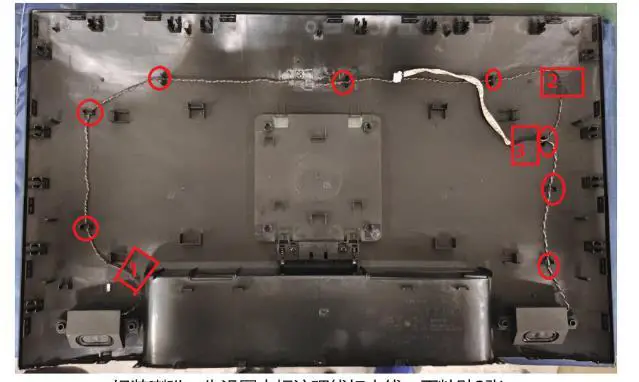
- Remove SPK wire

- Remove one screw on back side to release Rear Cover.
- Remove SHD and PCB.
- Remove Tape Adhesive & Wire disconnect.


- Remove mylar and screw by screwdriver.


- Remove wire by hand.

- Remove Tape Adhesive & Wire disconnect.
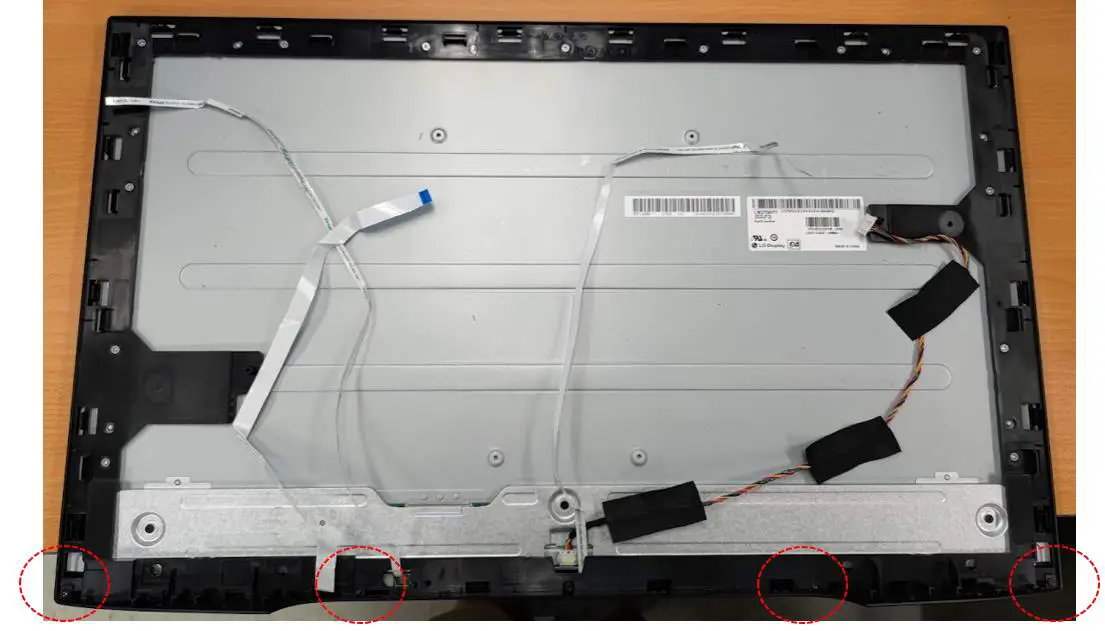
- Disassembly DECO

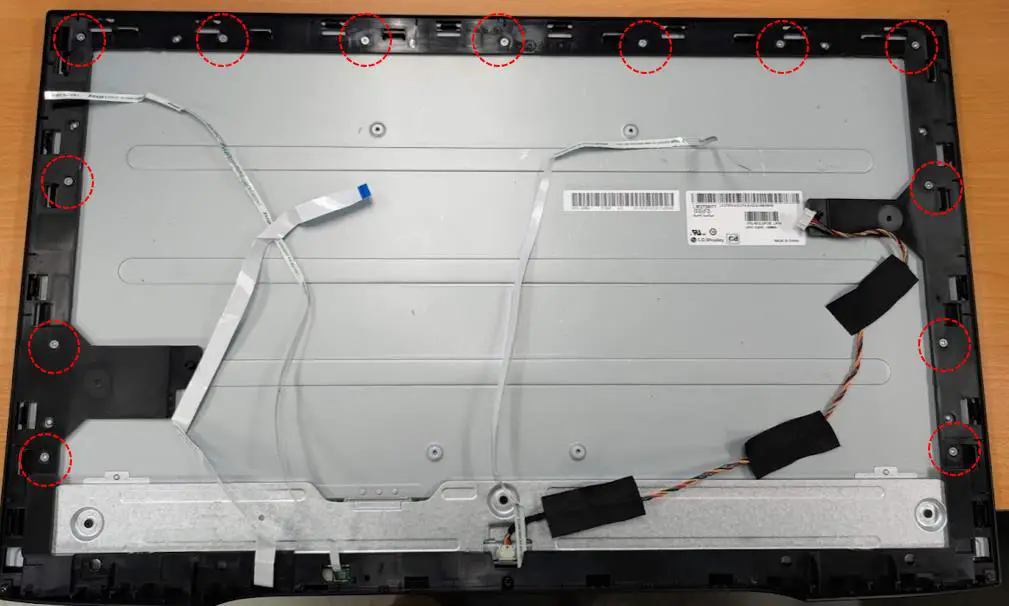
- Unsrew MF & PNL screw*11 pcs

- Disassembly MF & Panel

- Disassembly AMB LNES, Control BD, DIIMC BD, and Sensor BD

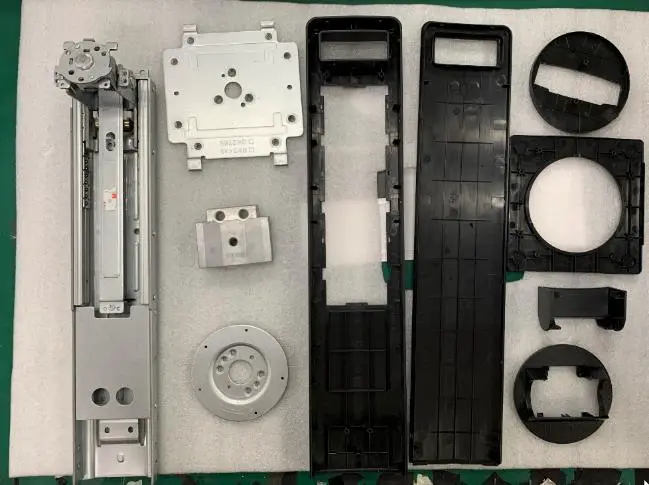
- Disassembly Column

- Disassembly Base
Disassembly Time
Total time: 30 minutes