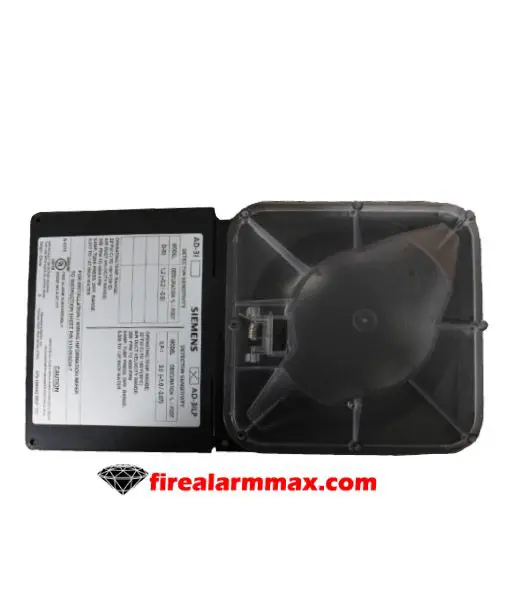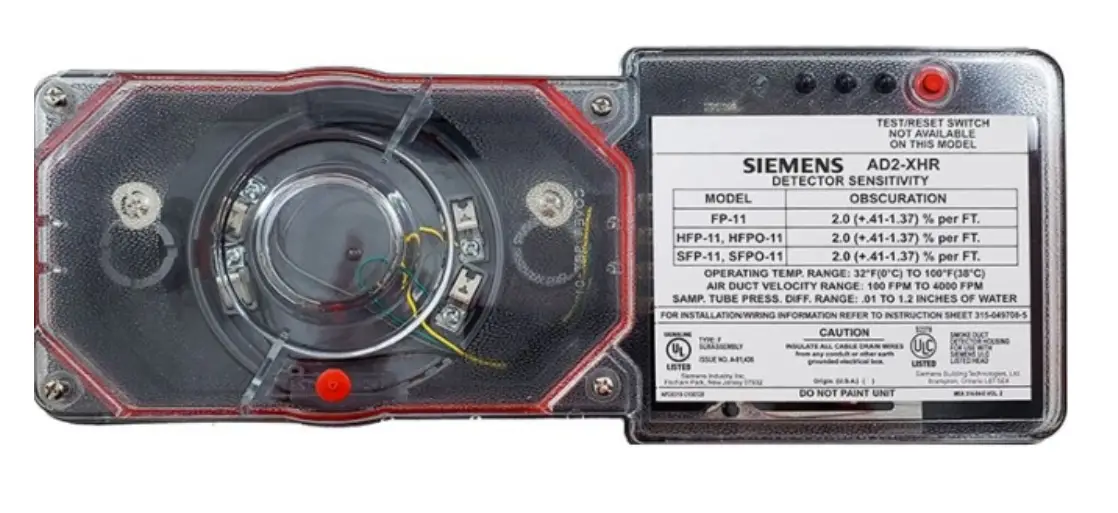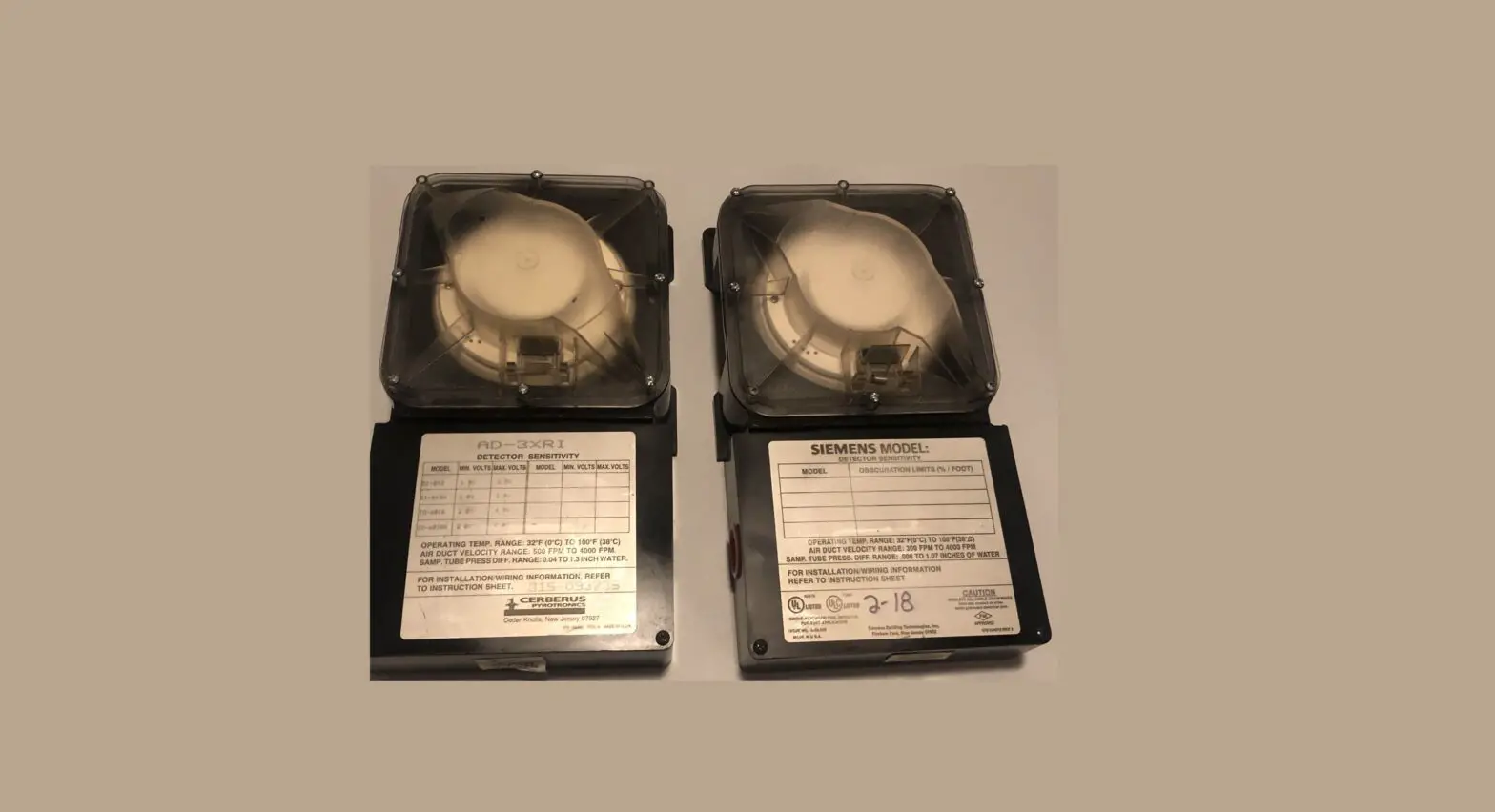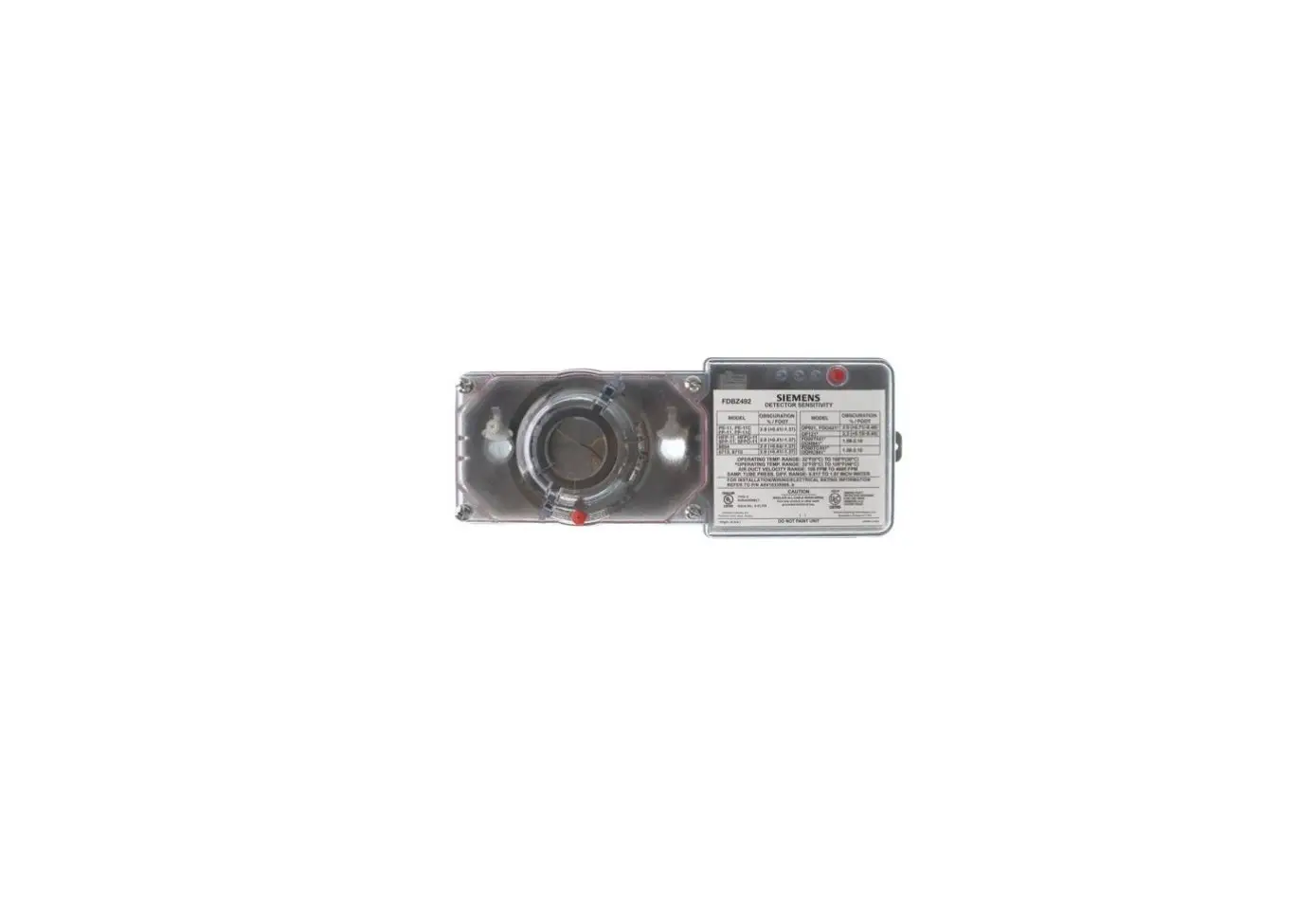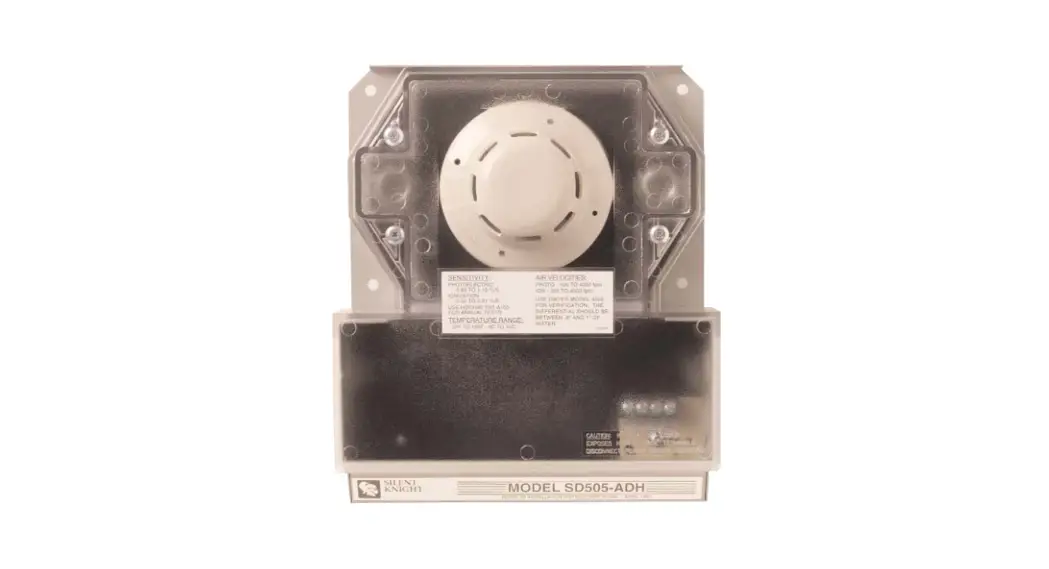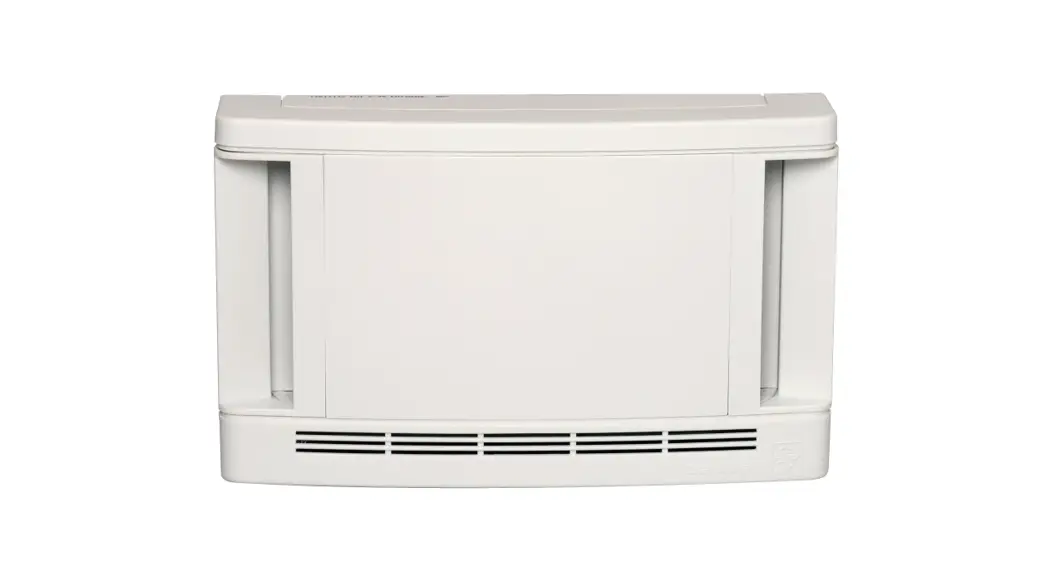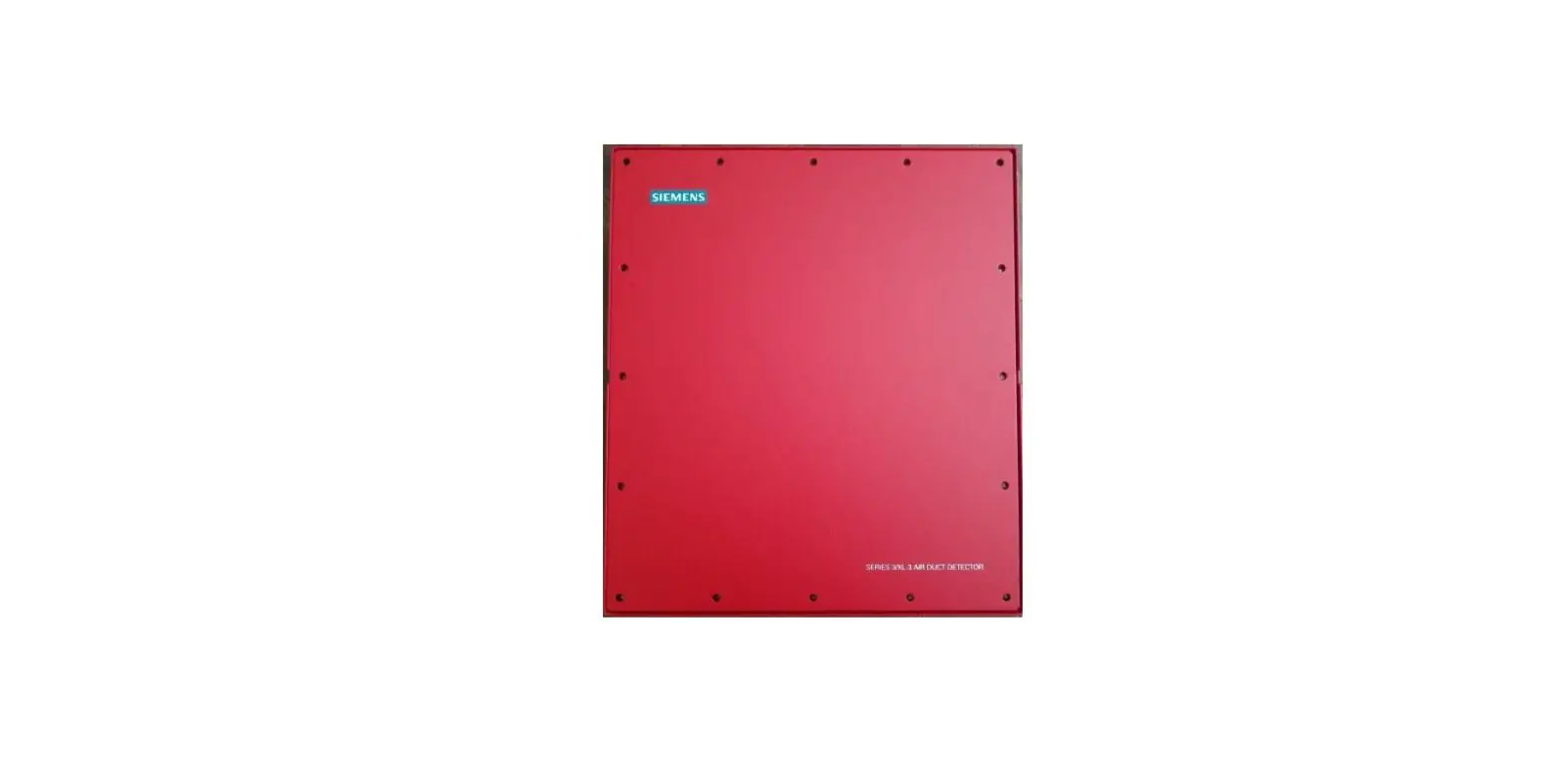
SIEMENS EAD-3 Weatherproof Air Duct Detector Enclosure Instruction Manual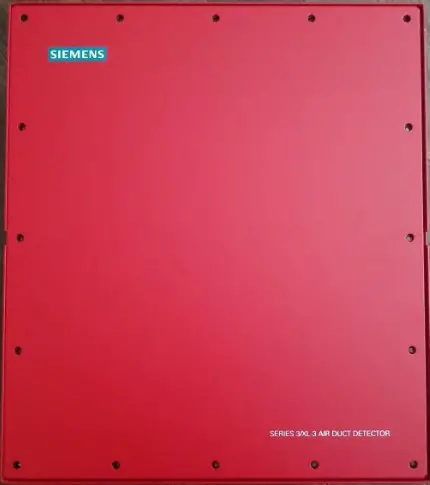
INDEX
| Index No | Description | Quantity |
| 1 | Template | 1 |
| 2 | Air Duct | – |
| 3 | Sampling Tube Hole (7/8 in ID) | 2 |
| 4 | Sampling Tube | 2 |
| 5 | Stud and PEM Nut Holes (1/4 in) | 4 |
| 6 | Mounting Stud | 2 |
| 7 | PEM Nut | 2 |
| 8 | Mounting Plate | 1 |
| 9 | Stud Hole in Duct | 2 |
| 10 | 3/16 Push Nut | 2 |
| 11 | EAD-3 Enclosure (Back) | 1 |
| 12 | EAD-3 Gasket | 2 |
| 13 | DA-3 Housing Package | 1 |
| 14 | DA-3 Gasket (Bonded) | 2 |
| 15 | No. 10 SS Flat Washer | 2 |
| 16 | No. 10 External-Tooth SS Lock washer | 2 |
| 17 | No. 10 SS Hex Nut | 2 |
| 18 | No. 10 External-Tooth SS Lockwasher | 2 |
| 19 | 10-32 x 1 Binding Head Screw | 2 |
| 20 | Conduit Fitting | 1 |
| 21 | Grounding Bushing | 1 |
| 22 | Plug | 3 |
| 23 | EAD-3 Cover | 1 |
| 24 | EAD-3 Gasket (Bonded) | 1 |
| 25 | No. 10 SS Flat Washer | 16 |
| 26 | 10-32 x 1/2 Binding Head Screw | 16 |
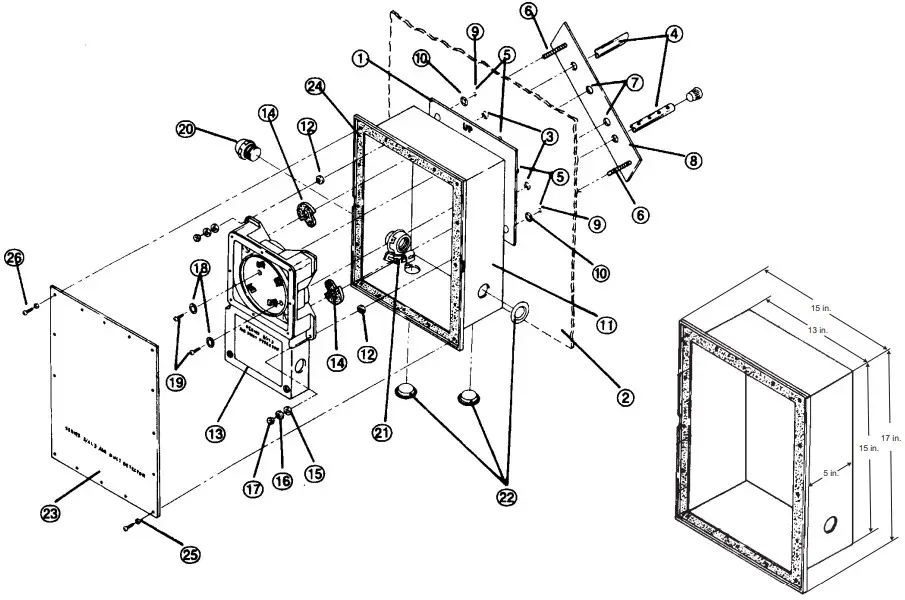
- Affix the adhesive-backed template (Item 1 in diagram) to the air duct (Item 2). Refer to the appropriate Installation Instructions for information on detector locations.
AD-3I/3ILP P/N 315-093234
AD-3RI/3RP P/N 315-086591
AD-3XRI/3XRILP P/N 315-093235
SA-3I/3P P/N 315-086593 - Using the template as a guide:
a. Drill or punch out the two 7/8-inch diameter holes (Item 3) in the air duct that are needed for sampling tubes (4).
b. Drill or punch out four 1/4-inch diameter holes (5)-two for the mounting studs (6) and two for the PEM nuts (7) located on the mounting plate (8). - Insert the mounting plate with studs and PEM nuts inside the duct so that the studs extend out from the correct holes (9). (If necessary, cut a 12-inch by 12- inch access hole in the duct, adjacent to the detector, in order to insert the mounting plate.)
- Attach two push nuts (10) to the studs to hold the mounting plate in place.
- Mount the enclosure (11) on the studs. Place one gasket (12) on each stud.
- Mount the air duct detector housing (13) on the studs. [Note the bonded gaskets (14) included at the rear of the housing for improved sealing.]
- Fasten the enclosure and detector housing to the air duct by fastening them to the studs from the mounting plate using the flat washers (15), lockwashers (16), and hex nuts (17) provided.
- Use two external-tooth lockwashers (18) and two binding head screws (19) to fasten the detector housing and enclosure to the PEM nuts located on the mounting plate.
- Insert the sampling tubes according to the instructions in the appropriate manual listed in No. 1. Complete the detector assembly according to the manual.
- Attach the conduit fitting (20) and grounding bushing (21) to the enclosure through the appropriate side hole provided. Attach the conduit, and ground.
CAUTION: When using a DA-3PS board, it is necessary to ground the DA-3PS board. Fasten a 14 or 18 AWG wire from the grounding bushing to the terminal position marked GND on TB2 of the DA-3PS board. - Cover any unused holes on the enclosure sides with the plugs (22) provided.
- Test the detector before completing the housing assembly according to the AIR DUCT DETECTOR manual referred to in Step 9 above.
- Place the cover of the Model EAD-3 enclosure (23) on the bonded gasket (24) ringing the face of the enclosure. Fasten the cover to the enclosure with flat washers (25) and binding head screws (26).
- Any access hole cut in the duct (Step 3 above) permits checking and cleaning of the sampling tubes; however, the hole must be covered and sealed when not in use.
Support
Siemens Industry, Inc. Building Technologies Division Florham Park, NJ
P/N 315-086215-7 L6T 5E4 Canada
Siemens Building Technologies, Ltd. Fire Safety & Security Products 2 Kenview Boulevard Brampton, Ontario L6T 5E4 Canada
Siemens Industry, Inc. Building Technologies Division Florham Park, NJ
Siemens Building Technologies, Ltd. Fire Safety & Security Products 2 Kenview Boulevard Brampton, Ontario P/N 315-086215-7 L6T 5E4 Canada

 Home - Fire Alarm Resources - Free fire alarm PDF manuals, documents, installation instructions, and technical specifications