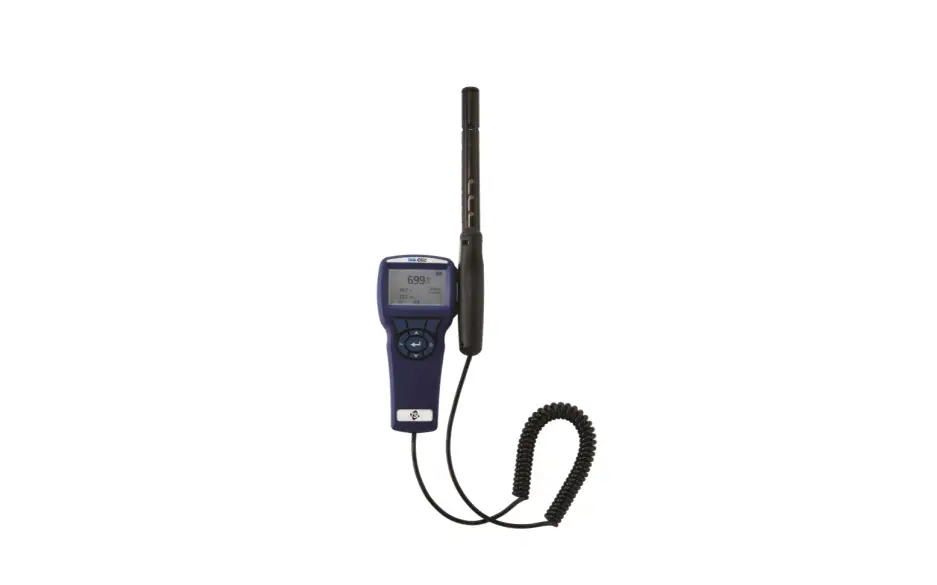
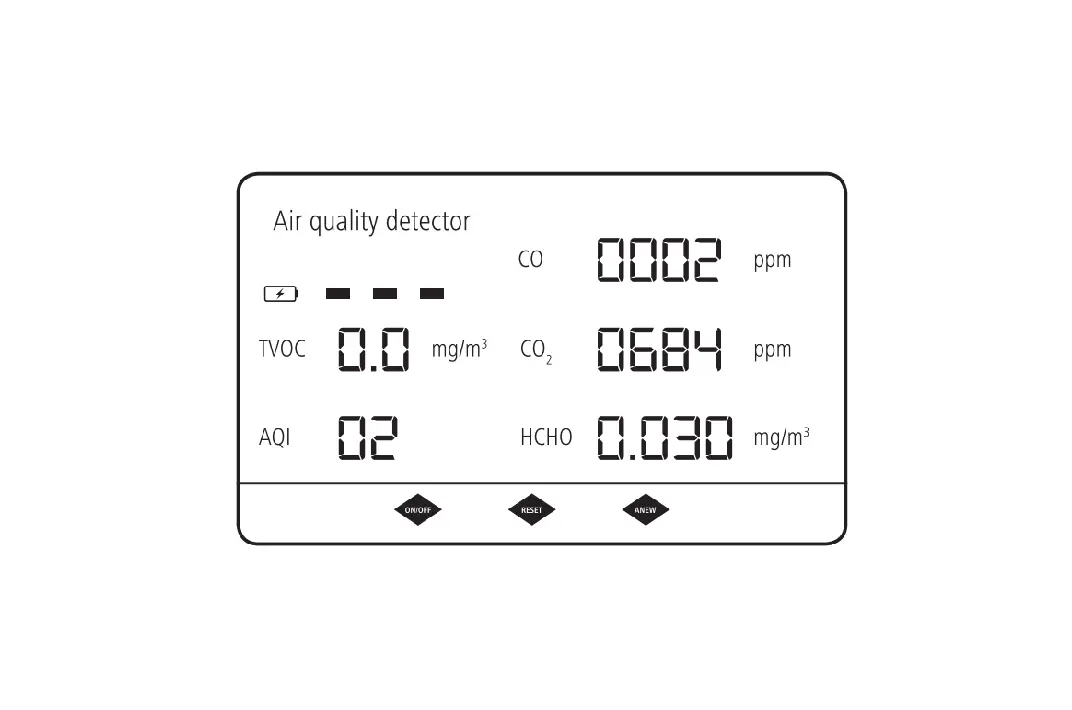
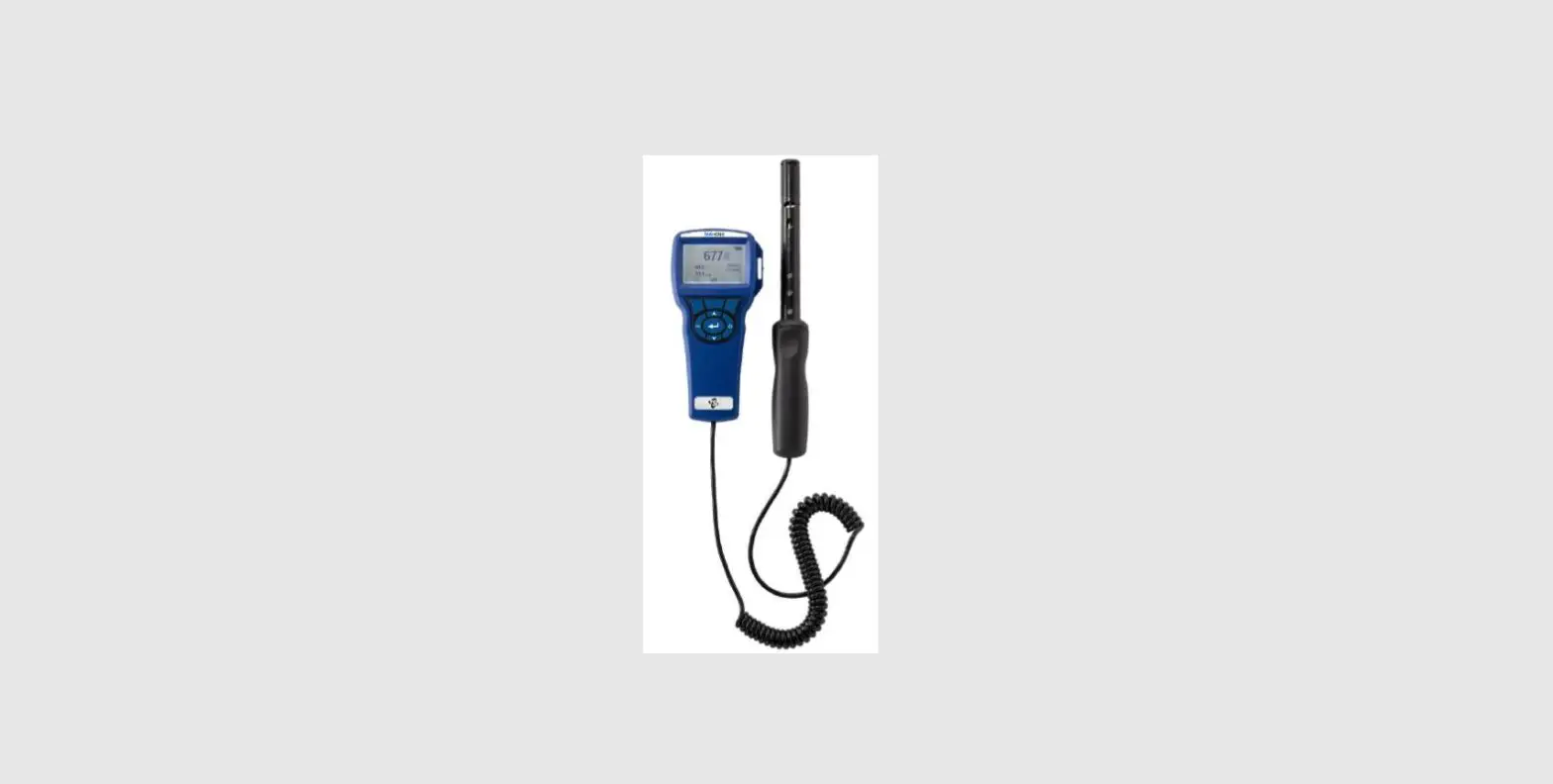
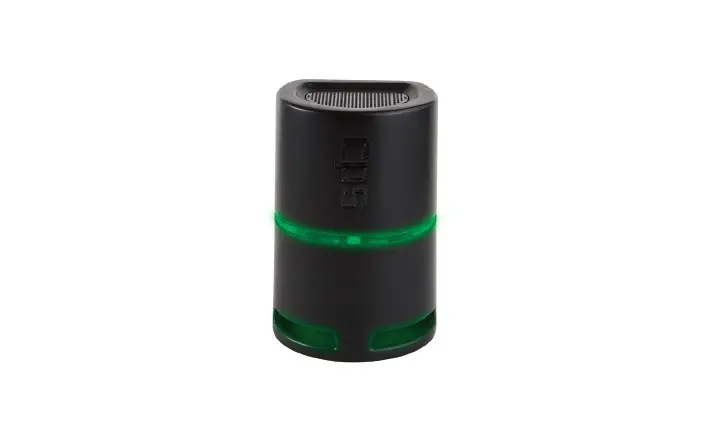
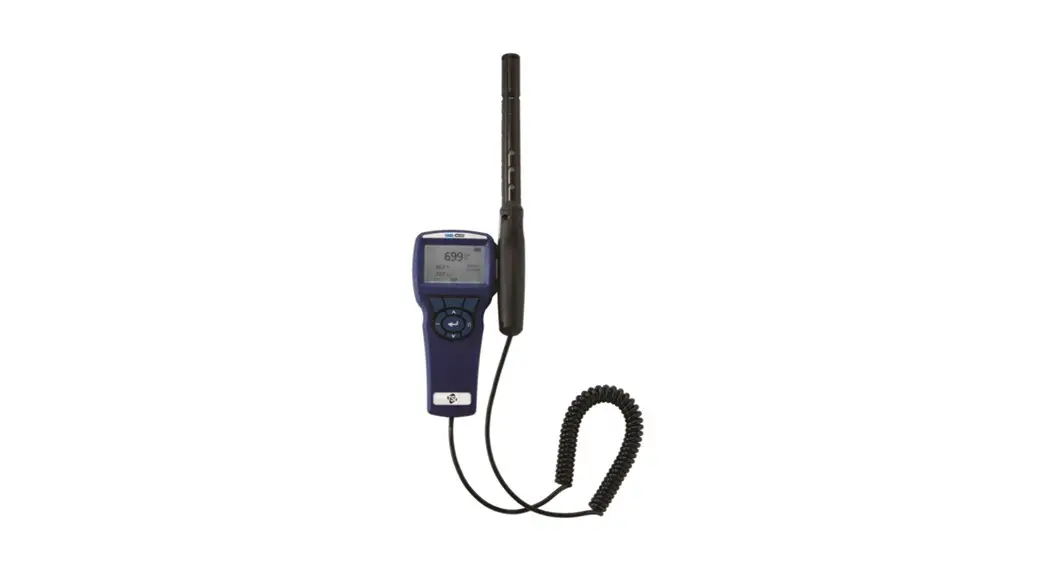
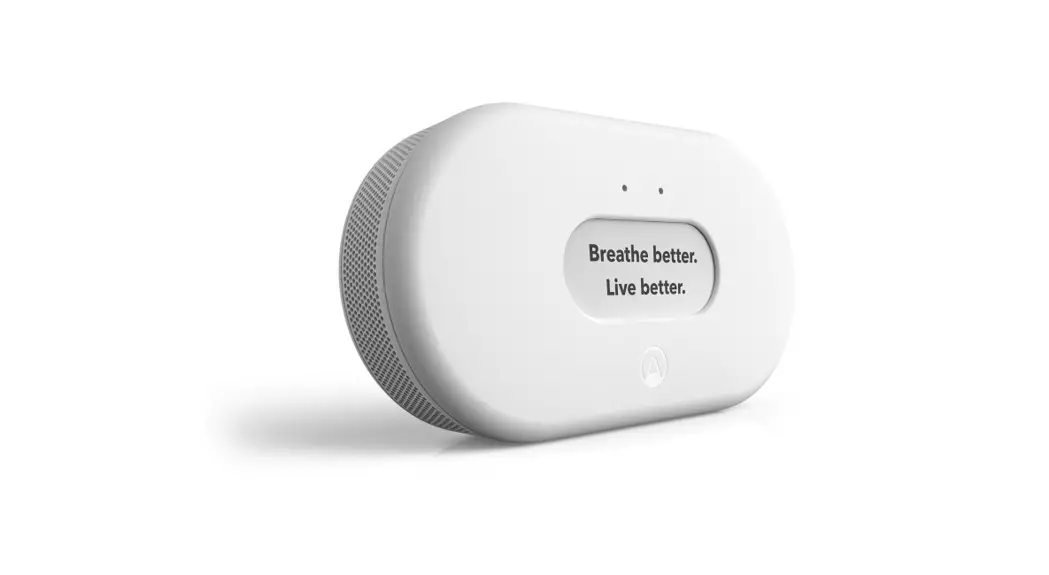
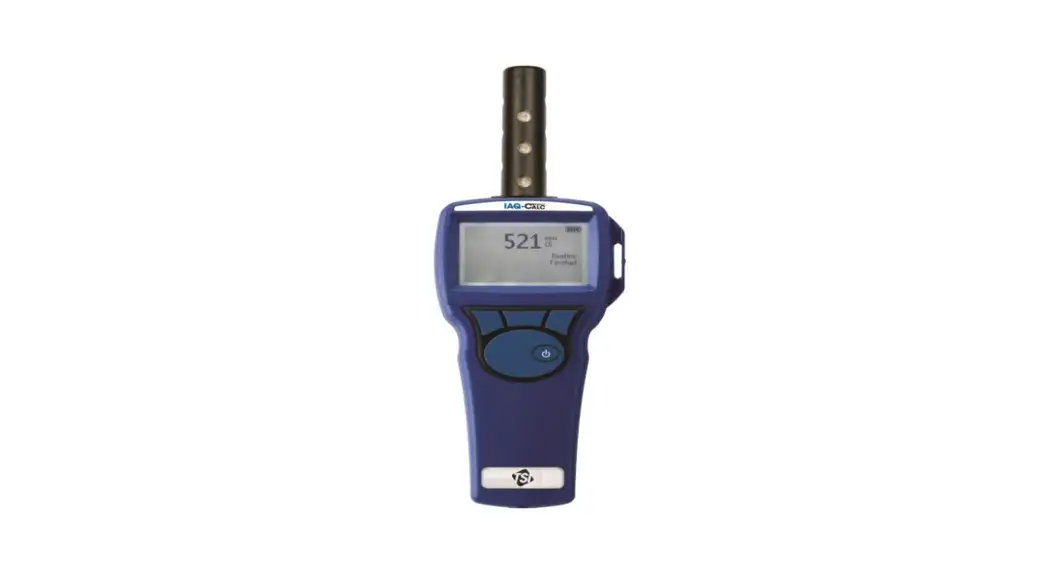
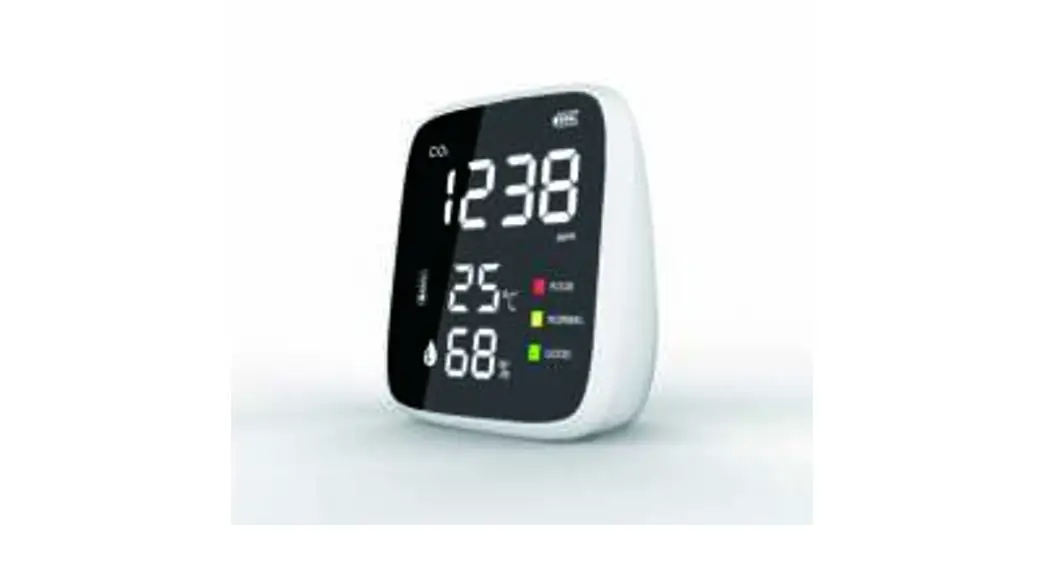
IAQ Series Indoor Air Quality Detector
Product Information
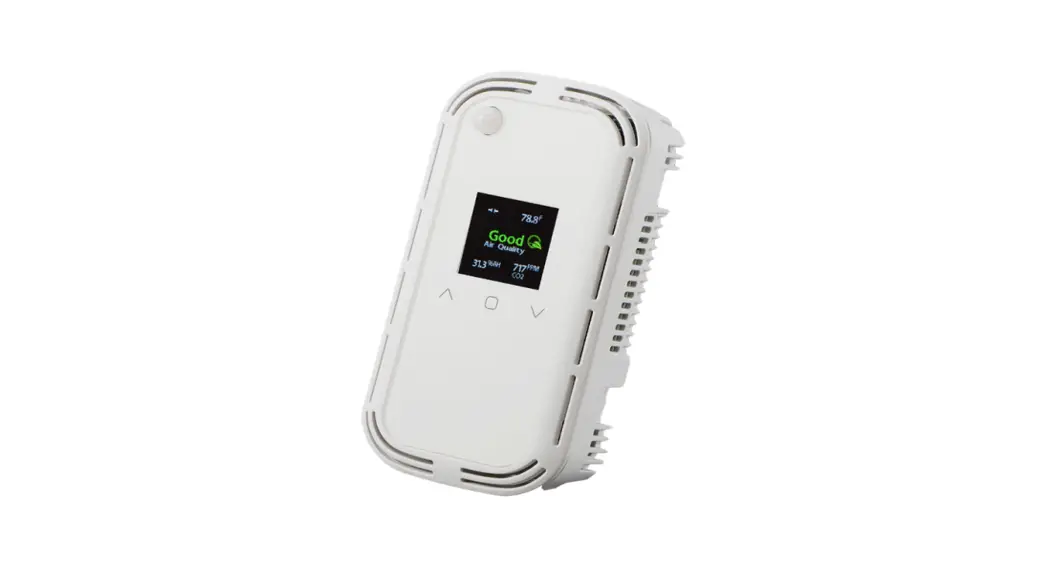
The IAQ Series is an indoor air quality detector designed to
monitor and control the air quality in indoor environments. It
provides accurate readings of various parameters such as
temperature, humidity, volatile organic compounds (VOC), carbon
dioxide (CO2), formaldehyde (CH2O), and particulate matter
(PM2.5).
Key Features:
- Monitors temperature, humidity, VOC, CO2, CH2O, and PM2.5
- Provides stable and accurate sensor readings
- Includes a backplate with mounting holes for easy
installation - LCD display for convenient monitoring
- Supports network configuration for integration into larger
systems
Product Usage Instructions
- Before starting the installation, carefully read the
installation instructions provided in the manual. Failure to follow
these instructions may result in product damage. - Ensure that the IAQ detector is not used in explosive or
hazardous environments, with combustible or flammable gases, as
safety or emergency stop devices, or any other application that
could result in personal injury. - Take electrostatic discharge precautions during installation
and make sure not to exceed the device ratings. - The sensor should be mounted 1.5 meters (5 feet) from the floor
of the area to be controlled. Avoid mounting the sensor near doors,
opening windows, supply air diffusers, or other known disturbances.
Also, avoid areas where the detector is exposed to vibrations or
rapid temperature changes. - Feed the control wire through the center hole of the backplate
and mount the backplate to an electrical box using two screws (not
supplied). - Install the sensor module/cover by placing the tabs on the top
of the backplate into slots in the sensor module/cover and snapping
it onto the tabs on the bottom of the backplate. It is recommended
to install the sensor module with power applied, but it can also be
installed without power. - If power is present, the LCD will illuminate after about 10
seconds, and the sensor readings will be displayed. Allow 24 hours
for the sensors to stabilize to obtain accurate readings. - The LCD backlight is set to ON by default. To turn it OFF,
refer to the Network Setup Guide. When the LCD backlight is OFF,
touching the LCD will turn it on for 2 minutes. - For devices with a concealed LCD, the LCD backlight is set to
OFF by default. - To configure network settings, select the menu icon on the top
left of the display and follow the instructions provided in the
Network Setup Guide. - After the initial setup, you can lock the touchscreen during
network setup to prevent unauthorized access. Refer to the Network
Setup Guide for instructions. - If necessary, set the EOL network termination jumper by moving
it to the ON position. The jumper is located under the cover of the
device.
MOUNTING
INDOOR AIR QUALITY DETECTOR
IAQ Series – Installation Instructions
INTRODUCTION
The Total Indoor Air Quality Monitor will monitor up to 6 parameters that include Particulate Matter (PM1, PM2.5, PM4 & PM10), Volatile Organic Compounds, Carbon Dioxide, Formaldehyde, Humidity & Temperature and provide either a BACnet® or Modbus signal for connection to a building automation system. The IAQ features a full-colour capacitive touch screen LCD that’s user configurable, a configurable alarm relay output and field replaceable sensor modules. All this housed in a new modern, quick mount enclosure.
WARNING
Read these installation instructions carefully before commissioning the IAQ. Failure to follow these instructions may result in product damage. Do not use in an explosive or hazardous environment, with combustible or flammable gases, as safety or emergency stop devices or in any other application where failure of the product could result in personal injury. Use electrostatic discharge precautions during installation and do not exceed the device ratings.
5′
1 2 Included is the backplate and sensor module/cover. Do not separate
The backplate includes mounting holes for several mounting box
sensor module and cover.
types.
3 The sensor should be mounted 1.5 m (5′) from the floor of the area to be controlled. Do not mount the sensor near doors, opening windows, supply air diffusers or other known disturbances. Avoid areas where the detector is exposed to vibrations or rapid temperature changes.
PRINTED IN CANADA
RELAY COM RELAY NO
COM
Relay COM COM Relay NO PWR
SHIELD B+ A-
3 Feed control wire through the center hole and mount backplate to an electrical box with 2 screws (not supplied).
4 The backplate contains the wiring
Typical Network Wiring
terminals and terminal designations.
IN-GE-IAQXXX-01
Copyright © Greystone Energy Systems, Inc. All Rights Reserved Phone: +1 506 853 3057 Web: www.greystoneenergy.com
Page 1
22 c
50 %RH
VOC
35
CO2 750
CH2O ppb
PM2.5 ppm
105
ppb
10 ug/m3
5 NOTE: The sensor module can be installed with power applied, but it is not recommended. To Install sensor module/cover by placing the tabs on the top of backplate into slots in the sensor module/cover and snap onto tabs on bottom of backplate
NETWORK CONFIGURATION
6 If power is present the LCD will illuminate and after about 10 seconds, the sensor readings will be displayed. Allow 24 hours for sensors to stabilize for accurate readings.
LCD BACKLIGHT
The LCD Backlight default is ON. To turn OFF refer to the Network Setup Guide. In the OFF setting, the LCD backlight remains OFF and when the LCD is touched turns on for 2 minutes.
For devices with the Concealed LCD, the LCD Backlight default is OFF.
22 c
50 %RH
VOC
35
CO2 750
CH2O ppb
PM2.5 ppm
105
ppb
10 ug/m3
CALIBRATION MODBUS BACNET
Baud Rate Parity
Stop Bits CRC
@
9600 None 1 A001 1
1 To configure, select the menu icon in the top left of display.
2 Select network system type. BACnet® or Modbus
3 MODBUS For a Modbus network, required parameters are Baud Rate, Parity Value, Stop Bits, CRC Value & Address
MODBUS Baud Rate range: 9600, 19200, 38400, 57600, 76800 or 115200. The default network baud rate is 9600. Parity Value: None, Odd or Even. The default Modbus parity bit is None Stop Bits: 1 or 2. The default Modbus stop bits is 1. CRC Value: A001 (CRC-16 reverse), 1021 (CITT), 8005 (CRC-16) or 8408 (CITT reverse). The default CRC is A001. Address: 1-255. The default addess is 1.
Baud Rate
9600
Address
0
4 BACNET® For a BACnet® network, required parameters are Baud Rate & Address
BACnet® Baud Rate range: 9600, 19200, 38400, 57600, 76800 or 115200. The default network baud rate is 9600. Address: 0-127. The default addess is 0.
PRINTED IN CANADA
IN-GE-IAQXXX-01
Copyright © Greystone Energy Systems, Inc. All Rights Reserved Phone: +1 506 853 3057 Web: www.greystoneenergy.com
Page 2
22 c
50 H %R
VOC
20
CO2 400
PM ppb
CH2O ppm
10 ug/m3
40
ppb
5 After initial setup, the touchscreen can be locked during network set up via the network to avoid any unauthorized access. See Network Setup Guide.
6 This device includes a EOL network termination jumper and will connect the (121 ) resistor correctly on the PCB. The default is OFF. Simply move the jumper to the ON position. Remove cover to set the EOL Jumper.
ON OFF PCB PCB
WARNING
The CO2 sensor incorporates a selfcalibration feature (ASC) to correct CO2 sensor drift. Use the selfcalibration feature for applications where the CO2 sensor is exposed to fresh air (400 ppm) at least 1 hour each day. If the monitored space has 24 hour occupancy or consistently maintains higher or lower levels of CO2, turn off the self-calibration feature and perform a yearly calibration. If you disable the self-calibration feature at installation time without an allowance for the 7 day autocalibration cycle, then perform a manual calibration to ensure the accuracy of the device. To disable the ASC, refer to the Network Setup Guide.
WARNING
This sensor has multiple settings that can be set or adjusted after installation such as parameter ranges, relay settings, display settings, etc. and can only be completed over the Network.
To set or adjust parameters, refer to the Network Setup Guide.
PRINTED IN CANADA
NETWORK SETUP GUIDE
The network setup guides describe the implementation of the BACnet® or Modbus protocol. They are intended to assist control system programmers who may need to add support to their systems to communicate with the device.
BACnet® and Modbus setup guide download is available online.
BACnet® PROTOCOL
https://downloads.greystoneenergy.com/SG/SG-IAQXXXBAC-001.pdf
IN-GE-IAQXXX-01
Modbus PROTOCOL
https://downloads.greystoneenergy.com/SG/SG-IAQXXXMOD-001.pdf
Copyright © Greystone Energy Systems, Inc. All Rights Reserved Phone: +1 506 853 3057 Web: www.greystoneenergy.com
Page 3
DISPLAY
22 c
50 %RH
VOC
35
CO2 750
CH2O ppb
PM2.5 ppm
105
ppb
10 ug/m3
22 c
50 %RH
VOC
35
CO2 750
CH2O ppb
PM2.5 ppm
105
ppb
10 ug/m3
22 c
50 %RH
VOC
35
CO2 750
CH2O ppb
PM2.5 ppm
105
ppb
10 ug/m3
1 The touchscreen display has several features that are configurable during set up. The factory default is all features on. To change features see Network Setup Guide.
2 Alarm Icon – The alarm icon is tied to the alarm relay. If the alarm relay is not in alarm mode the icon is not shown. If alarm relay is activated the icon is shown. See alarm relay settings to set alarm functions.
3 Sensor Display – Display of the VOC, PM, CO2 and CH2O are optional. The factory default is all on. Each parameter can be turned off individually during network set up. To change parameter display see Network Setup Guide.
22 c
50 %RH
VOC
35
CO2 750
CH2O ppb
PM2.5 ppm
105
ppb
10 ug/m3
4 Status Bars – The colored status bars for each parameter are displayed as Green, Yellow or Red and change based on preset contamination levels. The factory default is all on. To turn all off see Network Setup Guide. Note: if the parameter displays are turned off in step 3, status bars are also off.
STATUS BAR LEGEND VOC: <29 ppb – Green
29 to 85 ppb – Yellow >85 ppb – Red
CO2: <1000 ppm = Green 1000 to 1500 ppm = Yellow >1500 = Red
PM: <12 ug/m3 = Green 12 to 55 ug/m3 = Yellow >55 ug/m3 = Red
CH2O: <40 ppb = Green 40 to 100 ppb = Yellow >100 ppb = Red
22 c
50 %RH
VOC
20
CH2O ppb
CO2
1550
PM ppm
40
ppb
10 ug/m3
5 LED – A tri-color, Green, Yellow or Red status LED illuminates based on the same preset contamination levels as STEP 4. If any one of the measured parameters changes status, the LED color will change. The factory default is on. To turn off see Network Setup Guide.
PRINTED IN CANADA
IN-GE-IAQXXX-01
Copyright © Greystone Energy Systems, Inc. All Rights Reserved Phone: +1 506 853 3057 Web: www.greystoneenergy.com
Page 4
SERVICING
Formaldehyde Particulate Matter
Carbon Dioxide
Temperature Relative Humidity Total Volatile Organic Compound
1 For sensor servicing or to remove from wall, loosen the security screw. Complete removal is not required.
2 Remove cover by pulling outward on bottom and lift off backplate tabs
3 There 3 or 4 replaceable sensor modules depending on device purchased. The VOC, RH & Temperature sensor are combined on one module. For sensor module replacement, please refer to the sensor replacement instructions.
Switch
back plate screen
OFF ON
4 The device must be powered off to perform a sensor replacement or removal from the wall. An on/ off switch located on the top left of the device is provided.
5 To remove device from wall, use a standard screwdriver to gently pry up the locking tab.
6 While prying gently on locking tab, pull out the bottom of the sensor carriage. The backplate will remain mounted to the wall.
PRINTED IN CANADA
7 To re-install, turn Power Switch to On and attach cover to sensor carriage and tighten security screw before reinstalling on the backplate.
8 Install sensor module/cover by placing the tabs on the top of backplate into slots in the sensor module/cover and snap onto tabs on bottom of backplate
IN-GE-IAQXXX-01
Copyright © Greystone Energy Systems, Inc. All Rights Reserved Phone: +1 506 853 3057 Web: www.greystoneenergy.com
Page 5
CALIBRATION (CO2 ONLY)
Field calibration can be completed on the CO2 sensor by 2 methods. 1) Using a field calibration kit, CO2 gas and sensor hood (Part# IAQA-CO2HOOD) or 2) By a using a handheld CO2 meter or secondary device as a reference. To perform using a field calibration kit, please refer field calibration instructions. To perform using a handheld CO2 meter or secondary device as a reference follow the steps below. To start, perform STEP 1 & 2 from the SERVICING Section.
22 c
50 H %R
VOC
20
CO2 400
PM ppb
CH2O ppm
10 ug/m3
40
ppb
Switch
back plate screen
OFF
ON
22 c
50 %RH
VOC
35
CO2 750
CH2O ppb
PM2.5 ppm
105
ppb
10 ug/m3
1 If touchscreen is enabled, skip to STEP 3. If touchscreen was disabled during initial set up it will need to be re-enabled via the Network settings, or turning power off and back on will enable the touchscreen for 2 minutes. Entering calibration screen will extend this time indefinitely.
2 3 An on/ off switch located on the top left of the device is provided. Turn off
Select the menu icon in the top left of display
and back on.
CALIBRATION MODBUS BACNET
Current value
600ppm
Calibrate
500
SET
Current value
600ppm
Calibrate
500
SET
4 Select calibration from the menu items
5 6 Set calibration CO2 level based on reading from handheld CO2 meter or
Select SET to calibrate the sensor.
secondary reference device.
PRINTED IN CANADA
IN-GE-IAQXXX-01
Copyright © Greystone Energy Systems, Inc. All Rights Reserved Phone: +1 506 853 3057 Web: www.greystoneenergy.com
Page 6
Current value
500ppm
Calibrate
500
SET
22 c
50 %RH
VOC
35
CO2 750
CH2O ppb
PM2.5 ppm
105
ppb
10 ug/m3
7 When calibration is complete the CURRENT VALUE and SET VALUE will match. Select back arrow in top left of screen to exit to main screen
8 If touchscreen lock was set initially and disabled by turning the device off/on, after 2 minutes it will re-enable automatically. If disabled via the Network settings, it will need to be re-enabled via the Network settings.
DIMENSIONS
PRINTED IN CANADA
IN-GE-IAQXXX-01
Copyright © Greystone Energy Systems, Inc. All Rights Reserved Phone: +1 506 853 3057 Web: www.greystoneenergy.com
Page 7
SPECIFICATIONS
PARTICULATE MATTER SENSOR
Type Laser Scatter Method (Field Replaceable) Particulate Size PM1.0, PM2.5, PM4.0 and PM10 Mass Concentration Range 0 – 1000 ug/m3 or 0 – 3000 #/cm3 (Selectable) Mass Concentration Resolution 1 (ug/m3, 1#/cm3) Accuracy PM1.0 and PM2.5 ±10 ug/m3 (0 100 ug/m3), ±10%M.V. (100 1000 ug/m3) Accuracy PM4 and PM10 ±25 ug/m3 (0 100 ug/m3), ±25%M.V. (100 1000 ug/m3) Sensor Life Expectancy >10 years
RELATIVE HUMIDITY SENSOR
Type Thermoset Polymer-based Capacitiance Sensor Chip (Field Replaceable) Range 0-100% RH Accuracy ±1.5% RH Calibration +/-10% Offset Resolution 0.1% RH
NETWORK INTERFACE
Hardware MS/TP, 2-Wire, RS-485 Software BACnet® or Modbus Baud Rate 9600, 19200, 38400, 57600, 76800, or 115200 Address Range BACnet®: 0 – 127, Modbus: 1 – 255
GENERAL
Power Supply 12 – 28 Vac/Vdc Wiring Termination Backplate mounted terminal block (14 to 22 AWG) Comsumption Maximum 150mA @ 12Vdc, 1.8W Operating Conditions 0 to 60°C (32 to 140°F), 0 to 95 %RH non-condensing Sensor Coverage 100 m2 (1000 ft2) typical Certifications CE
CARBON DIOXIDE SENSOR
Type Dual channel non-dispersive infrared (Field Replaceable) Accuracy ± (30ppm + 3% of measured value) Measurement Range 0 – 10000 ppm Auto-Cal Selectable On (ASC) or Off (FRC) Altitude Adjustment 0 – 3000 meters Calibration Field calibration capable with calibration kit Sensor Life Expectancy >15 years
VOLATILE ORGANIC COMPOUNDS SENSOR
Type MOX metal oxide semiconductor (Field Replaceable) Range VOC Index (0 – 500) or TVOC (1300 ppb or 6000 ug/m3) Resolution 1 (VOCI, PPB, ug/m3)
TEMPERATURE SENSOR
Type Bipolar Transistor Sensor Chip Range 0 – 60°C, 32 – 140°F Resolution 0.1°C/°F Accuracy ± 0.2°C, ± 0.4°F (Typical) Calibration -5 to 5°C Offset, Resolution = 0.1°C ; -10 to 10°F Offset, Resolution = 0.1°F
RELAY
Contact Rating Form A, 2A max 24Vac/dc Setpoint/Hysterisis/Delay Selectable based on selected sensor Relay Setpoints (Selectable) PM Mass Concentration: 50 – 900 ug/ m3; VOC: 100 – 500 VOC Index; CH2O: 50 – 900 ppb; CO2: 500 – 9000 ppm Humidity: 20 – 90%; Temperature: 5 – 40°C / 40 – 100°F Relay Configuration Via BACnet®/Modbus Switching Power 60W, 62.5VA
ENCLOSURE
Material White PC/ABS, UL94-V0, UV Protected Connection Wall plate with screw terminal blocks Dimensions 124.5 mm H x 94.5 mm W x 29 mm D (4.9″ x 3.72″ x 1.14″)
FORMALDEHYDE SENSOR
Type Electrochemical (Field Replaceable) Range 0 – 1000 ppb or 0 – 1230 ug/m3 Accuracy ±10% FS@25°C Resolution 1 (ppb, ug/m3) Sensor Life Expectancy > 6 years
VISUAL INDICATION
Display 3.5″ full colour graphic LCD User Interface Capacitive Touchscreen Display Options Viewable or Concealed Display Parameters Temperature and Humidity – Standard CO2, VOC, PM & CH2O – Selectable On/Off Status Bars Green/Yellow/Red – Selectable On/Off Status LED Green/Yellow/Red – Selectable On/Off
PRINTED IN CANADA
IN-GE-IAQXXX-01
Copyright © Greystone Energy Systems, Inc. All Rights Reserved Phone: +1 506 853 3057 Web: www.greystoneenergy.com
Page 8
 Greystone Energy Systems – HVAC Sensors and Transmitters