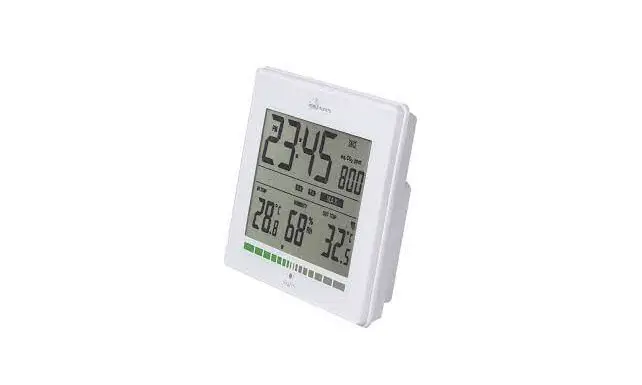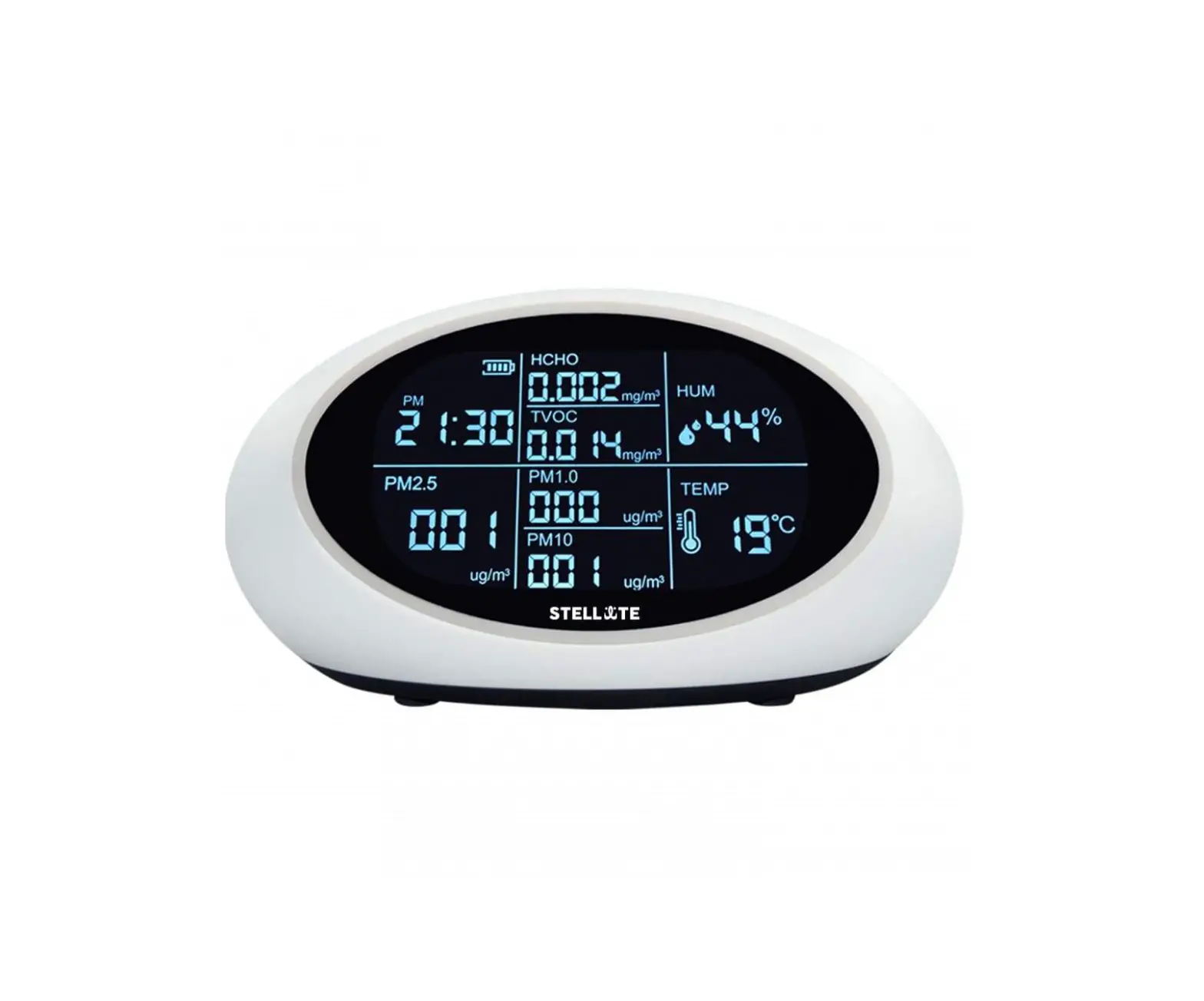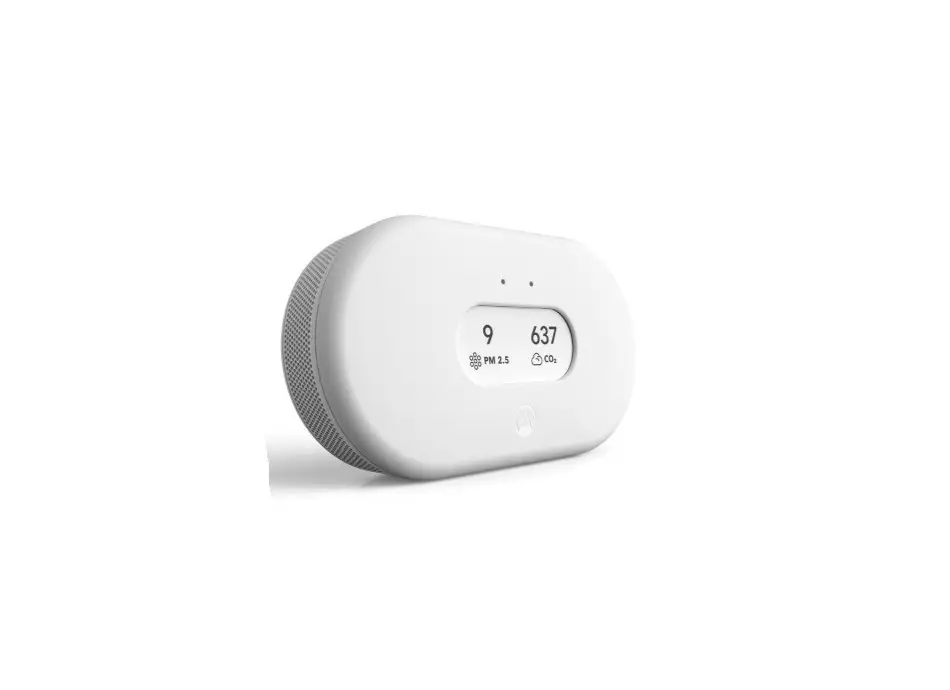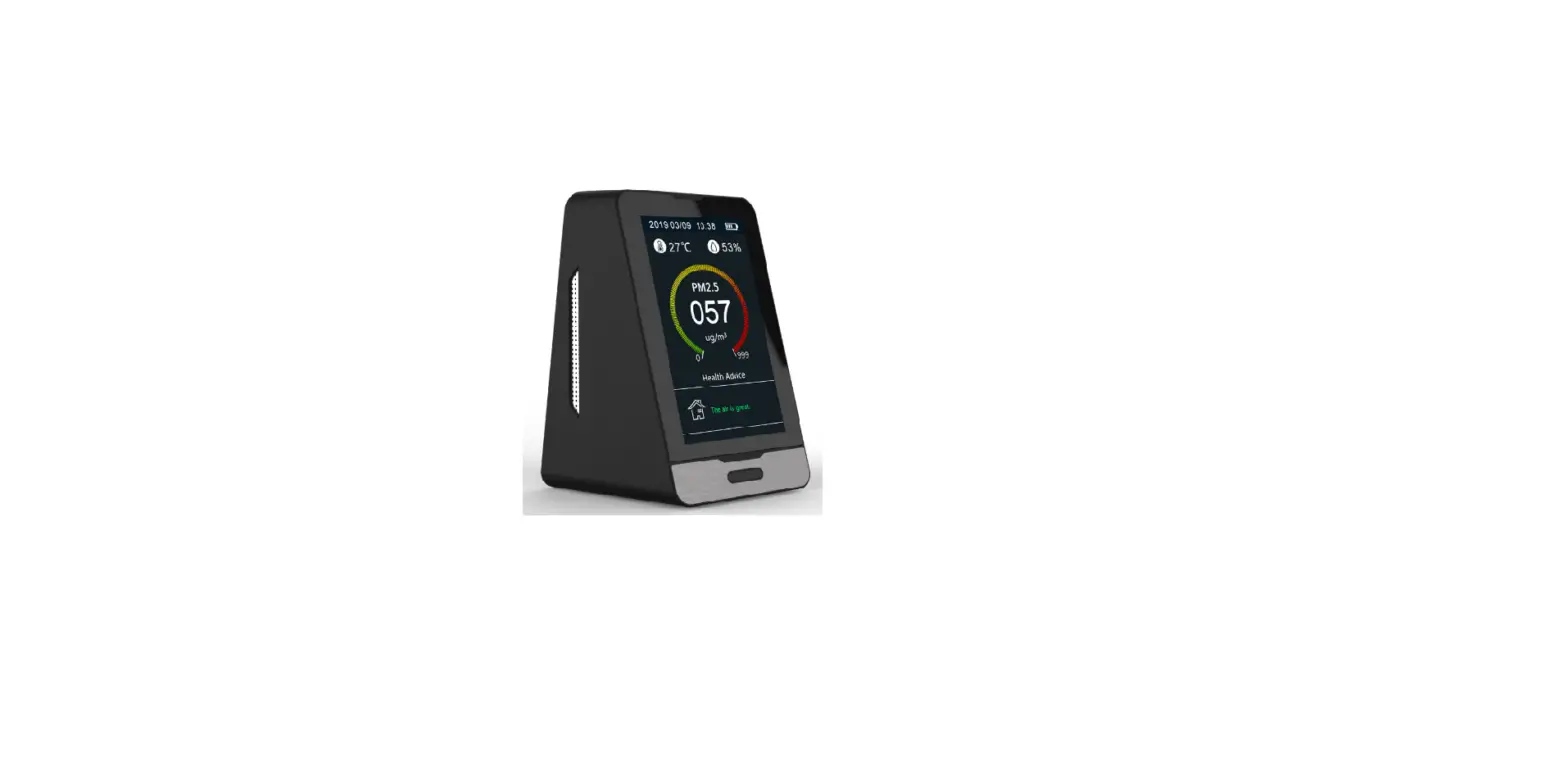
Air Quality Monitor
Instruction Manual
Product Specifications
Display method:
Common Screen display
Atmospheric pressure: 86Kpa – 106Kpa
Detection method for CO2 : Infrared (NDIR)
Sampling time: 1.5 seconds
Product Size:70*80*35mm
Detection temperature: -10°C to 50°C;
Relative humidity: 20% – 85%
Storage temperature: -10°C to 60°C;
Concentration unit for CO2:PPM
Power source: Lithium battery with 1600mAh capacity;
5V DC power charging via micro USB port
Product weight: 150g
Product Description
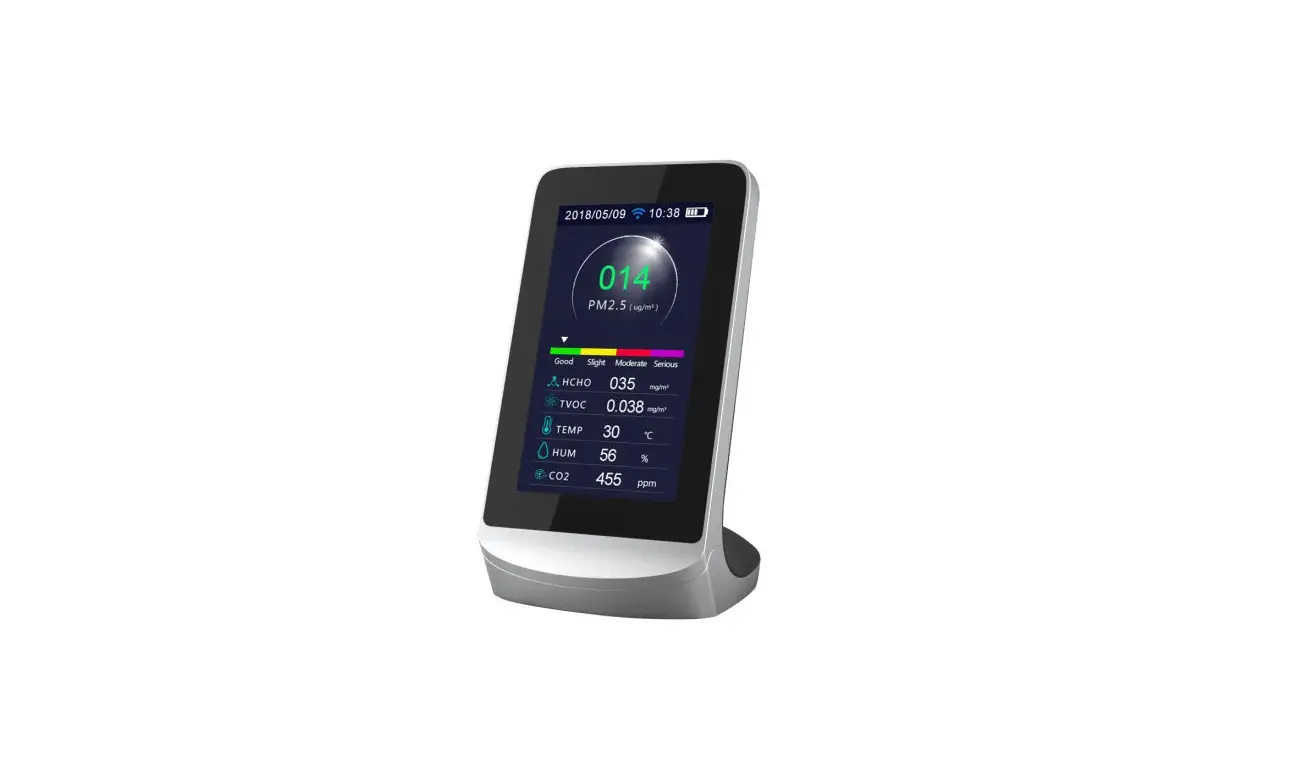
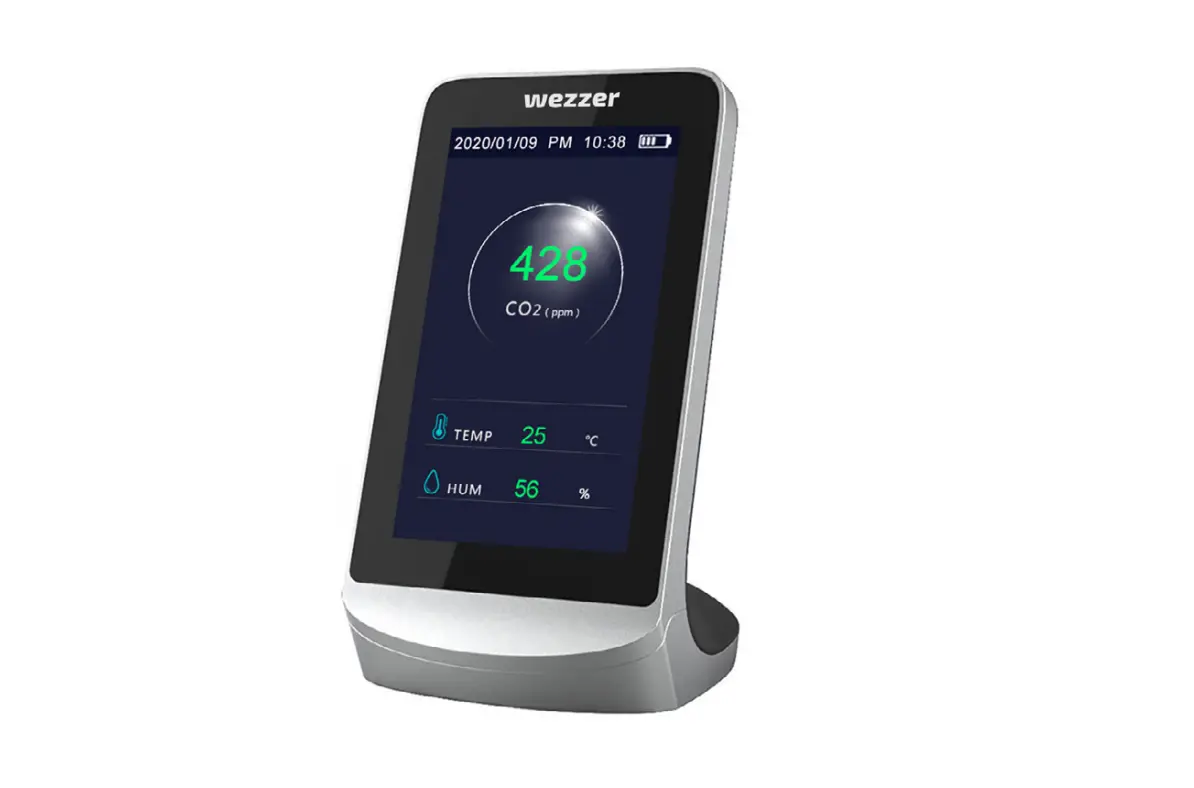
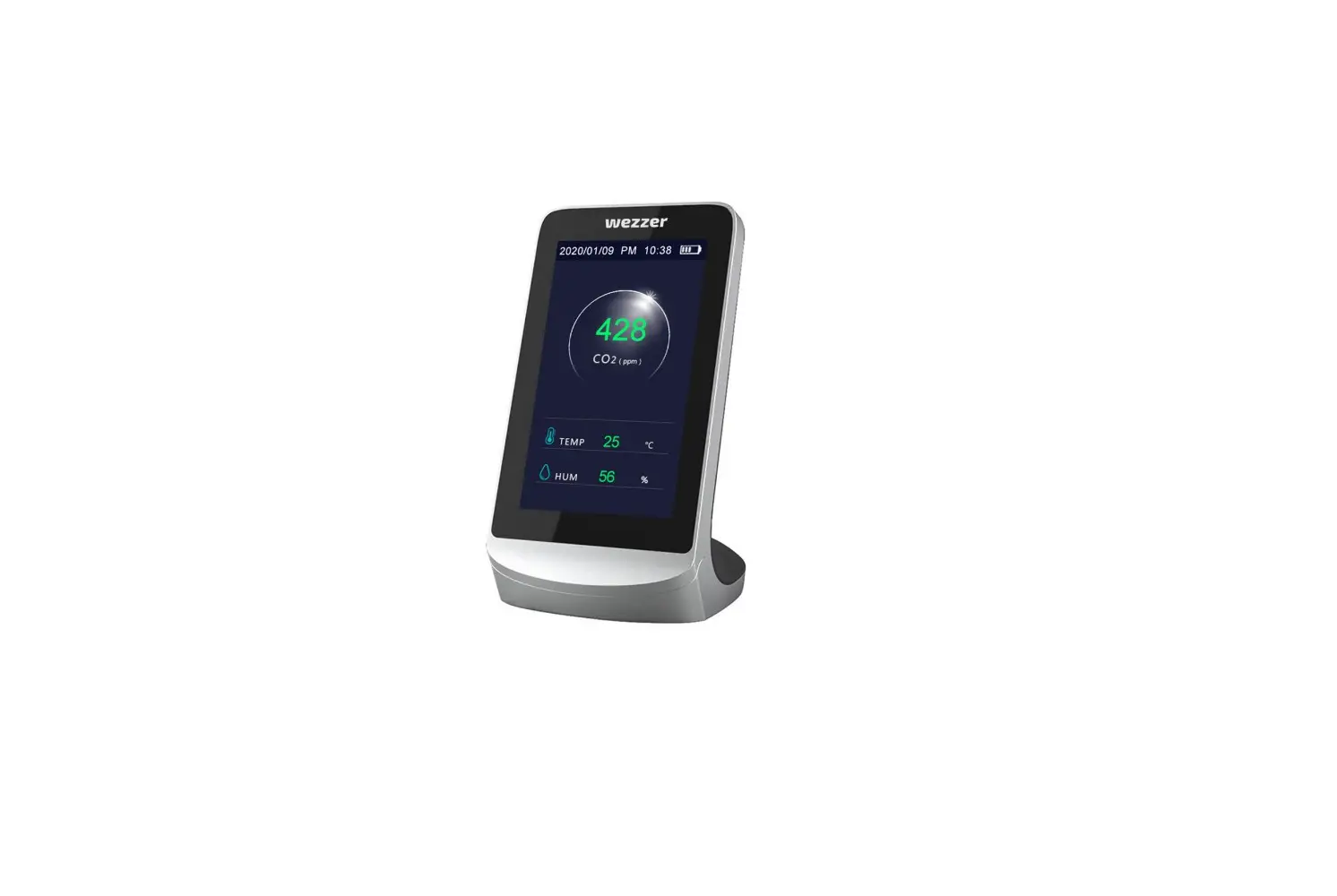
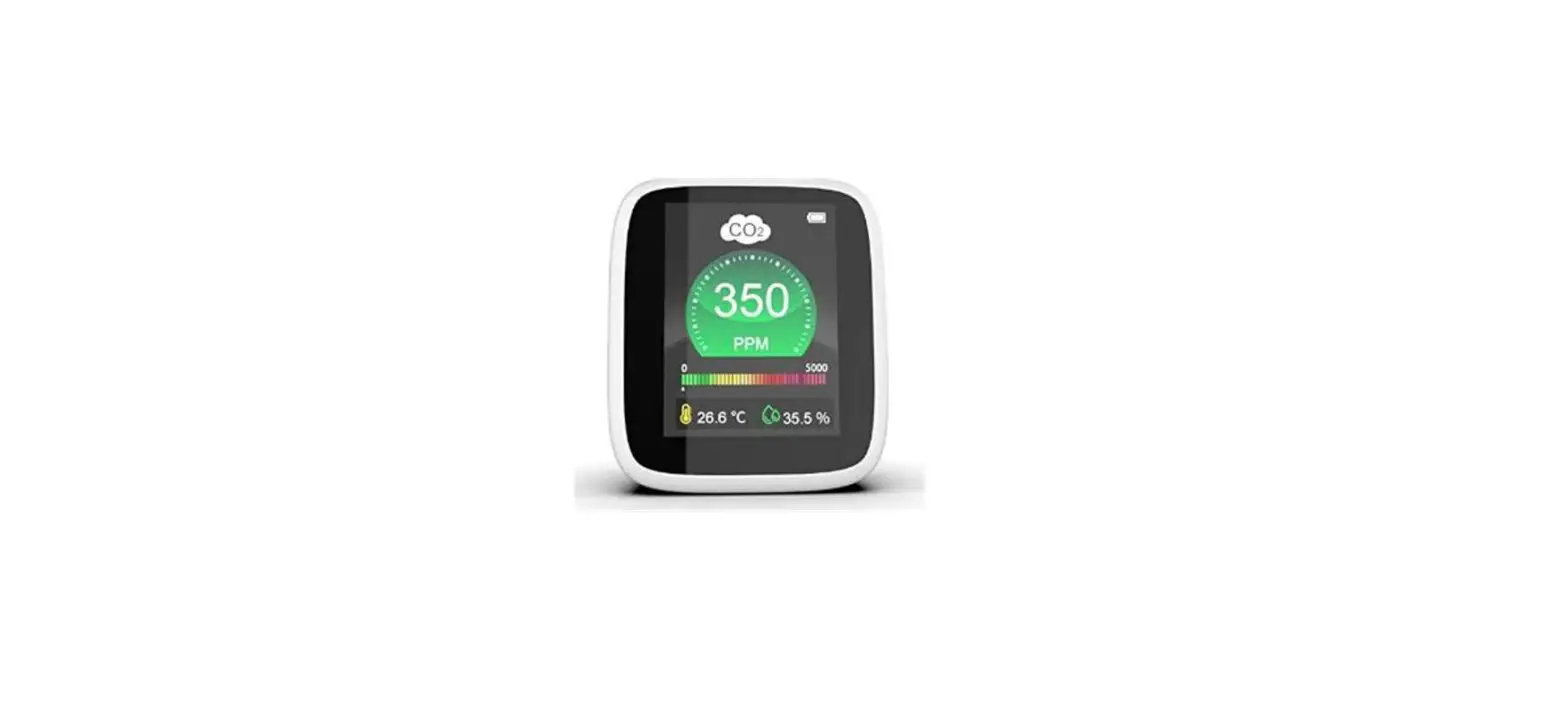
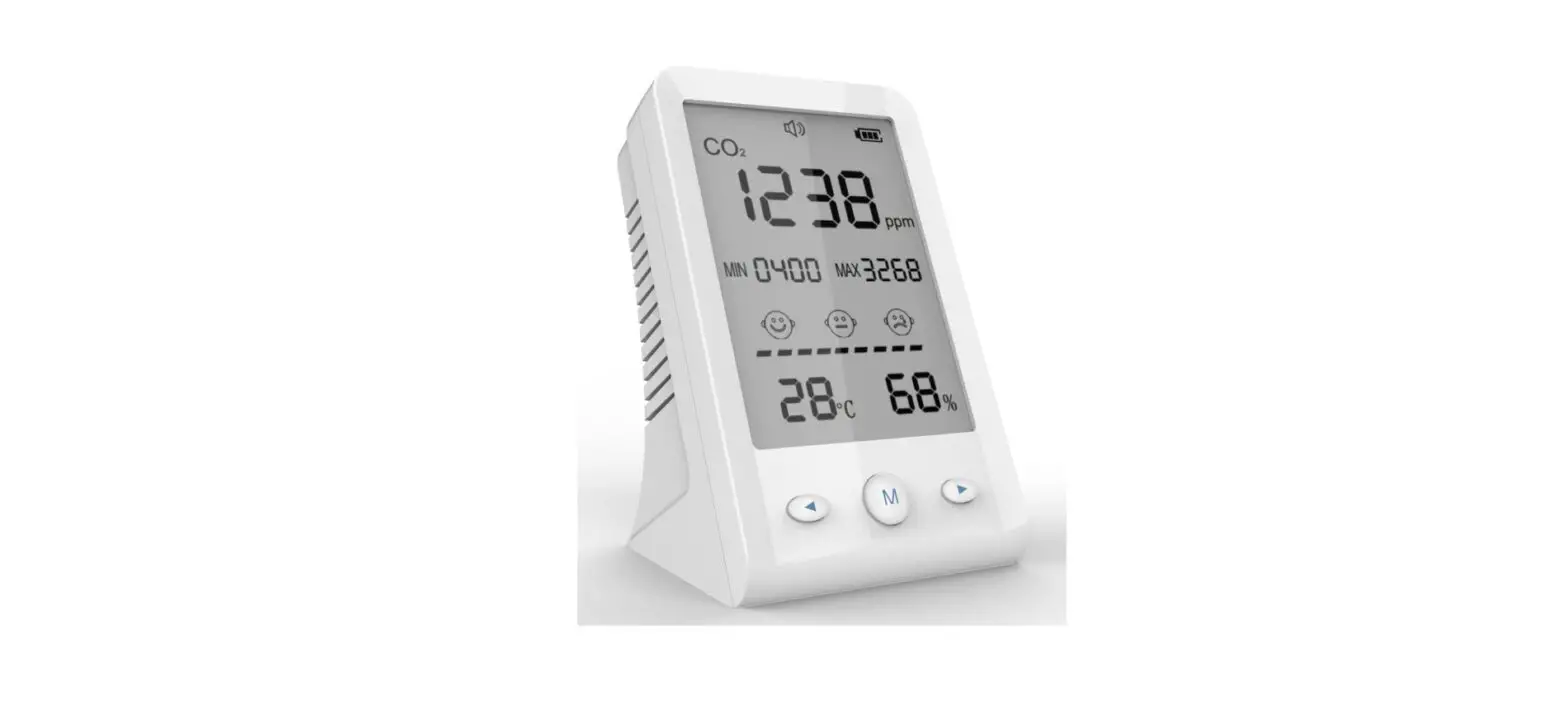
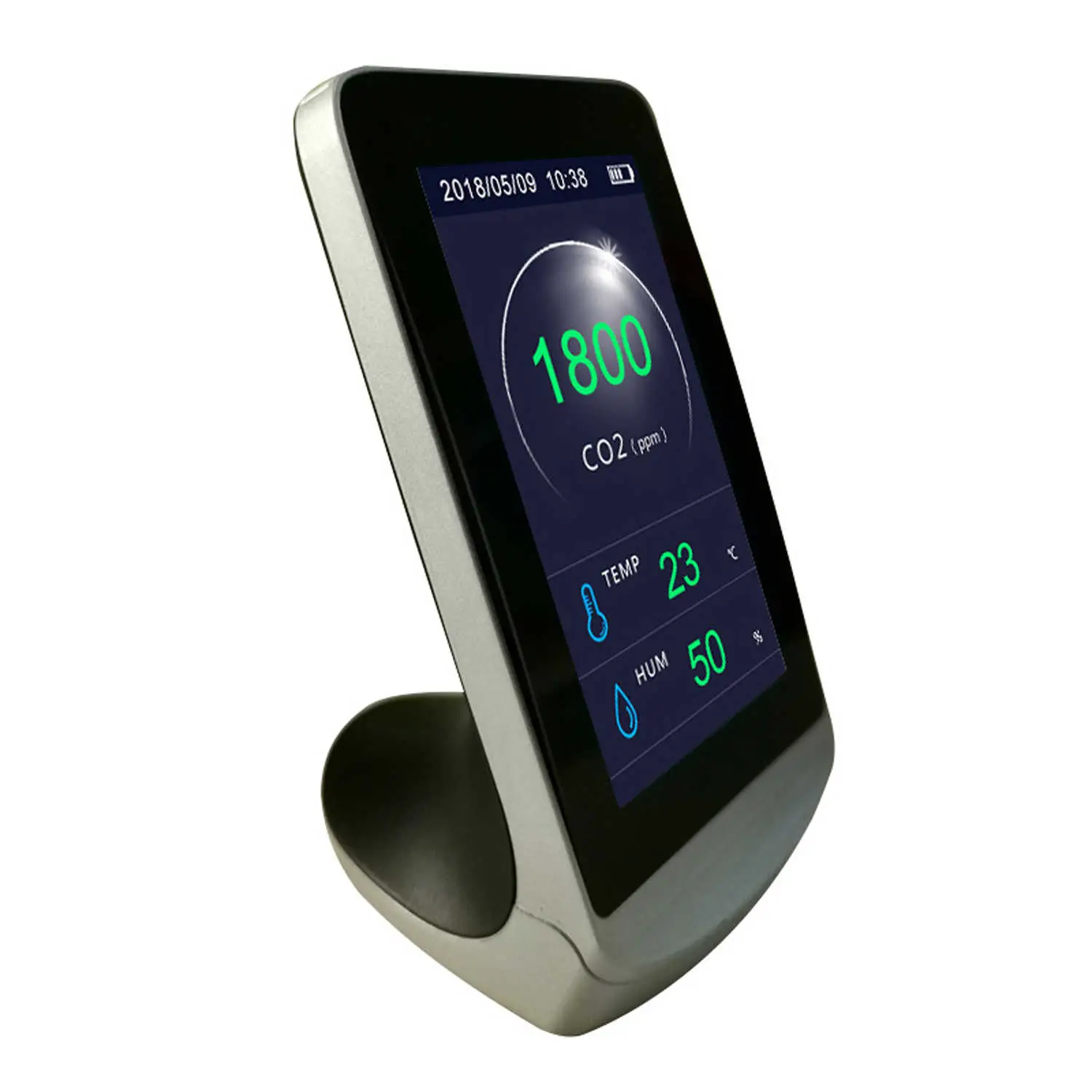
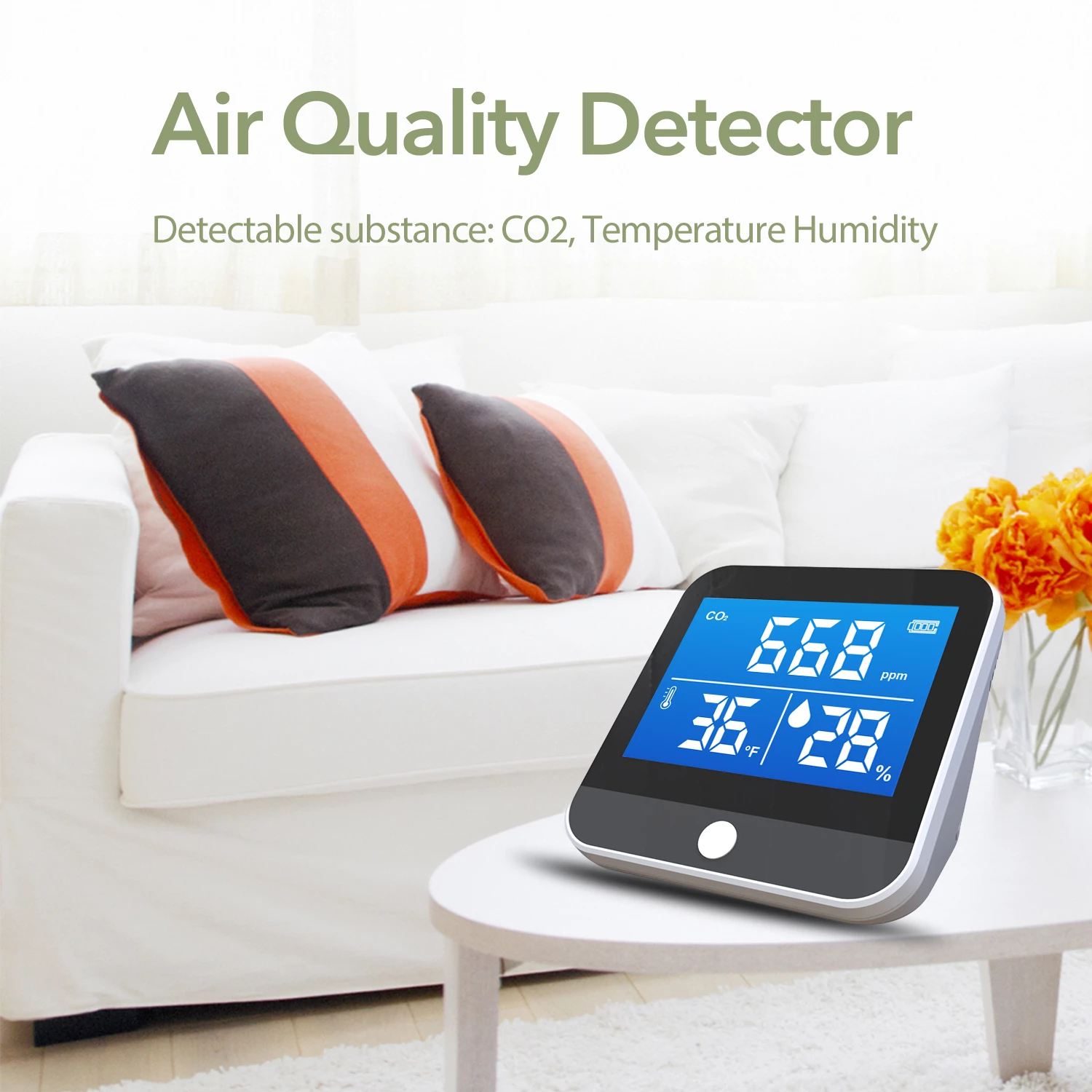
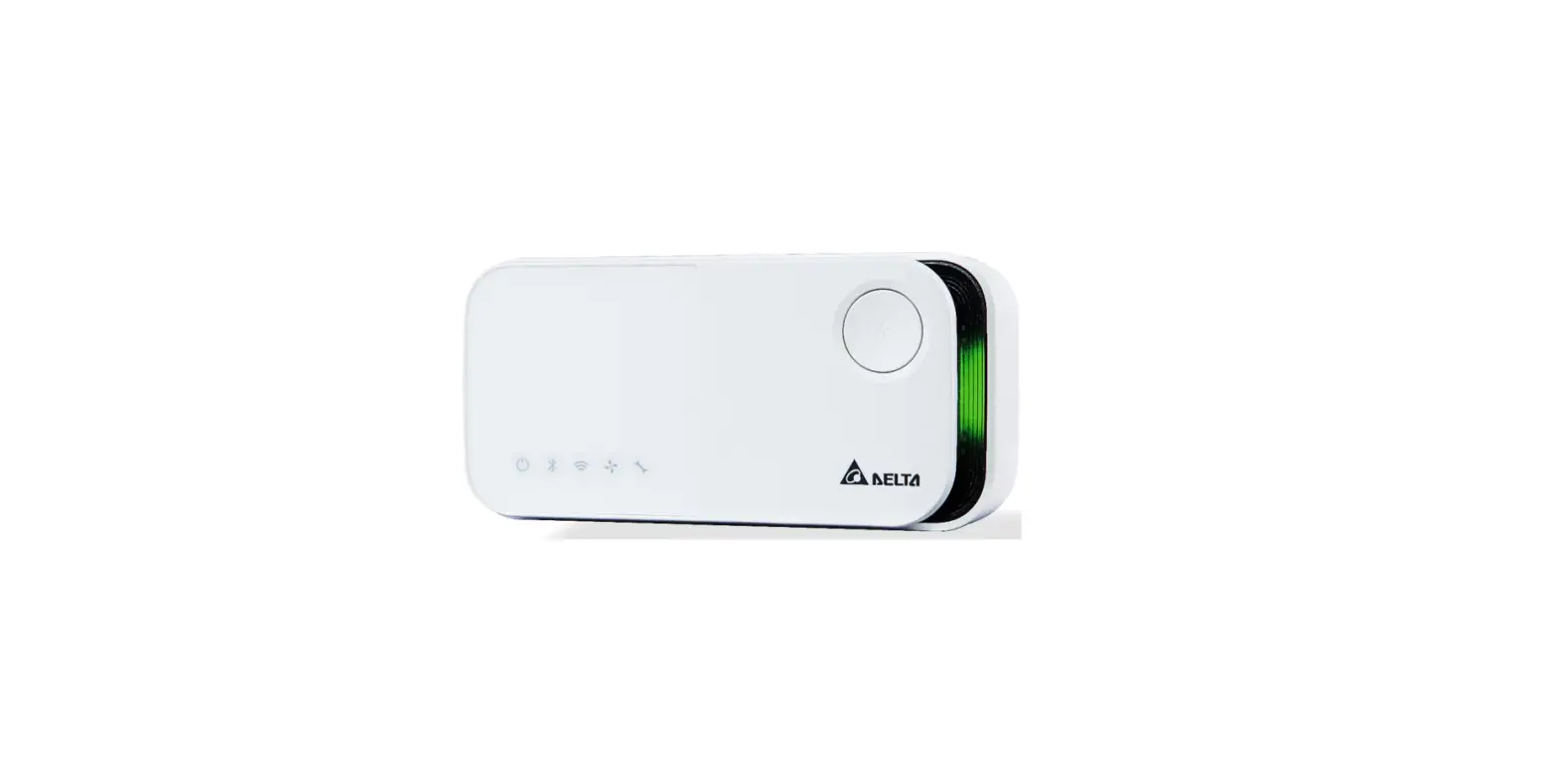
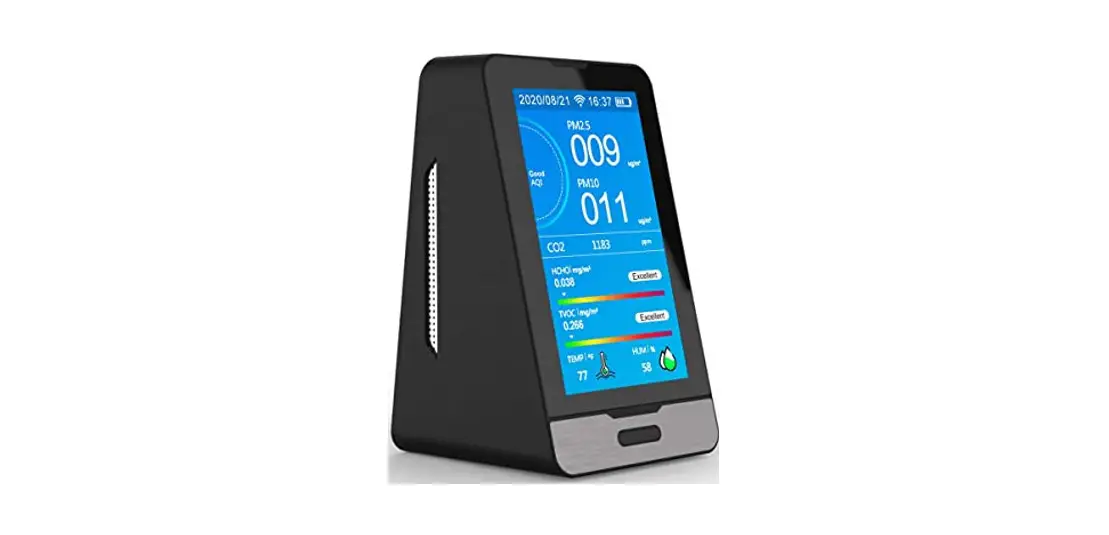
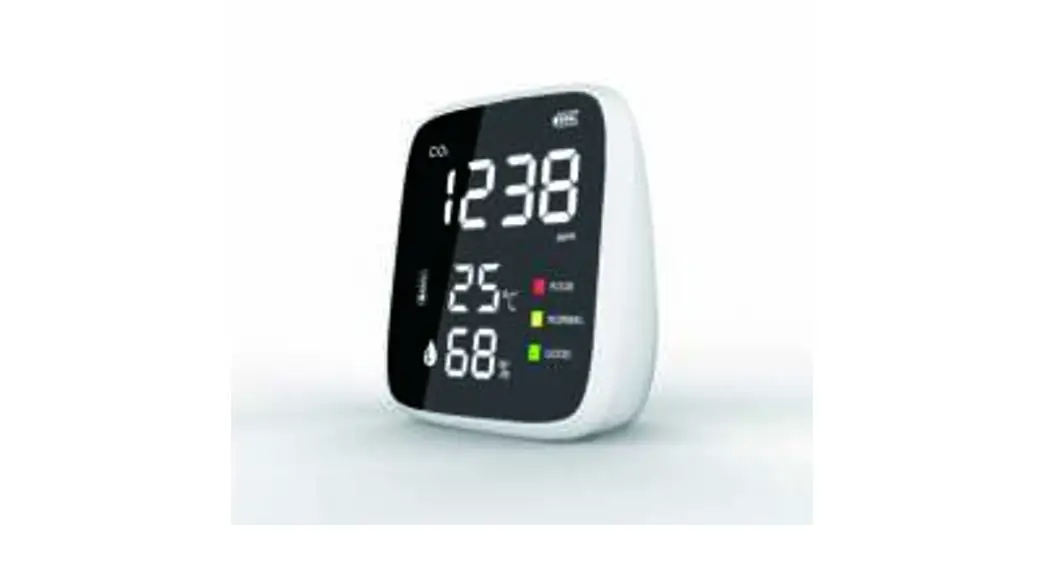
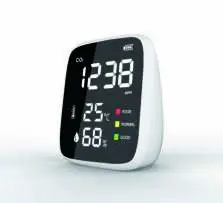
This product is an air quality monitor that detects Carbon dioxide (CO2), Temperature, and Humidity. it combines sensors’ real-time monitoring of Carbon dioxide (CO2), temperature, and humidity on its display.
Considerations
Please read the instructions carefully before using this device.
Please let the device work short mins outdoors before use for the most accurate results .
Please keep the manual handy for quick reference and troubleshooting.
Precautions
Avoid covering the air intake areas during use to avoid inaccurate measurements.
Avoid use of solvents to clean the product as residual fumes will skew air quality readings.
Avoid water or other liquids near the product to avoid electrical damage.
Do not allow unauthorized modification or repair of this product.
Features:
– Common Screen display
-Test variables: Carbon dioxide (CO2), temperature, humidity
-Large 1600mAh capacity Lithium battery
-5V Micro USB charging
-Low battery warning
Instructions
- Start-Up
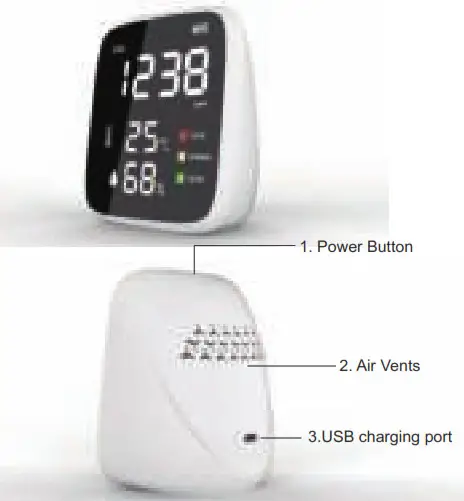
Press power button to turn the device on, and the Long-press power button to turn the device off.
In the boot state,Single-click power button to recycle switch the brightness of the screen(with 6 levels for brightness)
- About Charging
When low battery icon is displayed, the device needs to be charged. Insert the included or another compatible micro USB charging cable into the device. Attach the other end to a USB DC charger (such as a smartphone charger) that outputs DC 5V at >=1000mA. Fully charge for at least 2-3 hours before use. Avoid charging with a USB computer port which only outputs 500mA. - Parameters :
CO2 technical indicators
Measuring range: 400-5000PPM
Resolution: 1 PPM
Sensor for CO2: Infrared ( NDIR)
| CO2 range | Indicator light | Air quality |
| 400~1000 ppm | Green | Good |
| 1001~2000 ppm | Yellow | Normal |
| 2001~5000 ppm | Red | Poor |
Temperature and humidity technical indicators
Measuring range: -10-50 ° C
Humidity range: 20%-85% RH
Measurement accuracy: ±1 °C
Measurement accuracy: ±4% RH
Product List
Air Quality monitor x 1
Micro USB charging cable x 1
Product Manual x 1