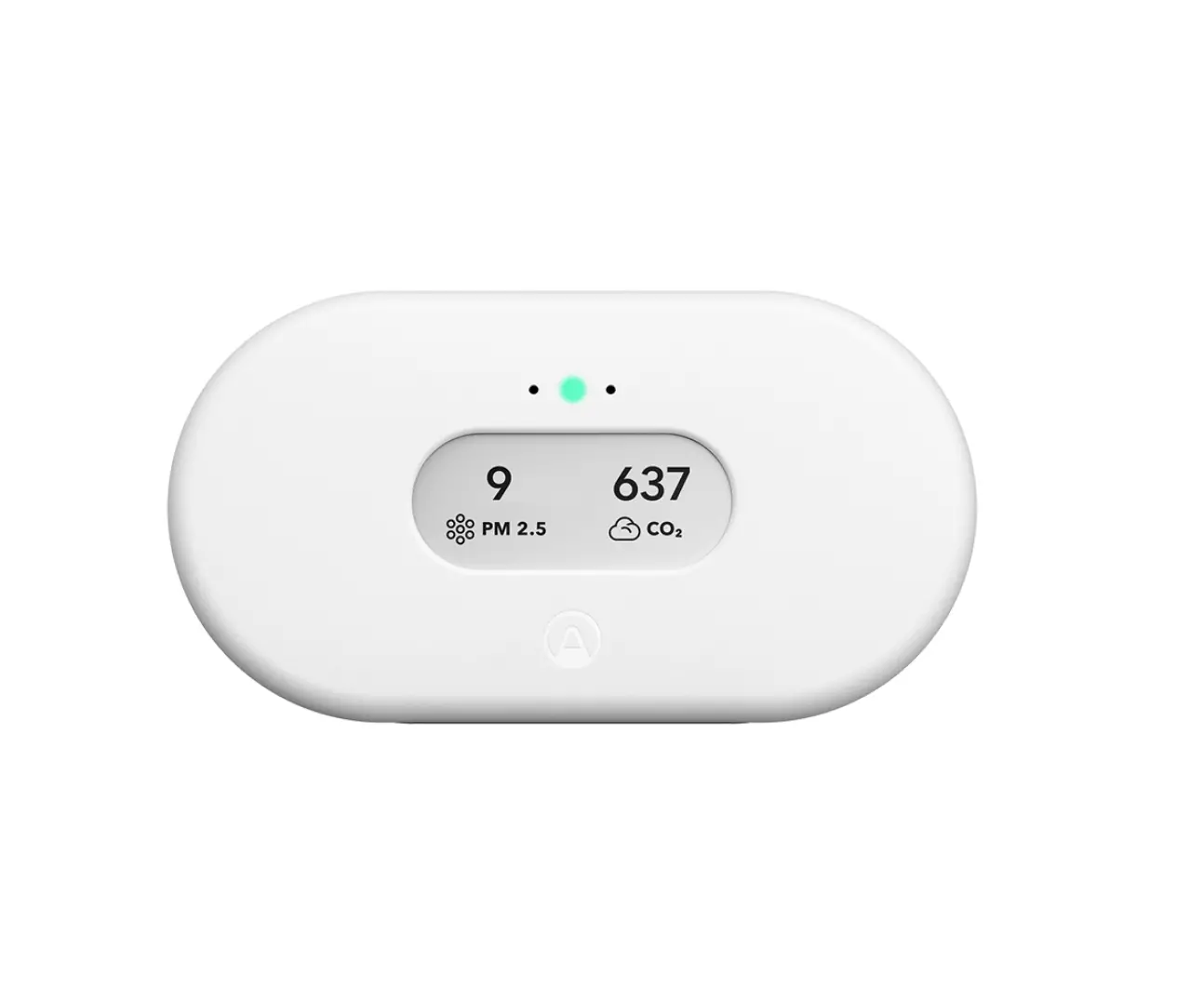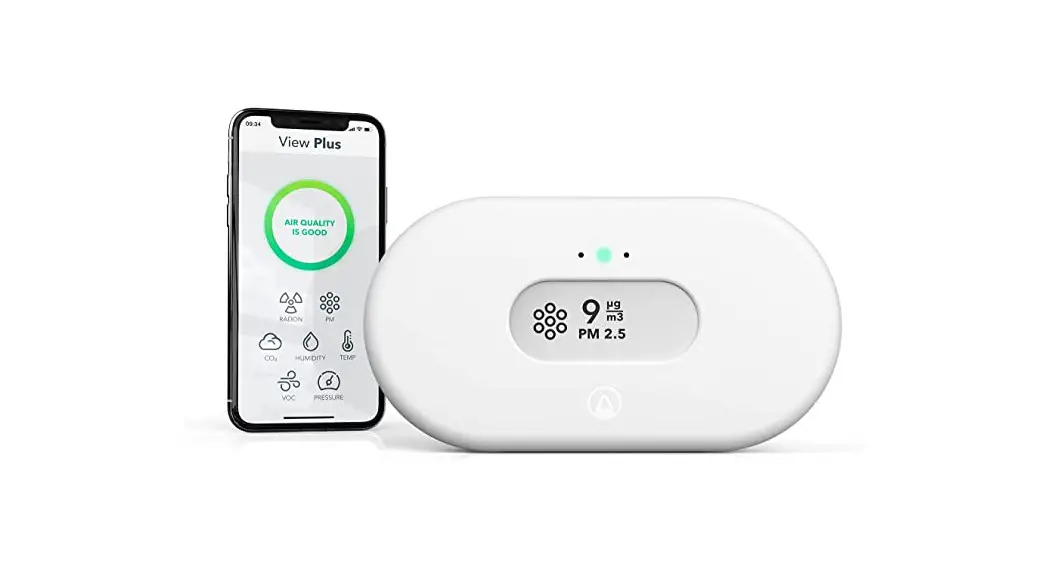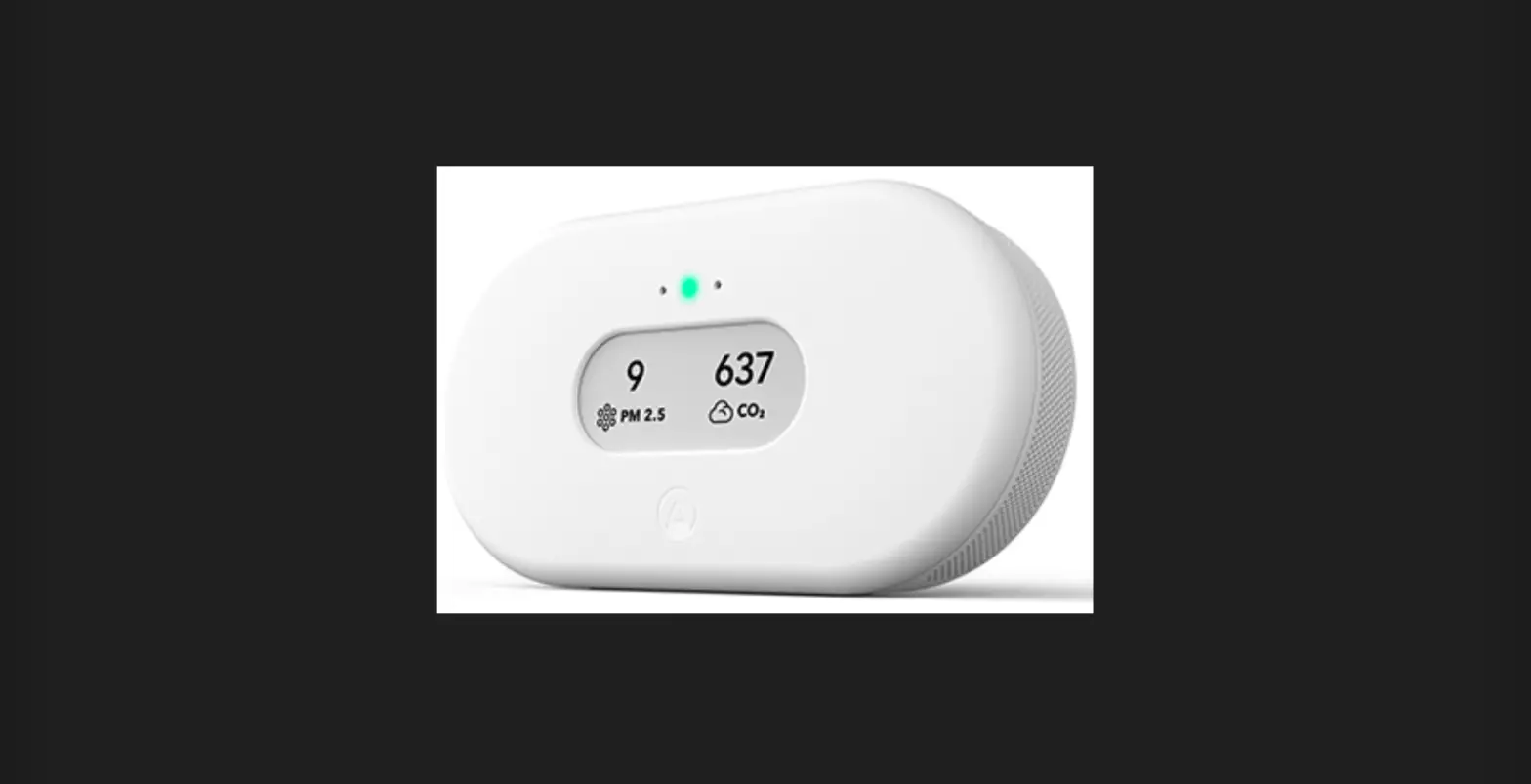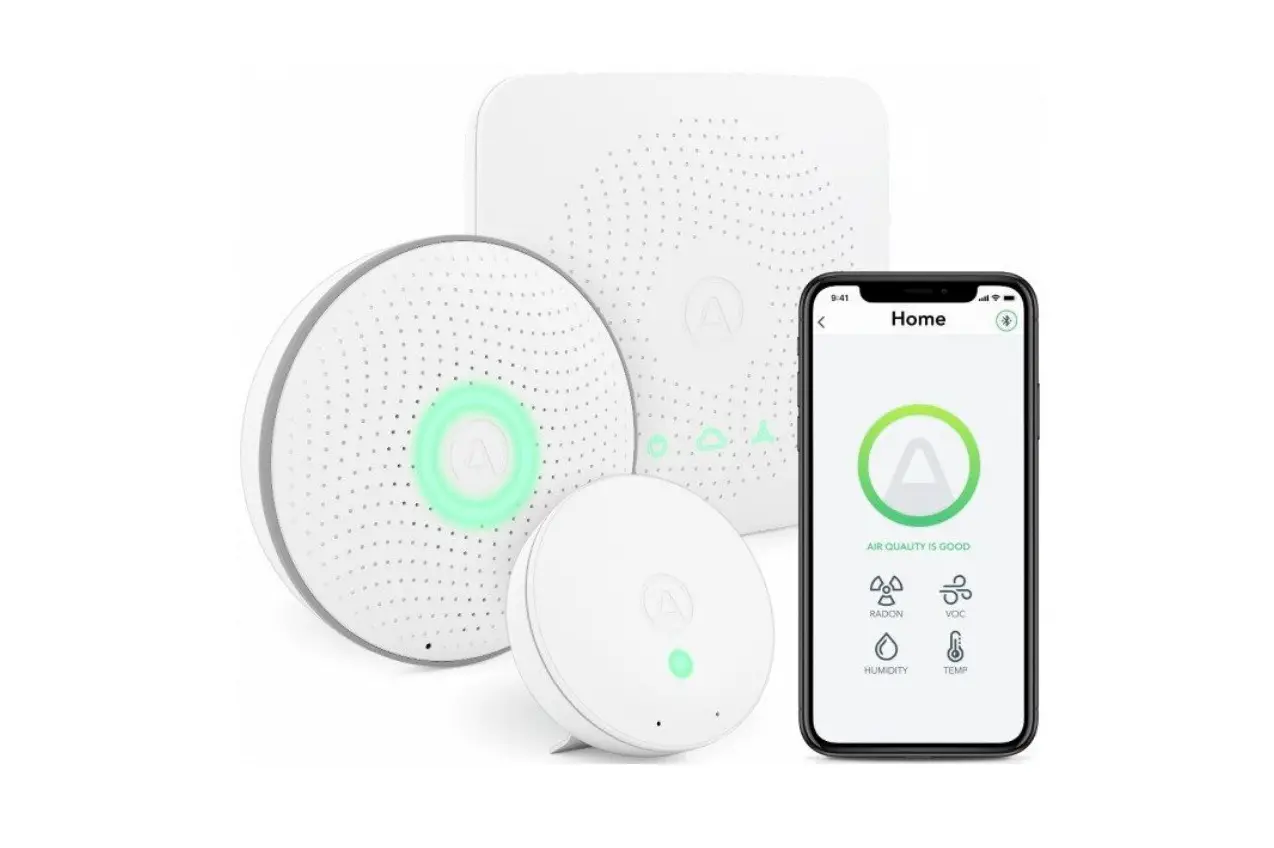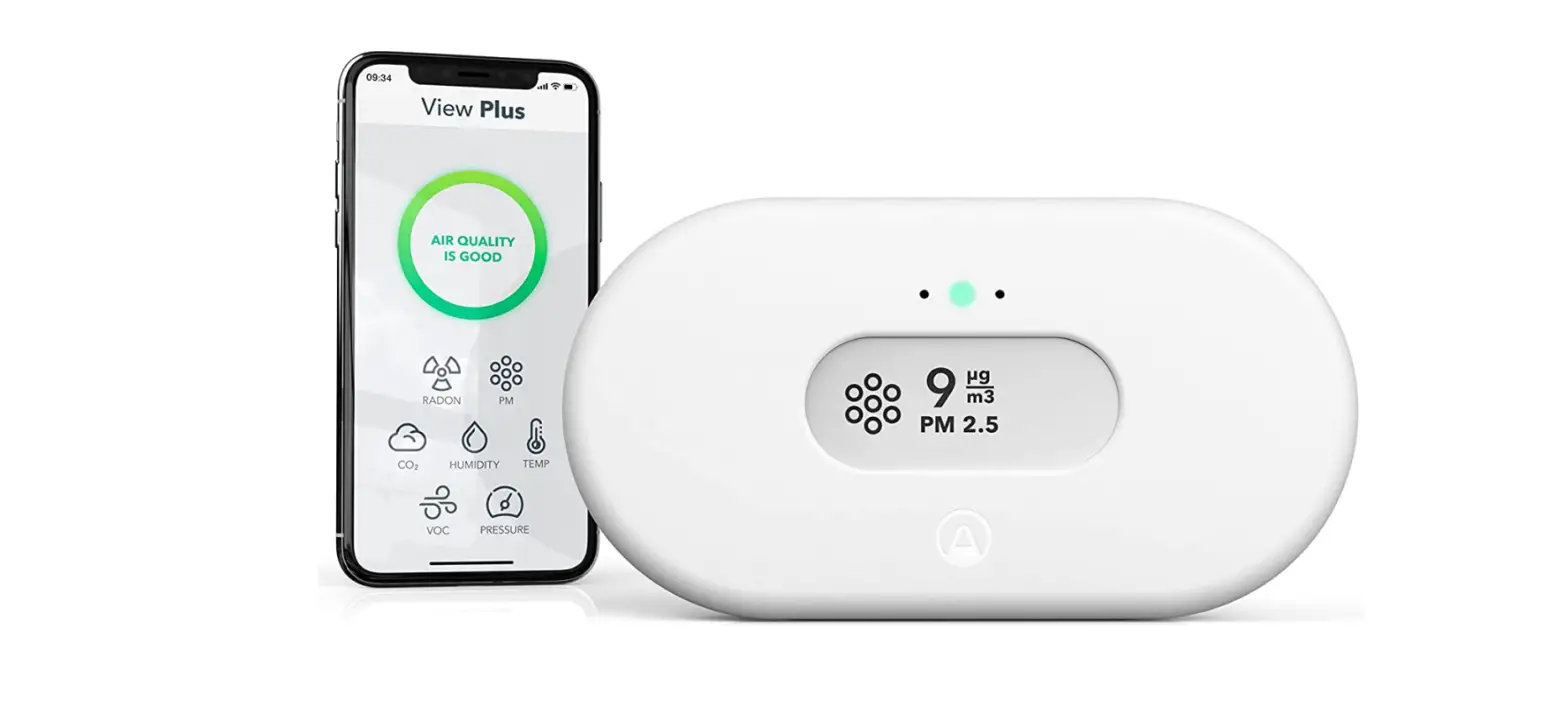

COMPLETE INDOOR
AIR QUALITY MONITOR
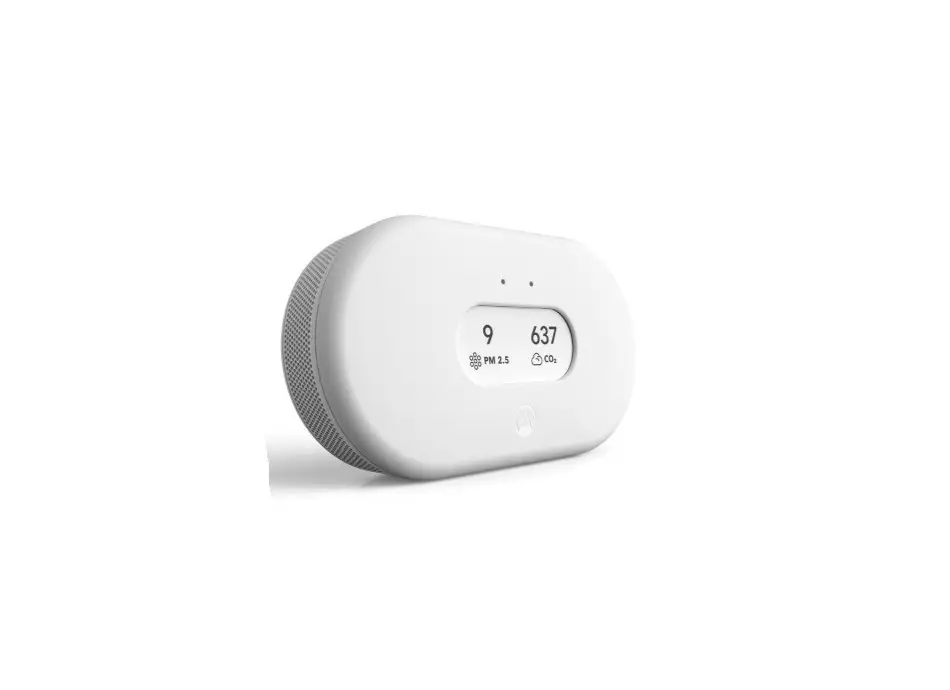
View Plus
AI12382 View Plus Complete Indoor Air Quality Monitor
HOW TO SET UP
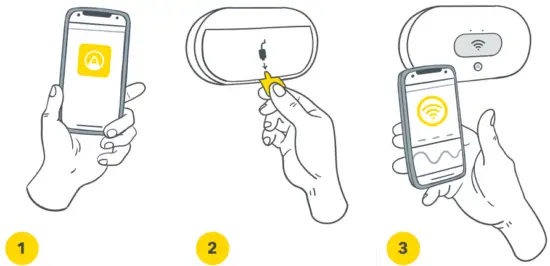
- Download / open the Airthings App and create an account
- Pull battery tab
- Follow the in-app and on-display instructions


http://www.airthings.com/view-plus-start
Scan this QR code or go to airthings.com/view-plusstart for more detailed instructions.
DAILY USE
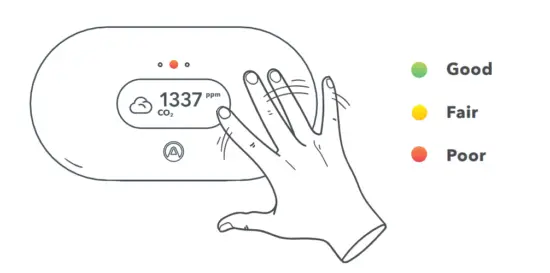
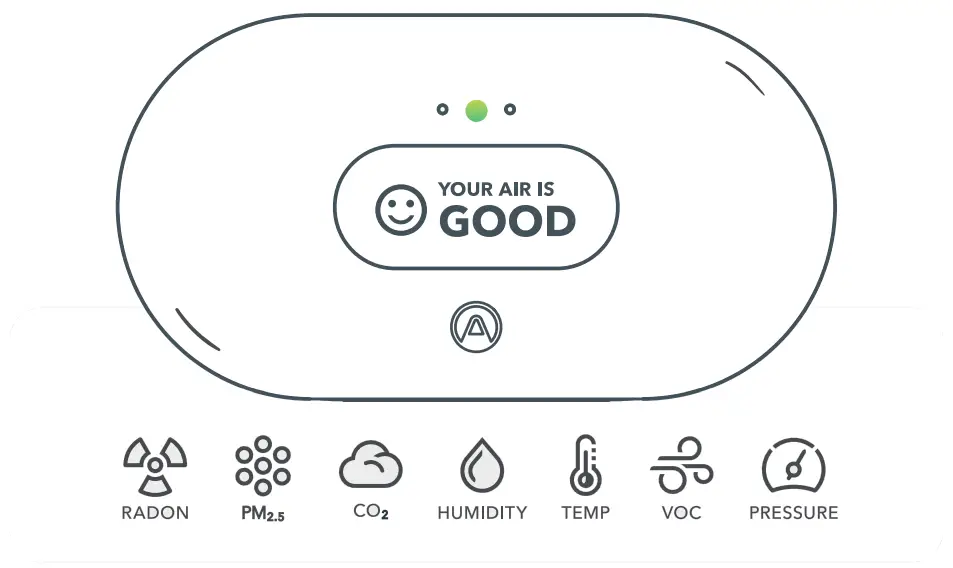
- Wave in front of the device for an air quality check. Sensor values above your recommended levels will show on the display.
- Check the Airthings App for customization options.
- To use as a hub, connect to WiFi and power with the USB cord.
Tips: CO2 and VOC sensors need 7 days to calibrate. Radon fluctuates, so long-term monitoring is essential (at least 30 days).
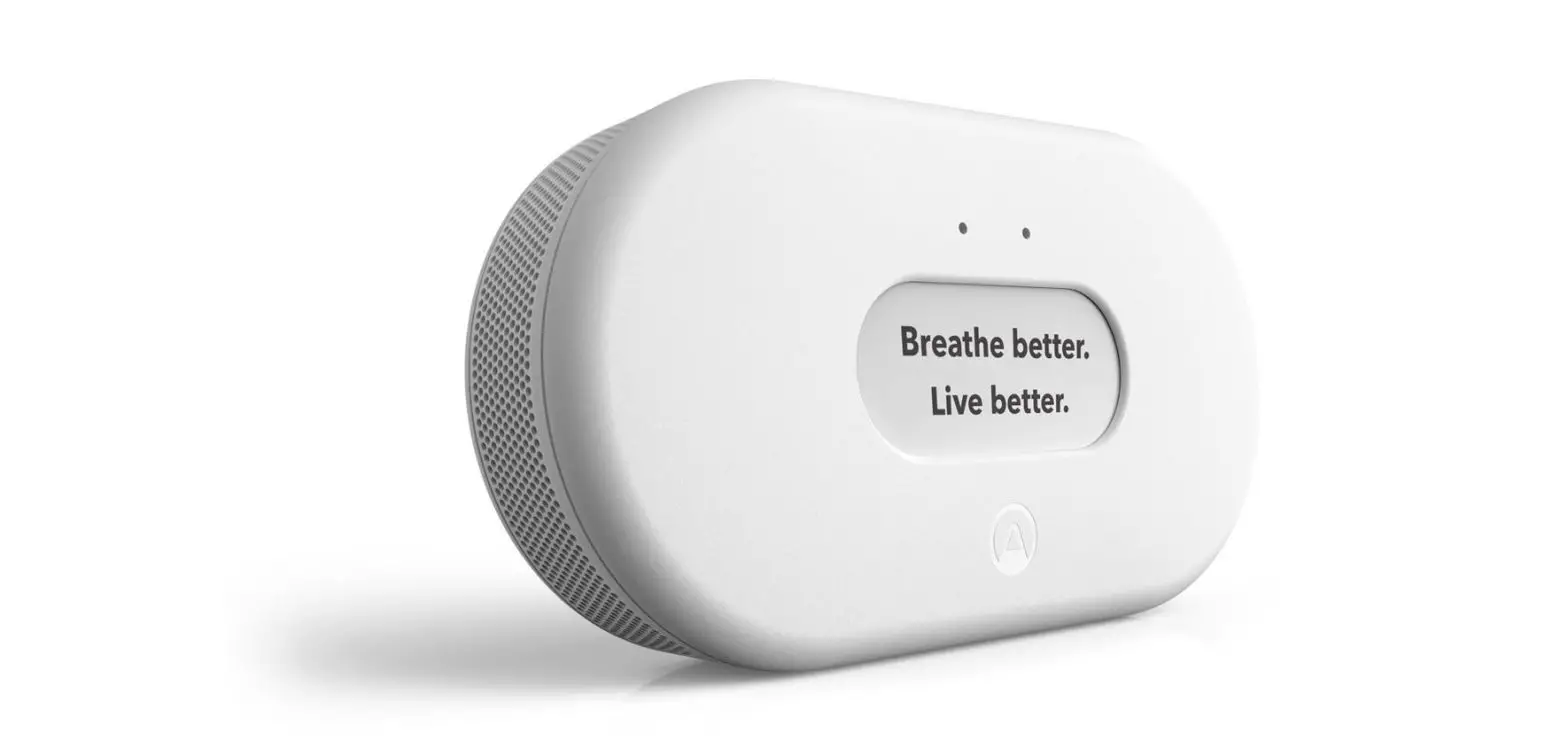
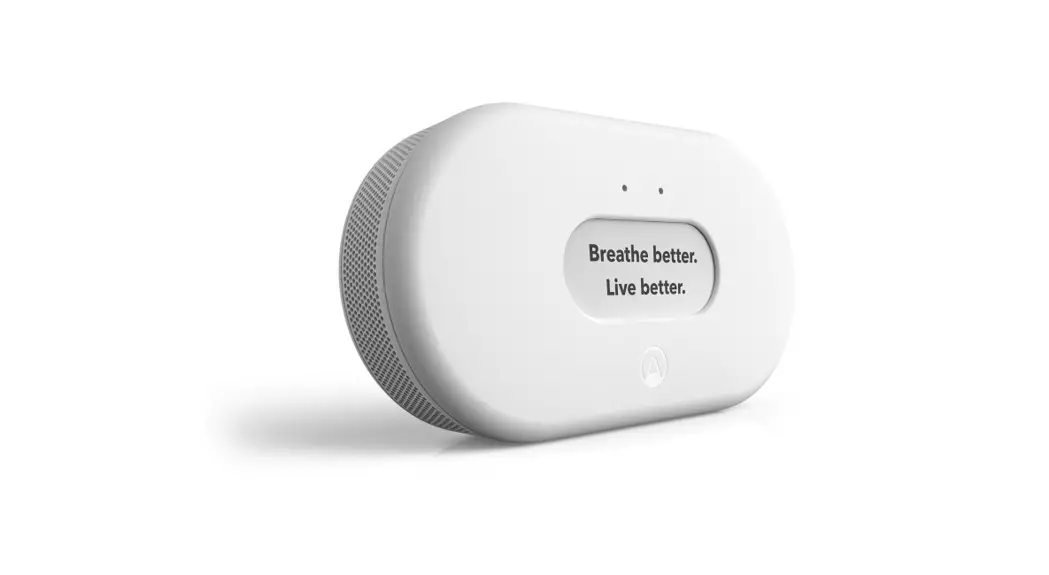
Breathe better.
Live better.
Questions, issues, feedback? We are here to help!
help.airthings.com
 Airthings | The world's leading radon and indoor air quality monitors
 Airthings Help Center