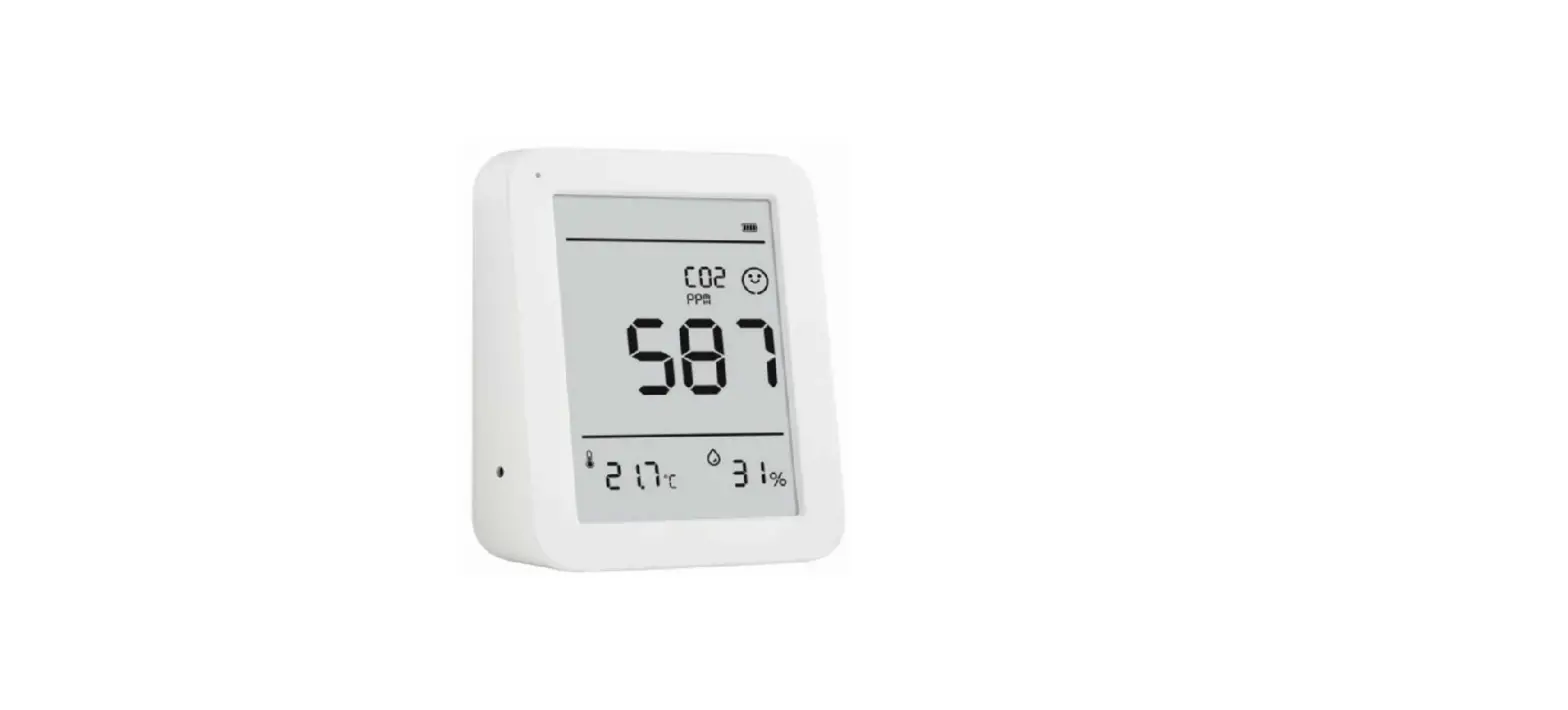
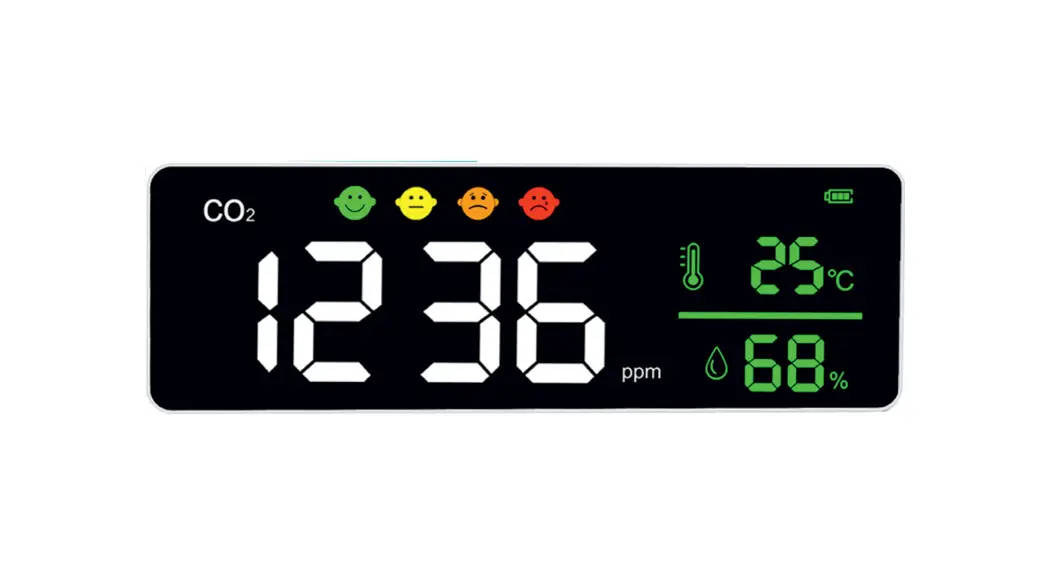
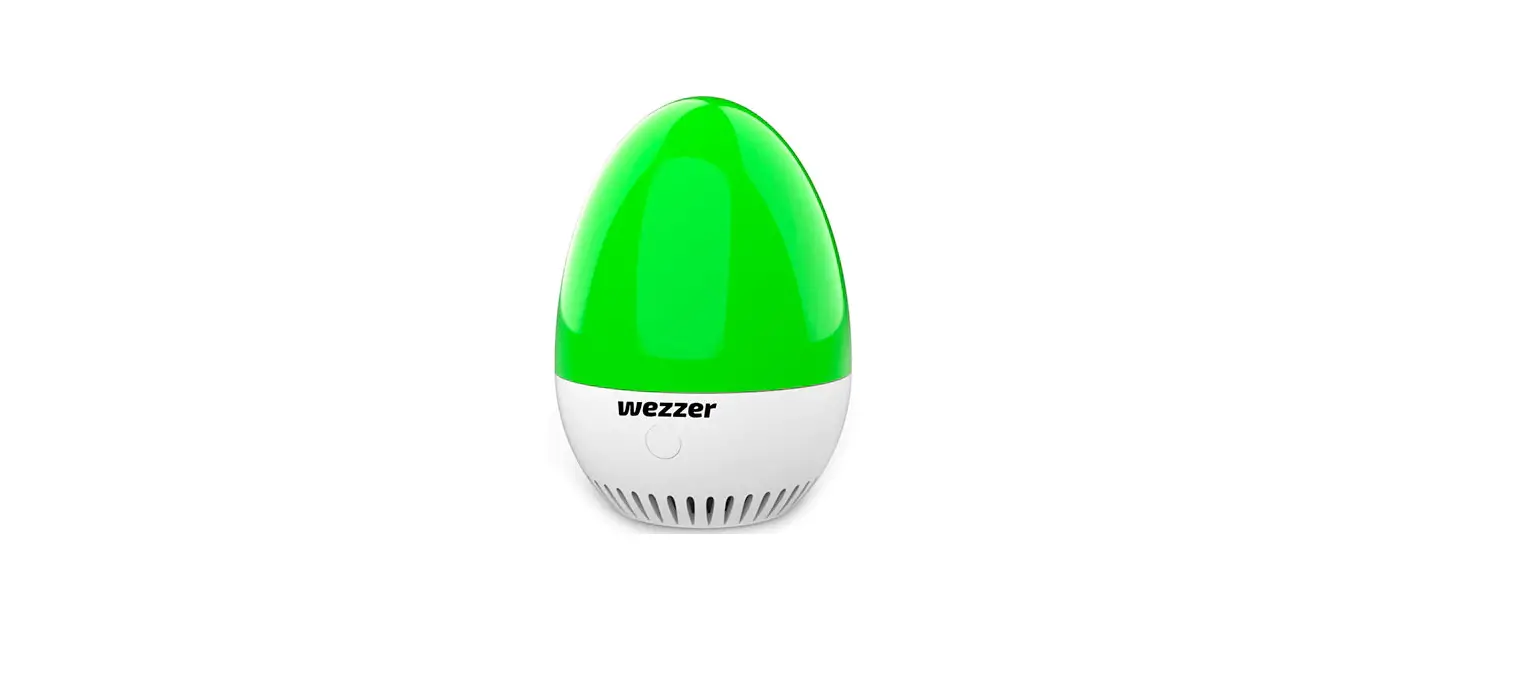
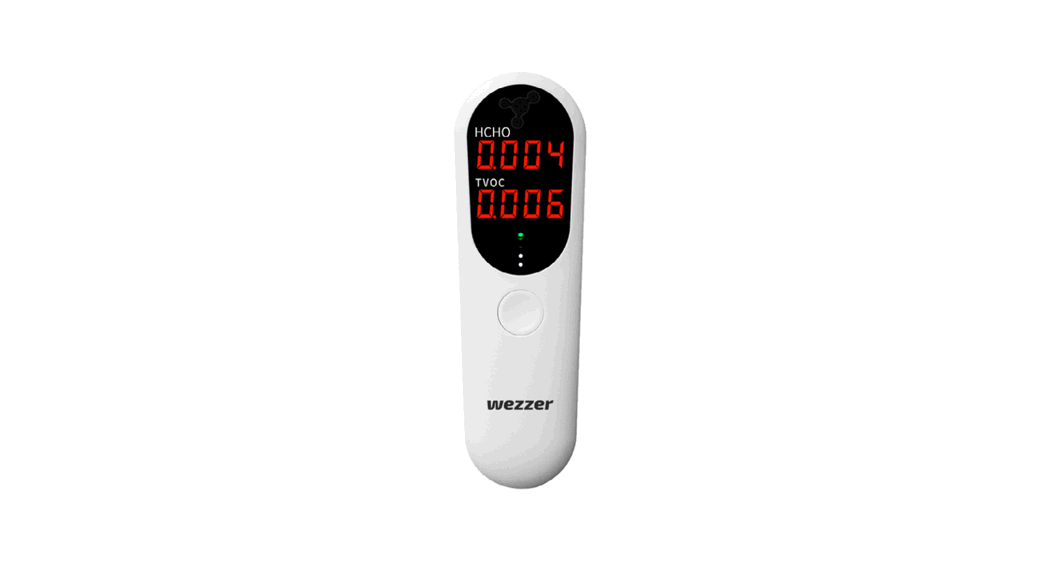
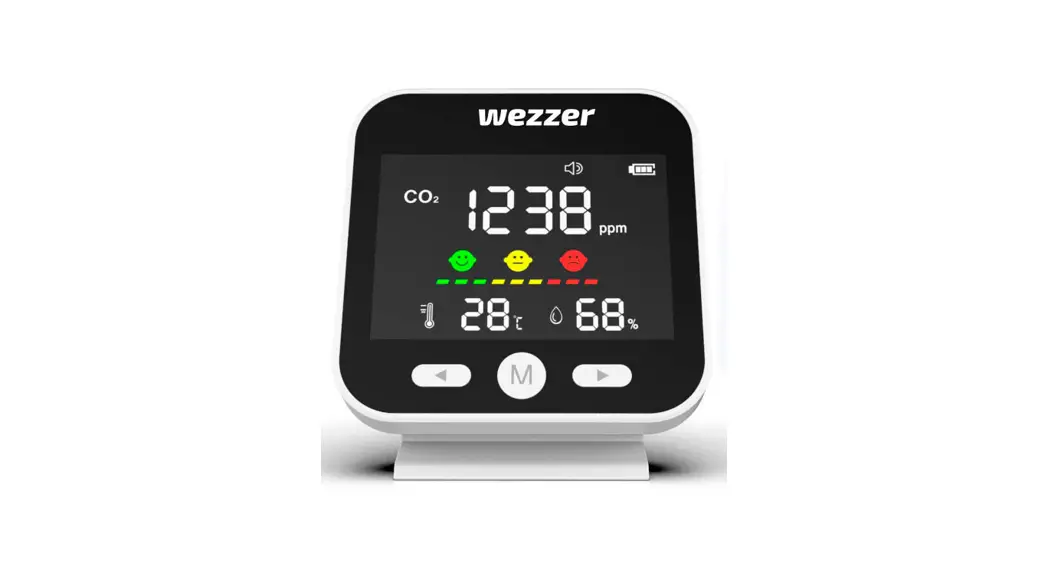
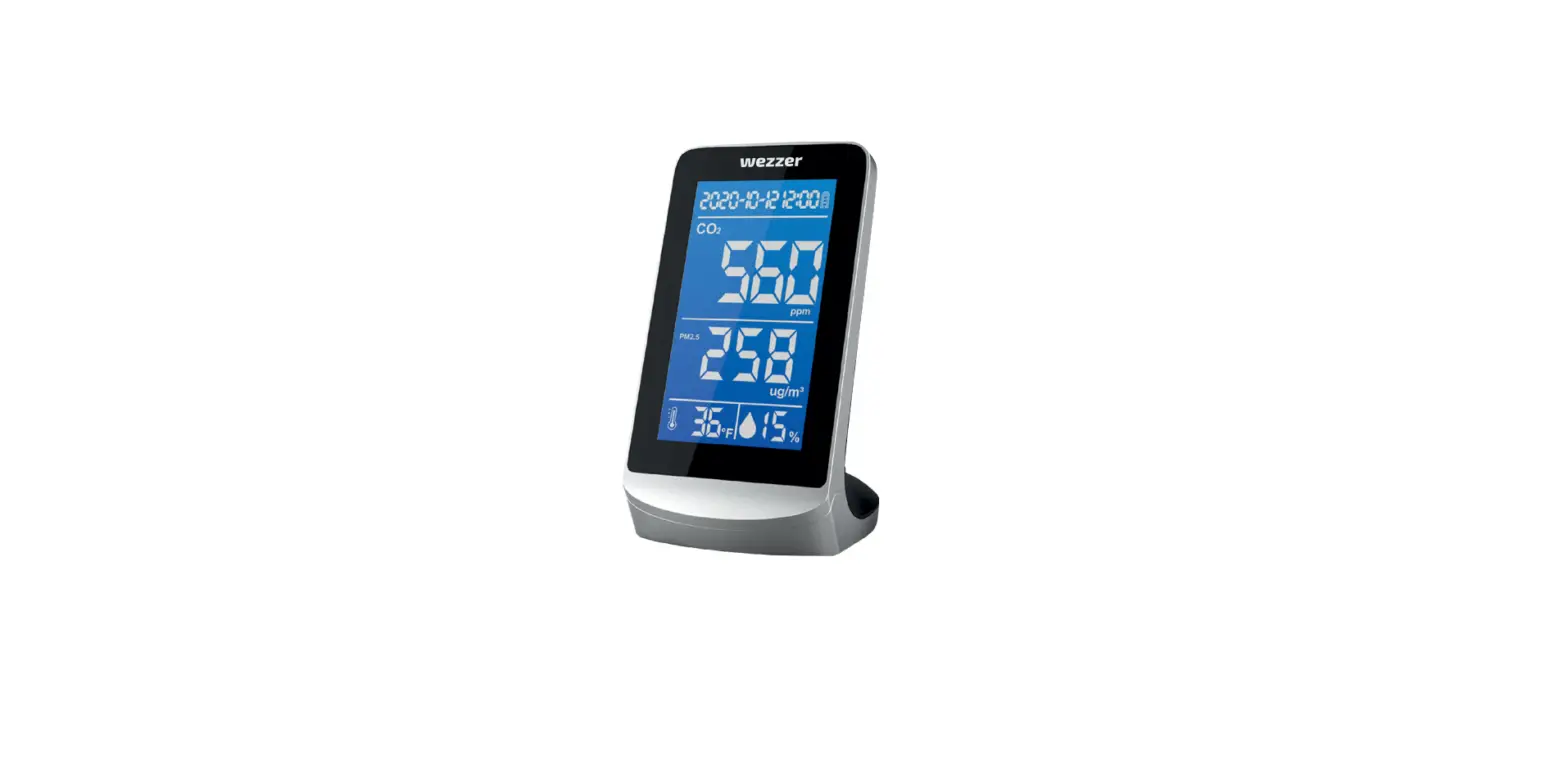
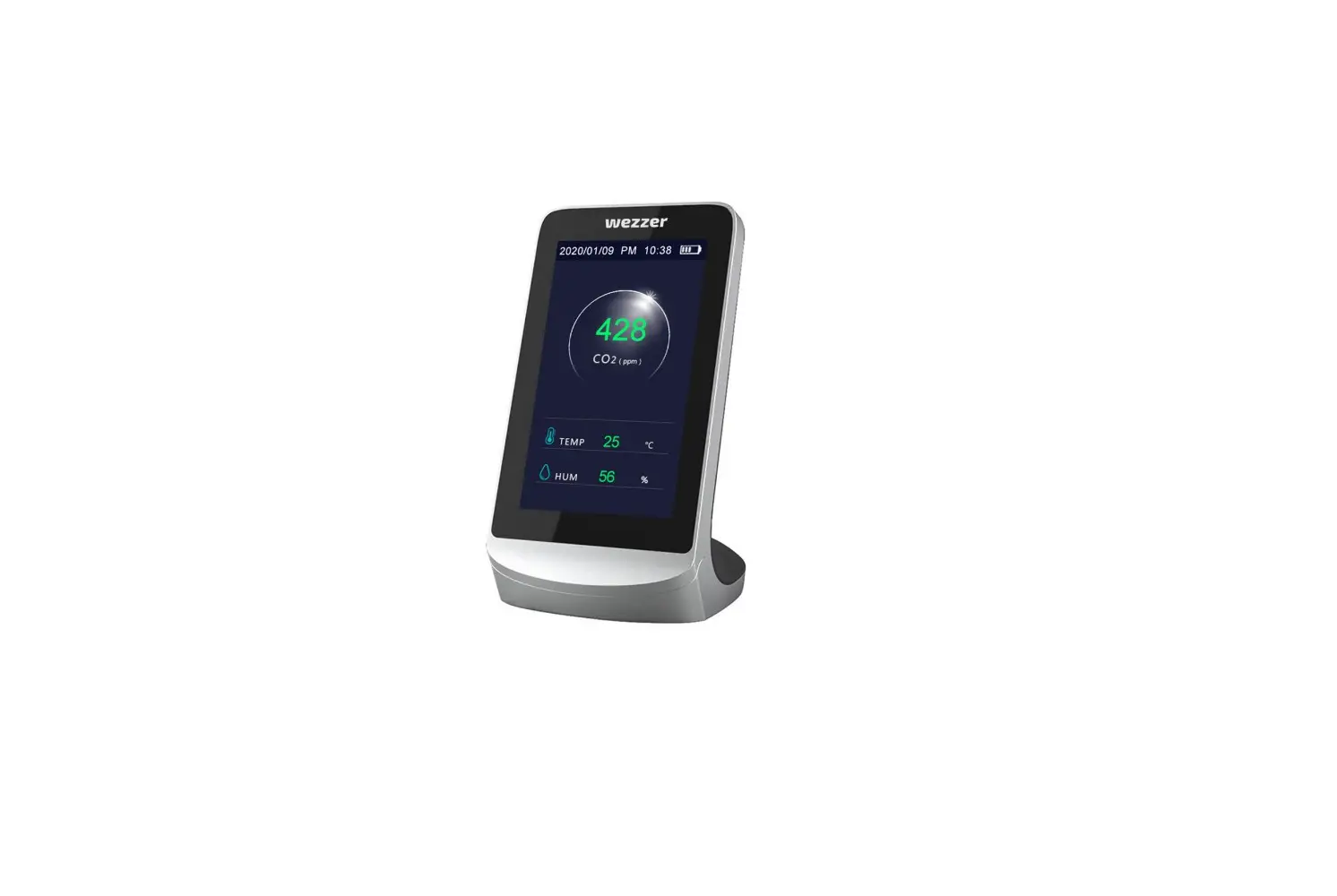
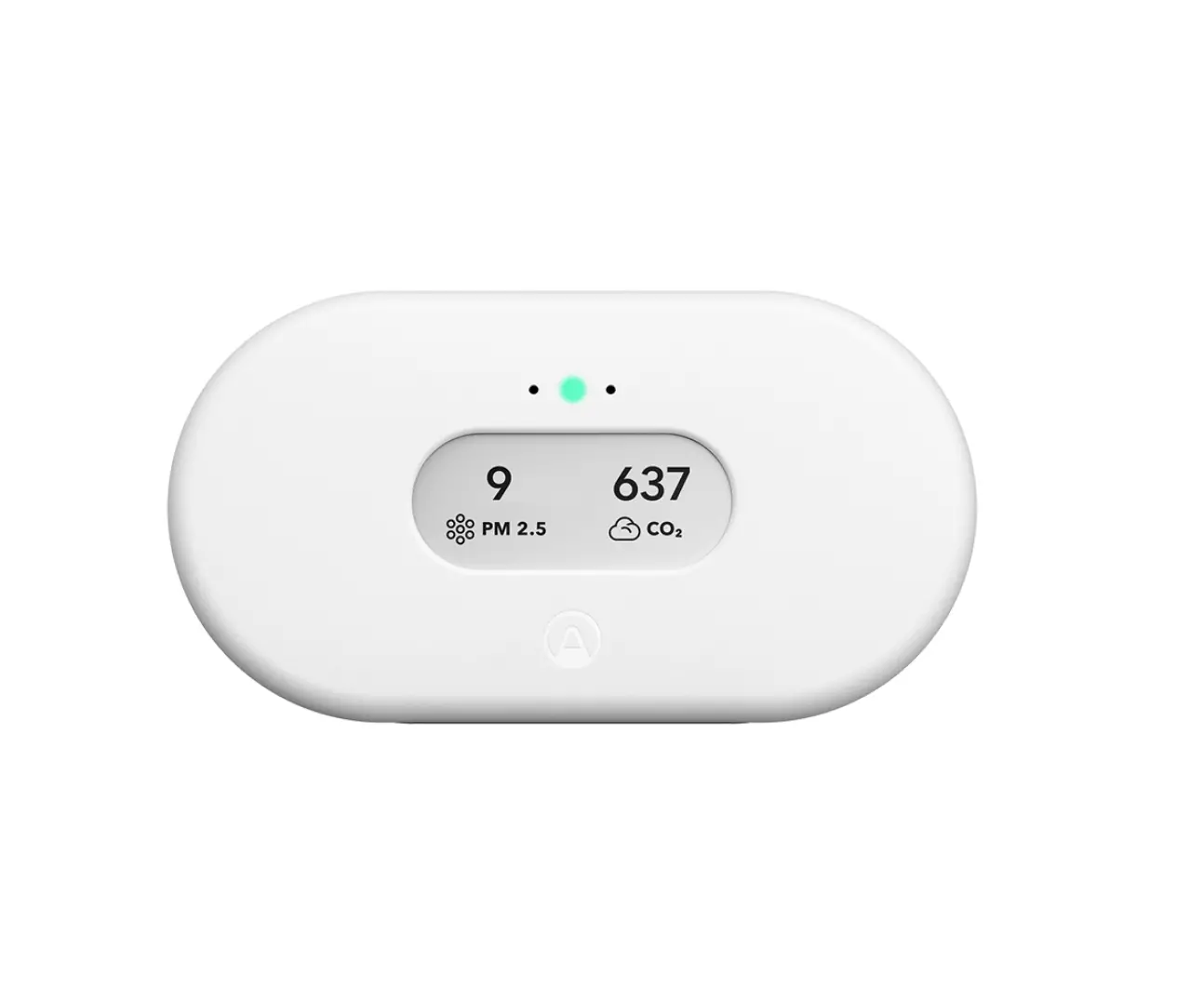
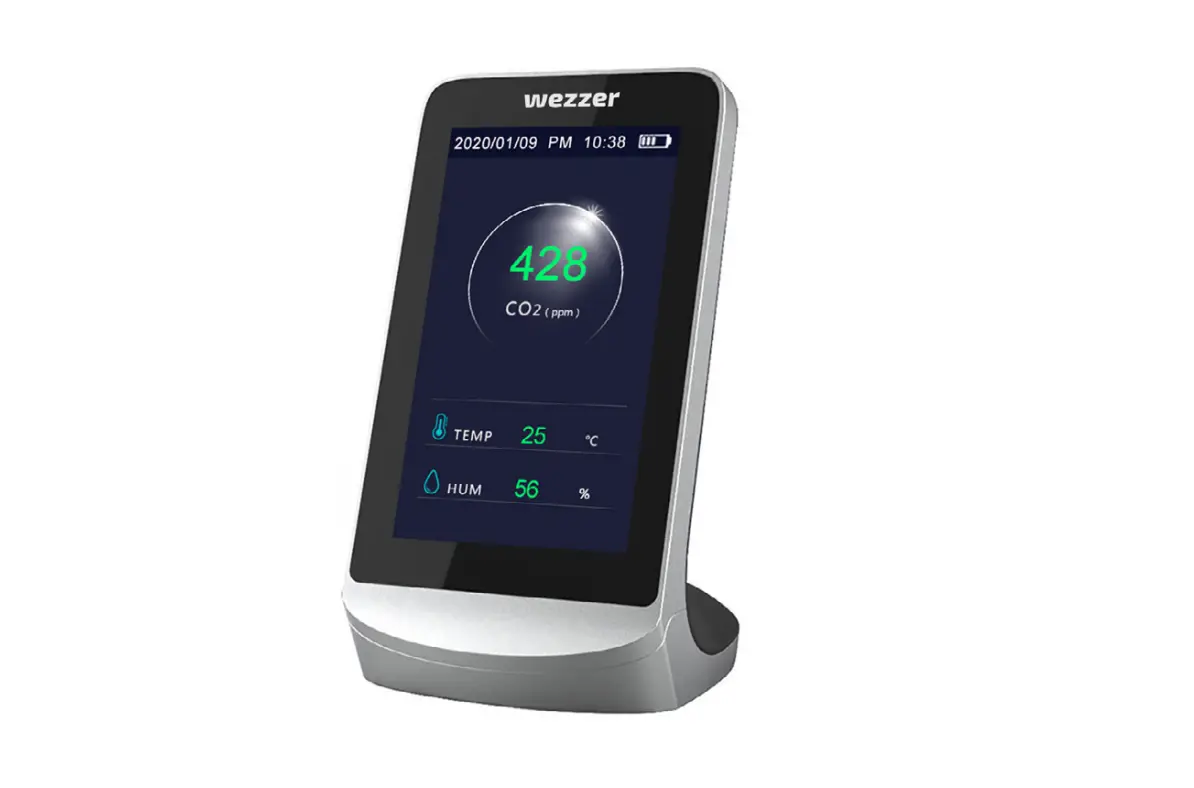
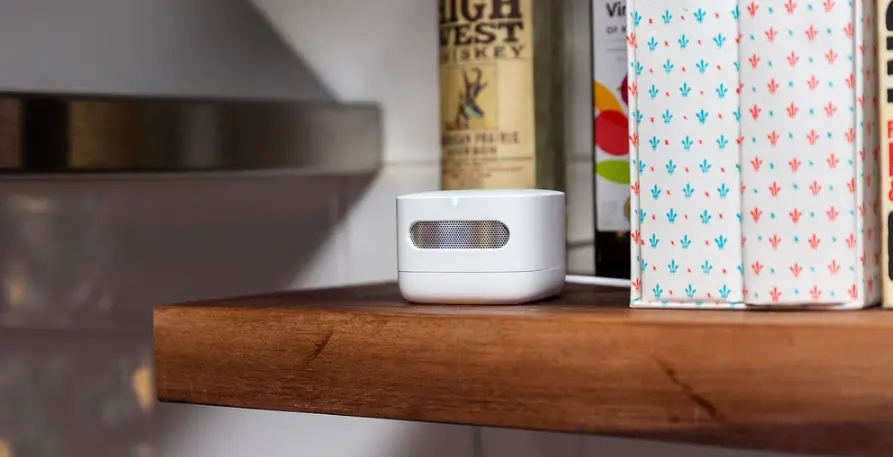
WISUALARM DHI-HY-M1 Air Quality Monitor
Product Information: The product is a versatile blender that is designed to blend, chop, and puree various ingredients. It features a powerful motor that ensures efficient and quick blending. The blender comes with a large-capacity jug made of durable BPA-free plastic, along with a stainless steel blade assembly for optimal blending performance. It also includes multiple speed settings and a pulse function for precise control over blending consistency.
Product Usage Instructions
- Before using the blender for the first time, make sure to wash all the removable parts (jug, lid, and blade assembly) with warm soapy water.
- Place the jug on the base unit, ensuring it is properly aligned and securely locked in place.
- Add the desired ingredients to the jug. For best results, avoid overfilling the jug beyond the maximum capacity indicated.
- Place the lid onto the jug, making sure it is tightly sealed to prevent any spills during blending.
- Plug in the blender and select the desired speed setting based on the ingredients being blended. Use lower speeds for softer ingredients and higher speeds for harder ingredients.
- For additional control, use the pulse function by pressing the pulse button in short bursts. This is ideal for achieving a coarser texture or for evenly mixing ingredients.
- Once you have selected the desired speed or pulse function, press the power button to start blending.
- During blending, hold onto the jug handle firmly to keep it stable on the base unit.
- Blend until you achieve the desired consistency. If needed, you can stop and scrape down the sides of the jug with a spatula to ensure even blending.
- After blending, unplug the blender from the power source and carefully remove the jug from the base unit.
- For cleaning, disassemble the blender by removing the jug, lid, and blade assembly. Wash these parts with warm soapy water and rinse thoroughly. The removable parts are also dishwasher-safe.
- Dry all the parts before reassembling the blender for future use.
Please read this manual carefully before using the product and
keep it properly.
What is carbon dioxide (CO,)?
Carbon dioxide (COz) is a colorless, odorless gas that is produced
by metabolic processes, combustion processes, and motor cars
operating in garages. People and other animals exhale carbon
dioxide when they breathe. Although carbon dioxide alone is not
dangerous, the quantity found inside is utilized as a gauge for
human comfort. The majority of the time, CO2 poses a health risk
when its concentration is high enough to displace oxygen and
cause suffocating in small spaces.
What are the effect of exposure under high-level carbon dioxide?
In buildings with increased CO, occupants may have health
problems. The carbon dioxide itself can produce headaches,
lightheadedness, nausea, and other symptoms at high
concentrations. This could happen after many hours of exposure
to levels higher than 5,000 ppm. Exposure to CO, concentrations
about 40,000 ppm is instantly hazardous to life and health since it
can asphyxiate at much greater levels by replacing oxygen in the
blood.
What should I do if the Air Quality Monitor goes off?
When the carbon dioxide concentration reaches a high level, the
product will emit an audible signal and red LED goes on.
For your safety, please ventilate your rooms:
• Open doors and windows
• Turn on mechanical ventilation system such as HVAC syster
Product Introduction
1. The product can monitor indoor temperature, humidity, and
CO, concentration to easily master indoor air quality.
2. The 4.2-inch extra-large E-ink screen is used as the display
screen, which can provide a paper-like display texture and a
clear multi-view angle.
* Attention: Please avoid blocking the vent hole when using the
monitor.
Accessories
USB Type-C Charging Cable
Note: The illustrations of products, accessories, user interface, etc.
in the manual are schematic diagrams for reference only. Due to
product updates and upgrades, the actual products may be slightly
different from the schematic diagrams. Please refer to the actual
products.
Screen Display
How to use
Before use
Please charge the monitor before the first use. At the same time,
turn on the monitor and vetilate for more than 24 hours. There is
no need to operate the monitor during ventilation. Remove the
pollutants (if any) on the sensor from the package or the
interfering gases. Meanwhile, the product will be self-calibrated
to ensure the accuracy of subsequent measurements. When
testing, please place the product upright on the object platform
where testing is performed, such as the desk or workbench.
Please avoid holding the tester or blocking the vent hole.
Daily monitoring
1. Turn on the monitor
Press the power button for 3 seconds to turn on the monitor.
2. Start monitoring
After warming up for 5 minutes, the monitor enters the
monitoring mode, and the screen displays the CO, value detected
in real time. At this time, user could take the monitor on the place
to be monitored for about 5 minutes, then read the current value
through the screen.
3. Turn off the monitor
In the monitoring mode, press the power button for 3 seconds to
turn off the monitor.
4. Charging
This product uses a lithium battery for power supply. When the
low battery symbol ” ” is displaved on the screen, it indicates
that the monitor has low power and needs to be charged. Please
insert the charging cable’s USB Type-C connector into the
charging port on the back of the monitor and USB Type-A
connector into the power adapter for charging. The product can be fully charged about 6 hours after being connected to the
power supply.
Note:
Please use a 5V USB power supply for charging and ensure that
the output current is greater than 1A.
If the monitor is not used for a long time, please charge it
regularly. It is recommended to charge it at least every
3 months.
5. Restore default settings
Long press the power button (hold for at least 16 seconds) until
the monitor refresh the screen, then restart the monitor to
restore the default settings.
Power Button Function & Indication Light Status Introduction
Note: When the buzzer alarm occurs, you can click the button to turn off the buzzer.
Emoji Introduction
Technical Parameters
Product Model: DHI-HY-M1
Power Input: DC 5V 1A
Battery Model: 2500mAh rechargeable lithium battery
Product Material: PC/ABS
Net Weight: 148g
Product Size: 108*91×43.7mm
CO2 Measurement Range: 400-5000 ppm
Temperature Measurement Range: 0°C- 60°C
Humidity Measurement Range: 0% ~ 99%RH
Temperature Units: •C/’F
Operating Temperature and Humidity Range: 0°C- 50°C,
10% ~ 90%RH
Operating Atmospheric Pressure Range: 70kPa~106kPa
Transportation and Storage Requirements of Temperature and
Humidity: -20°C- 60°C, 10% ~ 95%RH
Transportation and Storage Requirements of Atmospheric
Pressure: 50kPa~106kPa
Attention:
• Do not block the vent hole.
• Try to avoid long-term use of the monitor at high temperatures
and humidity environment.
• Do not face the monitor directly to the household ventilation
appliance, or it will cause measurement deviation.
• If the charging cable is damaged, it shall be replaced with a
special cable or a special component purchased from its
manufacturer or maintenance department.
• Lithium battery is dangerous. User shall not attempt to remove
the battery. Forcibly removing or replacing the battery may
cause an explosion.
• The battery may also cause explosion if it is thrown into the fire.
• Keep the battery and monitor dry, and away from water or other
liquids to avoid short circuits.
• Do not use the battery if it is damaged, deformed, discolored,
overheated or smells unpleasant.
Dispose of the wasted battery according to the manufacturer’s
instructions.
Trouble Shooting
Unable to turn on the monitor on the first use.
Please charge the monitor for a couple of minutes then turn on it.
Please use an adapter with a voltage of 5V and an output current
of more than 1A for charging.
All products bearing this symbol are waste electrical and
electronic equipment (WEEE as in directive 2012/19/EU) which
should not be mixed with unsorted household waste. Instead,
you should protect human health and the environment by
handing over your waste equipment to a designated
collection point for the recycling of waste electrical and
electronic equipment, appointed by the government or local authorities.
Correct disposal and recycling will help prevent potential negative
consequences to the environment and human health. Please contact the
installer or local authorities for more information about the location as
well as terms and conditions of such collection points.
WISUALARM TECHNOLOGY
For more information, please visit www.wisualarm.com/en