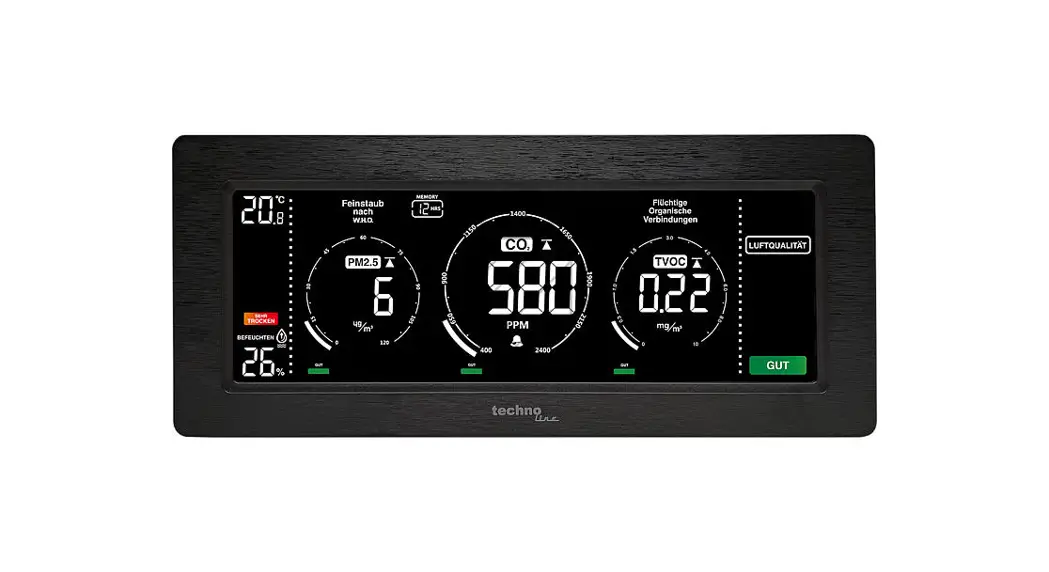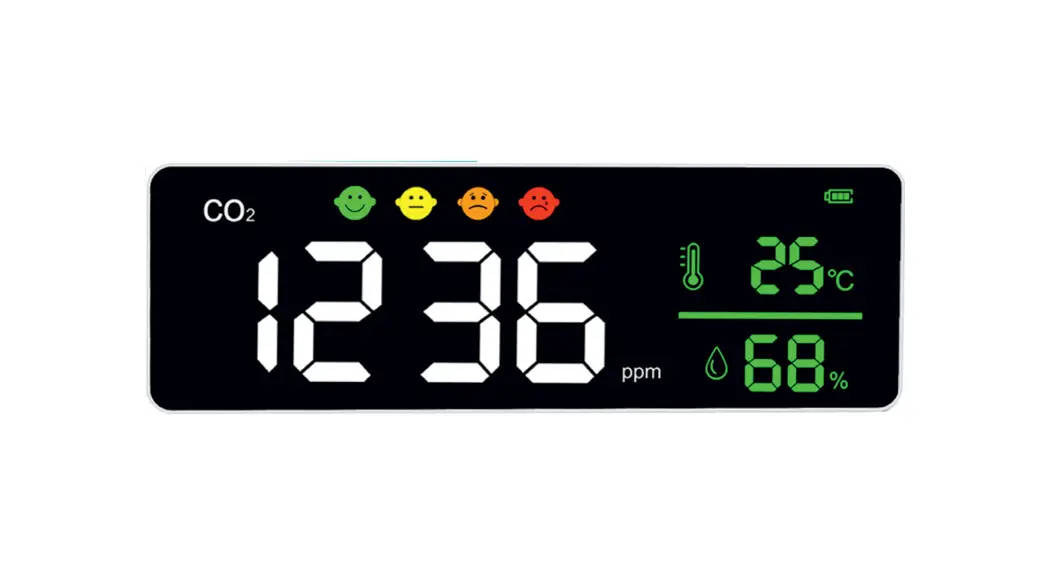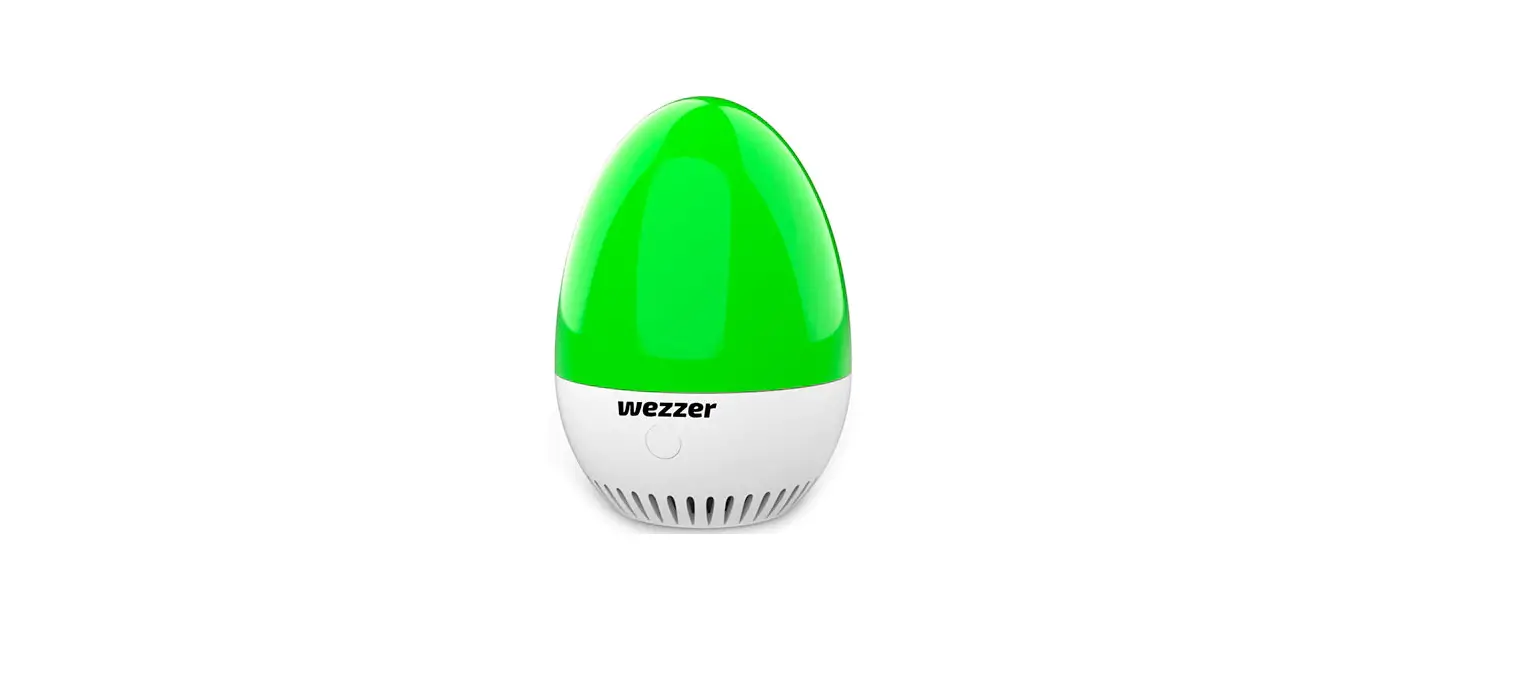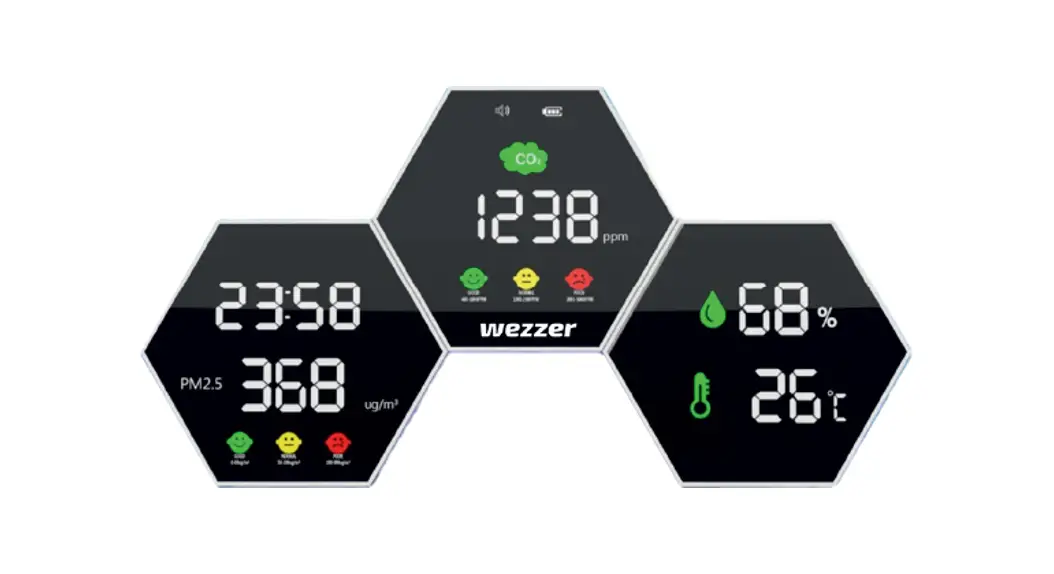
techno WL 1020 Air Quality Monitor User Manual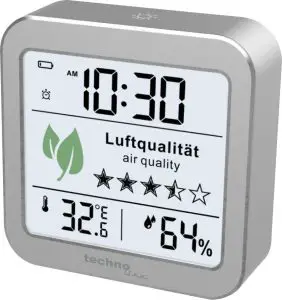
Instructions
- Connect the WL 1020 to a power source with the USB cable to initialize the VOC sensor. This takes approximately 15 seconds.
- To enter the setting mode, press the ”
 ” button for 3 seconds. You can now set the values in the following sequence.
- Time display (12h/ 24h)
- Time (hour/ minutes)
- Alarm time (hour/ minutes)
You can change the selected value by pressing the “+” / “-” buttons. By pressing the ” ” button again, the next value is selected and can be set. The dialogue is automatically closed when all values have been set or no further settings are made.
- The sensor is already calibrated at the factory.
 ” button for 3 seconds. You can now set the values in the following sequence.
Notes:
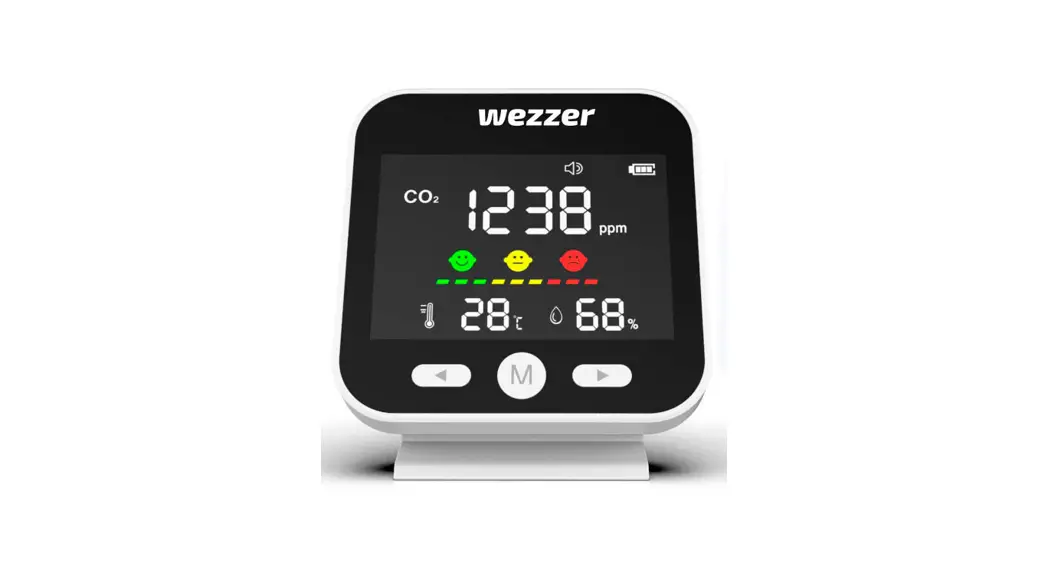
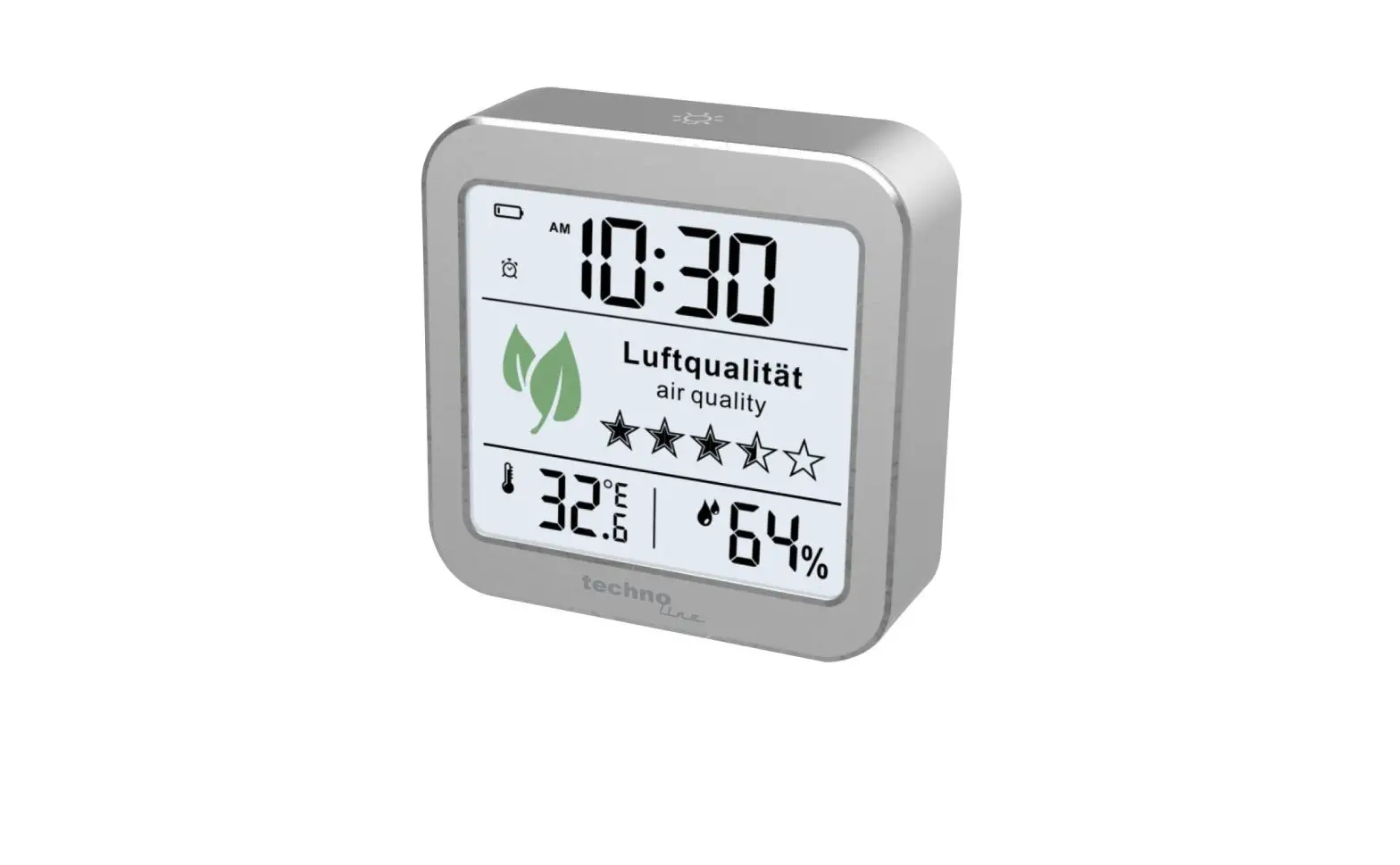
- Air Quality is rated by 11 steps in 5 stars
- Air quality is only instantly measured when it is used with USB cable (included) to save the batteries! Temperature and humidity remain measured even when using batteries.
- Backlighting (ventilation recommended)
White: The room air is within the recommended range of values.
Yellow: It is recommended to ventilate the room.
Red: The room should be ventilated immediately as the air quality has reached a value above the recommended values. - Brightness of the display can be dimmed with the ”
 ” button.
 ” button.
For detailed information, please refer to the instruction manual.