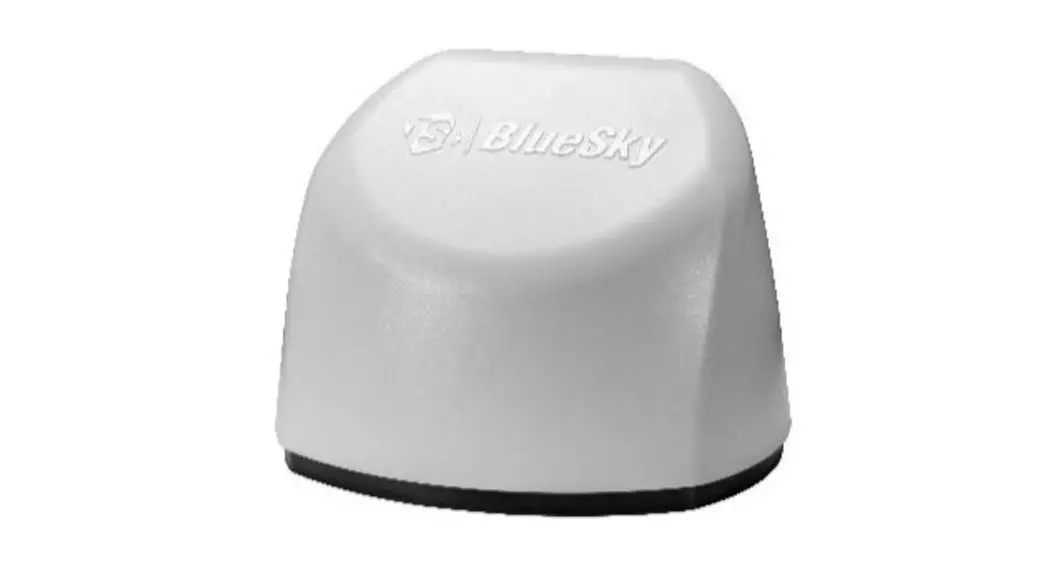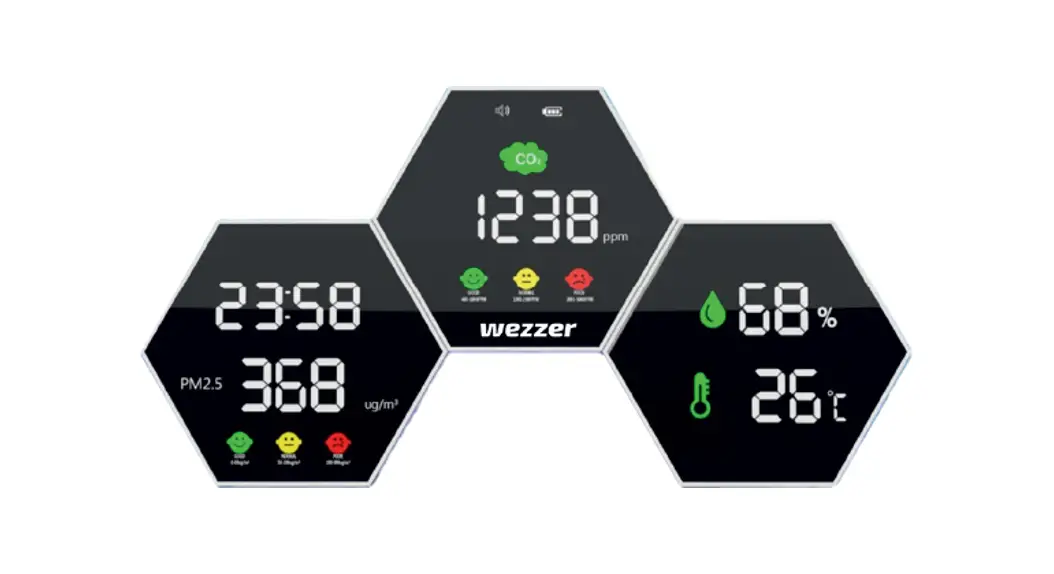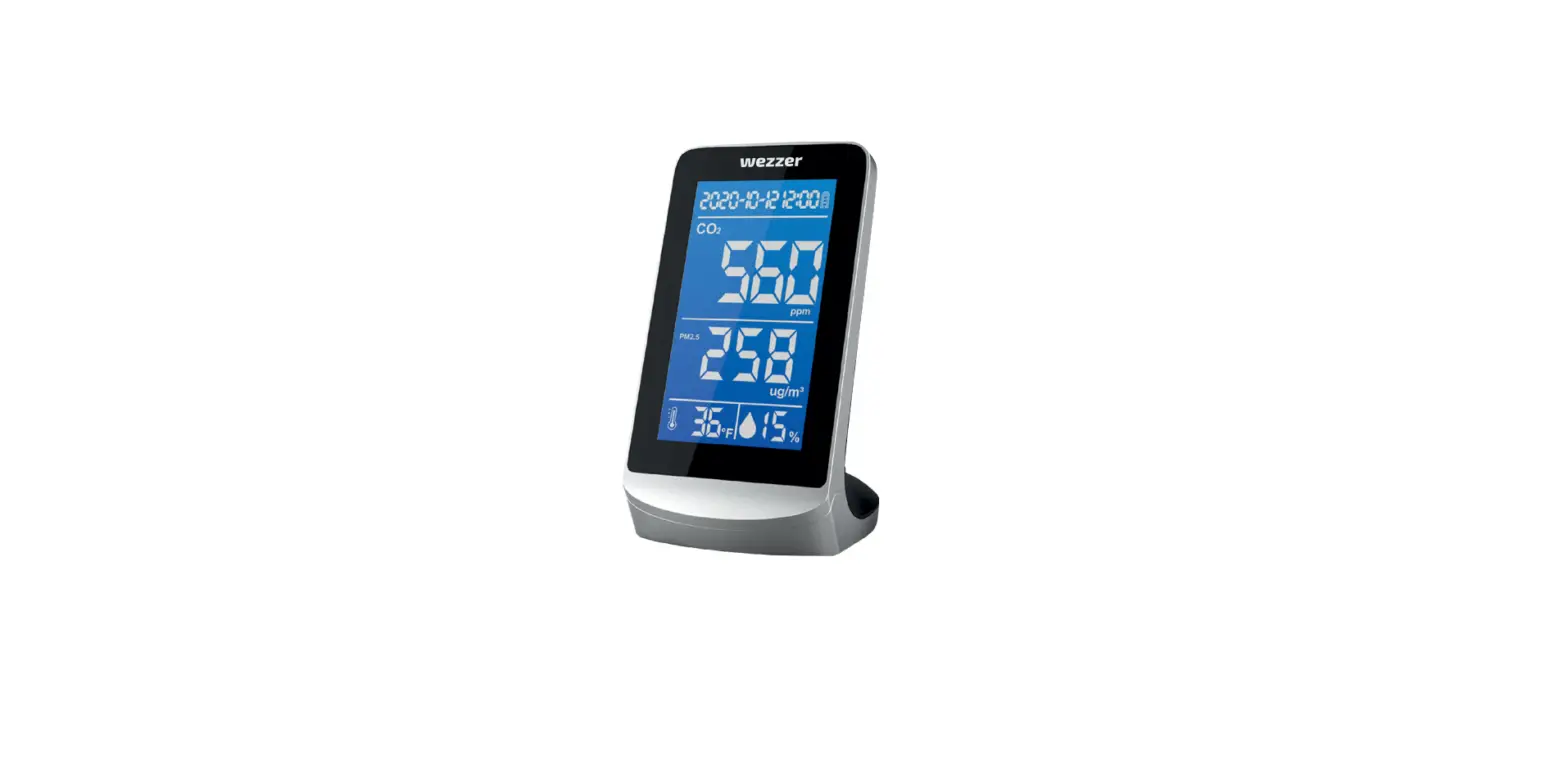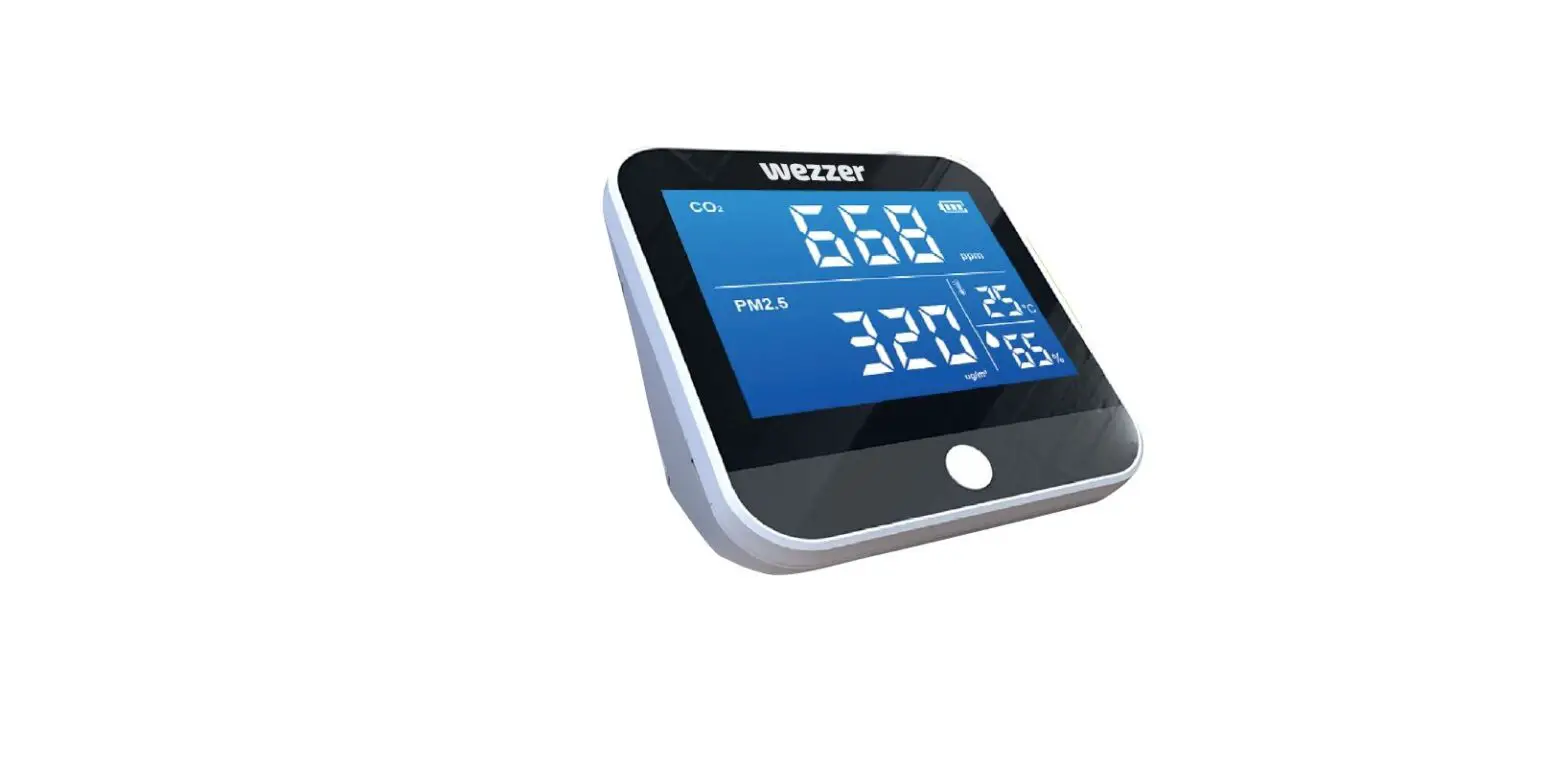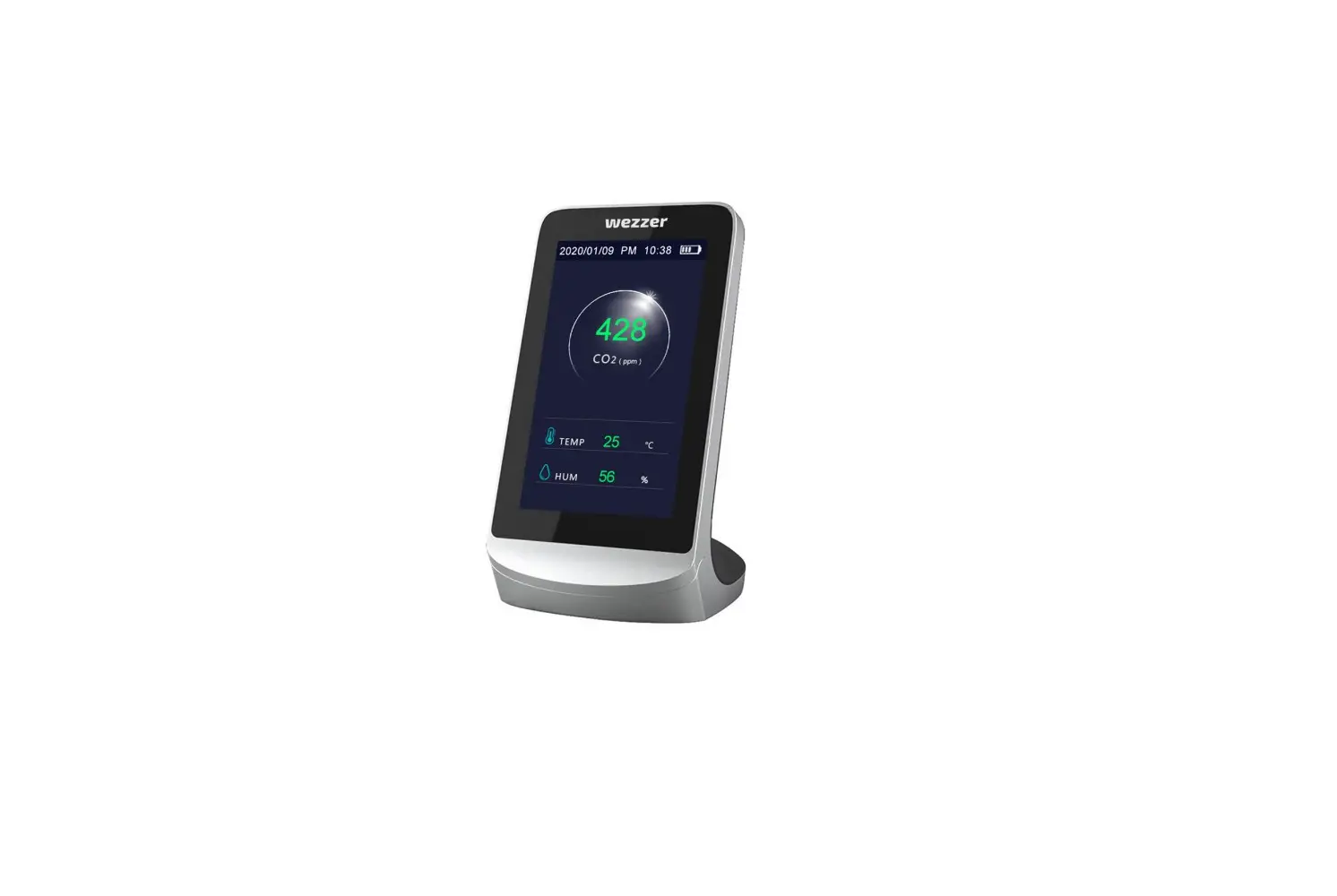
 AIR QUALITY MONITOR
Quick Start Guide
Model 8145
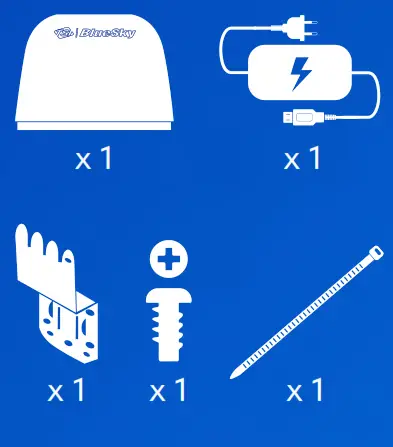
What’s Included
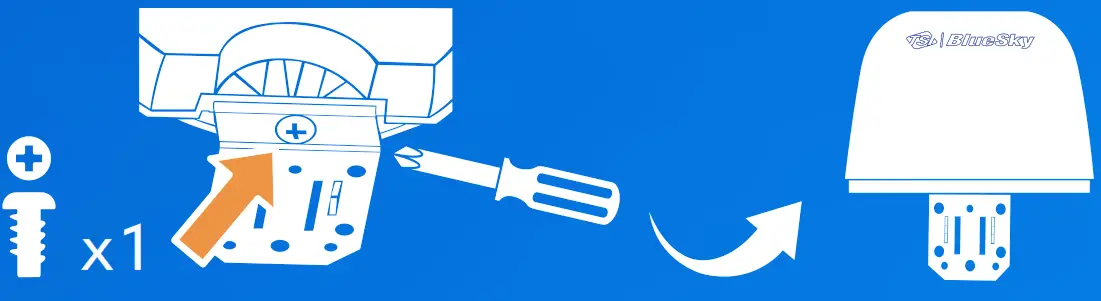
Tools Needed 
Connect Device to Wi-Fi
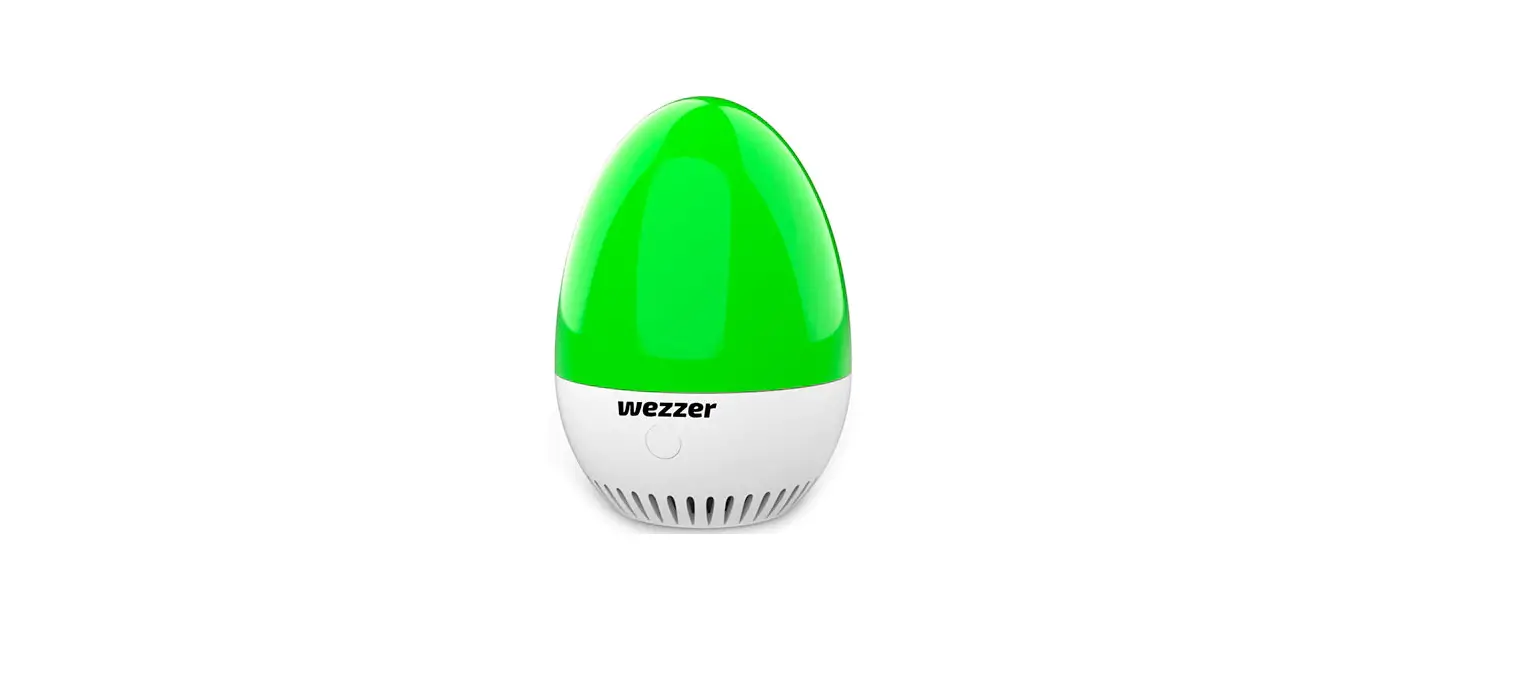
LED will pulse yellow when Wi-Fi setup mode is enabled*
* 90 sec time out. Cycle power to enter setup mode again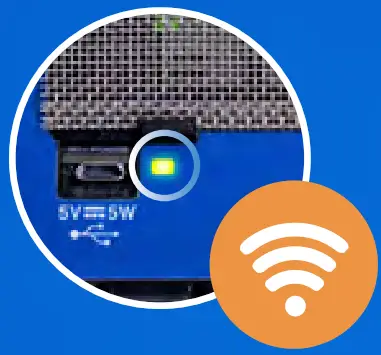
Connecting to monitor Wi-Fi hotspot
Scan Step 1 QR code on the device label 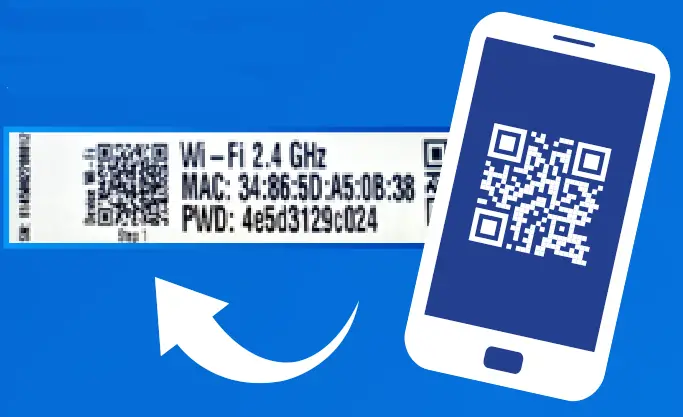
Connecting monitor to Wi-Fi network
Scan Step 2 QR code on the device label Enter Wi-Fi network SSID and password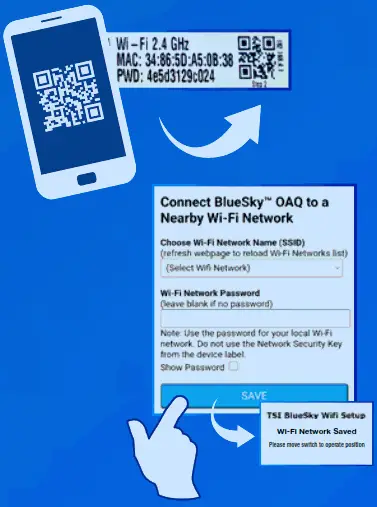
The connection process will follow this sequence
 |  |  |
| Pulse Yellow | Set up Mode | |
| Pulse White | Connecting | |
| Pulse Blue | Connected | Connecting |
| Solid Blue | Connected | Connected |
| Solid White | No Connection | No Connection |
Success
LED will be solid blue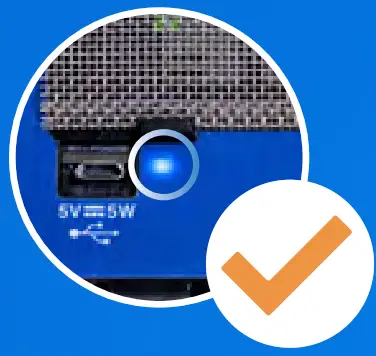
Trouble Shooting:
LED Solid White
A) Incorrect Wi-Fi network name or password
B) No Internet
C) Wi-Fi Network must be 2.4 GHz frequency 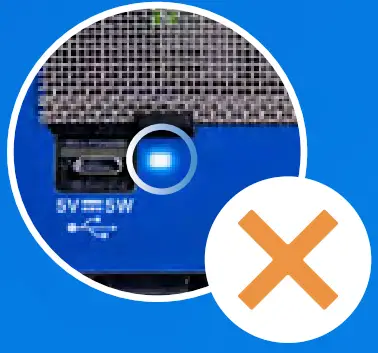
To Resolve:
Go back to step 3
Visit tsilink.com to sign up for an account and to activate your device
See the complete manual for setup instructions when using a PC
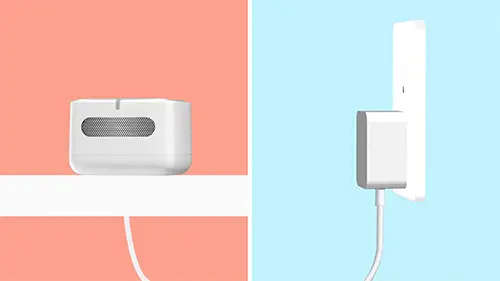
Installation

- Install bracket

- Install on pole
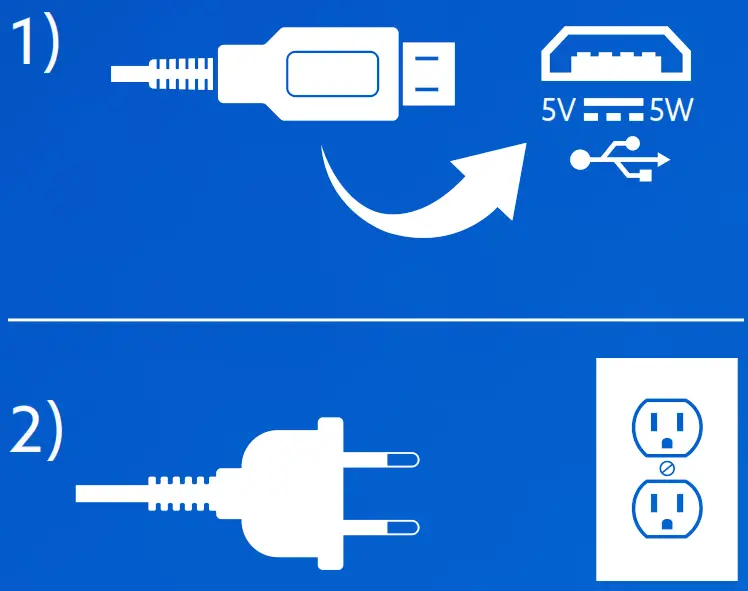
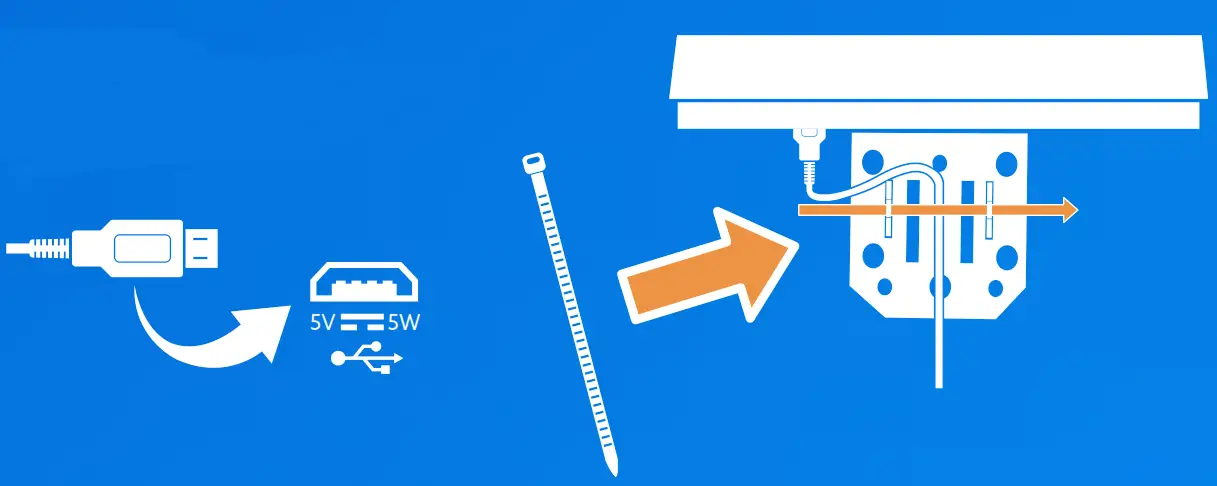
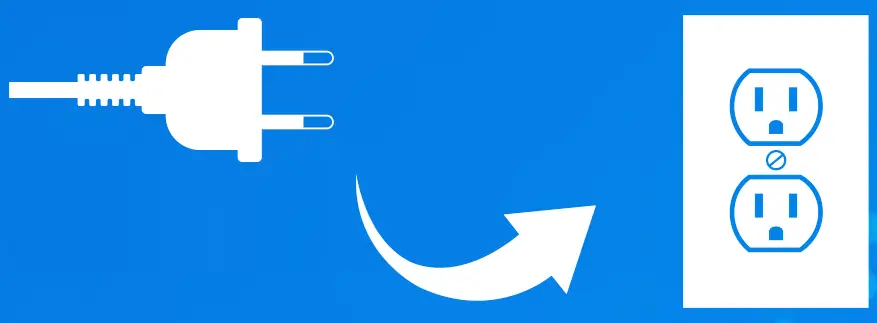
Connect the power, then secure the cable and bracket using plastic ties


p/n 5002829 Rev B