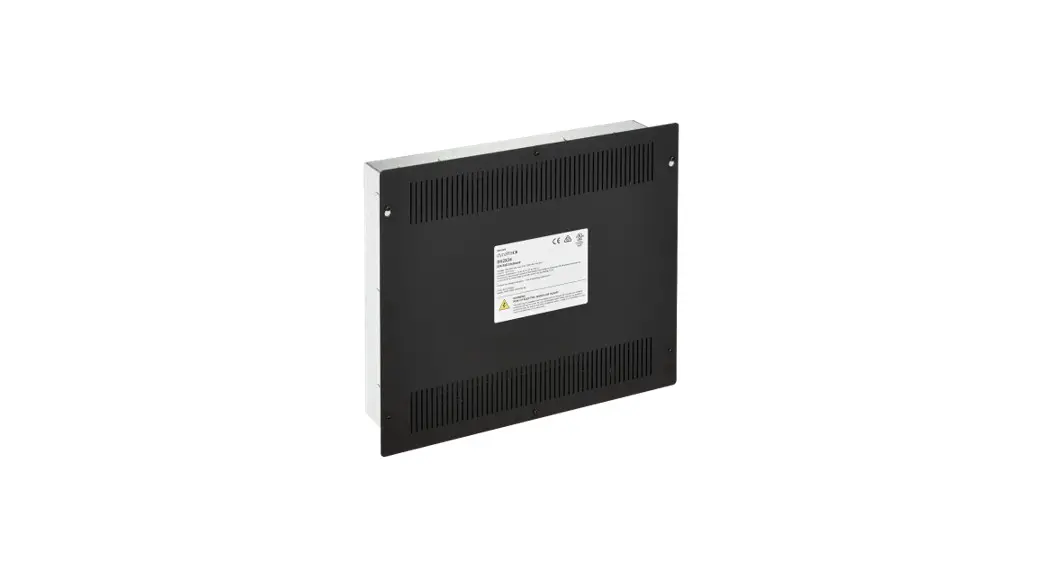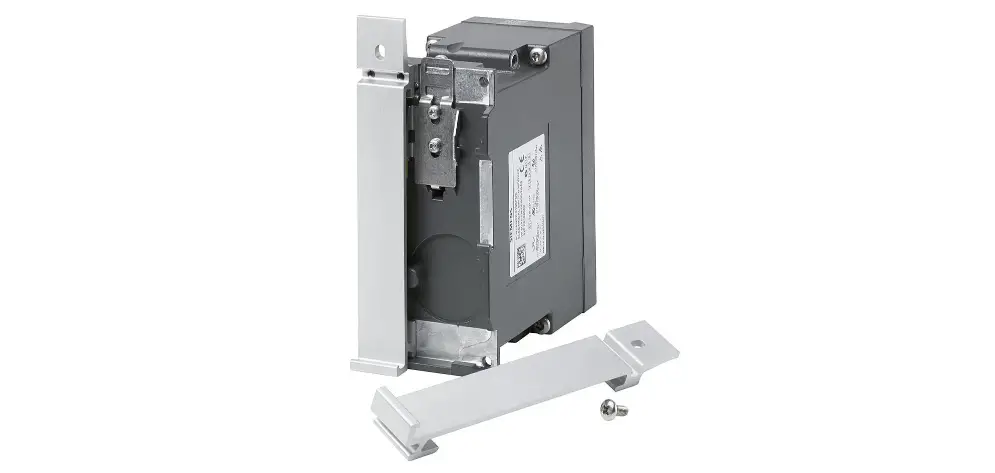

SIEMENS EK-35 Rail Kits for System 3 Enclosure
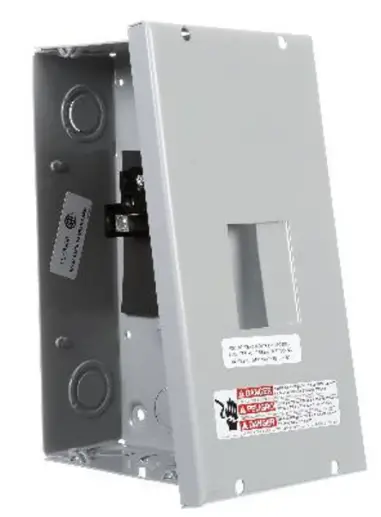
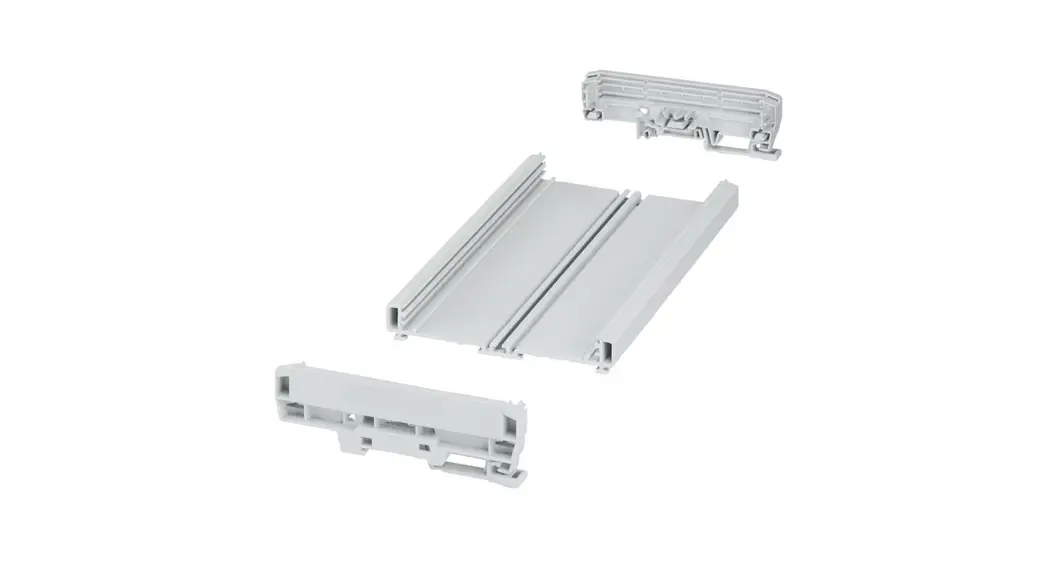
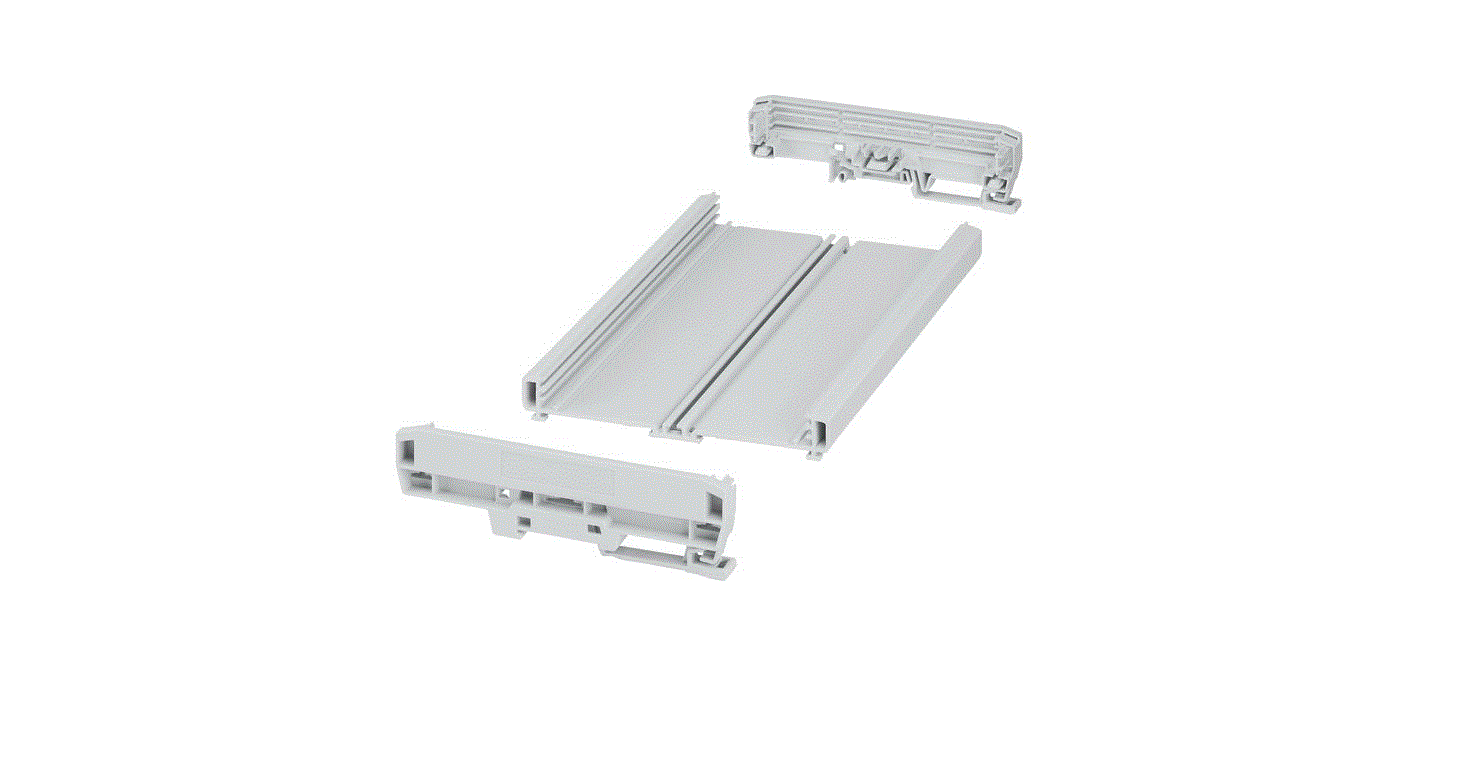
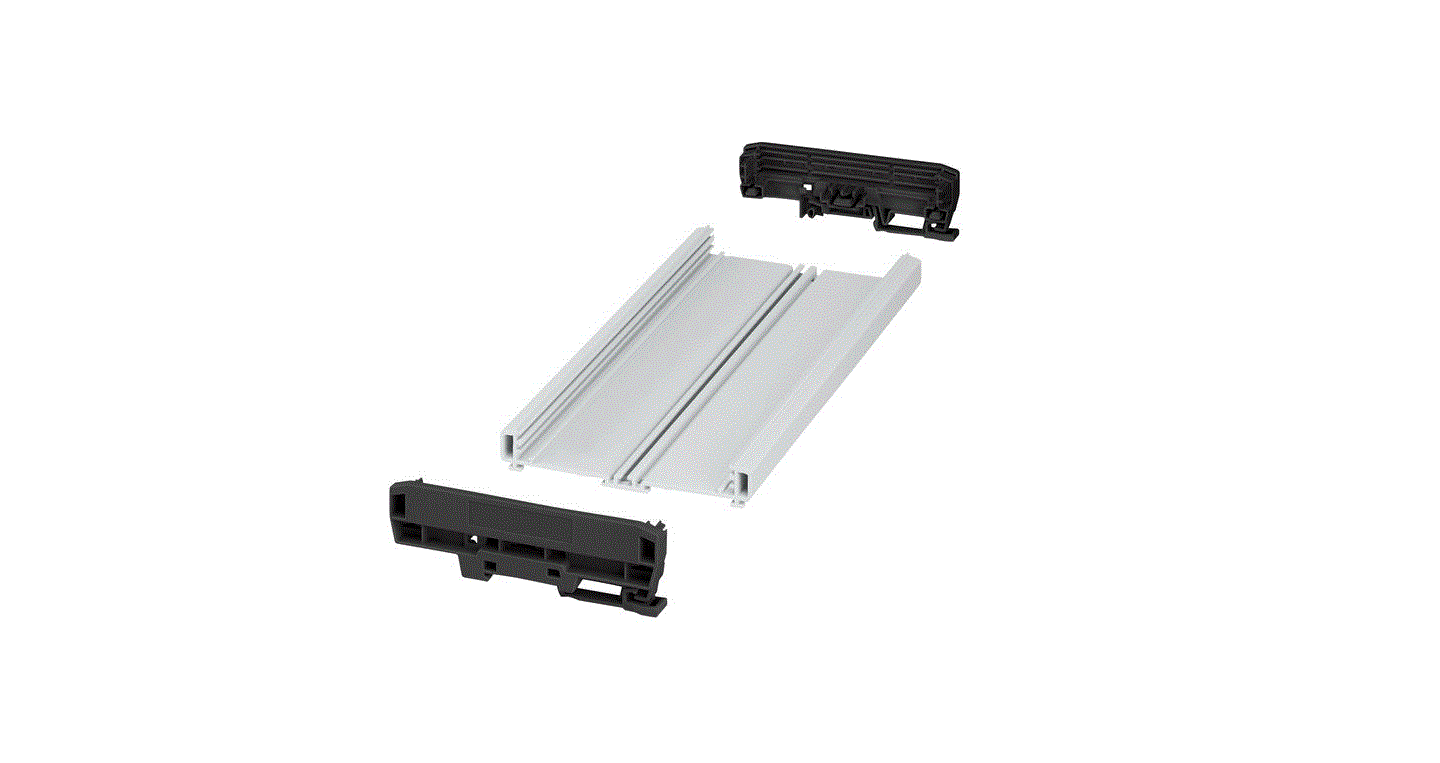
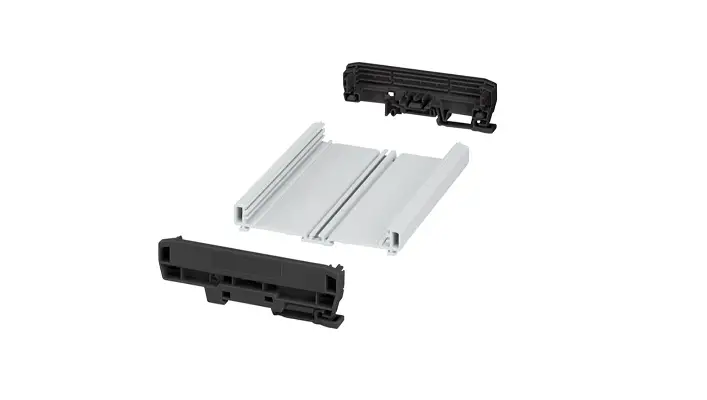
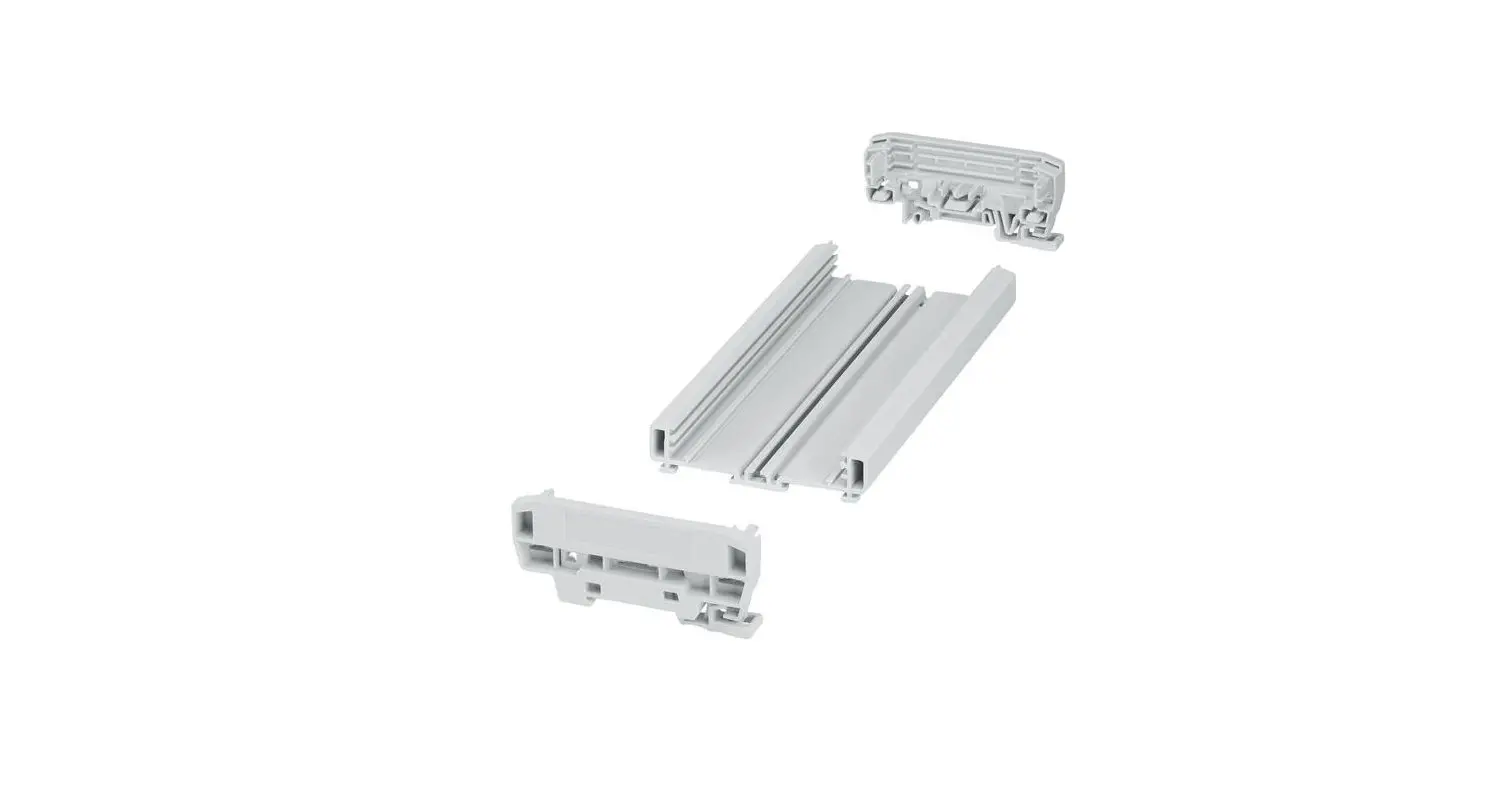
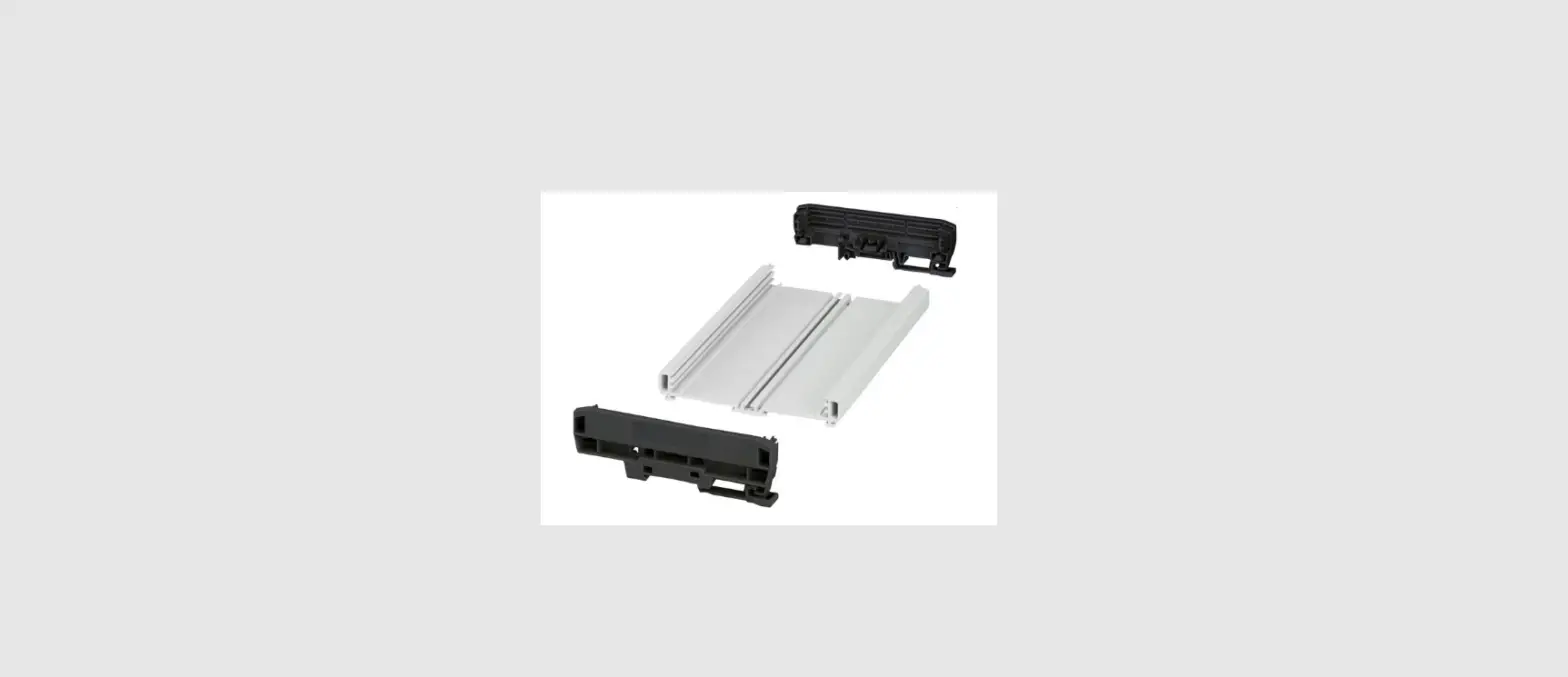
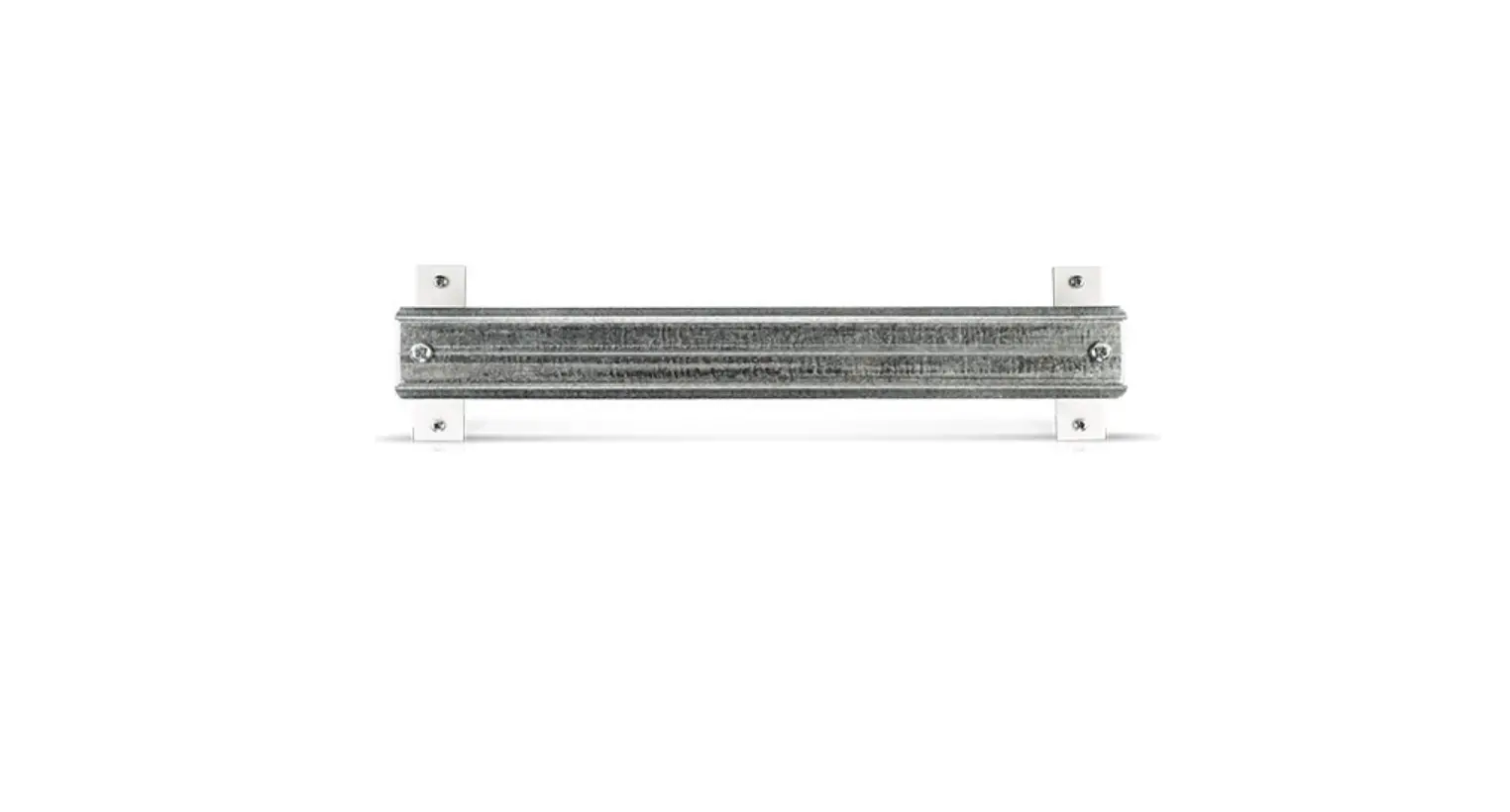
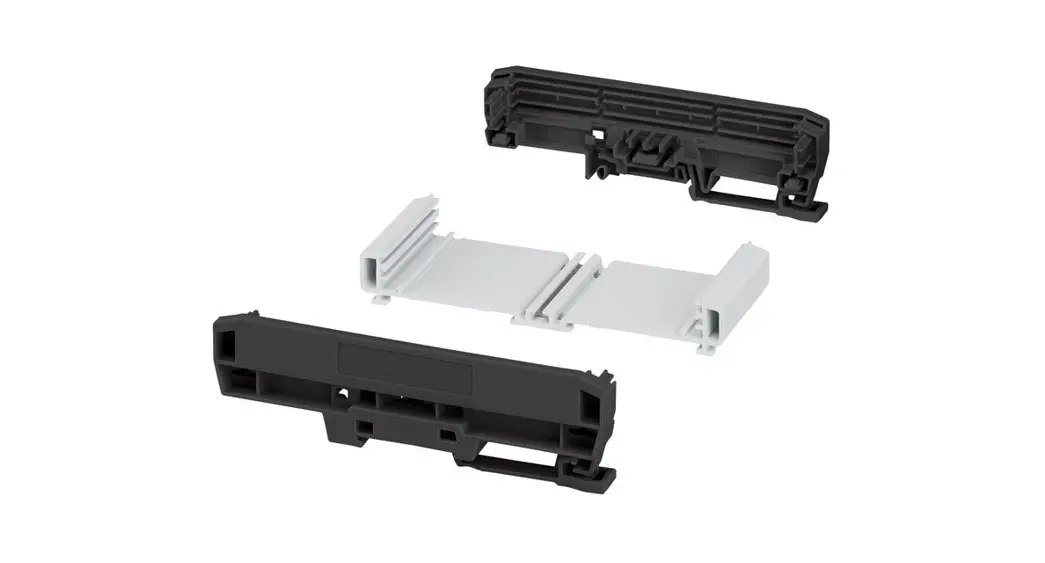
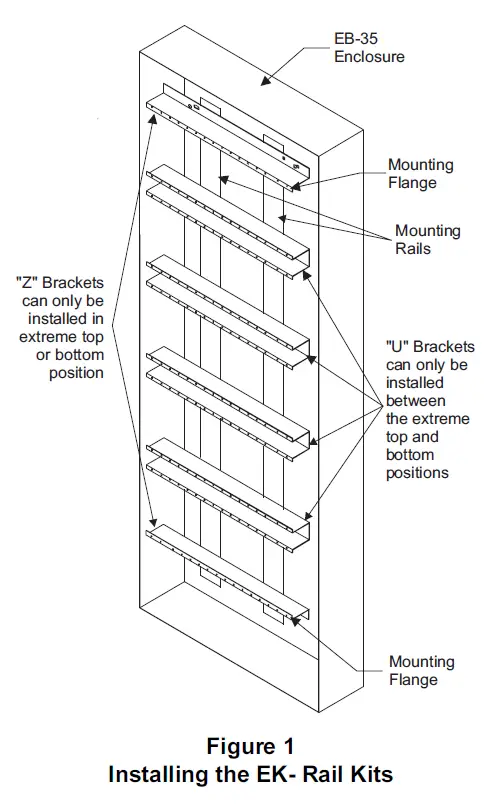
Use the Model EK-32, EK-33 or EK-35 Rail Kits to mount modules in EB-32, EB-33 or EB-35 back boxes respectively. Each kit consists of 2 mounting rails, 2 top and bottom “Z” brackets, from 0 to 4 “U” brackets and mounting hard-ware. Refer to the table below for rail kit infor-mation.
- Mount the 2 mounting rails on the studs in the back box. Secure in place with the flat washers and hex nuts provided.
- Attach the “Z” brackets to the top and bottom positions of the mounting rails with the screws provided.
- Attach any “U” brackets to available positions on the mounting rails between the “Z” brackets with the screws provided.
- For EK-35 rail kits, install the 2 tension brackets on the rail assembly using the hardware provided. The longer bracket goes on the left side; the shorter bracket goes on the right side.
| EK- RAIL KITS | ||||||
|
Back Box | Single Module Capacity |
Rail Kit | “Z” Brackets | “U” Brackets | Tension Brackets | Mounting Rails (2) |
| EB-32 | 16 | EK-32 | 2 | 1 | 0 | 2-1/2″ x 22-1/4″ |
| EB-33 | 24 | EK-33 | 2 | 2 | 0 | 2-1/2″ x 32-3/4″ |
| EB-35 | 40 | EK-35 | 2 | 4 | 2 | 3-1/2″ x 53-3/4″ |
Siemens Building Technologies, Ltd. 2 Kenview Boulevard
Brampton, Ontario L6T 5E4 Canada
 Home - Fire Alarm Resources - Free fire alarm PDF manuals, documents, installation instructions, and technical specifications