 OMNI-703
 User Guide
Note: Please ensure that you are using the latest version of this User Guide, which can be downloaded from www.poynting.tech
Packing Check List
| Item | Description | Quantity |
| 1 | A-OMNI-0703 Antenna Only | 1 |
| 2 | Pipe Clamp | 2 |
| 3 | Wall Knock-in Screws | 1 |
| 4 | Adhesive Disc | 1 |
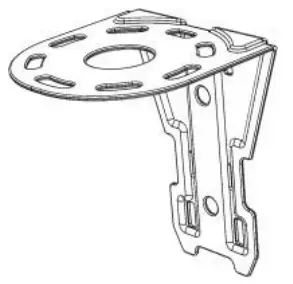
| 5 | L-Bracket | 1 |
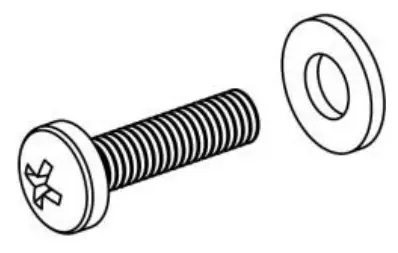
| 6 | M4 stainless steel machine screw and washer | 4 |
Appearance of Components
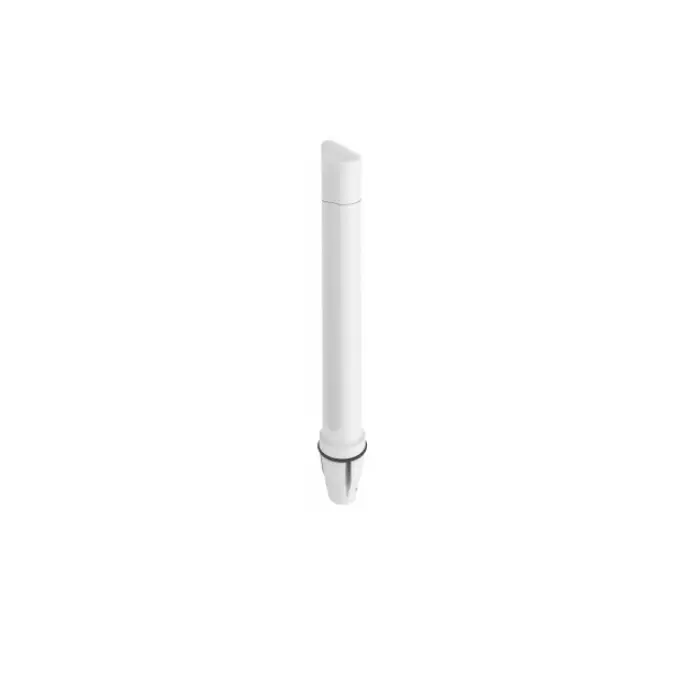
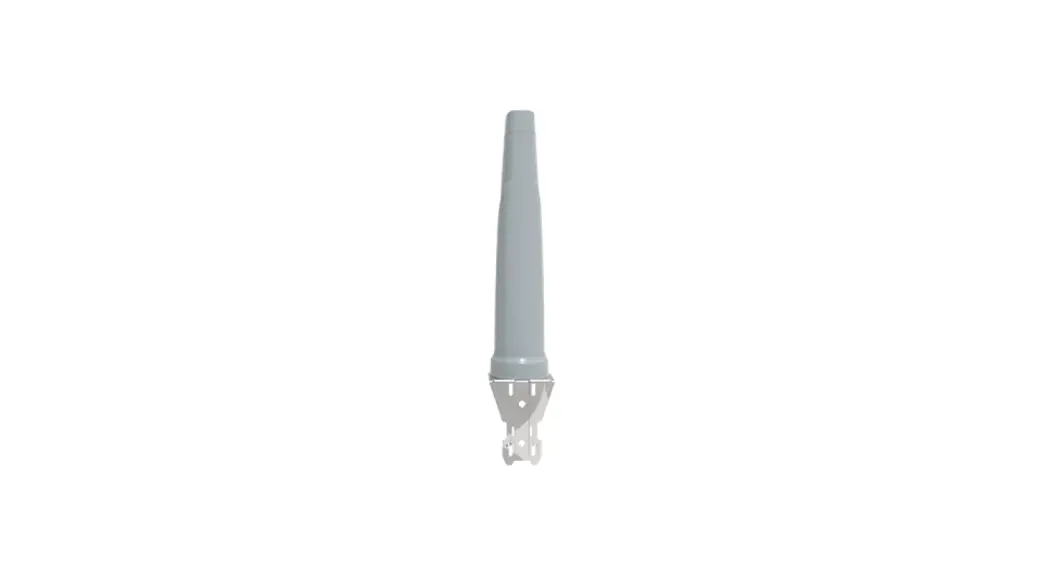
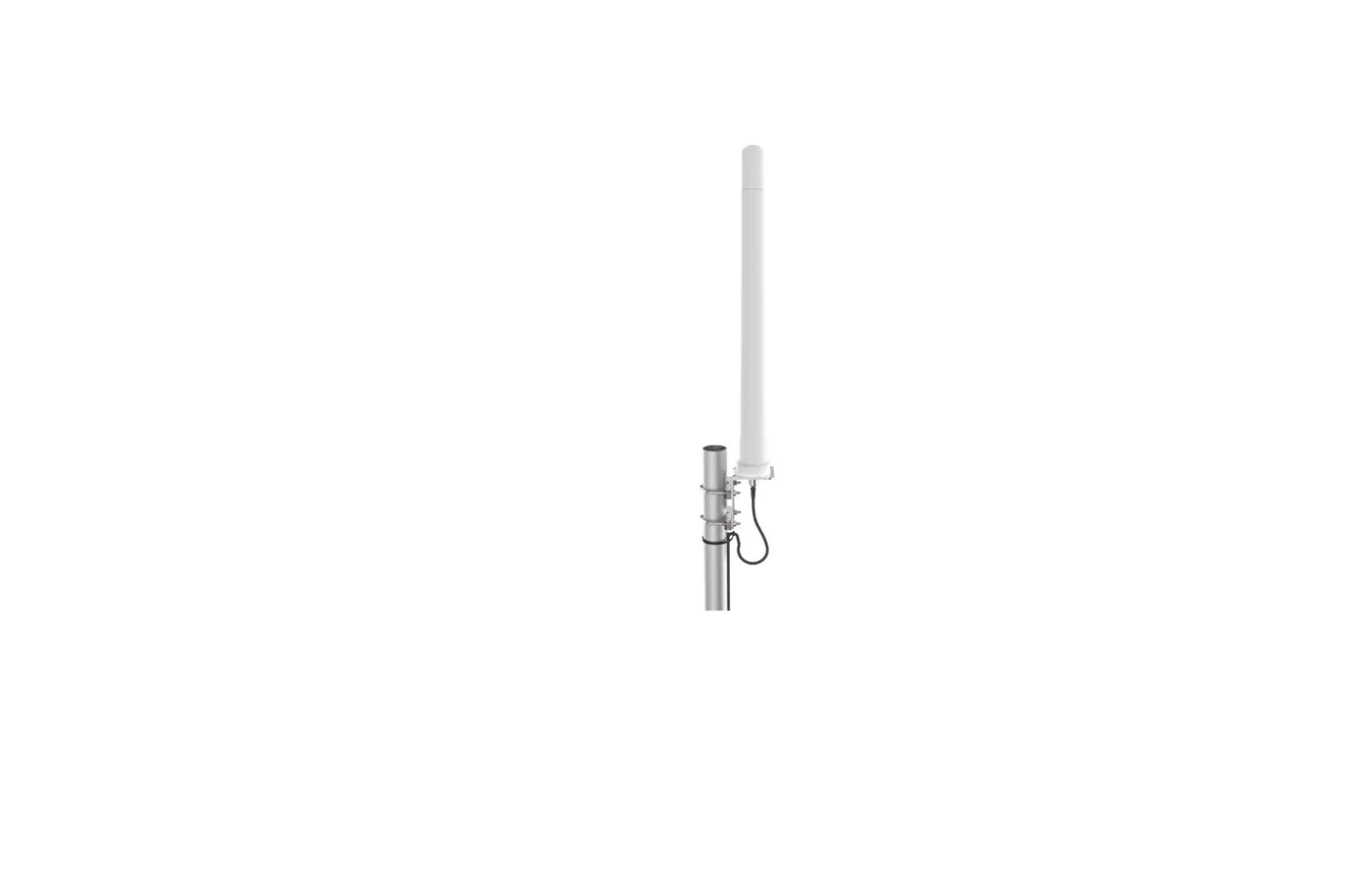
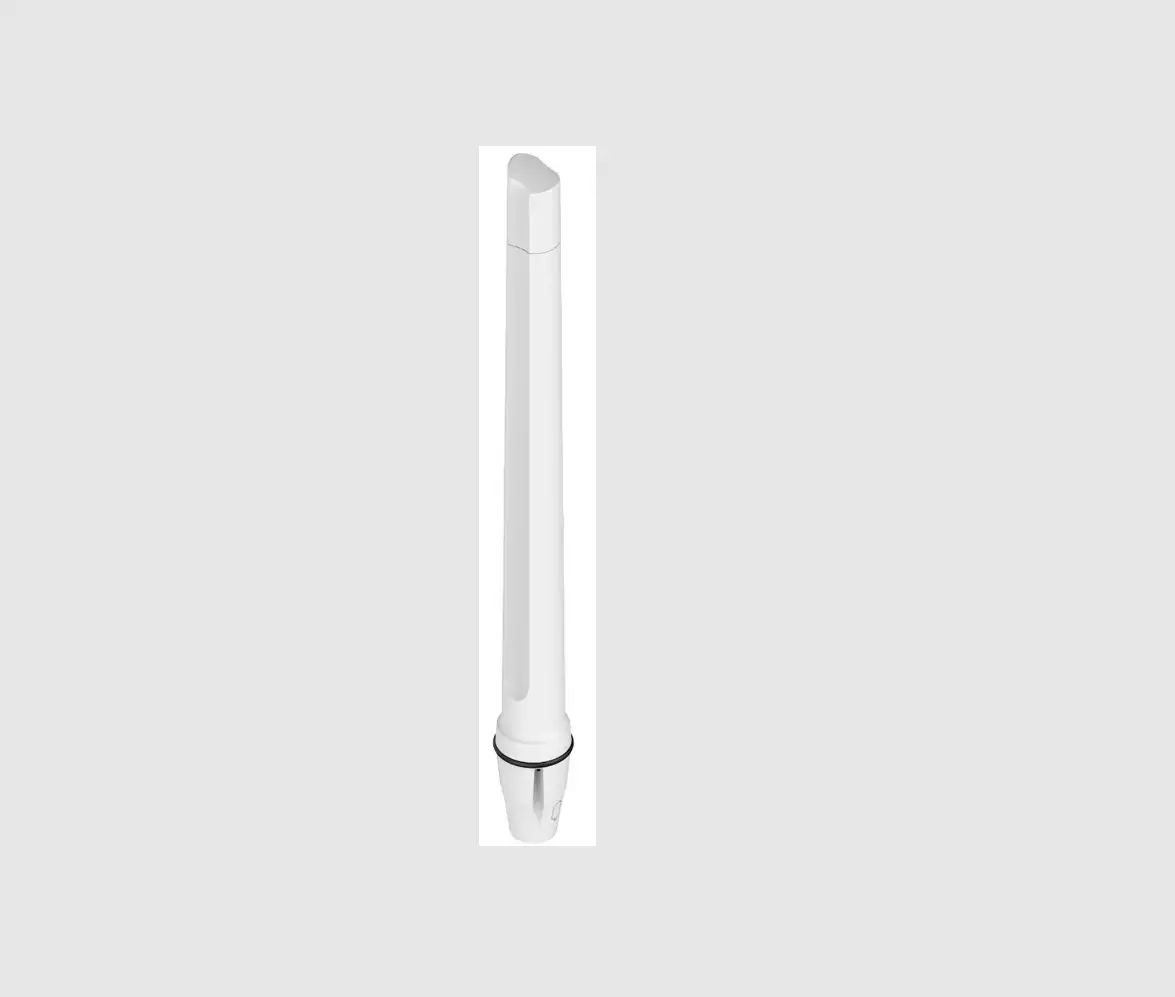
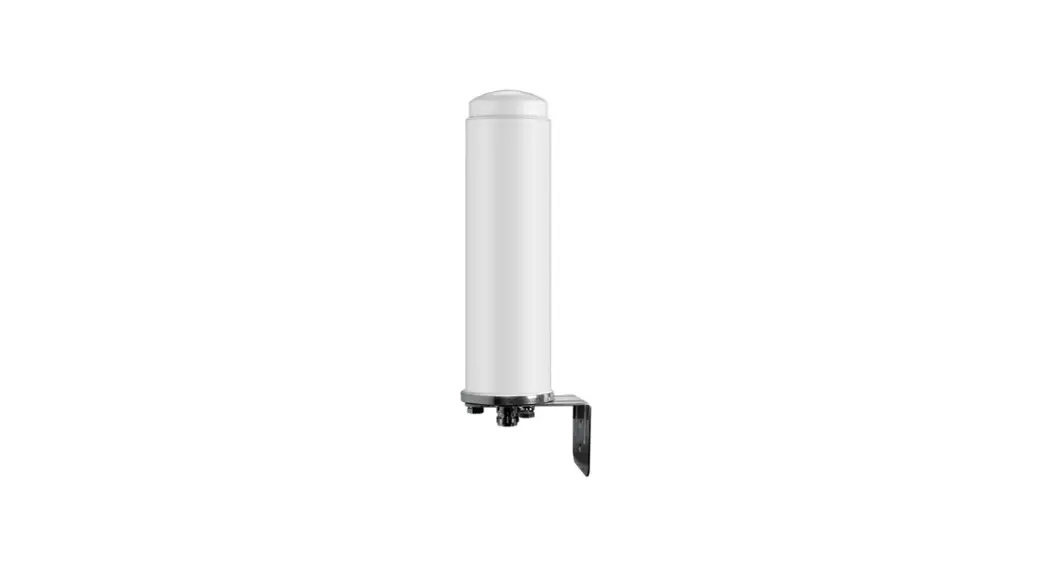
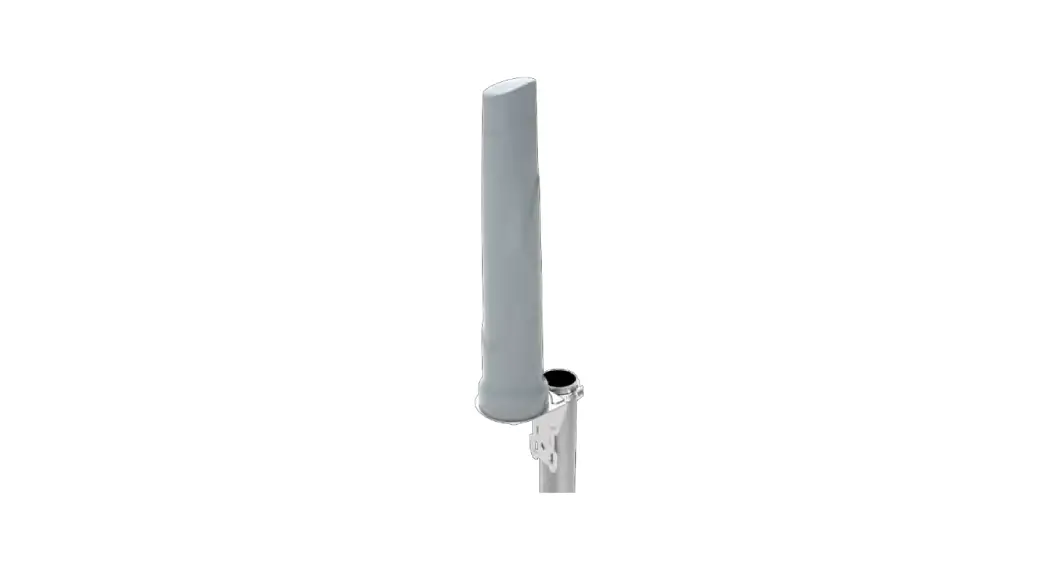
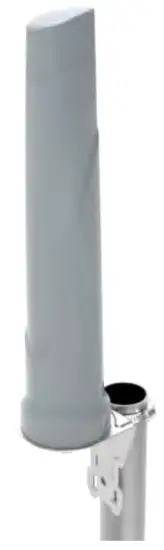
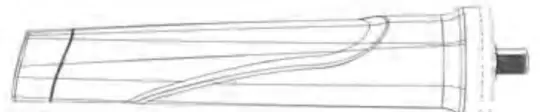
Antenna Unit
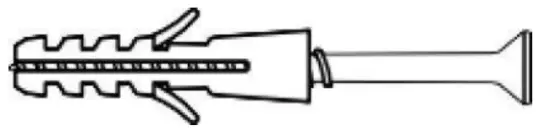
Wall Knock-in Screw 
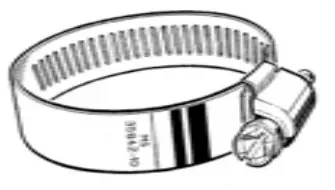
Pipe Clamp
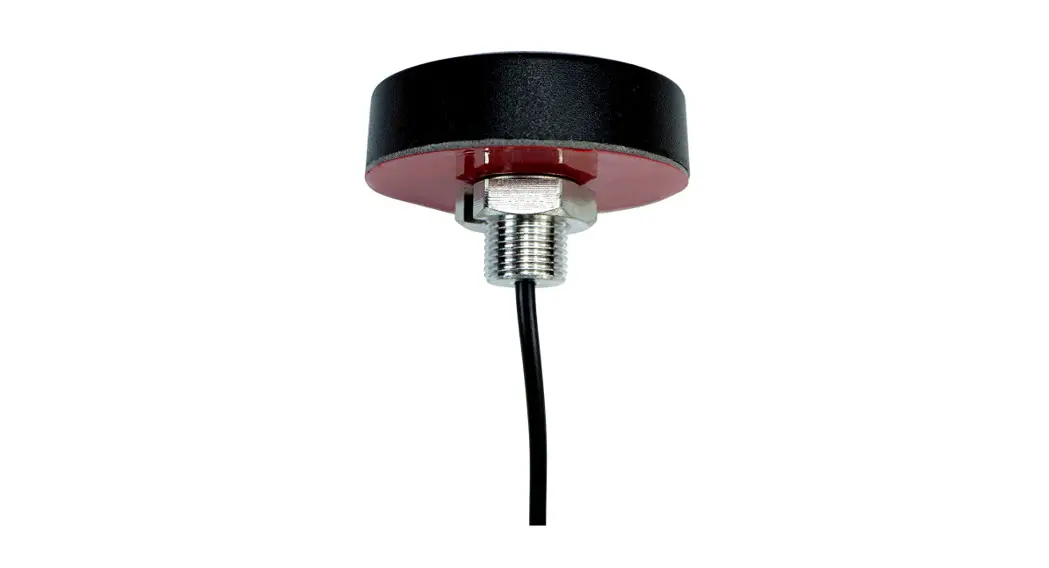
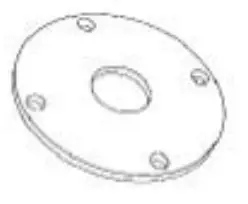
Adhesive Disc 
L-Bracket
M4 machine screw and M4 flat washer
Introduction
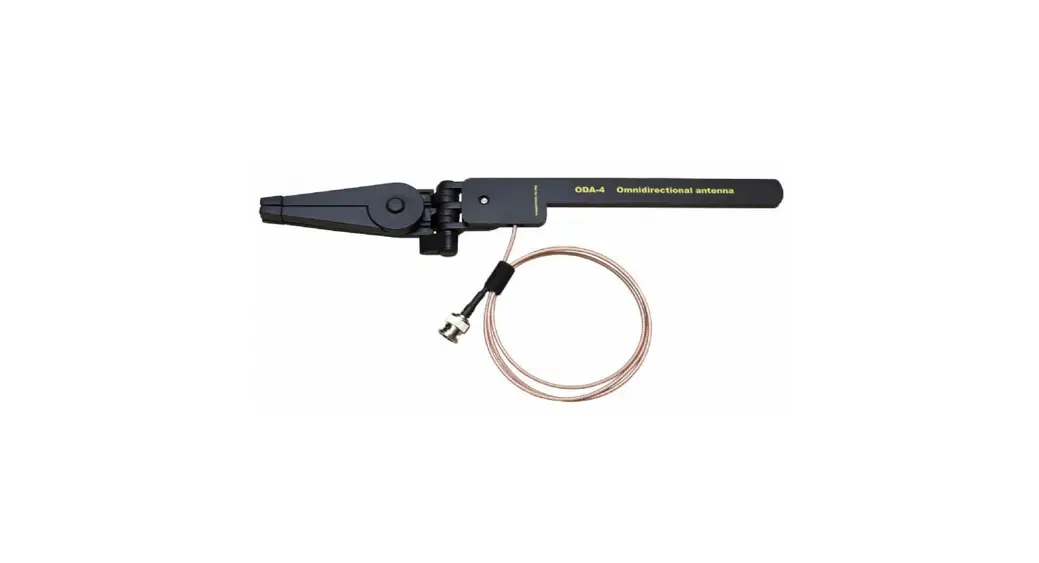
This User Guide provides information on the installation instructions of the Omnidirectional antenna (A-OMNI-0703).
Tools that may be required
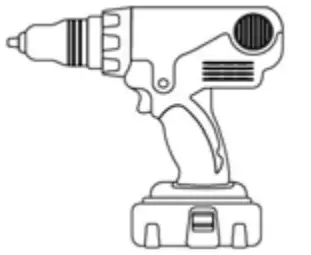
| 6mm Masonry drill bit | Impact drilling machine |
 |  |
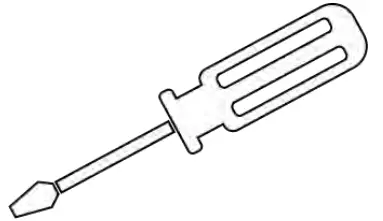
| Screwdriver- cross slot/Philips & flat | Hammer |
 |  |
For both pole and wall mount options, attach the L-Bracket to the antenna first using the provided M4 screws and washers. 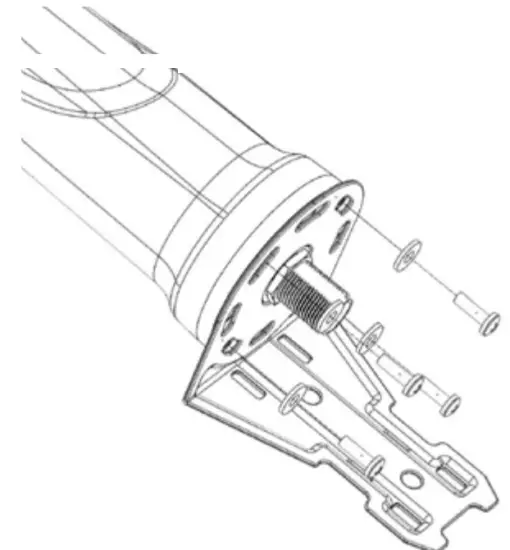
Antenna Configuration 1
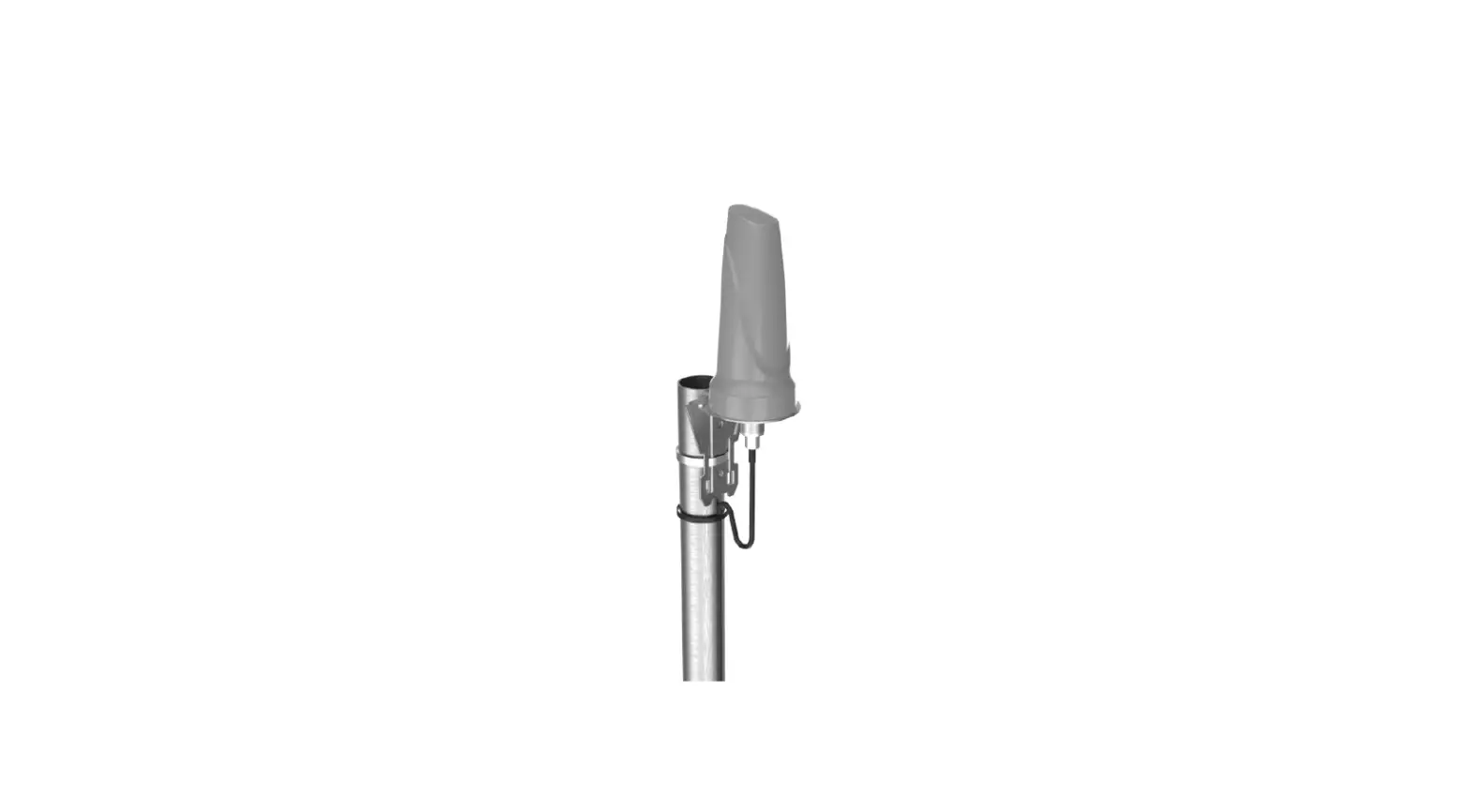
Pole mount with L-Bracket and pipe clamp Exploded View 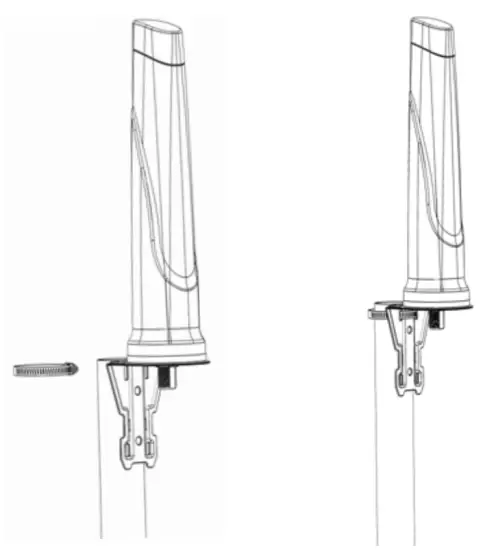
Antenna Configuration 2
Wall mount with L-Bracket and knock-in screws
Use the L-bracket as a template to drill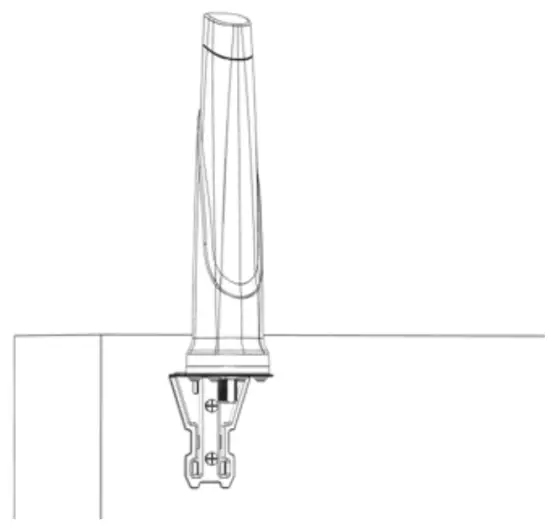
Antenna Configuration 3
Surface mount with an adhesive disc
Use adhesive disc as a template for drilling a cable hole 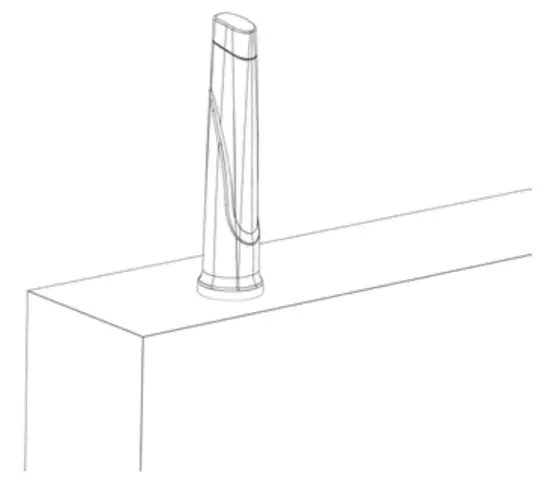
Antenna Mounting Precautions
- Place the antenna at the highest point and ensure that there aren’t any surrounding obstructions to the antenna.
- In order to avoid communication interference, ensure that the antenna is placed at least 0.5m away from other antennas and metal objects. www.ime.de
- Avoid installing the antenna near a chimney, as the smoke and soot emitted by the chimney can obstruct the signal level achieved by the antenna.
- Install the antenna away from heat sources and flammable gases.
Cable Routing
- Survey the planned cable route and look for any blocked passages.
Consider alternate routes to find the best available path. Always keep the cables as short as possible to make sure that minimum cable losses are achieved. - Note: Take advantage of any existing cable channels. e.g wiring conduits to route the cables.
- Avoid running cables through components or sharp apertures that may cause excessive chafing. Doing so may erode the jacket and break signal continuity. Also, avoid kinking, pinching, or twisting a cable during a run. www.ime.de
- Use cable ties to secure the antenna cables.
When handling the antenna cables, it is essential you follow these basic rules:
- Never pull on the cable connectors; pull only on the cable.
- Tighten the connectors and ensure that the cables don’t rattle loose.
Safety
- If you are installing an antenna for the first time or unsure about how to install your antenna, obtain the help of a professional installer.
- Carefully survey the installation site before installation to locate secure handholds, dangerous conditions (such as power lines and weak roofs), and the safest and most convenient placement for ladders if necessary.
- The antenna may not be used as a climbing or pulling device.
- Considerations must be taken when mounting the antenna that people do not hang or pull on it.
- When installing your antenna, remember
- Do not install near power lines as they can electrocute you.
- Do not install on a wet or windy day or when there is lightning or thunder in the area.
- Wear shoes with rubber soles and heels, protective clothing (long sleeve shirt or jacket), and rubber gloves.
- Avoid installation while under the influence of drugs, alcohol, or medication.
- Make sure that any loose-fitting jewelry or clothing is secured and tie back long hair as they can get caught in moving parts during installation.
- If the antenna assembly starts to fall, get away from it and let it fall to avoid harming yourself. www.ime.de
- When drilling, remember;
- Use safety goggles when drilling the holes.
- Avoid using bits that are dull, bent, or damaged.
- Be aware of where your fingers are in relation to the drill bit when using the drilling machine.
- To stop the drilling machine, let the drill chuck come to a complete stop on its own. Do not grasp the chuck in an attempt to stop the drill bit.
- Avoid awkward hand positions where a sudden slip could cause a hand to move into the drill bit or cutting tool.
South Africa
Unit 4, N1 Industrial Park
Landmarks Ave
Samrand, 0157
South Africa
Tel: +27 12 657 0050
[email protected]
USA
1804 Owen Court,
Suite 104, Mansfield,
TX 76063
Tel: +1 817 533-8130
[email protected]
Europe
Kronstadler Straße 4,
81677 München
Germany
Tel: +49 89 2080 265 38
Mob.: +49 176 529 733 50
[email protected]
Version 3.0
PCL-A-OMNI-0703
www.ime.de
 IoT & Wireless - ime mobile solutions GmbH +49 6821 91900