 MP-8
MP-8
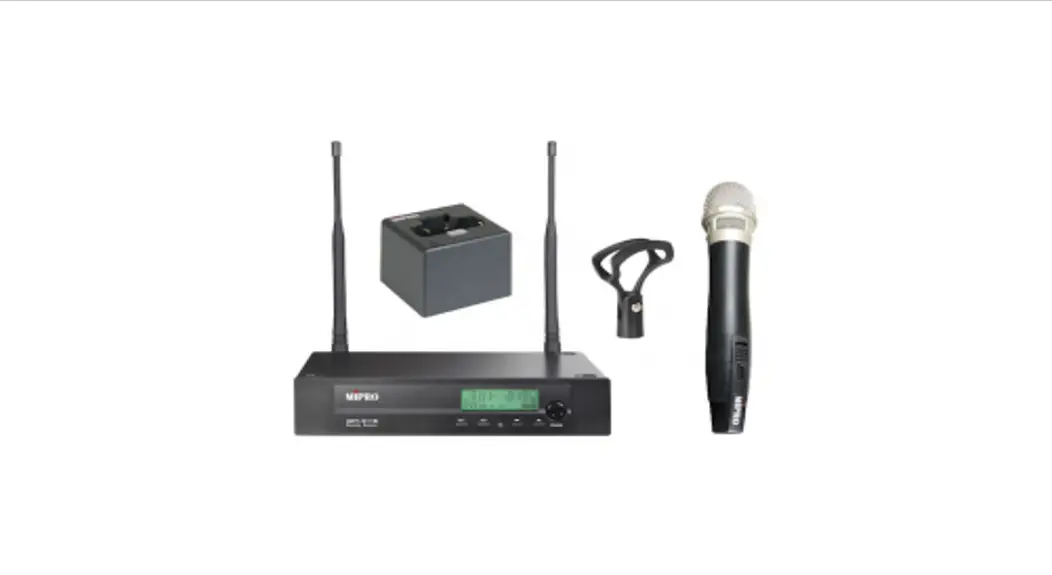
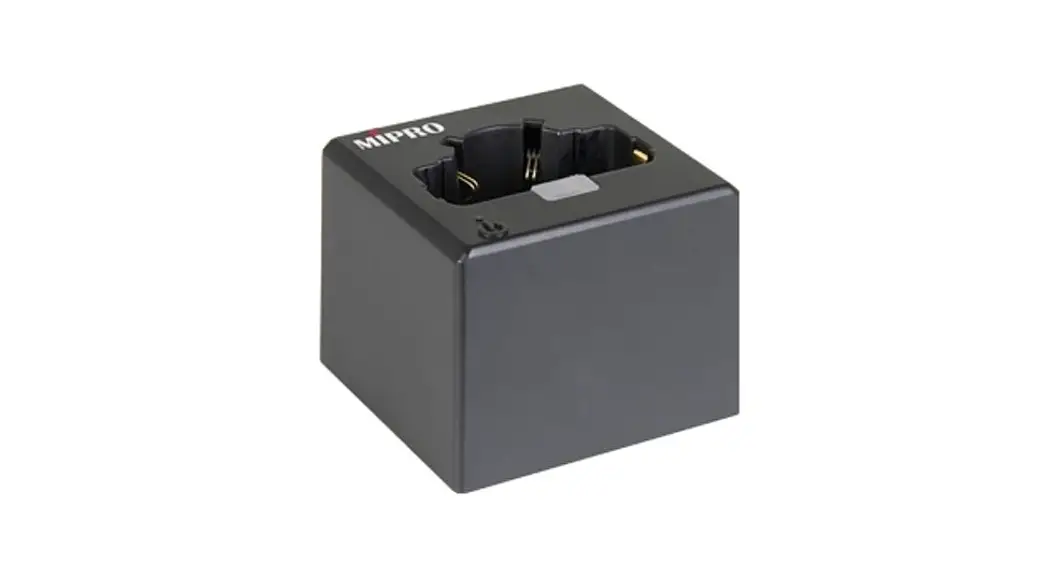
Single Slot Transmitter Charging Station
User Guide 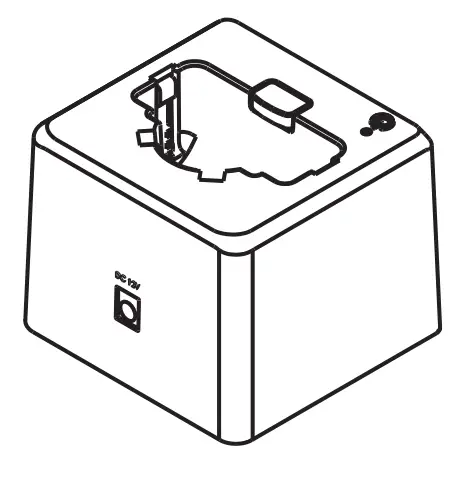
Part Names, Fig. 1
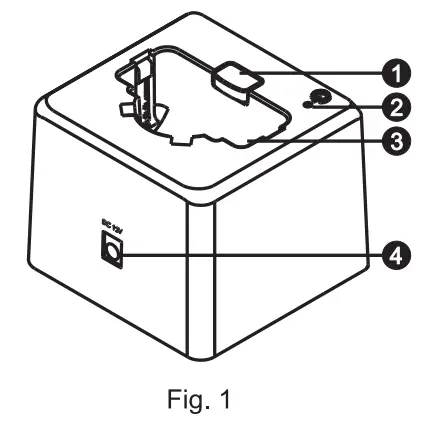
- Charging Indicator
- Power Indicator
- Charging Slot
- DC Power Jack: center electrode connected to the positive voltage.
Operating Instructions, Fig 2
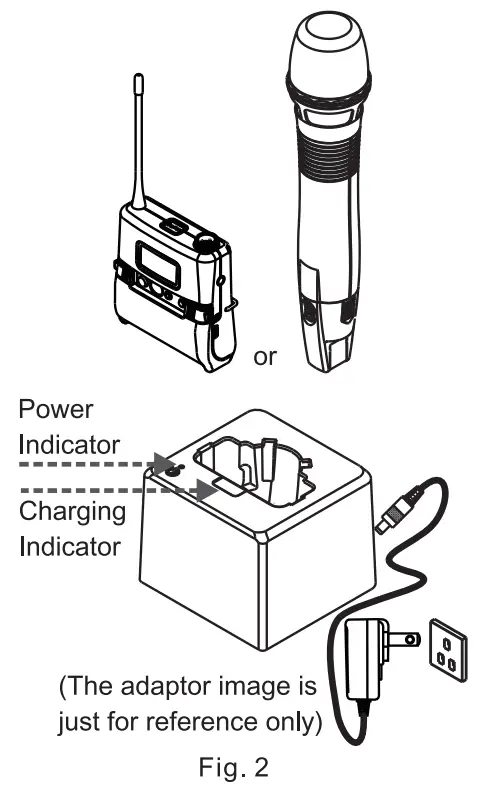
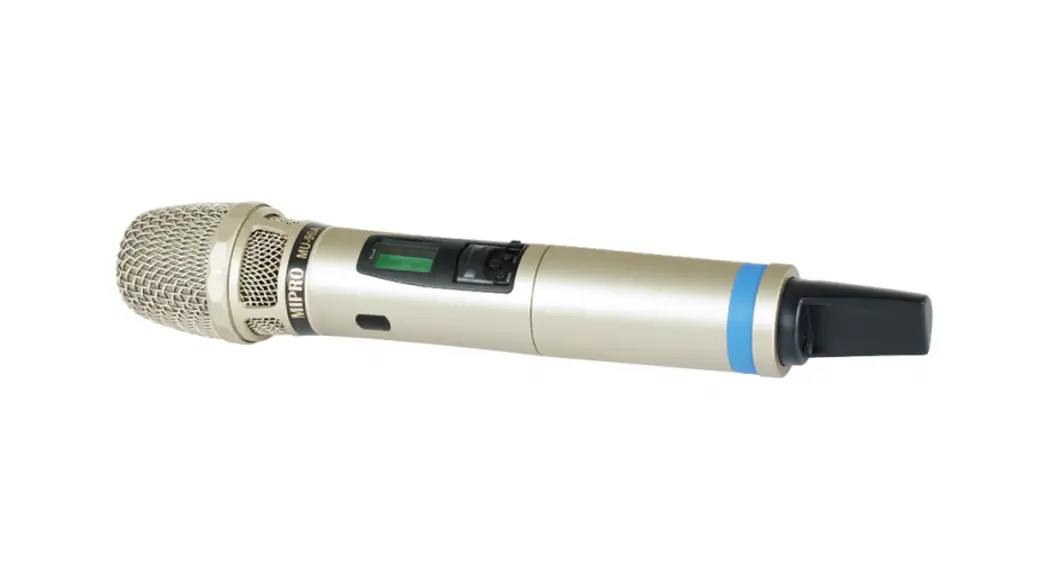
- Insert the transmitters into the charging station incorrect direction.
- Connect the DC power input jack to the MP-8.
- Power Indicator: The indicator is lit when the power plug is plugged in and the power supply is normal.
- Charging Indicator: red light indicates charging; green light indicates a full charge. It doesn’t work if there is no transmitter inserted.
- Cautions:
(A) Be sure to use the included MIPRO charger to avoid inadequate voltage or current. Ensure input supply voltage must not exceed a specified value to avoid damages to the charger, rechargeable batteries, and transmitters. MIPRO power supply has to switch power output 12V/1A.
(B) Power off the charger before charging.
(C) Do not use other brands’ chargers, to avoid possible danger. - Note: Refer to the actual product in the event of product description discrepancy.
MIPRO Electronics Co., lid
Headquarters: No. 814, Beigang Rd.,
Chiayi City 600079, Taiwan
Tel: +886.5.238.0809
Fax: +886.5.238.0803
www.mipro.com.tw
[email protected] 
All rights reserved. Do not copy or forward without prior approvals of MIPRO. Specifications and design are subject to change without notice. YM 022/03