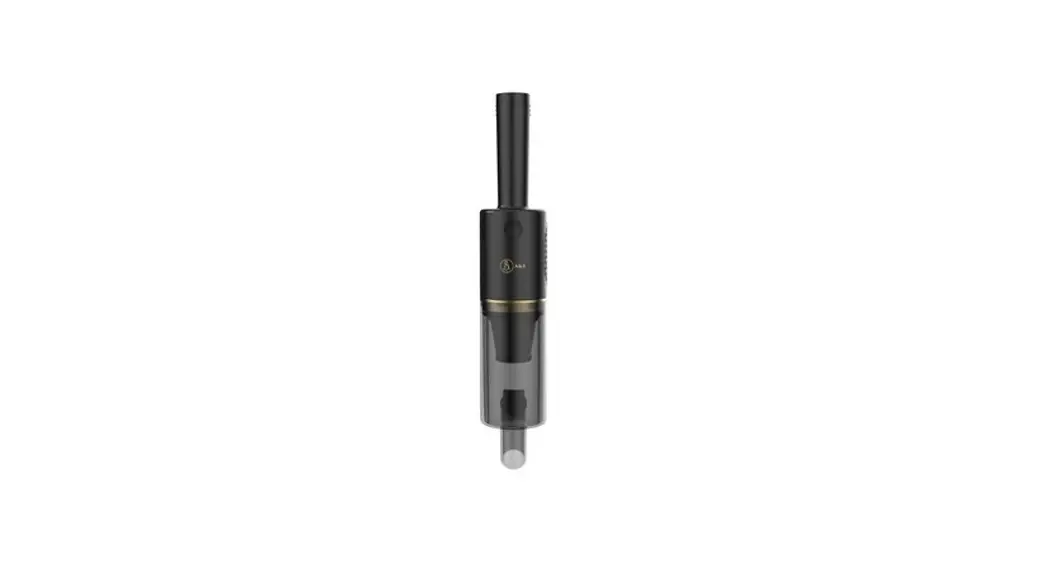
If you’re experiencing issues in the Brush/Foot area follow these steps to resolve:
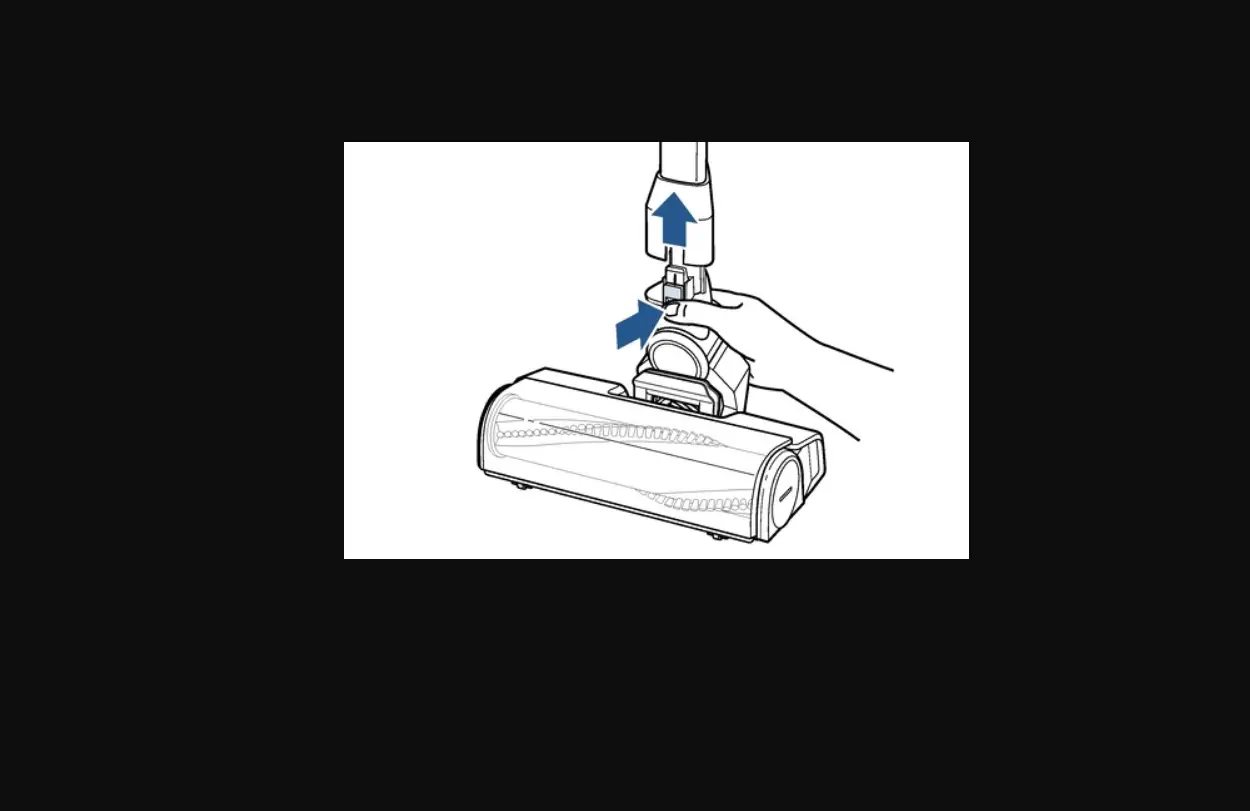
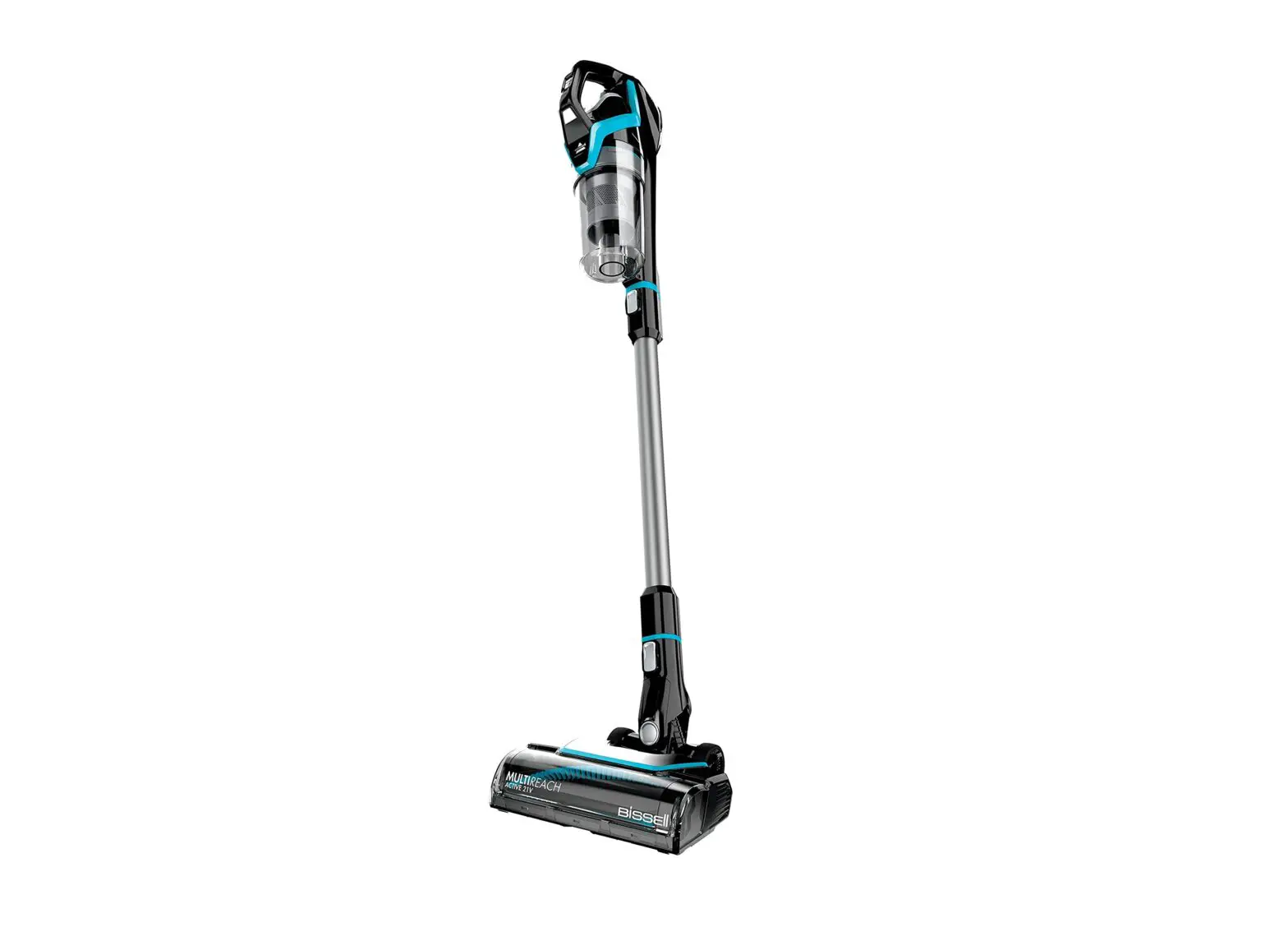
- Turn OFF > Remove the Foot Assembly from the end of the Extension Wand
- Gently pull on the green locking ring to remove the Foot Assembly
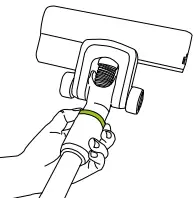
- Take the brush out
Slide tab from “lock” to “unlock”, pull brush out
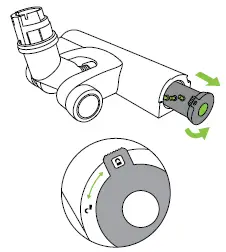
- Inspect Brush for damage
- If damaged > Replace Brush > Go to Parts & Supplies
- Slide brush back into place
- Turn tab to the “lock” position while pushing in to secure Brush
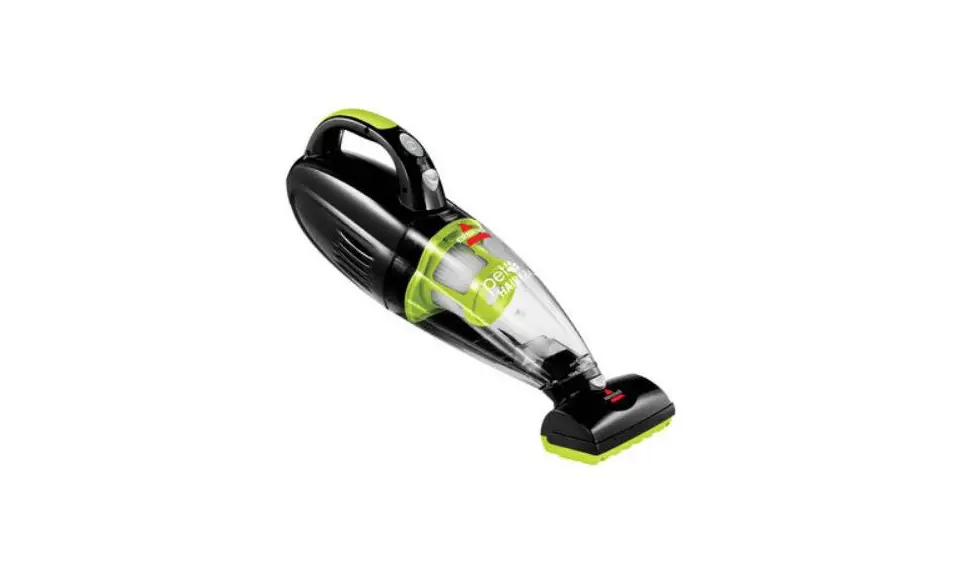
- Reattach Foot to Extension Wand then to Hand Vac
- If Hand Vac turns on however Brush still does not turn, the power floor head should be replaced
- Reconnect Foot to Extension Wand then to Hand Vac
- Has this resolved the issue?
- Yes > Great! Glad we can get you back to Cleaning
- No > If the Hand Vac turns on but the Brush does not rotate the Foot Assembly can be replaced > Go to Parts & Supplies
- If you continue to have difficulty > Please Contact Us