If you’re experiencing issues in the Brush/Foot area follow these steps to resolve:
If Brush jams during use > Machine will shut down & 4 solid red lights will be visible on the Battery

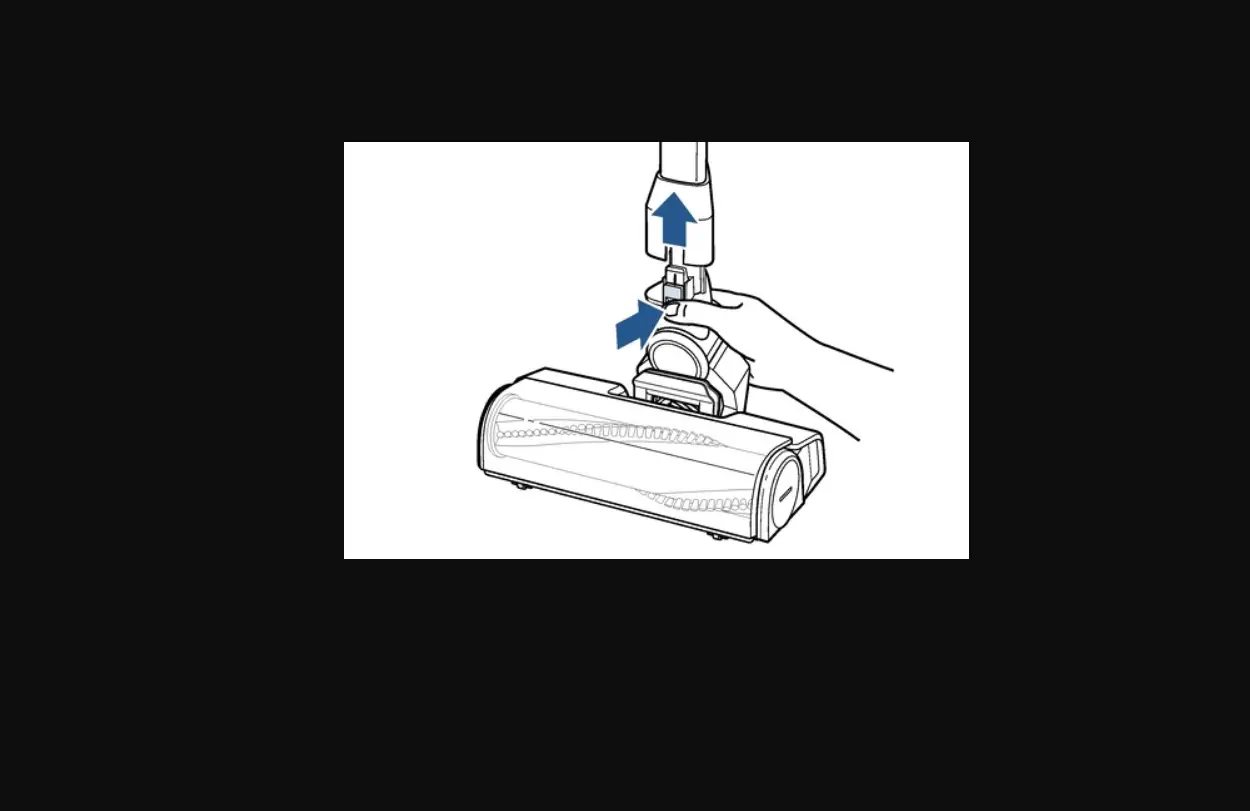
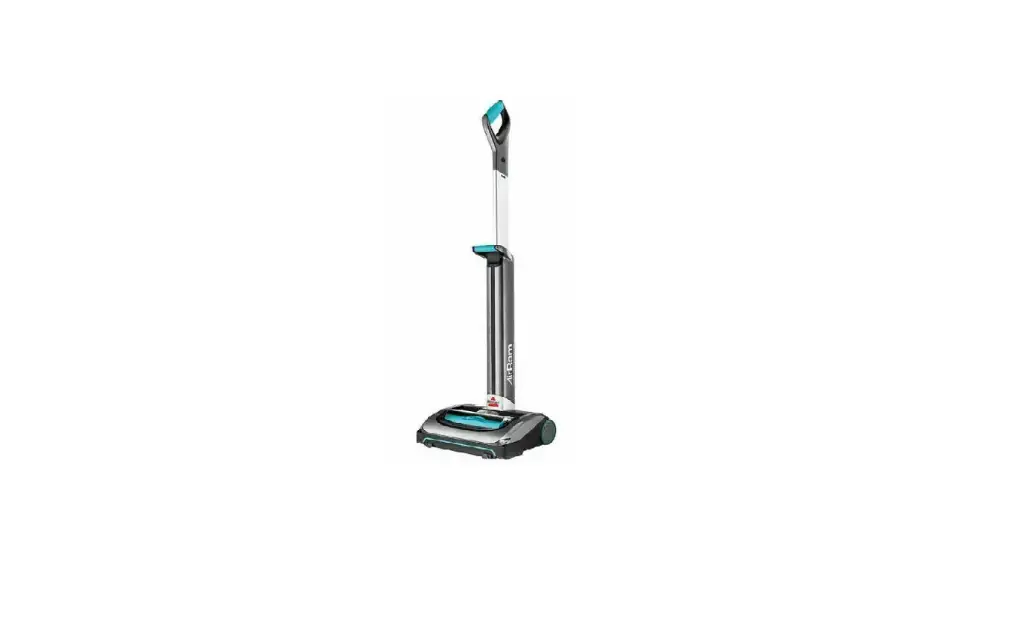
- Turn OFF > Remove Stick Handle from Foot
- Press black button on lower back of Stick Handle > Pull up
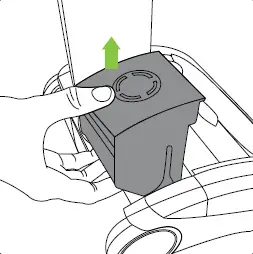
- Remove Battery & Dirt Bin > Turn Foot over
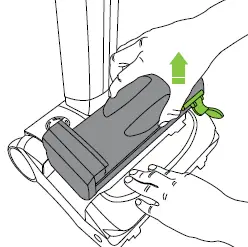
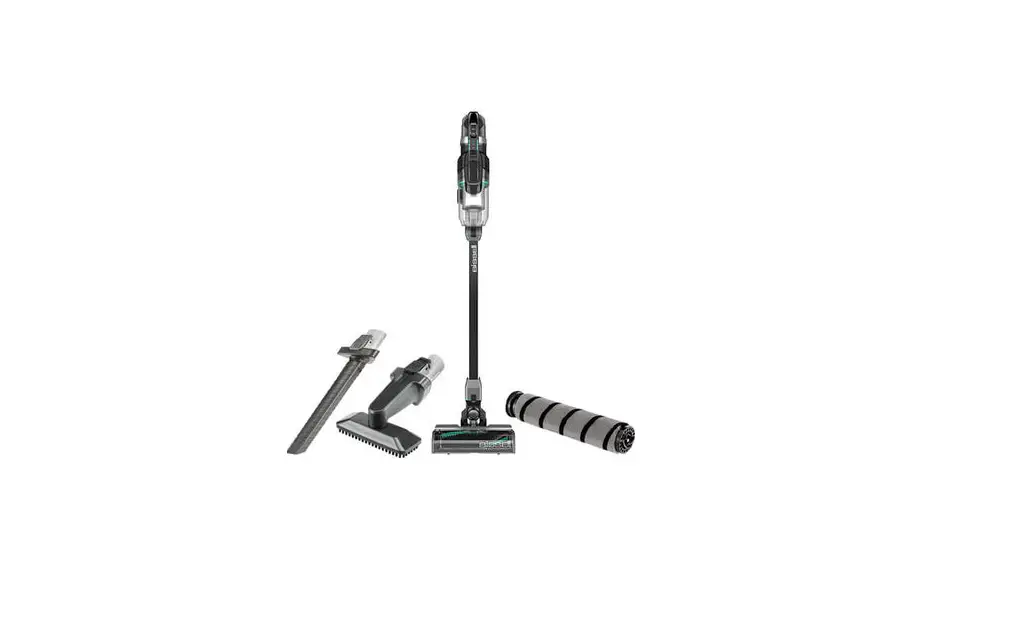
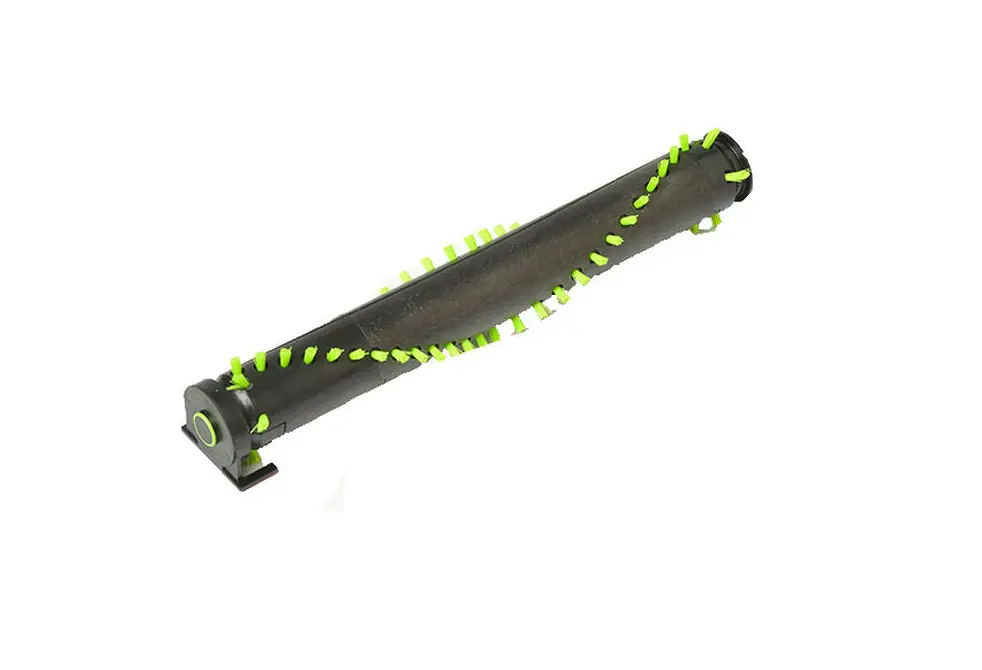
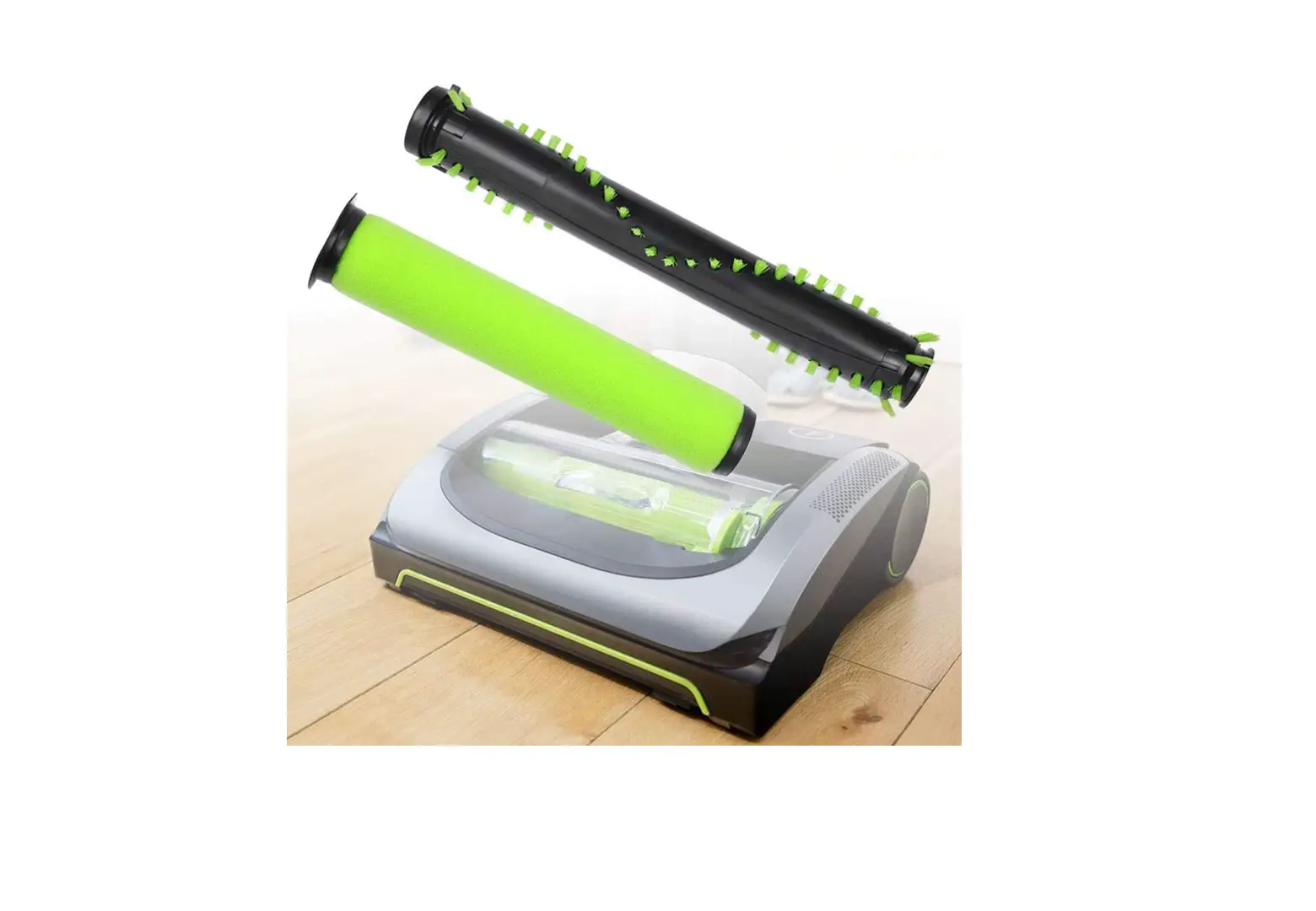
- Remove Brush
- Push button on side of foot > While pushing button > Slide hand through opening on bottom to push Brush up & out
- Brush should be pulled first from the side near the release button
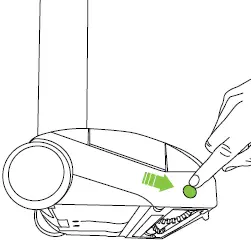
- Clean debris from Brushl & Foot Area
- Stand Brush on a flat surface (button side down) > Spin Brush
- Brush should spin freely > If not, replace Brush > Go to Parts & Supplies
- Reinsert Bush while angling the geared end into place
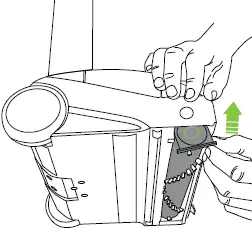
- Lower Brush while pushing on Black Button
- Align geared end so Brush clicks into place
- Reattach Foot to Stick Handle
- Insert Battery & Dirt Bin
- Has this resolved the issue? (Red lights should go off after 10 seconds)
- Has this resolved the issue?
- Yes > Great! Glad we can get you back to Cleaning
- No > If the Brush continues to not rotate the Foot Assembly can be replaced > Go to Parts & Supplies
- If you continue to have difficulty > Please Contact Us