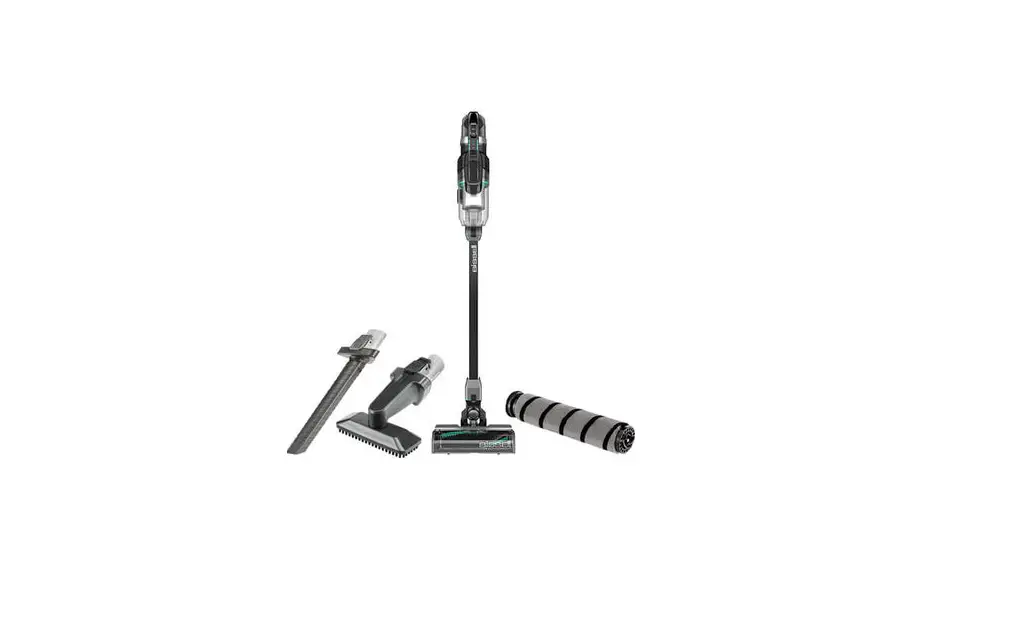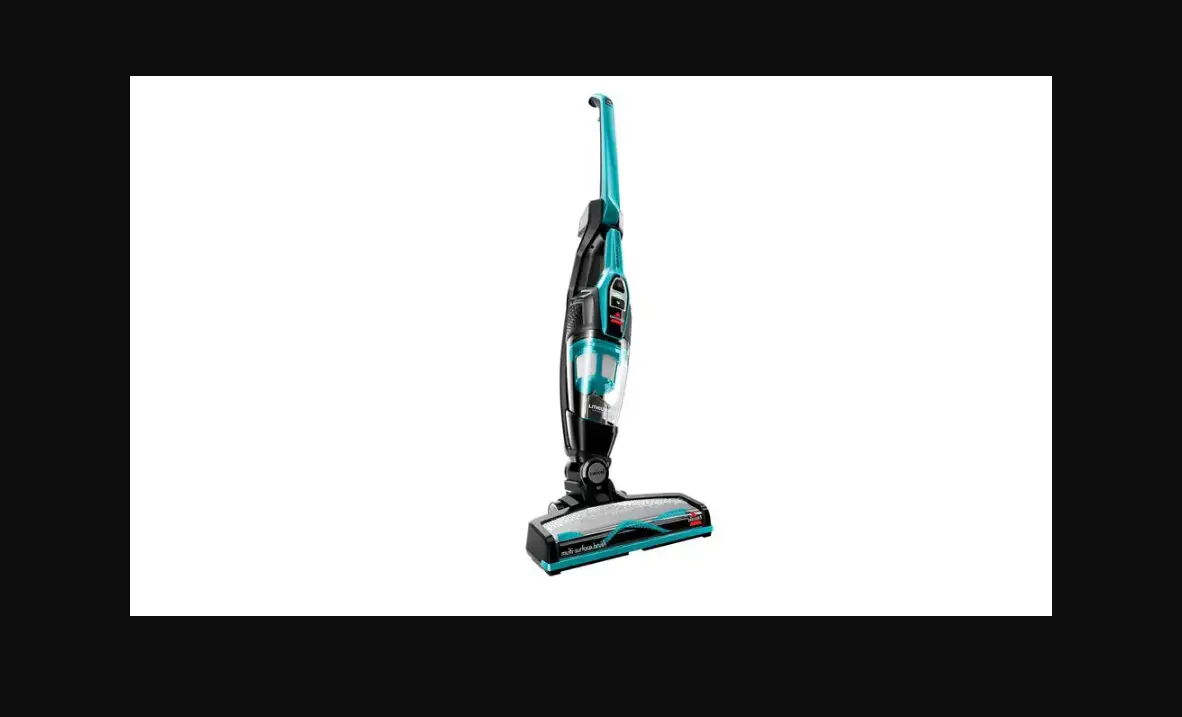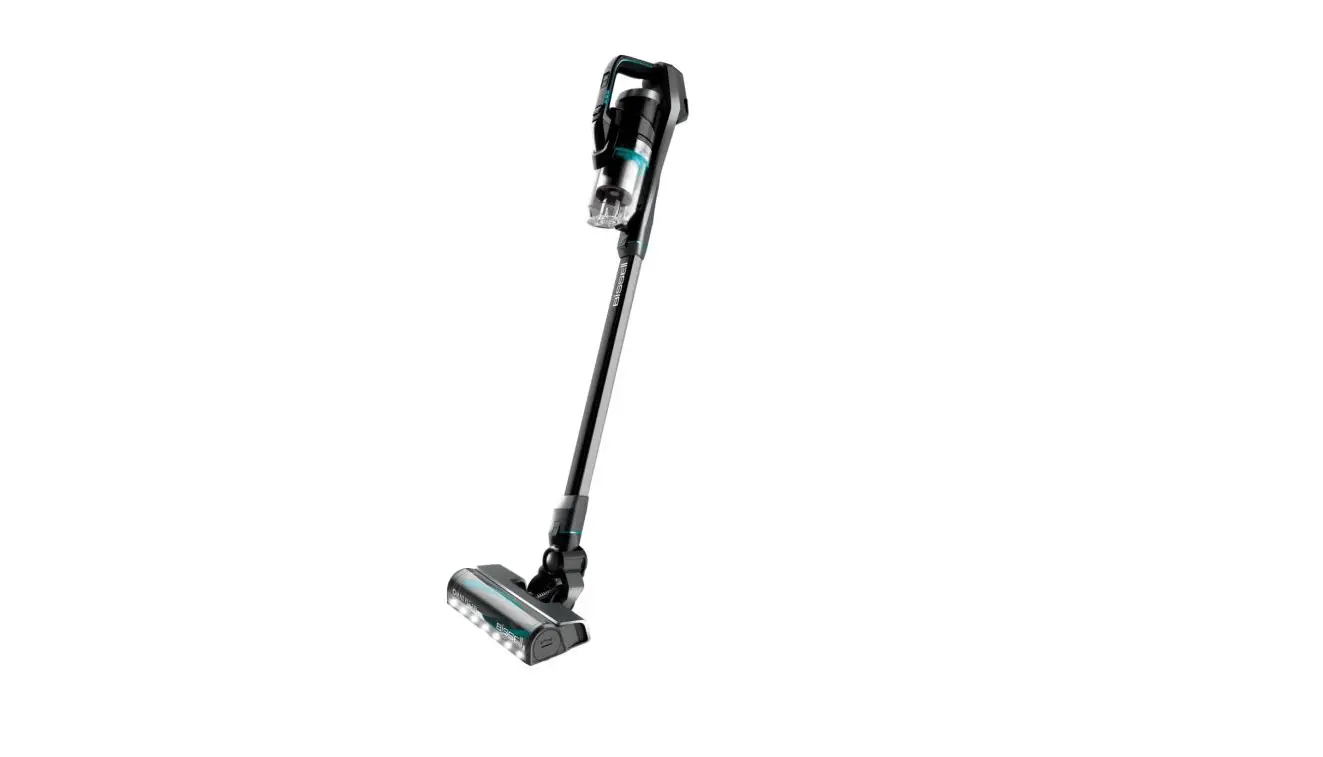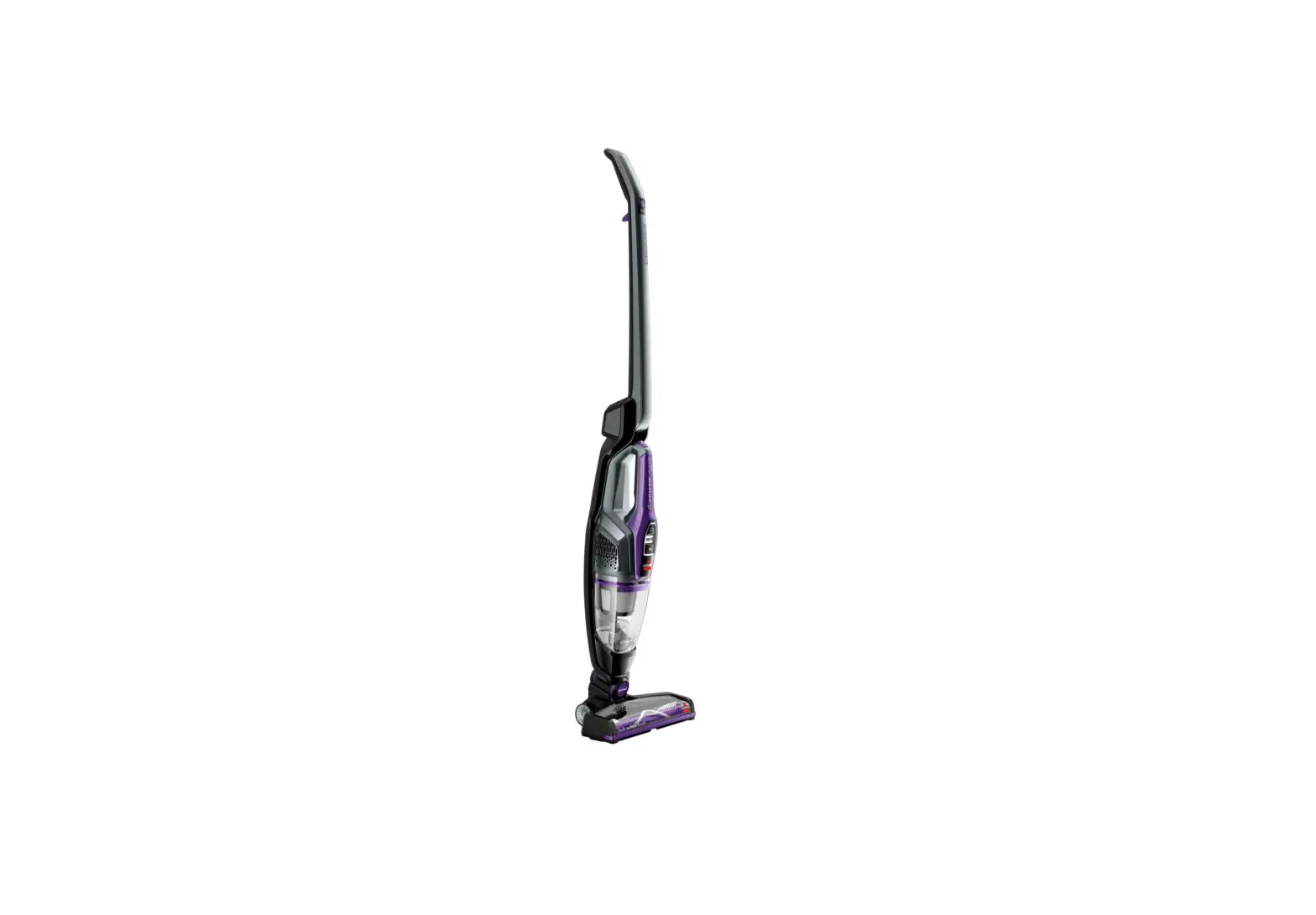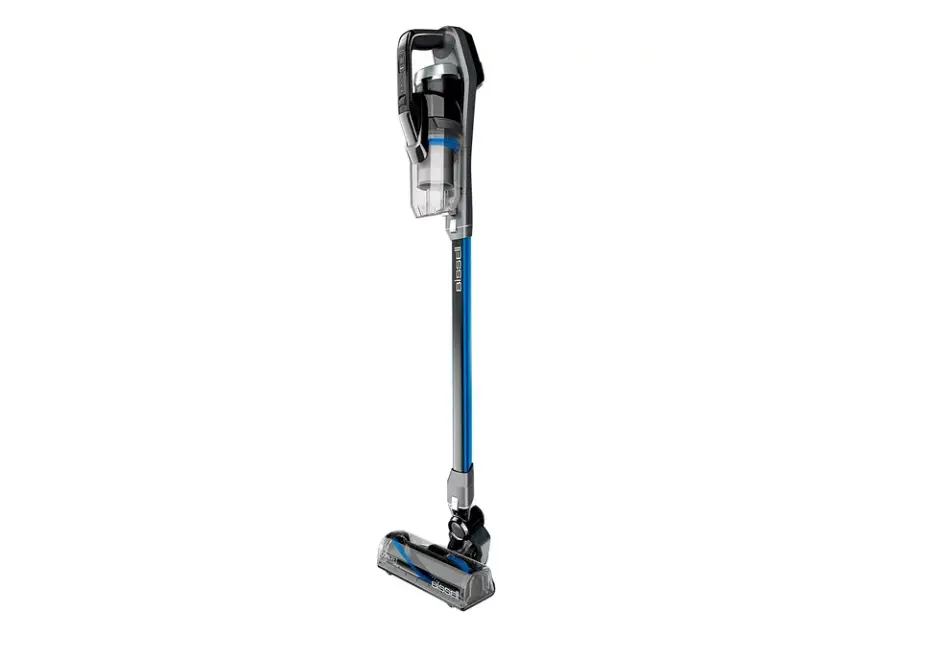
If you’re experiencing issues in the Brush/Foot area follow these steps to resolve:
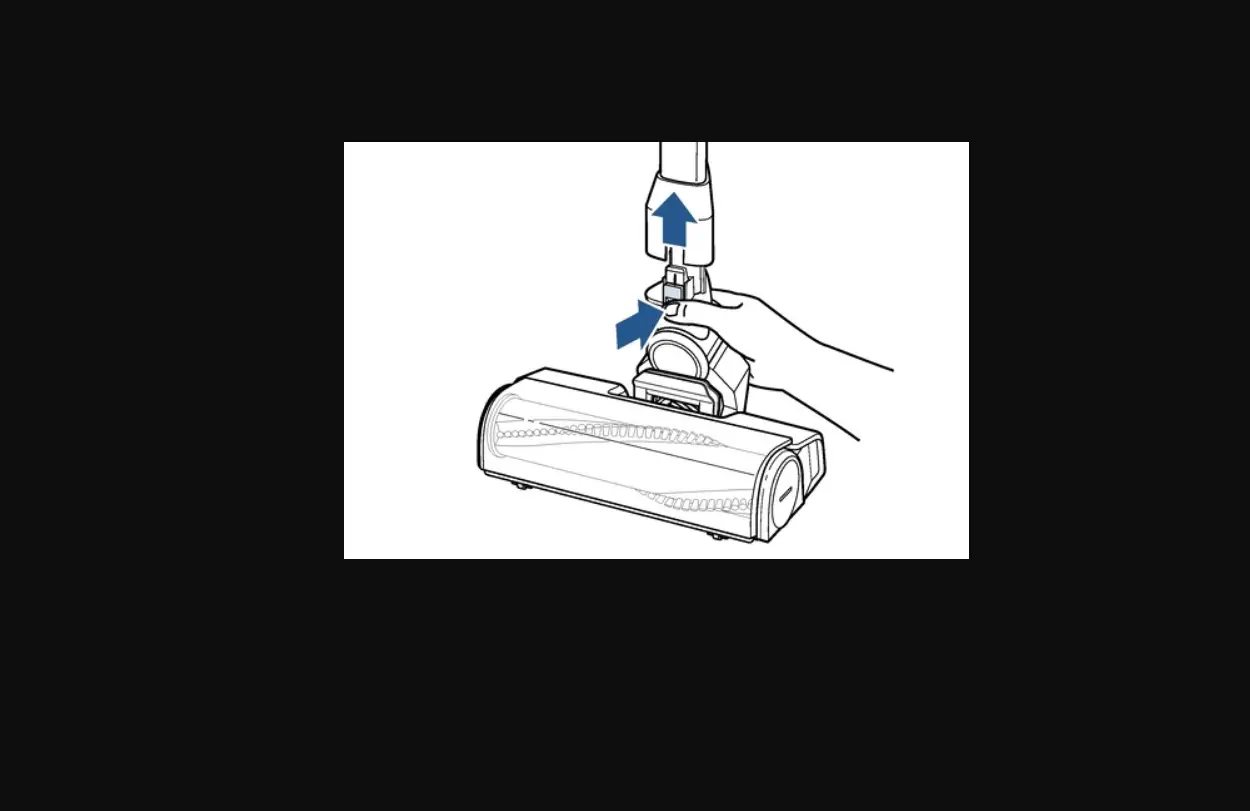
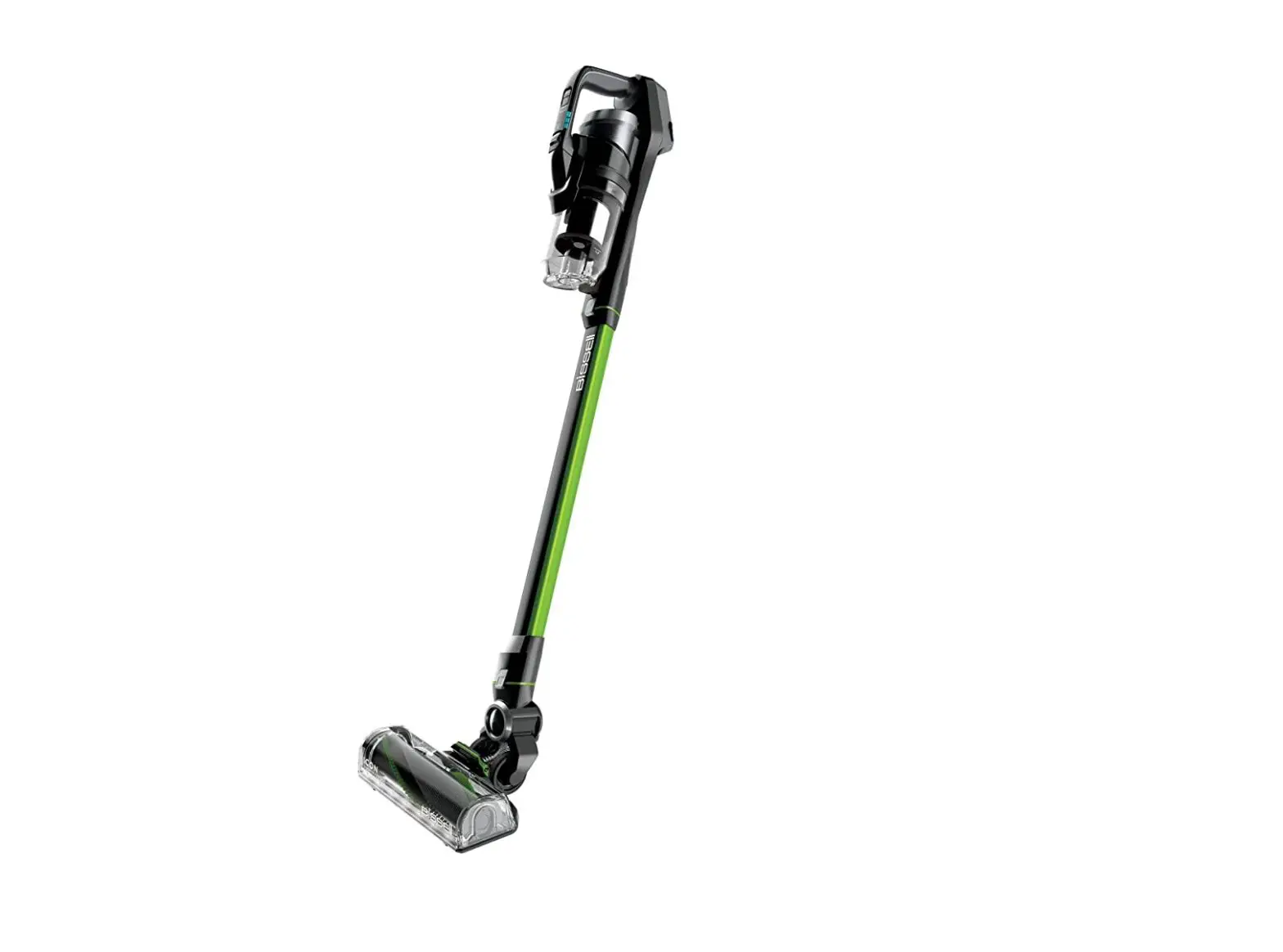
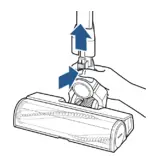
- Turn OFF > Remove the Foot Assembly
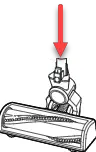
- Press the release button at the bottom of the Extension Wand
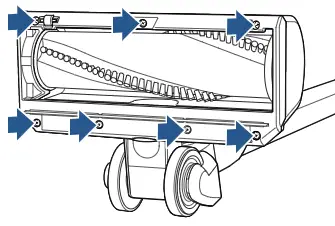
- Unscrew 7 Phillips head screws to remove Brush Access Plate
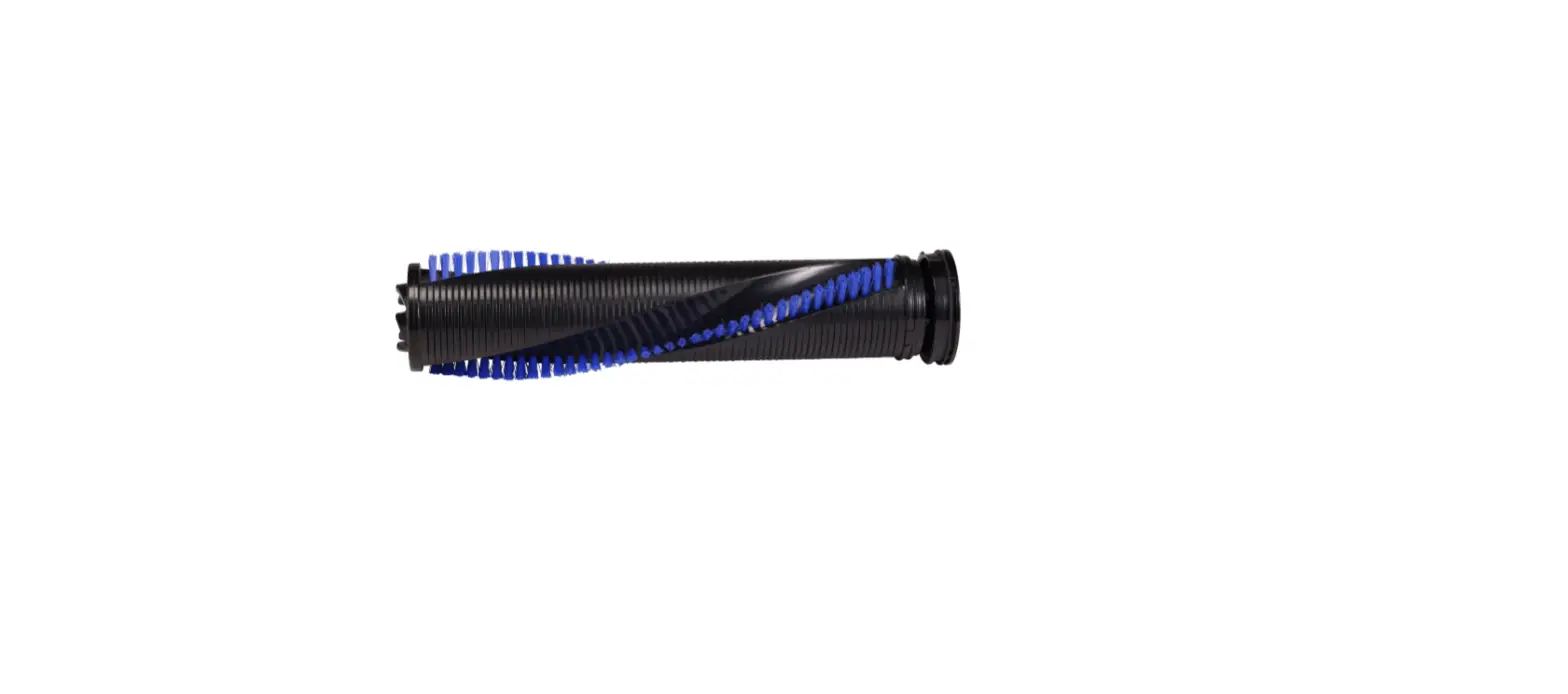
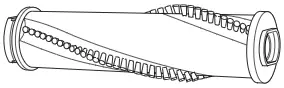
- Lift Brush out > Remove all debris from Brush and Brush End Caps
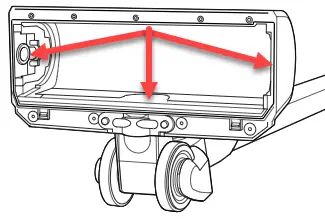
- Clear all debris from the Suction Channel
- You should be able to see through the opening (where the Extension Wand attaches) into the Brush area
- If not, clear Channel of all debris
- You should be able to see through the opening (where the Extension Wand attaches) into the Brush area
- Inspect Brush and Brush Access Plate for damage
- If damaged > Replace the damaged part > Go to Parts & Supplies
- Reinsert Brush > Rotate End Cap to Align with Chamber Wall > Opposite End Cap with Metal Connectors inserted into the Connection Points
- Reattach Brush Access Plate > Secure 7 screws
- Reconnect Foot to Extension Wand then to Hand Vac
- Has this resolved the issue?
- Yes > Great! Glad we can get you back to Cleaning
- No > please Contact Us