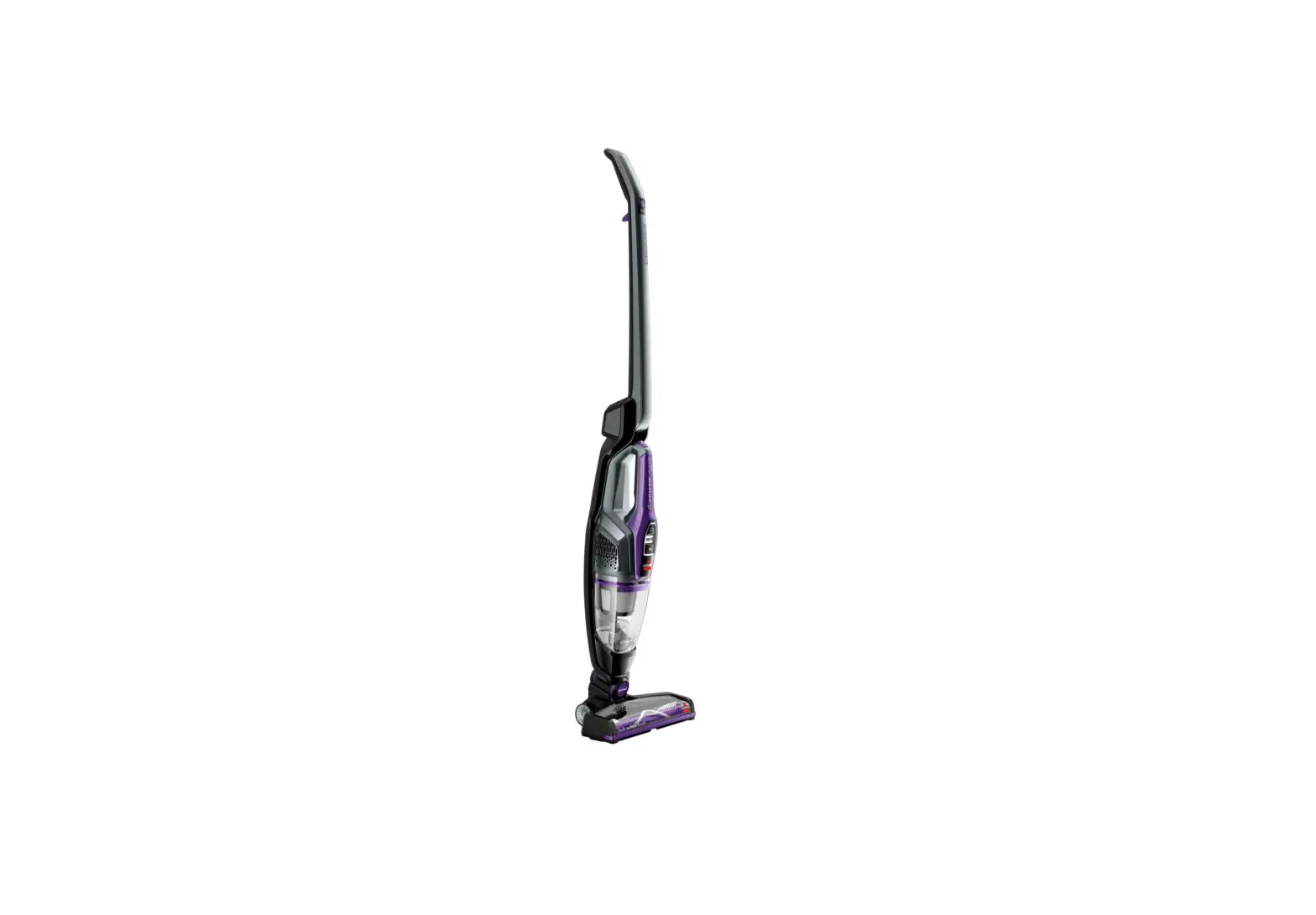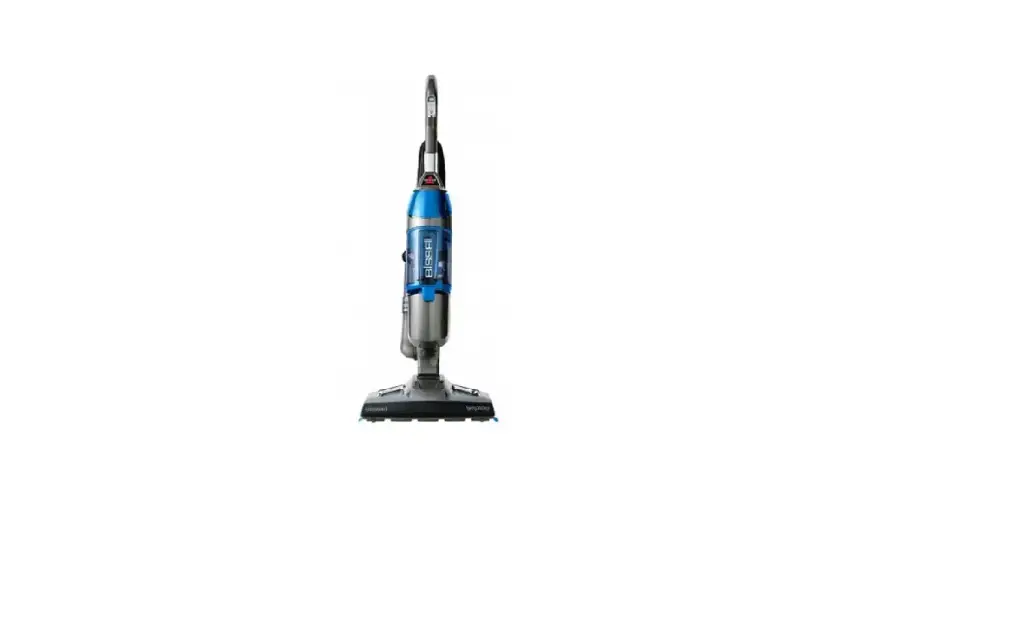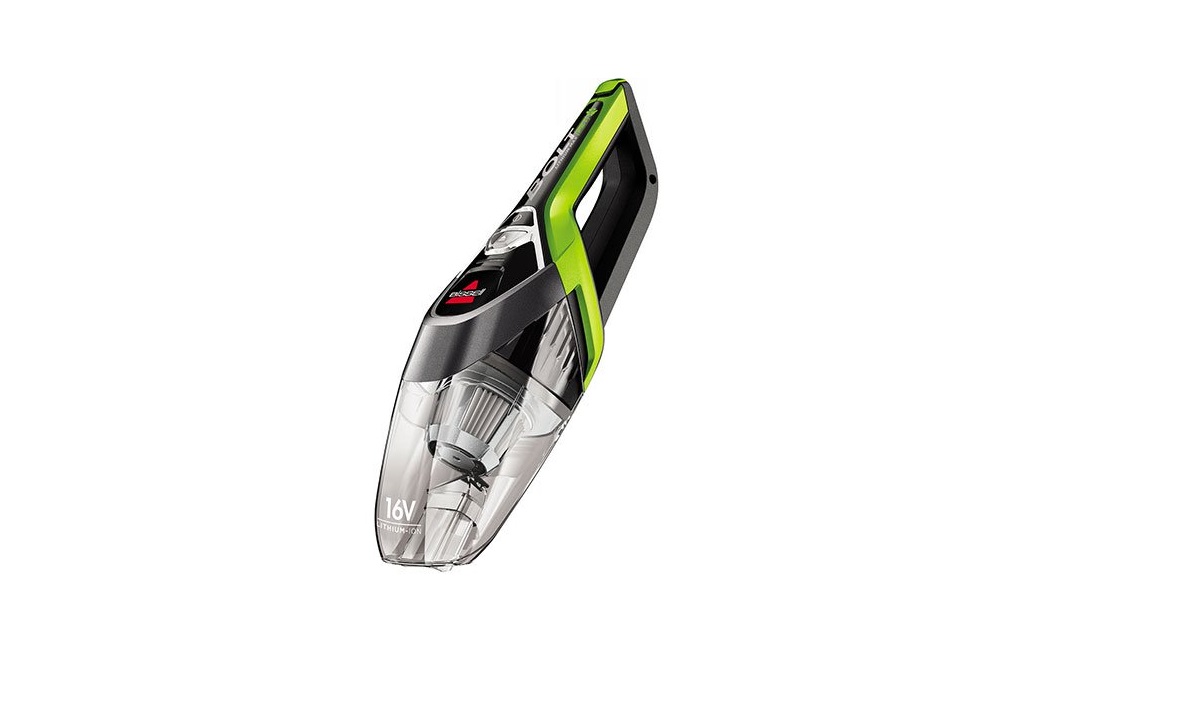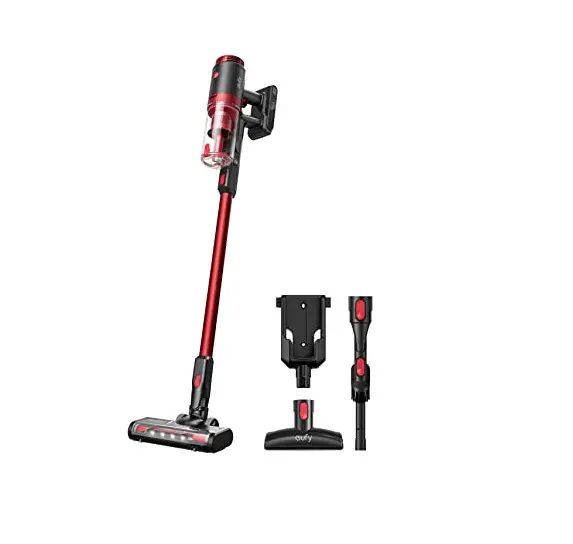
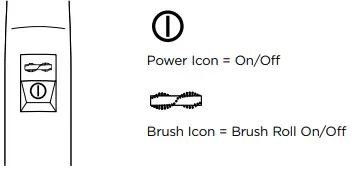
Note: The Brush on/off switch needs to be turned on in order for the Brush to rotate
If you’re experiencing issues in the Brush/Foot area follow these steps to resolve:
- Turn OFF > Remove the Foot Assembly
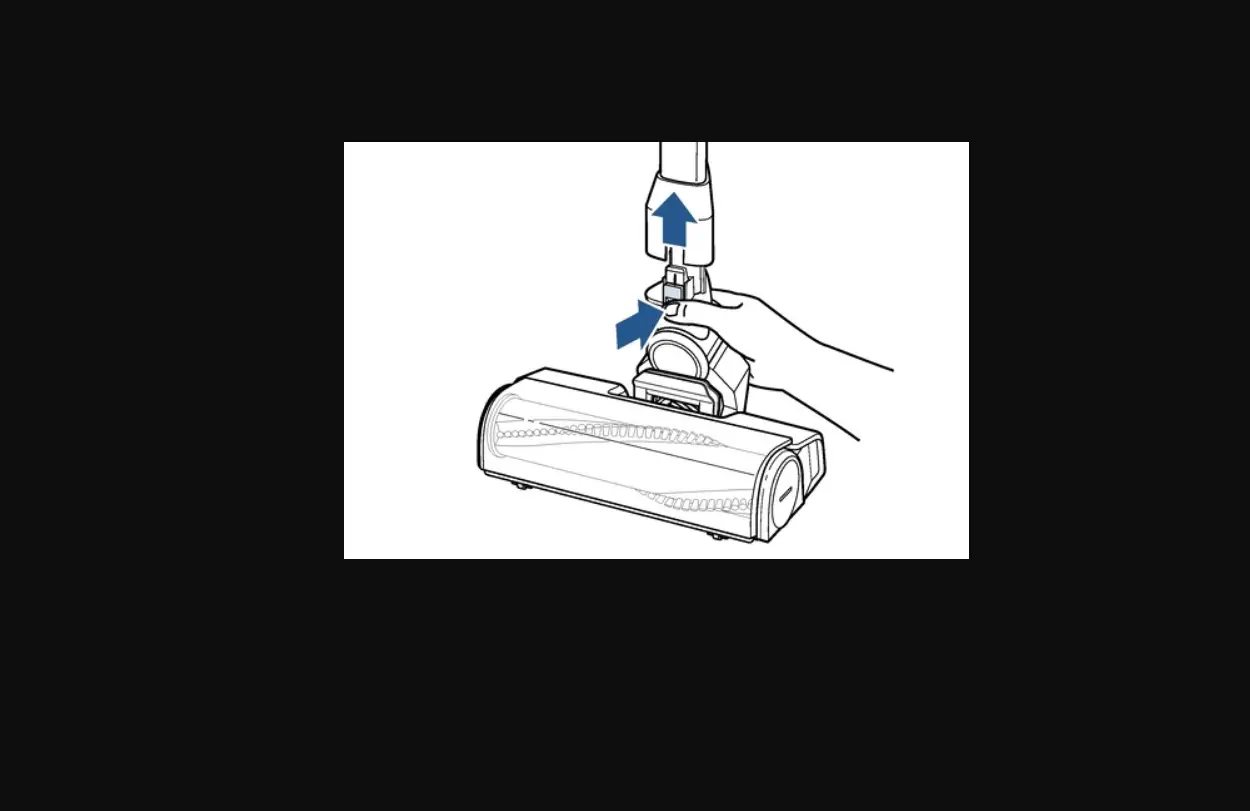
- Press the release button on the back of the Foot
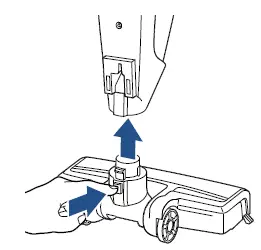
- Does the machine turn ON with Foot Assembly removed?
- No > Go to No Power/Light Flashing
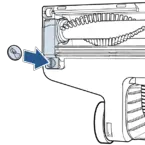
- Yes > Remove the Brush > Slide the tab down to unlock > Lift Corner Cover Piece
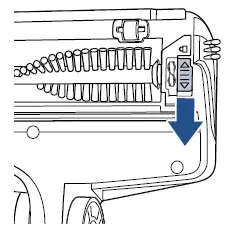
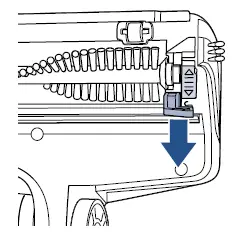
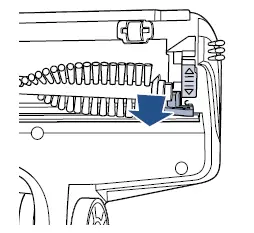
- Lift Brush out > Remove all debris from Brush and Brush End Caps
- The Brush End Cap should spin freely
- If not, the Brush Roll should be replaced > Go to Parts & Supplies
- The Brush End Cap should spin freely
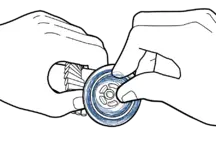
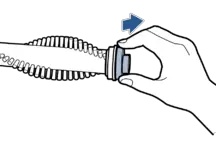
- Clear all debris from the Suction Channel
- You should be able to see through the opening (where the Handle attaches) into the Brush area
- If not, clear Channel of all debris
- You should be able to see through the opening (where the Handle attaches) into the Brush area
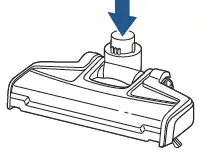
- Inspect Brush and Brush Clip for damage
- If damaged > Replace the damaged part > Go to Parts & Supplies
- Reinsert Brush > Rotate Brush to Align properly > Reattach & lock Brush Clip
- Reconnect Foot to Handle & Hand Vac
- Has this resolved the issue?
- Yes > Great! Glad we can get you back to Cleaning
- No > If the Brush continues to not rotate the Foot Assembly can be replaced > Go to Parts & Supplies
- If you continue to have difficulty > Please Contact Us