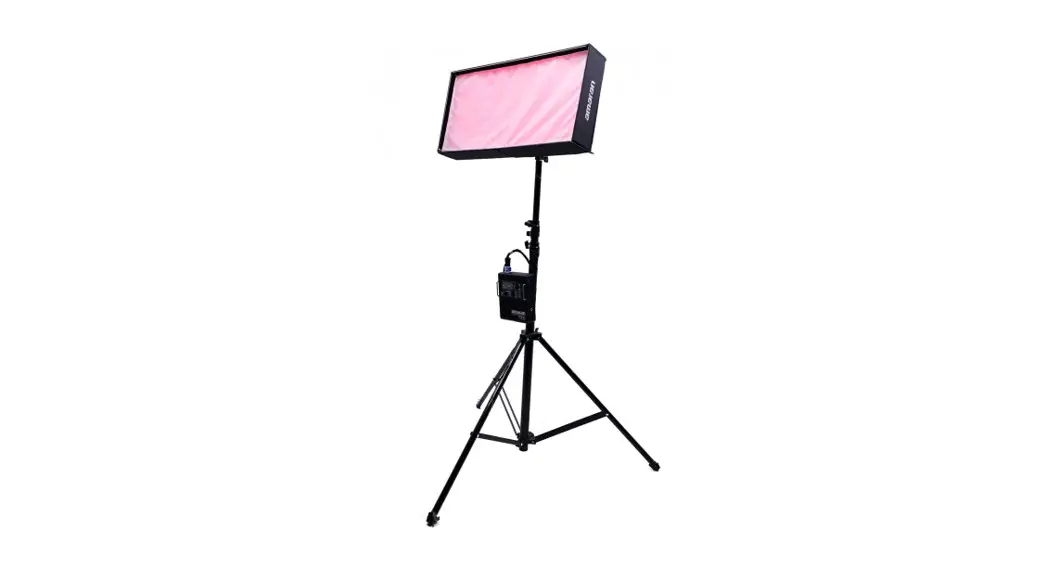
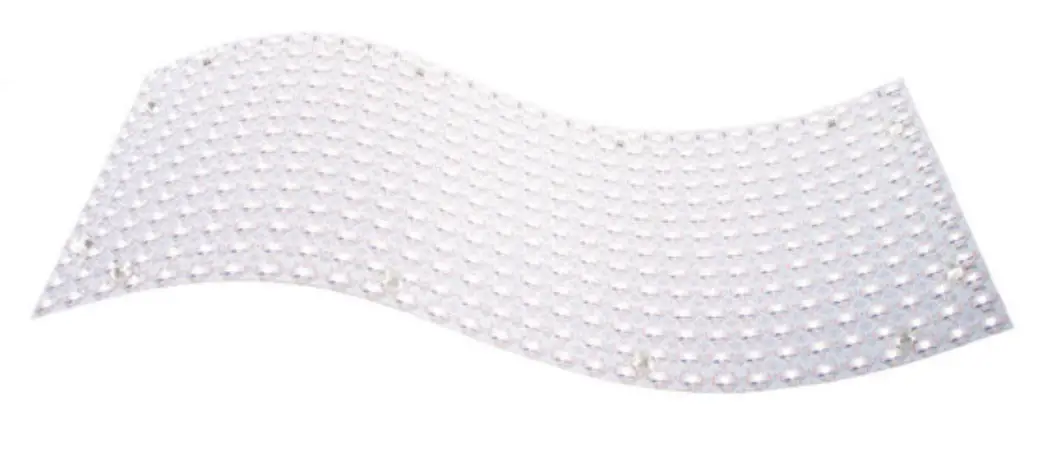
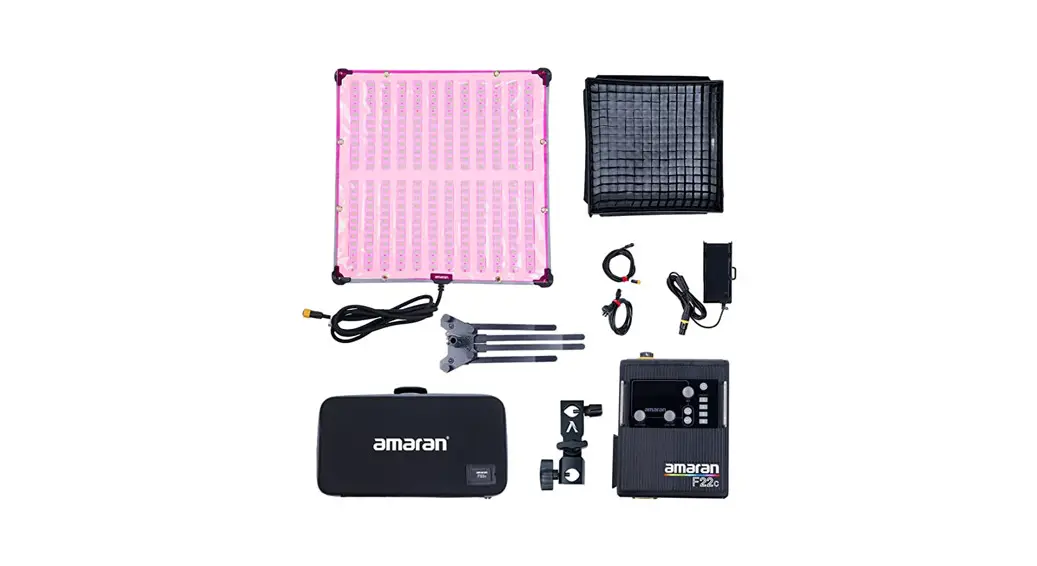
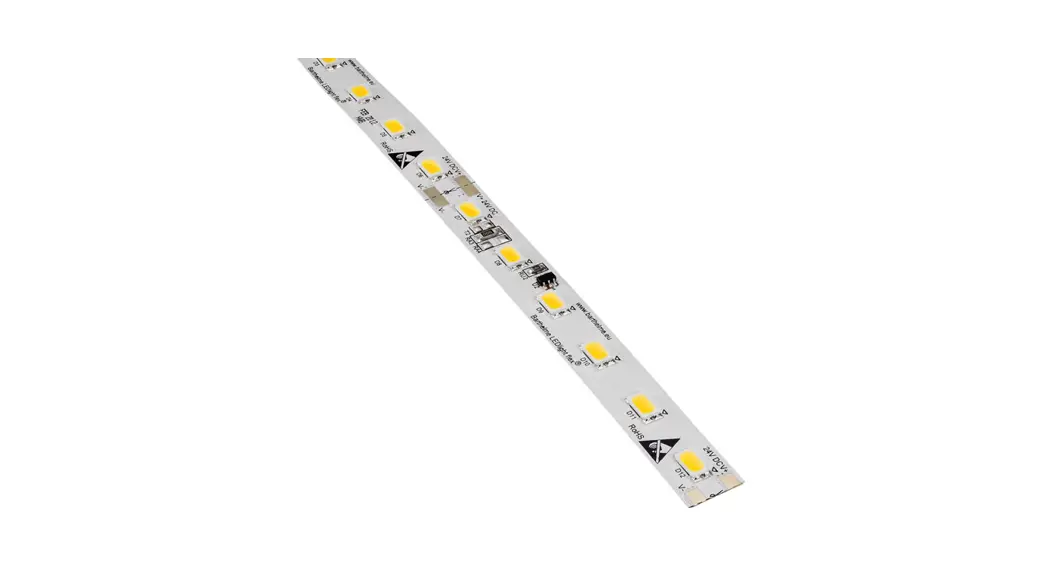
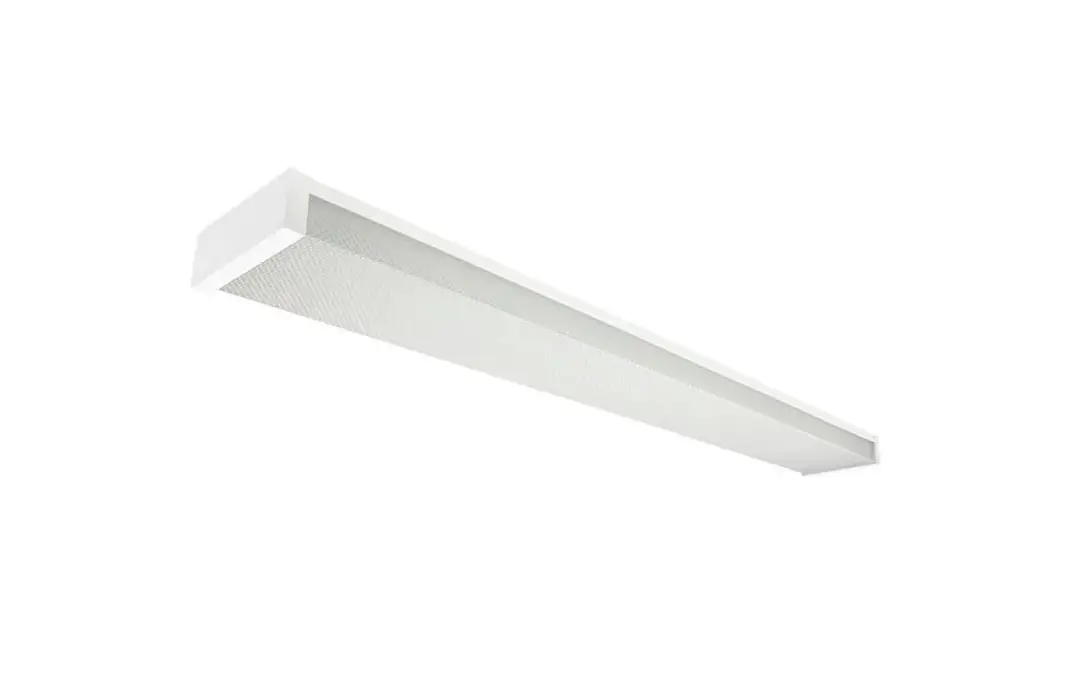
ALCW20H01FLX-50 Flexible LED Solutions
Product Information
The product is a lighting device with various features and
specifications. It is designed to provide illumination in different
settings.
Features
- Lightweight and portable
- Multiple lighting modes
- Adjustable brightness
- Long-lasting battery life
- Durable construction
Specifications
- Model: ALCW20H01FLX
- Dimensions: 4.0 x 10.0 x 10.0 mm
- Weight: 17.1 grams
- Power Source: Rechargeable battery
- Battery Life: Up to 35.0 hours
Product Usage Instructions
Charging the Device
- Connect the provided charging cable to the device’s charging
port. - Plug the other end of the cable into a power source.
- The device’s battery indicator will show the charging
progress. - Once fully charged, disconnect the charging cable from the
device.
Turning On/Off the Light
To turn on the light:
- Locate the power button on the device.
- Press and hold the power button for a few seconds.
- The light will turn on, and you can release the power
button.
To turn off the light:
- Press and hold the power button for a few seconds.
- The light will turn off, and you can release the power
button.
Adjusting Brightness
The device offers adjustable brightness levels to suit your
needs. To adjust the brightness:
- While the light is on, press the brightness adjustment
buttons. - Each press will increase or decrease the brightness level.
- Release the button when the desired brightness is reached.
Changing Lighting Modes
The device provides multiple lighting modes for different
purposes. To change the lighting mode:
- While the light is on, press the mode change button.
- Each press will cycle through the available lighting
modes. - Release the button when the desired mode is selected.
Note: Refer to the user manual for detailed information on
specific lighting modes and their functionalities.
If you encounter any issues or need further assistance, refer to
the contact information provided in the user manual.
4’8$POGJHVSBUJPOBOE”DDFTTPSJFT
.PMEJOKFDUJPO$POOFDUPS
*1’BDUPSZ”TTFNCMZ0OMZ
%JSFDU&OUSZ$POOFDUPS
.+4’8%8% .+4’8%8%4. .+4’8%8%4′ .+4’8%8%4′.
#PUUPN&OUSZ$POOFDUPS
.+4’8%8# .+4’8%8#4. .+4’8%8#4′ .+4’8%8#4′.
&OE$BQ
8BUFSQSPPG*OUFSSVQUFS
12.0
Lighting
.BMF’FNBMF$POOFDUPS 4:;..$8 4:;.’$8
9.8
47.8
.BMF
6.8 15.3
47.2
9.8
15.3
9.5
‘FNBMF
&NBJMJOGP!PMZNQJBMFEDPN )UUQXXXPMZNQJBMFEDPN
4’8$POGJHVSBUJPOBOE”DDFTTPSJFT
“OHMF”EKVTUBCMF#SBDLFU
45.0
22.0
8++$:+
52.5
52.5
42.6
48.0
%*:’SPOU$POOFDUPS”DDFTTPSJFT
4++8(+
21.0
25.0
21.5
28.0
28.0
%*:&OE$POOFDUPS”DDFTTPSJFT
4++8(+
21.0
25.0
21.5
21.5
Lighting
&NBJMJOGP!PMZNQJBMFEDPN )UUQXXXPMZNQJBMFEDPN
35.0 35.0
4’8-&%8BMM(SB[FS.PVOUJOH$IBOOFM
%JNFOTJPO
17.1
*OTUBMMBUJPO8BZ
4VSGBDF.PVOUFE
3FDDFTTFE
20.2
ALCW20H01
4.0 10.0
4.0 10.0
4.0 10.0
4.0 10.0
.PEFM “-$8) “-$8) “-$8)
8Y) NN
20.2*35.0
4UBOEBSE-FOHUI
‘MFYJCMF”MVNJOVN$IBOOFM
4.0 10.0
4.0 10.0
4DSFX)PMFT 4.0mm
)PMFT/VNCFST 2
4.0x10mm
2
4.0x10mm
4
4VJUBCMF1SPEVDU SFW20 SFW20 SFW20
17.1
20.2
ALCW20H01FLX
.PEFM “-$8)’-9 “-$8)’-9
Lighting
8Y) NN
4UBOEBSE-FOHUI NN NN
4VJUBCMF1SPEVDU SFW20 SFW20
&NBJMJOGP!PMZNQJBMFEDPN )UUQXXXPMZNQJBMFEDPN