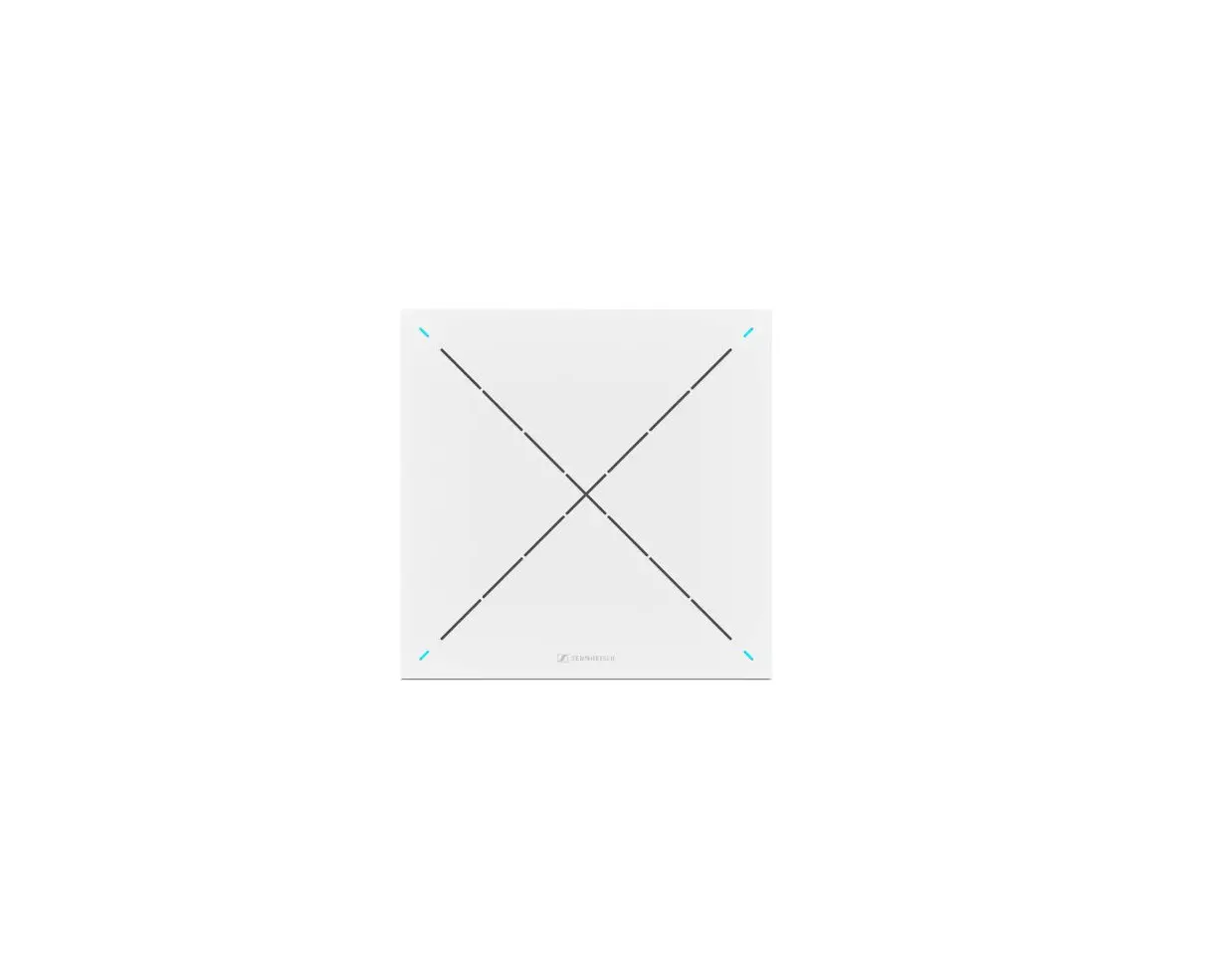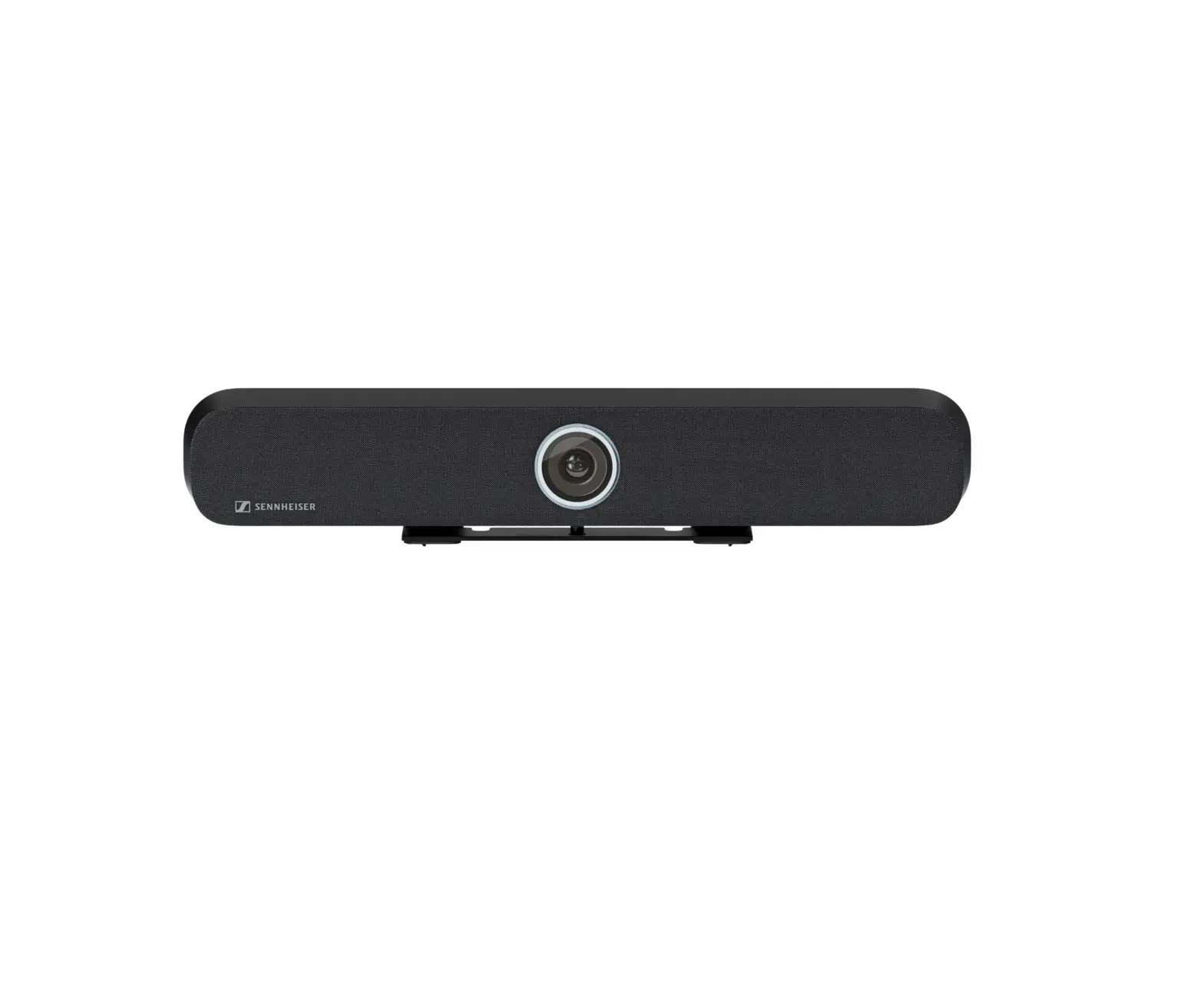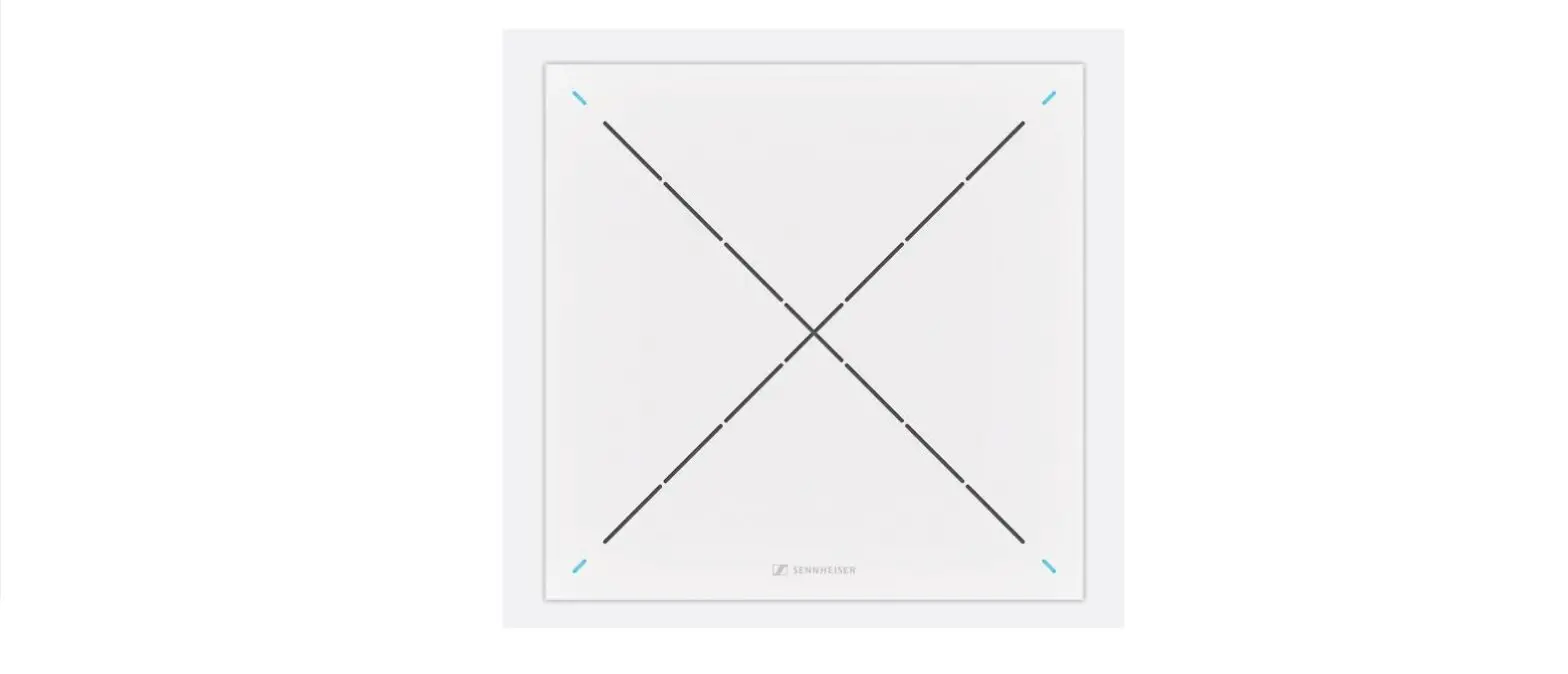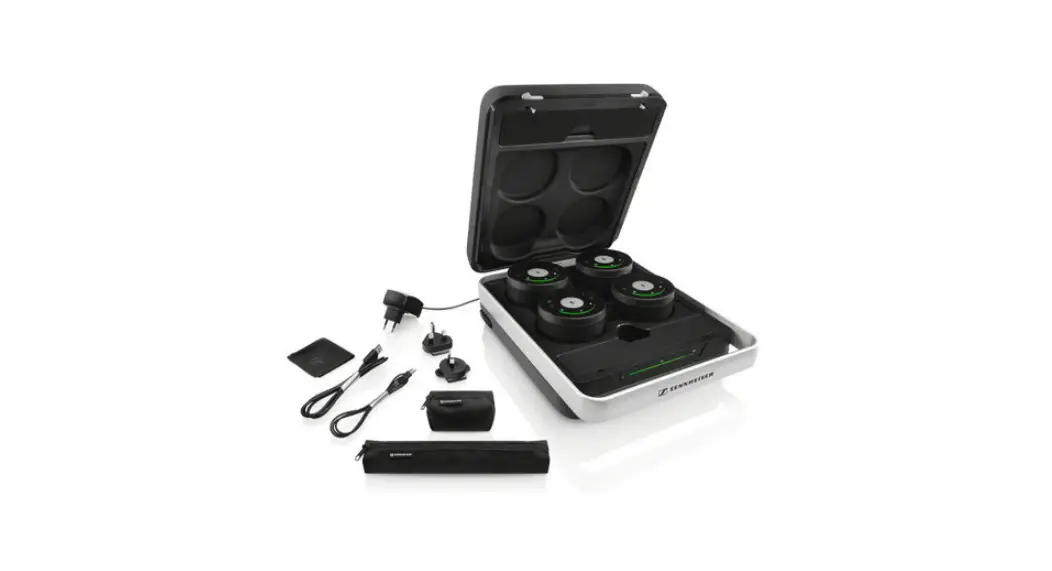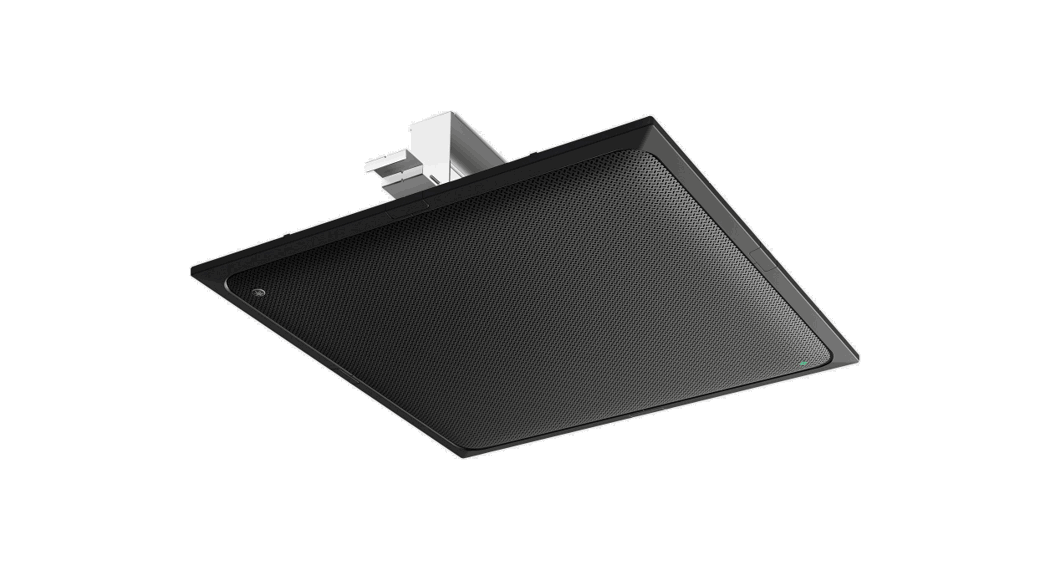
SENNHEISER TeamConnect Bar S Ceiling Microphone Owner’s Manual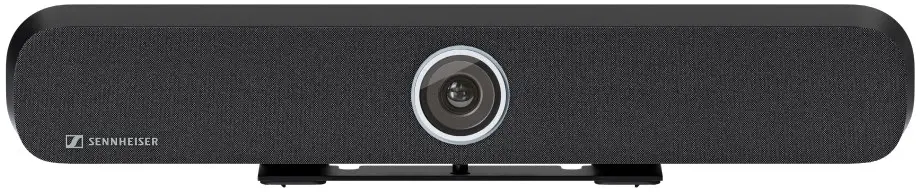
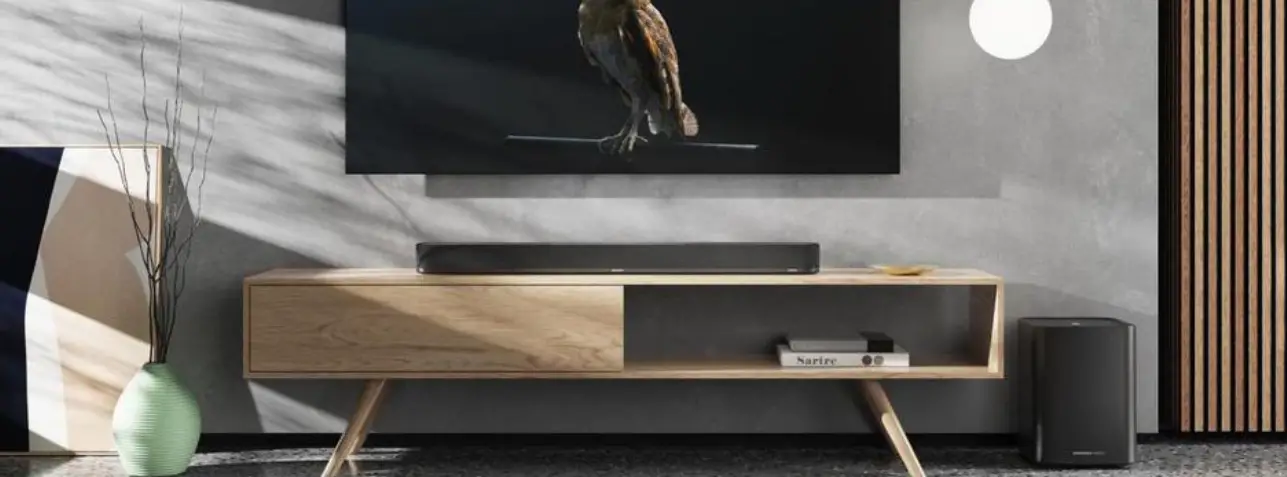
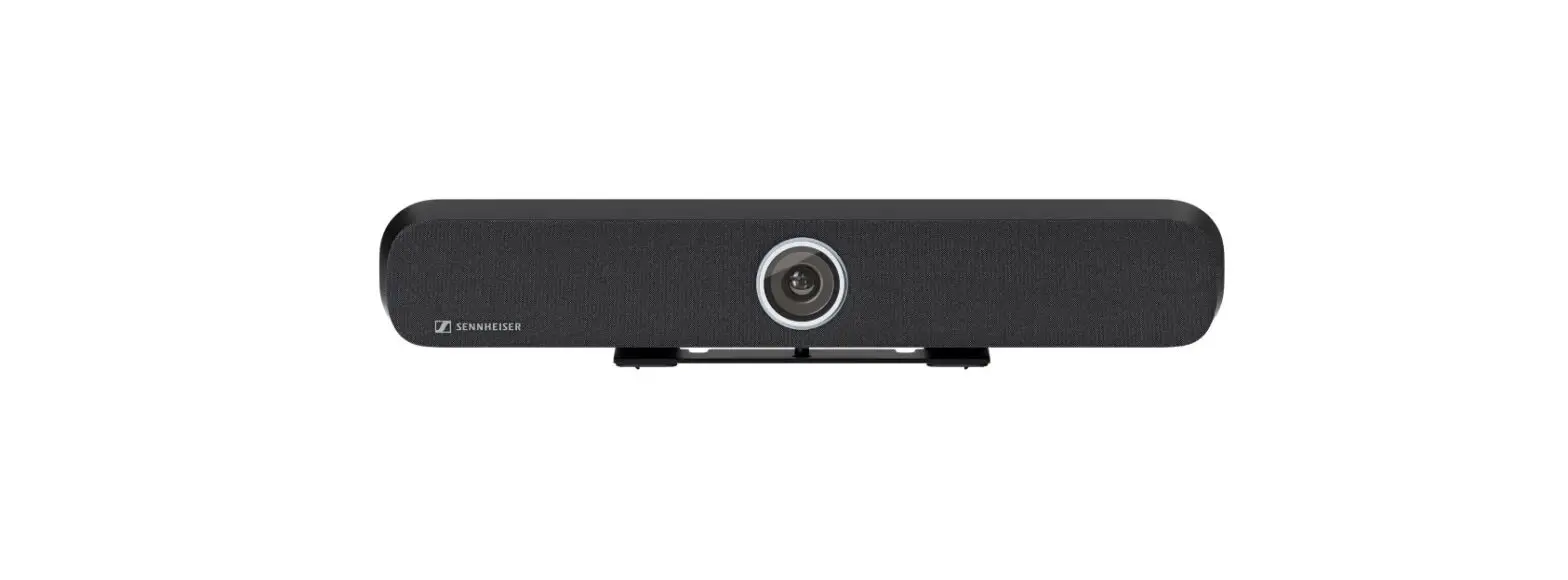
The TeamConnect Bar S is the most flexible all-in-one device for small meeting rooms and collaboration spaces. It features 4 microphones and 2 speakers to deliver Trusted Sennheiser Audio Quality to every meeting.
The TC Bar S is a true problem solver with benefits like easy setup, brand agnostic integration, easy management & control, high video quality, security and sustainability.
FEATURES
- Plug and Play Device Quick start via USB cable
- Integrated Beamforming Technology Freedom of movement and seamless transition among presenters
- Flexible Extensions Using Dante for adding extension mics and/or a 2nd external USB camera
- High Video Quality 4K Ultra HD camera equipped with advanced AI features
- Full-Range Stereo Speakers Natural speech and outstanding intelligibility
- Built-In DSP Automatically optimizes room acoustics
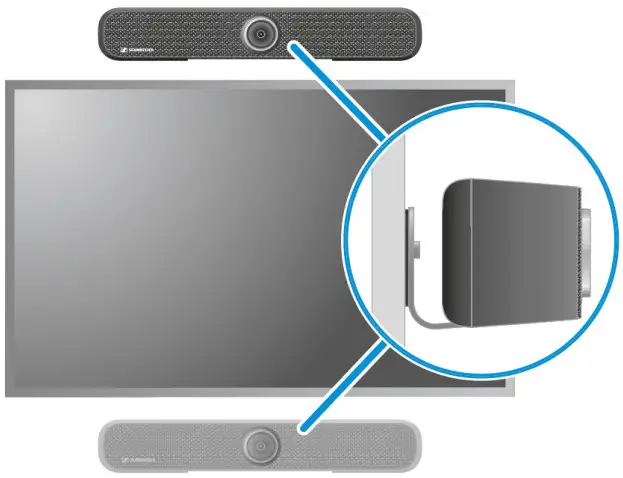
- Multiple Mounting Options Wall Mount, VESA Mount, Tabletop or Freestanding
- Autoframing and Person Tiling Features to clearly see everyone in the room
- Control Management Full remote-control access via Sennheiser Control Cockpit
- Brand Agnostic Integration Certifications pending for 3rd party media control systems (Barco, Crestron, Extron, Q-Sys) and platforms (Microsoft Teams, Zoom, Tencent, etc.)
- Advanced Security Features Encrypted control communication and password protected by default for secure content transmission
SYSTEM REQUIREMENTS
- Windows: 7 or later
- macOS: 10.14 or later
- Android: 5.0 or later
- Installed DisplayLink driver on used operating system
DELIVERY INCLUDES
- TeamConnect Bar S
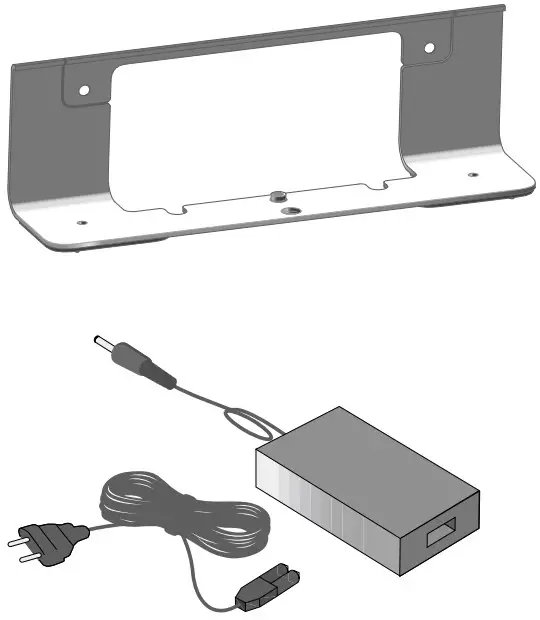
- Mounting Bracket
- Drilling Template
- Power Supply Unit + Power Cord
- Remote Control (incl. batteries, bracket & storage)
- Magnetic Lens Cap
- HDMI Cable
- USB-C to USB-A Cable
- Screws
- Quick Guide
- Safety Guide with manufacturer‘s declarations
ACCESSORIES
| Description | Art. No. |
| Mounting Kit | 700116 |
| VESA Mounting Kit | 700118 |
| RC TC Bar (Remote Control) | 700121 |
| Magnetic Lens Cap | 700122 |
| Power Supply | 700130 |
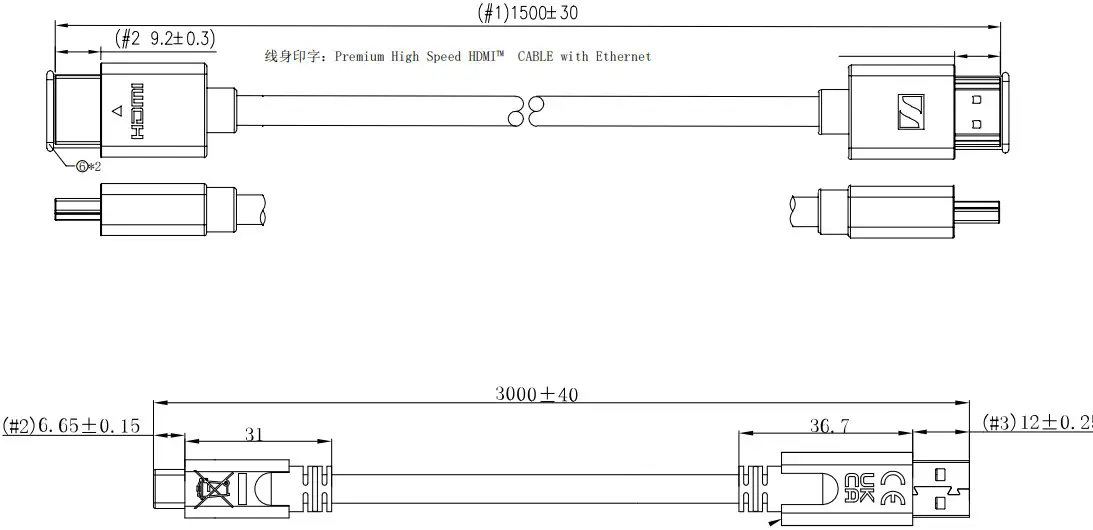
| USB-C to USB-A-Cabel (3 m) | 700312 |
| HDMI Cable | 700120 |
CONTROL SOFTWARE
Sennheiser Control Cockpit

Kostenloser Download unter:
www.sennheiser.com/control-cockpit-software
SPECIFICATIONS
General
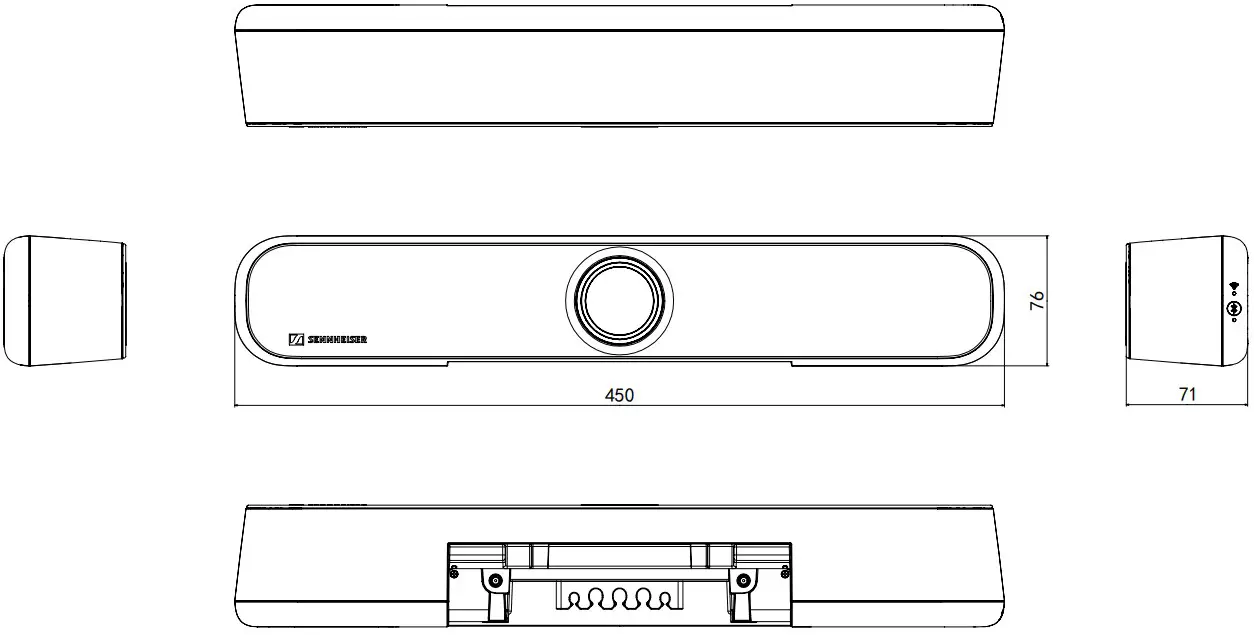
| Dimensions (L x W x H) | 450 x 71 x 76 mm |
| Weight | 1.5 kg |
| Operating temperature range | 0 °C to 40 °C 32 °F to 104 °F |
| Storage temperature range | -25 °C to 70 °C -13 °F to 158 °C |
| Relative humidity operation | 0 to 75 %, non-condensing |
| Relative humidity storage | 0 to 95 %, non-condensing |
| DC IN | 15 V $, max. 2 A |
| Max. power consumption | 30 W |
| Voltage range PoE (PD) | 42.5 – 57.0 V $ (IEEE 802.3at Type 2, PoE+) |
Power State Information
| Standby Mode (all ports deactivated) | ≤ 0.50 W (Entered after |
| Networked Standby (all ports activated) | ≤ 2.00 W (Entered after |
| Networked Standby (all ports activated) | ≤ 2.00 W |
Interfaces
| HDMI out | HDMI 2.0 |
| USB-C | USB 3.1 (Gen 1) |
| USB-A | USB 3.1 (Gen1) 5 V $, max. 900 mA |
| power output | |
| Ethernet | 1 x 1000/100/10 Mbit/s (RJ45) Note: Only use network cables with the standard CAT5e (F/STP) or better |
| DC IN dimension | 5.5 x 2.1 x 10.5 mm |
Wi-Fi
| Standard | IEEE 802.11a /b /g /n /ac |
| Transmission system | SISO (Single-In, Single-Out) |
| Frequency ranges (max. RF output power) | 2412 MHz – 2472 MHz (max 20 dBm RF power) 5150 MHz – 5350 MHz (max. 23 dBm RF power) 5470 MHz – 5725 MHz (max. 23 dBm RF power) 5725 MHz – 5850 MHz (max. 14 dBm RF power) |
| Modulation | 64QAM, 16QAM, QPSK, BPSK, CCK, DQPSK, DBPSK |
INTERFACES AND CONNECTIONS
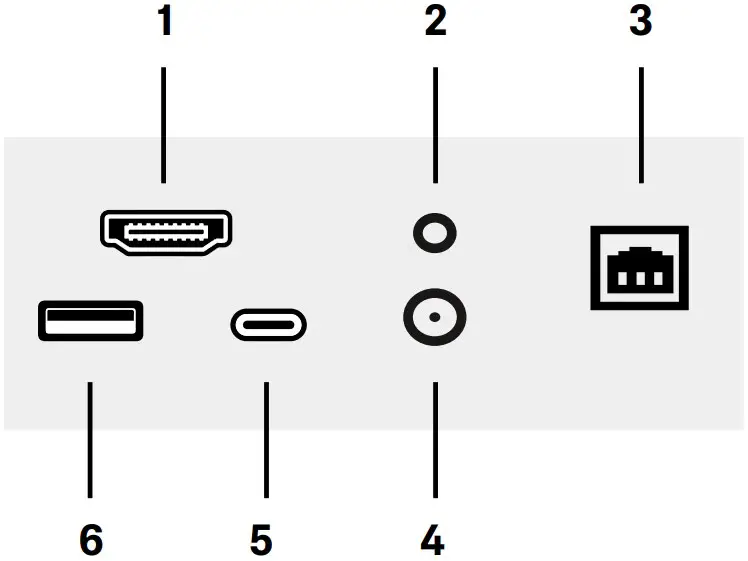
HDMI HDMI out Connector
Reset Factory Reset
Ethernet Ethernet PoE (PSE) / RJ45 / Dante
DC DC IN
USB-C USB-C Connector
USB-A USB-A Connector
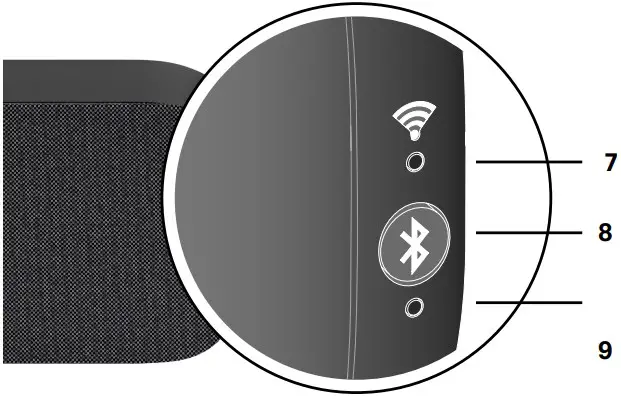
WiFi LED LED for WiFi Connection Status
BT LED Bluetooth Pairing LED
Bluetooth®
| Version | 5.1 |
| Transmission frequency | 2402 MHz – 2480 MHz |
| Modulation | GFSK, π/4 DQPSK, 8DPSK |
| Profiles | A2DP, HFP, AVRCP |
| Max. RF output power | 10 dBm |
| Codec | SBC |
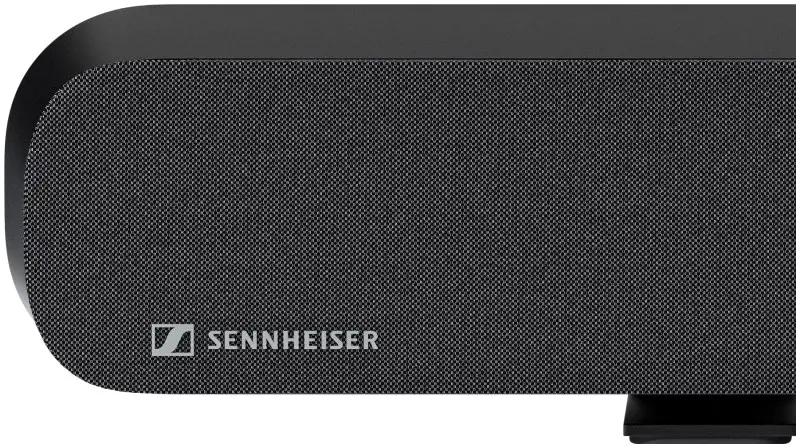
Loudspeaker
| Number of speakers Type Diameter | 2 with passive radiator fullrange 50 mm (2″) |
| Frequency response | 100 Hz – 18 kHz |
| THD at max. output | < 5 % |
| Amplifier | Class-D |
| Max. SPL (output) | 80 dB SPL |
| Total Audio Power (RMS/PEAK) | 10 W / 20 W |
Microphones
| Transducer principle | MEMS |
| Pick-up pattern | Beamforming Array |
| Number of microphone capsules | 4 |
| Frequency range | 100 Hz to 14.5 kHz |
| Pickup range | 3.5 m |
| Dynamic range | 69 dB (A |
Camera
| Resolution | UHD 2160p (4K), 1080p, 720p, 960×480, 848×480, 640×480, 640×360, 432×240 |
| Zoom certified optional | 2x digital (Microsoft Teams) 3x digital |
| Technology | ePTZ |
| Diagonal field of view | 120° |
| Horizontal field of view | 115° |
RC TC Bar
| Transmission | infrared |
| Range | approx. 6 m |
| Power Supply | 2 AAA batteries, 1.5 V (zinc-carbon battery) |
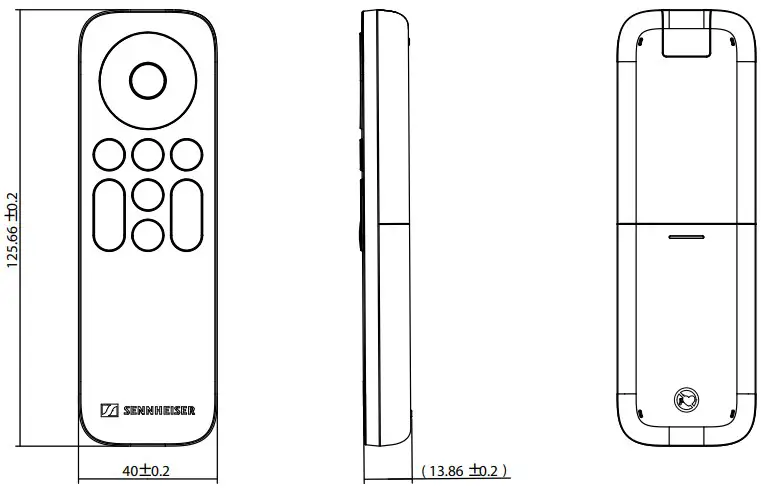
| Dimensions (L x W x H) | 126 x 40 x 14 mm |
| Weight Remote Control Holder | 60 g (incl. batteries) 160 g |
| Temperature range | 10 °C to 50 °C 14 °F to 122 °F |
Mounting Kit
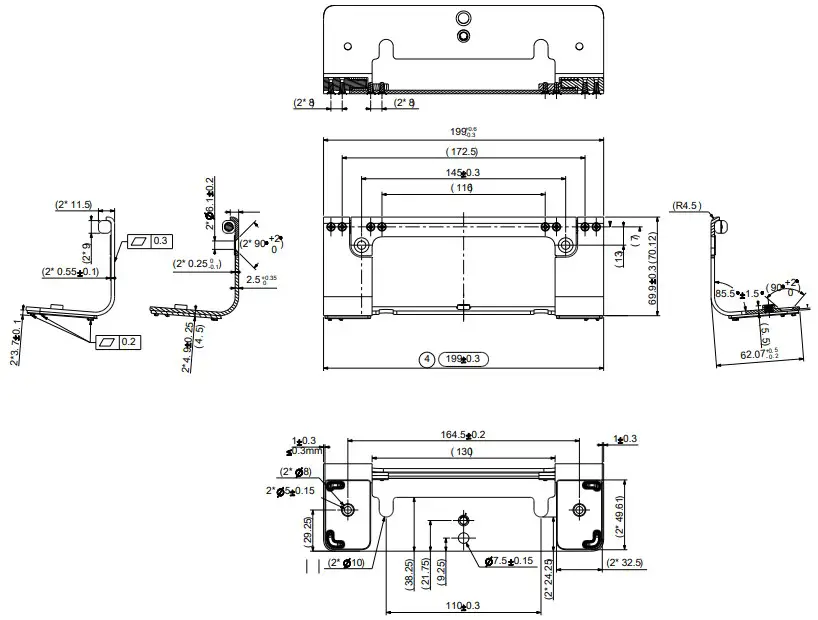
| Dimensions (L x W x H) | 199 x 62 x 74 mm |
| Weight | ca. 340 g |
VESA Mounting Kit (optional accessory)
| Screen size | 27″ – 78″ |
| Max. extension | 845 mm (33″) |
| Weight | 2.6 kg (57 lbs) |
| Max. load | 20 kg (44 lbs)) |
Power Supply TC Bar S
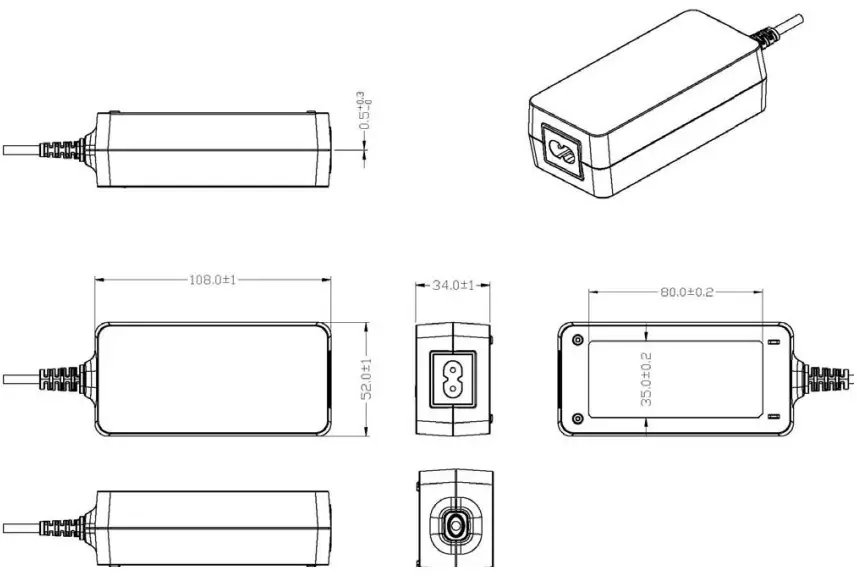
| Dimensions (L x W x H) | 108 x 52 x 34 mm |
| Weight | 300 g |
| Input voltage | 100 – 240 V ~ |
| Input frequency | 50 – 60 Hz |
| Input current | 1500 mArms |
| Output voltage | 15 V $ |
| Output current | 3000 mA |
| Power output | 45 W |
| AC plug type | 2-pin |
| DC plug dimensions | 5.5 x 2.1 x 11 mm |
| Relative humidity operation | 20 to 98 %, non-condensing |
| Relative humidity storage | 20 to 98 %, non-condensing |
| Operating temperature | 0° C to 40 °C 32 °F to 104 °F |
| Storage temperature range | -40 °C to 80 °C -40 °F to 176 °F |
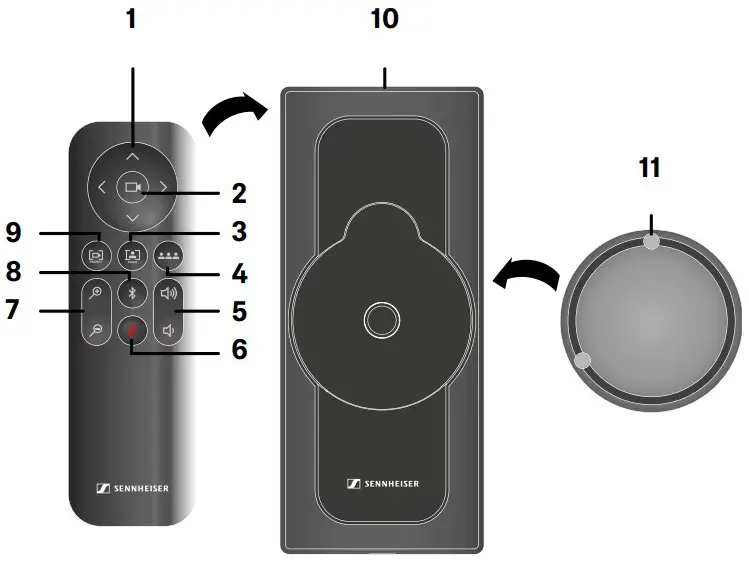
- Camera Pan & Tilt
- Camera Home View
- Auto Framing Mode
- Person Tiling Mode
- Volume Controls
- Mute ON/OFF
- Camera Zoom
- Bluetooth Pairing
- Camera Preset
- Bracket & Storage
- Magnetic Lens Cap
INSTALLATION TYPES
- Wallmount

- Table Top

- VESA Mount

- Free Standing

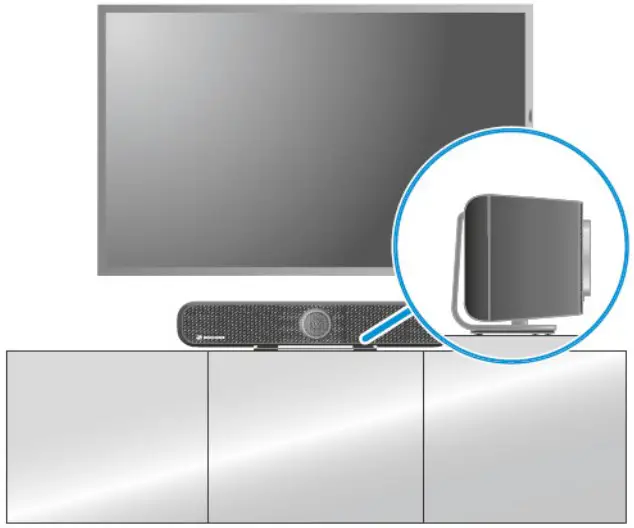
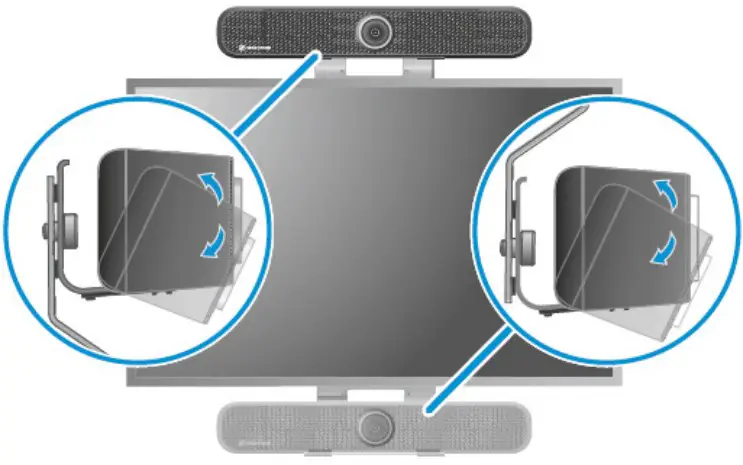
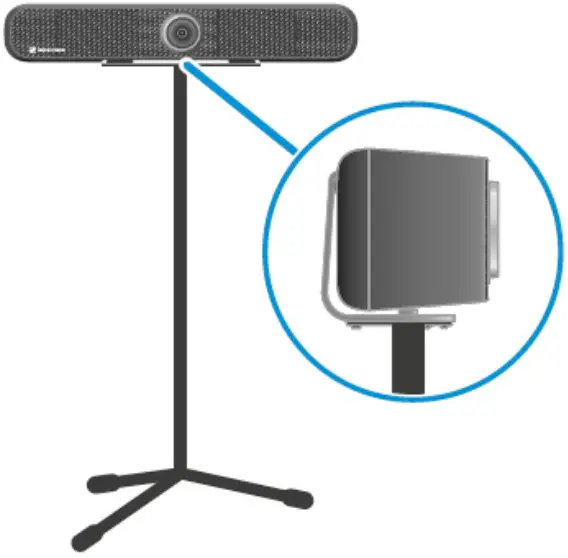
DIMENSIONS TC BAR S

DIMENSIONS MOUNTING BRACKET
DIMENSIONS REMOTE CONTROL
DIMENSIONS CABLES
DIMENSIONS POWER SUPPLY
ARCHITECT´S SPECIFICATION
All-In-One-Conferencing Device (Plug-and-Play)
The TC Bar S shall be designed as an all-in-one conferencing system that supports video and audio streaming for small conference rooms. The plug-and-play device is intended to fit in any room, supporting different installation types depending on space constraints, and is easily connected via a USB connection. Only one bracket for all mounting accessories is to be available, which supports installation types as wall mounting, tabletop and freestanding. For suspensions on TVs only one VESA mount should be available for all common TV sizes up to 65″.
Beamforming Technology
The TC Bar S consists of four pre-polarized condenser beamforming MEMS microphone capsules which
automatically focuse on the person speaking in the room. Depending on the direction from which a speaker is detected, the beam that can best detect the speaker is selected. If another speaker from another direction is detected the algorithm will switch beams automatically. One Priority Zone and up to three Exclusion Zones shall be adjustable in the Sennheiser Control Cockpit software at the same time.
Flexible Extensions
The TC Bar S has an Ethernet RJ45 socket for network control with the Sennheiser Control Cockpit software and for using Dante with regard to the extension with additional microphones and/or a 2nd external USB camera in the room. In addition, the RJ45 socket allows the device to be controlled via a third-party application and to be powered via Power over Ethernet in accordance with the IEEE 802.3at Type 2, PoE+ standard.
Bring-Your-Own-Device Philisophy
The TC Bar should enable fast and uncomplicated connection to conference-capable devices, regardless of the installation type. The USB port allows to easily connect to 3rd party media control systems (Barco, Crestron, Extron, Q-Sys) and platforms (Microsoft Teams, Zoom, Tencent, etc.) and be ready to go. The
TC Bar S
shall be equipped with Bluetooth and WiFi technology for wireless connectivity to enable remote control for controlling instances and mobile devices.
High Video Quality
The TC Bar shall be equipped with a 4K Ultra HD camera to achieve high video quality. The camera provides advanced AI functions and supports features such as autoframing and person tiling to clearly identify all people in the room.
Full-Range Stereo Speakers
The TC Bar S features two full-range stereo speakers that provide natural speech reproduction and excellent intelligibility. An integrated DSP is designed to automatically optimize the acoustics in the room.
Advanced Security Features
The TC Bar S shall be equipped with advanced security features to ensure an encrypted control communication by default. The TC Bar S should be password protected for secure content transmission and shall be claimed via Sennheiser Conrol Cockpit for activating the full device control.
Control Management
The TC Bar is to be fully remote controllable via the Sennheiser Control Cockpit software. The software allows adjustment of all available settings of the TC Bar such as audio, zones, device, network and access.
 Sennheiser — Headphones, Microphones, Wireless Systems