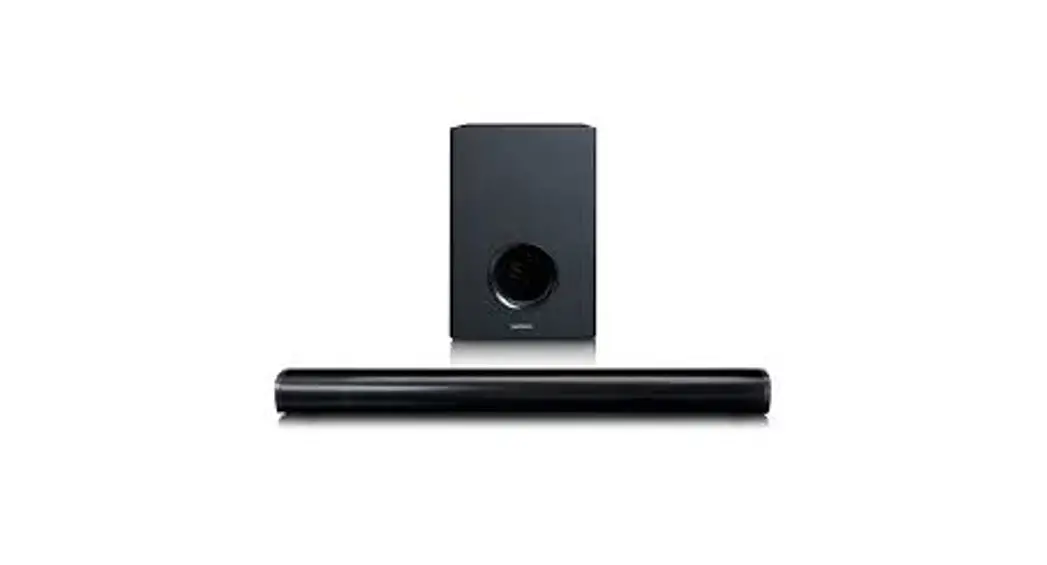
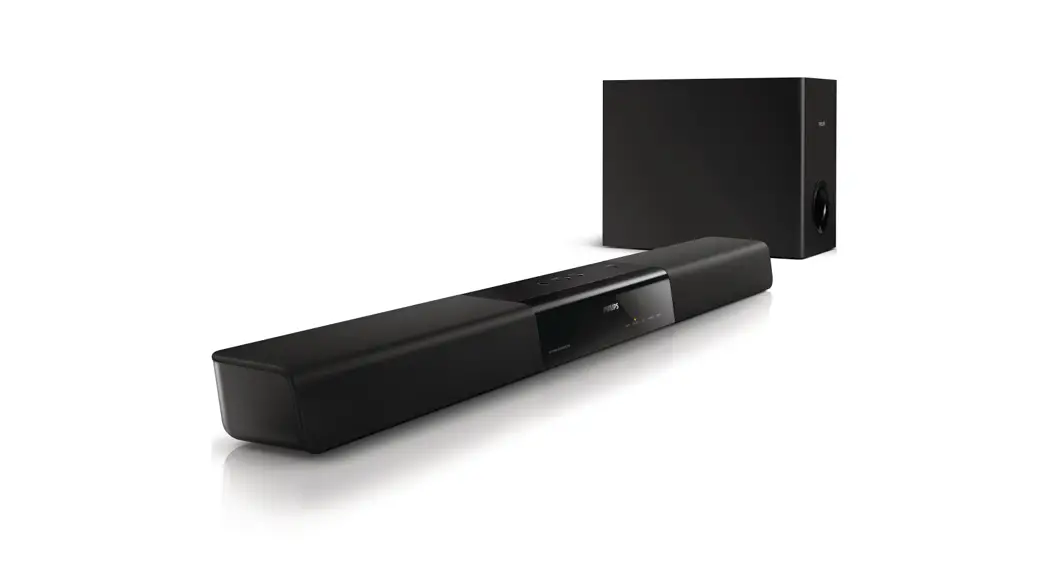
SB02M Plus Soundbar
Product Information
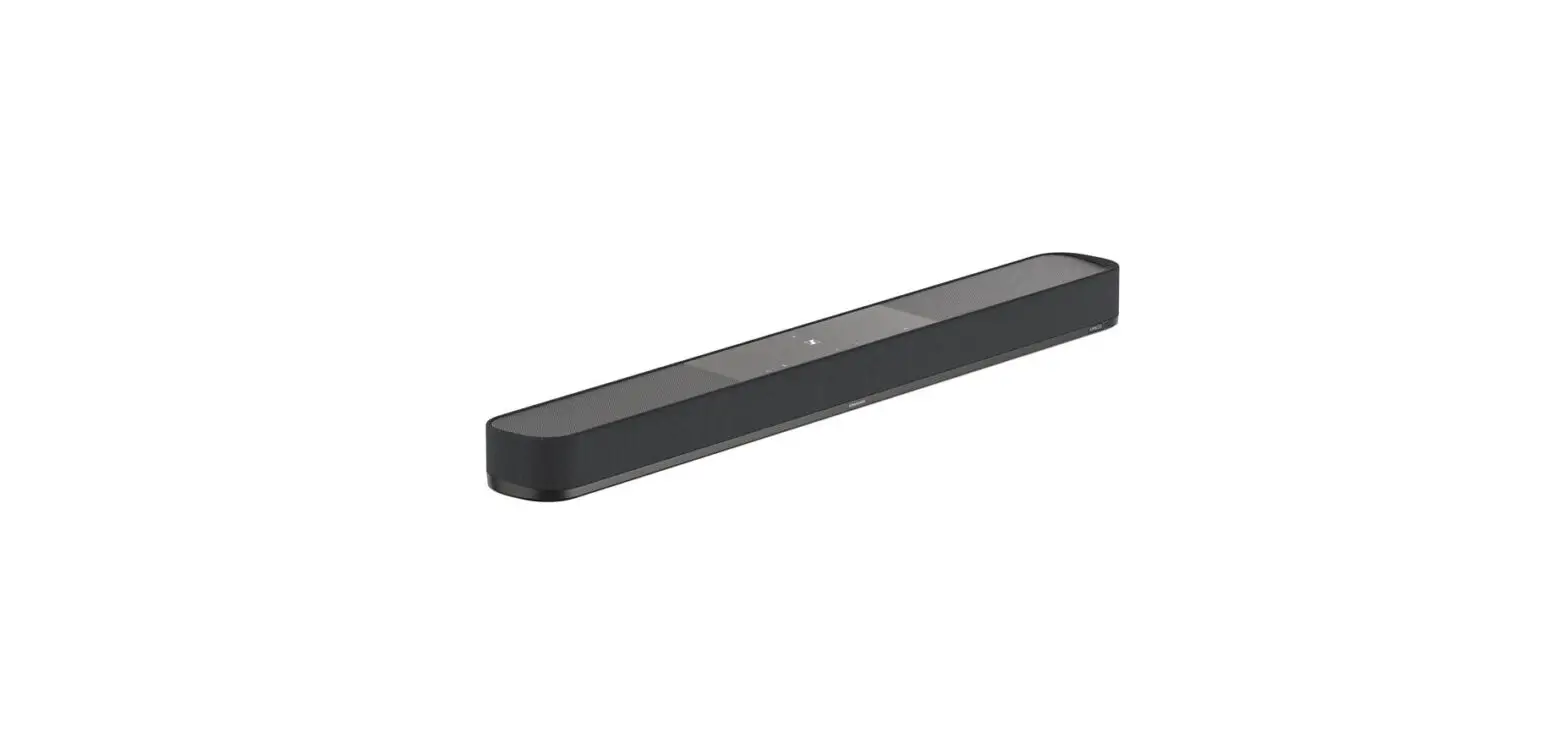
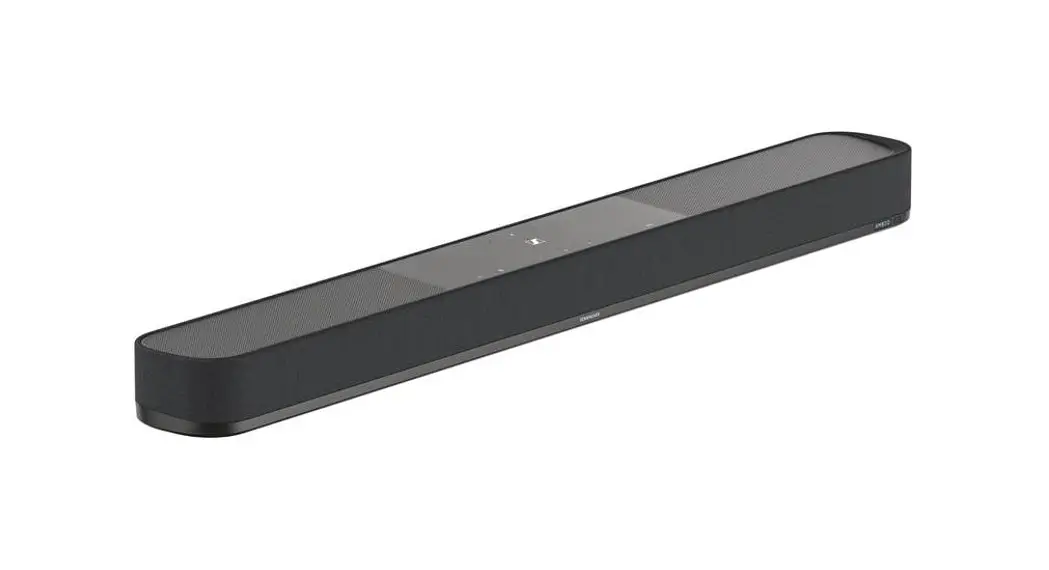
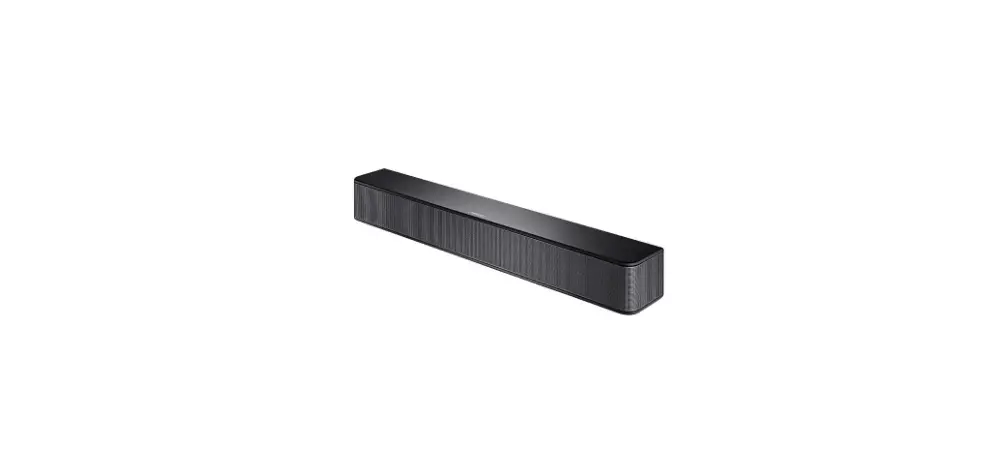
The AMBEO Soundbar Plus is a high-end soundbar designed to
provide an immersive audio experience. It is equipped with advanced
firmware that can be updated to enhance the performance and
functionality of the soundbar.
Product Usage Instructions
To update the firmware of your AMBEO Soundbar Plus, please
follow these steps:
- Ensure that your soundbar is connected to a stable power source
and turned on. - Connect your soundbar to your computer using the provided USB
cable. - Visit the official AMBEO Soundbar Plus website and navigate to
the “Downloads” or “Support” section. - Download the latest firmware update file compatible with your
soundbar model. - Once the download is complete, locate the firmware update file
on your computer. - Extract the contents of the firmware update file if
necessary. - Open the extracted folder and locate the firmware update
executable file. - Double-click on the firmware update executable file to start
the update process. - Follow the on-screen instructions provided by the firmware
update tool. - During the update process, make sure not to disconnect or turn
off your soundbar. - Wait for the firmware update to complete. This may take a few
minutes. - Once the update is finished, you will be notified on your
computer screen. - Disconnect the USB cable from your computer and soundbar.
- Your AMBEO Soundbar Plus is now updated with the latest
firmware.
It is recommended to regularly check for firmware updates on the
official AMBEO Soundbar Plus website to ensure you have the latest
features and optimizations for your soundbar.
Firmware update
· Added AMBEO Demo Experience content MPEG-H trailer · Improved HDMI stability for various TV models · Improved Alexa built-in mic performance and response time · Improved input logic and stability for the optical Input · Improved general system stability · Bugfix – Fixed distortion sound on eARC/ARC when starting audio for certain TV models · New AMBEO Sub Firmware v46
· Improved limiter behavior for wired connection · Bugfix Fixed problem which has led to failing calibrations
AMBEO Soundbar Plus firmware update
* * * * * * *
AMBEO Soundbar Plus firmware update
History
1.0.73 · Increased speed of volume changes via HDMI CEC · Increased max. volume for Dolby encoded content · Fixes for Amazon Alexa built-in Ensured smoother operation · Improved compatibility on ARC and eARC interface
· Bugfix for Multichannel PCM content on eARC · Bugfix for missing audio on ARC/eARC · Bugfix for failing automatic input change on certain connected devices · New AMBEO Sub Firmware v42 · Bugfix on Subwoofer calibration mechanism which might have led to boost on low frequencies · Improved limiter which solves drop outs on high volume levels · Added “Phase 180°” Subwoofer function to invert phase of Subwoofer to adapt Bass performance in different room environments · Auto-Start in Spotify source once input is selected via remote/app (Can be disabled via Spotify service settings in app) · Additional minor bugfixes for app and system behavior
v0.0.62 · Improved HDMI compatibility for eARC interface · Optimized crossover frequency of external sub · Optimized sound profile of external sub
 Download | Sennheiser