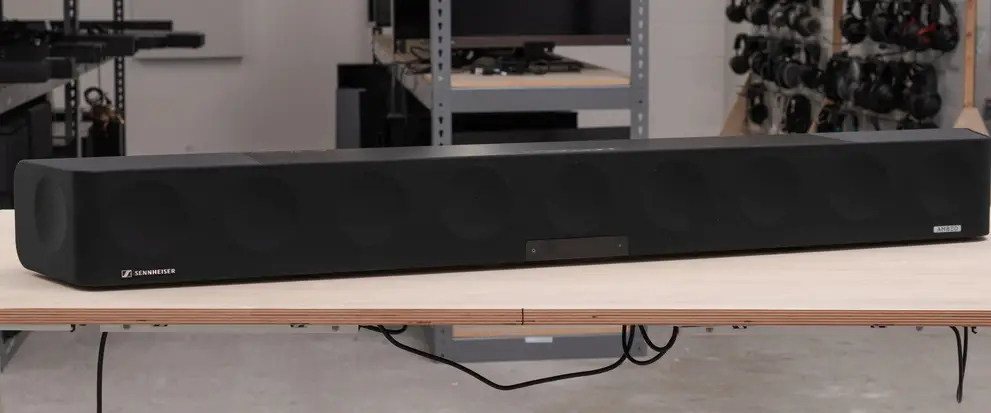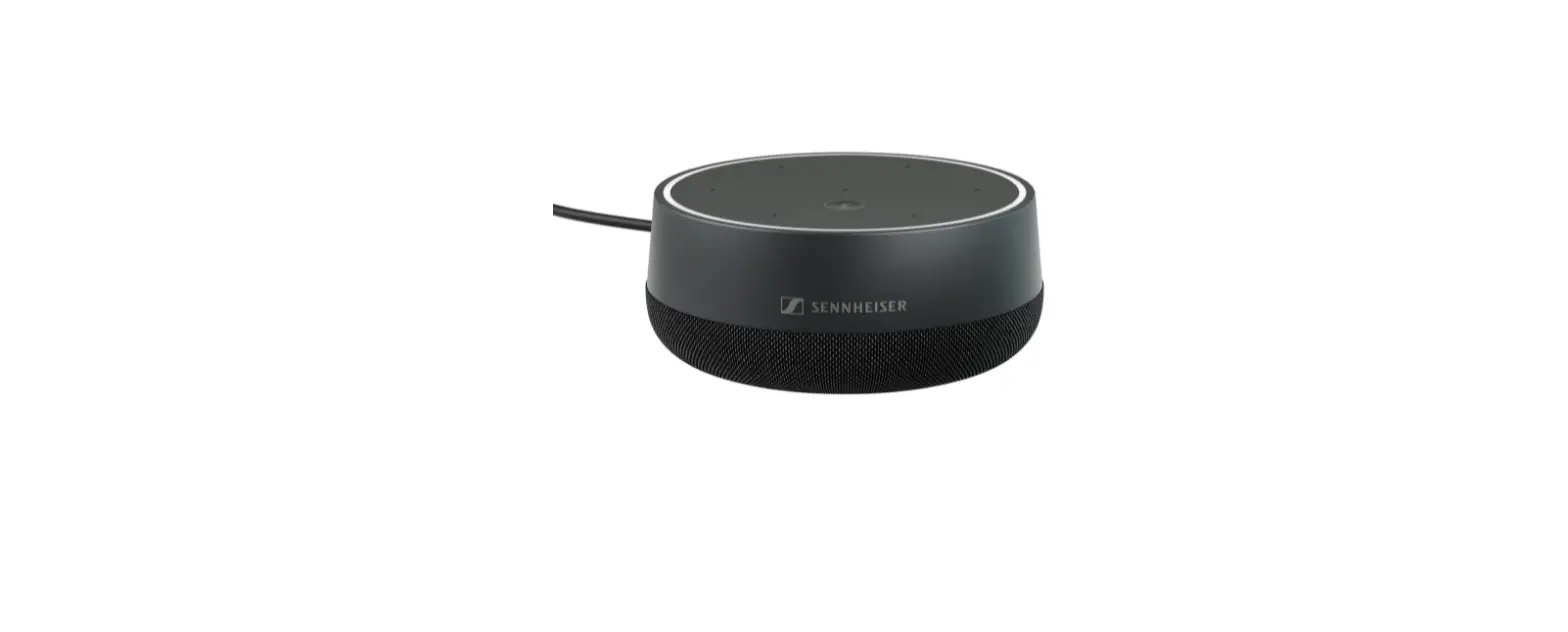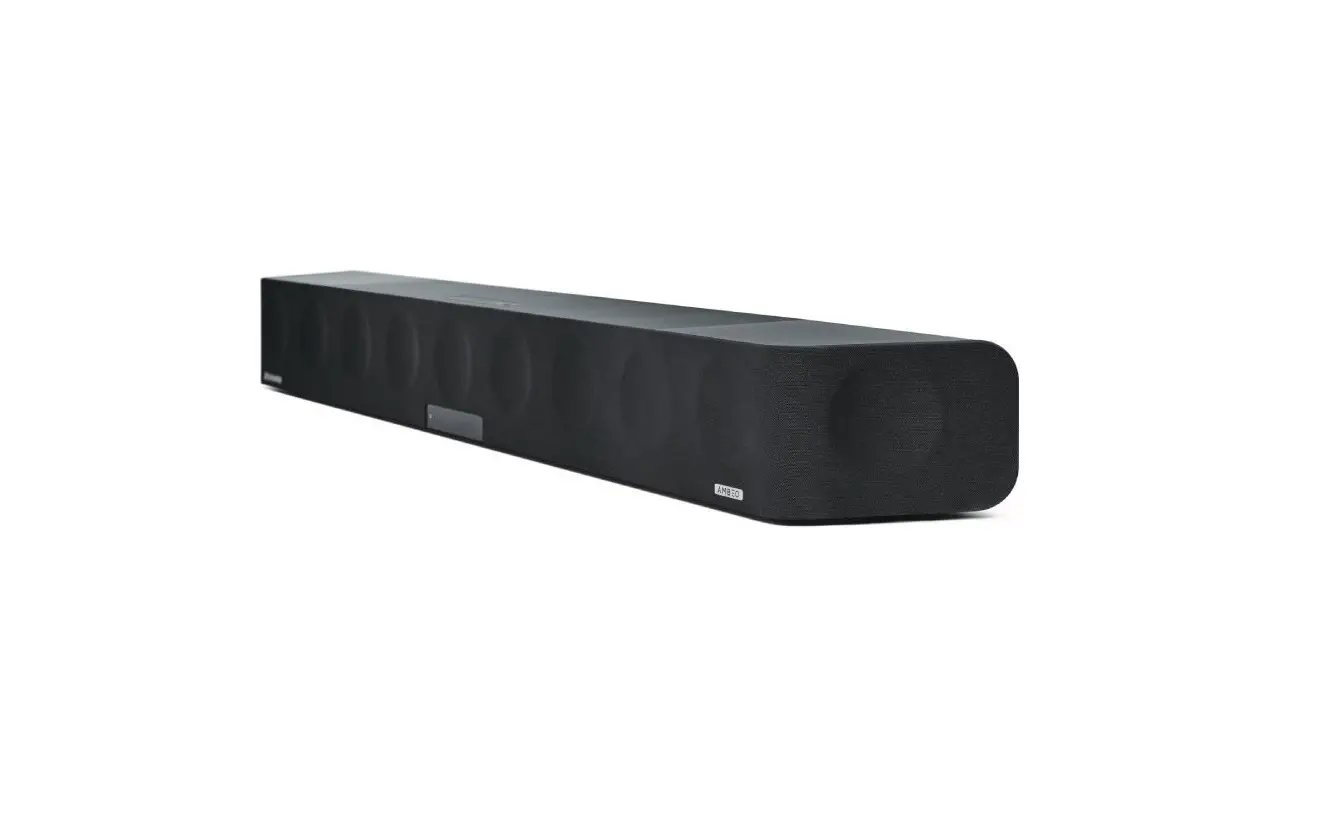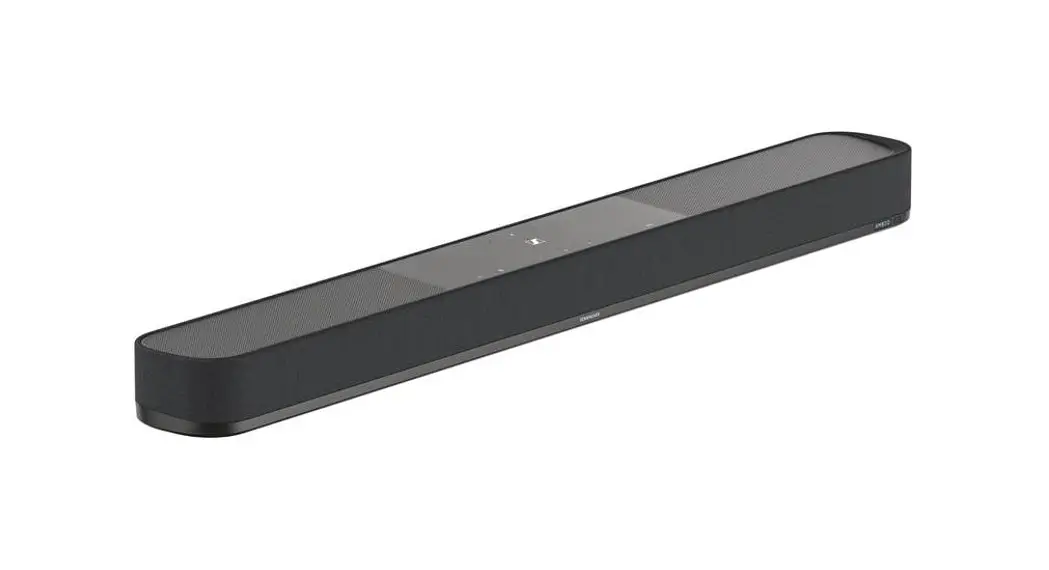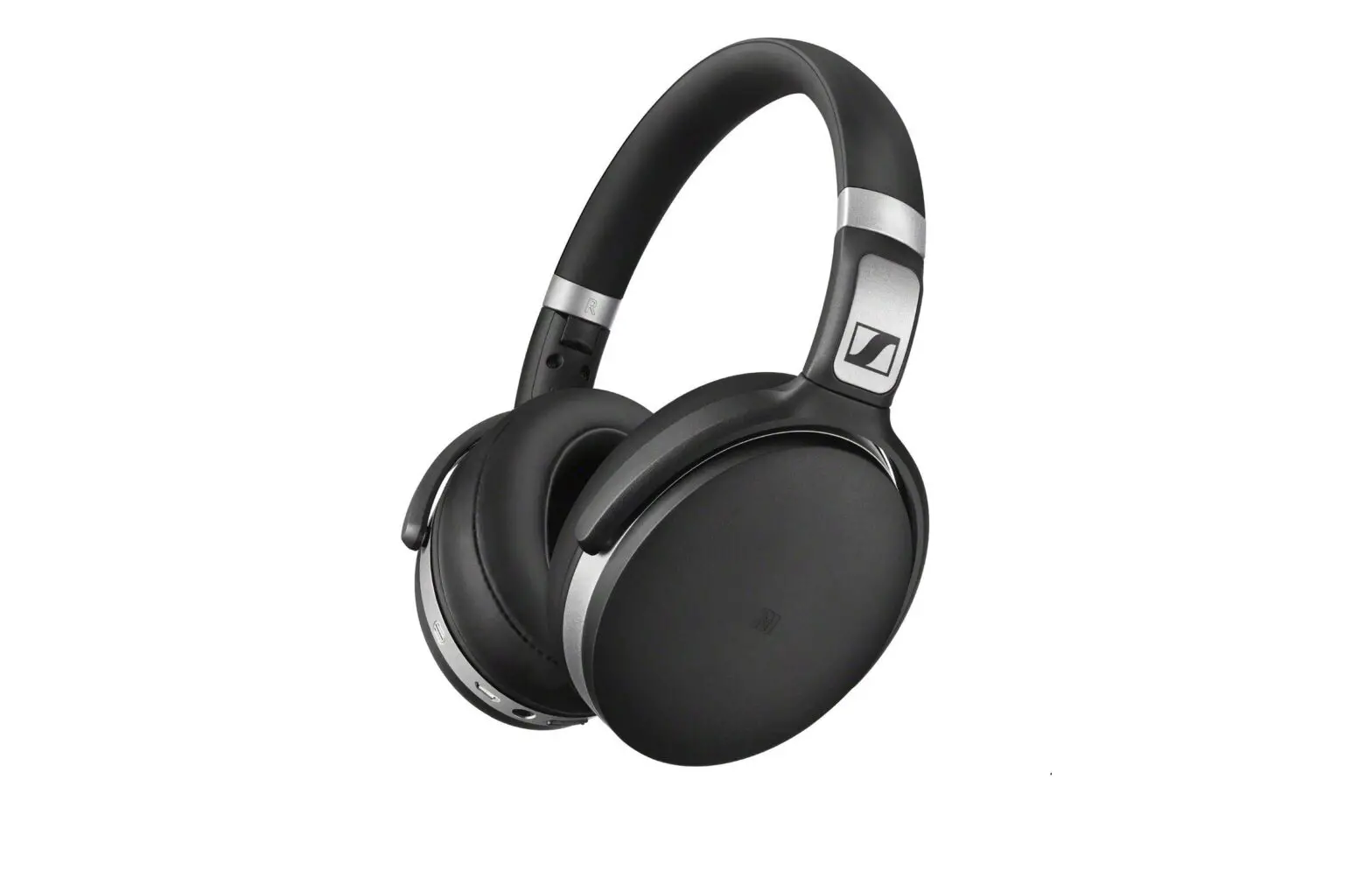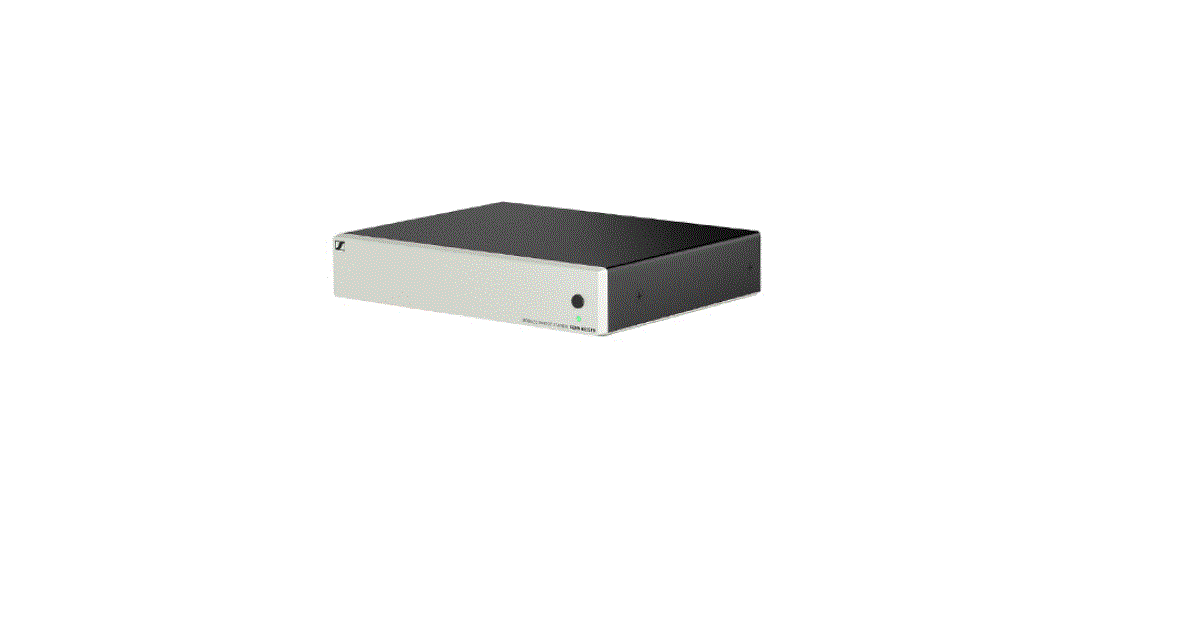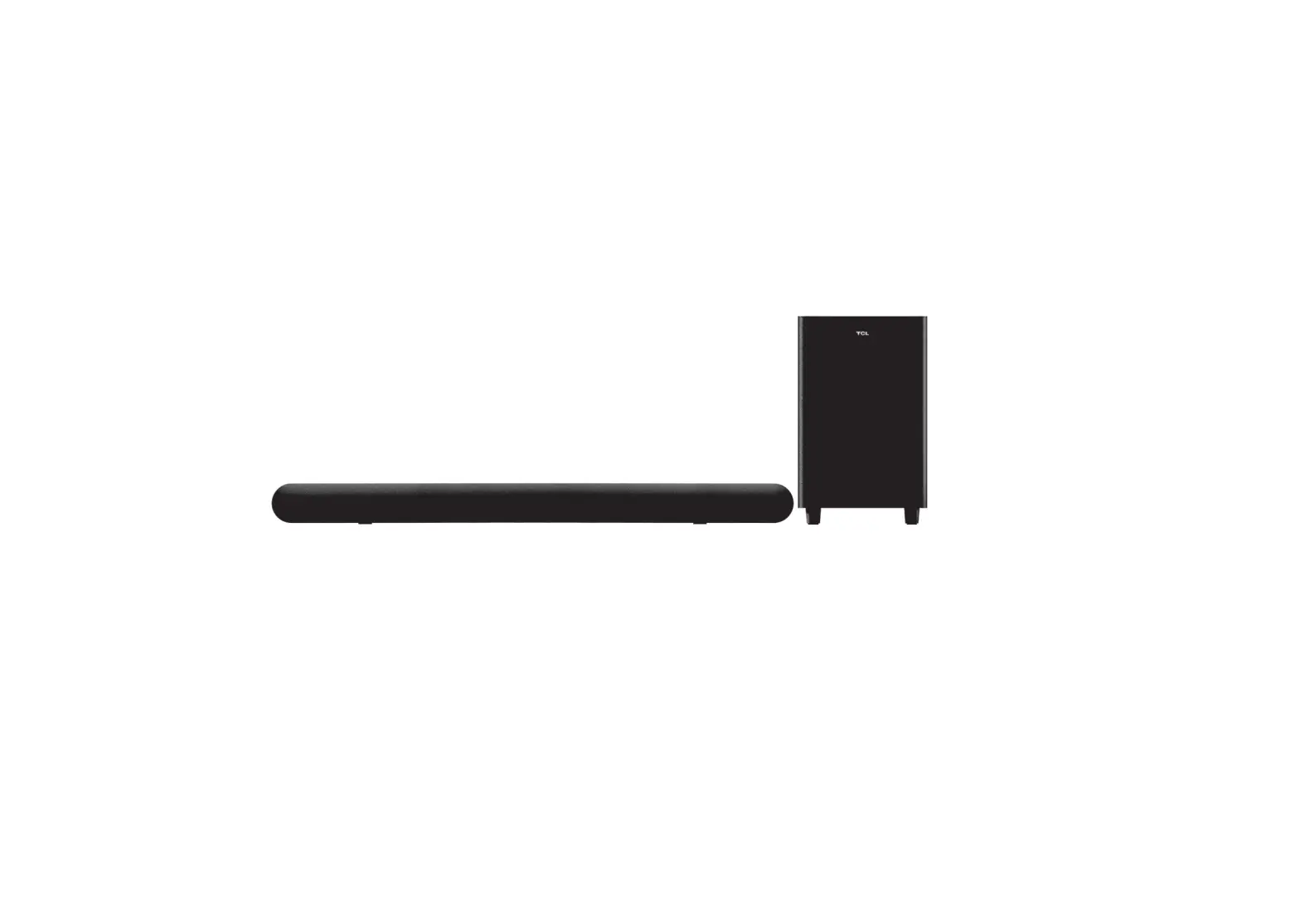
SENNHEISER TC Bar S, RC Bar M TeamConnect Bar
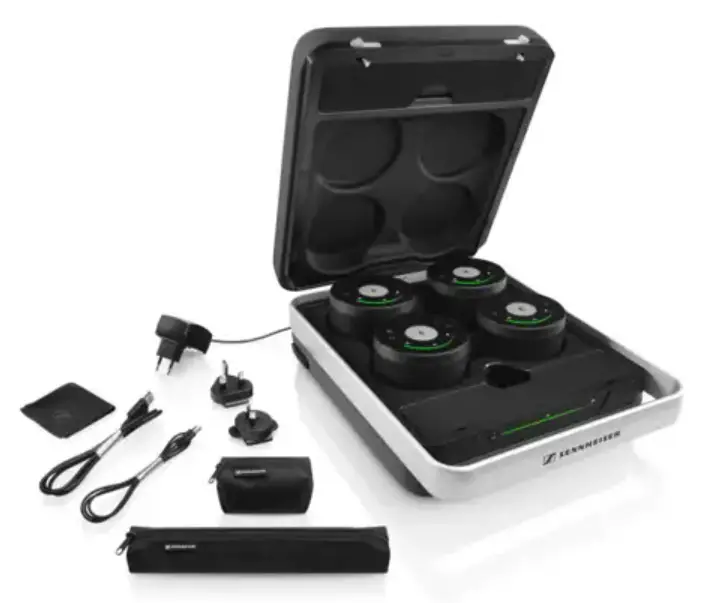
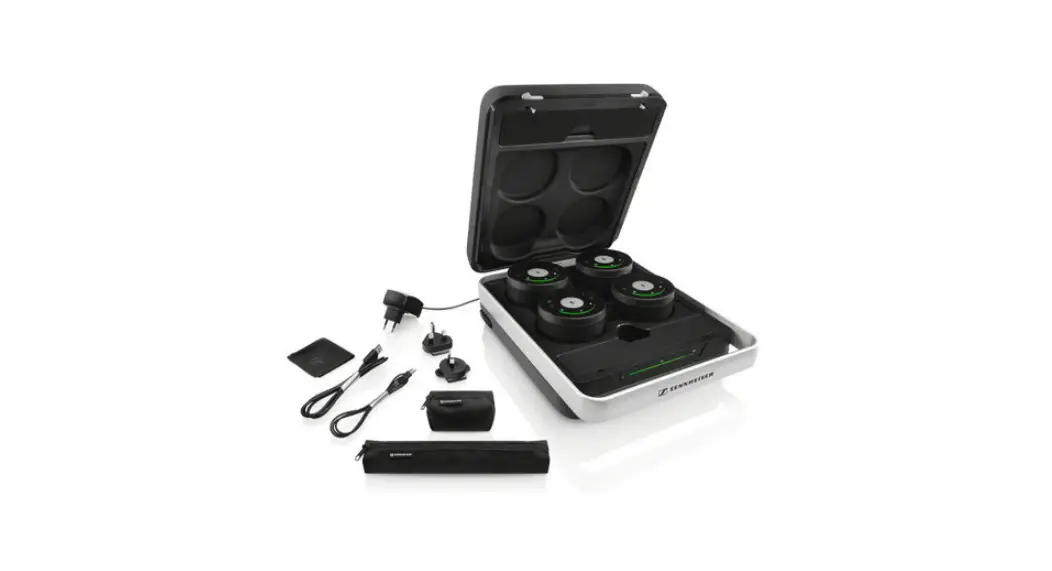
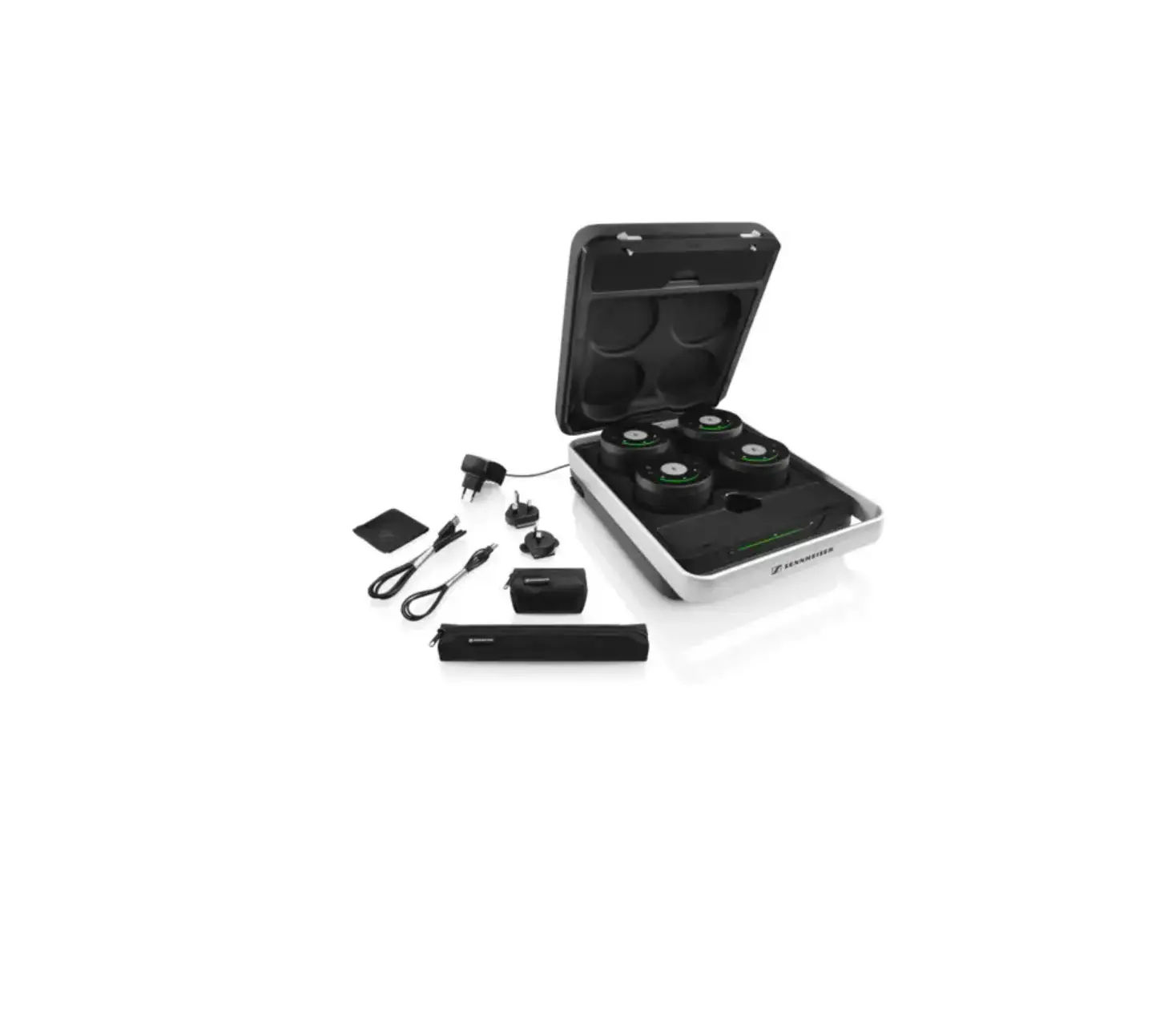
In the box
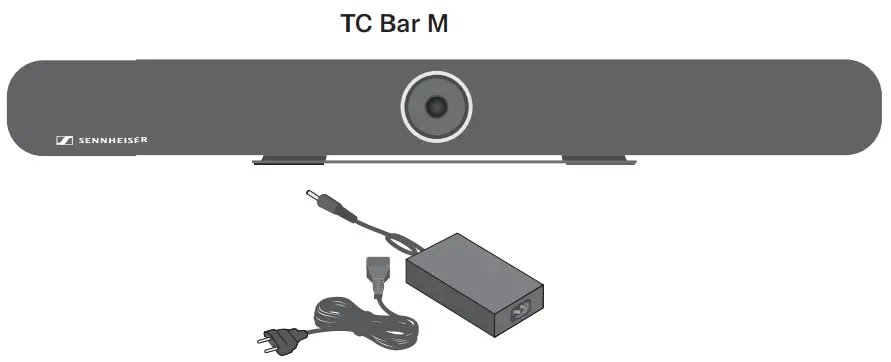
- Power supply unit
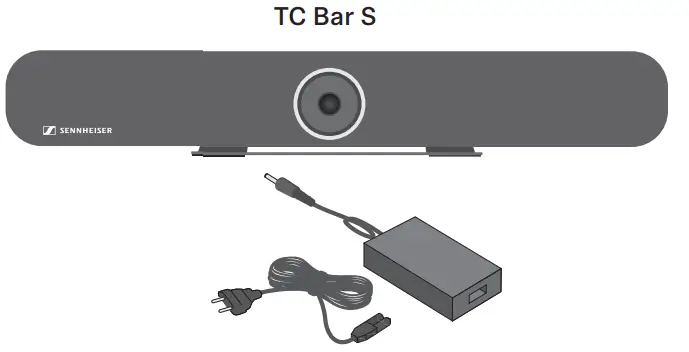
OR - Power supply unit
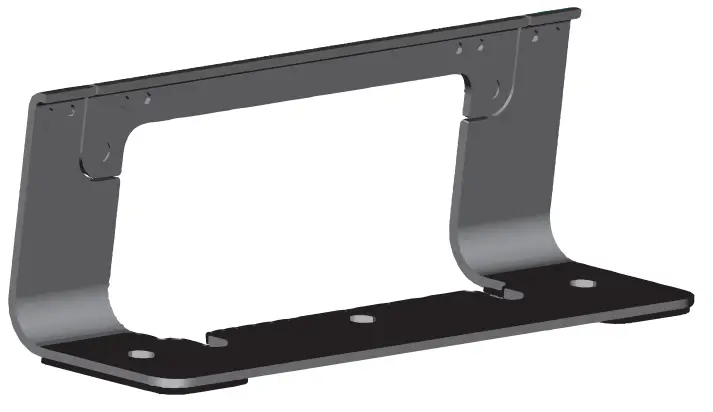
- Mounting bracket
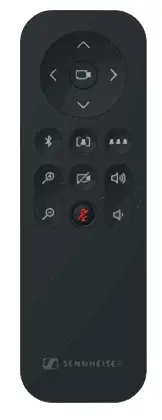
- Remote control
- Wall Mount Bracket & Storage
- Magnetic lens cover

- Manual
- 2 x AAA 1.5 V
- HDMI cable
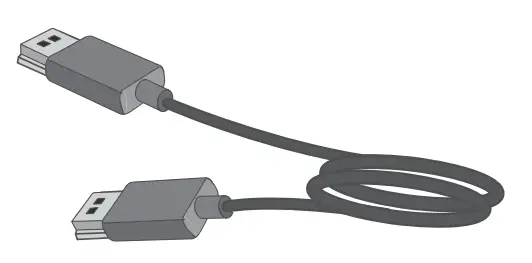
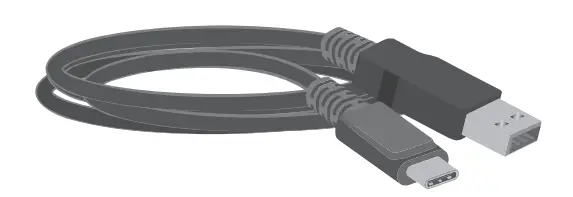
- USB-C / USB-A cable
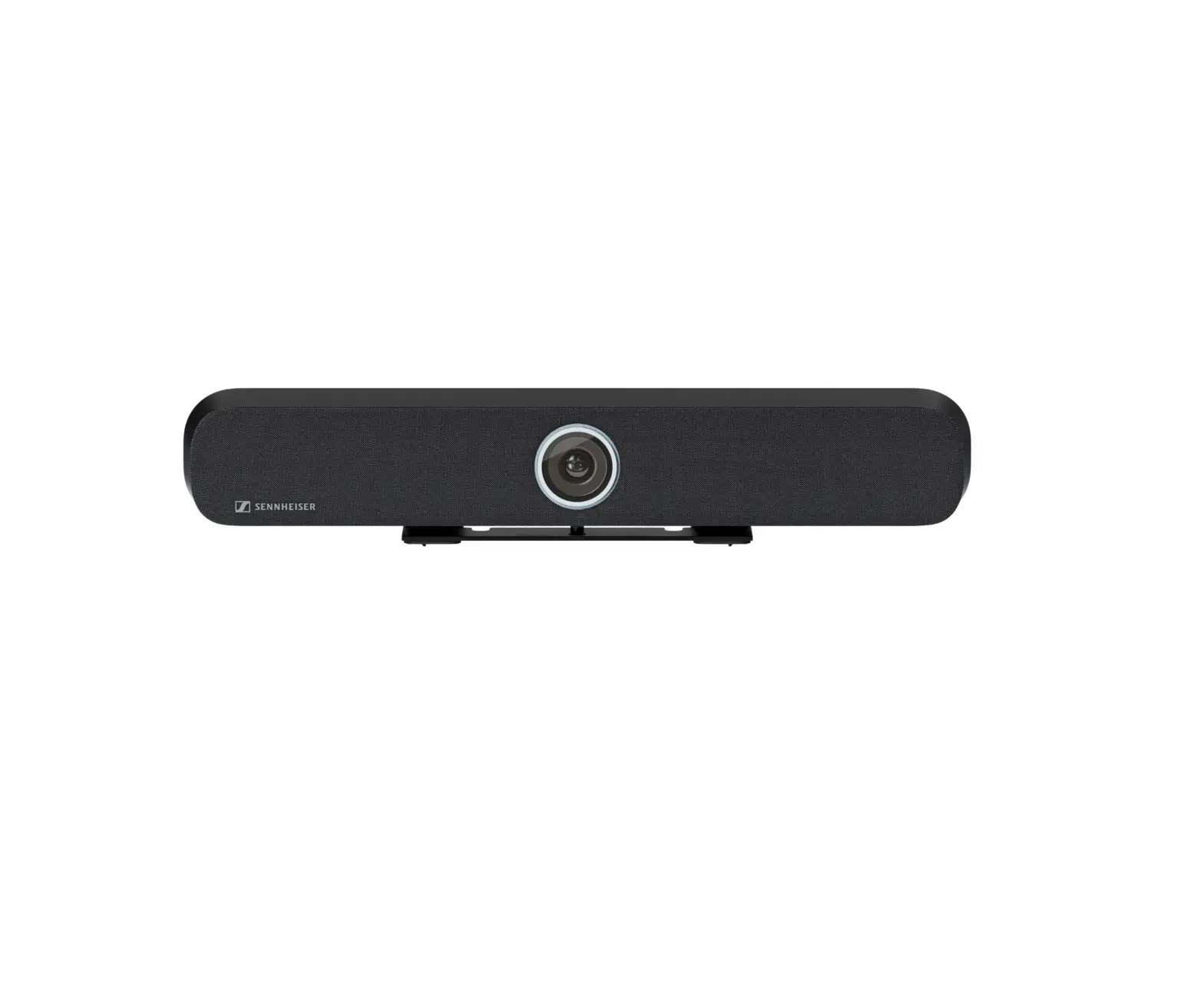
Product Overview | TC Bar M
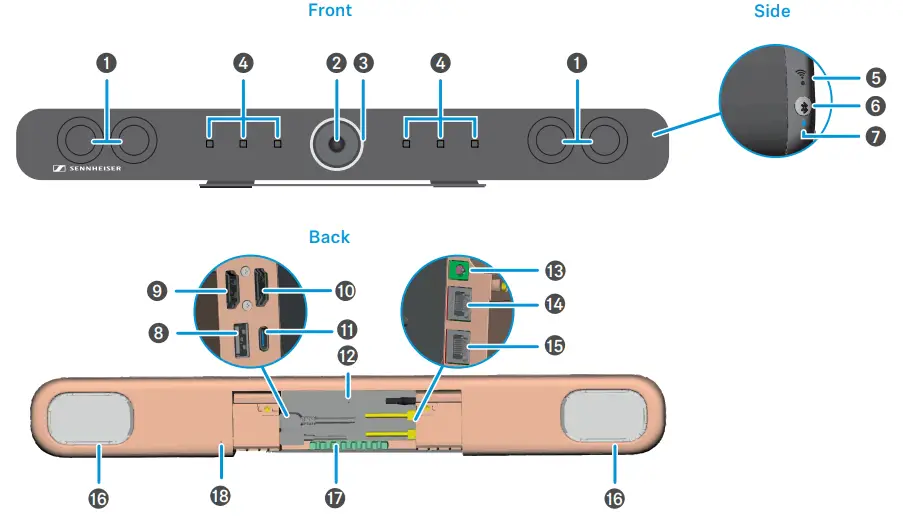
❶ Stereo speakers
❷ Camera
❸ LED ring
❹ Microphones
❺ WiFi LED
❻ Bluetooth pairing
❼ Bluetooth LED
❽ USB-A connector
❾ HDMI OUT
❿ HDMI OUT
⓫ USB-C connector
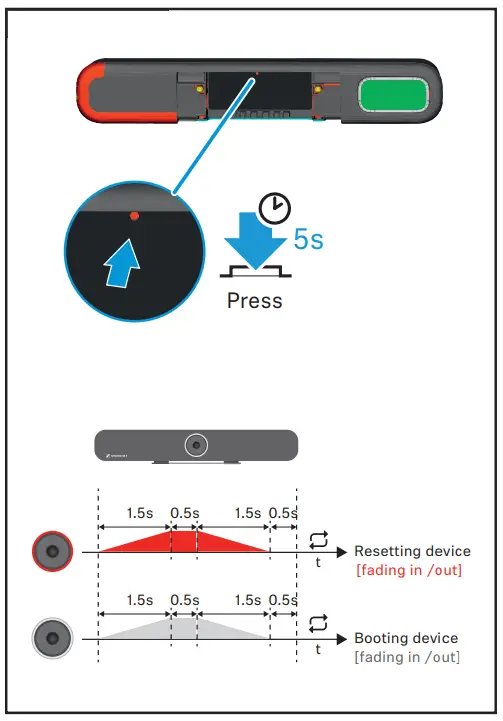
⓬ Factory reset
⓭ DC IN
⓮ Ethernet PoE (PSE*)
⓯ Ethernet PoE (PSE*)
⓰ Passive radiator
⓱ Cable guide
⓲Kensington lock
Remote Control
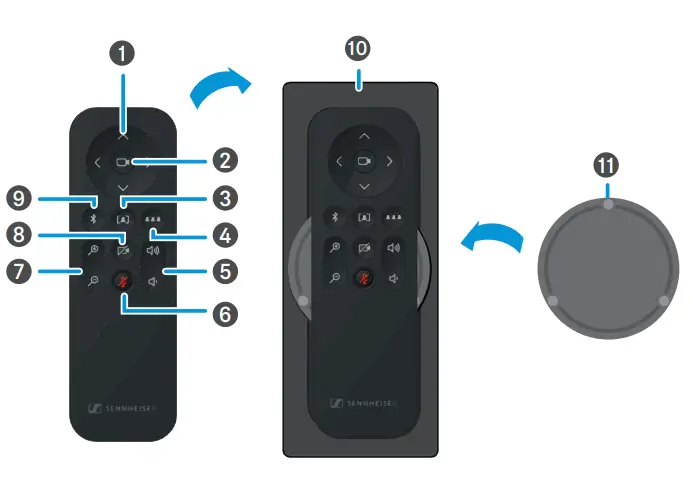
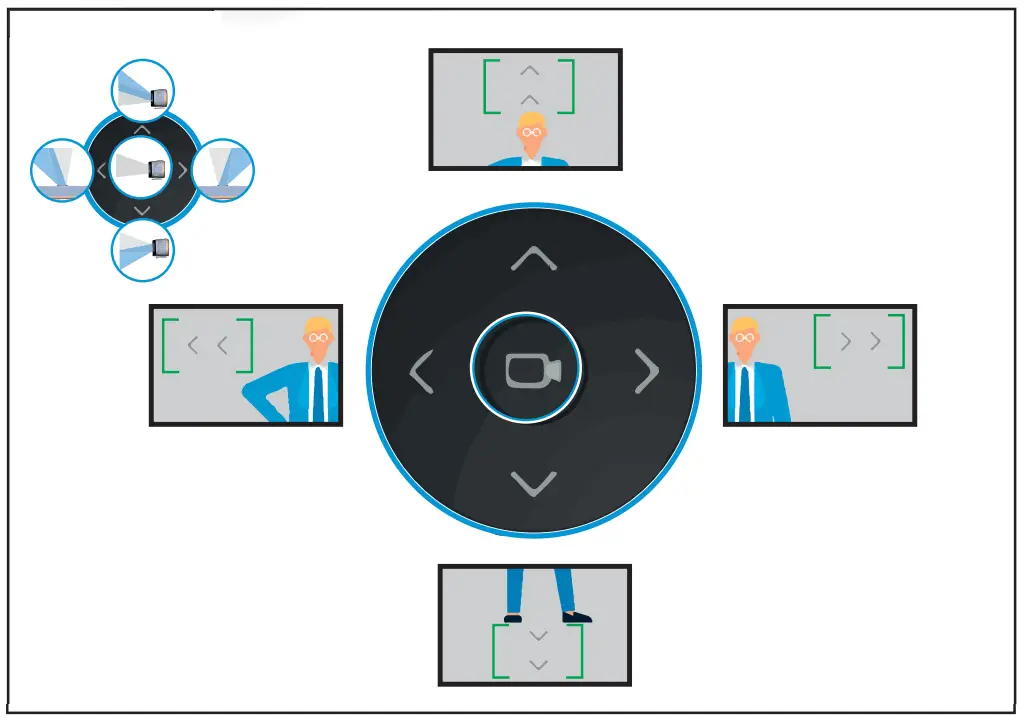
❶ Camera Pan & Tilt
❷ Camera Home View
❸ Auto Framing Mode
❹ Person Tiling Mode
❺ Volume Controls
❻ Mute ON/OFF
❼ Camera Zoom
❽ Camera ON/OFF
❾ Bluetooth Pairing
❿ Bracket & Storage
⓫Magnetic Lens Cover
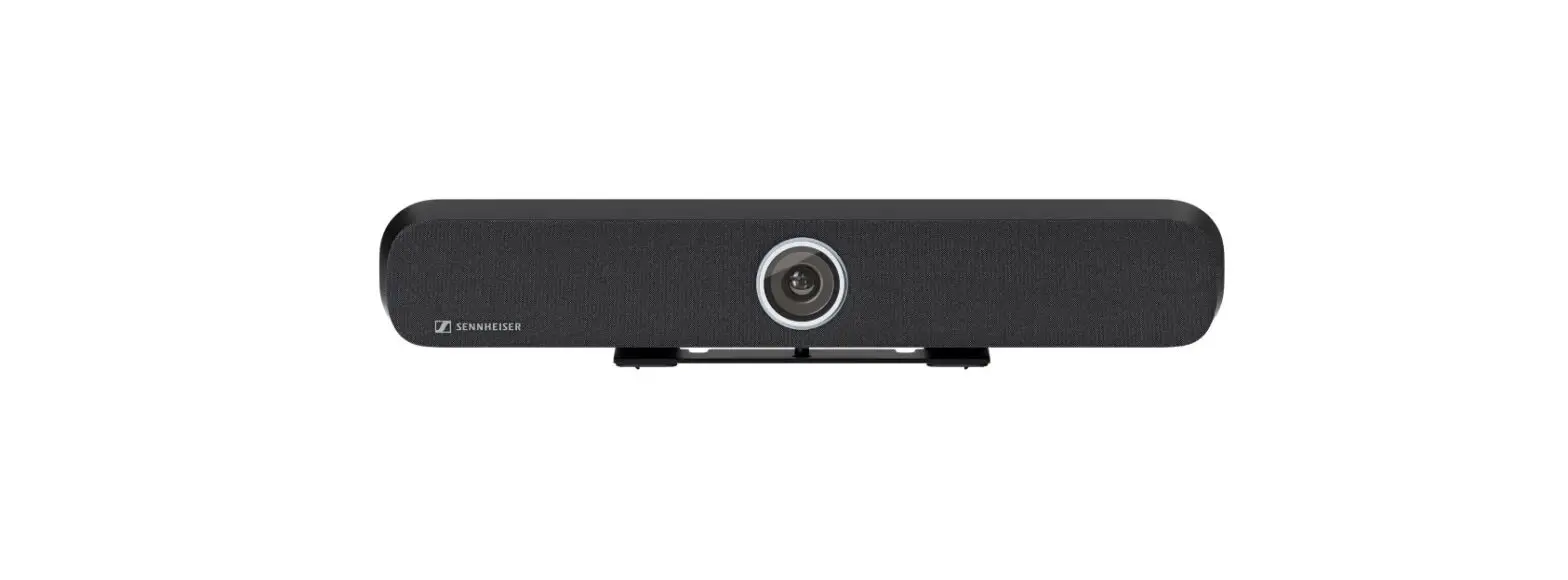
Product Overview | TC Bar S
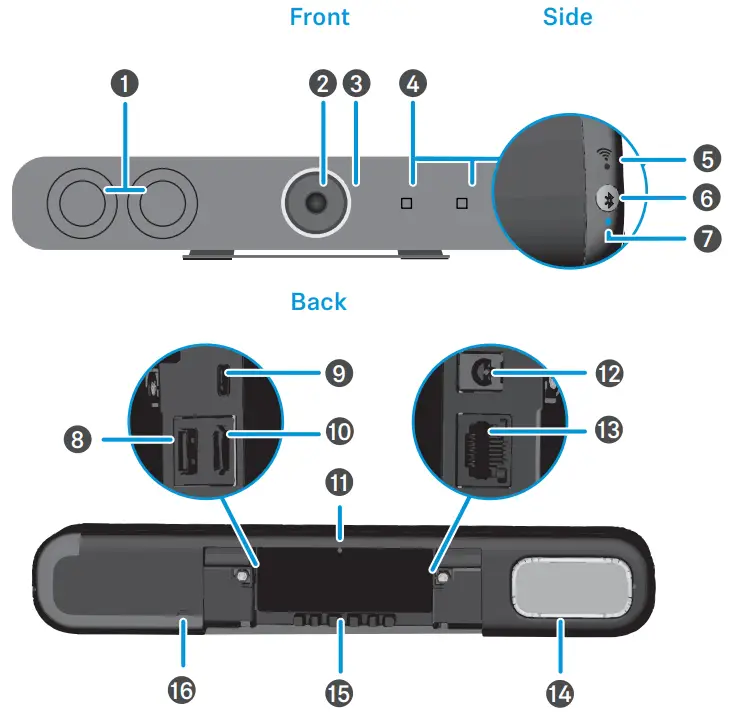
❶ Stereo speakers
❷ Camera
❸ LED ring
❹ Microphones
❺ WiFi LED
❻ Bluetooth pairing
❼ Bluetooth LED
❽ USB-A connector
❾ USB-C connector
❿ HDMI OUT
⓫ Factory reset
⓬ DC IN
⓭ Ethernet PoE+ (PD*)
⓮ Passive radiator
⓯ Cable guide
⓰ Kensington lock
Mounting Instructions
Mounting | Wall
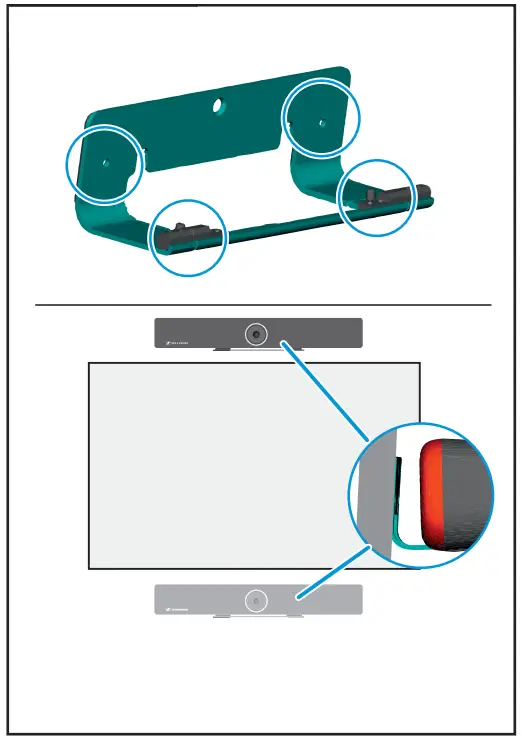
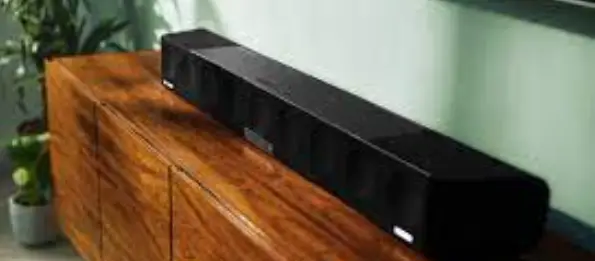
Mounting | Sideboard
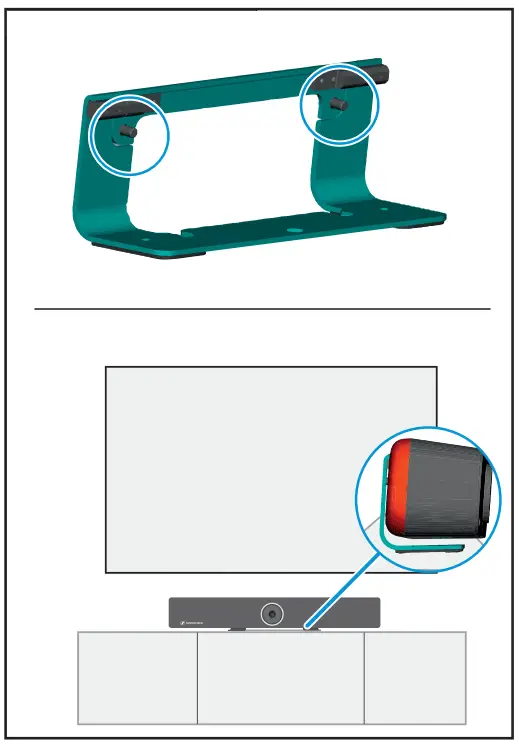
Mounting | VESA *
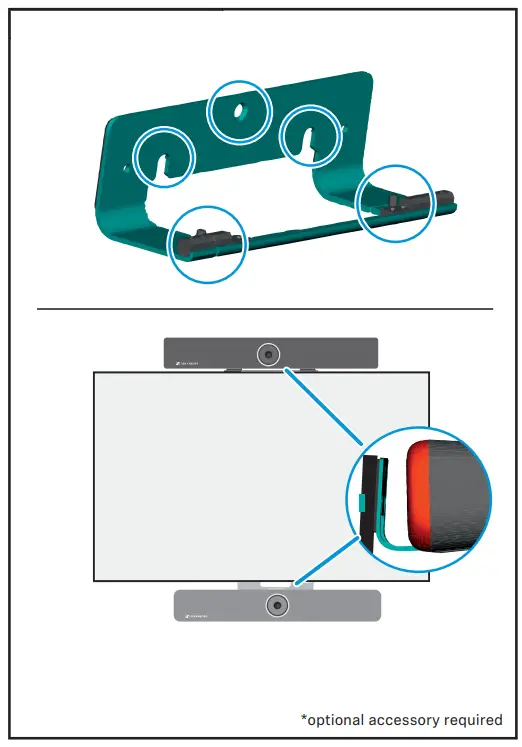
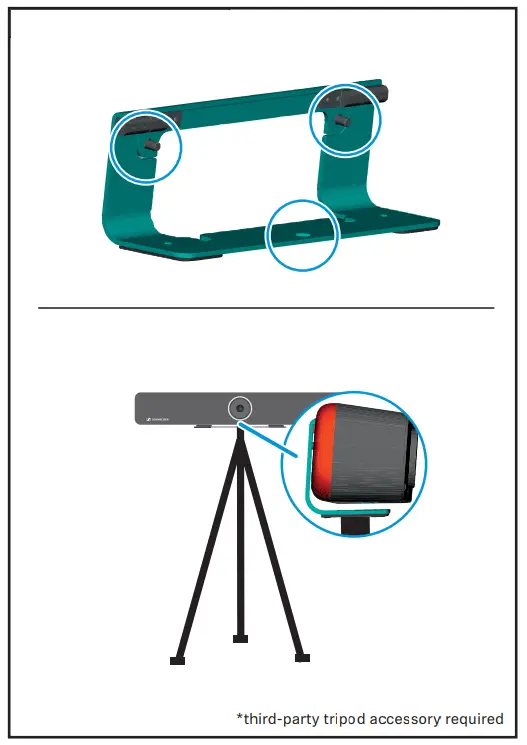
Mounting | Tripod *
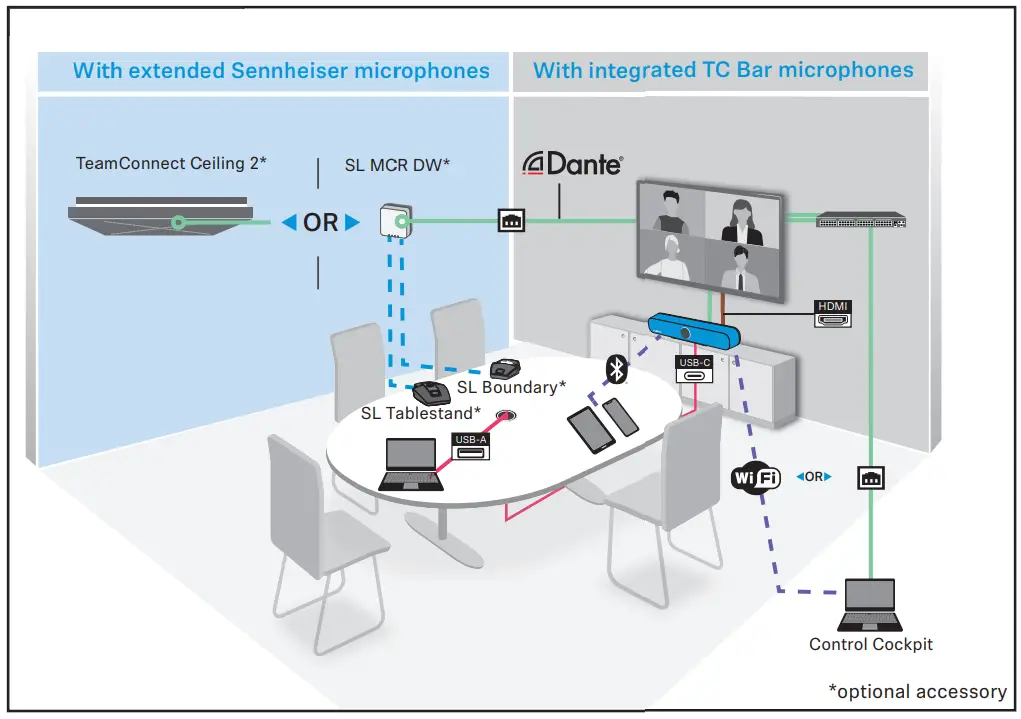
Setup | Connections
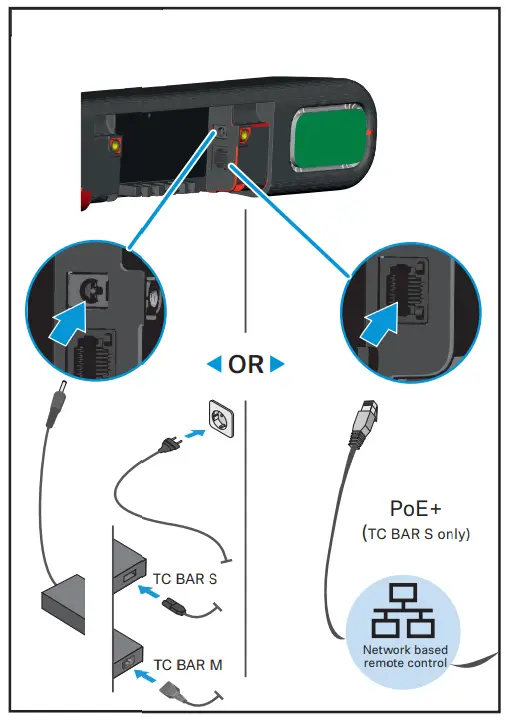
Power Supply
Setup
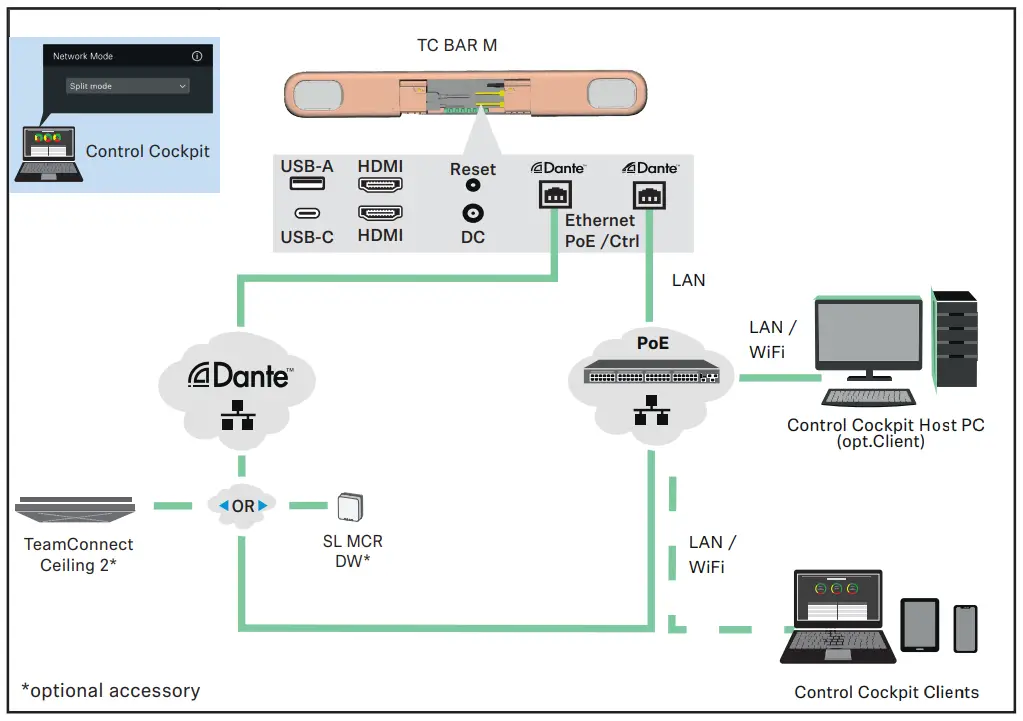
 Network Control via software Sennheiser Control Cockpit
www.sennheiser.com/control-cockpit-software
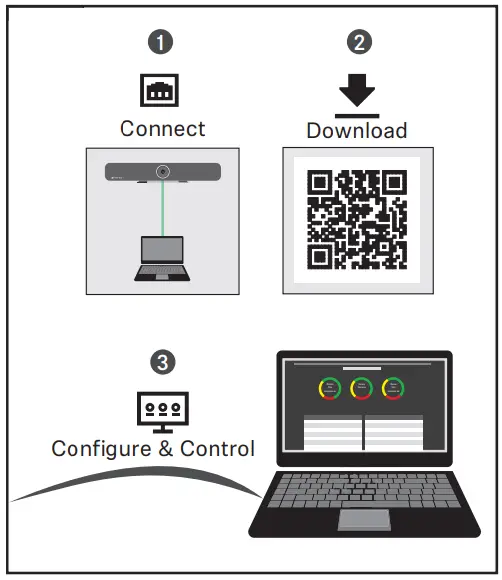
Remote Management
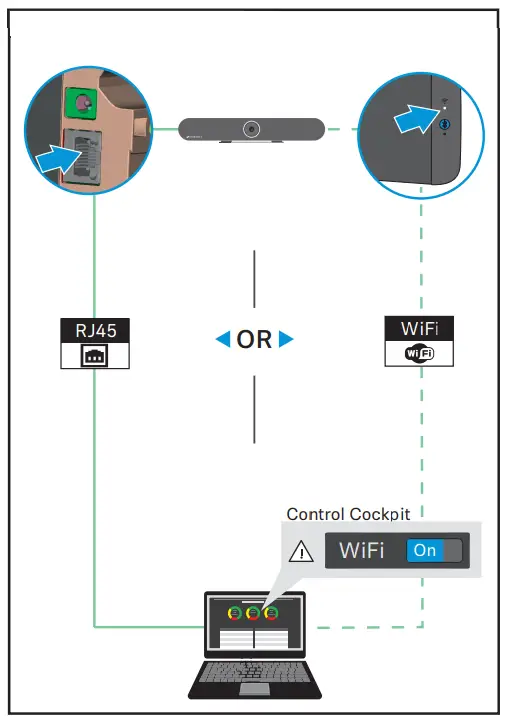
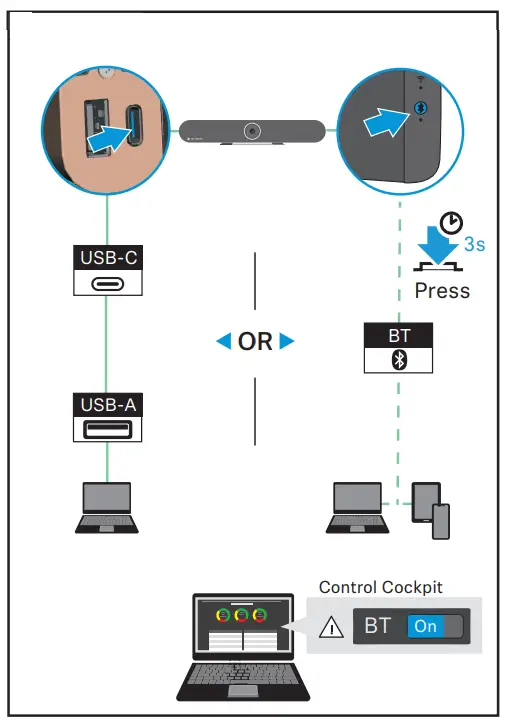
Connecting
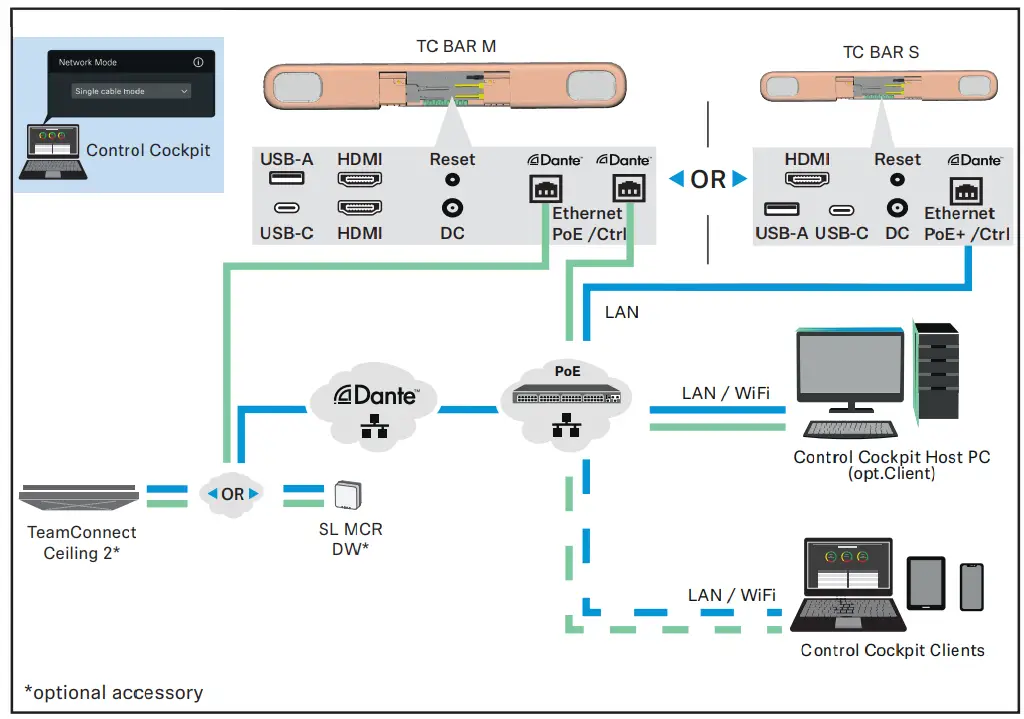
Single Cable Mode
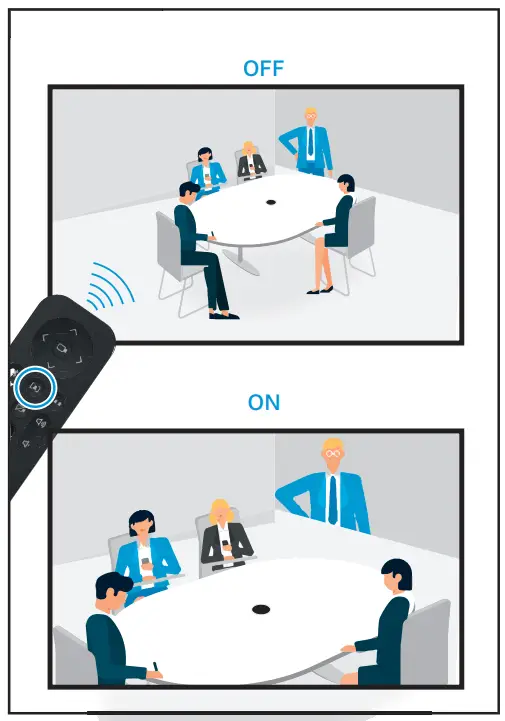
Auto Framing
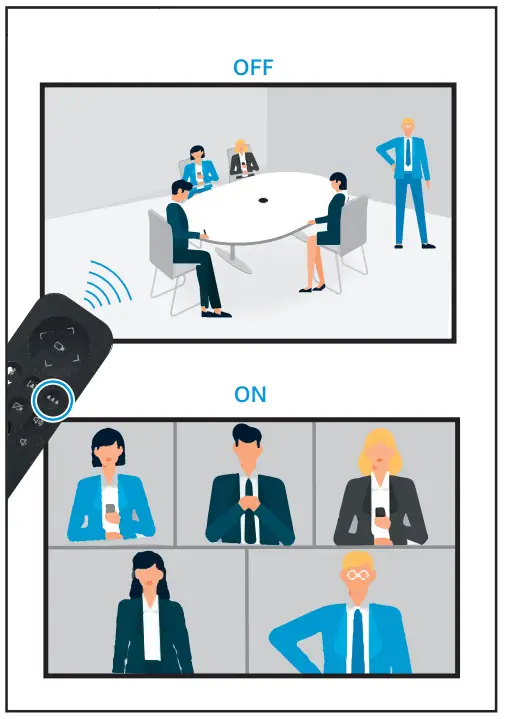
Person Tiling
Split Mode
Camera Pan & Tilt
LED Status
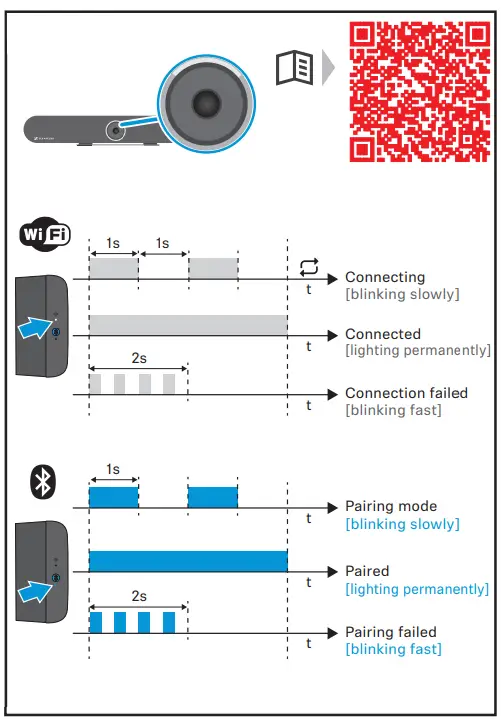

Factory Reset
Online Manual
 |  |
or online at www.sennheiser.com/download | |
 | |
Sennheiser Documentation App
 |  |
 |  |
Sennheiser electronic GmbH & Co. KG
Am Labor 1, 30900 Wedemark, Germany
www.sennheiser.com
Publ. 06/22, 592874/A01