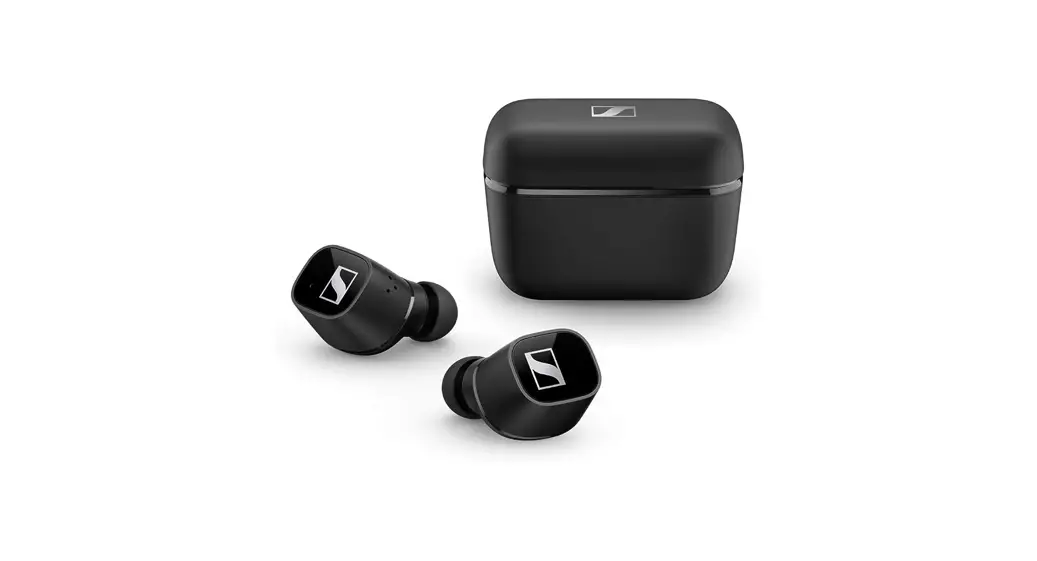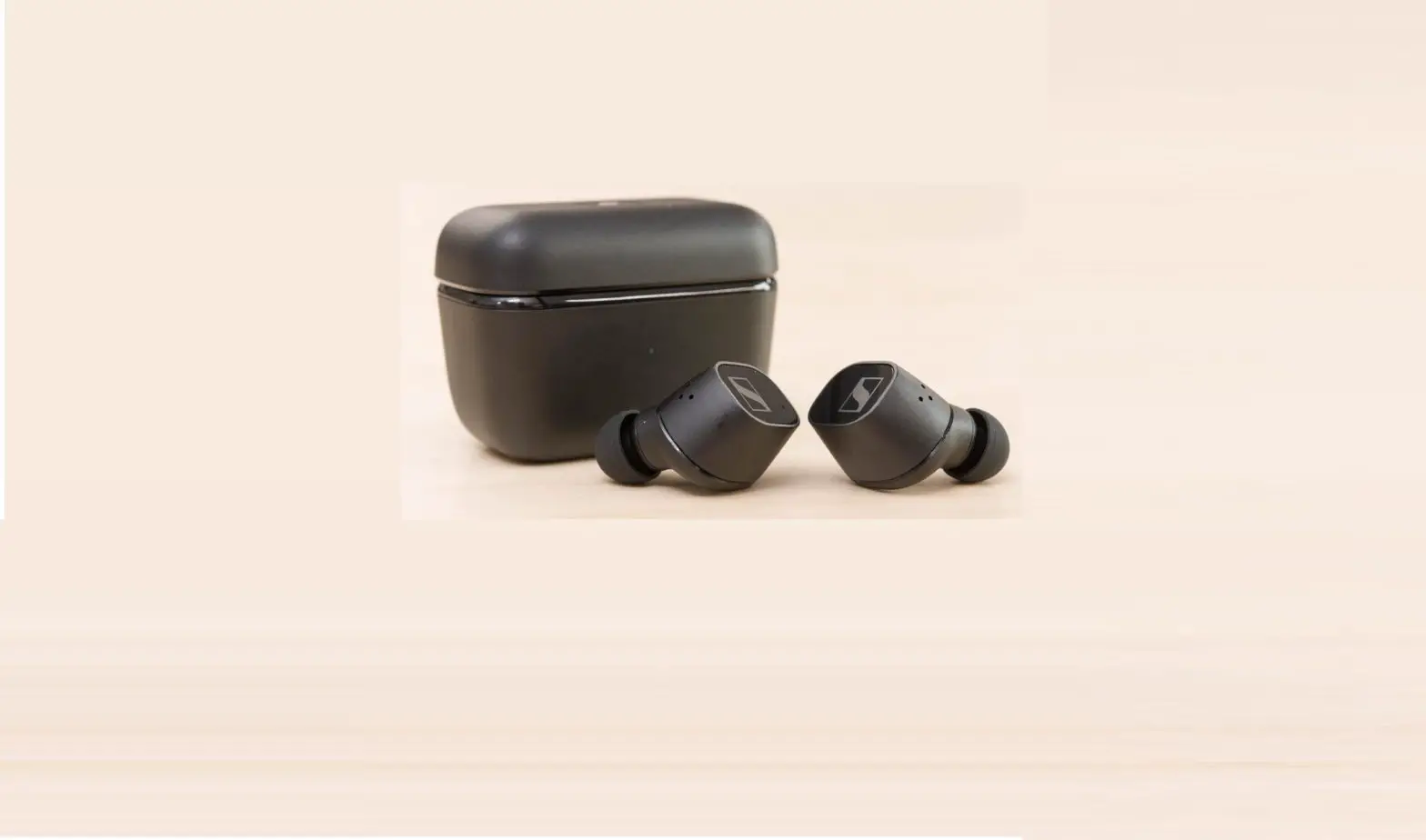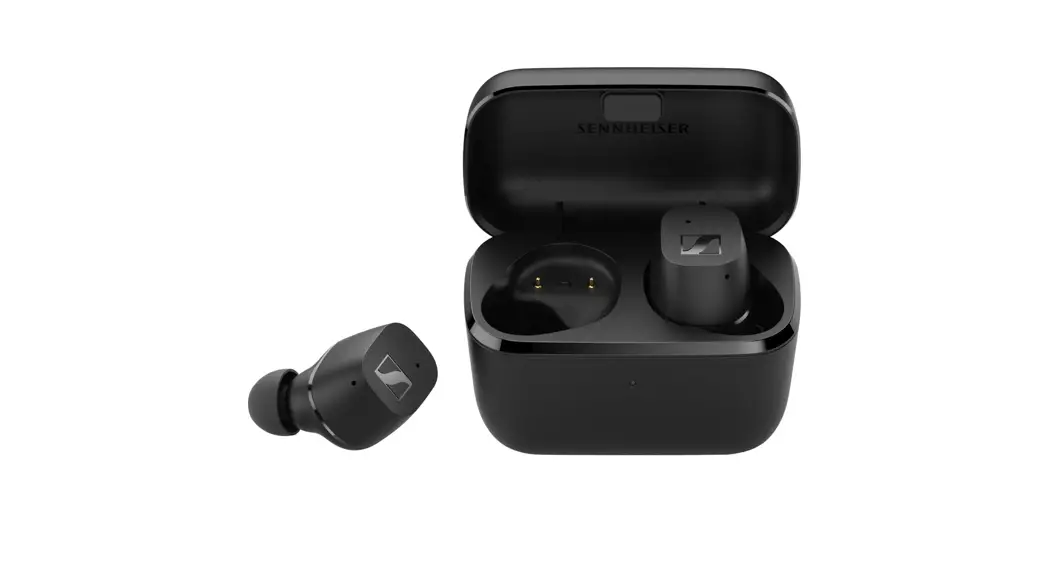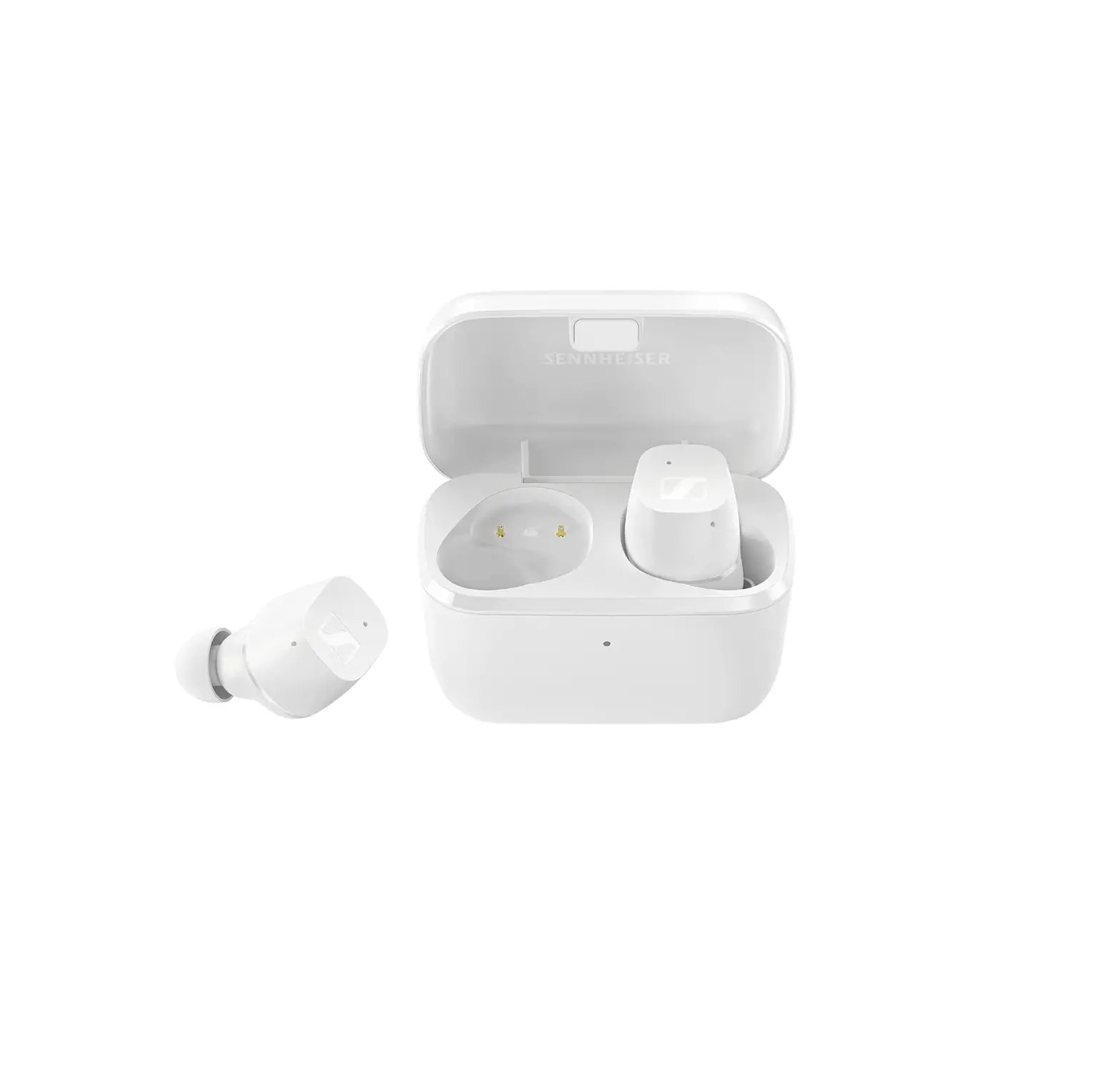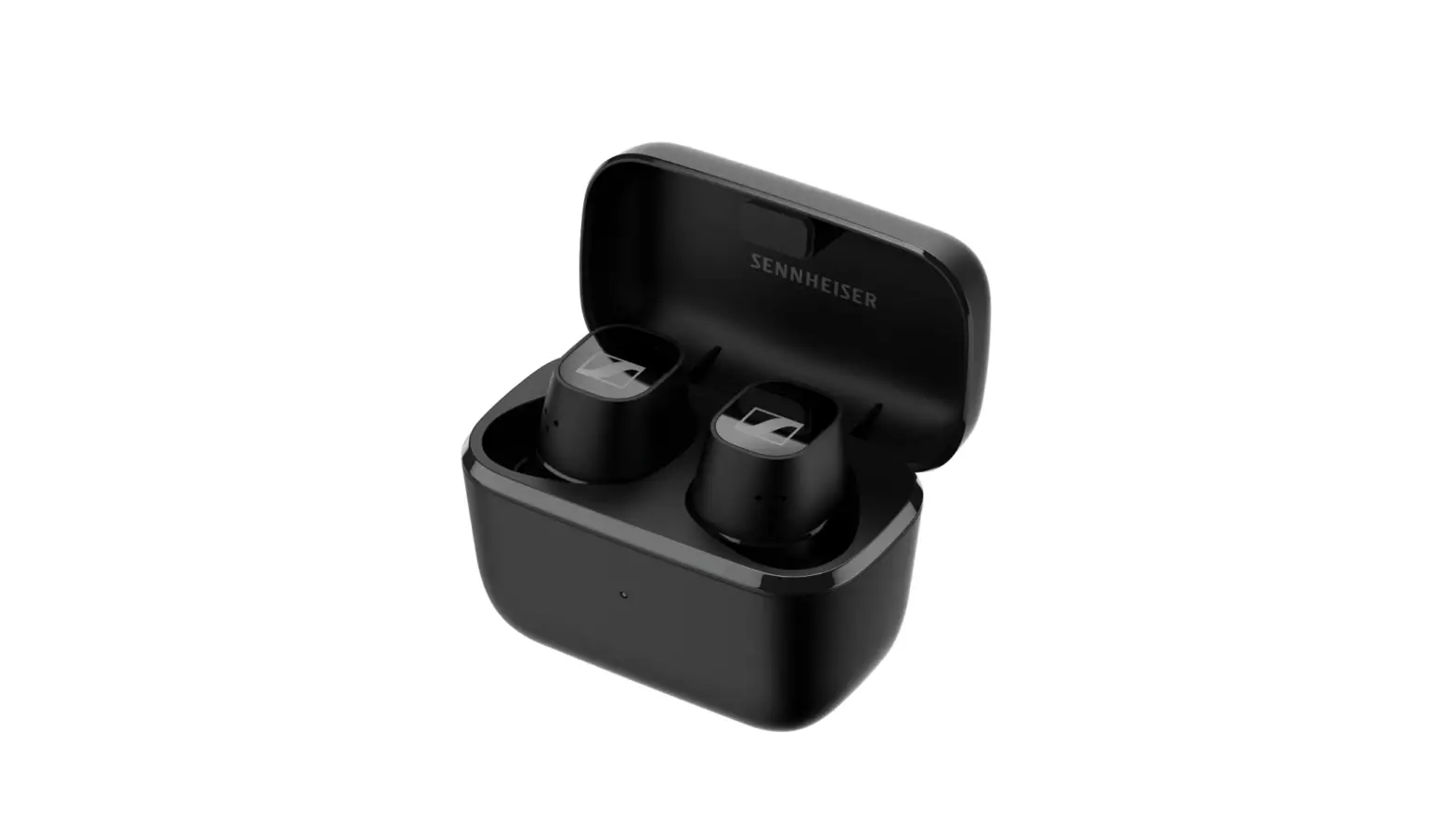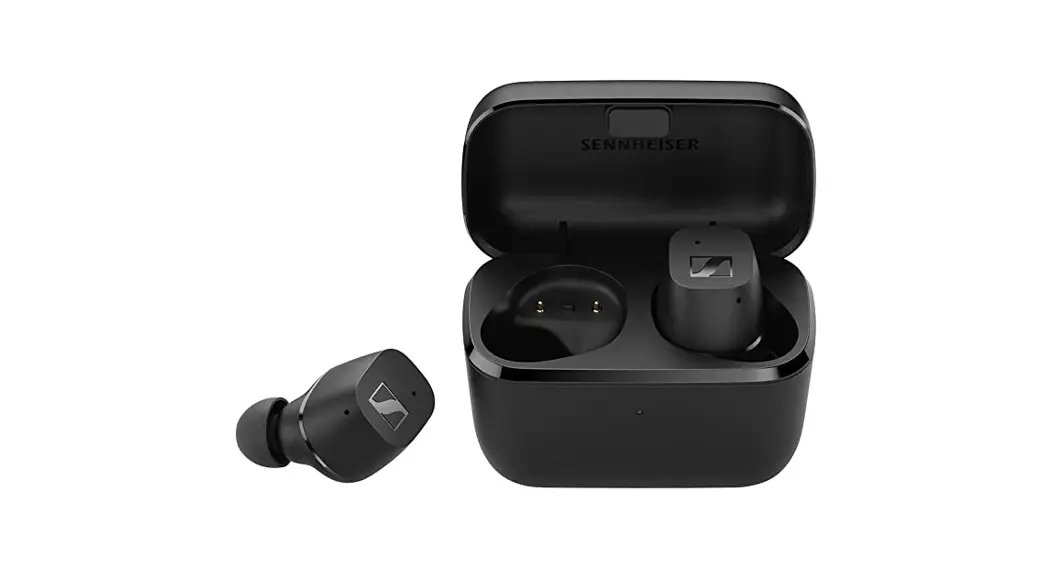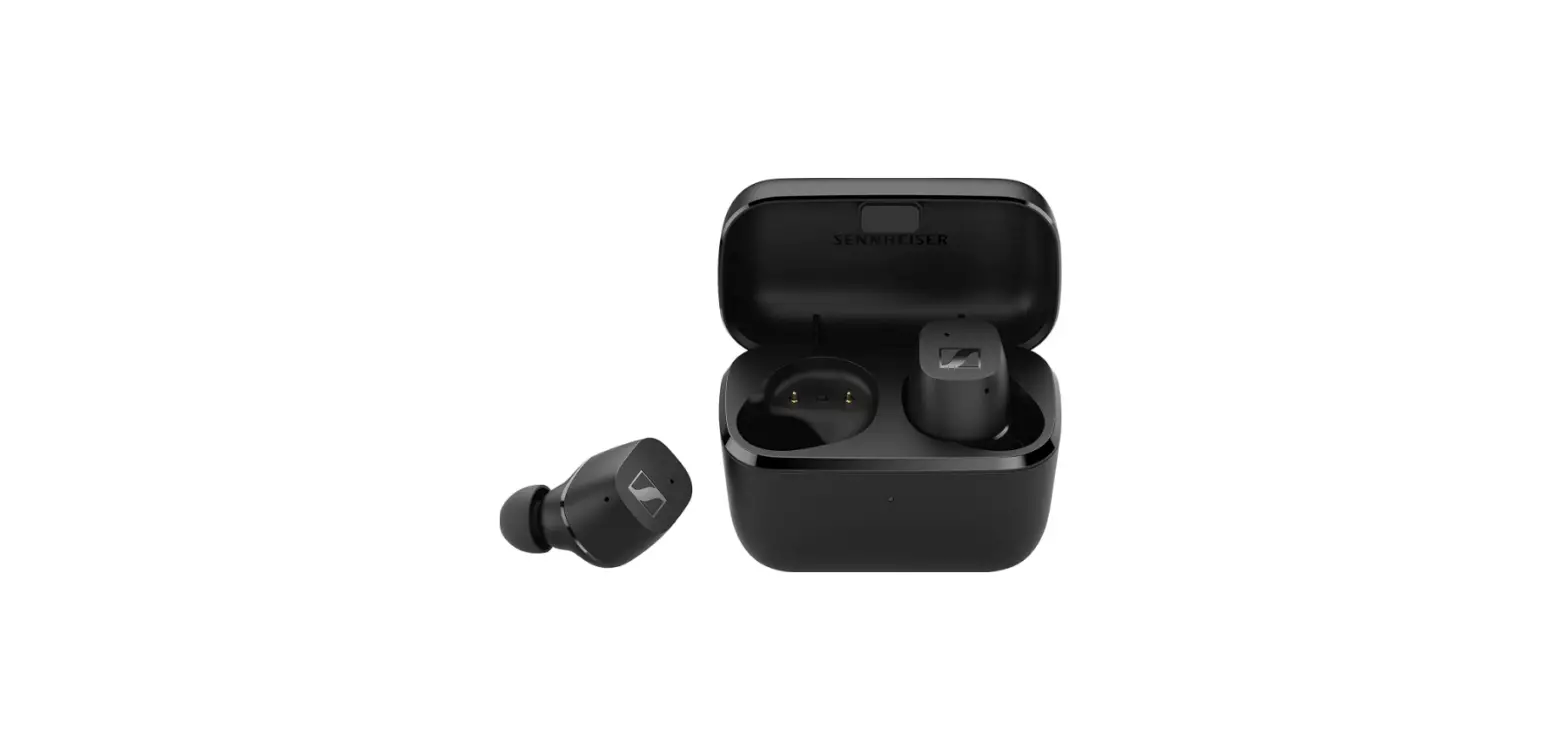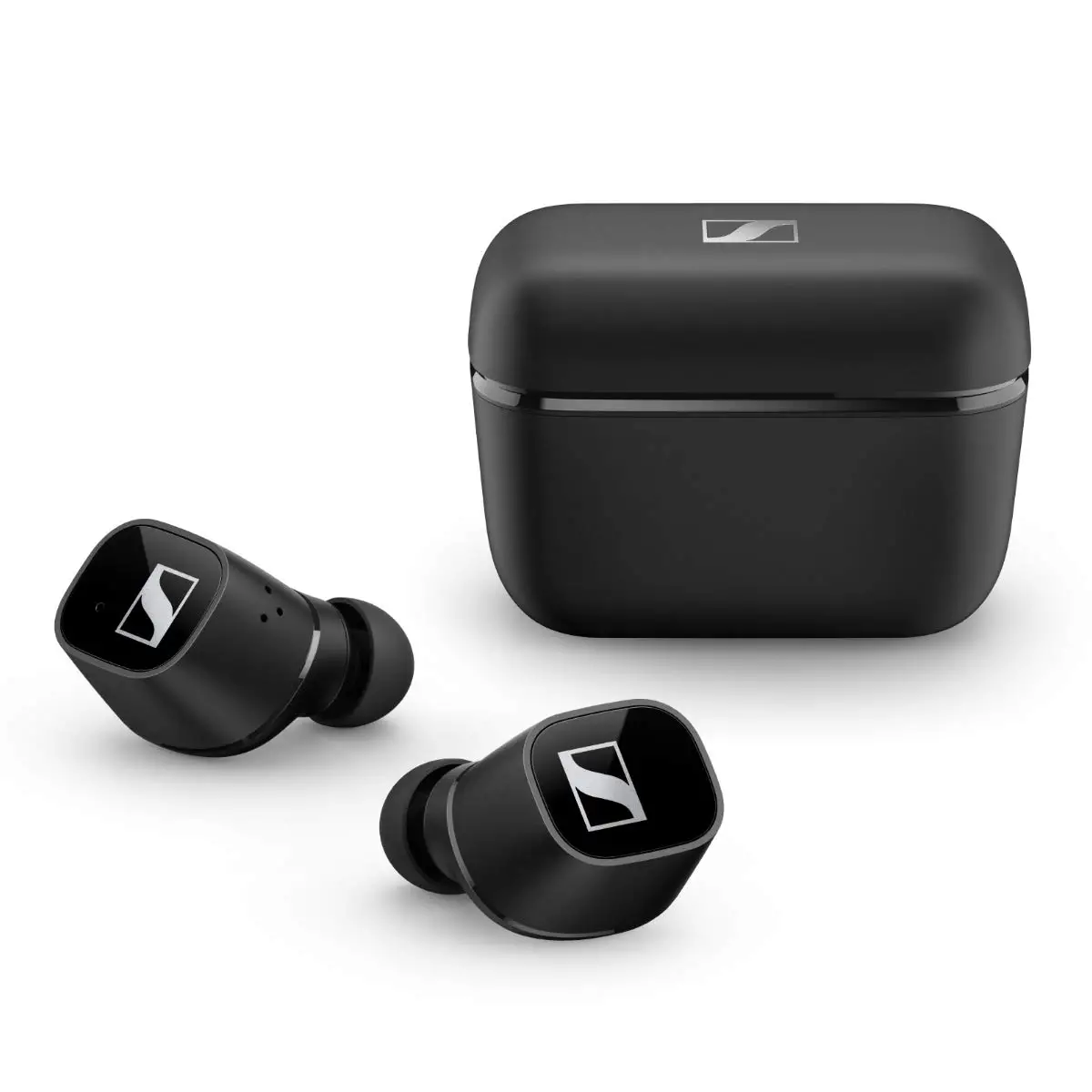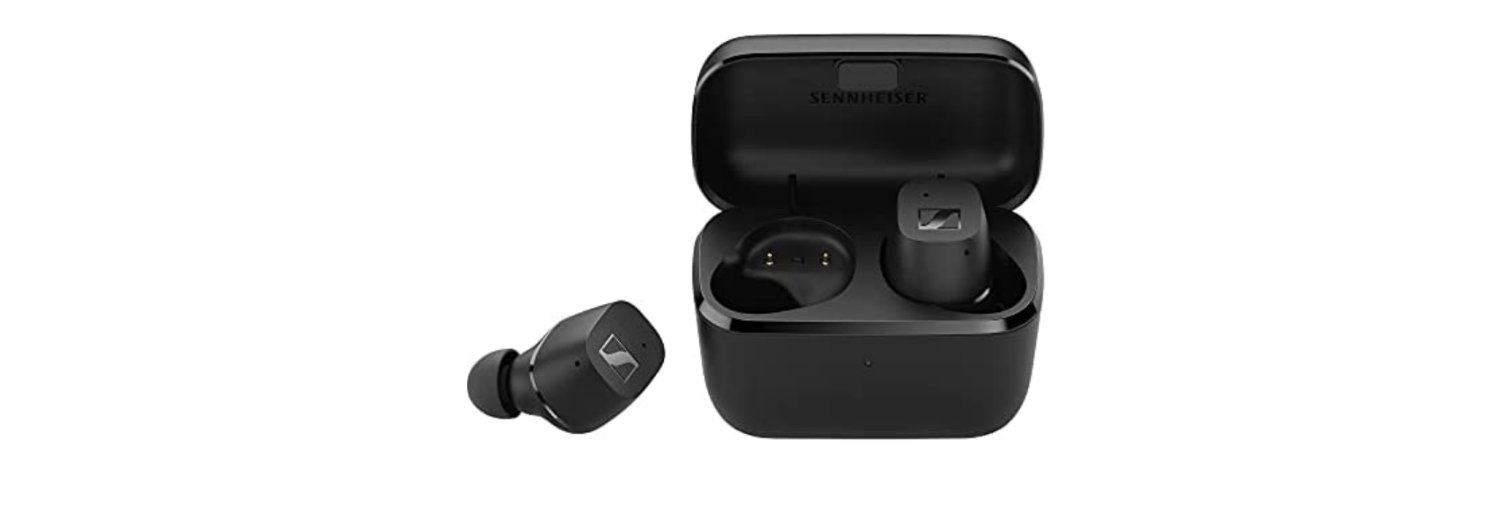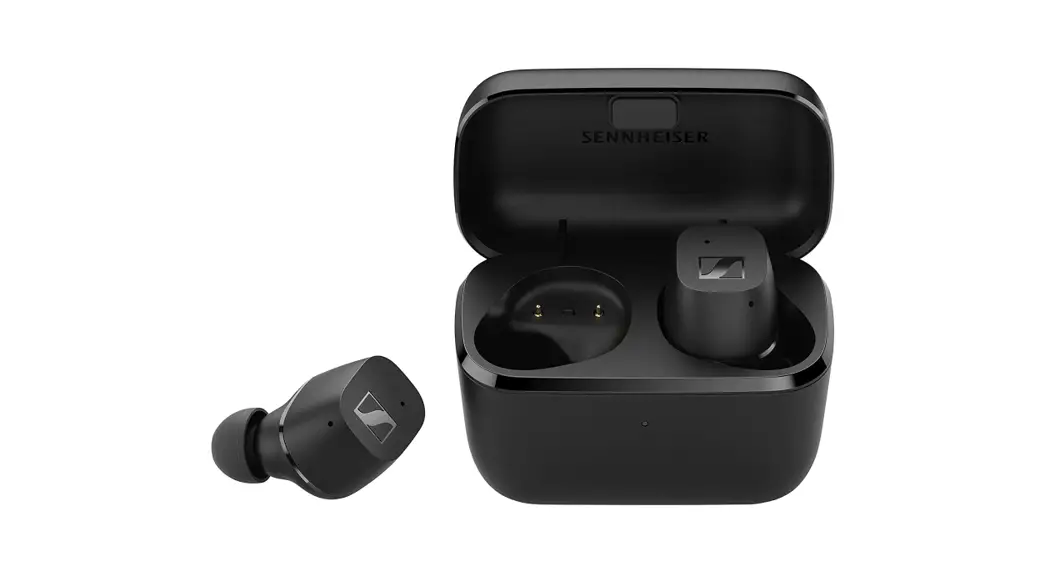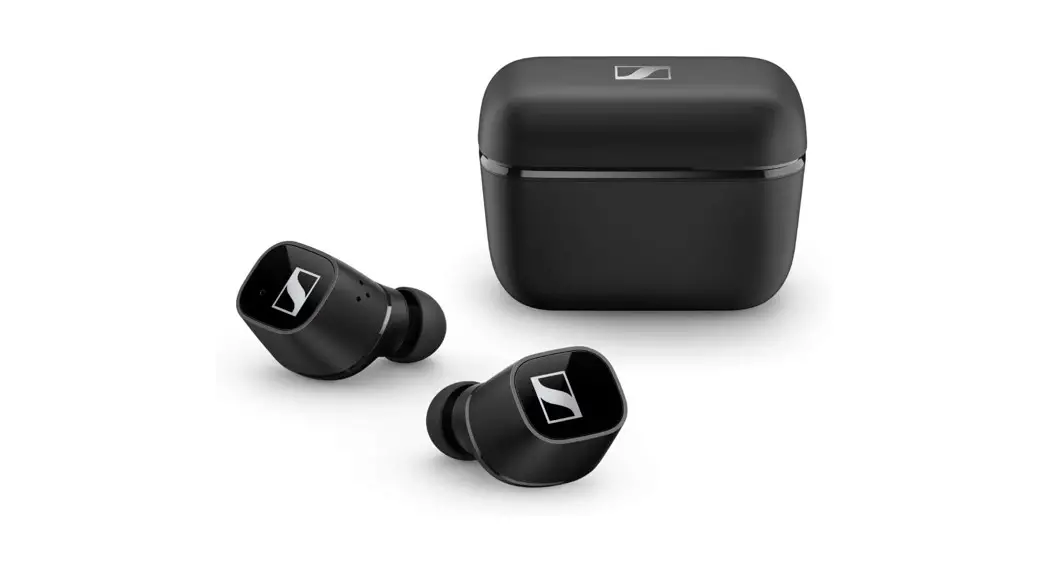

CX 400BT
True Wireless

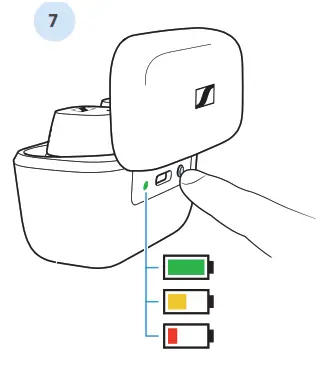
Charge status
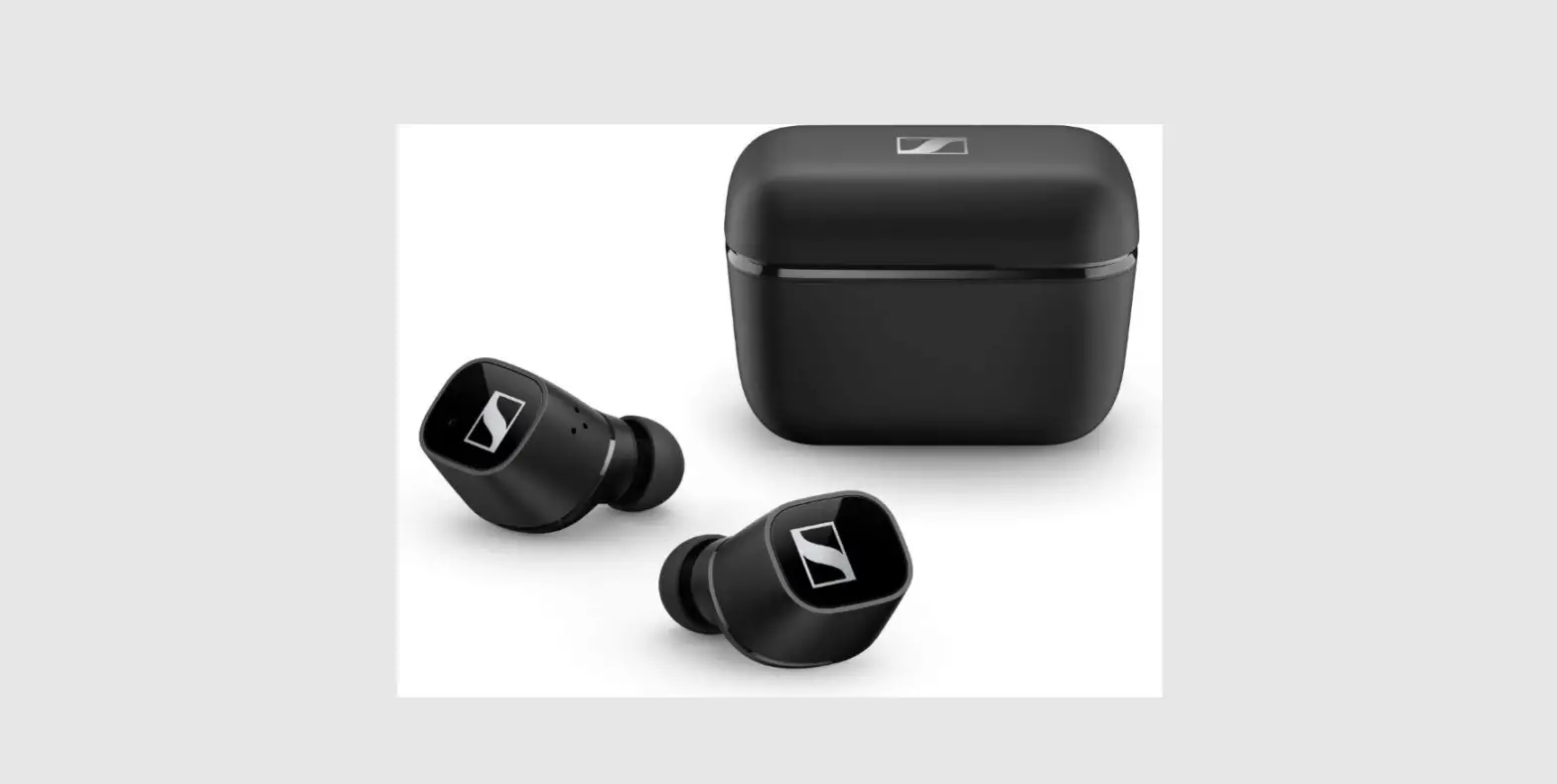
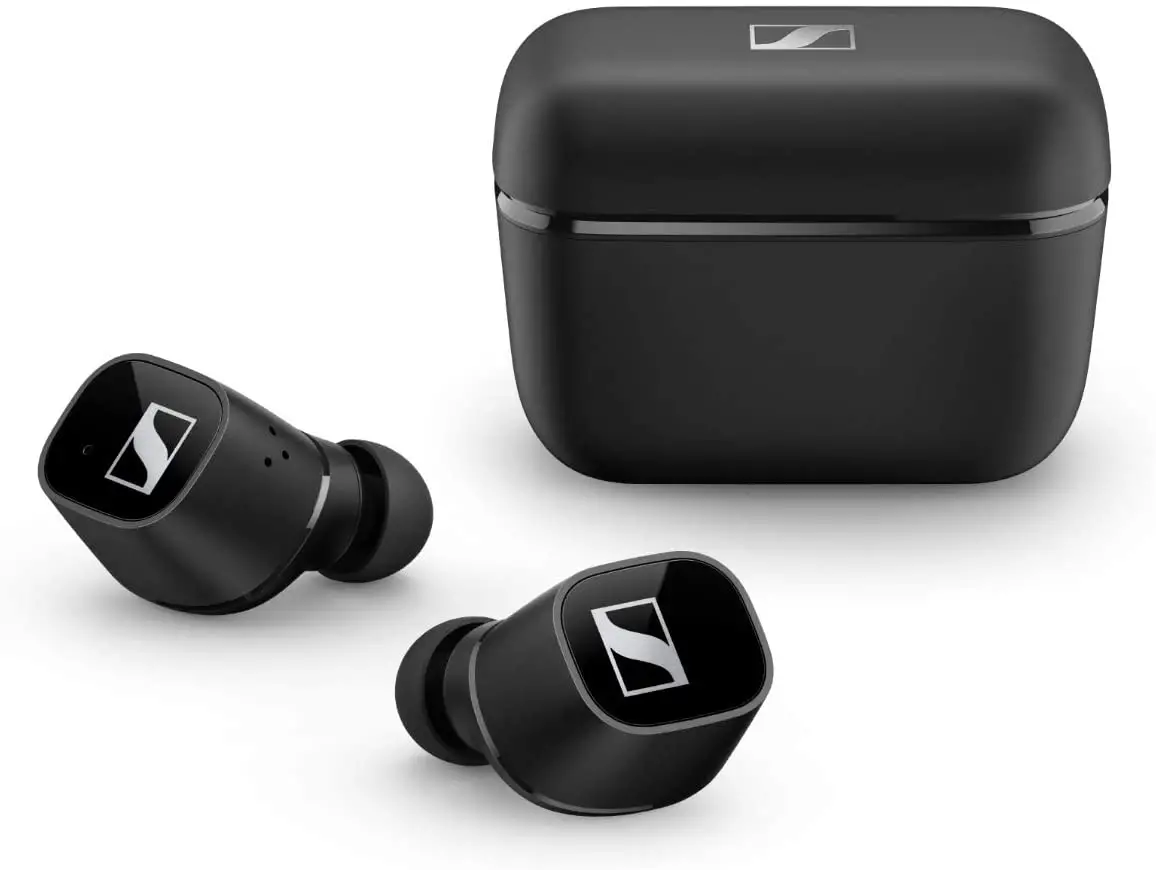
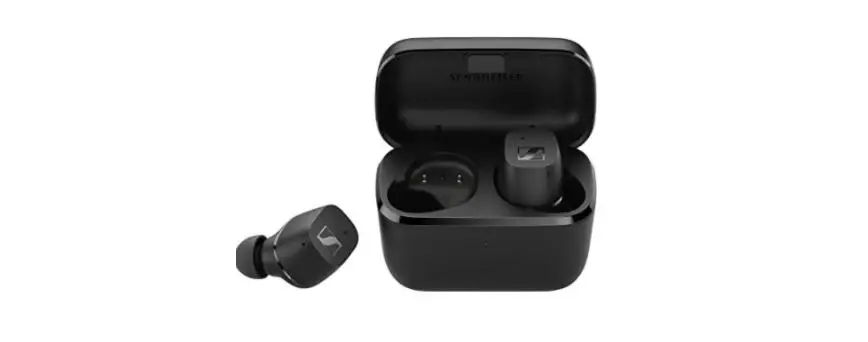
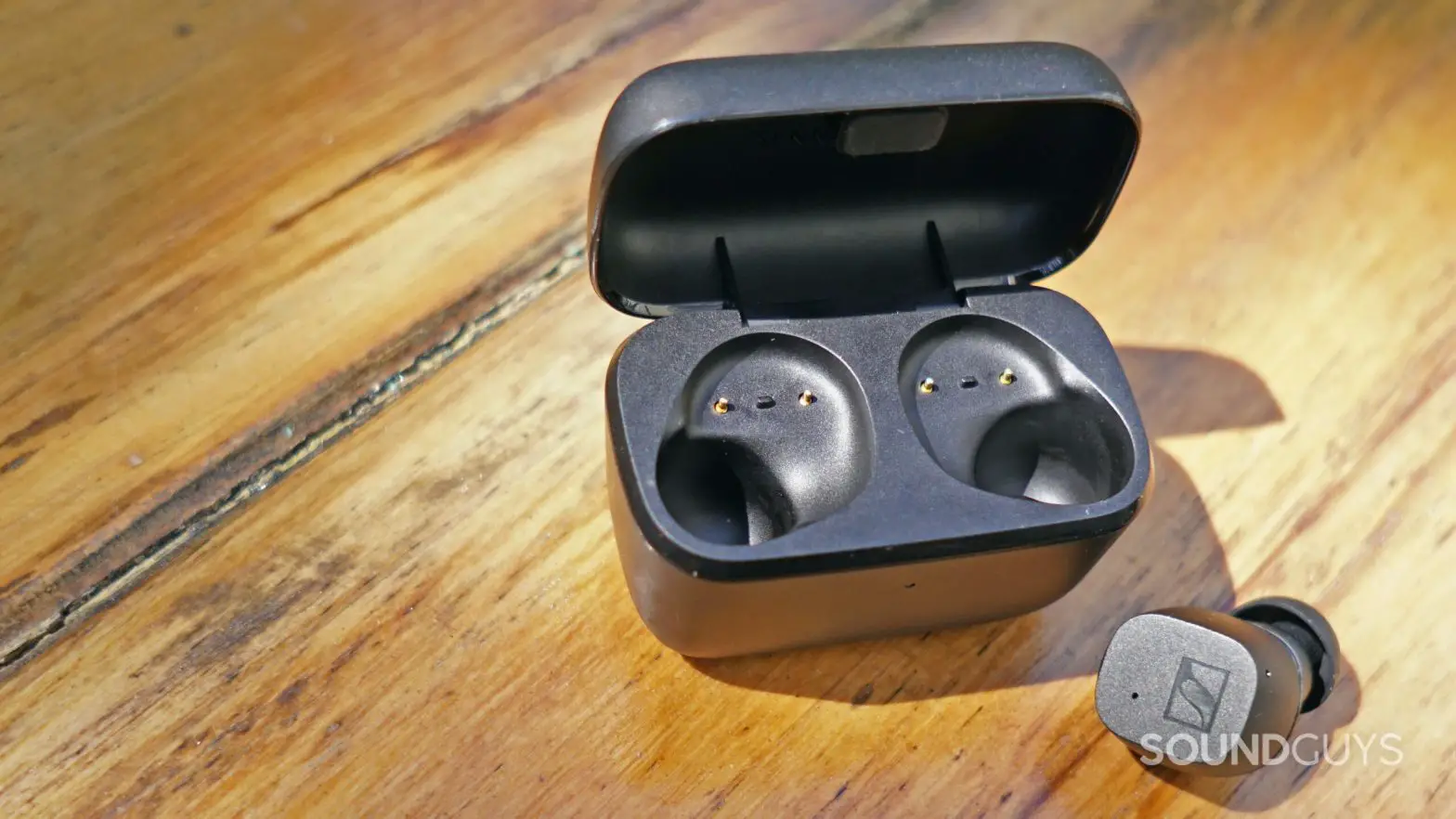
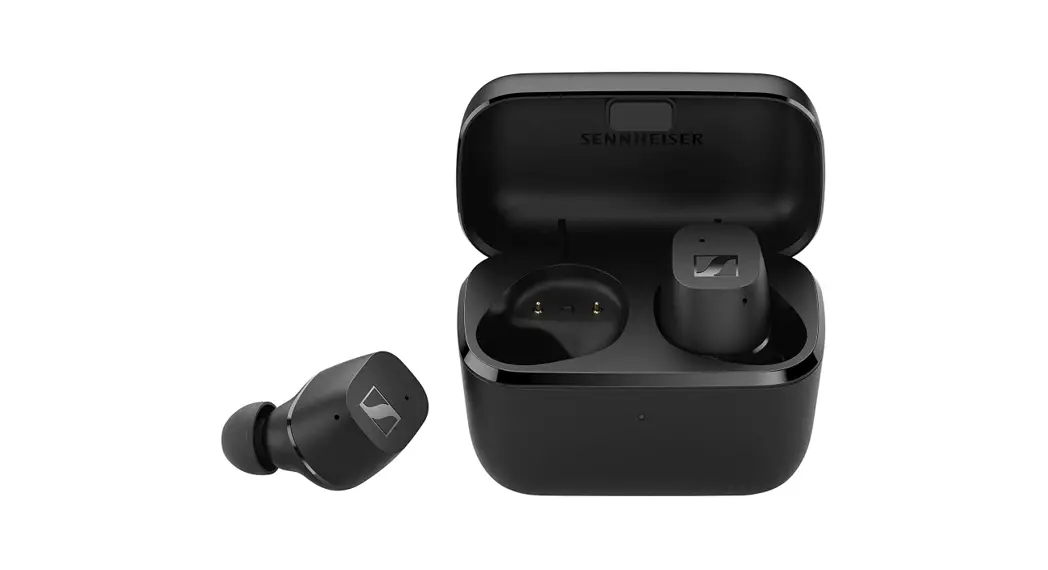
Place the earbuds into the charging case.
Press the button to view the battery charge status.
Welcome
Quick Guide
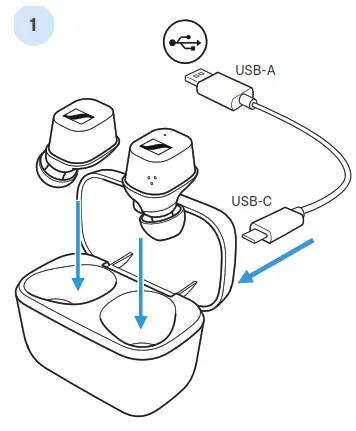 Waking up and charging Place the earbuds into the charging case and connect the power supply.
 Wear
Wear
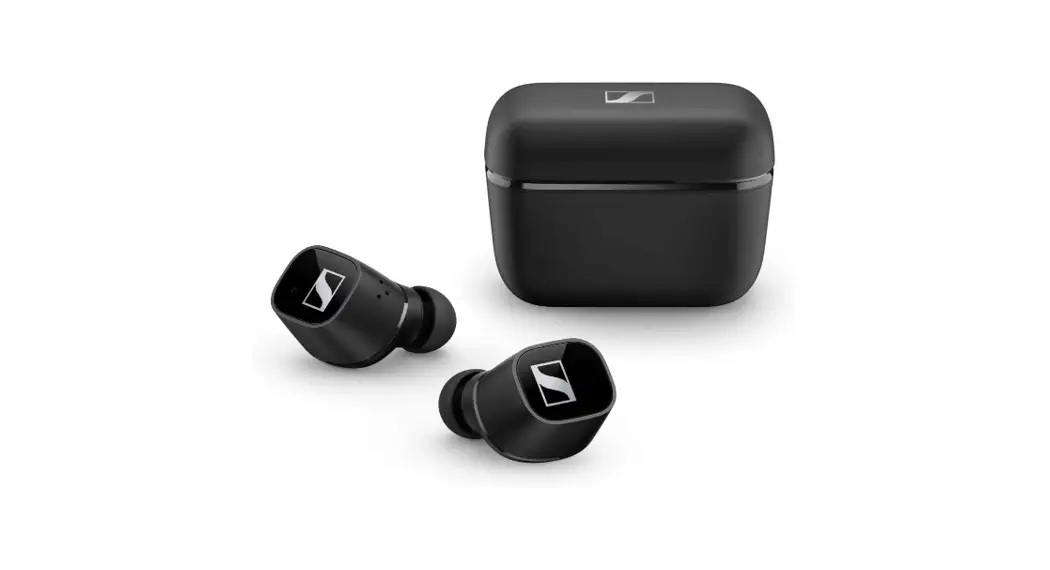
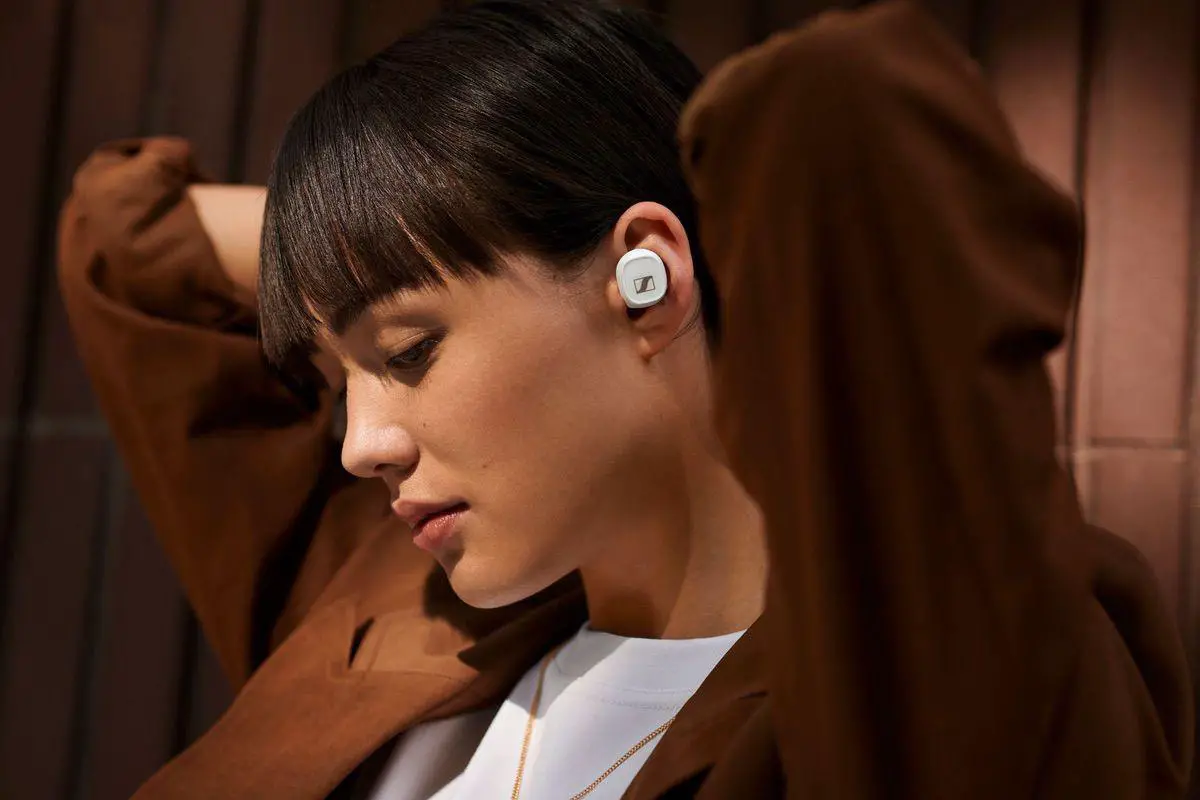
Insert the earbuds with a slight twist. Try a different adapter for the perfect fit.
 Pair
Pair
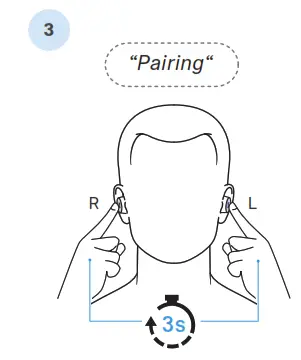
Touch and hold both earbuds for 3 seconds to start Bluetooth® pairing.
 Connect
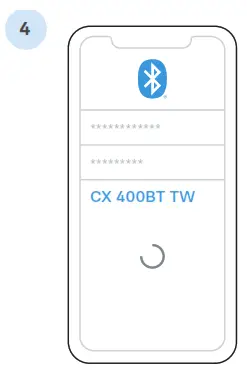
Open the Bluetooth settings and search for “CX 400BT TW”.
Download the app
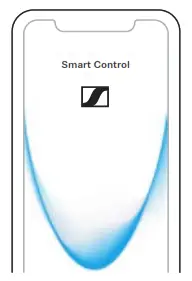
Fine-tune your listening experience and update the earbuds using the app.
 http://www.sennheiser.com/smartcontrol
Sennheiser electronic GmbH & Co. KG, Am Labor 1,
30900 Wedemark, Germany
www.sennheiser.com,
Publ. 09/20, 588560/A01
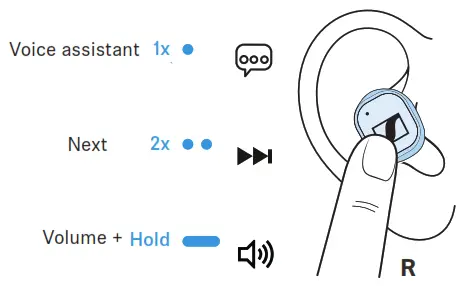
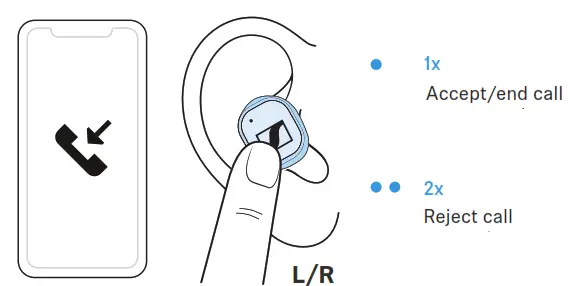
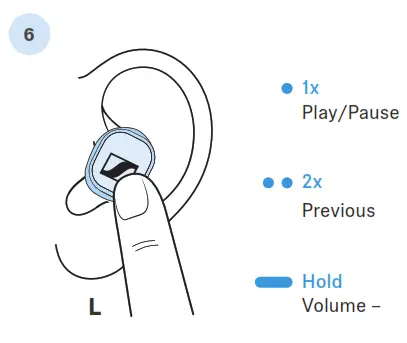 Touch control
 Smart Control app
Adapting the control functions
 Climate
 Stato di Carica
Posizionare le microcuffie nel vano di carica.
Premere i l pulsante per vedere lo stato di carica della batteria.
 www.sennheiser.com/download
Notices d’emploi et support produit