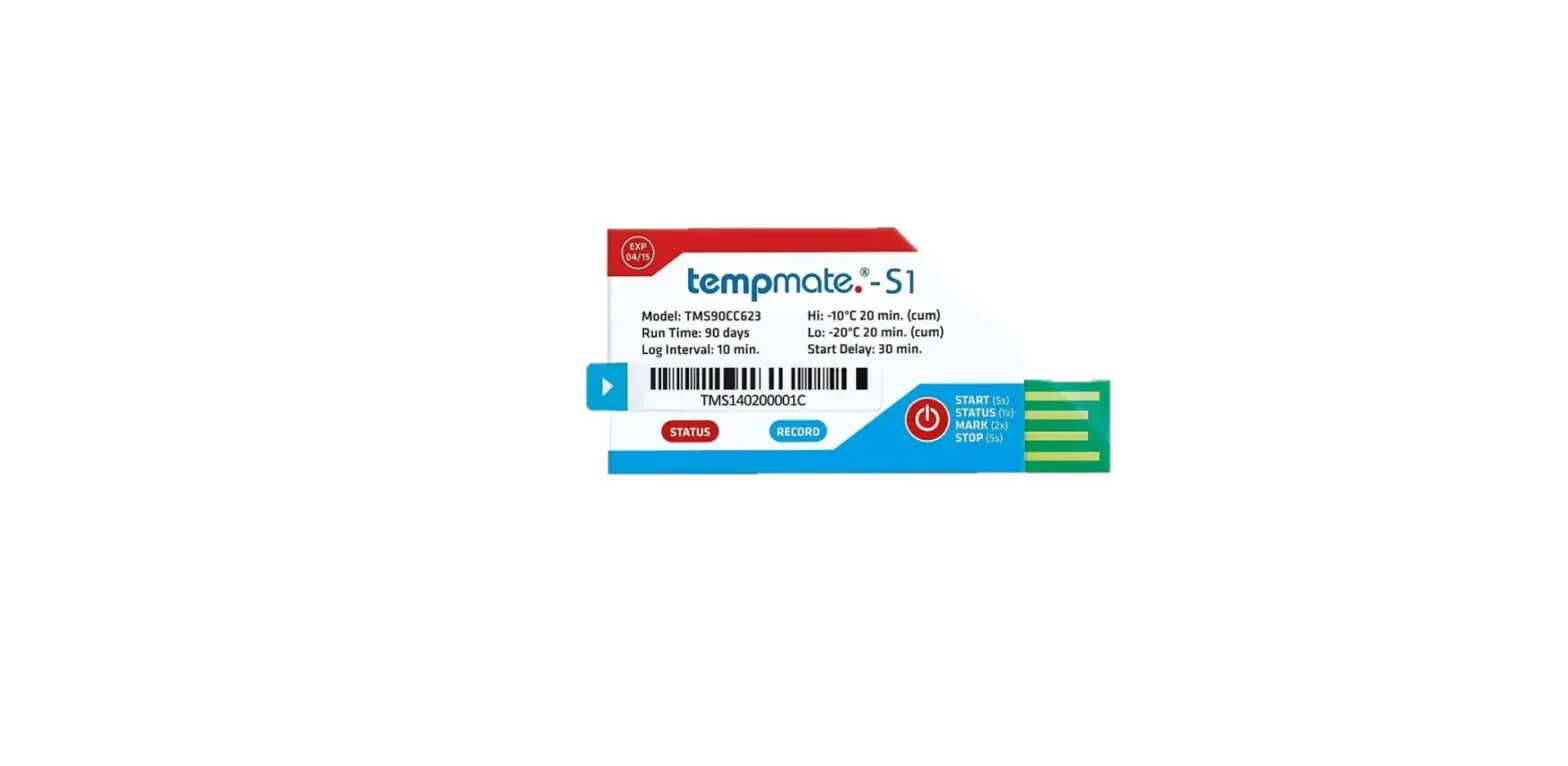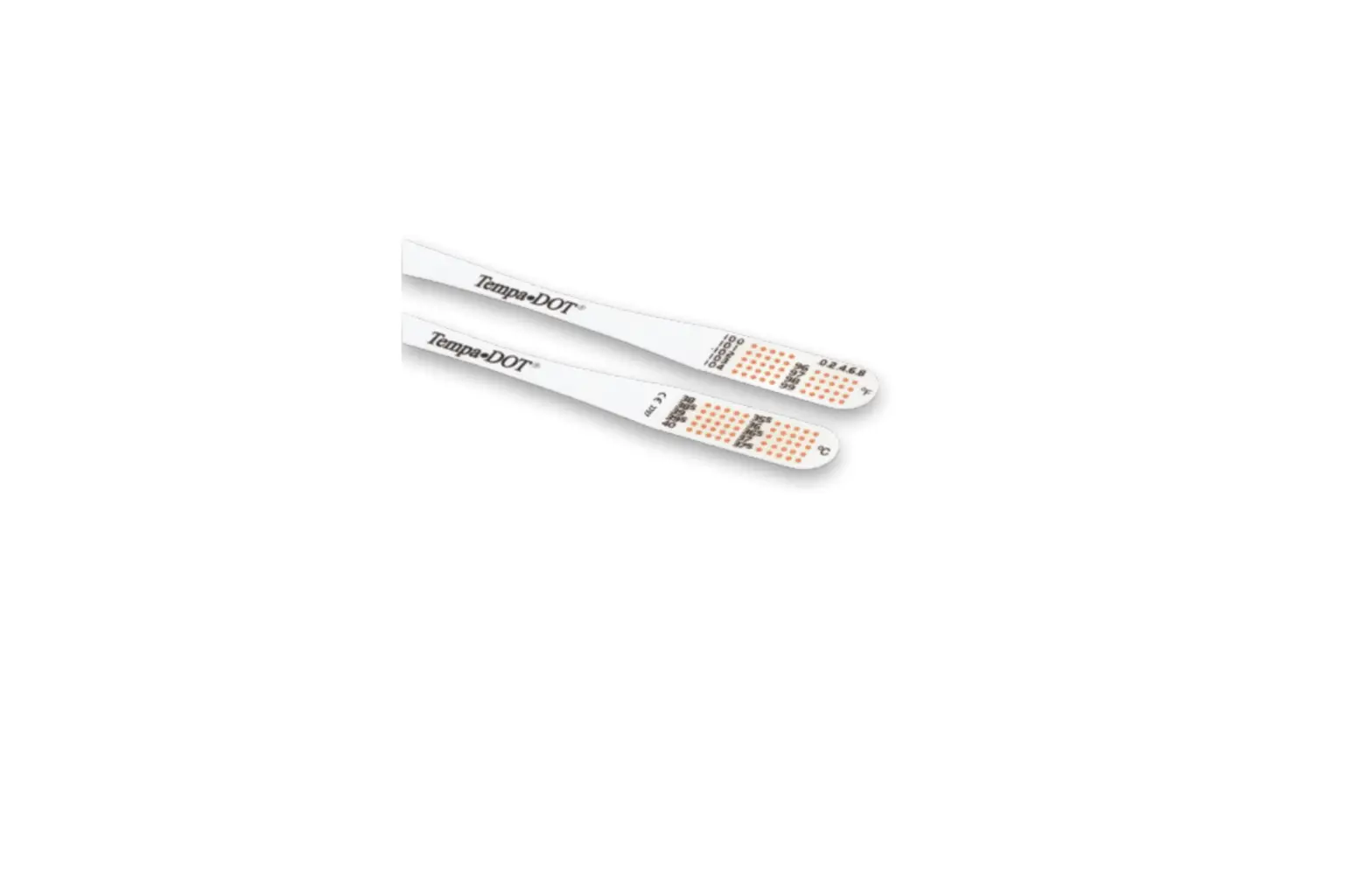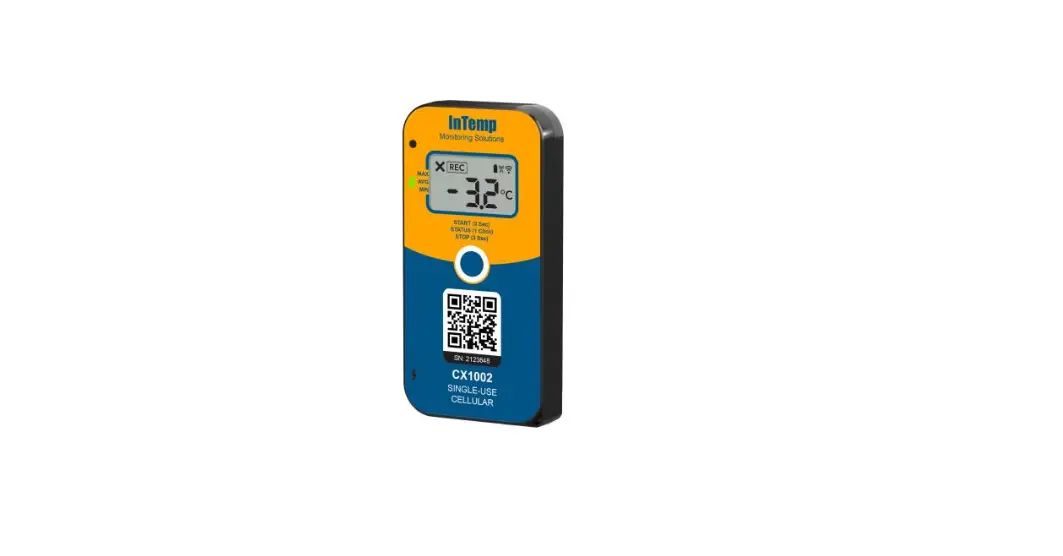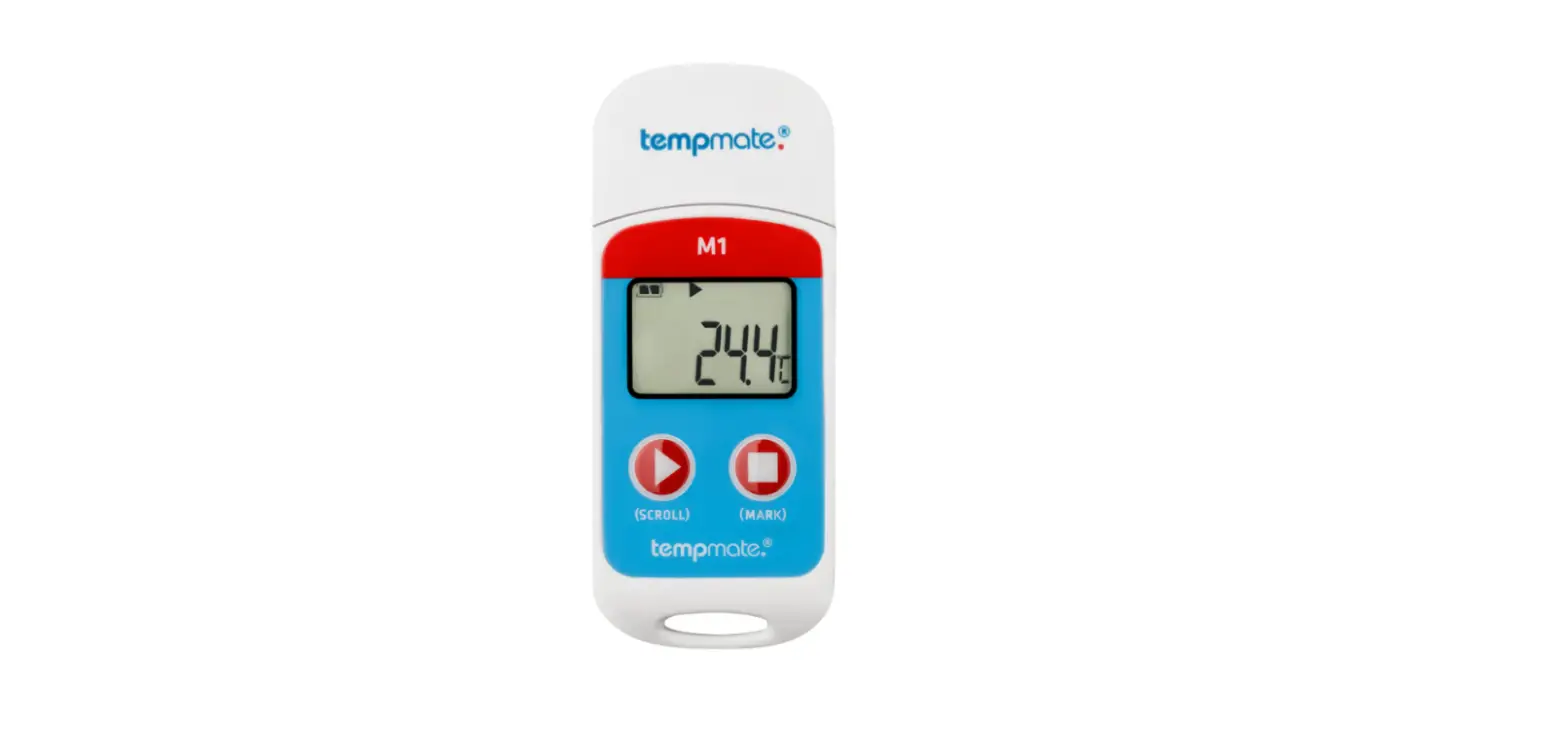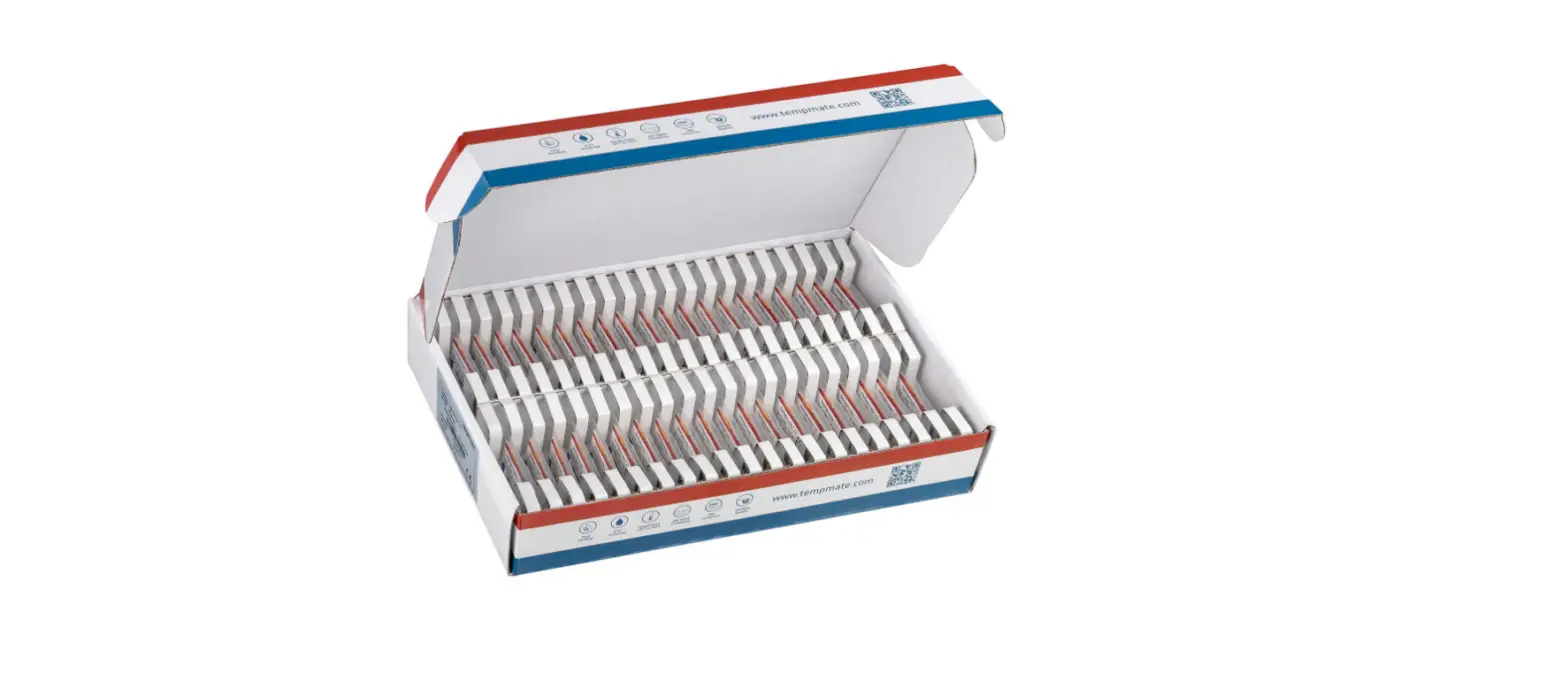

tempmate i16MCS100 i1 Single Use Temperature Indicator
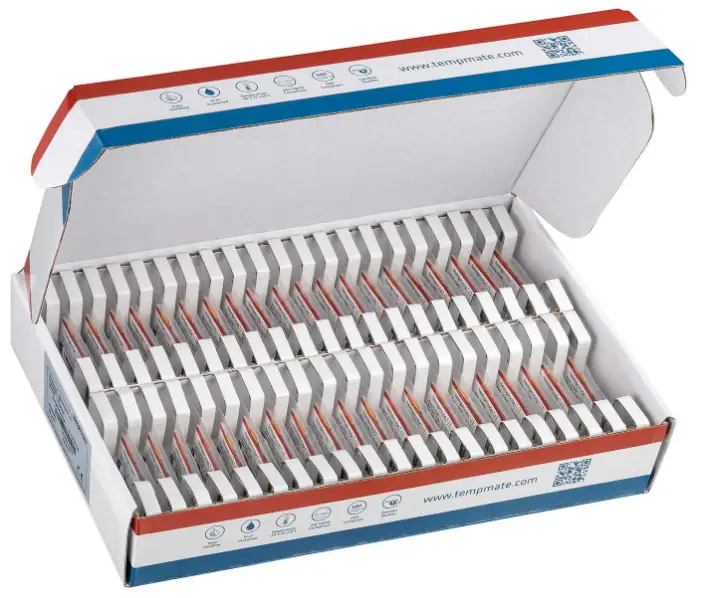
Single-Use Temperature Indicator for Cold Chain Temperature Monitoring
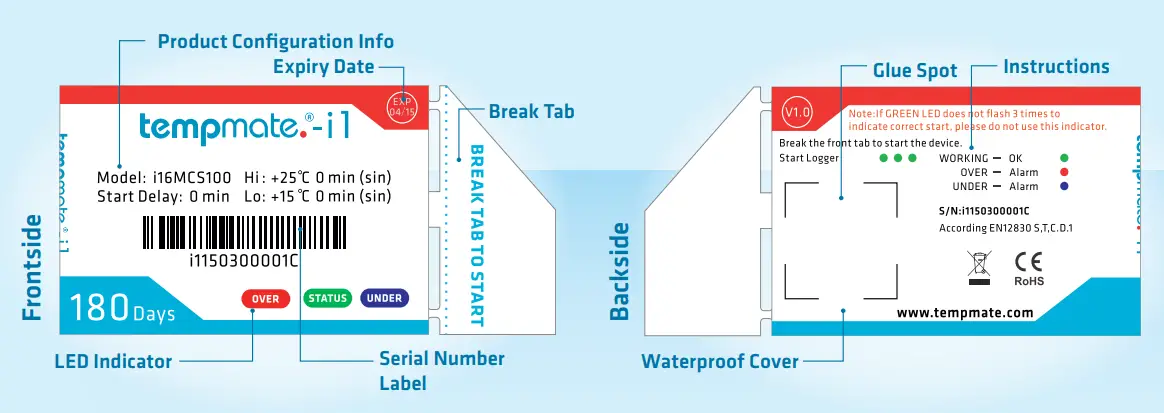
Operation Instructions
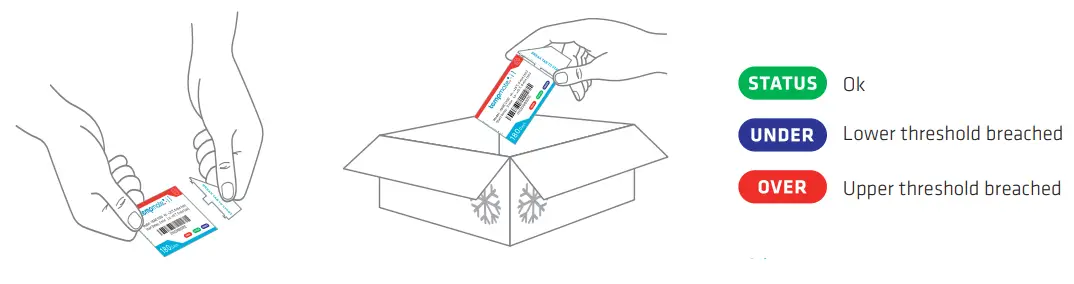
- Break the tab to start the device – notice that the green LED flashes three times to indicate a correct start.
- Attach the started tempmate.®-i1 to your shipment.
- Check the status after receiving the goods.
Using Notes
- Take care of the expiry date
- Don‘t hold the indicator too long in your hand (false alarm through self-heating)
- Before using, cool or heat the indicator to operating temperature
- The indicator can only be started, not stopped
- Only for disposable use

- T +49 7131 6354 0
- F +49 7131 6354 100
- [email protected]
- www.tempmate.com
 tempmate.® - data logger & supply chain monitoring
 tempmate.® - data logger & supply chain monitoring