
ER2680M42 HDMI Matrix
Switch Instructions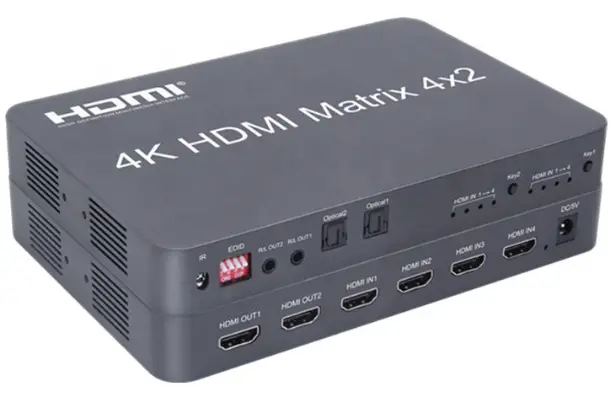
ER2680M42 HDMI Matrix Switch
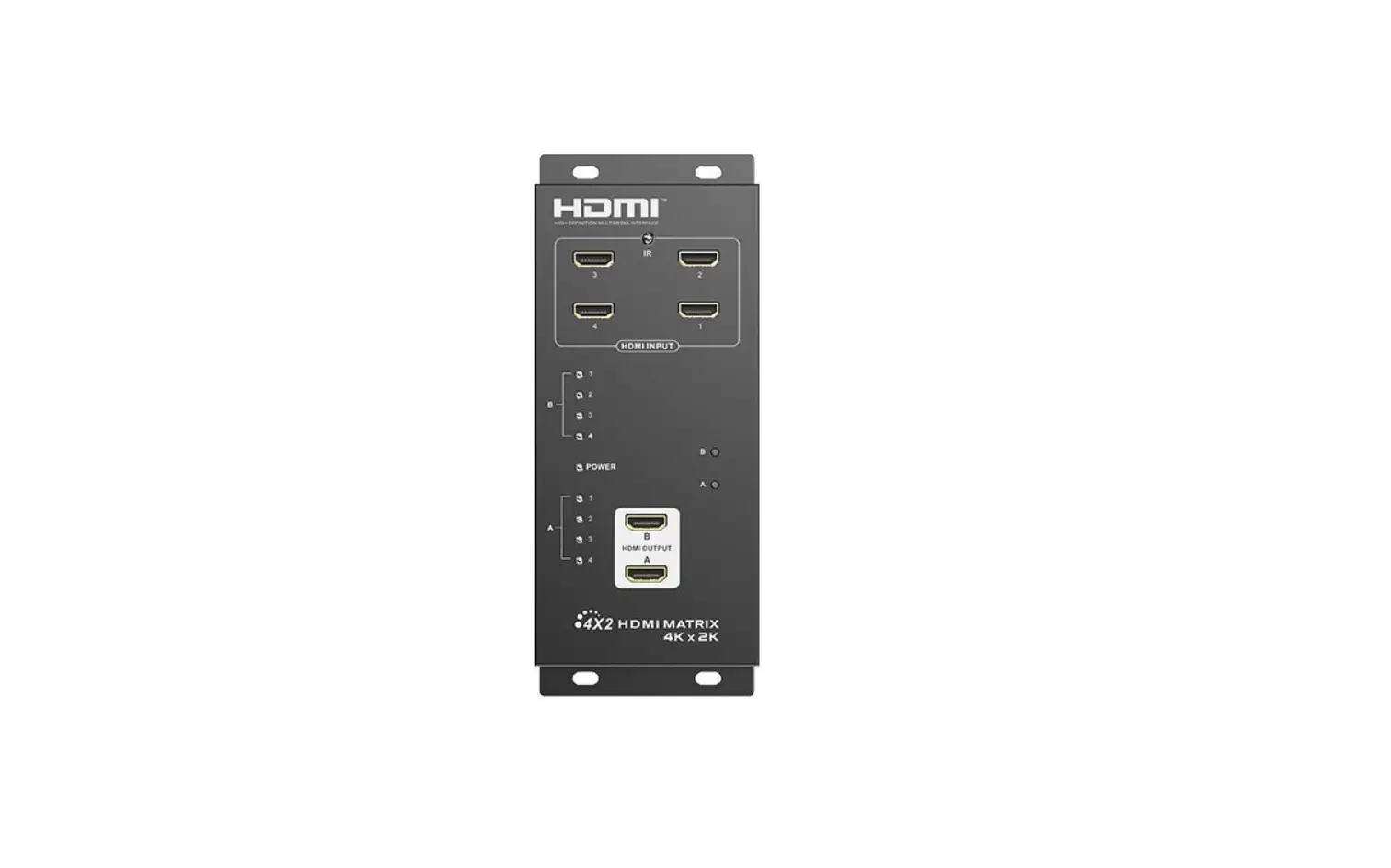
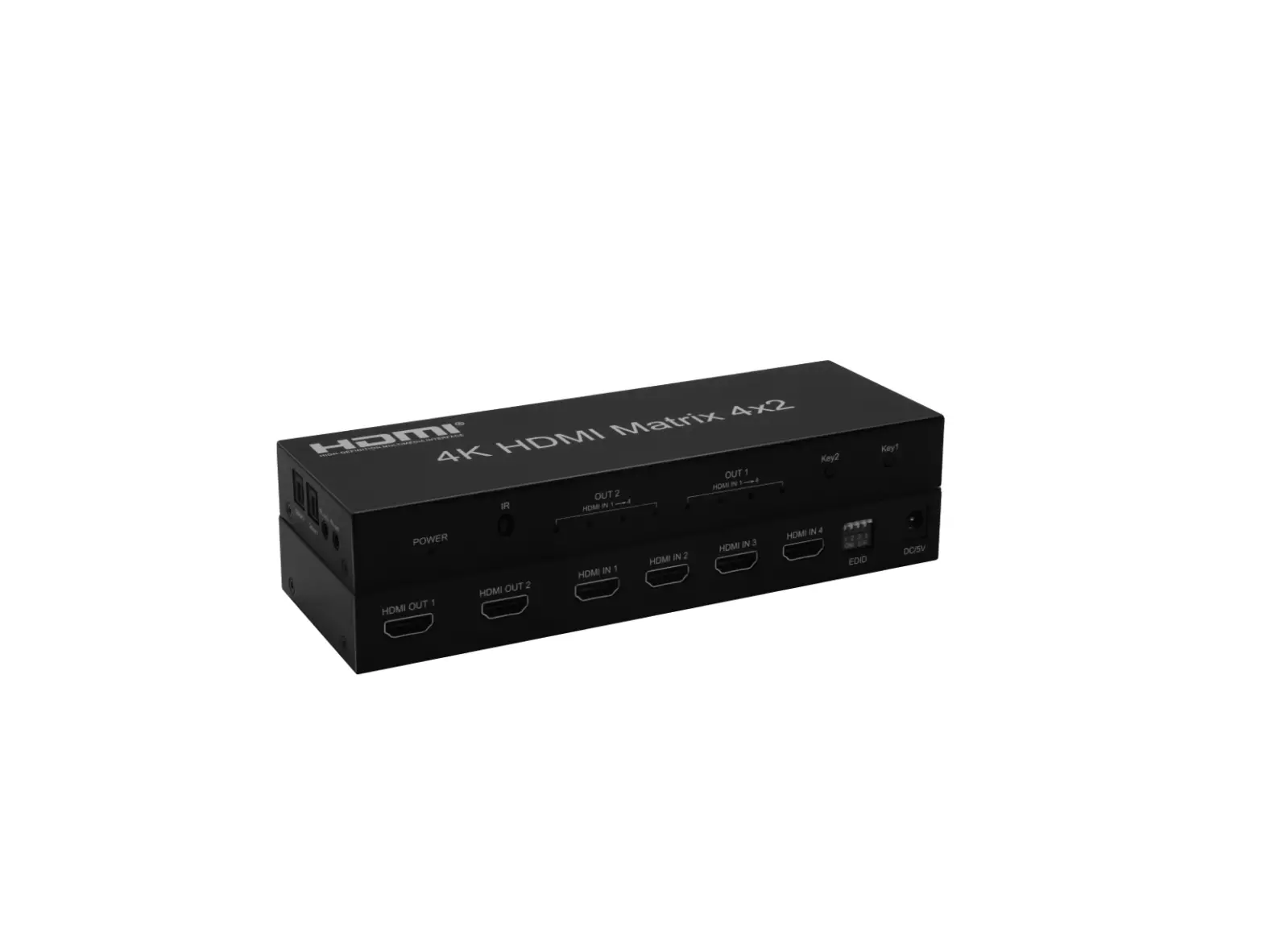
HDMI MATRIX 4×2 (4K2K@30Hz)
Introduction: ER2680M42
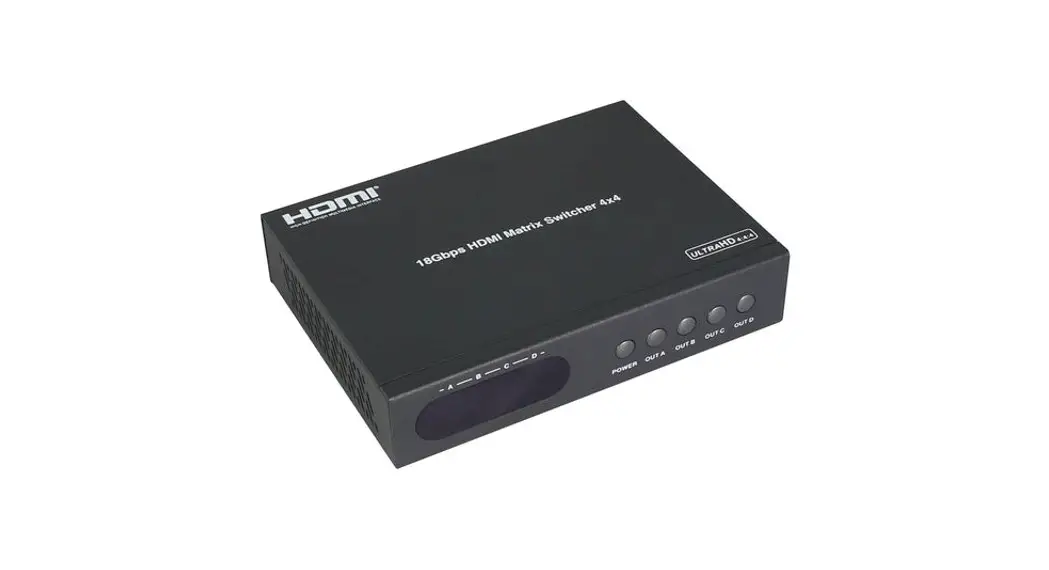
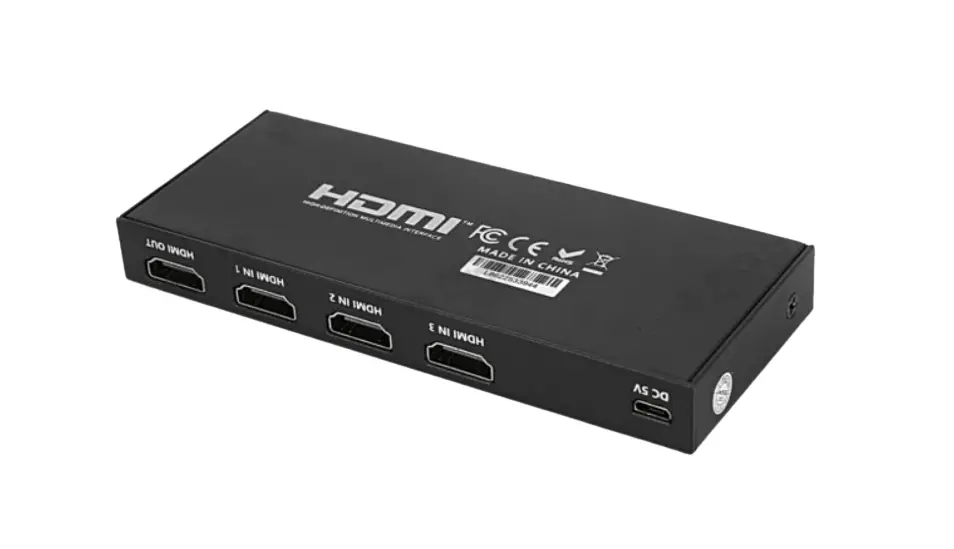
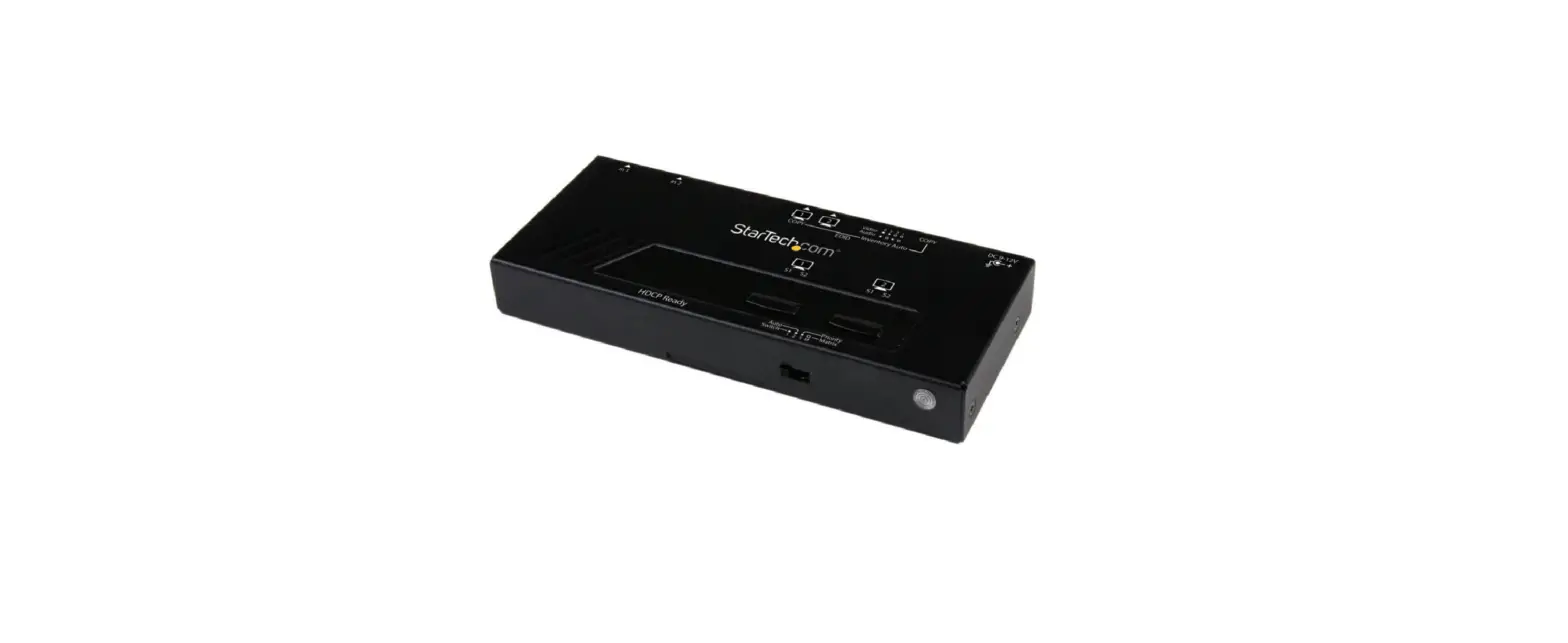
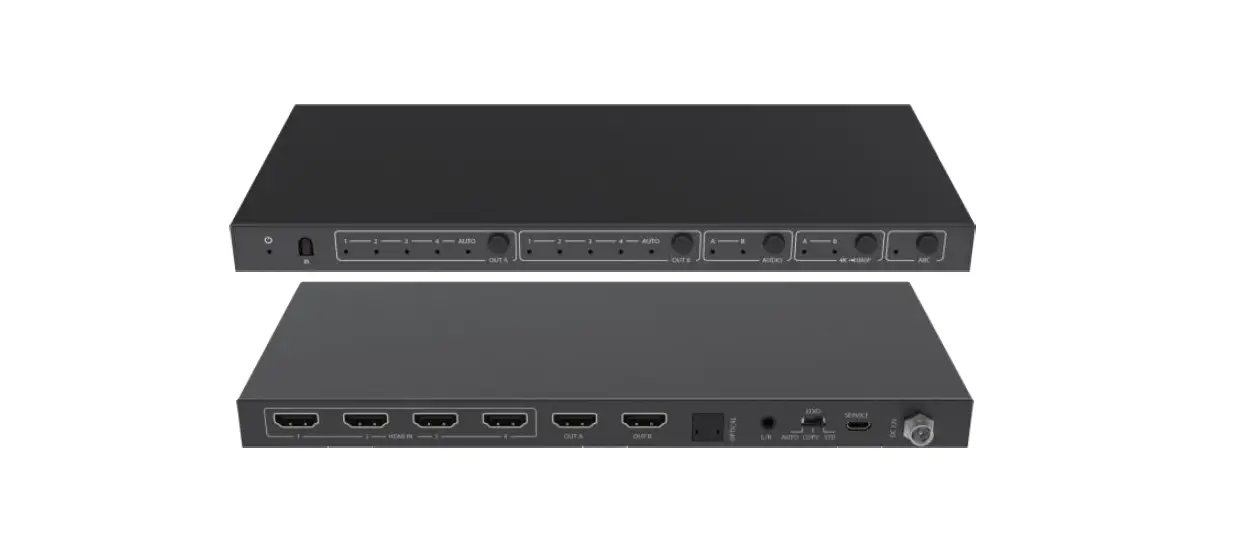
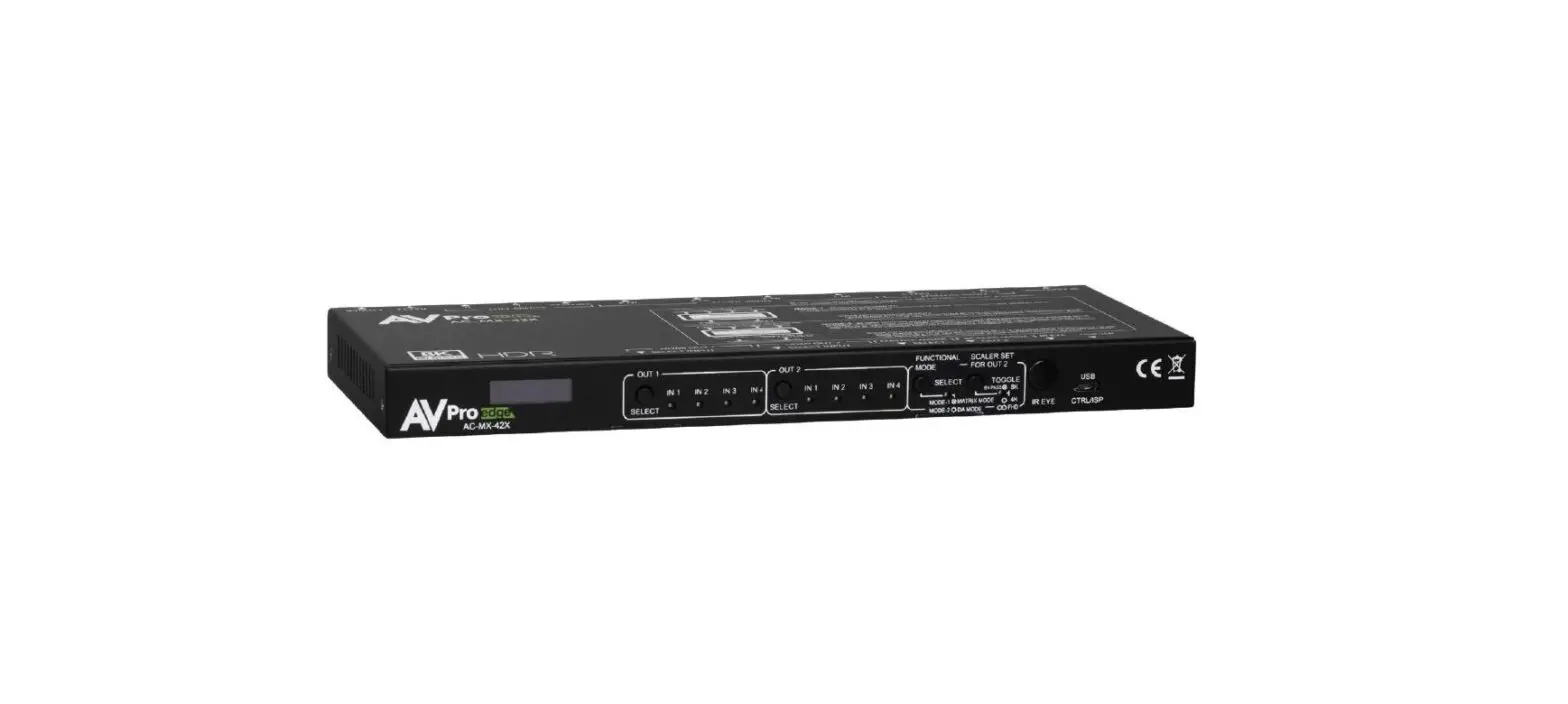
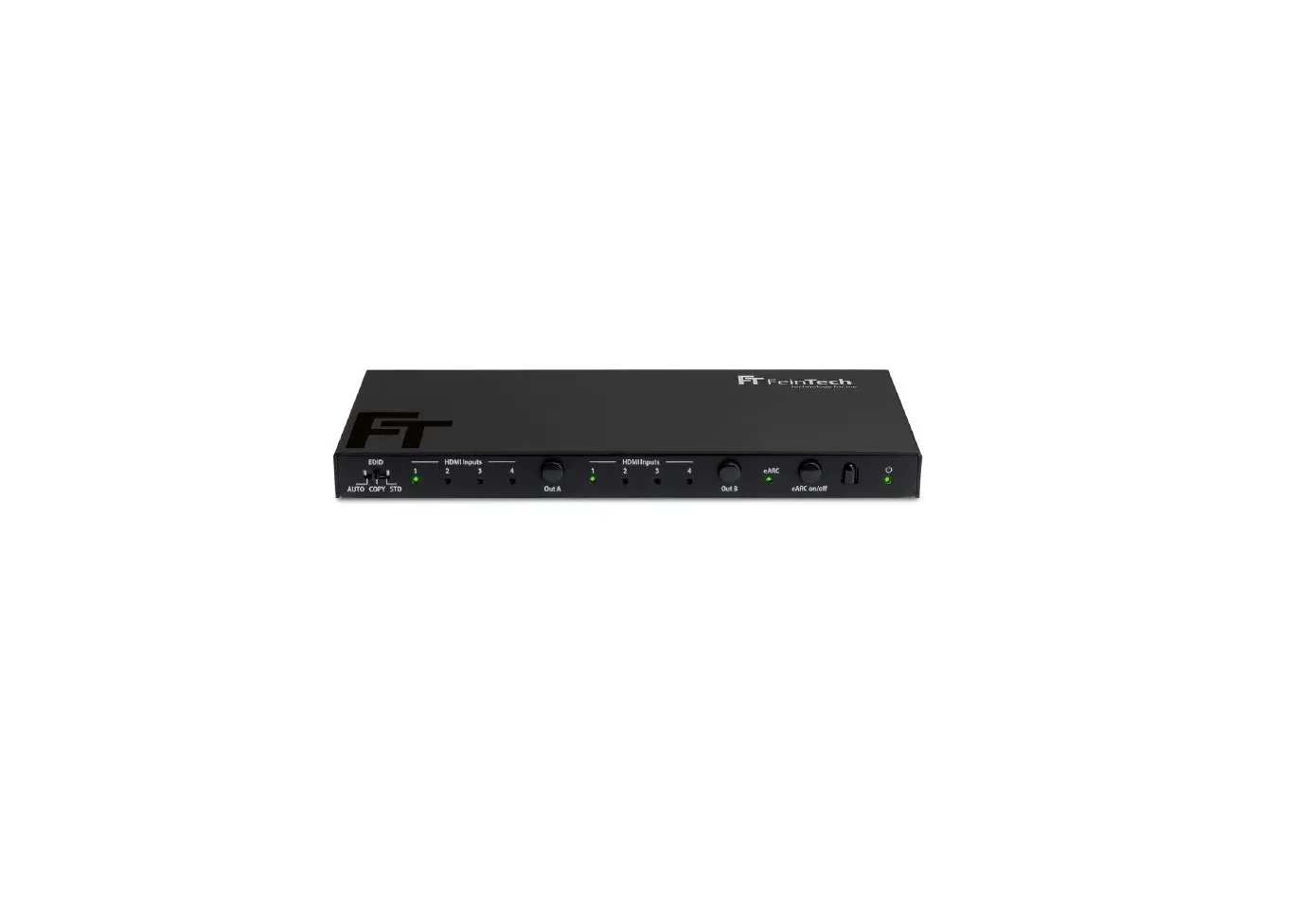
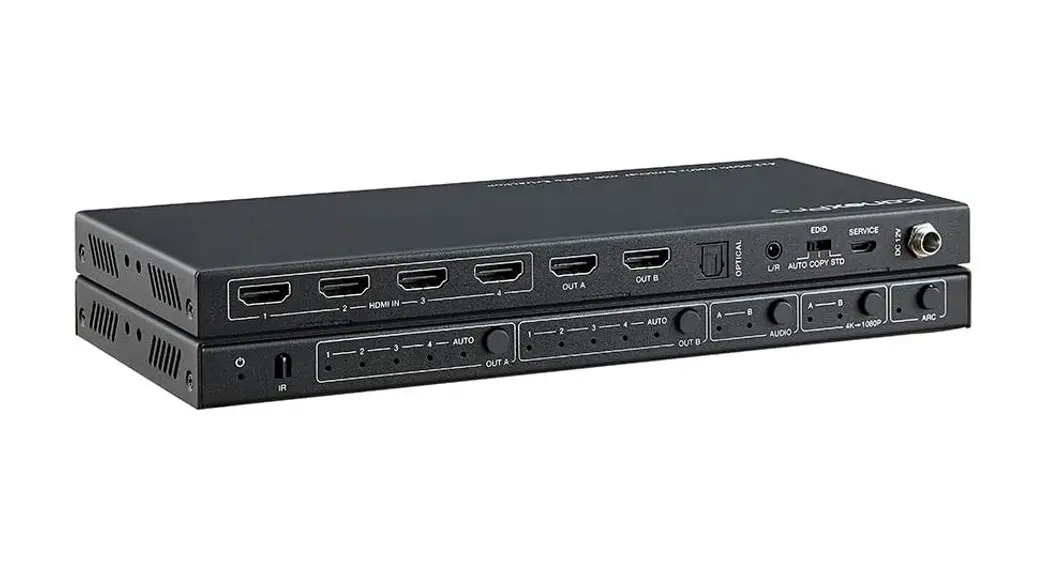
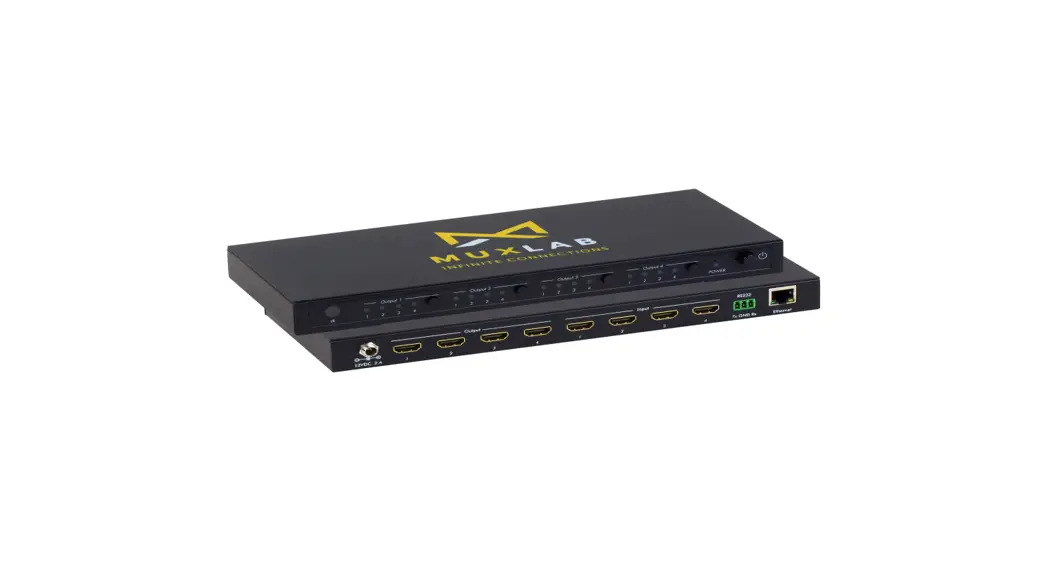
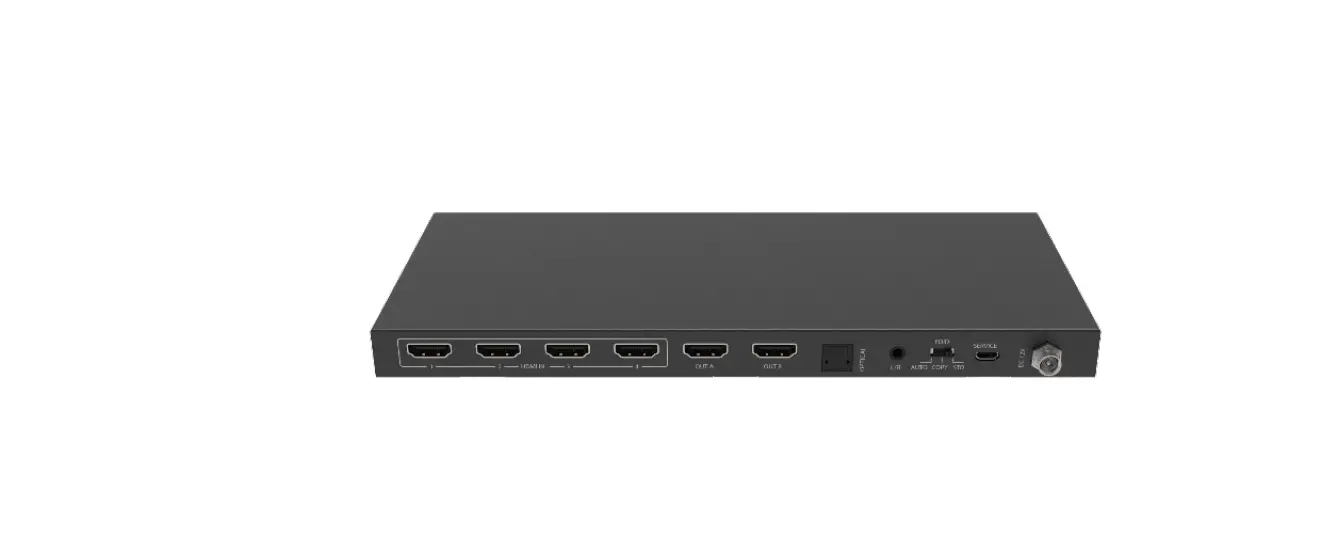
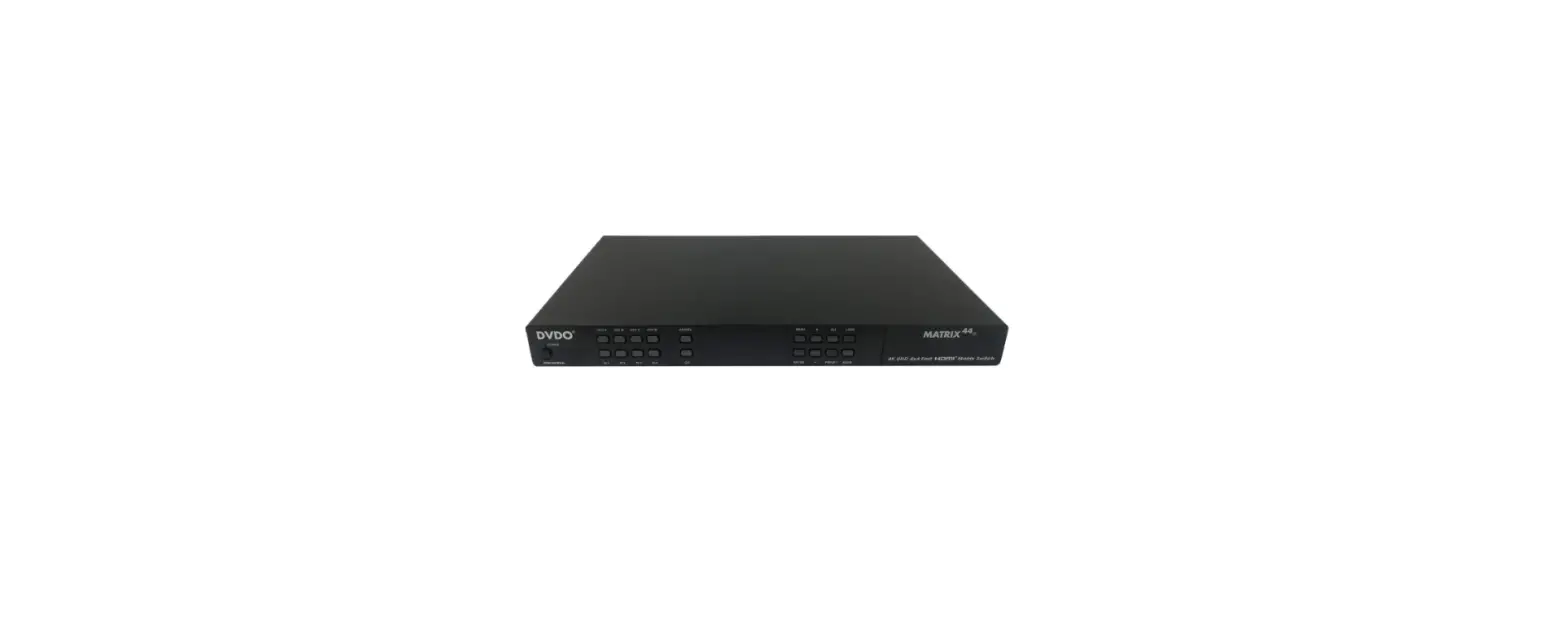
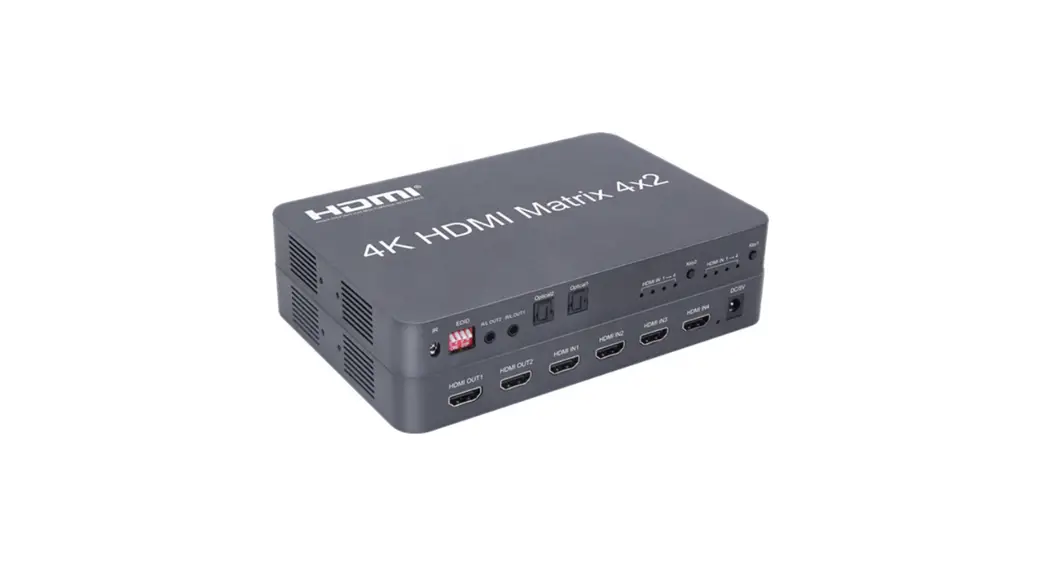
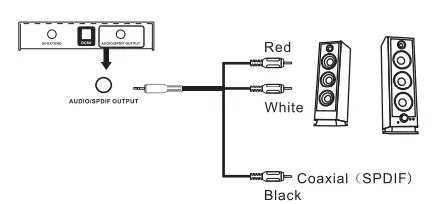
This 4×2 HDMI Matrix Switch is with 4 HDMI inputs and 2 HDMI outputs. It is a true matrix and can distribute any one of 4 sources to either of 2 displays, and can work as a splitter to show the same source on 2 displays simultaneously. Analog R/L audio and digital SPDIF audio can be extracted from HDMI signal. It supports 3D HDMI and 4KX2K.
Important safety instructions
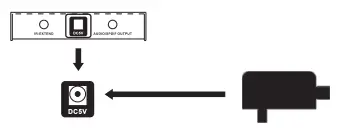
- Use DC5V power supply only. Make sure specification matched if using adapters not supplied by factory.
- Put this product in dry and ventilated place for normal heat dissipation.
- Keep this product away from strong static and magnetic environment.
Package contents
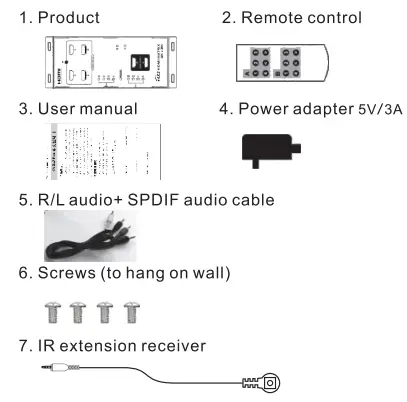
Installation requirement
- HDTV or other display with HDMI port input.
- HDMI video source, such as DVD,PS3,STB,PC etc.
- High standard HDMI cable (can support 4K X 2K).
Installation steps
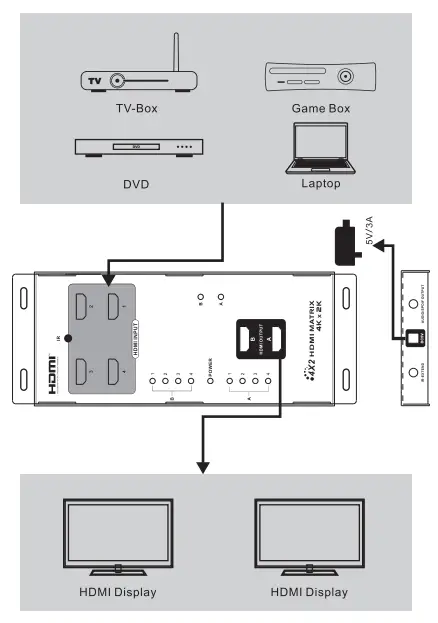
Note:
- 1t requires that HDMI source(DVD, STP etc), HDMI cable and output display device all can support 4KX2K resolution if users need to output 4KX2K signal.
- Do not plug and unplug HDMI cable or other cables while working.
- Select the right HDMI input channel for displays.
Operation notes
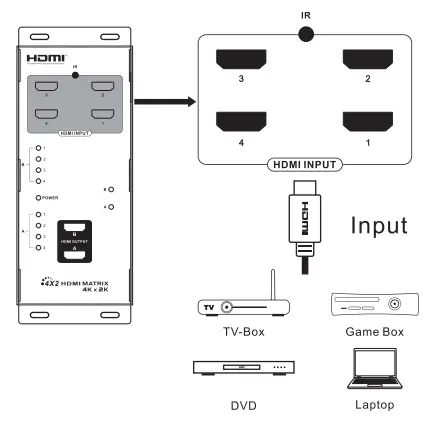
- Connect HDMI source devices and this product HDMI inputs with HDMI cables.

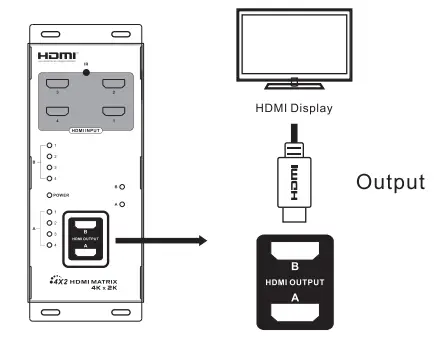
- Connect this product output to HDMI displays with HDMI cables (select the right HDMI input channel for displays).

- Connect IR/Wed/white) and SPDIF audio(black) to earphone or other sound equipment with R/L audio and SPDIF cable.

- Power product on and it starts working.

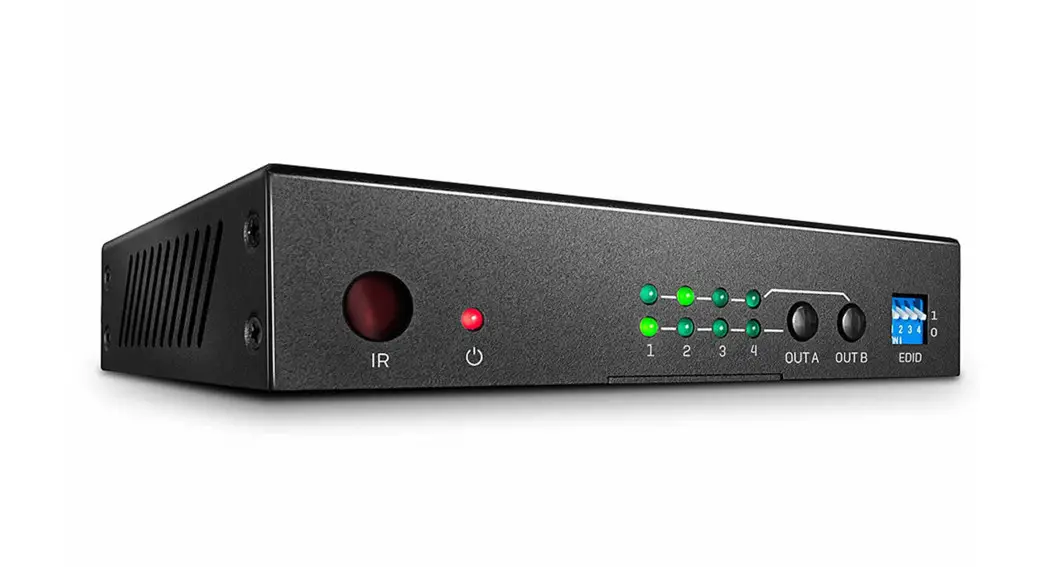
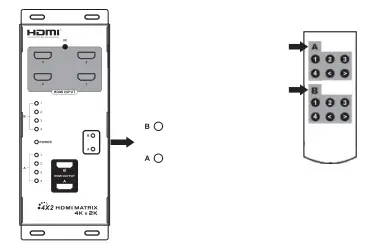
- Use remote control or the button on product to select any of the source devices as input.

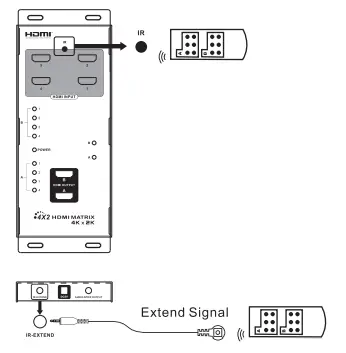
- Users can connect IR extension receiver to this product and switch the input signal by remote control while installing this product into a equipment cabinet.
Trouble shooting
- No image output.
A: Check and make sure all the devices and cables are connected well. B. Check and make sure the HDMI display has been set up to the right channel. C. Check if the matched output indicator led lights on. D. Check if source device output HDMI signal correctly (if it is PC or laptop, needs to be set as mirror or extend output). - Output is unstable, splash screen, snowflakes or audio stuck.
A.Check and make sure all the devices and cables are connected well. B.If need to transfer 4K X2K signal, please use the HDMI cable supported 4K X2K.
| Power supply | 5V/3A |
| Input ports | HDMI X 4 |
| Output ports | HDMI X2 |
| Power indicator led | Yellow LED X1 |
| Signal indicator led | Blue LED X8 |
| Frequency Range | 25MHz – 340MHz |
| Max transmission rate | 3.4G X 3= 10.2Gbps |
| Color depth | Supports 12-bit DePaul HD, Full 3D and 4K x 2K video |
| Audio | Supports standard audio and DSD (Direct Stream Digital ) Audio and HD (HBR)Audio |
| HDMI resolution supported | 480i@60Hz,480P@60Hz, 576i@50Hz,576P@50Hz, 720P@50@60Hz,1080i@ 50@60Hz,1080P@50@60 Hz,3D HDMI(720P@50@ 60Hz ,1080P@24Hz),3840 X 2160P@24@25@30 Hz |
| Dimension | 213 X 86 x 19 mm |
| Net weight | 390 g |
| Color | Black |
| Working temperature | 0-60° |
Disclaimer
The product name and brand name may be registered trademark of related manufactures. 1″ and may be omitted on the user manual. The pictures in this user manual are just for reference. The terms HDMI, HDMI High-Definition Multimedia Interface, and the HDMI Logo are trademarks or registered trademarks of HDMI Licensing Administrator, Inc. We reserve the rights to make changes without further notice to a product or system described herein to improve reliability, function or design.