
DIGITUS DS-55509 4×2 HDMI Matrix Switch 4K60Hz 
Introduction
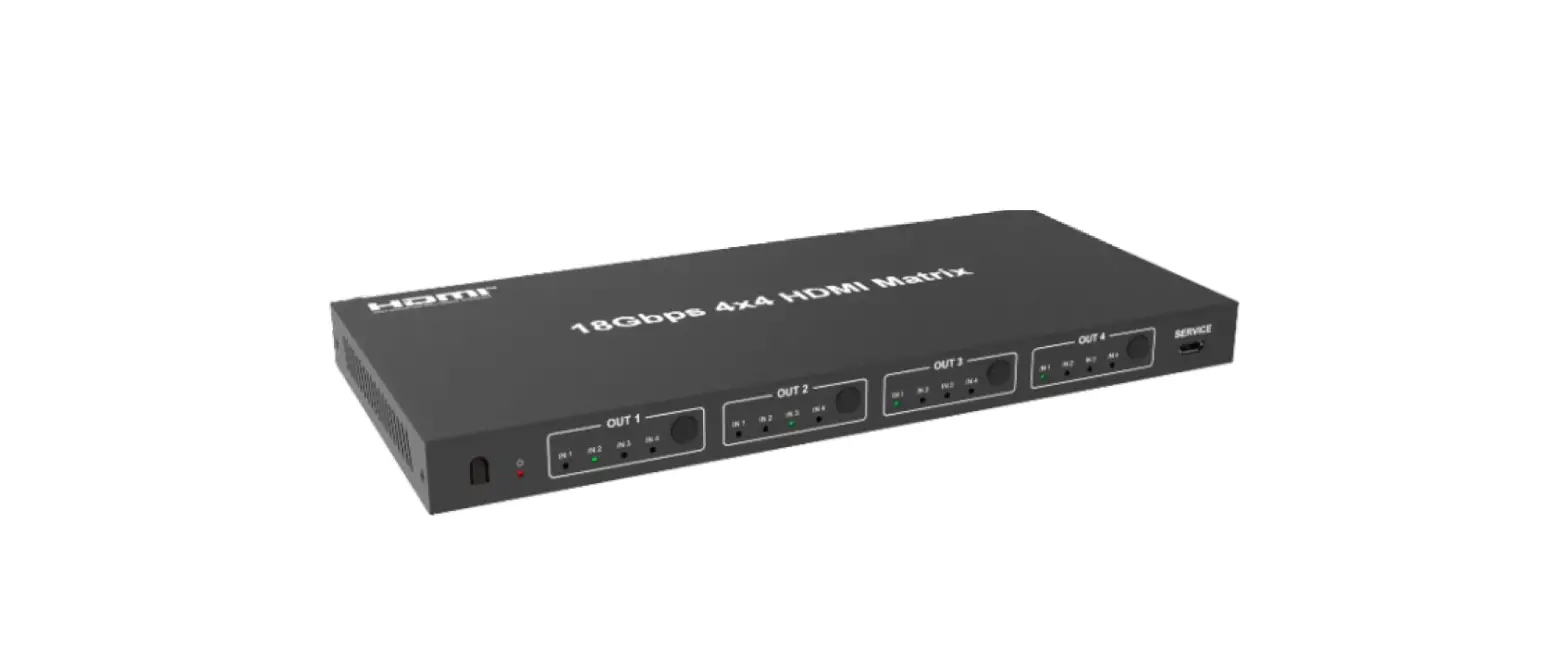
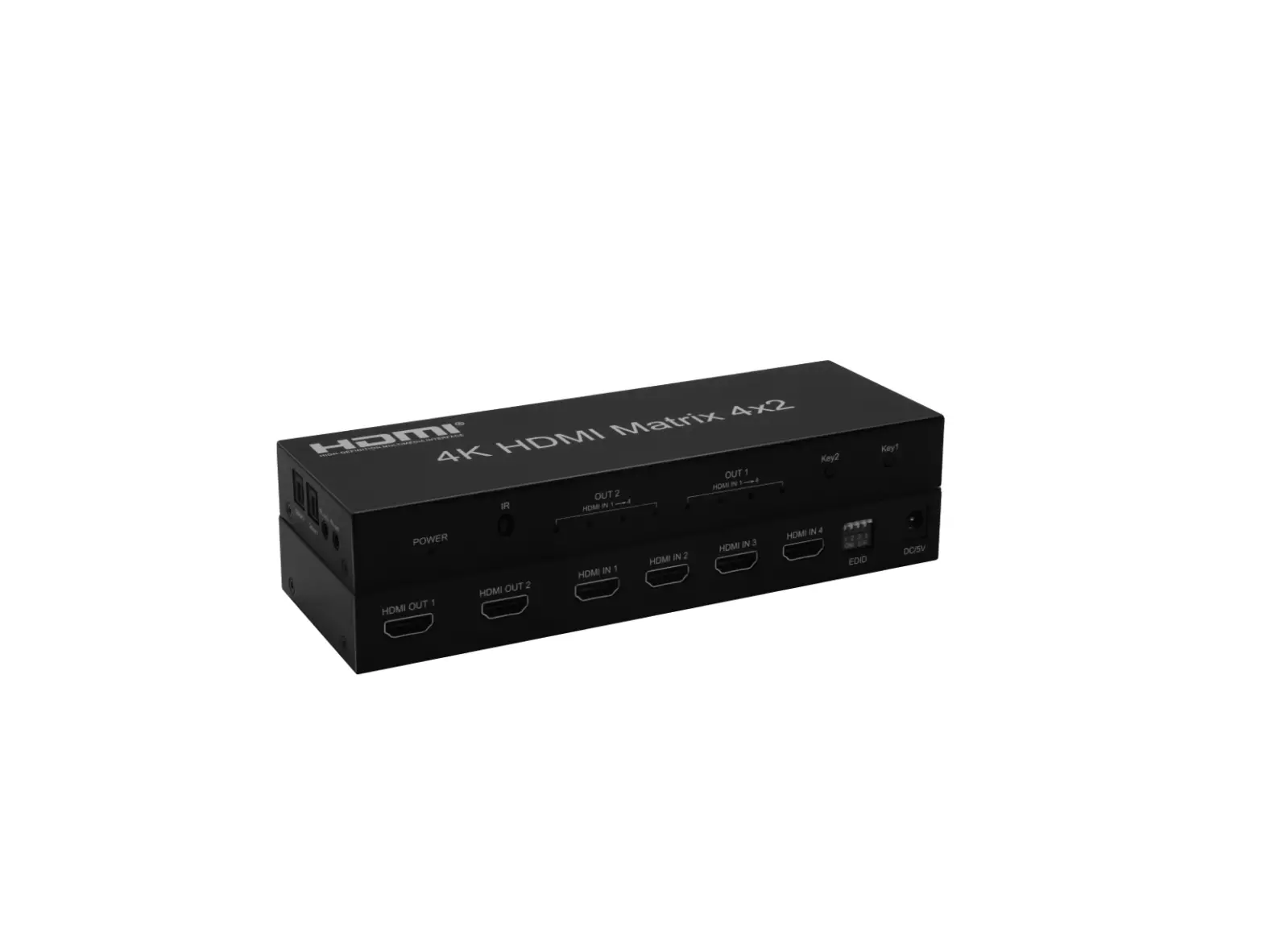
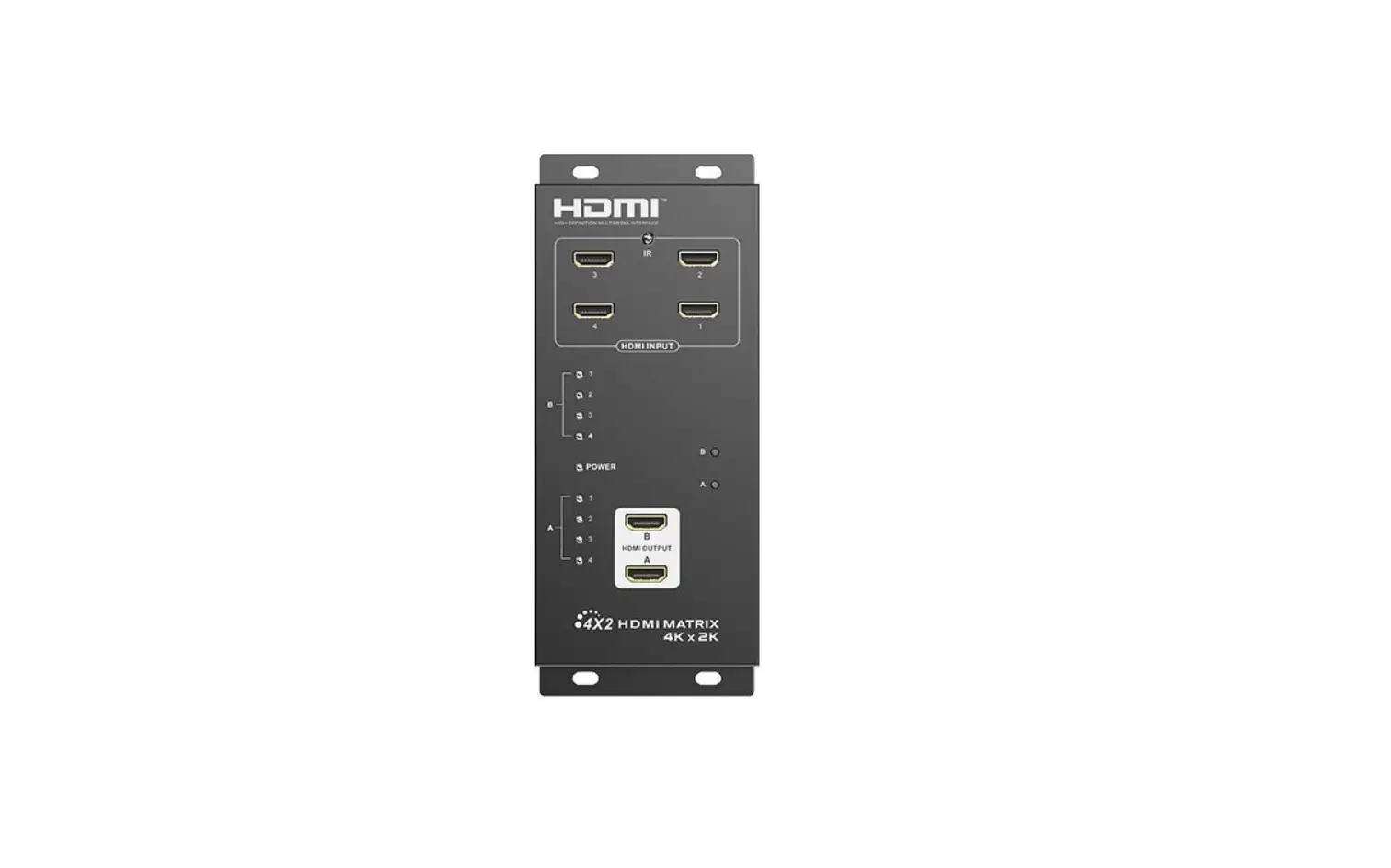
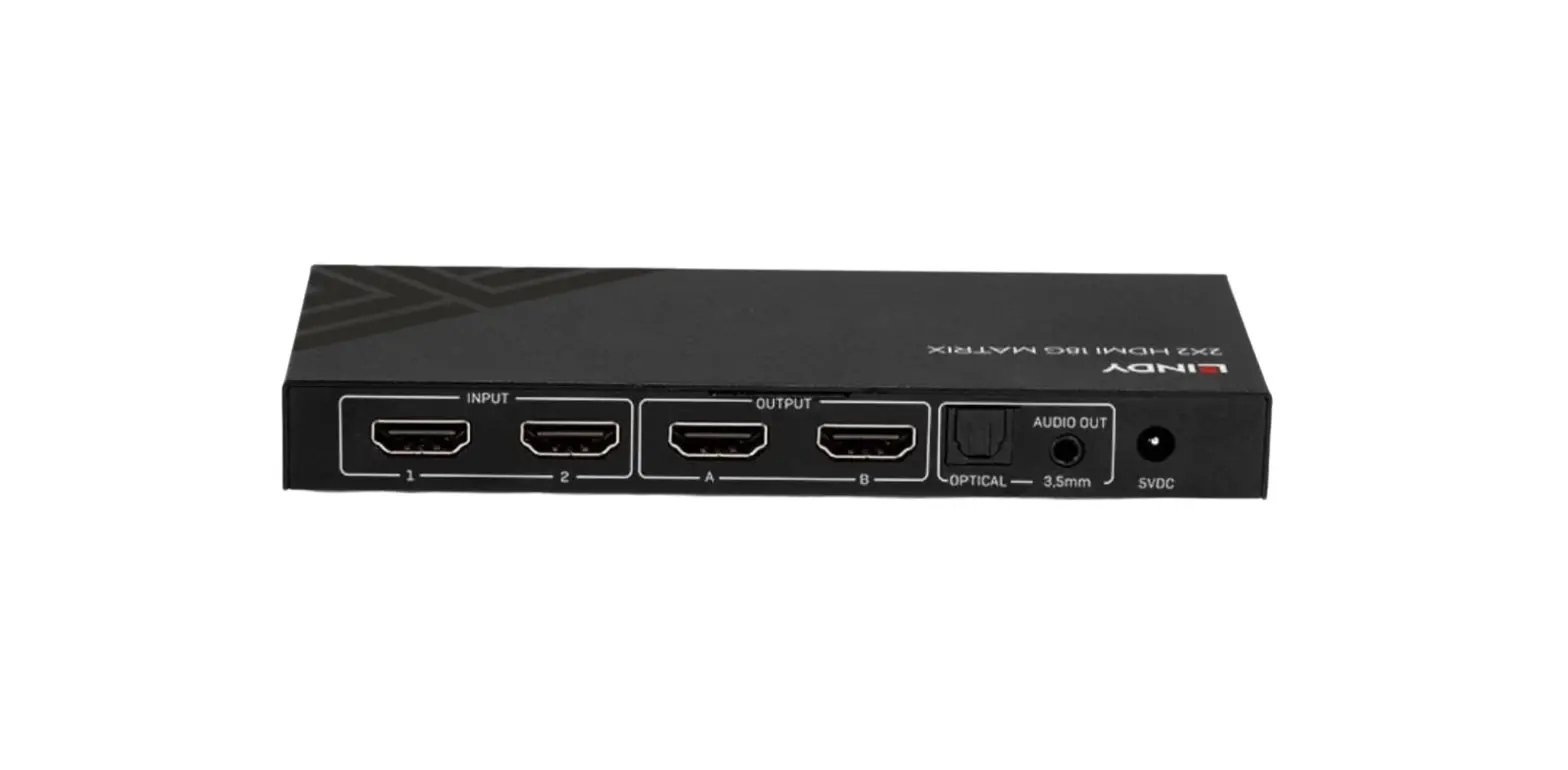
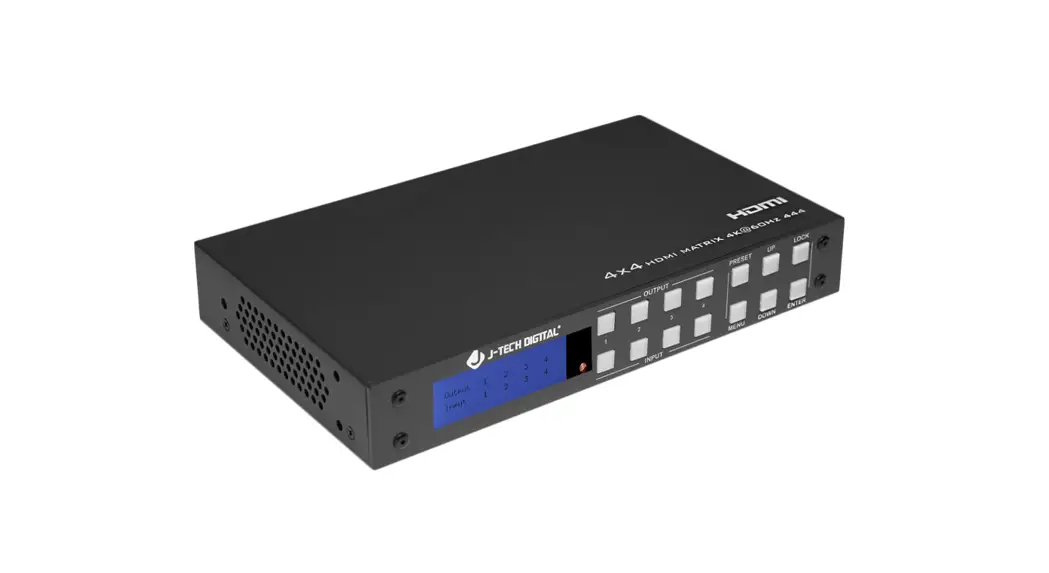
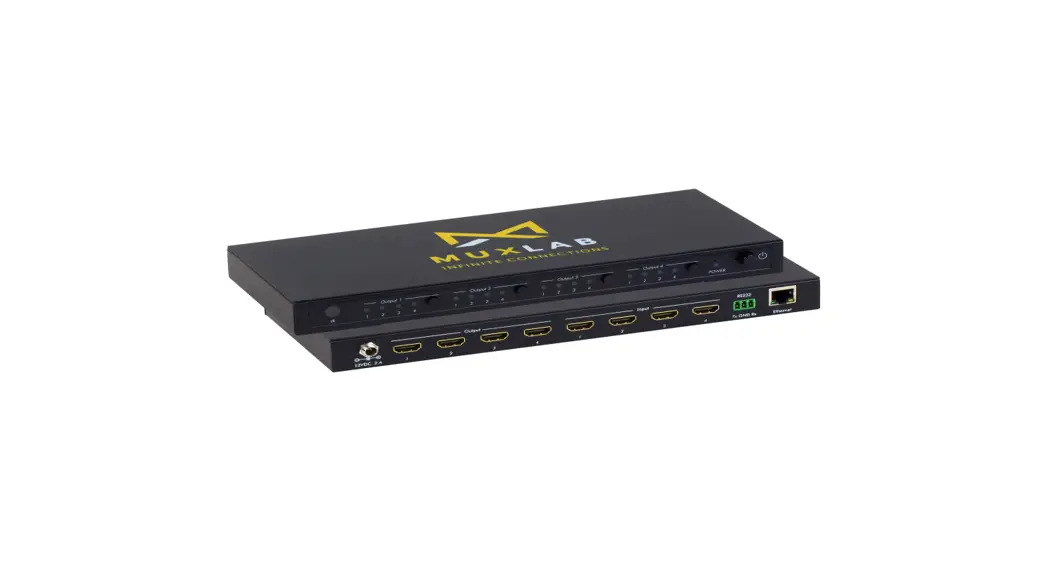
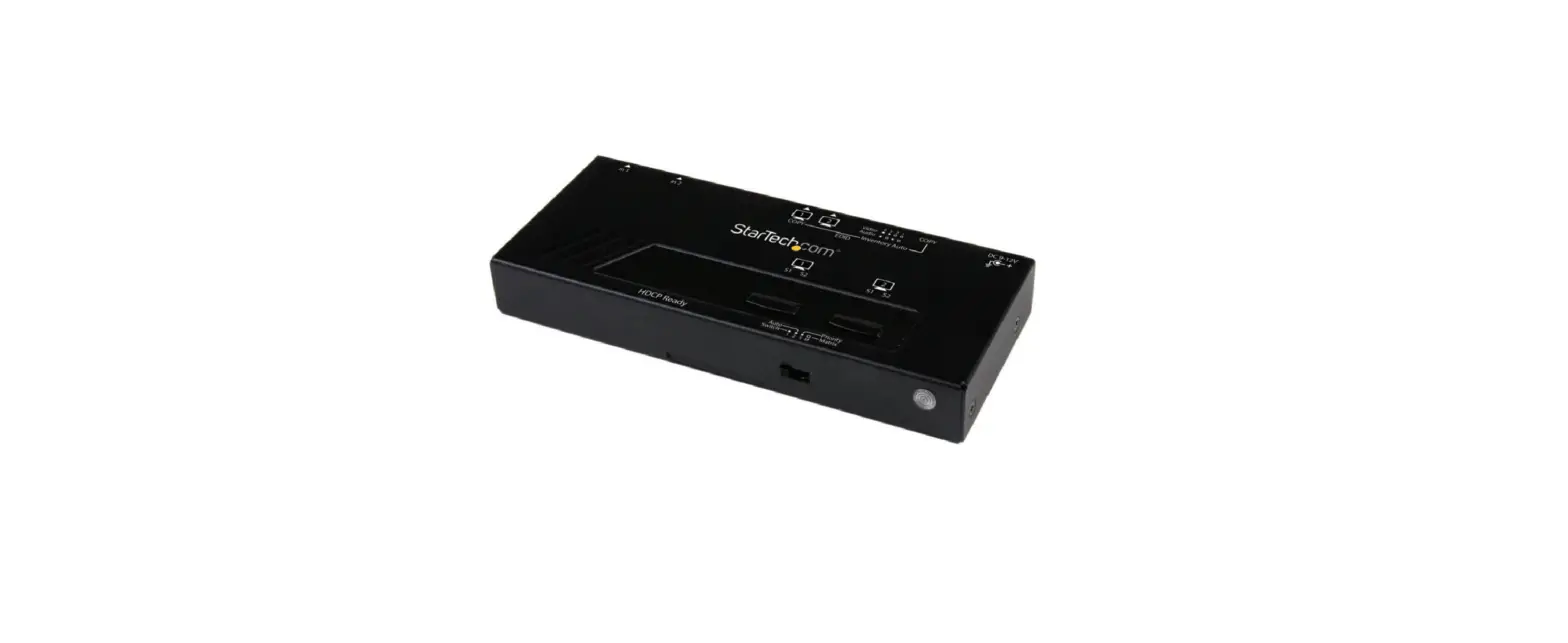
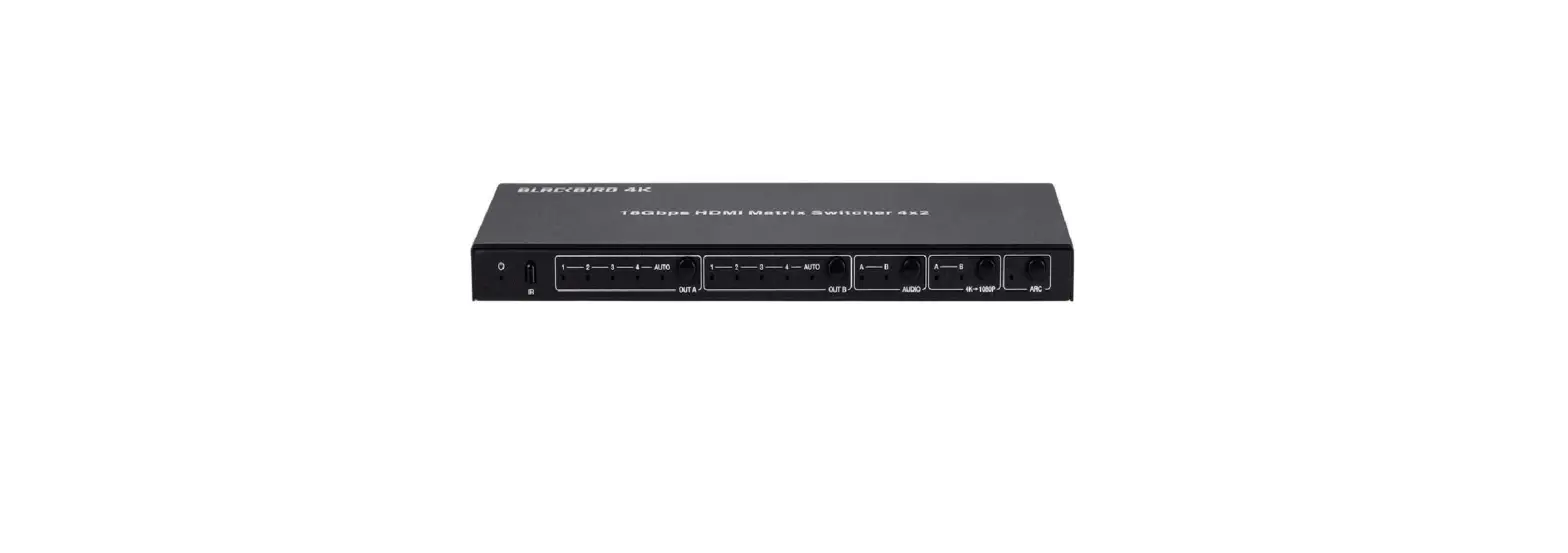
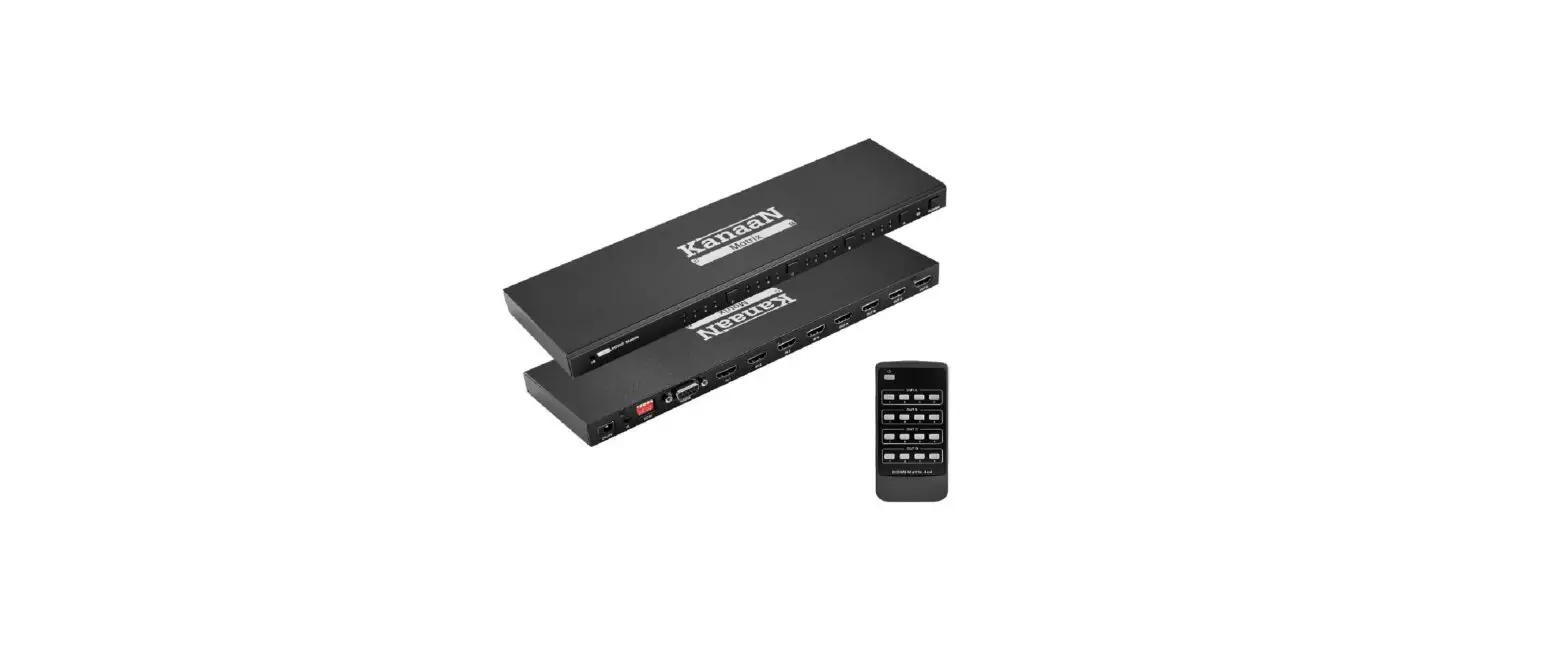
The Digitus® HDMI 4x Matrix Switch, 4K/60Hz distributes media content from up to 4 HDMI sources on up to 2 recording devices (e.g. hard drive recorder) or playback devices (TV, monitor, projector, etc.), simultaneously and independently. Convenient switching via remote control between the HDMI sources and output devices, independently and without the trouble of replugging cables. Thanks to 4K UHD support, you can experience your media content in ultra-high resolution. The perfect and complete HDMI distributor solution whether for professional or commercial use.
Main Features
- Supports 4K2K/60Hz (4:4:4)
- Video bandwidth: 18 Gbps
- HDCP 2.2 / 1.4
- HDMI 2.0
- EDID management
- ARC (Audio Return Channel)
- Supports downscaling of 4K contents on Full HD (1080p) displays
- Supports Dolby Vision, HDR10+, HLG
- Audio extractor (connection of audio output device via optical/analog connection)
Package Contents
- 1x 4×2 HDMI Matrix Switch
- 1x Power adapter (DC 12V/1A, 1.45 m)
- 1x IR remote control
- 2x Mounting plate
- 1x User manual
Specification
| Technical | |
| HDMI Compliance | HDMI 2.0 |
| HDCP Compliance | HDCP 2.2 and HDCP 1.4 |
| Video Bandwidth | 18 Gbps |
| Video Resolution | Up to 4K2K@50/60Hz (YCbCr 4:4:4), 4K2K@30Hz. All HDMI 3D TV format, etc. |
| Color Space | RGB, YCbCr 4:4:4, YCbCr 4:2:2, YCbCr 4:2:0 |
| Color Depth | 8-bit, 10-bit, 12-bit [1080P, 4K30Hz, 4K60Hz (YCbCr 4:2:0)] 8-bit [4K60Hz (YCbCr4:4:4)] |
| HDMI Audio Formats | PCM2.0/5.1/7.1CH, Dolby Digital/Plus/EX, Dolby True HD, DTS, DTS-EX, DTS-96/24, DTS High Res, DTS-HD Master Audio, DSD |
| Optical Audio Formats | PCM2.0, Dolby Digital / Plus, DTS |
| L/R Audio Formats | PCM2.0CH (Note: If ARC function is turned on, the audio port will mute.) |
| ESD Protection | Human-body Model: ±8kV (Air-gap discharge), ±4kV (Contact discharge) |
| Connections | |
| Input Ports | 4× HDMI Type A [19-pin female] |
| Output Ports | 2× HDMI Type A [19-pin female] 1× L/R audio out [3.5mm Stereo Mini-jack] 1× OPTICAL audio out [S/PDIF] |
| Mechanical | |
| Housing | Metal Enclosure |
| Color | Black |
| Dimensions | 251mm (W) × 105mm (D) × 20mm (H) |
| Weight | 620g |
| Power Supply | Input: AC100~240V 50/60Hz Output: DC12V/1A |
| Power Consumption | 3.8W (max) |
| Operating Temperature | 0°C ~ 40°C / 32°F ~ 104°F |
| Storage Temperature | -20°C ~ 60°C / -4°F ~ 140°F |
| Relative Humidity | 20~90% RH (non-condensing) |
Operating Controls and Functions
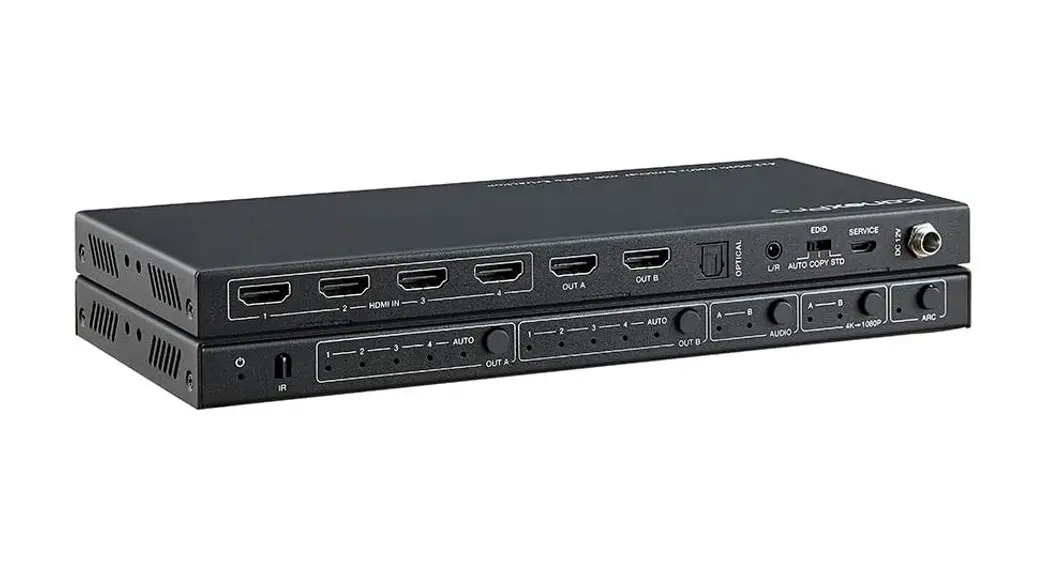
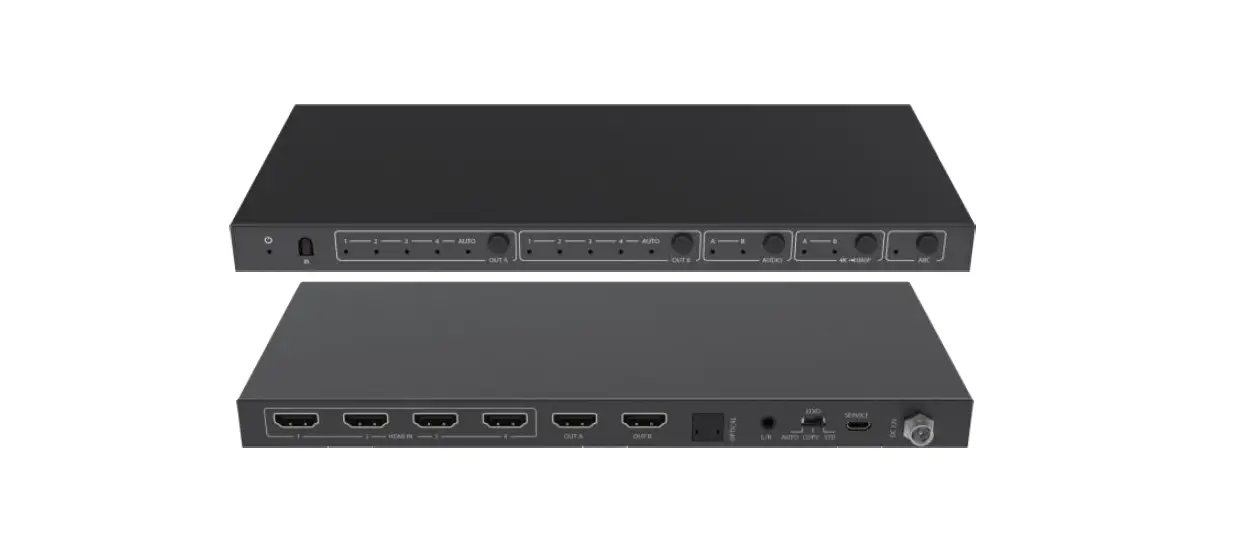
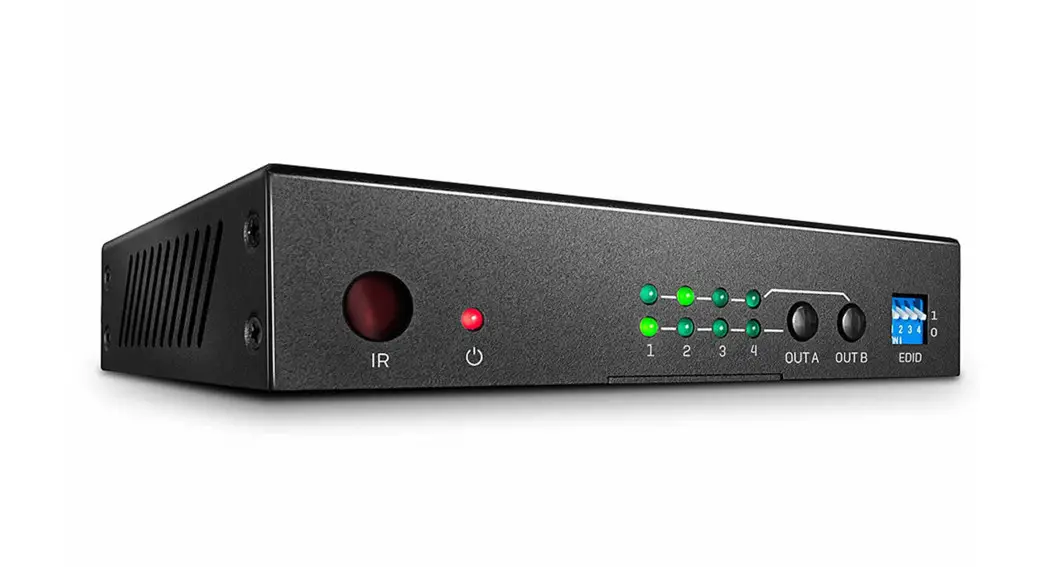
Front Panel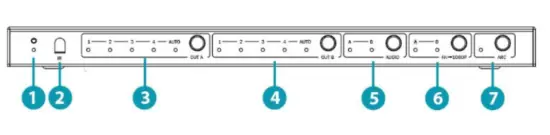
| No. | Name | Function description |
| 1 | Power LED | The blue LED will illuminate when the product is connected power supply |
| 2 | IR | IR receiver window. It only receives IR remote signal from this product. |
| 3 | OUT A button and LED | Press the OUT A button to select an input source to OUT A output, the corresponding blue LED will illuminate |
| AUTO LED | The blue AUTO LED will illuminate and the AUTO function will be turned on when you press the OUT A button up to 3 seconds, press the OUT A button up to 3 seconds again will turn off the AUTO function. AUTO function: Detect input signal source. The AUTO function is turned on, if an or a few HDMI IN ports are connected source device, OUT A port will output the signal from the last connected input source | |
| 4 | OUT B button and LED | Press the OUT B button to select an input source to OUT B output, the corresponding blue LED will illuminate |
| AUTO LED | The blue AUTO LED will illuminate and the AUTO function will be turned on when you press the OUT B button up to 3 seconds, press the OUT B button up to 3 seconds again will turn off the AUTO function AUTO function: Detect input signal source. The AUTO function is turned on, if an or a few HDMI IN ports are connected source device, OUT B port will output the signal from the last connected input source |
| 5 | AUDIO button | · Press AUDIO button to select extract the input source audio from OUT A port or OUT B port to optical and analog L/R output, the corresponding blue LED will illuminate. · If ARC function is turned on, press AUDIO button to select return the audio signal from OUT A or OUT B display device to optical output, the corresponding blue LED will illuminate. At this time, the analog L/R port is mute |
| 6 | 4k→1080P button | Press the button to select OUT A or OUT B 4k→1080P downscale function, the corresponding blue LED will illuminate. For example, if source is 4K but TV only supports 1080P, at this time the input resolution with 4K will downscale to 1080P to TV output |
| 7 | ARC button | Turn on / off ARC function. The blue ARC LED will illuminate when you turn on the ARC function |
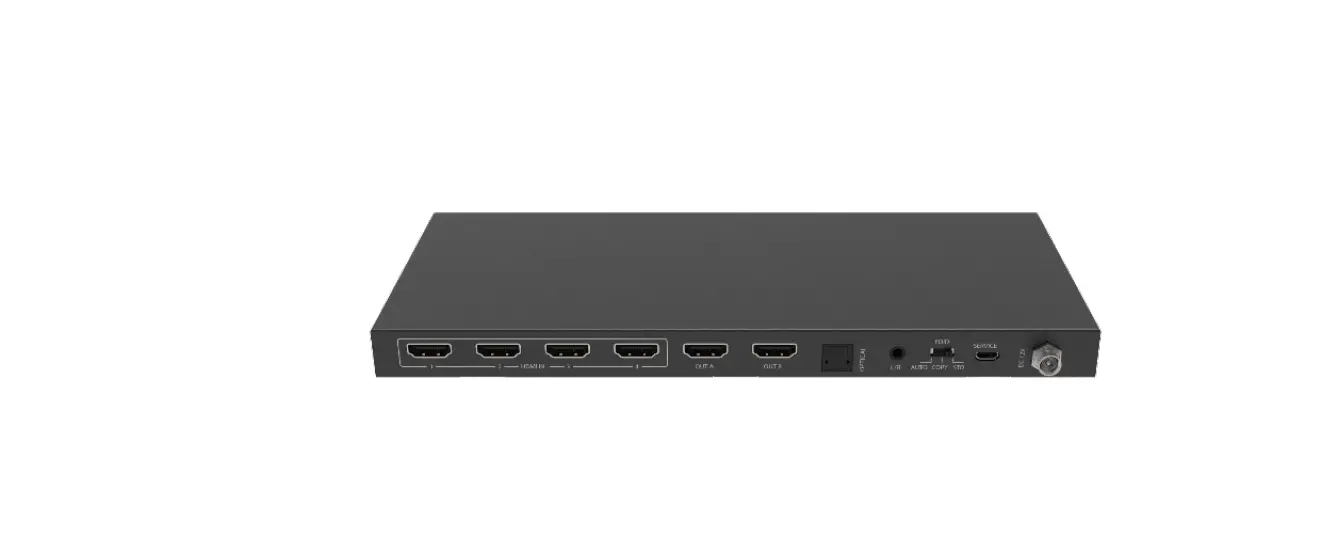
Rear Panel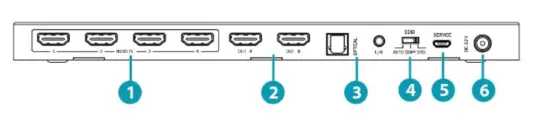
| No. | Name | Function description |
| 1 | HDMI IN port | HDMI input ports, connect to HDMI source device such as DVD or PS4 with an HDMI cable |
| 2 | HDMI OUT A / OUT B port | HDMI output ports, connect to HDMI display device such as TV or Projector with an HDMI cable |
| 3 | OPTICAL / L/R port | Connect to audio output device such as amplifier or speaker with optical and analog audio cable |
| 4 | EDID AUTO / COPY / STD | AUTO: Compare with Out A and Out B display device’s EDID information, and then sending the best EDID information to source device of Out A and Out B. The source device of Out A and Out B will send the EDID information again to Out A and Out B display device output COPY: Copy Out A display device’s EDID information to source device of Out A and Out B. Then the source device of Out A and Out B will send the EDID information again to Out A and Out B display device output. STD: Out A and Out B display device output default 1080P |
| 5 | SERVICE port | Firmware update port |
| 6 | DC 12V | Plug in 12V/1A adapter to AC wall outlet for power supply |
IR Remote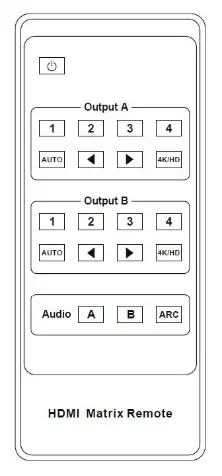
| Power on the product or set it to standby mode | |
| Output A (Output B) | |
| 1/2/3/4 | Select input source signal to Out A port output, the corresponding blue LED on the front panel will illuminate |
| Select the last or next input source signal to OUT A port output, the corresponding blue LED on the front panel will illuminate | |
| AUTO | Turn on or off AUTO function. The Auto function is turned on, if an or a few HDMI IN ports are connected source device, Out A port will output the signal from the last connected input source |
| 4K/HD | Select Out A 4k→1080P downscale function. For example, if source is 4K but TV only supports 1080P, at this time the input resolution with 4K will downscale to 1080P to TV output |
| Audio function | |
| ARC | Turn on / off ARC function |
| Audio A / B | · If ARC function is turned on, press Audio A or B button to select return the audio signal from Out A or Out B display device to optical port (TOSLINK) output. At this time, the analog L/R port (Audio out) is mute · If ARC function is turned off, press Audio A or B button to select extract the input source audio from Out A port or Out B port to optical port (TOSLINK) and analog L/R port (Audio out) output |
Application Example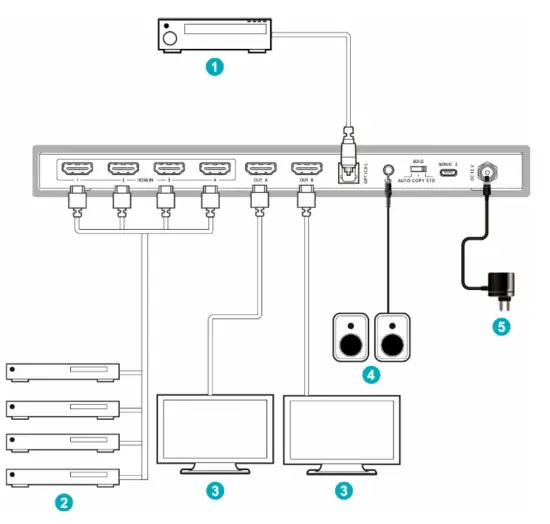
FAQ
Q: Does this product require an HDMI line length for the connection interface?
A: According to HDMI line length test, HDMI input / output with 4K60Hz YCbCr 4:4:4 is the longest line length up to 8m / 3m. The use of the “Premium High-Speed HDMI” cable is highly recommended. IR remote sends signal distance for 0~7 meters, and angle is plus-minus 45 degrees.
Disclaimer
The terms HDMI and HDMI High-Definition Multimedia interface, and the HDMI Logo are trademarks or registered trademarks of HDMI Licensing LLC in the United States and other countries. Hereby ASSMANN Electronic GmbH declares that the Declaration of Conformity is part of the shipping content. If the Declaration of Conformity is missing, you can request it by post under the below-mentioned manufacturer address.www.assmann.com
 ASSMANN Electronic GmbH | Germany