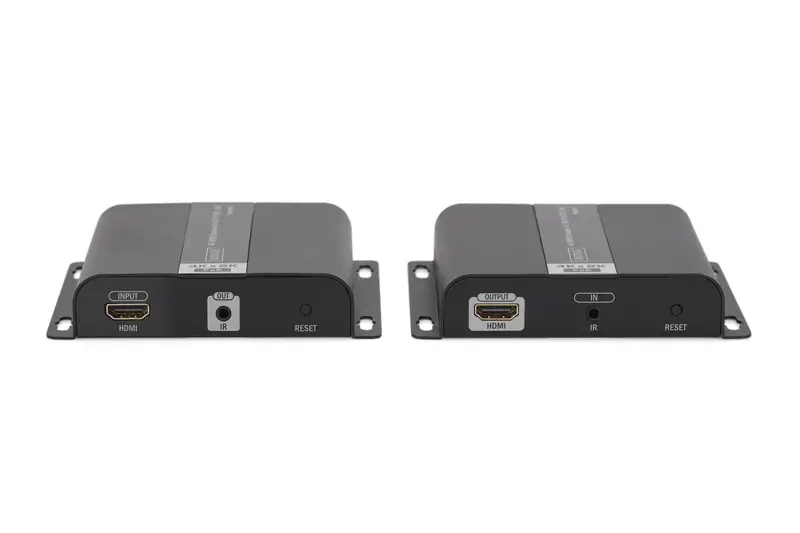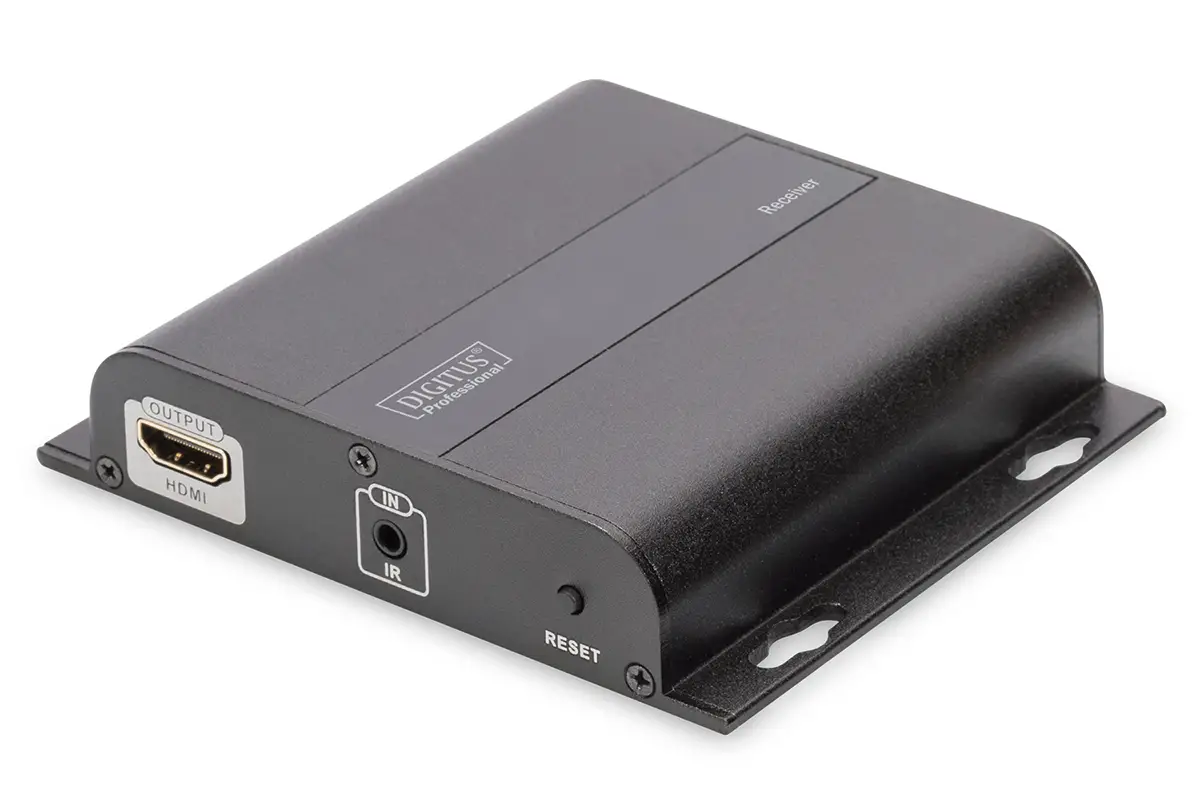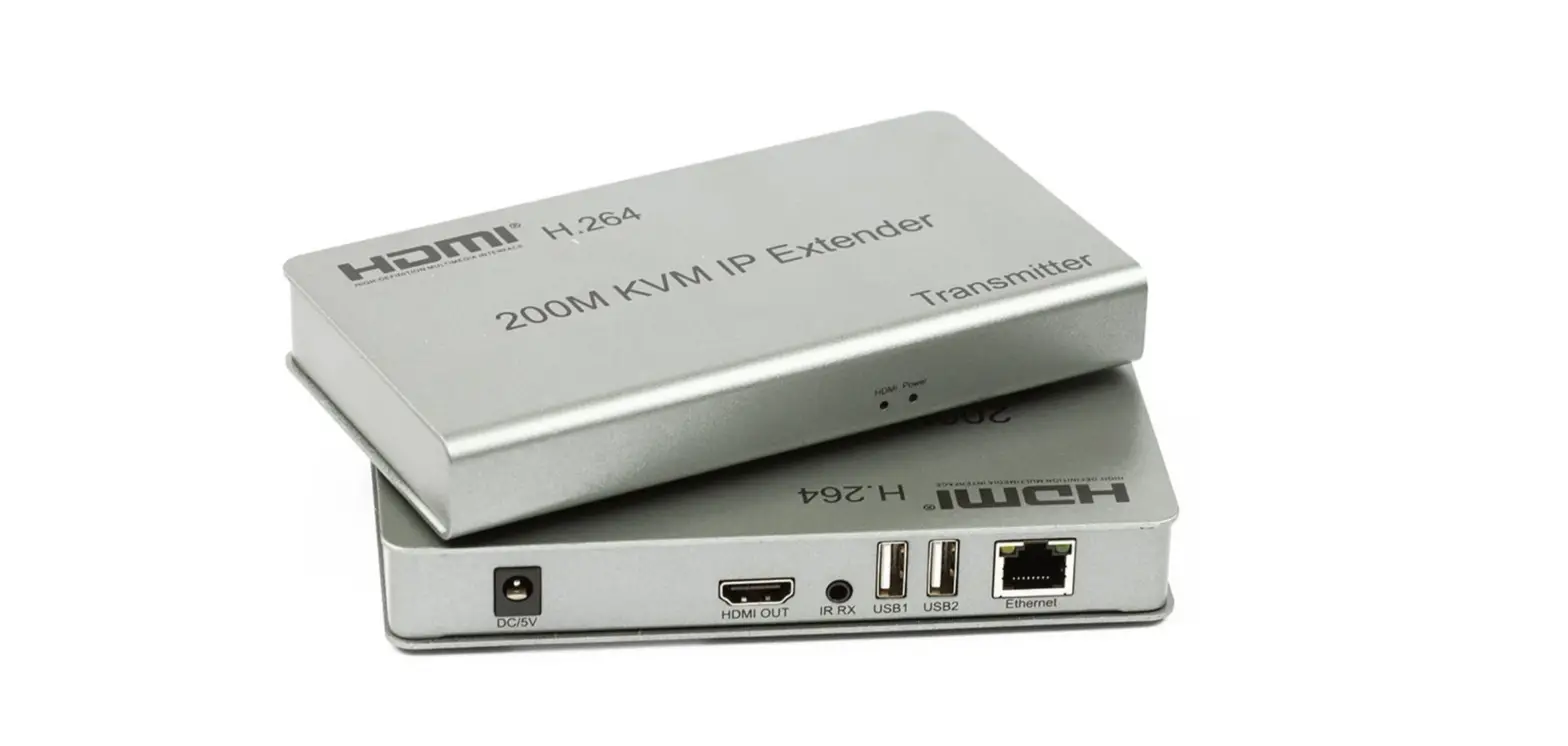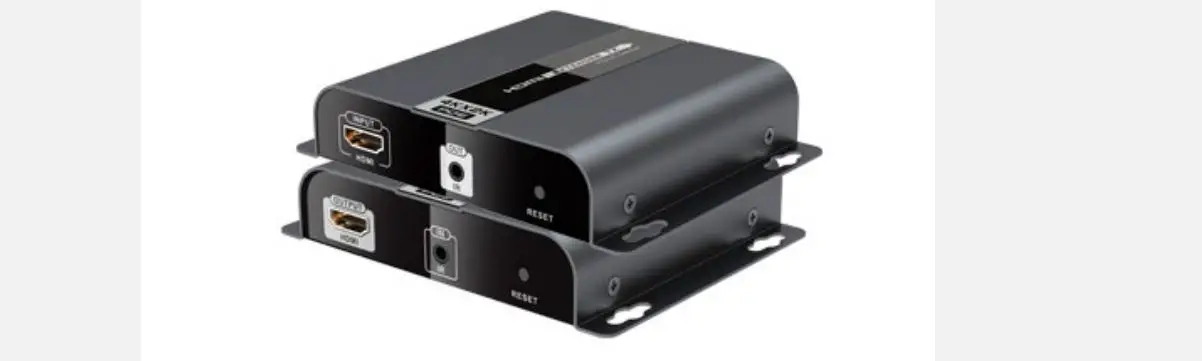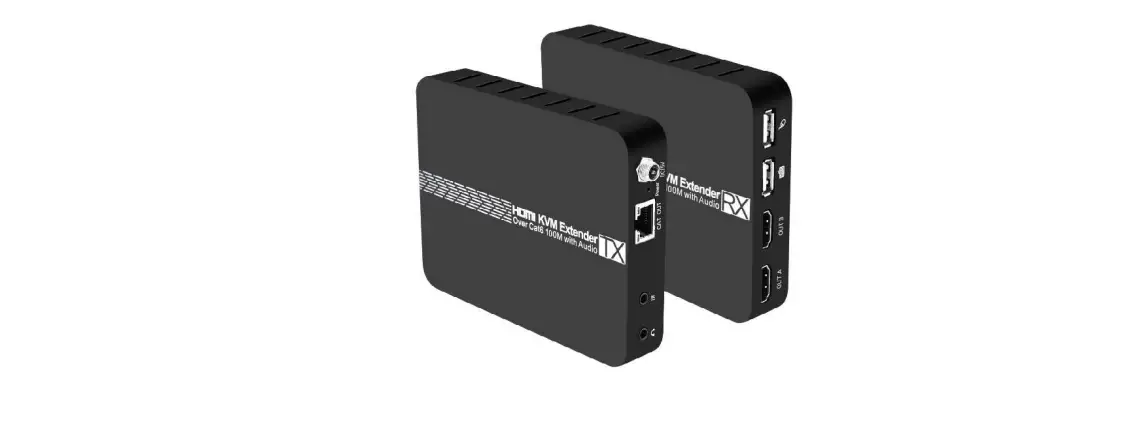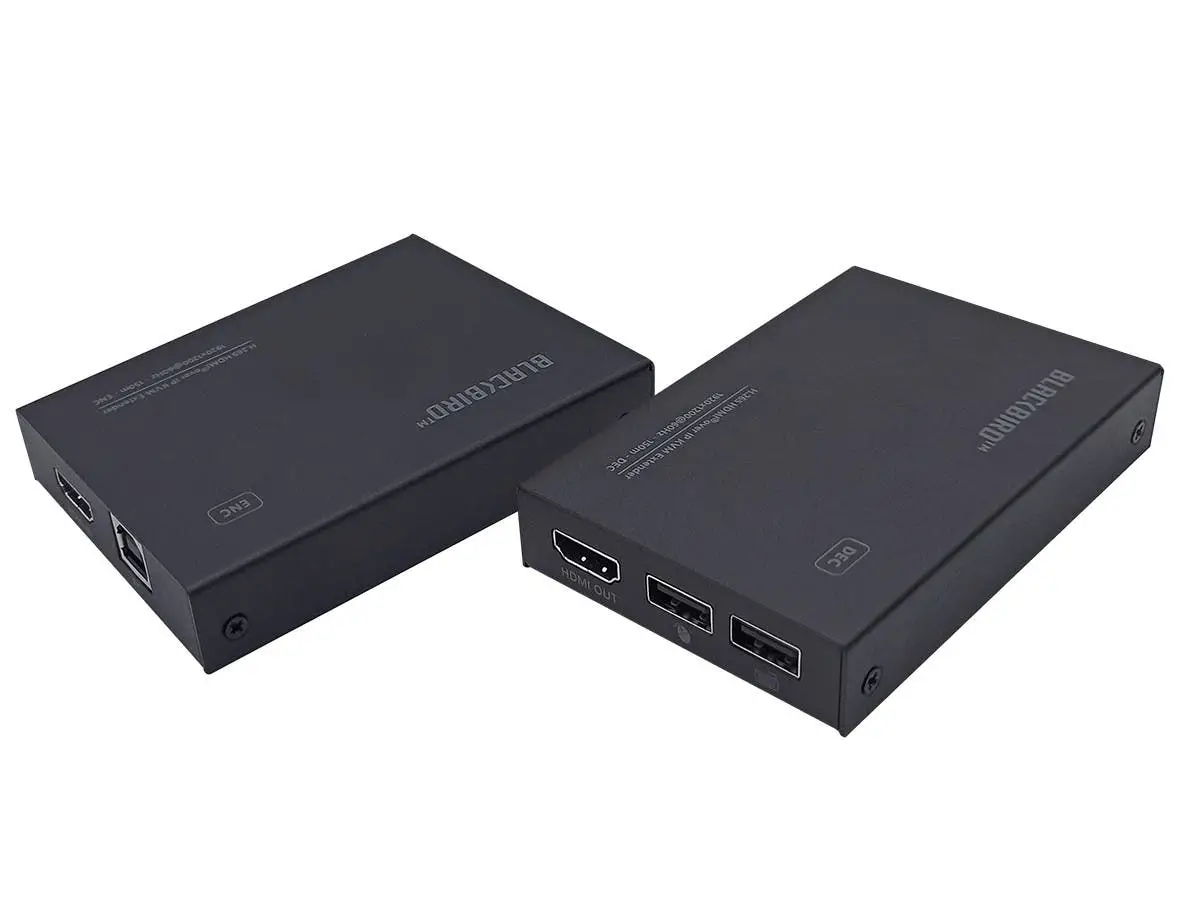

DIGITUS DS-55507 HDMI KVM IP Extender Set
Introduction
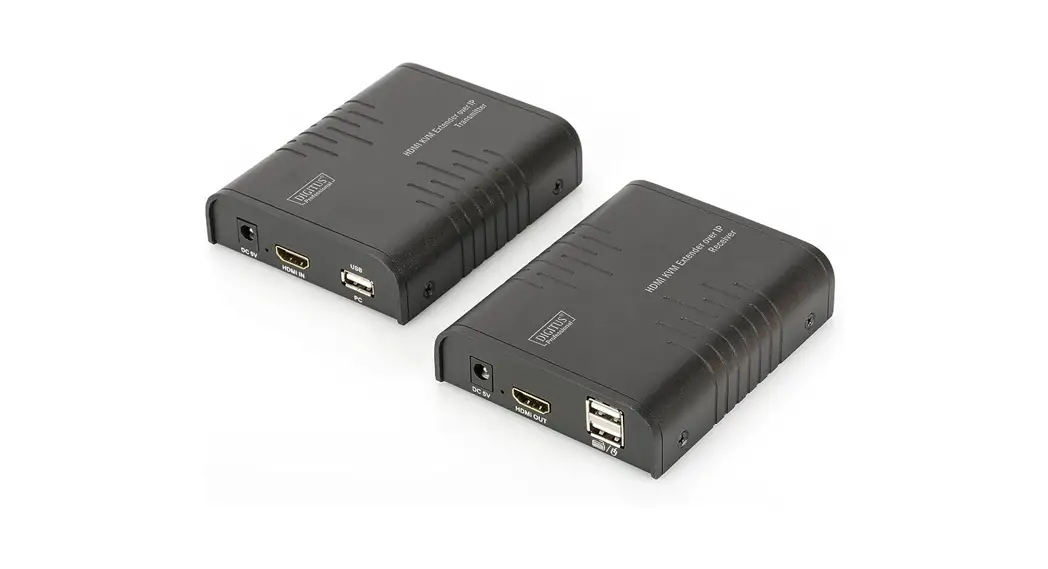
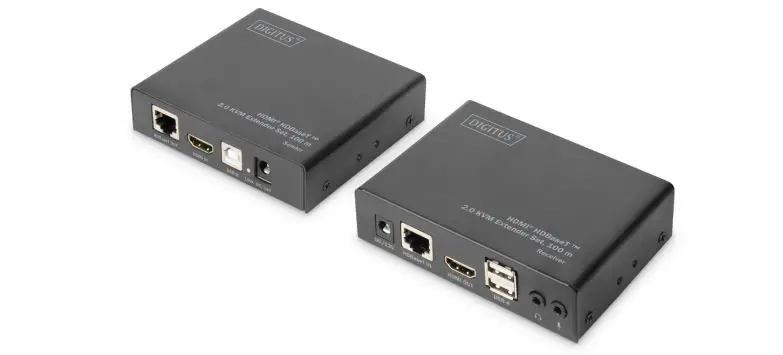
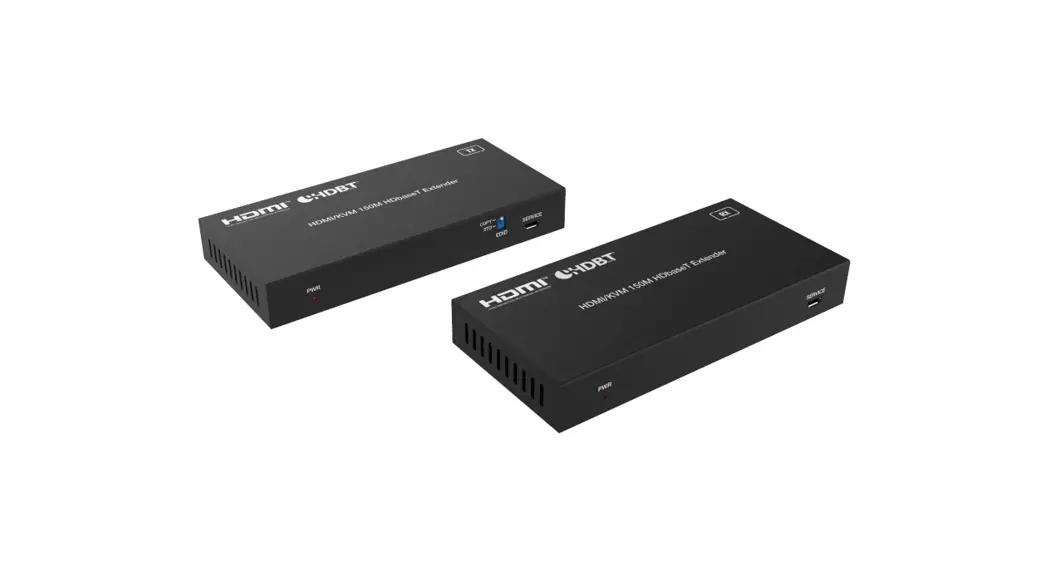
The HDMI KVM IP Extender Set comprises a transmitter unit (positioned locally) as well as a receiver unit (positioned at a distance). The HDMI signal can be extended using a network cable (Cat5e, CAT 6, CAT 6A, CAT 7) up to a maximum distance of 150 m (point-to-point connection). The HDMI signal can also be extended to an unlimited distance using the existing network infrastructure or using standard IP network switches (IP connection). The highest supported video resolution is Full HD (1920×1200/60 Hz, 4:4:4). The set also enables convenient access to a computer (mouse and keyboard) using the USB ports on the receiver unit. The set is perfectly suited for industrial, commercial and public sector applications.
Main Features
- Extends the maximum length for HDMI cables to up to 150 m via a simple network cable
- Extension of the signal (unlimited distance) via the existing local network infrastructure or commercial network switches (IP connection)
- Supports video resolutions up to: Full HD (1920×1200/60 Hz, 4:4:4)
- KVM functionality for connection to mouse and keyboard
- Supports Cat5e, CAT 6, CAT 6A, CAT 7, CAT 8 network cable
- IR transmission
- Compact design for easy and flexible installation
- Sturdy metal housing
Package Contents
- 1x Transmitter unit
- 1x Receiver unit
- 1x IR transmission cable (1.5 m)
- 1x IR receiver cable (1.5 m)
- 1x Power adapter (DC 12V/1A, 1.15 m)
- 1x USB-B-A cable (1.5 m)
- 1x User manual
Specification
| Technical | |
| HDCP Compliance | HDCP 1.4 |
| USB Version | USB 1.1 |
| Video Bandwidth | 6.75Gbps |
| Video Resolution | 640×480@60Hz~1920×1200@60Hz |
| HDMI Audio Formats | LPCM 2.0CH, 32KHz, 44.1KHz, 48KHz |
| IR Frequency | 20Hz ~ 60KHz |
| Compression Technology | H.265 |
| Request for Switcher /Router | Support 1 GMP, Support DHCP |
| Color Space | RGB, YCbCr 4:4:4, YCbCr 4:2:2 |
| Color Depth | 8/10/12-bit |
| ESD Protection | Human body model ±8kV (Air-gap discharge) ±4kV (Contact discharge) |
| Connections | |
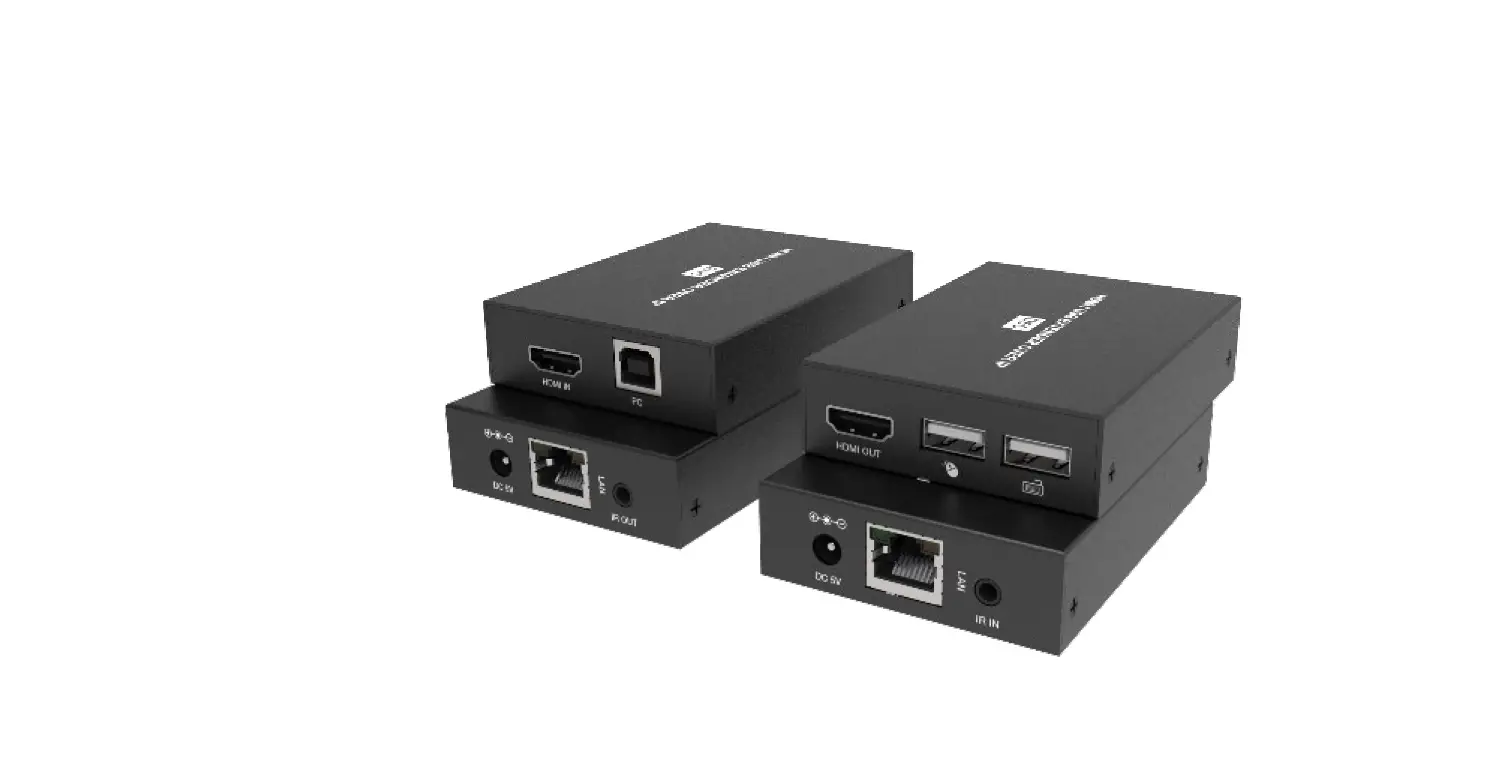
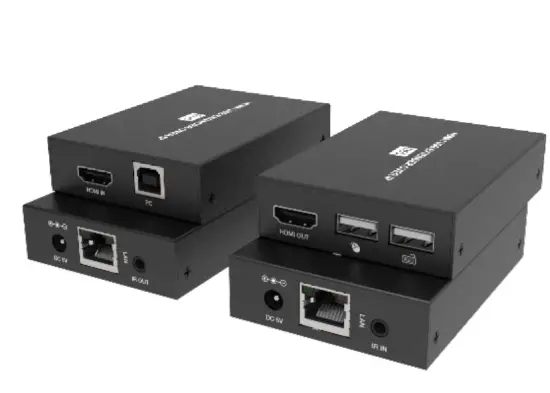
| Encoder | Inputs: 1×HDMI Type A [19-pin female] Outputs: 1×LAN [RJ45 connector] Control: 1×IR OUT [3.5mm Stereo Mini-jack] 1×USB [USB-B, female] |
| Decoder | Inputs: 1× CAT [RJ45 connector] Outputs: 1× HDMI Type A [19-pin female] Control: 1× IR IN [3.5mm Stereo Mini-jack] 2× USB [USB-A, female] |
| Mechanical | |
| Housing | Metal Enclosure |
| Silkscreen Color | Black |
| Dimensions | 67mm (W) × 91.5mm (D) × 17.5mm (H) |
| Weight | Encoder: 155g, Decoder: 150g |
| Power Supply | Input: AC100 – 240V 50/60Hz Output: DC 5V/1A |
| Power Consumption | Encoder: 1.4W, Decoder: 1.7W |
| Operating Temperature | -10°C ~ 50°C / 14°F ~ 122°F |
| Storage Temperature | -20°C ~ 60°C / -4°F ~ 140°F |
| Relative Humidity | 20~90% RH (non-condensing) |
| Resolution / Distance | 1920×1200@60Hz – Feet / Meter |
| CAT 5e/6 cable | 492ft / 150 meters |
| Resolution / Cable length | 1920×1200@60Hz – Feet / Meter |
| HDMI IN / OUT | 50ft / 15 meters |
Operating Controls and Functions
Encoder Panel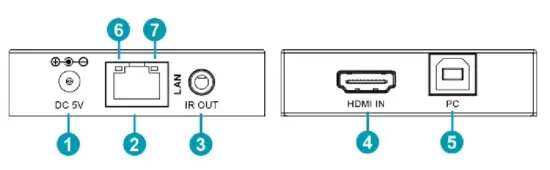
| No. | Name | Function description |
| 1 | DC 5V | 5V 1A input for power supply |
| 2 | LAN | The LAN port is connected to decoder’s LAN port or connected to switcher / router / hub with CAT cable |
| 3 | IR OUT | Connect to IR blaster cable. The IR blaster signal is from IR IN of decoder |
| 4 | HDMI IN | HDMI source input |
| 5 | PC | Connect to PC. The PC can be controlled for USB port of decoder. (KVM function) |
| 6 | Data signal indicator (orange) | The lamp flickers when the LAN port is transmitting signal |
| 7 | Power LED indicator (green) | The lamp is on when encoder is powered on |
Decoder Panel
| No. | Name | Function description |
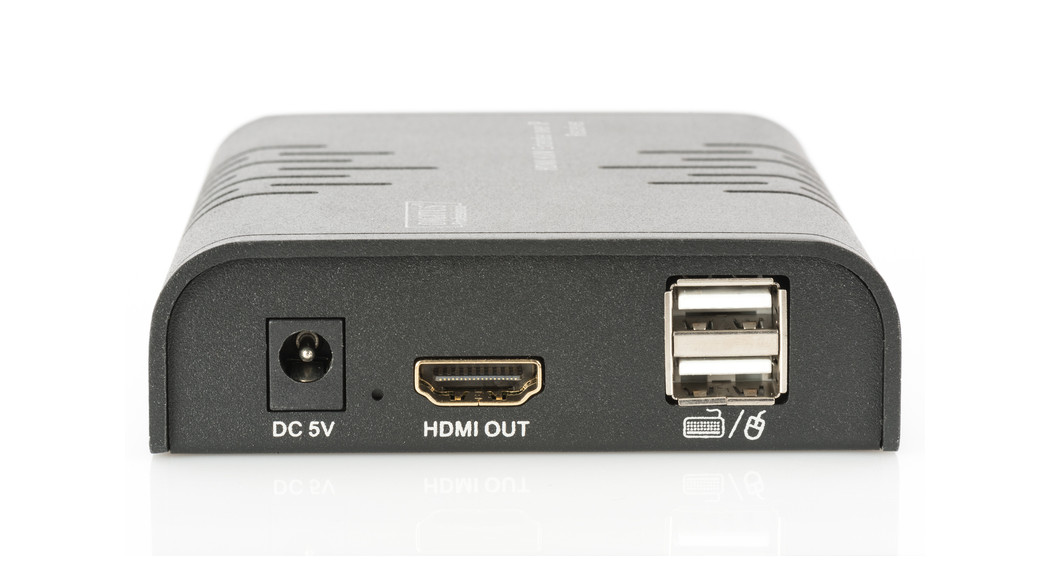
| 1 | DC 5V | 5V 1A input for power supply |
| 2 | LAN | The LAN port is connected to encoder’s LAN port or connected to switcher / router / hub with CAT cable |
| 3 | IR IN | Connect to IR receiver cable. The IR signal is sent to IR OUT port of encoder |
| 4 | HDMI OUT | HDMI output for display |
| 5 | Two USB port | USB 1.1 for connecting mouse and USB keyboard |
| 6 | Data signal indicator (orange) | The lamp flickers when the LAN port is transmitting signal |
| 7 | Power LED indicator (green) | The lamp is on when decoder is powered on |
Application Example
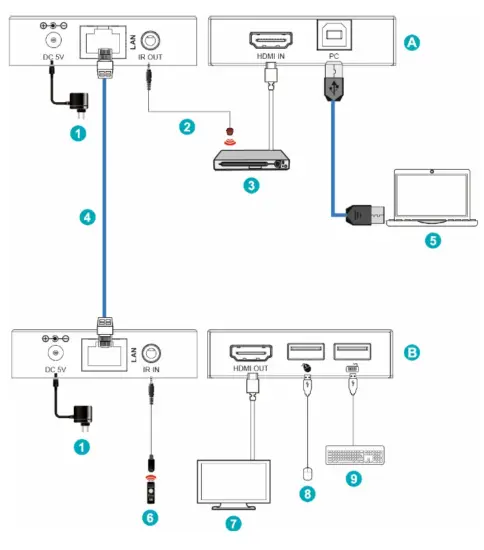
Figure 1: Encoder directly connects to Decoder
| A | Encoder | 5 | PC |
| B | Decoder | 6 | IR Receiver |
| 1 | Power Supply | 7 | TV |
| 2 | IR Blaster | 8 | Mouse |
| 3 | DVD or Blu-ray Player | 9 | USB Keyboard |
| 4 | Ethernet Cat5e/6 |
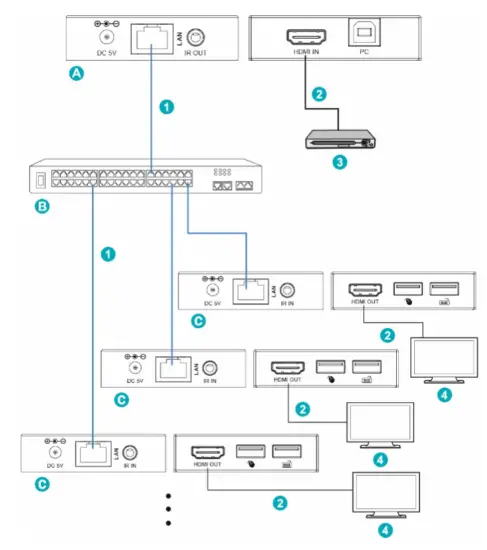
Figure 2: Encoder connects to Decoder via a switcher (One Encoder to multiple Decoders)
| A | Encoder | 2 | HDMI cable |
| B | Switcher | 3 | DVD or Blu-ray Player |
| C | Decoder | 4 | TV |
| 1 | Ethernet Cat5e/6 |
Disclaimer
The terms HDMI and HDMI High-Definition Multimedia interface, and the HDMI Logo are trademarks or registered trademarks of HDMI Licensing LLC in the United States and other countries. Hereby ASSMANN Electronic GmbH declares that the Declaration of Conformity is part of the shipping content. If the Declaration of Conformity is missing, you can request it by post under the below mentioned manufacturer address. www.assmann.com
 ASSMANN Electronic GmbH | Germany