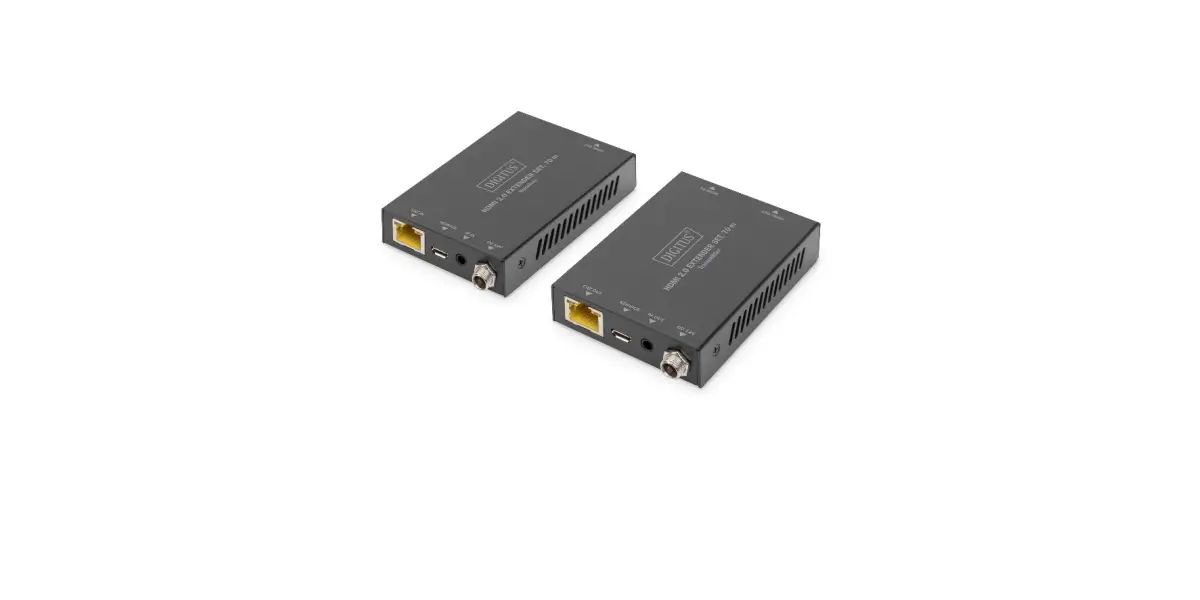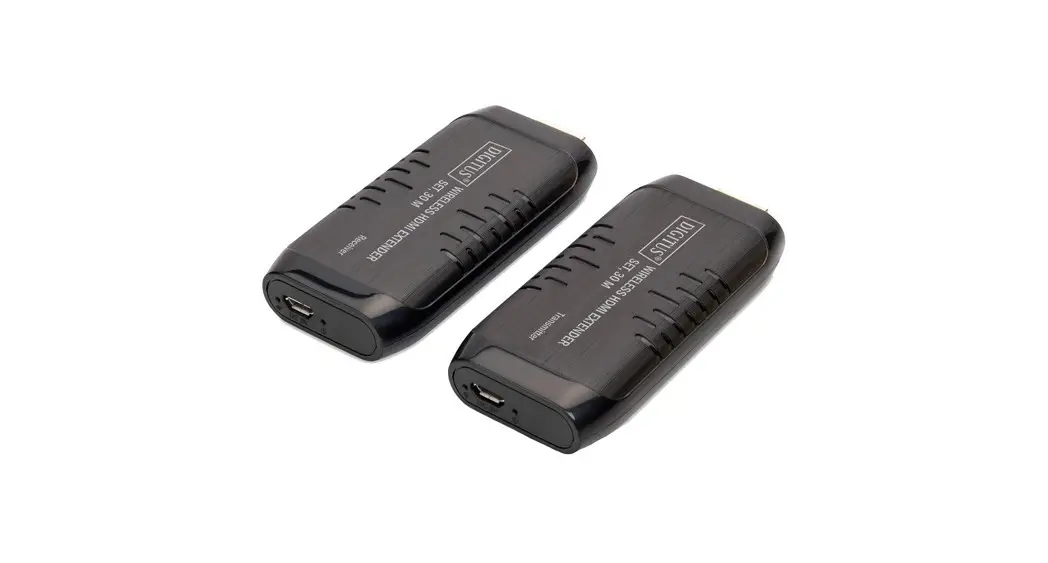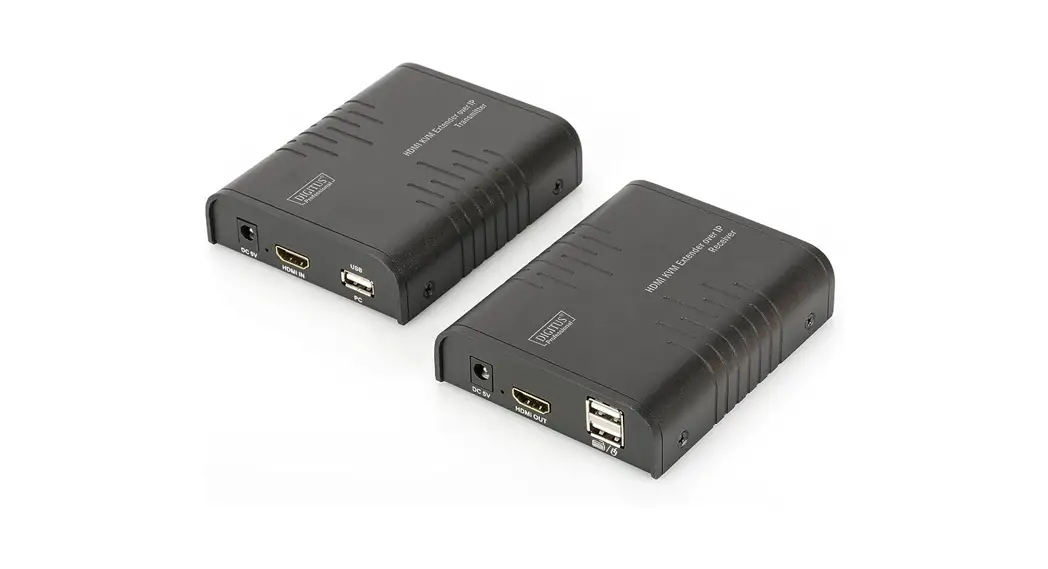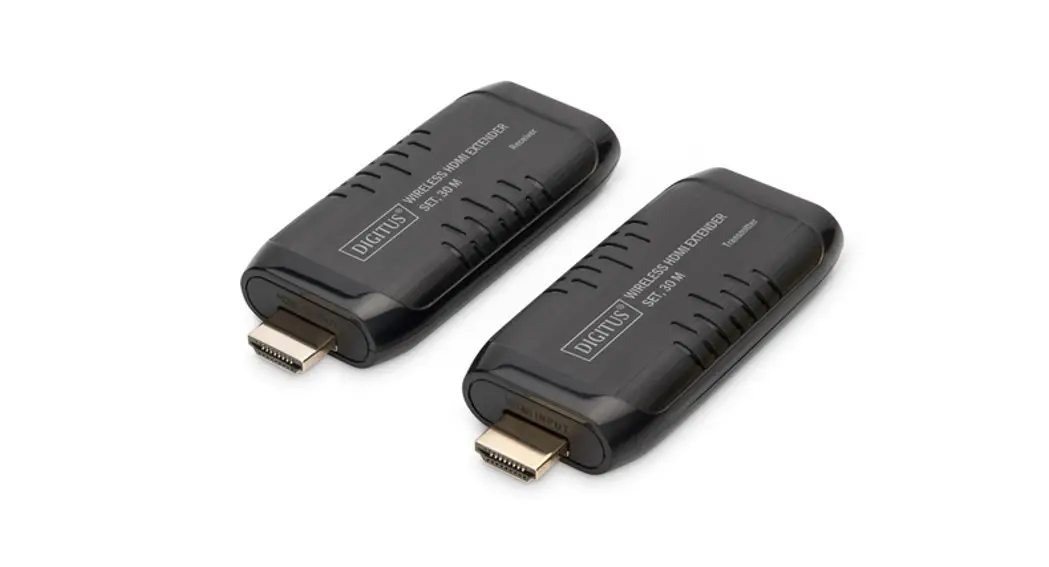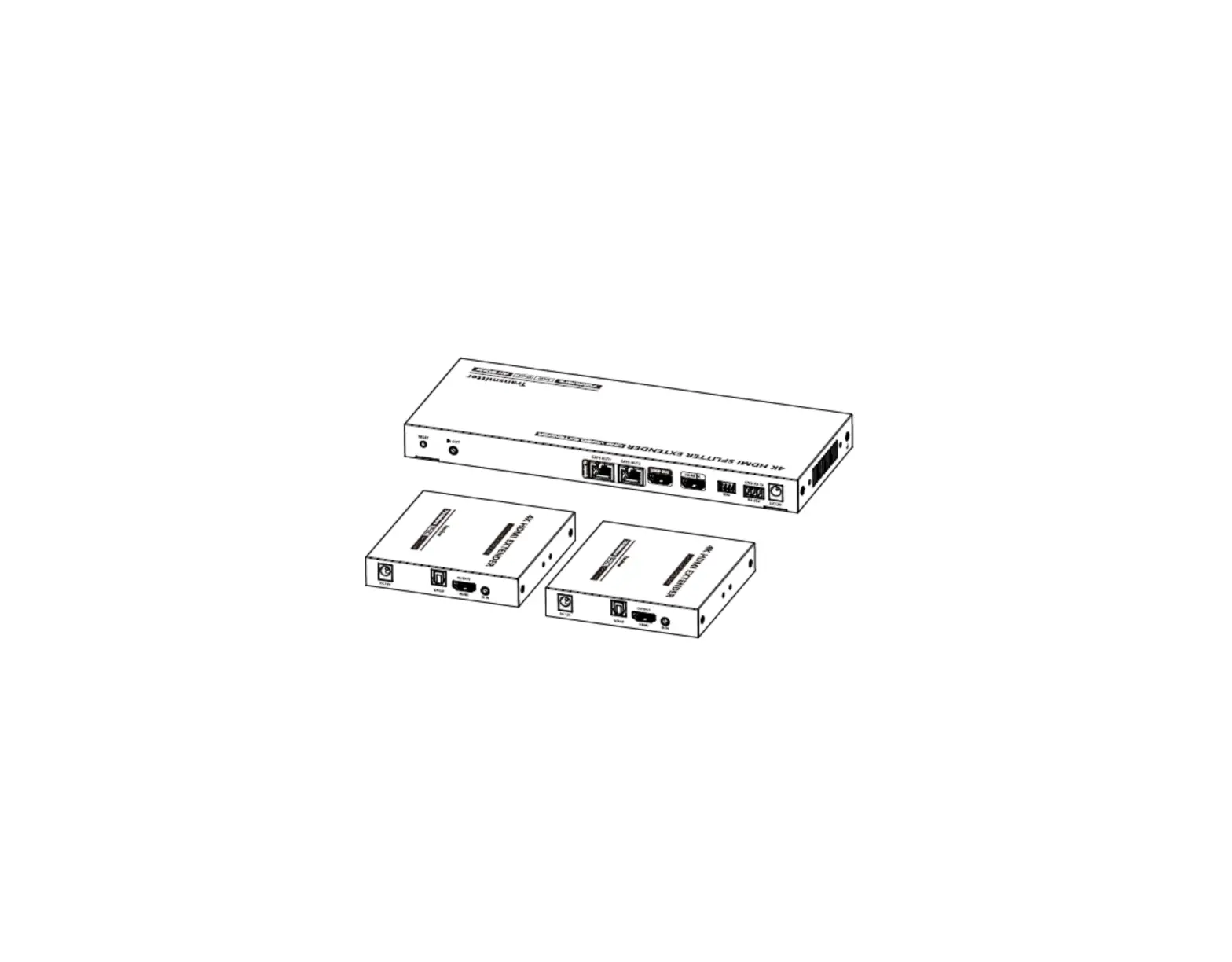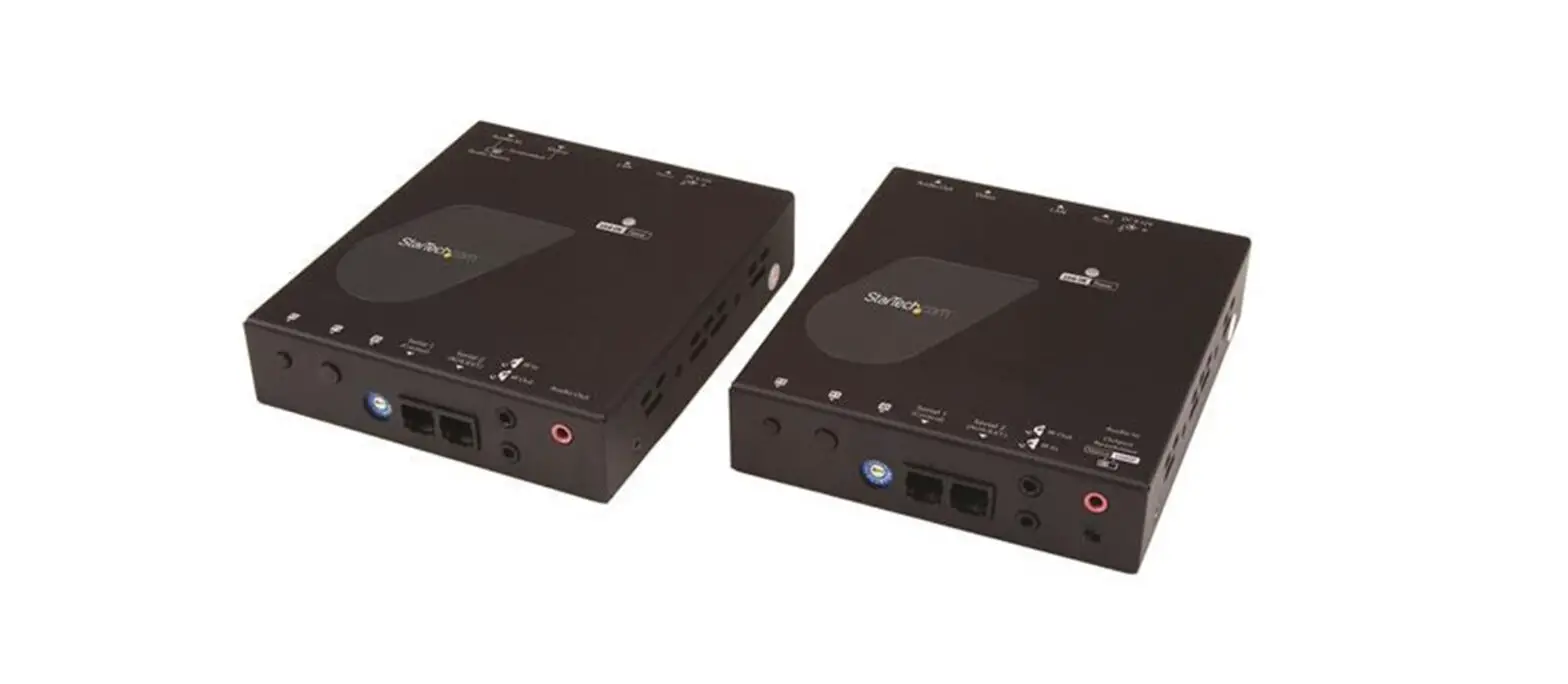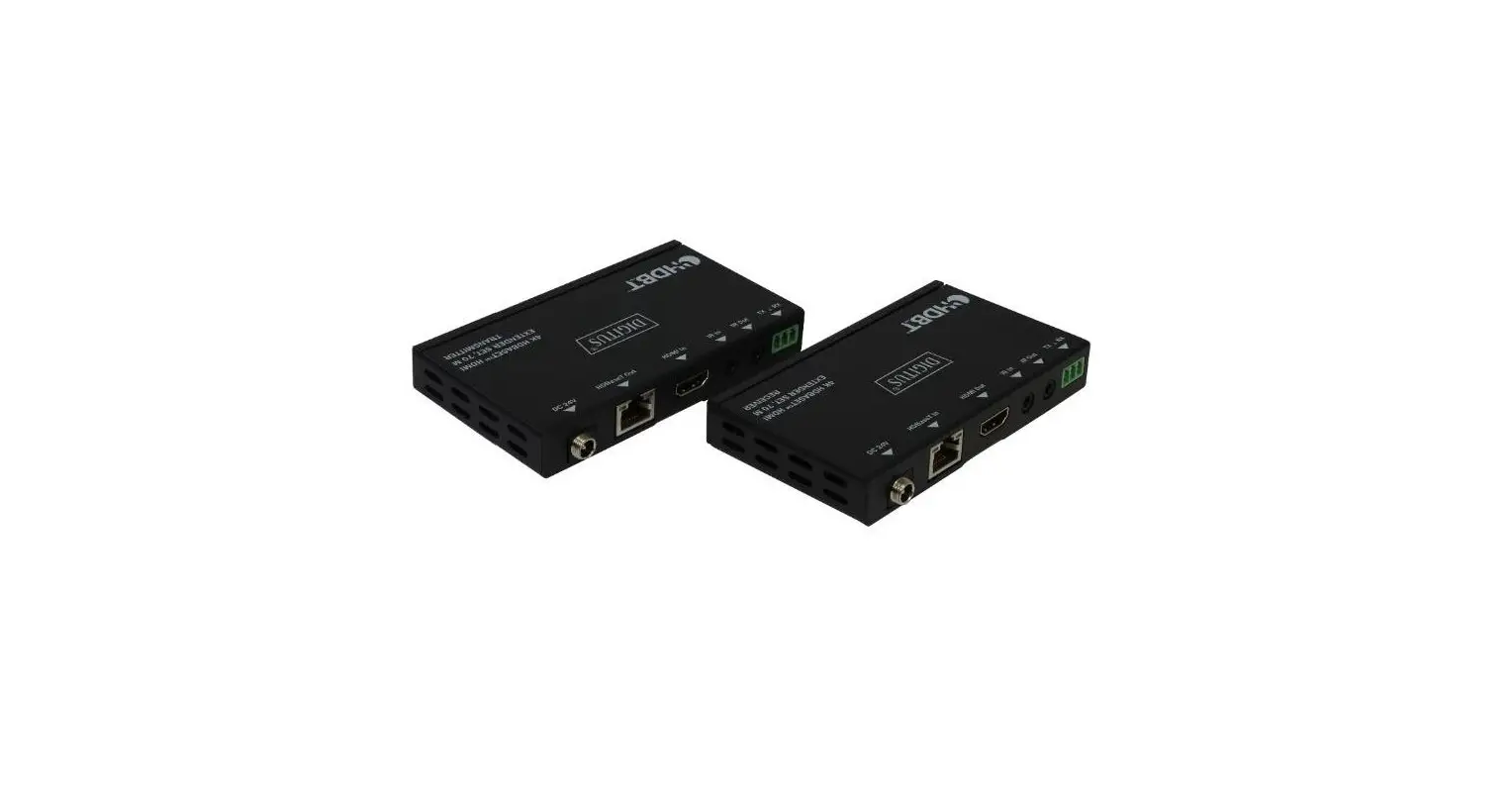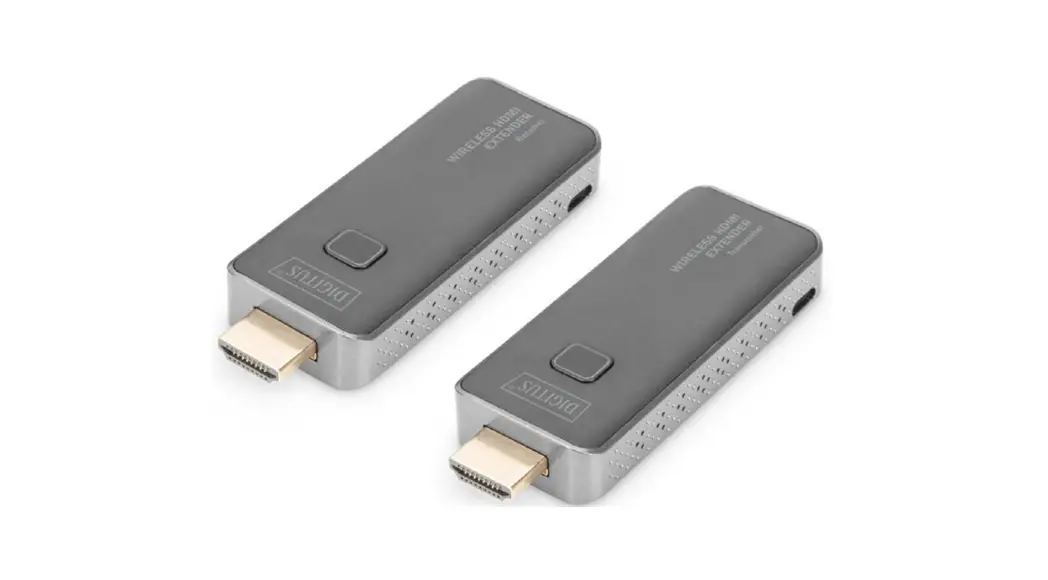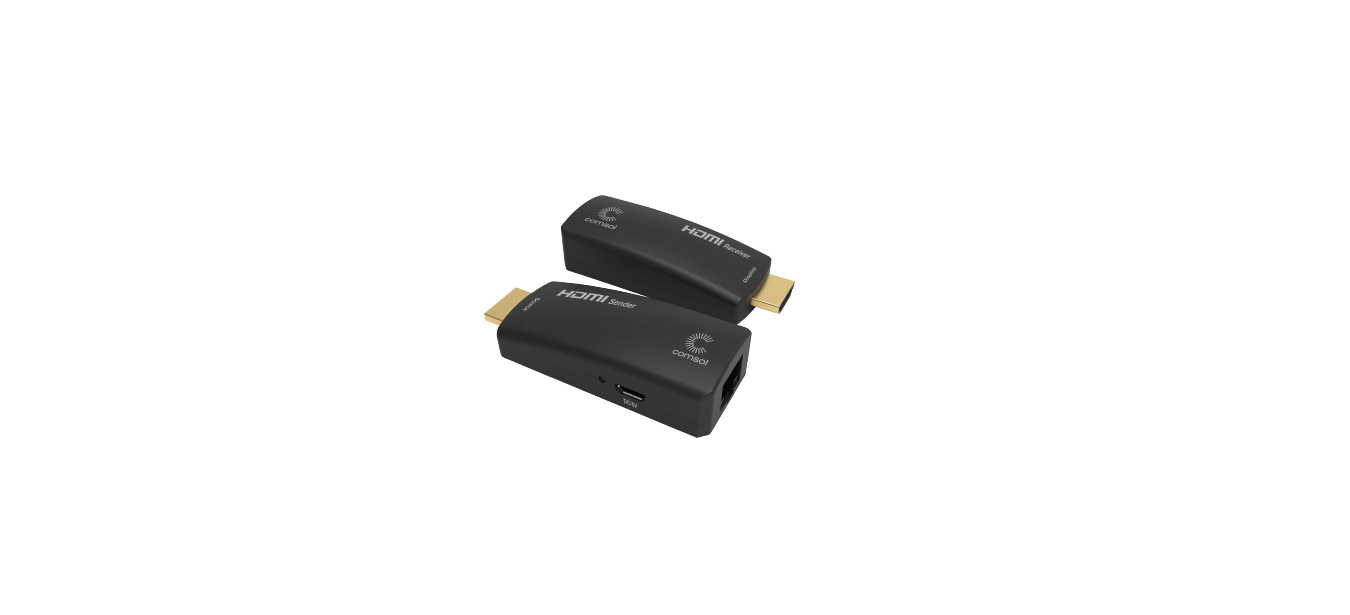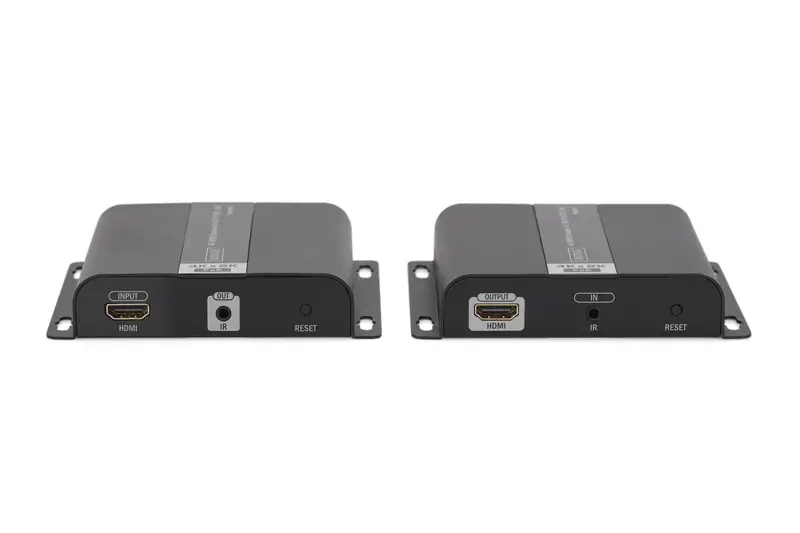
DIGITUS DS-55122 4K HDMI Extender via CAT/ IP (Set)
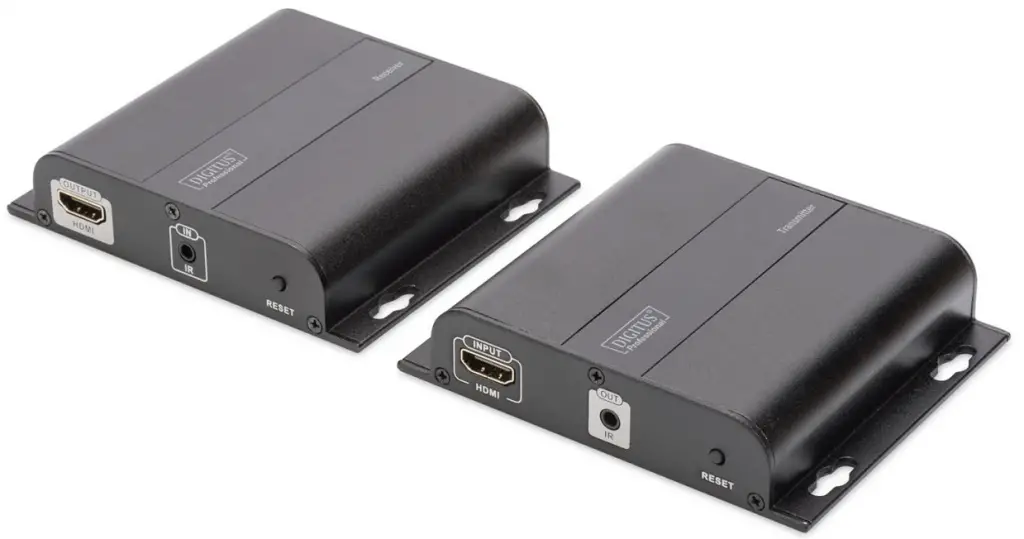
Introduction
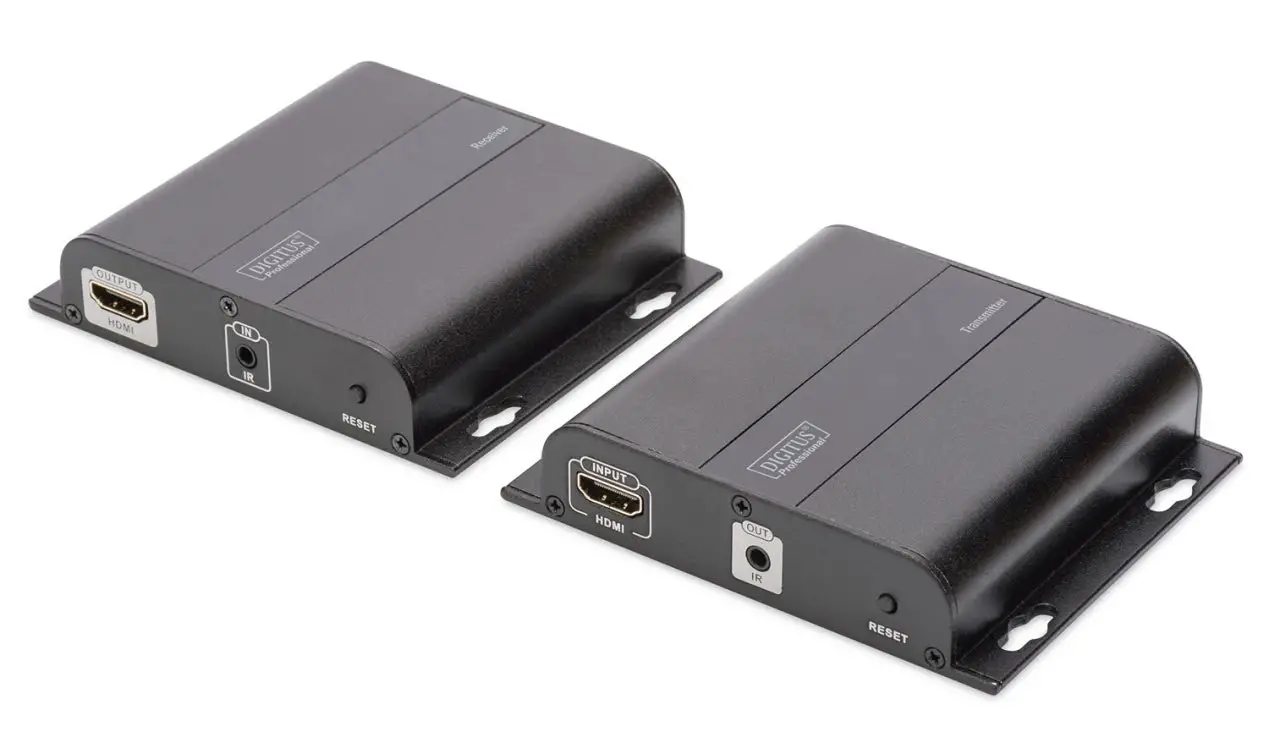
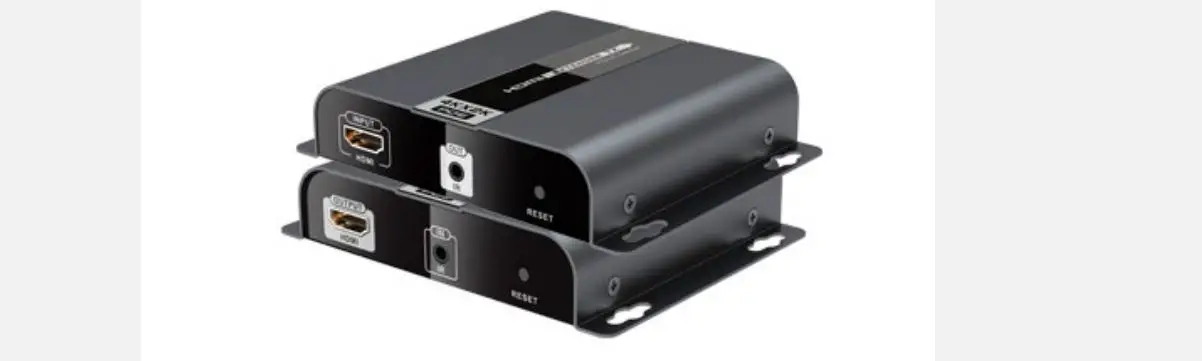
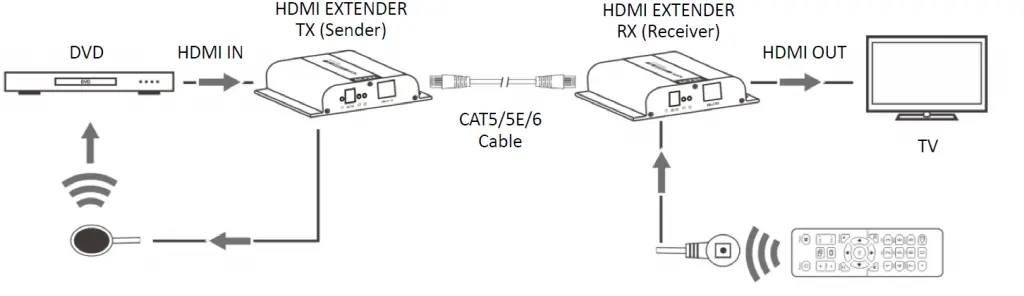
This HDMI Signal Extender extends your HDMI video/audio signal with of resolution of 4K2K/30Hz up to 120m (394 feet) via single network cable. Supports IR signal transmission, to control media playback of the signal source device at the display location.
Important safety notice
Please read below safety instructions carefully before installation and operation:
- Please pay attention to all the warnings and hints on this device.
- Do not expose this unit to rain, moisture and liquid.
- Do not put any stuff into the device.
- Do not repair or open this device without professional people’s guidance.
- Make sure good ventilation openings to avoid product overheating damage.
- Shut off power and make sure environment is safe before installation.
- Do not plug-in/out the network cables and IR cables when it is in using to avoid cables damage.
- Use DC5V only. Make sure the specification matched if using 3rd party DC adapters.
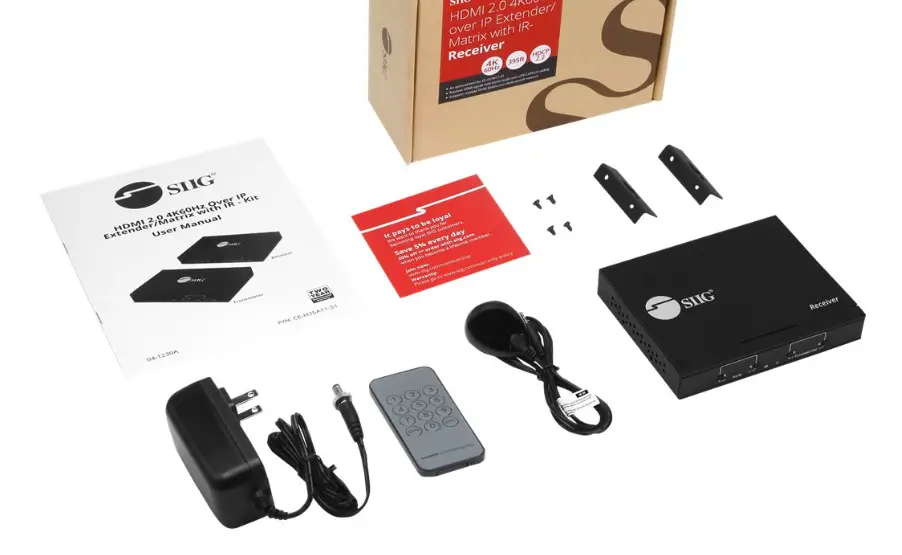
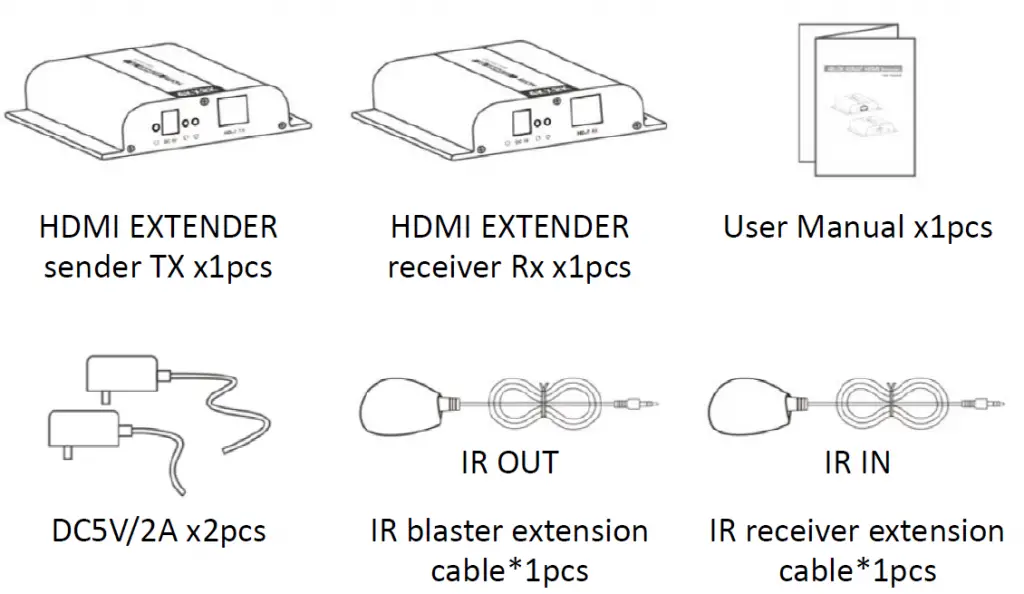
Package Contents
Specification
| Items | Specifications | |
| HDMI Signal | HDMI1.4, compatible with HDCP1.4 | |
| transport protocol | HDbitT | |
| Support resolutions | 480i@60Hz, 480p@60Hz, 576i@50Hz, 576p@50Hz, 720p@50/60Hz, 1080i@50/60Hz, 1080p@50/60Hz, 4Kx2K@24/25/30Hz | |
| Network Cable | UTP/STP Cat5/5e/6 | |
| Transmission distance | Up to 120 meters transmission distance for 1080p 60Hz Full HD over single CAT6 | |
| IR signal | Supports 20~60KHz IR devices | |
| Working Temperature | 0°C~60°C | |
| Power Supply | DC5V/2A | |
| Power Consumption | TX: 5W; RX: 4W | |
| Dimensions | 107.3(W)x94(D)x23.7(H)mm*2pcs | |
| Weight | TX: 170g | RX: 167g |
| Color | Black | |
Installation Requirements
- HDMI source device
- HDMI display device l with HDMI port.
- Network cables: CAT 5/5E/6 network cables
Transmission length: CAT 5 – 80m/CAT 5E – 100m/CAT 6 – 120m
Panel Description
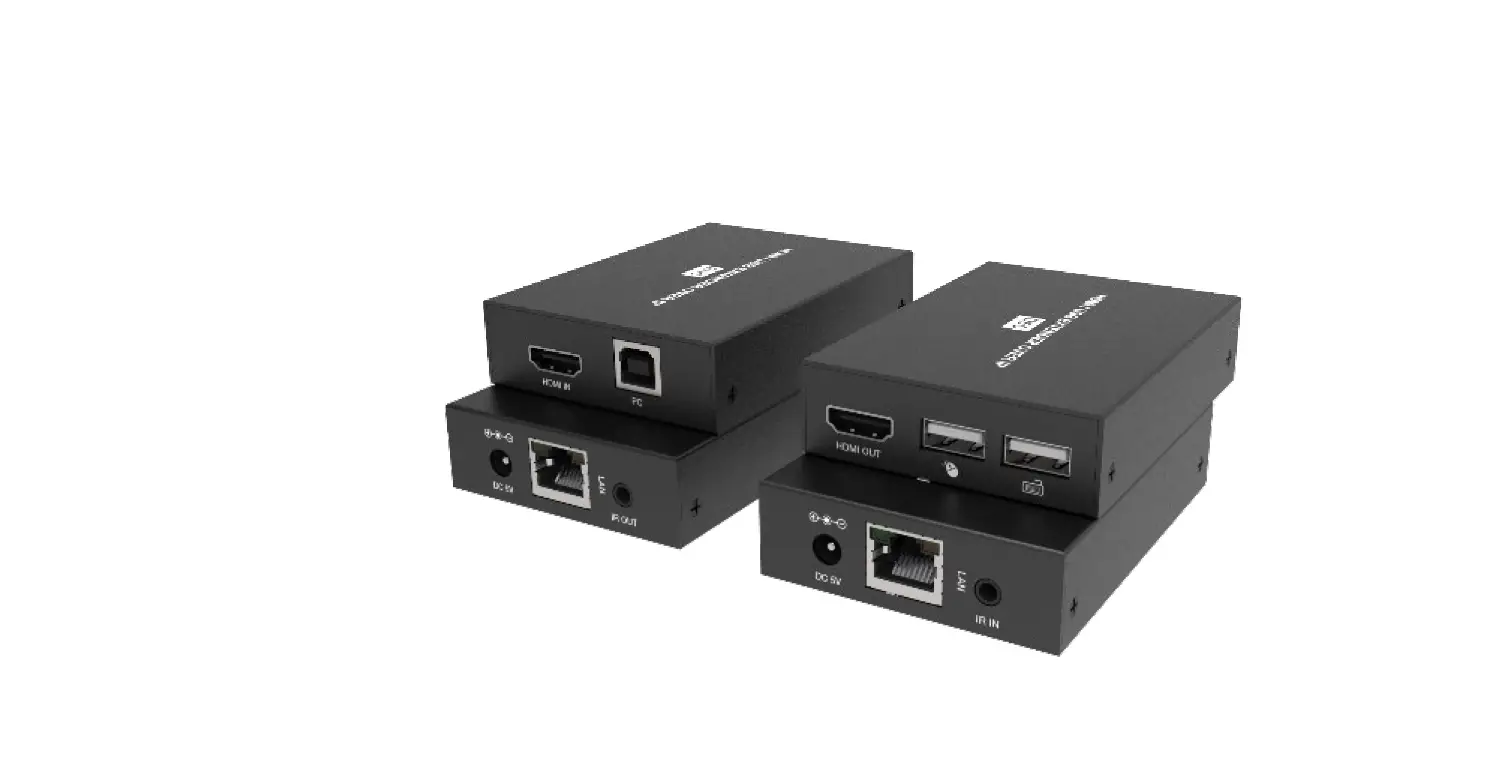
HDMI EXTENDER TX (Sender)

- HDMI signal input
- IR signal output to connect with blaster extension cable
- Reset
- Power Light
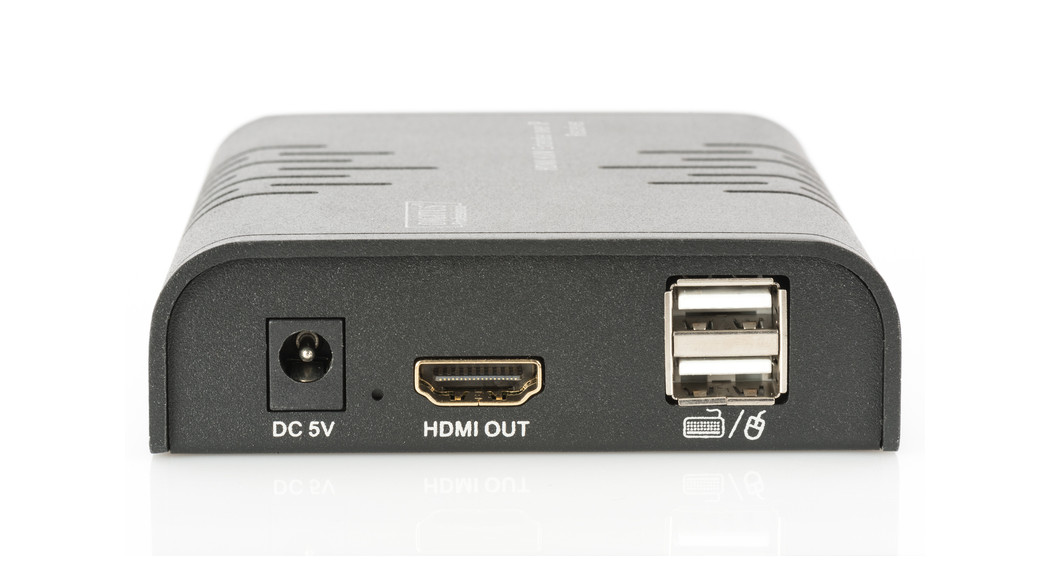
- Power input (DC5V)
- Data transmission light
- Network link light
- HDbitT signal output
HDMI EXTENDER RX (Receiver)
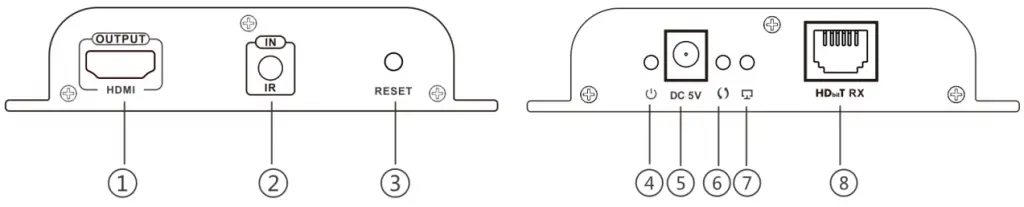
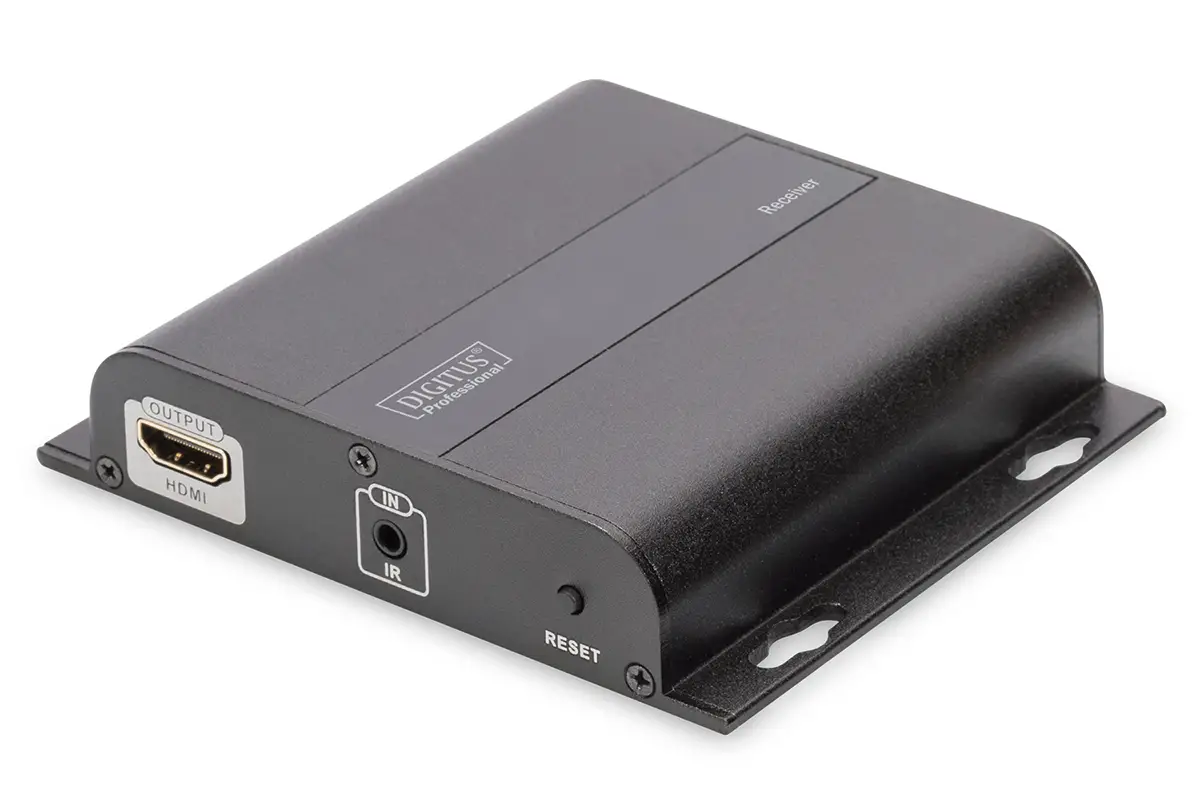
- HDMI signal output
- IR signal input to connect with IR receiver extension cable
- Reset
- Power Light
- Power input (DC5V)
- Data transmission light
- Network link light
- HDbitT signal input
Connections
Point to Point connection: Up to 120 meters transmission distance over single CAT 6 (High quality cable can reach 150 meters).
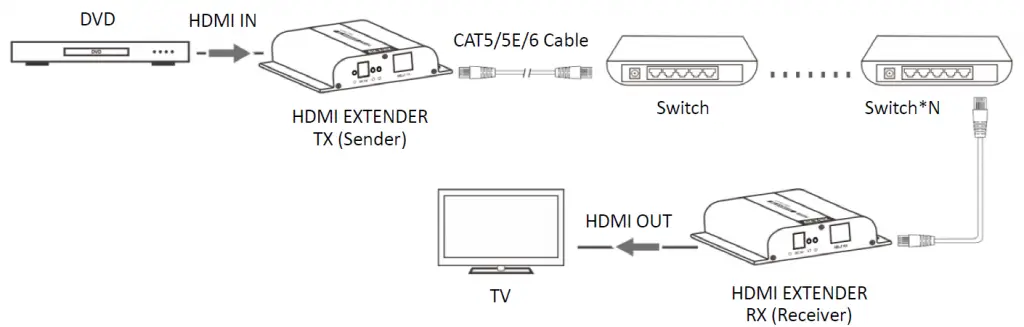
Network Switch/Router Connection: By using network switch/router/repeater, realize unlimited extension/distance.
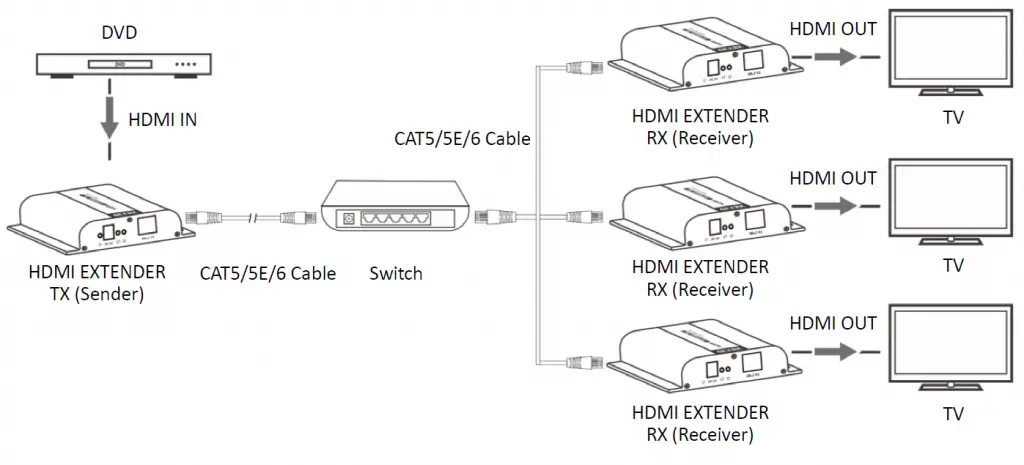
One-to-many Connection: By using network switch/router, one sender to several receivers (up 253 receiver units)
FAQ
Q: TV display “Waiting for connection” on the right corner?
A: Please check if the power supply of TX (Sender) and switcher (If used) is connected, and make sure connecting cable is firmly.
Q: TV display “Please check the TX input signal”?
A: Please check if there is a HDMI signal input of TX.
Try to connect the signal source directly to display device to see if there is signal output from source device or change the signal source, HDMI wire and try again.
Q: When playing 4Kx2K source, screen is back without any content?
A: Make sure both TV and HDMI cable support HDMI 1.4
Q: Display not fluent, not stable?
A: Please check the cable length between the TX to switch, the switch to the RX and the connection between each level is within the required range.
Click the “reset” button on the TX/RX front panel, reset and reconnect.
This is a Class A product. In home environment, this product may cause radio interference. In this case, the user may be required to take appropriate measures.
Hereby Assmann Electronic GmbH, declares that the Declaration of Conformity is part of the shipping content. If the Declaration of Conformity is missing, you can request it by post under the below mentioned manufacturer address.
www.assmann.com
Assmann Electronic GmbH
Auf dem Schüffel 3
58513 Lüdenscheid
Germany

 ASSMANN Electronic GmbH | Germany