 HDMI KVM
Extender over IP, Set 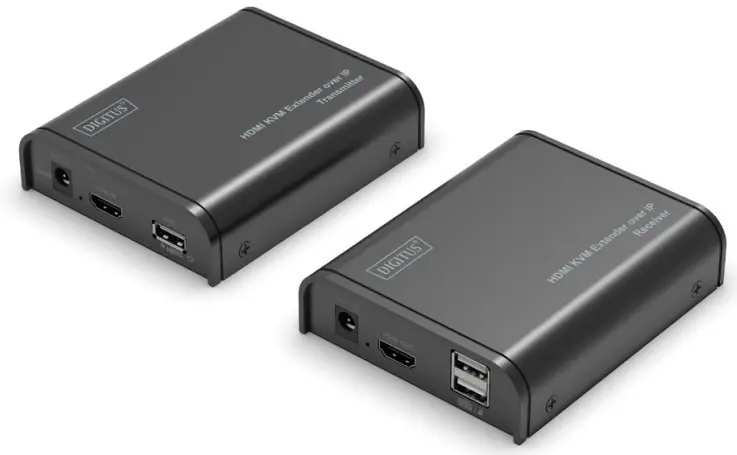 Quick Installation Guide
DS-55202 Rev.3
Introduction
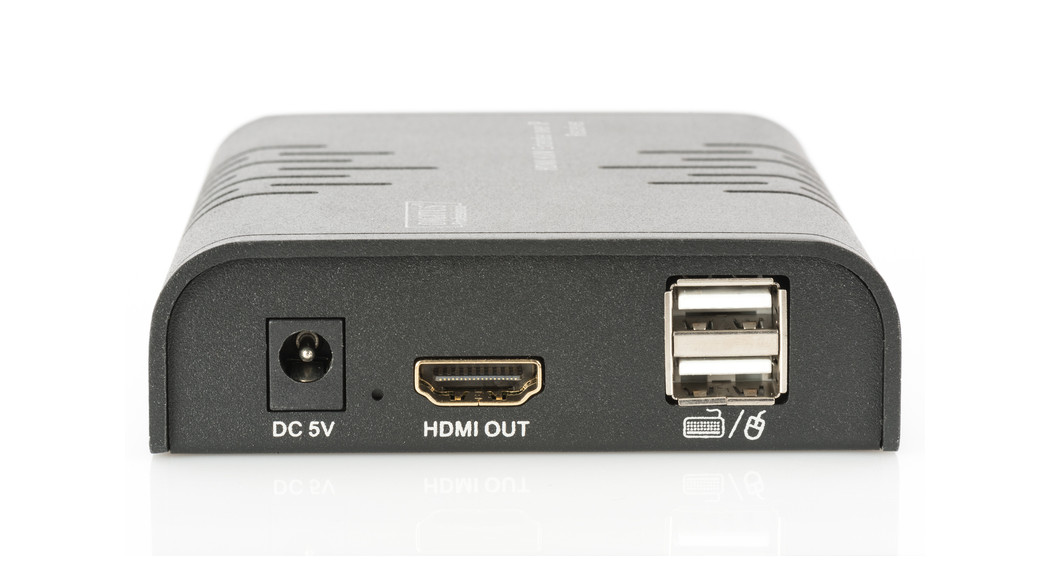
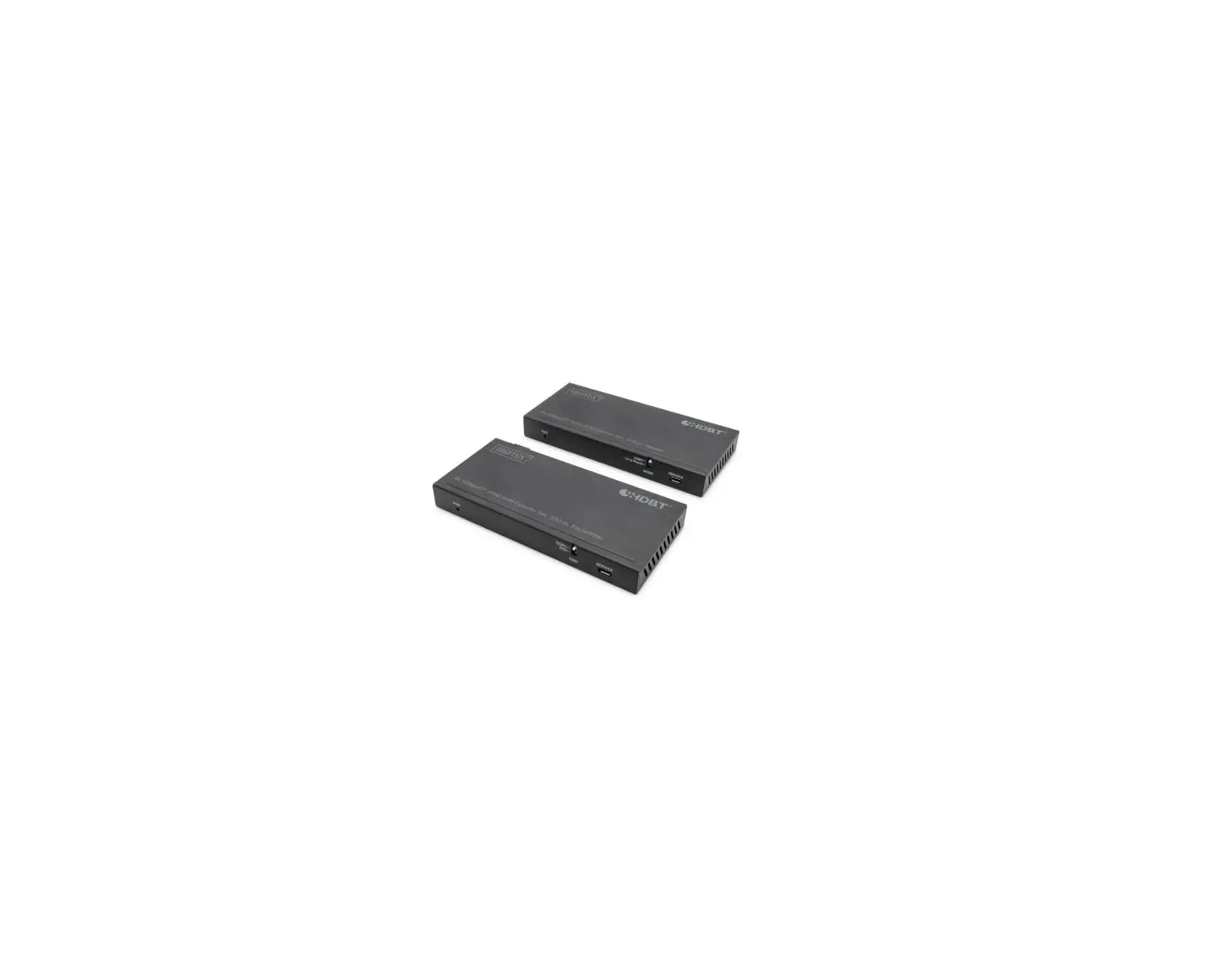
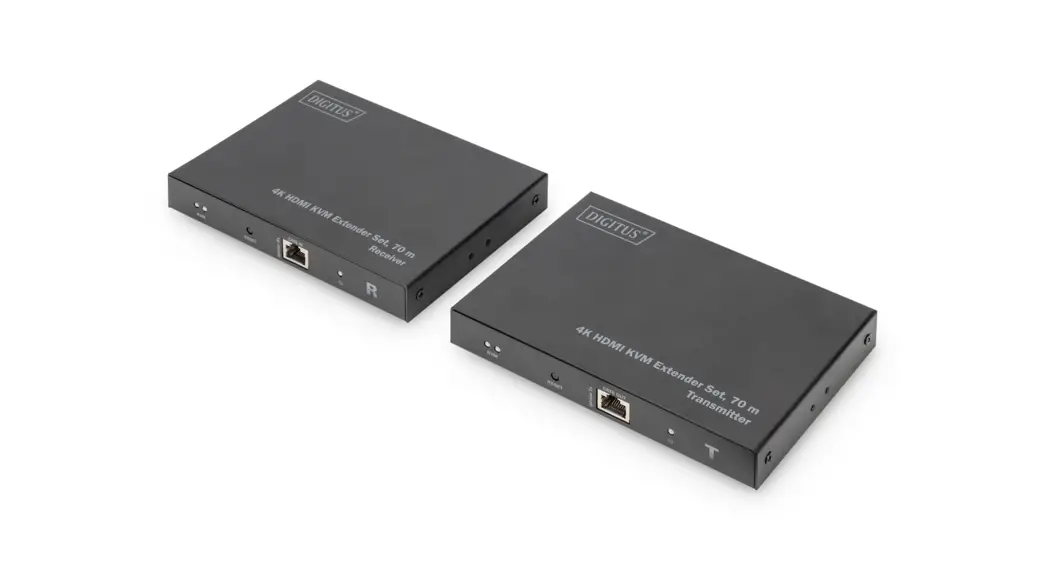
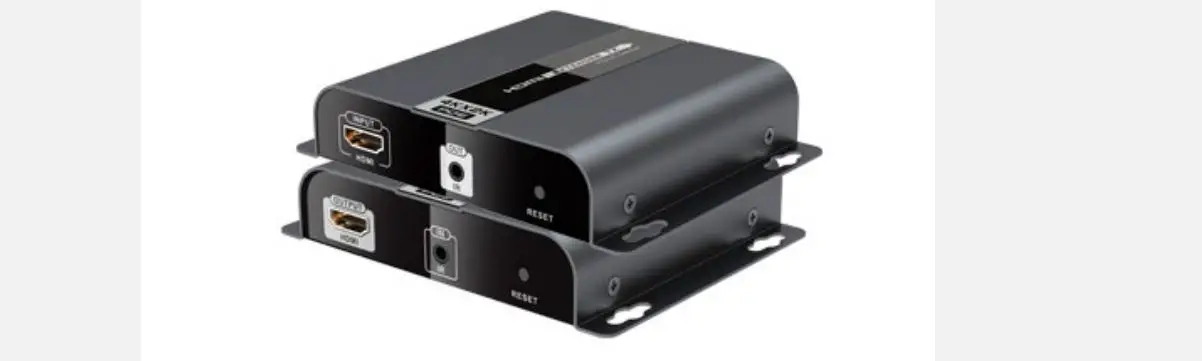
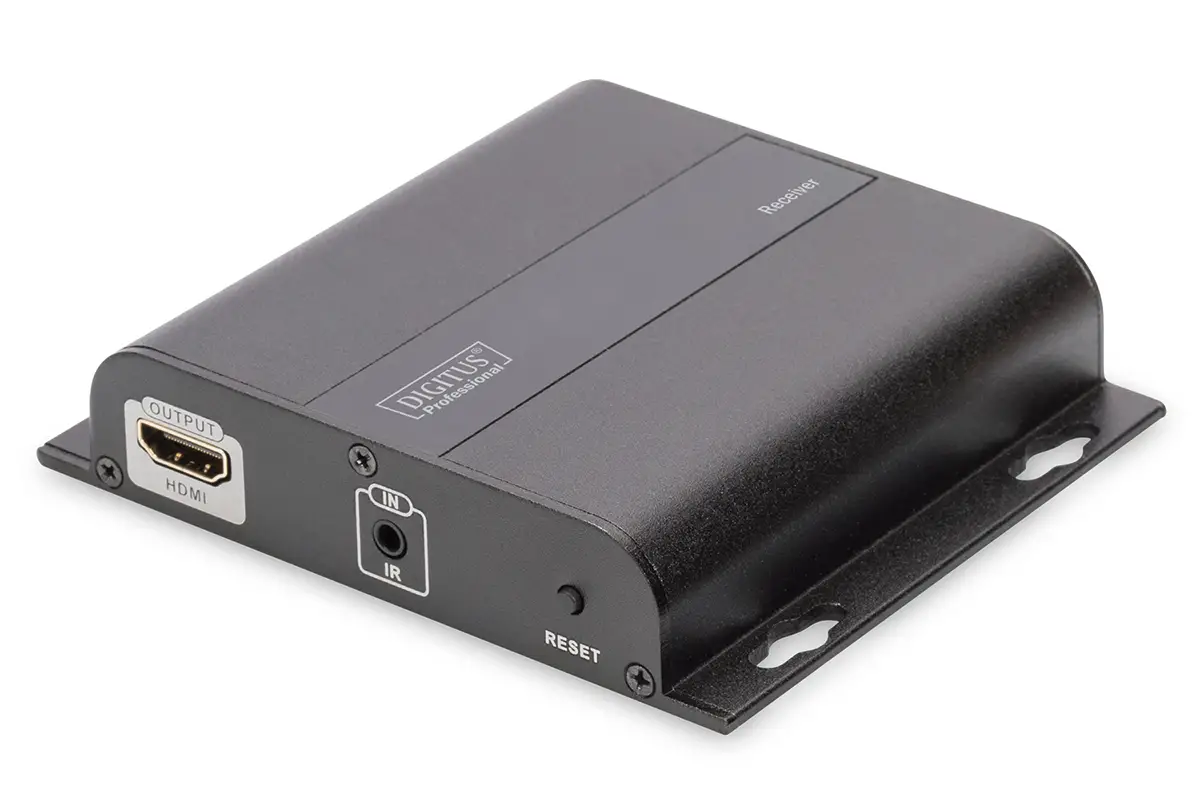
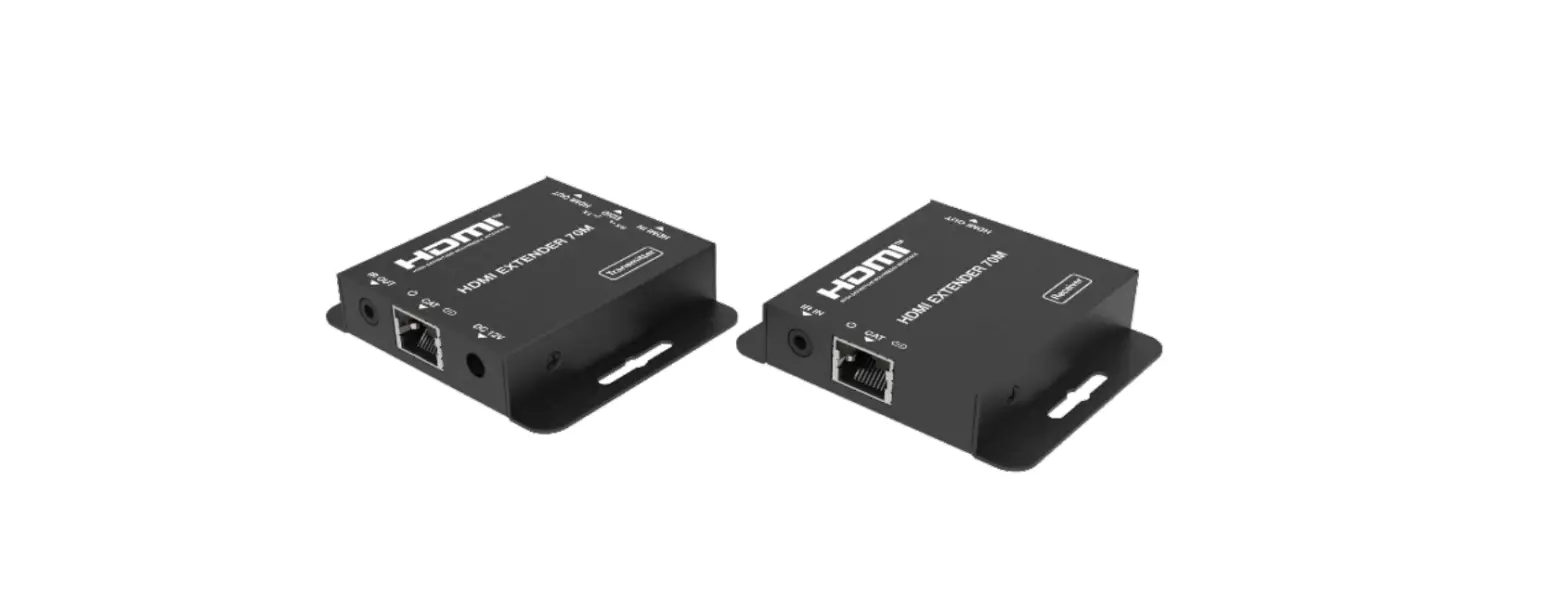
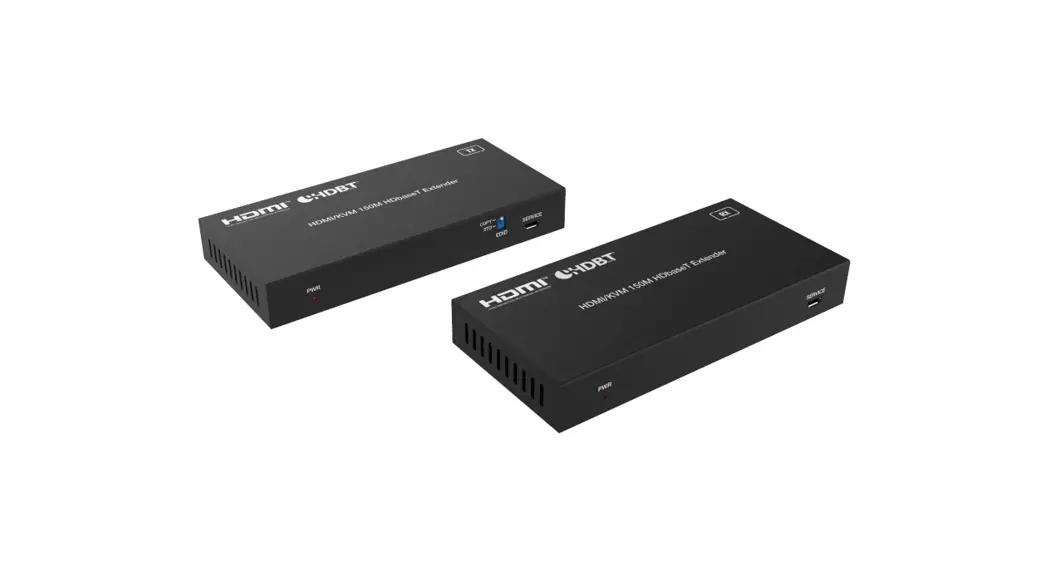
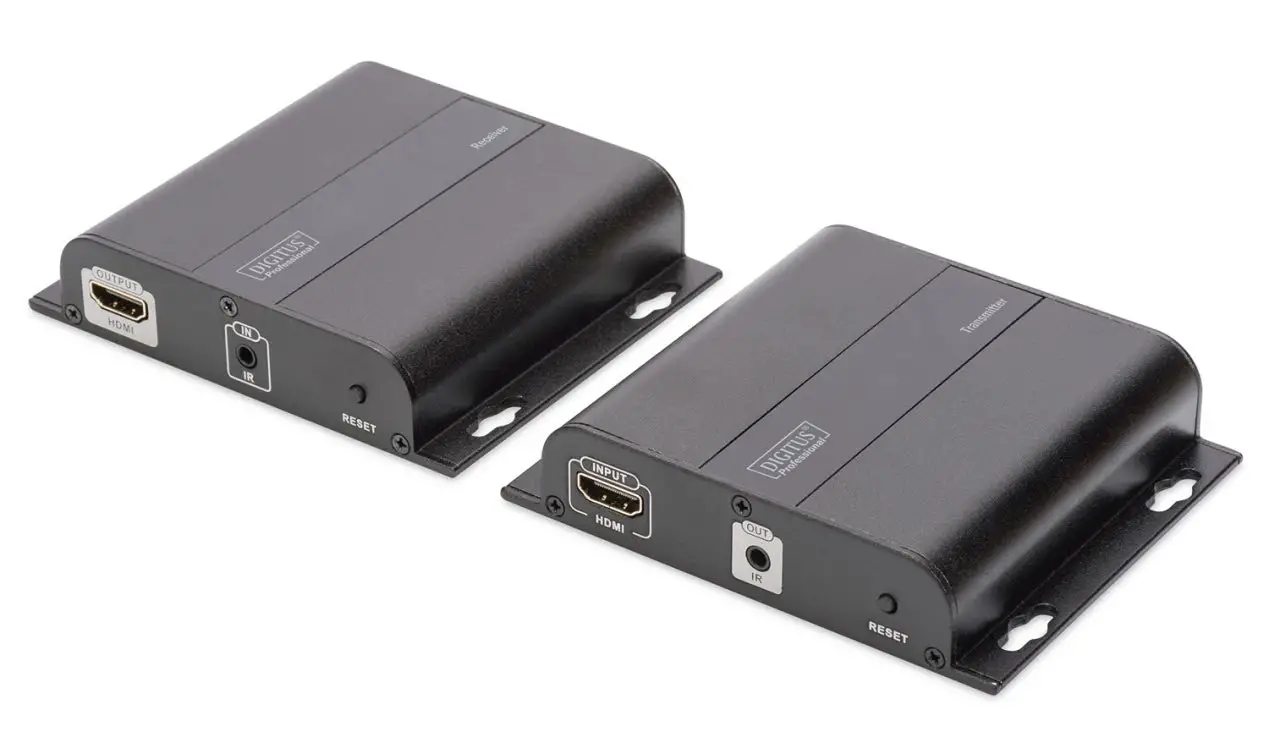
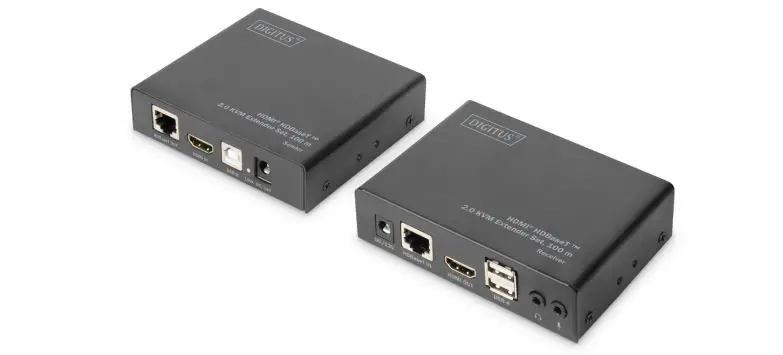
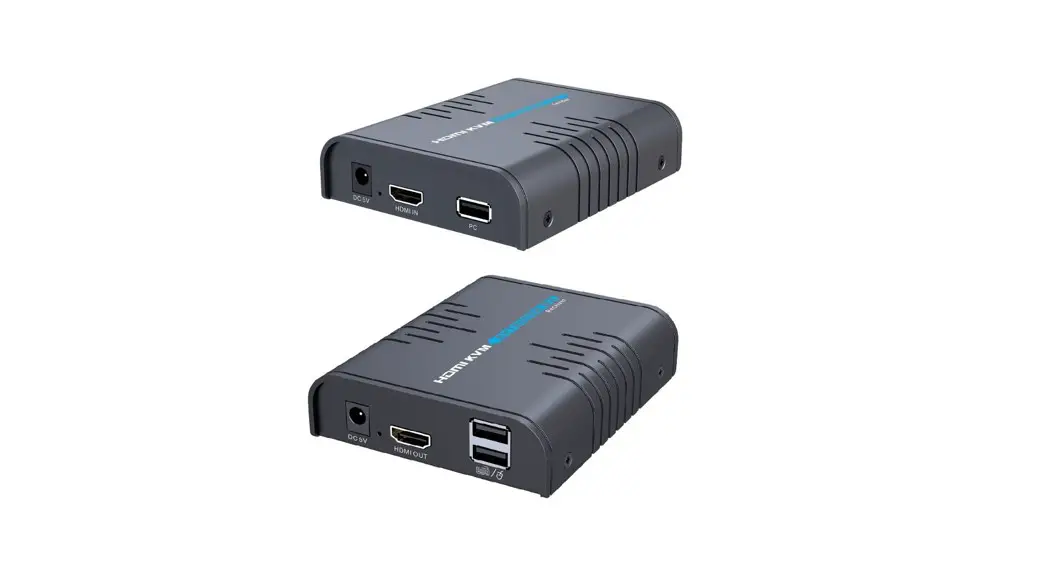
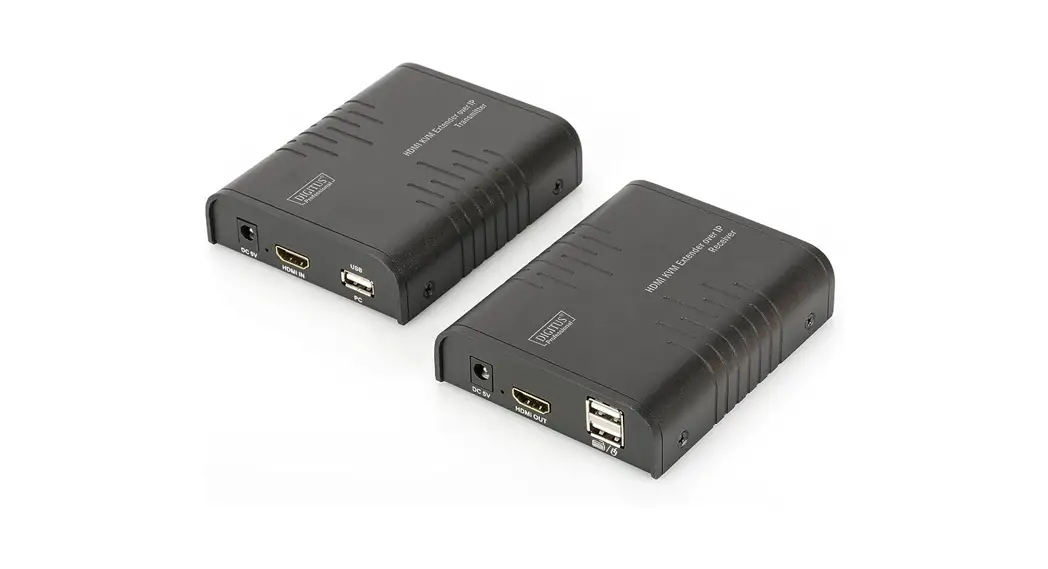
The Digitus HDMI KVM extender set consists of a sender unit (local location) as well as a receiver unit (remote location). The HDMI signal can be extended by means of a network cable (CAT 6, 5e, 5) up to a maximum distance of 120m. The HDMI signal can also be extended to an unlimited distance via the existing network infrastructure (via IP connection). The highest supported video resolution is 1080p / 60 Hz. It also makes convenient access on a computer (mouse and keyboard) possible via the USB ports on the receiver unit. It is perfectly suited to industrial, commercial and public applications.
Product Features
- Extends the maximum length for HDMI cable to up to 120 m via a simple network cable
- Extension of the signal (unlimited distance) over the existing local network infrastructure (over IP onnection)
- Highest supported video resolution: 1080p / 60 Hz
- Supports KVM function – convenient control of mouse and keyboard via USB on the receiver unit
- Supports LAN-standard 802.3 Ethernet 10/100/100 Mbps
- LED activity indicator for function, keyboard and mouse
- Supports UTP/STP CAT 5/ 5e/6/7 network cables in accordance with IEEE-568B standard
- Plug & Play, no additional software required
Package Content
- 1x HDMI Extender transmitter unit
- 1x HDMI Extender receiver unit
- 2x Power supply unit: DC 5V/1A
- 1x Instruction manual
- 1x USB cable
Specification
| Part No. | DS-55202 | |
| Technical | Transmitter-TX | Receiver-RX |
| Signal format | HDMI 1.3 | |
| HDCP | HDCP 1.2 | |
| HDMI connector | Type A, 19 pin, Female | |
| Transmission distance | CAT5/80 meters, CAT5e/100meters, CAT6/120 meters | |
| LAN connector | RJ-45 | |
| Video bandwidth | 70Mbps | |
| resistance | 750 | |
| Video Latency | 70ms | |
| HDMI resolution supported | 640*480@60Hz 1024*768@60Hz 1360*768@60Hz 1400*1050@60Hz 1920*1080@60Hz | 800*600@60Hz 1280*720@60Hz 1440*900@60Hz 1680*1050@60Hz |
| Audio support | PCM (44.1KHz, 48KHz) | |
| KVM function (connect with PC, keyboard/mouse) | connect with PC | connect with keyboard/mouse |
| Switch Connection | yes | |
| Input | lx HDMI lx USB (to connect with PC) mouse) | 2x USB (to connect with keyboard/ lx RJ45 |
| Output | lx RJ45 | lx HDMI |
| Mechanical | Transmitter-TX | Receiver-RX |
| Housing | Metal enclosure | |
| Dimension | 109.6 (L) x 89.5 (w) x 26.3 (H) mm | |
| Net weight | 235g | 237g |
| Power supply | DCSV 1A | |
| Power consumption | < 3.5W | < 3.5W |
| Operation temperature | 0-60°C | |
| Storage temperature | -20-70°C | |
| Relative humidity | 20-90% (no condensation) | |
Penal Description
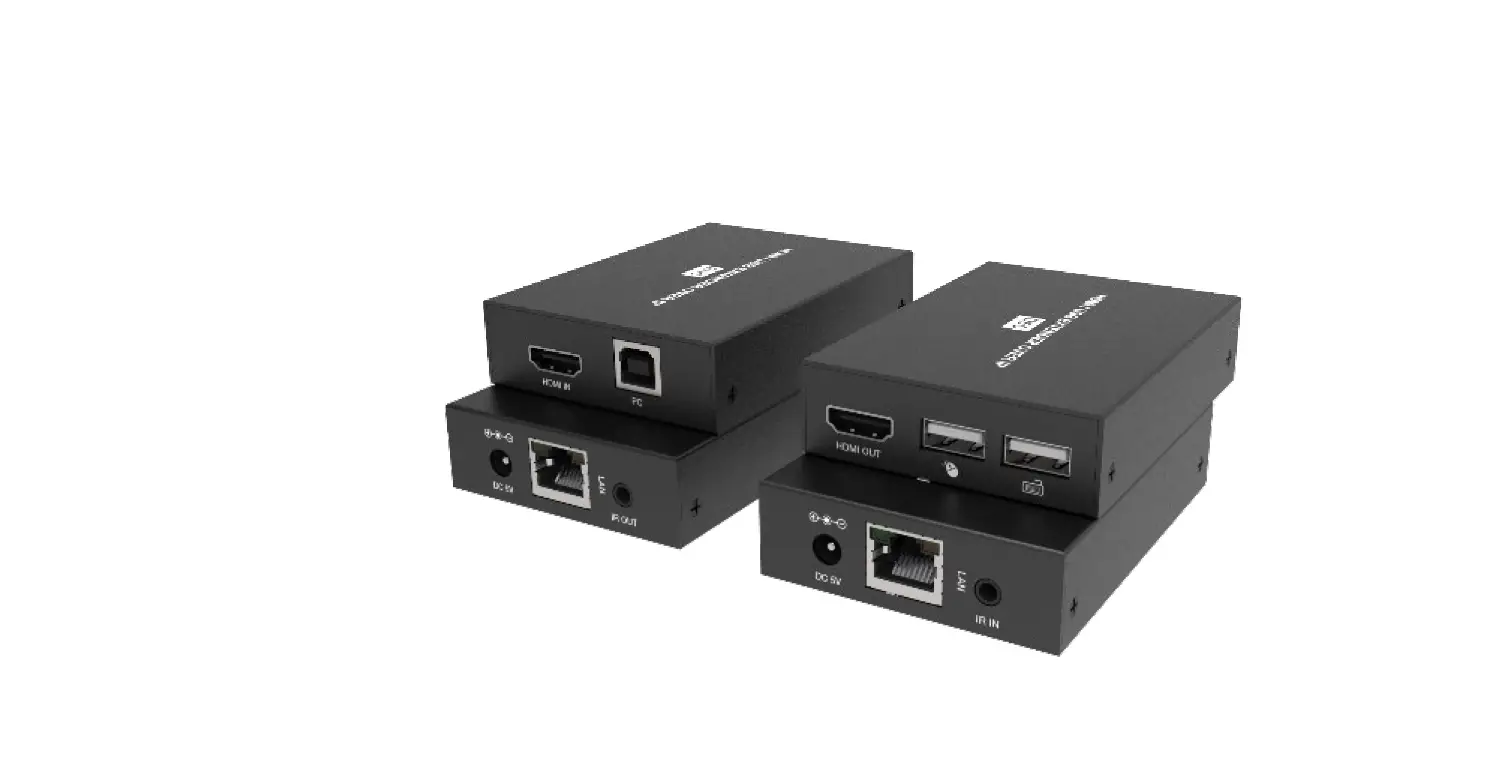
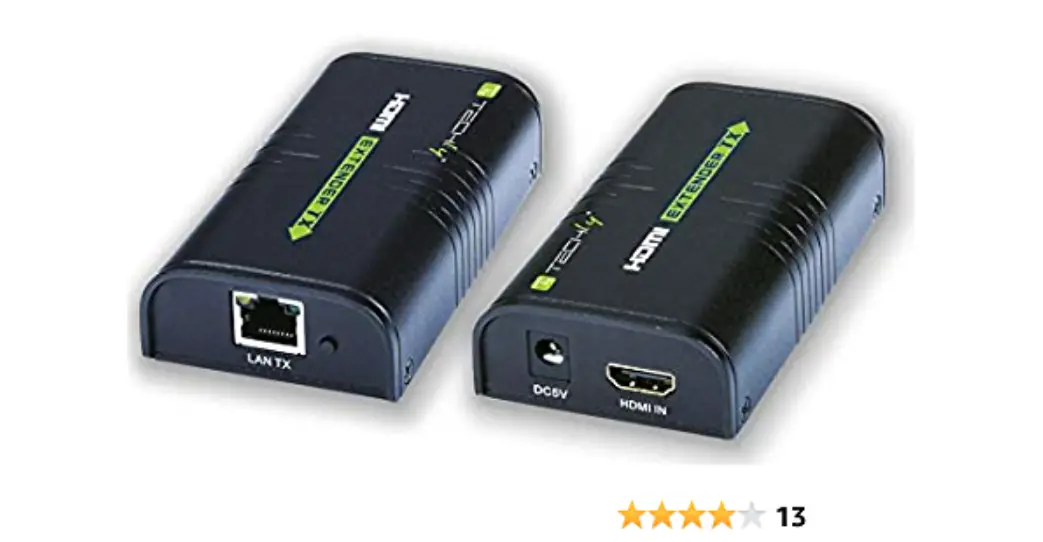
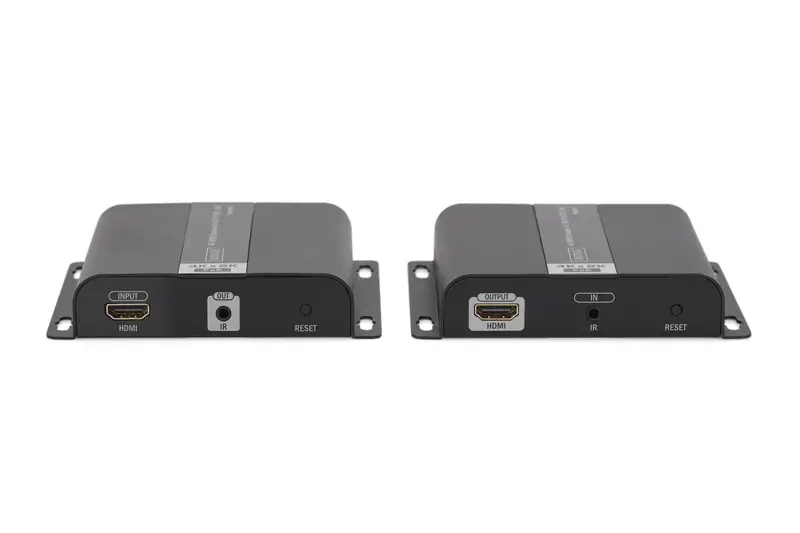
Transmitter unit (TX)
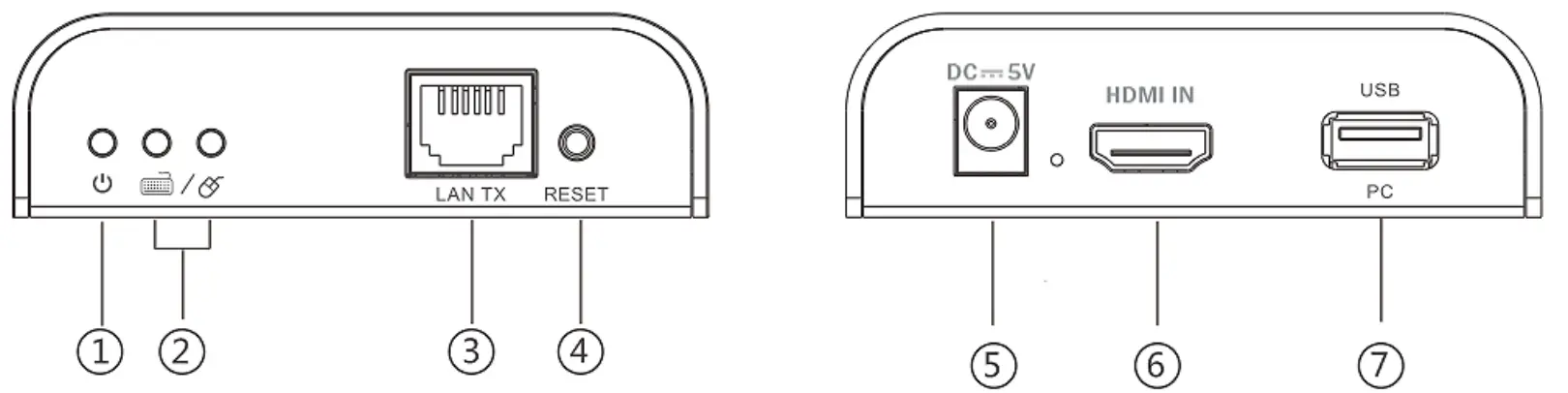
- Power indicator
- USB connection indicator
- LAN signal output
- Reset button
- Power input (DC5V)
- HDMI signal input
- USB port: to connect with PC
Receiver unit (RX)
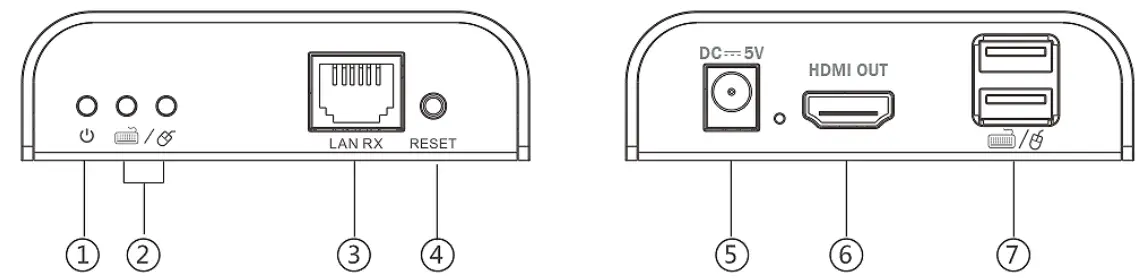
- Power indicator
- USB connection indicator
- LAN signal input
- Reset button
- Power input (DC5V)
- HDMI signal output
- USB port: to connect with keyboard/mouse
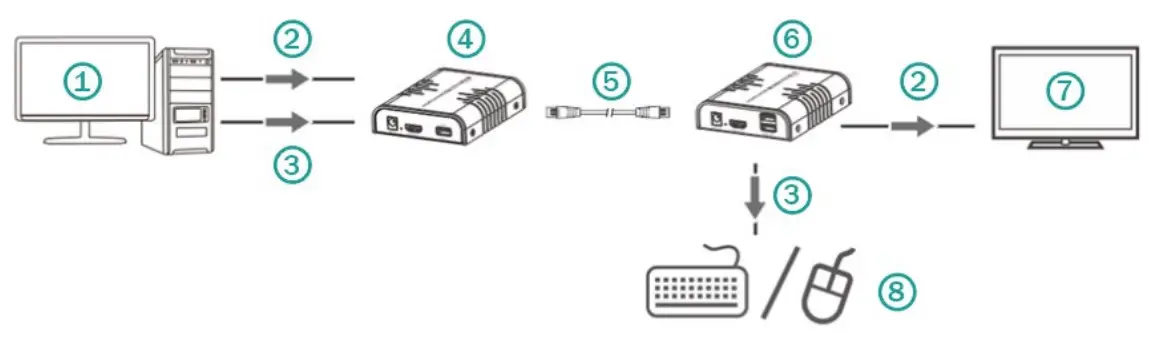
| 1 | PC | 5 | cable |
| 2 | HDMI | 6 | Receiver RX |
| 3 | USB | 7 | TV |
| 4 | Transmitter TX | 8 | keyboard/ mouse |
NOTE: Point to multi-point connection via switch is supported too, but under point to multi-point configuration, it is strongly recommended to operate KVM function on one receiver only at the same time.
6.2 Over IP Connection Diagram
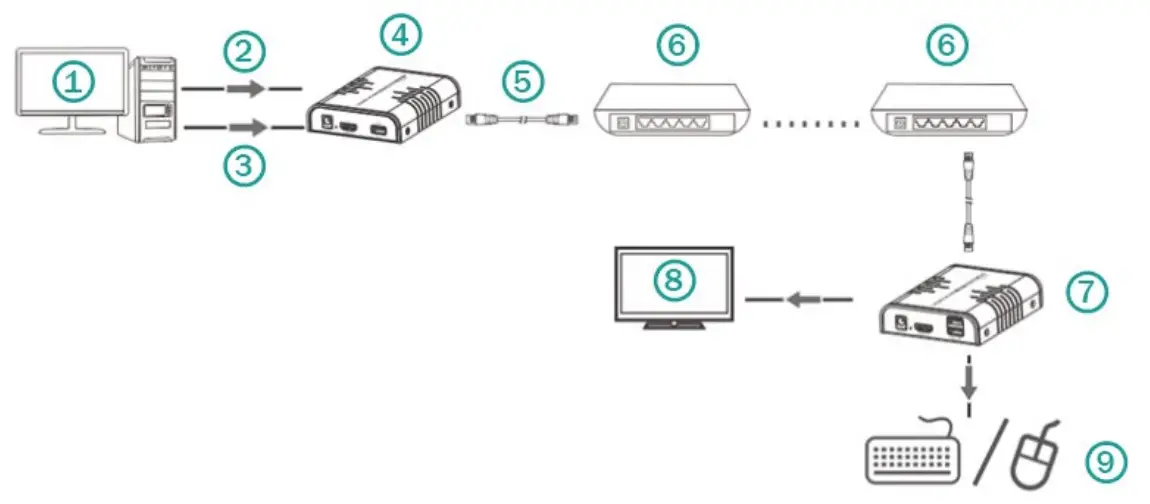
| 1 | PC | 6 | Switch |
| 2 | HDMI | 7 | Receiver RX |
| 3 | USB | 8 | TV |
| 4 | Transmitter TX | 9 | keyboard/ mouse |
| 5 | cable |
NOTE: Transmission distance depends on type of network cable, CAT5: 80m, CAT5E: 100m, CAT6: 120m.
Installation Requirements
- HDMI source device (computer graphics card, DVD, PS3, HD monitoring equipment etc.).
- HDMI display device like SDTV, HDTV, and projector with HDMI port.
- UTP/STP CAT6/6A/7 cable, follow standard IEEE-568B.
Troubleshooting
| Problems | Causes | Solutions |
| Non-powerconnected/ all LED off | Maybe the power supply is not connecting well or use the wrong power adapter | Please check if the power supply is connecting well and the output voltage value is correct as recommended |
| No sound or sound issues | Maybe the HDMI connection is not well; the audio format is not supported by the displays; the | Please check if the HDMI cables are connecting well; if the audio format is supported by the displays, customers can change to the supported |
| source player set another port to output audio | audio format or the player`s audio output is setting HDMI audio output or not | |
| No picture or picture flicker | Maybe the HDMI cable quality and UTP cable quality is not good enough or not connecting well | Please check if the HDMI and UTP connection is well or change another good quality HDMI 1.4 standard HDMI cable or UTP (CAT5e/CAT6 or higher is recommended) cable will solve the issue. |
This is a Class A product. In home environment, this product may cause radio interference. In this case, the user may be required to take appropriate measures.
Hereby ASSMANN Electronic GmbH declares that the Declaration of Conformity is part of the shipping content. If the Declaration of Conformity is missing, you can request it by post under the below mentioned manufacturer address.
www.assmann.com
Assmann Electronic GmbH
Auf dem Schüffel 3
58513 Lüdenscheid
Germany
 ASSMANN Electronic GmbH | Germany