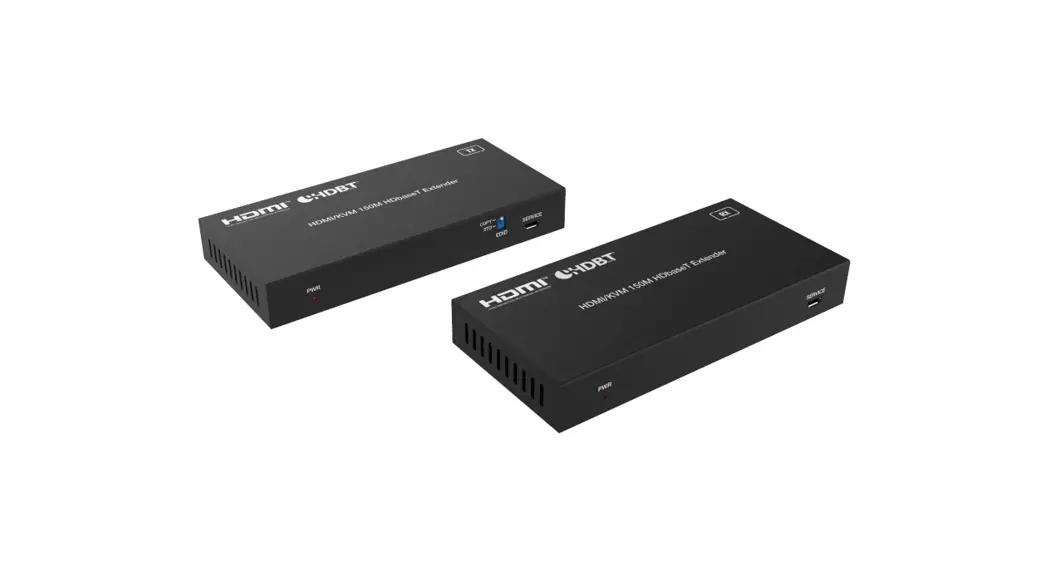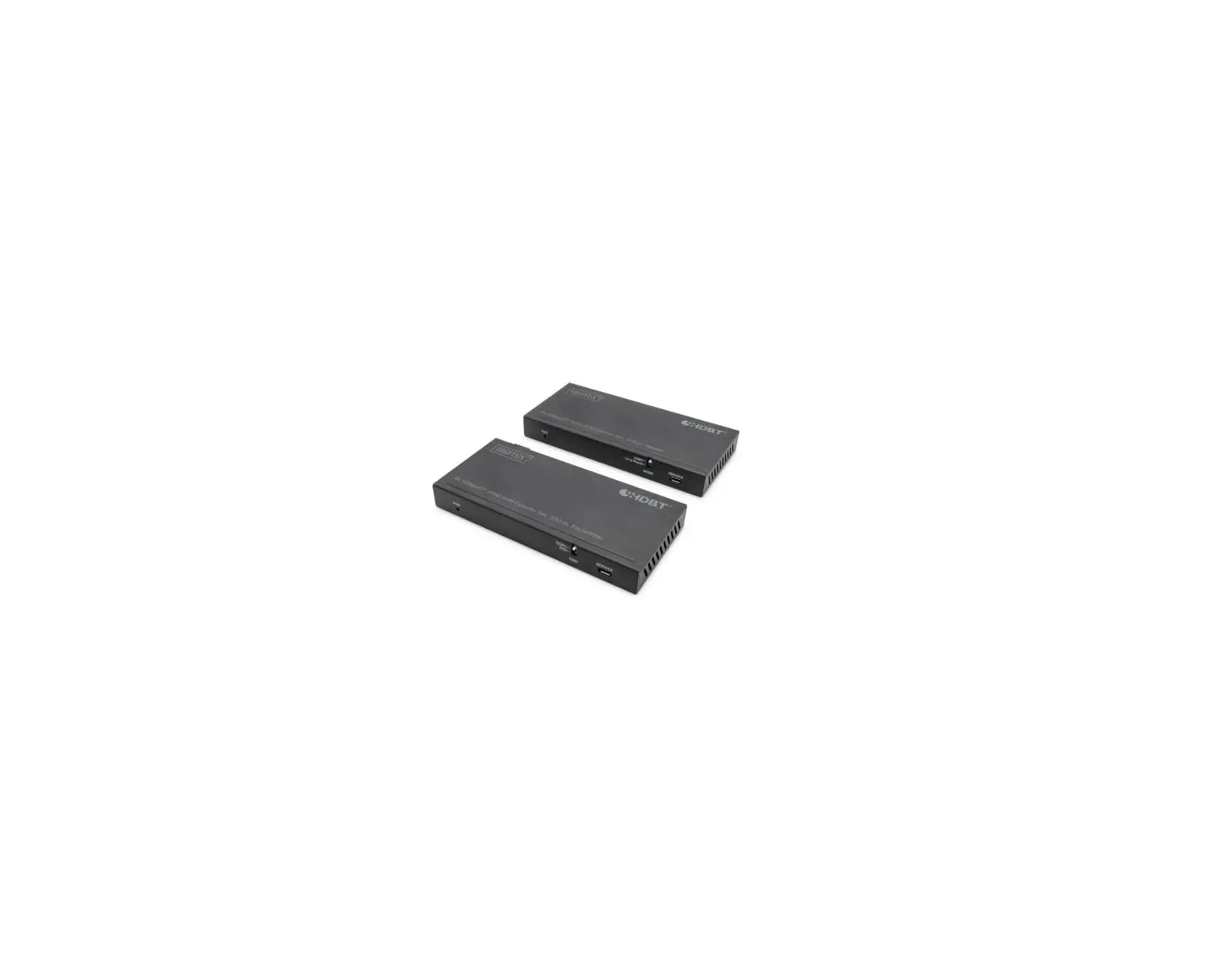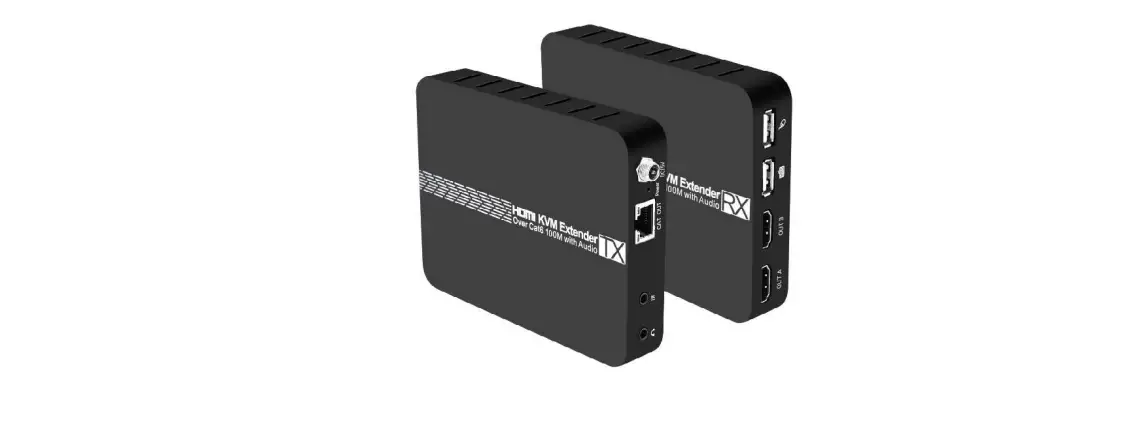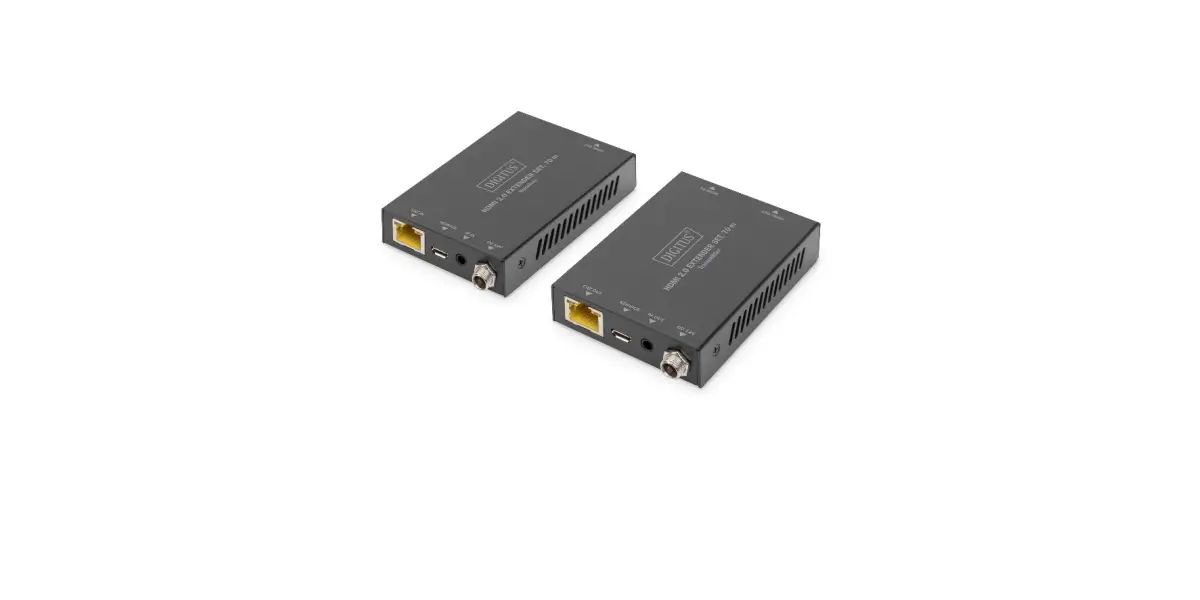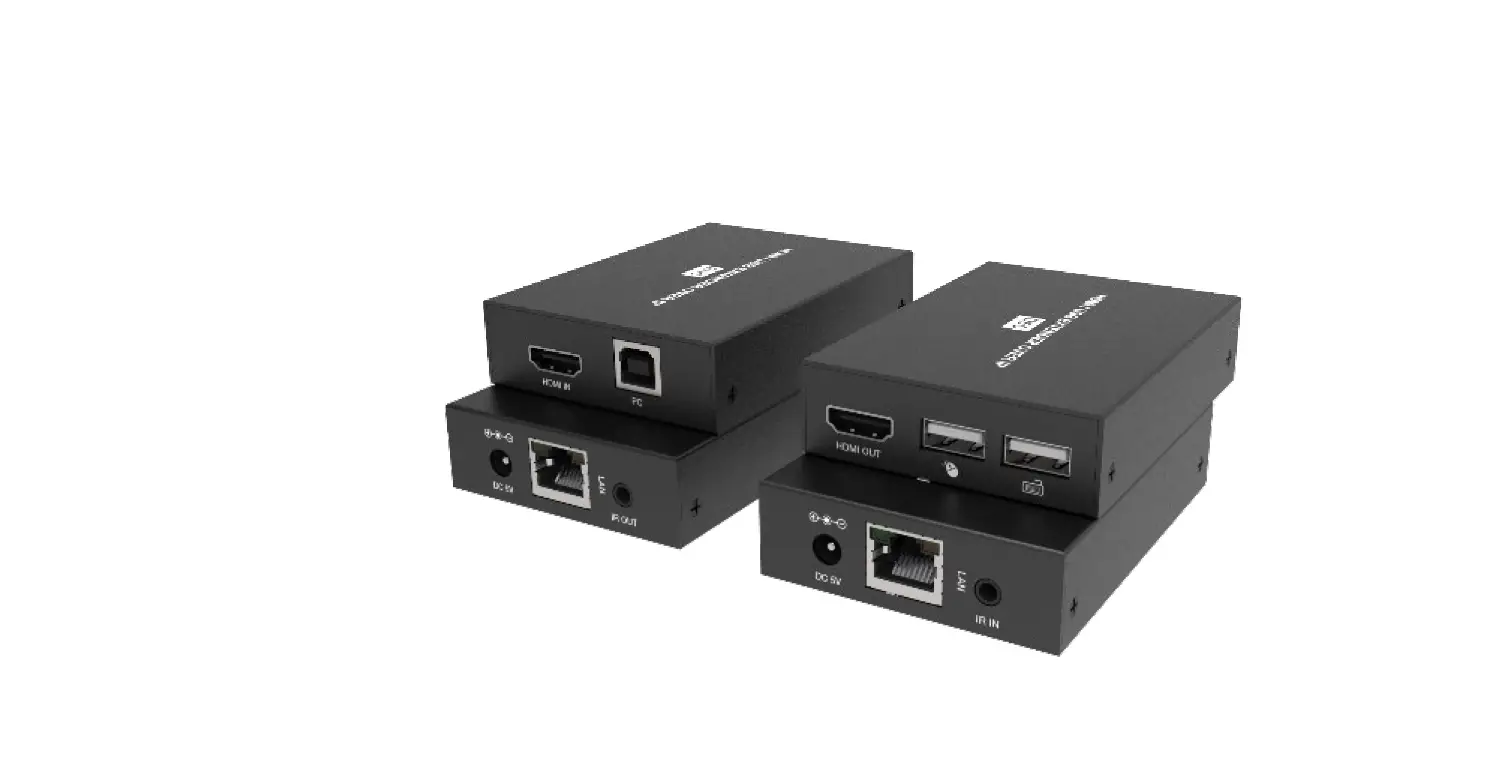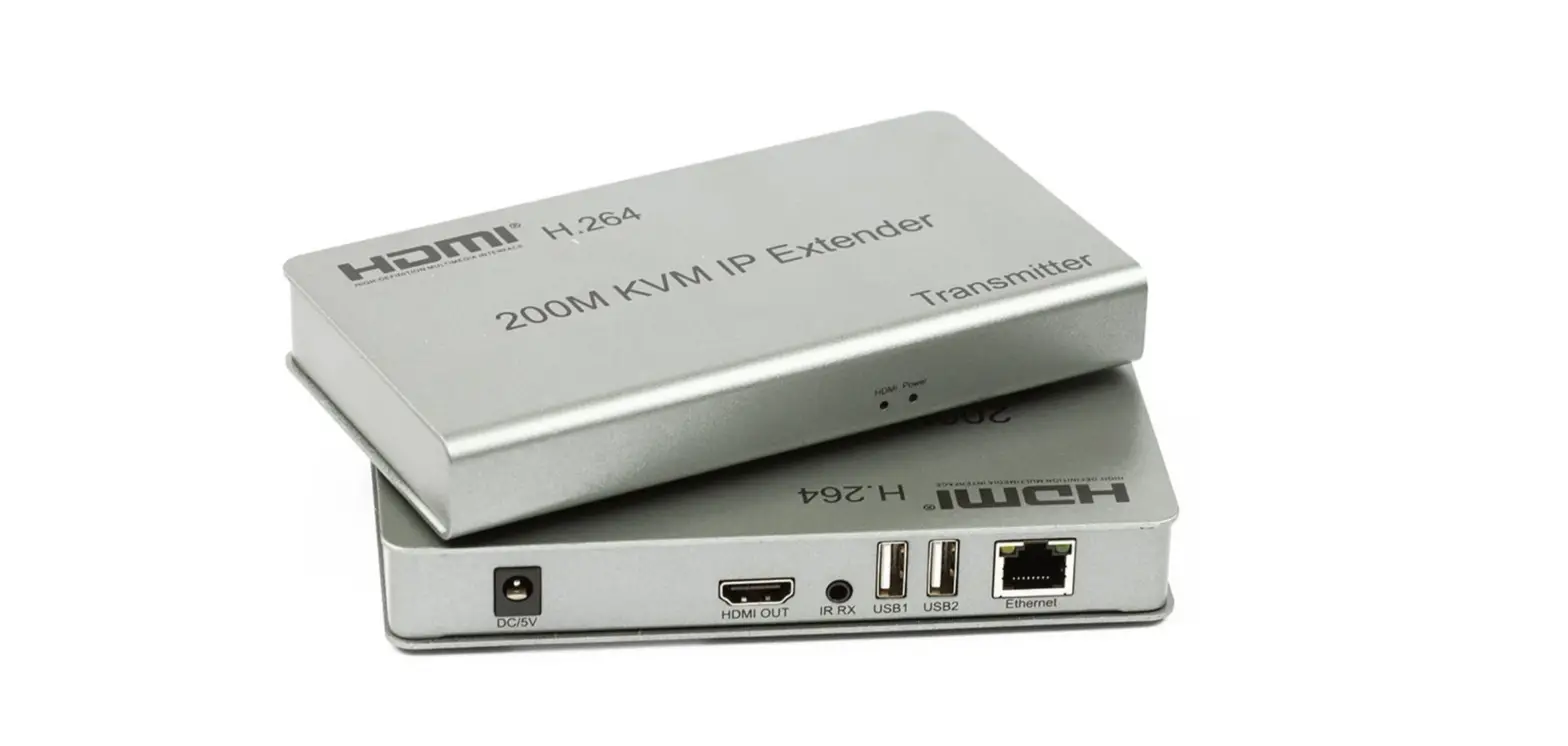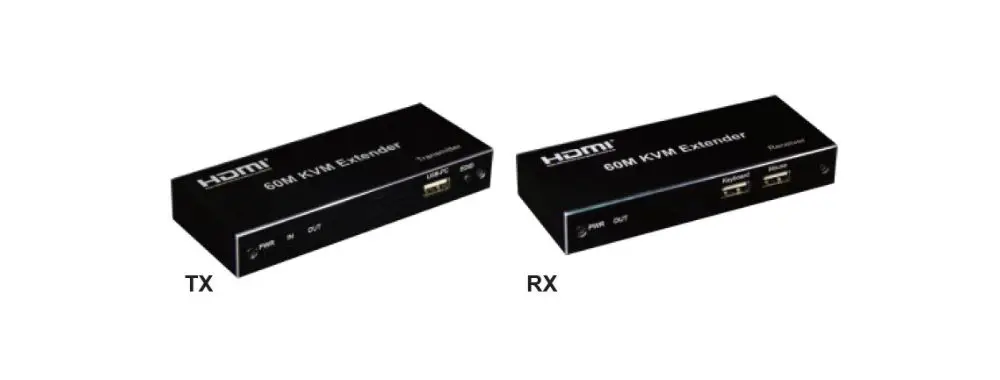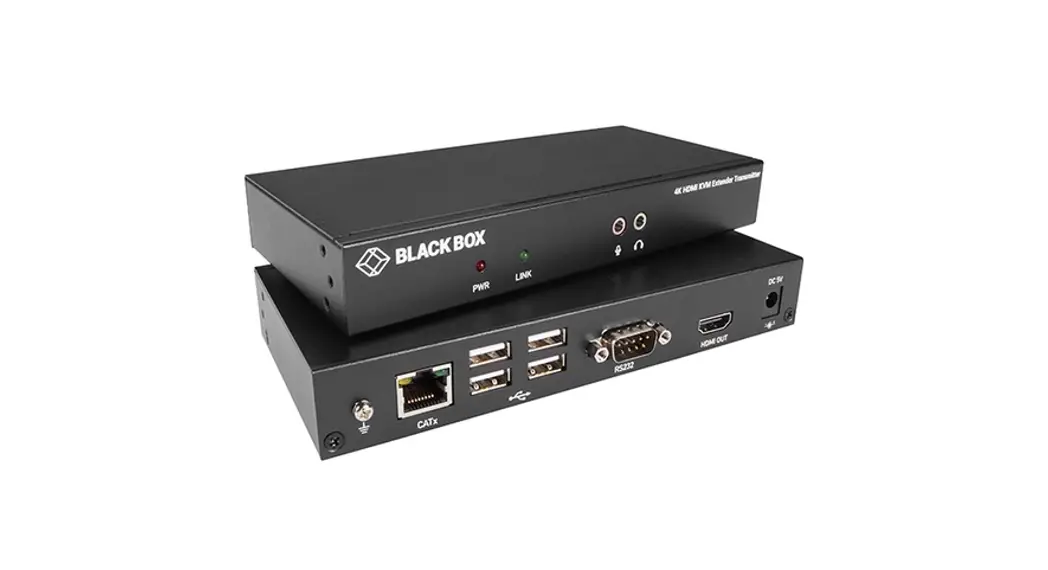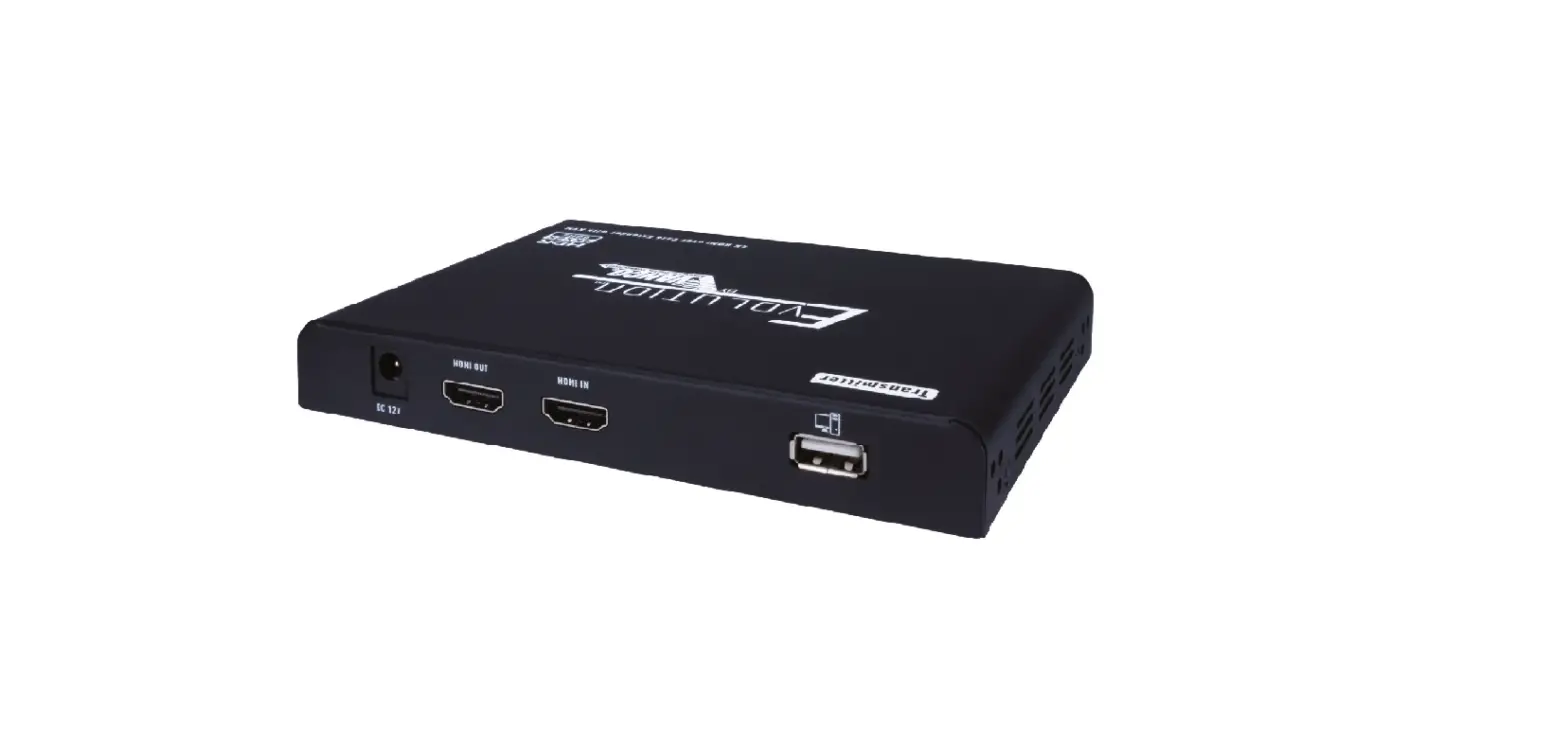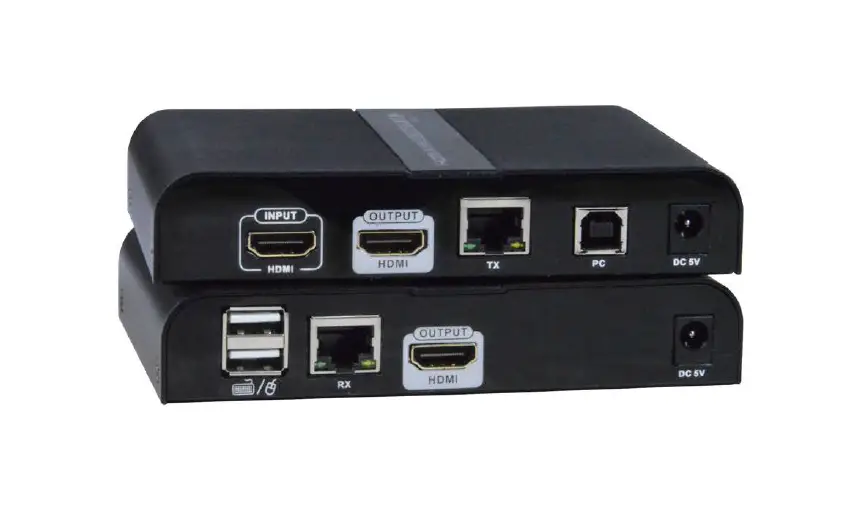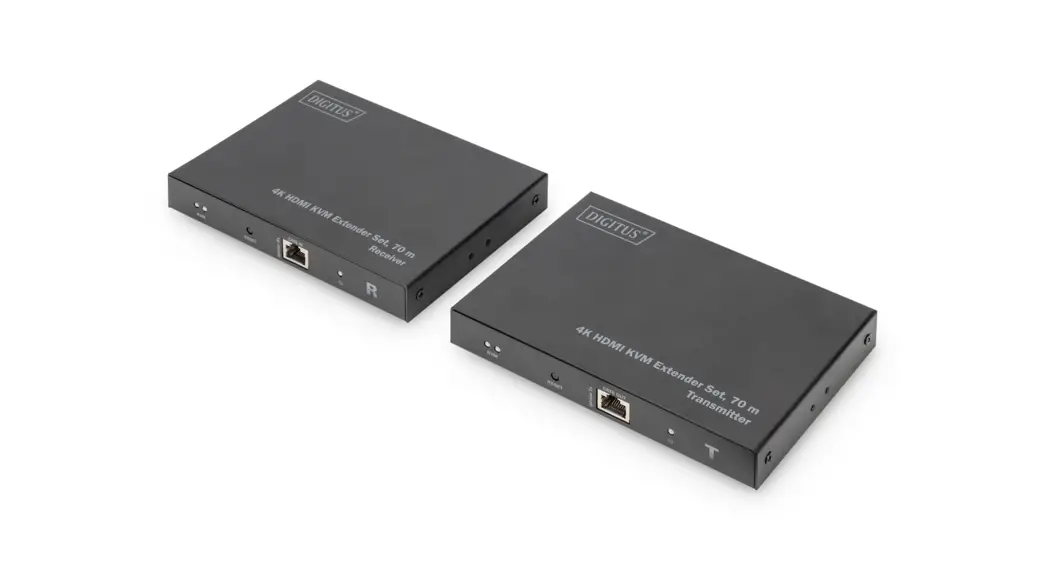
 4K HDMI KVM Extender
Set, 70 m
DS-55513
Quick Installation Guide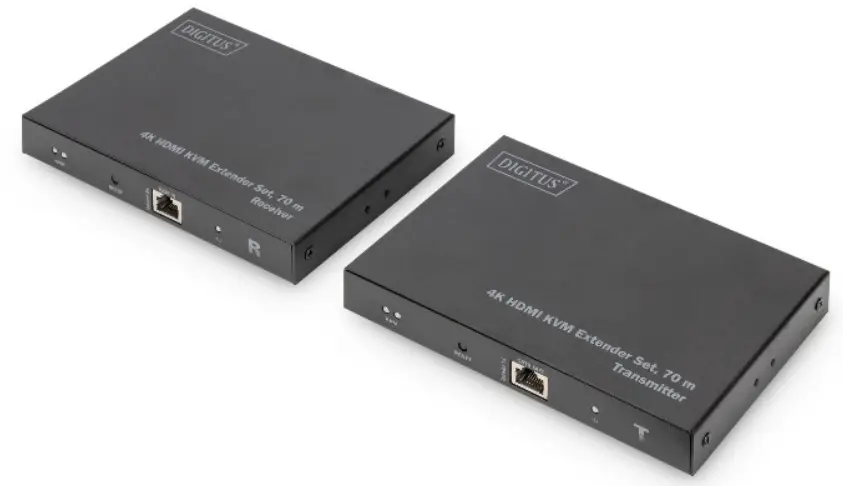
Introduction
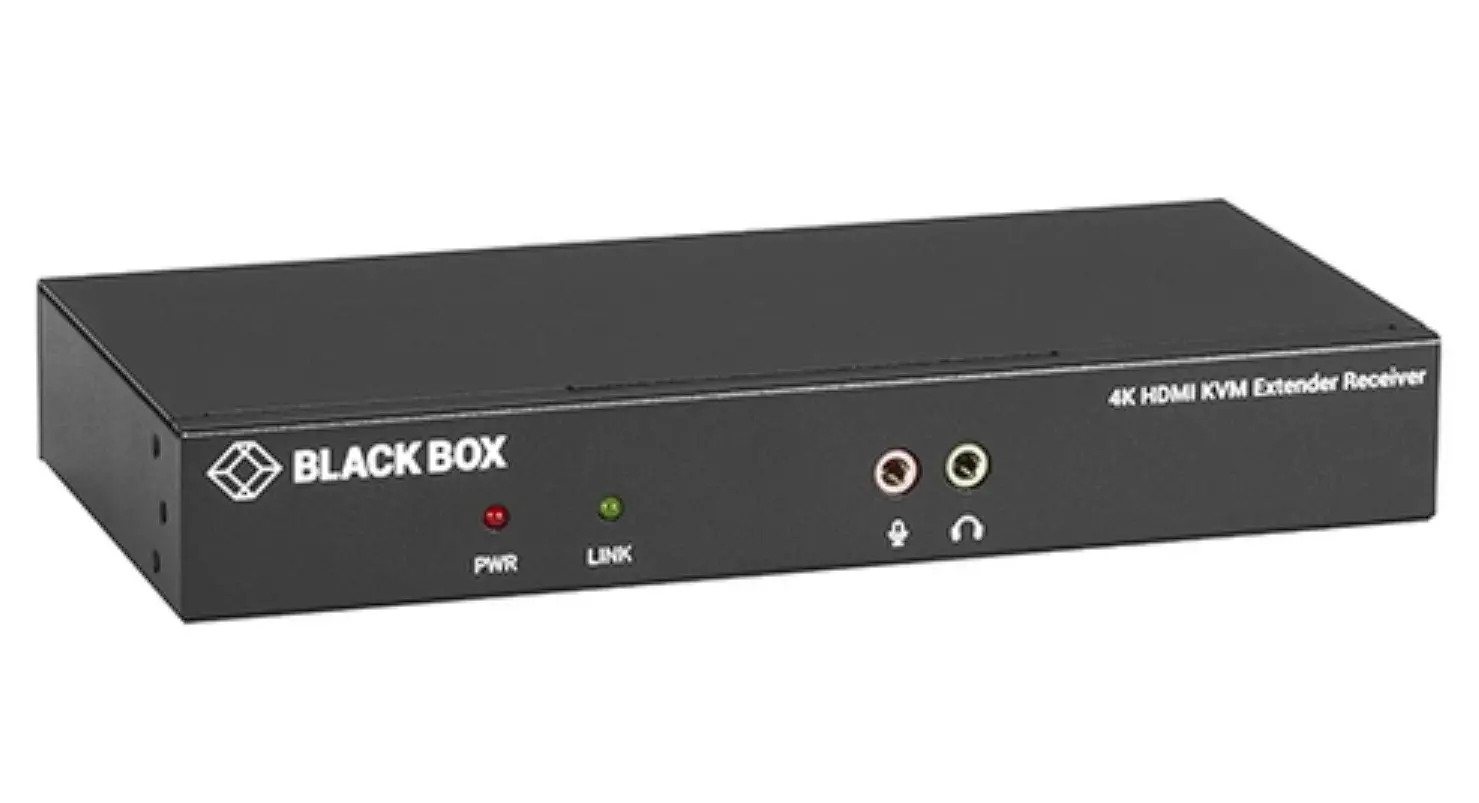
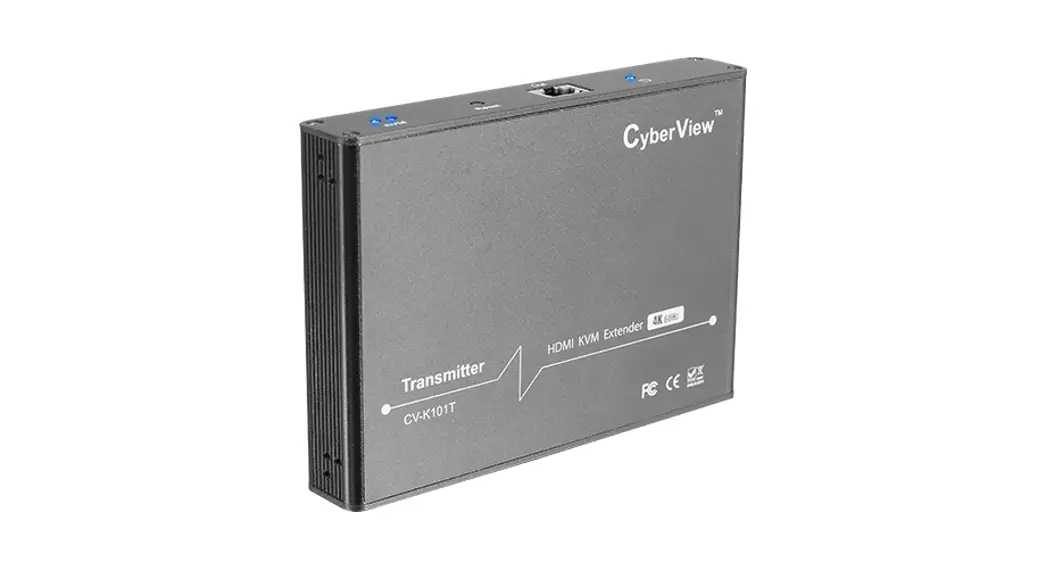
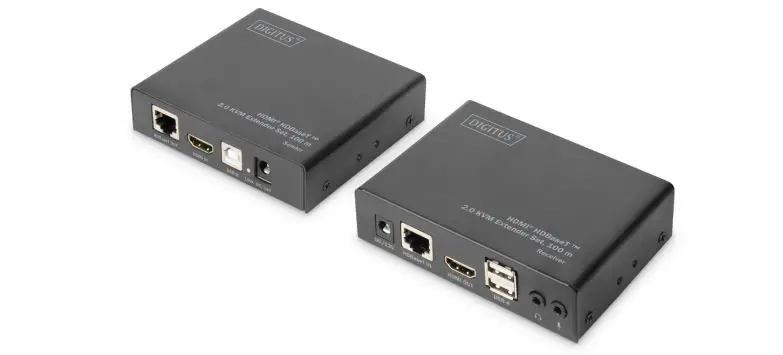
This HDMI Extender includes a transmitter unit and a receiver unit, allows HDMI signal to be transmitted up to 70 meters at 4K resolution using a CAT6/6A/7 network cable. It is perfect for outdoor advertising, video clips, monitor system, home entertainment, and conference, etc.
Main Features
- Supports 4K2K/60Hz (HDR, 4:4:4)
- Video bandwidth: 18 Gbps
- Maximum transmission distance (UHD 4K2K): 70 m
- KVM/USB functionality – Connection of mouse, keyboard, touchscreen
- HDMI loop-out to the transmitter unit
- Supports CAT 6/7/8 cables
- Audio extractor on the receiver unit (S/PDIF)
- EDID passback
- HDCP 2.2 / 1.4
- HDMI 2.0
Package Contents
| • 1 x Transmitter unit | • 1 x Receiver unit |
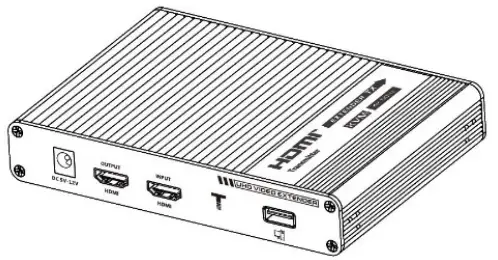 | |
| • 2 x DC 5 V / 2 A | • 1 x USB cable |
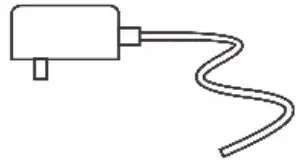 | 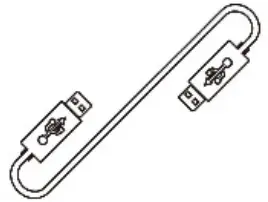 |
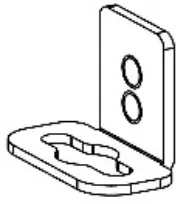
| • 4 x Mounting brackets | • 18 x Screws |
 |  |
| • 1 x QIG |  |
Installation Requirements
- HDMI source device (compute graphics card, DVD, PS3) nHD monitoring equipment etc.
- HDMI display device like SDTV, HDTV, projector with HDMI port
- UTP/STP CAT6/CAT6A/CAT7 cable. Follow standard IEEE-568B, it is recommended to select a network cable with less loss and crosstalk
Interfaces
- Transmitter (TX)

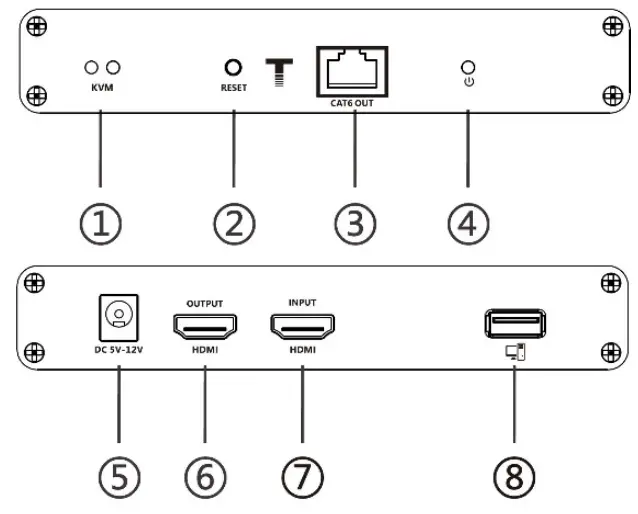
1 KVM Light Connected to the computer, the indicator light is on. No signal transmission, the indicator light off; This is signal transmission, the indicator light flashes 2 Reset button Press to restart the device 3 RJ45 signal output Connect with network cable 4 Power/ Signal indicator When there is power and no HDMI signal, the indicator will flash, when there is HDMI signal, the indicator will light solid blue 5 DC5V-12 input Connect with DC5V-12V power adapter 6 HDMI output Connect with HDMI display device 7 HDMI input Connect with the source device 8 USB-A port Connect with computer - Receiver (RX)

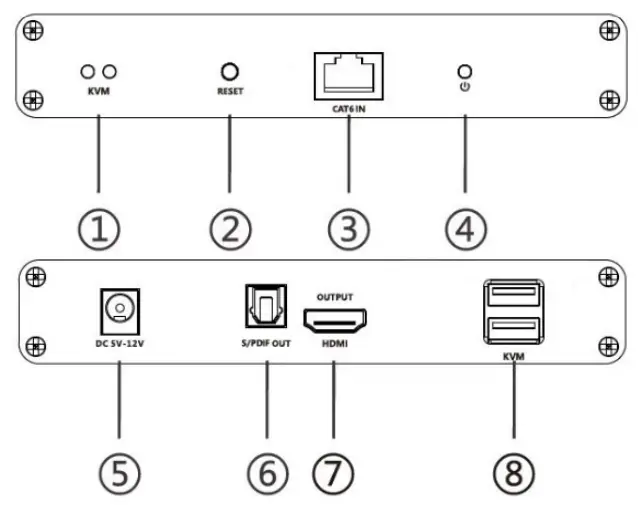
| 1) | KVM Light | The mouse/keyboard/touch screen is connected to the USB port, the indicator light is on |
| 2) | Reset button | Press to restart the device |
| 3) | R145 signal input | Connect with network cable |
| 4) | Power/ Signal indicator | When there is power but no HDMI signal, the indicator will flash. When there is HDMI signal, the indicator will light solid blue |
| 5) | DCSV-12 input | Connect with DC5V-12V power adapter |
| 6) | S / PDIF out | Output digital audio signal |
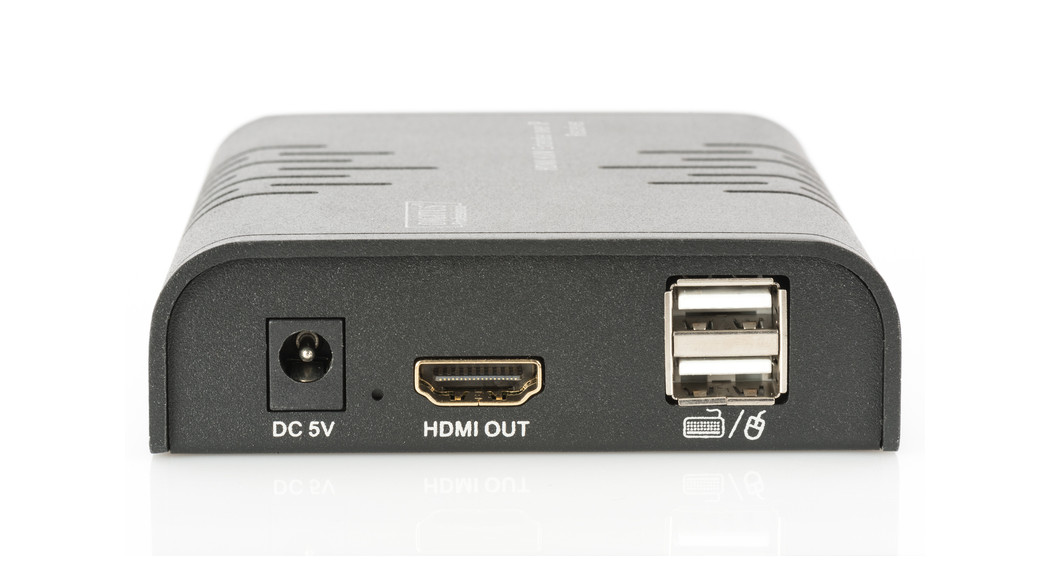
| 7) | HDMI output | Connect with HDMI display device |
| 8) | USB-A port | Connect with keyboard, mouse and touch screen |
- Touch screen connection
- Mouse and keyboard connection
Follow the standard of IEEE-568B, It is recommended to select a network cable with less loss and crosstalk.
| 1 | Orange/ white |
| 2 | Orange |
| 3 | Green/ white |
| 4 | Blue |
| 5 | Blue/ white |
| 6 | Green |
| 7 | Brown/ white |
| 8 | Brown |
Installation Procedures
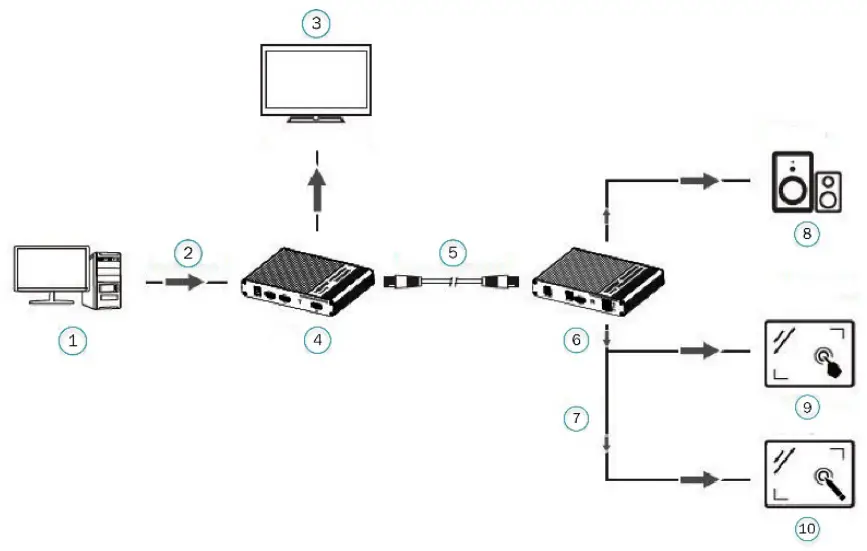
- Touch screen connection

1 PC 2 HDMI IN 3 HDMI Display 4 TX 5 Network cable 6 RX 7 USB 8 Speaker 9 Capacitive Touch Screen 10 Resistive Touch screen - Mouse and keyboard connection

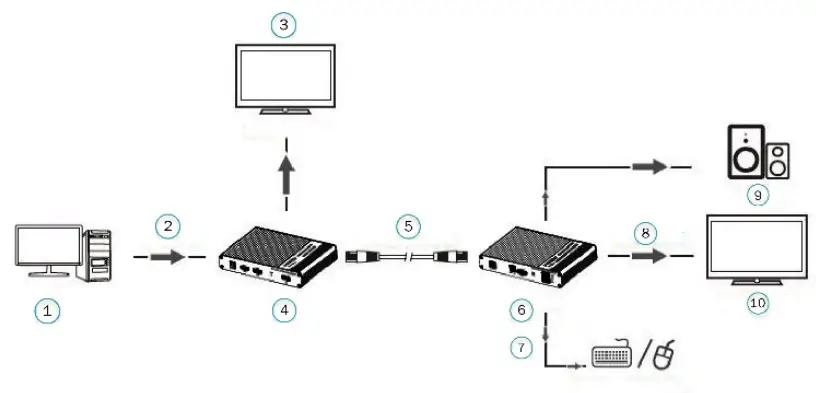
| 1 | PC |
| 2 | HDMI IN |
| 3 | HDMI Display |
| 4 | TX |
| 5 | Network cable |
| 6 | RX |
| 7 | USB |
| 8 | HDMI out |
| 9 | Speaker |
| 10 | HDMI Display |
- Connect the source device to the HDMI in port of the transmitter with an HDMI cable, and connect the HDMI out port of the receiver to the display device with another HDMI cable
2) Connect the CAT out port of the transmitter and the CAT in port of the receiver via a network cable (CAT6/CAT6A/CAT7)
3) If using HDMI loop out, connect the display device to the HDMI OUT port of the transmitter
4) It takes about 25 seconds to display the image after the product is successfully connected
[NOTE]: It is recommended to use a length range within 2~70m network cable. If the cable is too short, there may be no display output because the signal is too strong. If the cable is too long, the output may be with poor quality.
Questions and Answers
Q: There is no output on screen when all connections are correct?
– A:
1) Please make sure the HDMI cables supports 4K×2K if the output signal from the source device is 4K×2K resolution
2) Please check and make sure the network cable insert to the RJ45 port well
3) Restart the transmitter or receiver by pressing the reset button
Q: Black screen happened on the display/monitor?
– A:
1) Check if the length of the cable is within the specified range
2) Reset the transmitter to re-built the connection
Q: The display shows unusual color or no sound?
– A:
1) Reset the transmitter or receiver to re-built the connection
2) Check if the HDMI cables are connected well
3) Reconnect the network cable
Specification
| Items | Specification | |
| Power supply | Voltage/ Current | DC 5V-12 V |
| Power consumption | TX<4W;RX<4W | |
| HDMI Performance And Interface | HDMI compliance | HDMI 2.0 |
| HDCP compliance | HDCP 2.2 | |
| HDMI resolution | 4801 @ 60 Hz, 480 p @ 60 Hz, 576 i @ 50 Hz, 576 p @ 50 Hz, 720 p @ 50/60 Hz, 1080 i @ 50/60 Hz, 1080 p @ 50/60 Hz, 3840 x 2160 @ 24/25/30/50/60 Hz, 4096 x 2160 @ 24/25/30 Hz, 1280 x 960, 1280 x 800, 1280 x 768, 1680 x 1050, 1360 x 768, 1366 x 768, 1600 x 900, 1024 x 768, 800 x 600 | |
| HDMI Performance And Interface | Audio formats | LPCM / DTS-H D / DTS-Audio / Dolby Digital 5.1 CH |
| Input and output TMDS signal | 0.7 — 1.2 Vp-p (TMDS) | |
| Input and output DDC signal | 5Vp-p (TTL) | |
| Input cable length | 8m (AWG24) | |
| Output cable length | 8m (AWG24) | |
| Transmission Distance | CAT6 / 6A / 7 | 70m |
| Protection Lever | Electrostatic protection of the whole machine | la Contact discharge level 2 1b Air discharge level 3 Implementation of the standard: I EC61000-4-2 |
| Operating Environment | Working temperature | -20 — 60°C |
| Storage temperature | -30 — 70°C | |
| Humidity (no condensation) | 0 — 90% RH | |
| Body properties | Dimension | 150.0 (L) x 107.0 (W) x 28.4 (H) mm |
| Material | Iron | |
| Color | Black | |
| Weight | TX: 348 g, RX: 348 g | |
Disclaimer
The product name and brand name may be registered trademark of related manufactures. ™ and ® may be omitted on the user manual.
The pictures in this user manual are just for reference. The terms HDMI, HDMI High-Definition Multimedia Interface, and the HDMI Logo are trademarks or registered trademarks of HDMI Licensing Administrator, Inc. We reserve the rights to make changes without further notice to a product or system described herein to improve reliability, function or design.
Hereby ASSMANN Electronic GmbH declares that the Declaration of Conformity is part of the shipping content. If the Declaration of Conformity is missing, you can request it by post under the below mentioned manufacturer address.
www.assmann.com
Assmann Electronic GmbH
Auf dem Schüffel 3
58513 Lüdenscheid
Germany
 ASSMANN Electronic GmbH | Germany