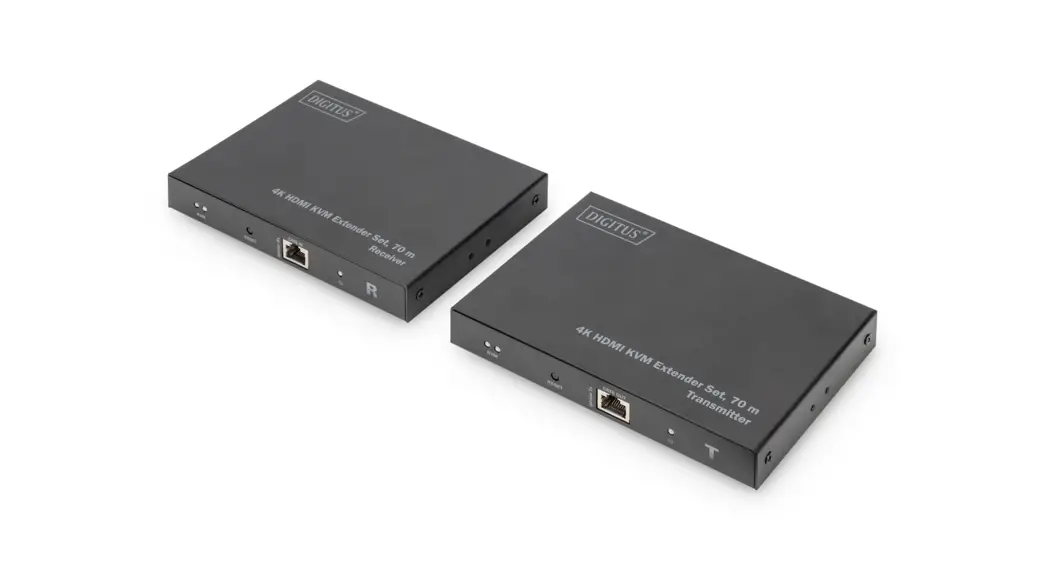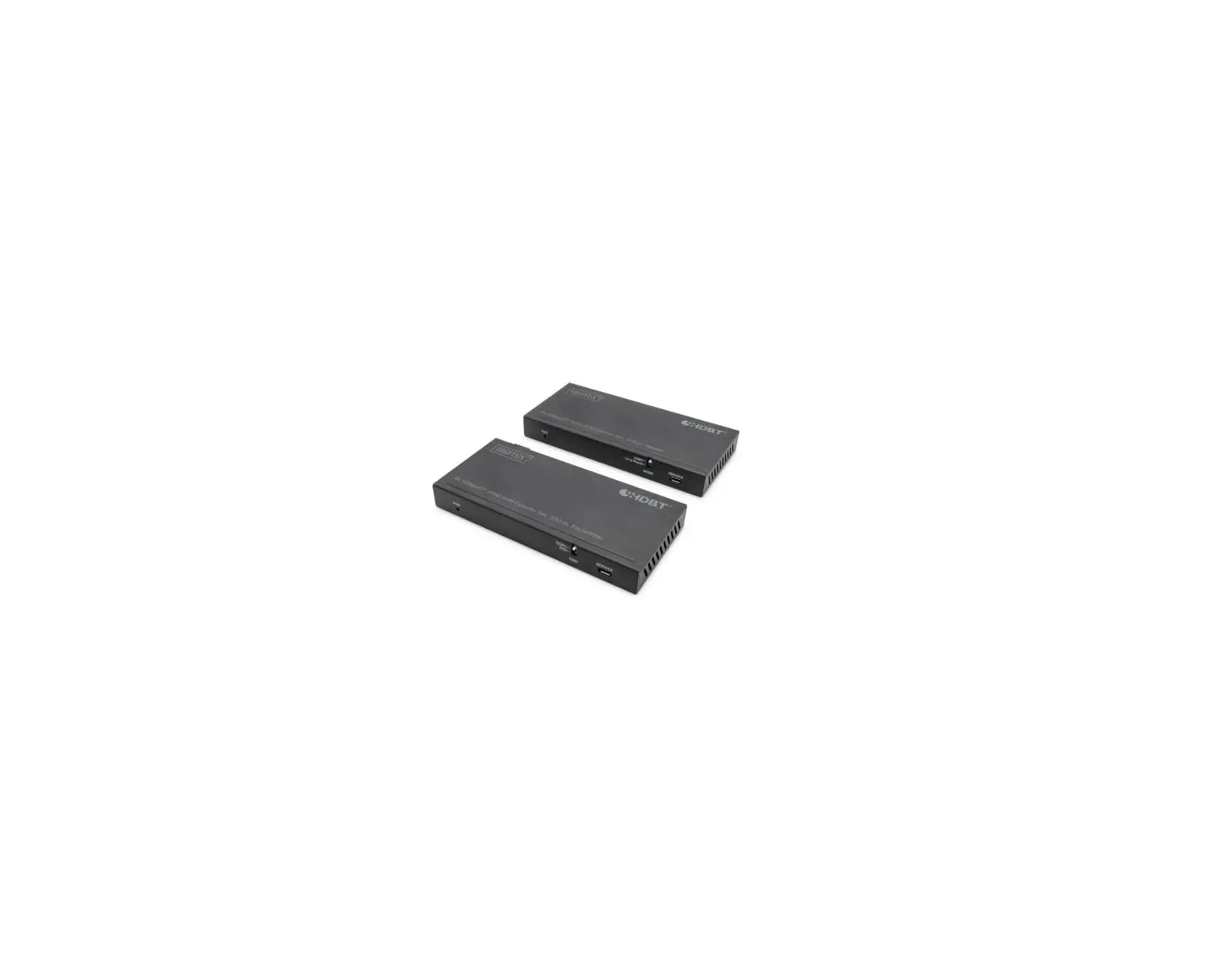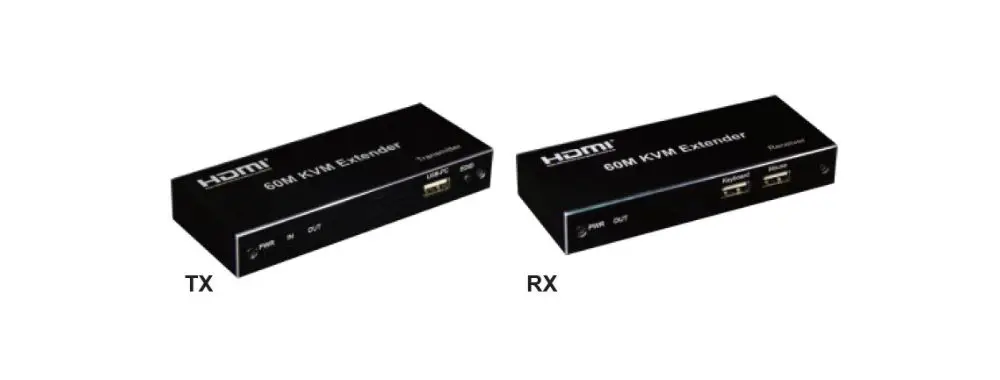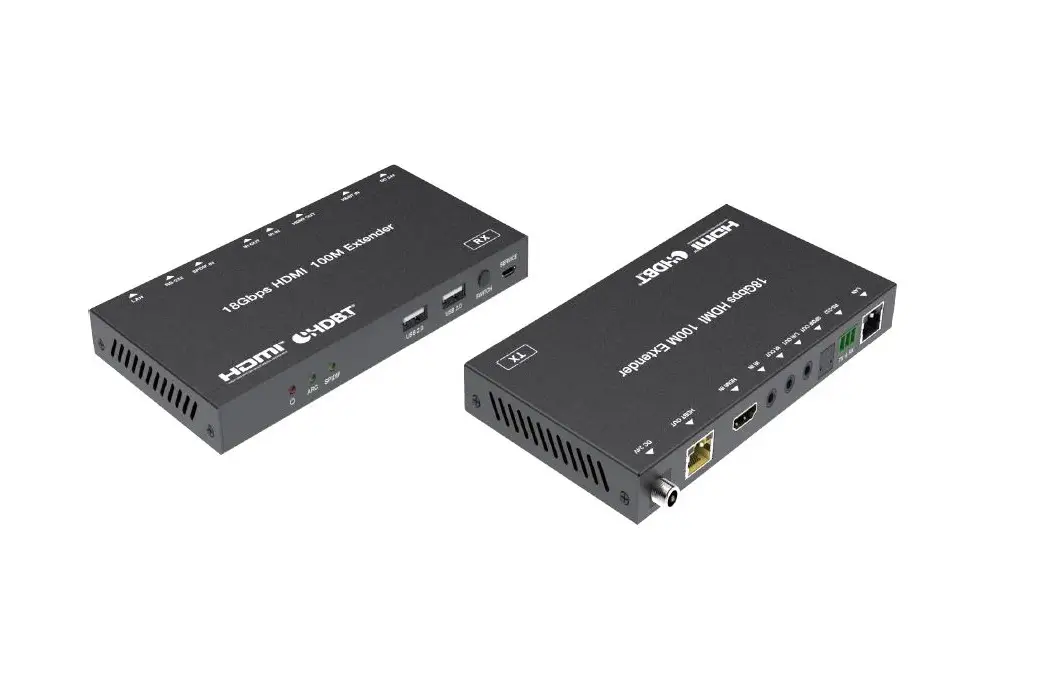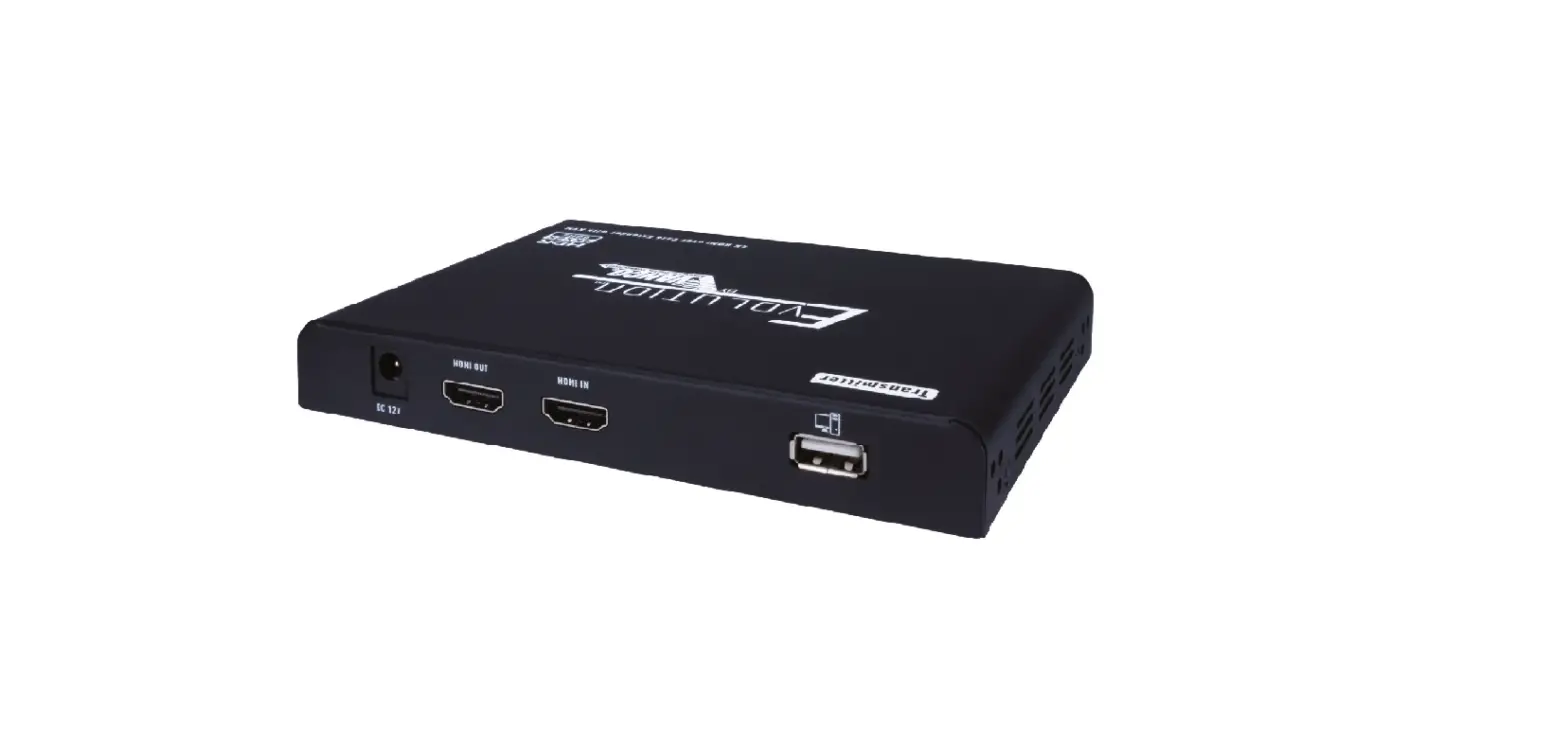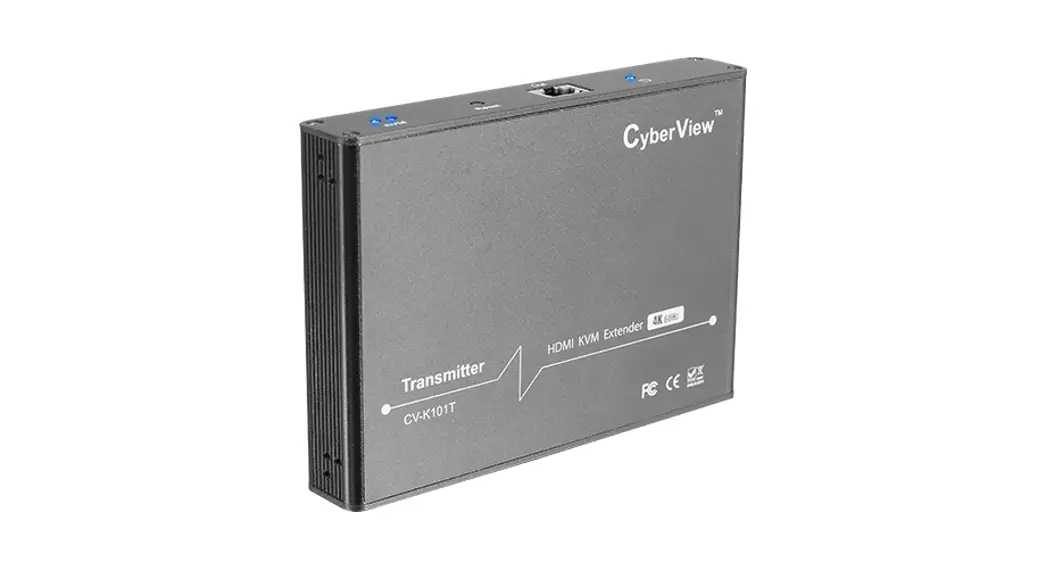
 DS-55522 4K HDBaseT HDMI KVM Extender Set, 150 m
User Manual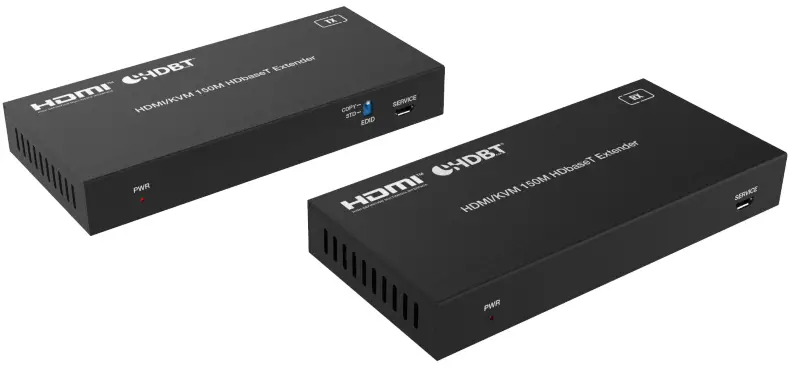
Introduction
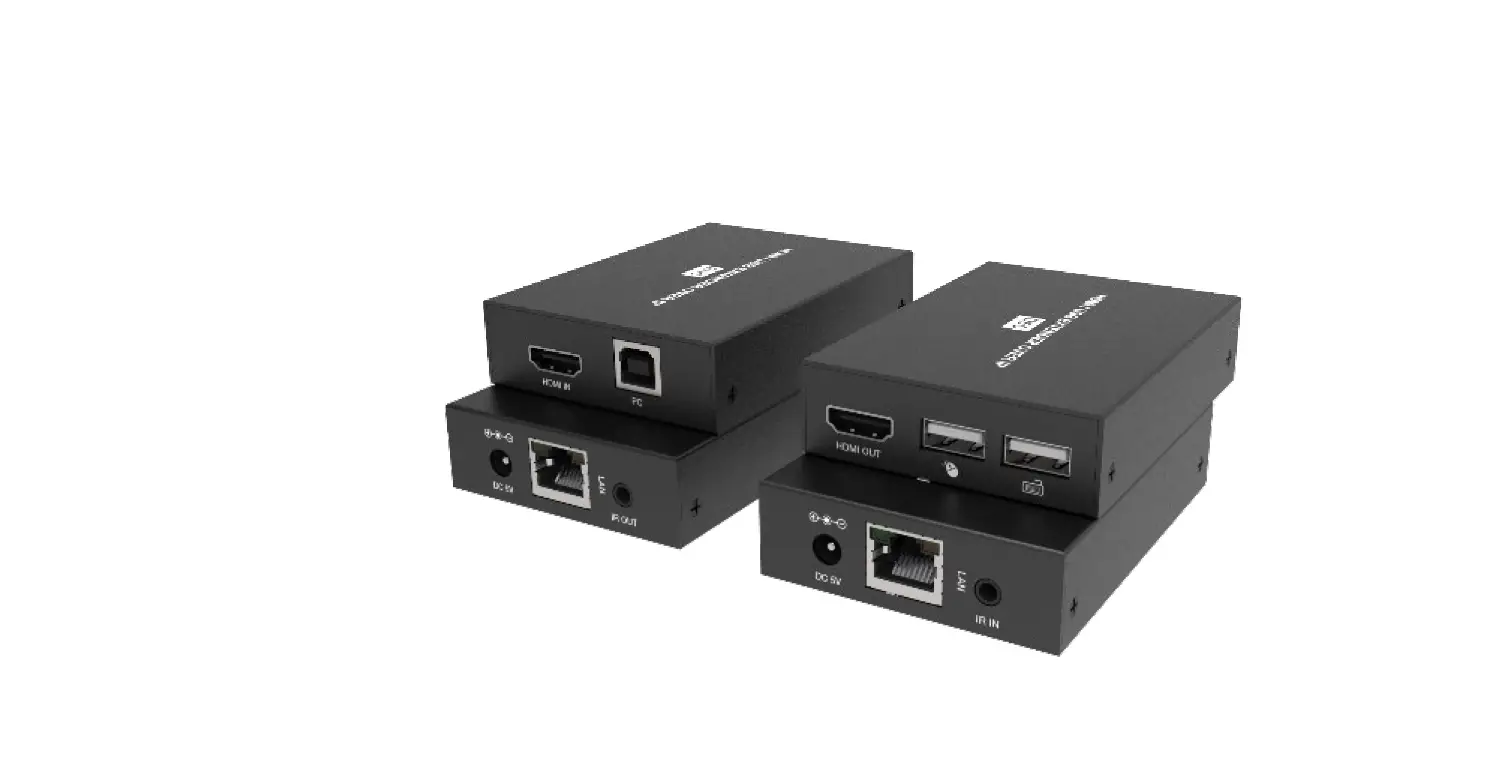
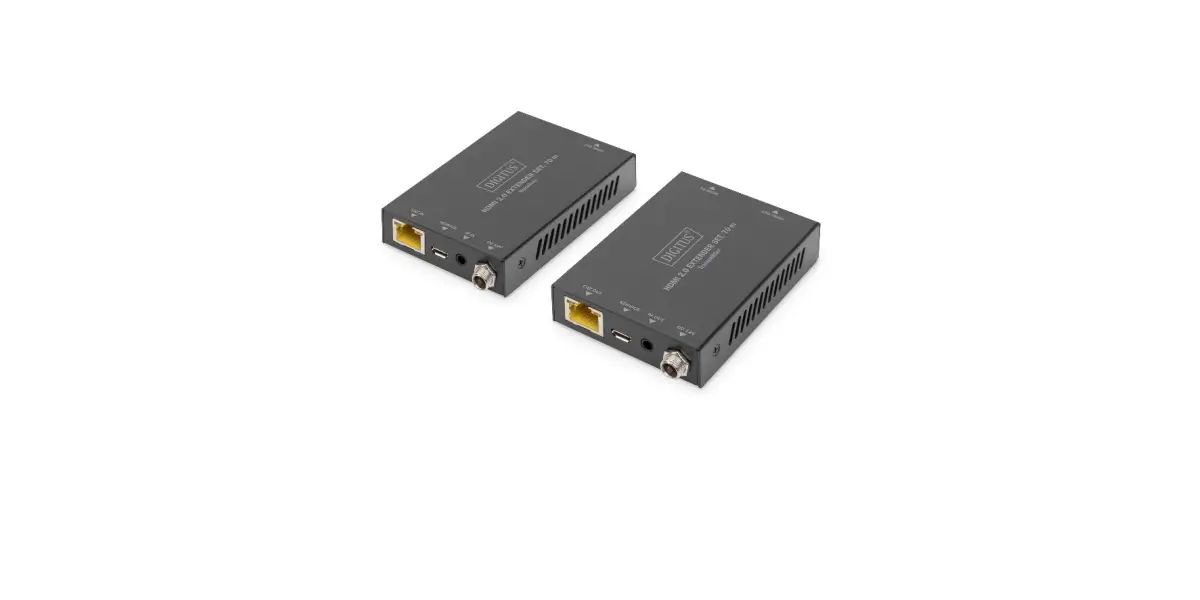
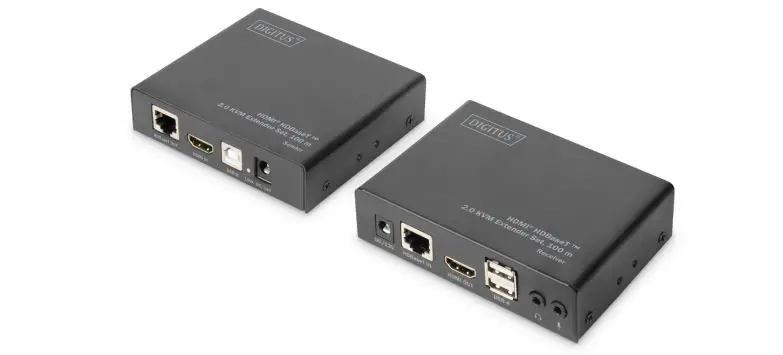
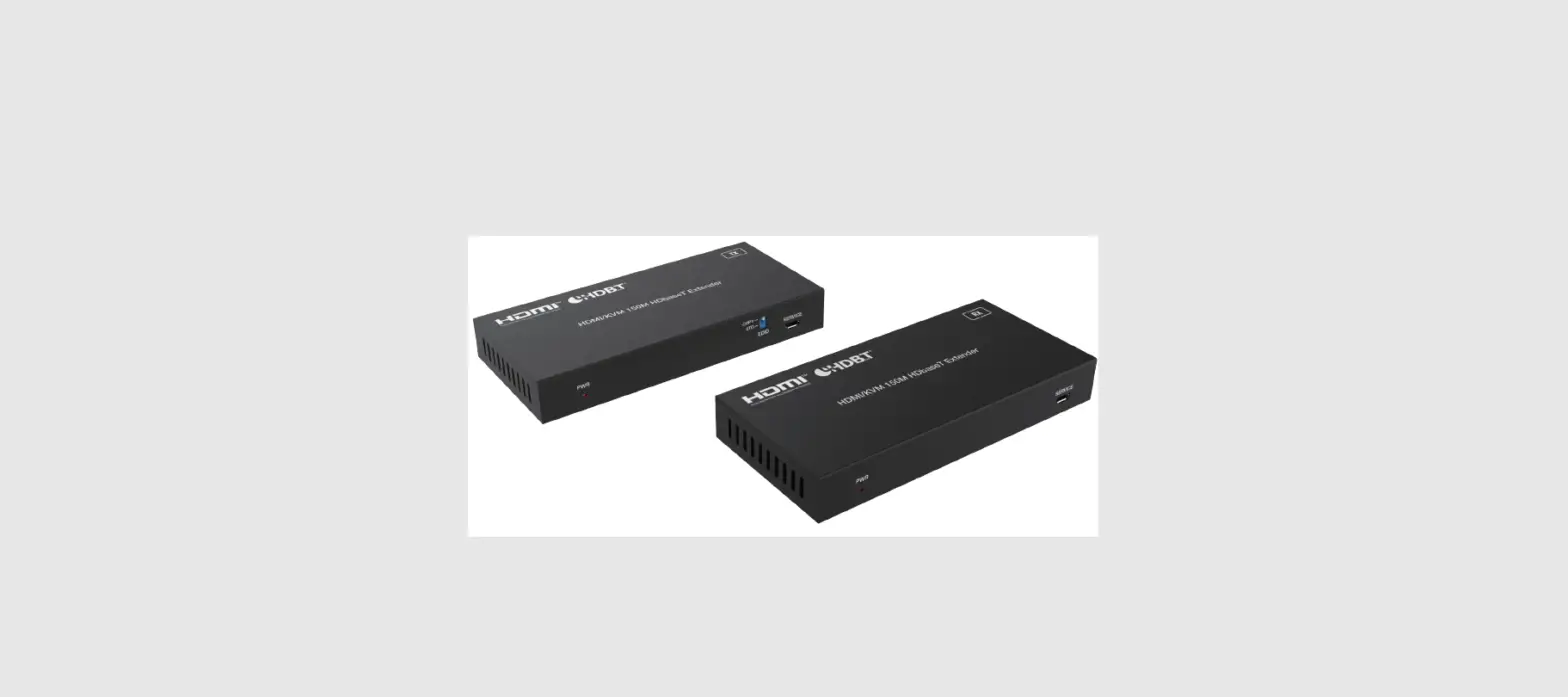
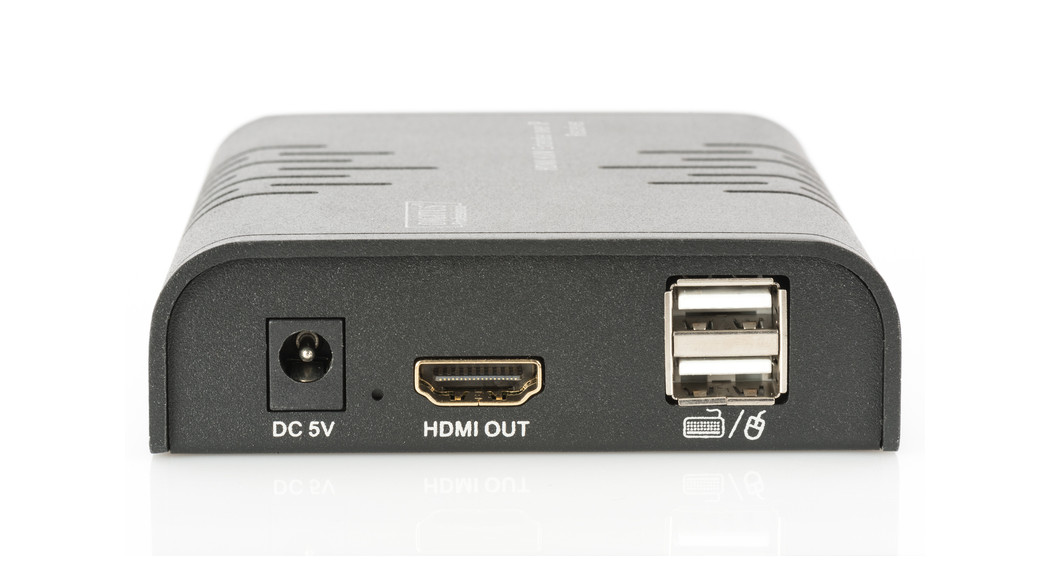
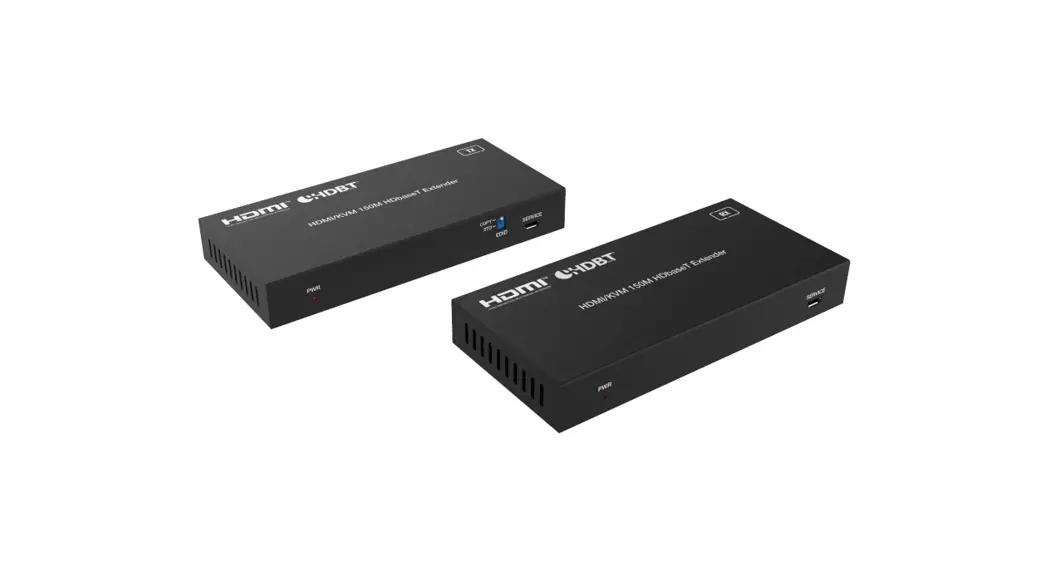
The HDBaseT™ HDMI KVM Extender Set enables uncompressed, high-resolution AV signal transmission over large distances using a CAT6 (or higher) network cable. The maximum transmission distance is 150 m. Thanks to PoC, only one unit needs to be supplied with power by an external power adapter. The receiver unit features two USB (1.1) ports for connection of mouse and keyboard to control the signal source conveniently from the output display. Bi-directional IR transmission is also included as a feature.
Feature
- Supports HDBaseT™ 1.0 via CAT6/7/8 cable up to 100 m
- Transmission distance – Full HD (1080p/60Hz): 150 m (max.)
- Transmission distance – UHD (4K/60Hz): 120 m (max.)
- Supports 4K2K/60Hz (4:4:4)
- Video bandwidth: 18 Gbps
- Connection of mouse and keyboard on receiver (2x USB 1.1) to control the signal source conveniently from the output display
- PoC (Power over Cable) – Only the unit requires an external power adapter
- EDID support (2 modes) – 1: Copy – HDMI output receiver/2: Standard – 1080p, 2 channel
- Bi-directional IR signal transmission
- HDMI 2.0b / HDCP 2.2
Package Content
- 1x Transmitter unit
- 1x Receiver unit
- 1x IR transmission cable (1.5 m)
- 1x IR receiver cable (1.5 m)
- 1x Power adapter (DC 24V/1A, 1. 5 m)
- 1x USB connecting cable (1.5 m)
- 1x Mounting material
- 1x User manual
Specifications
| Technical | |
| USB Compliance HDR | USB 1.1 |
| ESD Protection | HDR, HDR10, HDR10+, Dolby Vision, HLG |
| Connection | Human body model – ±8kV (Air-gap discharge) & ±4kV (Contact discharge) |
| Transmitter | • 1x HDMI input (4K/60Hz) – Connection signal source • 1x RJ45 (HDBaseT™) output – Connection CAT transmission cable • 1x IR input to receive remote control signals • 1x IR output for control of the source device • 1x USB-B (1.1) – Connection of PC (signal source) for use of KVM function • 1x Power adapter input (DC 24V/1A), screw connector – Connection for external power adapter • 1x Micro USB input – Service/remote maintenance update • 1x EDID changeover switch |
| Receiver | • 1x HDMI output (4K/60Hz) – Connection output device • 1x RJ45 input – Connection CAT transmission cable • 1x IR input to receive remote control signals • 1x IR output for control of the source device • 2x USB-A (1.1) – Connection of mouse and keyboard • 1x Power adapter input (DC 24V/1A), screw connector – Connection for external power adapter • 1x Micro USB input – Service/remote maintenance update |
| Mechanical | |
| Housing | Metal |
| Color | Black |
| Dimensions (1 unit) | L 6.5 x W 14 x H 1.8 cm |
| Weight | 246g |
| Power Consumption | approx. 10W |
| Operating Temperature | 0°C ~ 40°C |
| Support | Suitable for wall mounting |
Product Overview
5.1 Transmitter Panel
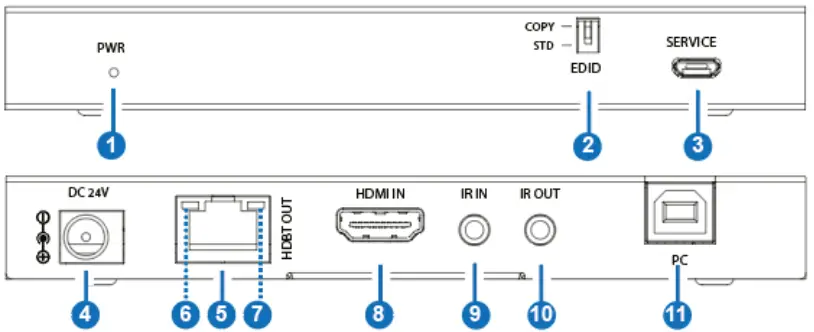
| No. | Name | Function Description |
| 1 | PWR LED | The red LED is on when the Transmitter is powered on. |
| 2 | EDID DIP switch | Used for EDID setting (dial to COPY by default). COPY: Copy the EDID of the HDMI OUT port of Receiver. STD: Default 1080P 2CH |
| 3 | SERVICE | Firmware update port. |
| 4 | DC 24V | DC 24V/1A power input port. Note that the extender supports POC function, it means that either Transmitter or Receiver is connected to 24V/1A power supply, the other doesn’t need power supply. |
| 5 | HDBT OUT | HDBT output port, connecting to the HDBT IN port of the Receiver with CAT6 cable. |
| 6 | Link Signal Indicator (Green) | • Illuminating: Transmitter and Receiver are in good connection status. • Flashing: Transmitter and Receiver are in poor connection status. • Dark: Transmitter and Receiver are not connected. |
| 7 | Data Signal Indicator (Yellow) | • Illuminating: HDMI signal with HDCP. • Flashing: HDMI signal without HDCP. • Dark: No HDMI signal. |
| 8 | HDMI IN | HDMI signal input port, connecting to HDMI source device such as DVD play or Set Top Box. |
| 9 | IR IN | Connect to IR receiver cable, the IR receive signal will emit to the IR OUT port of the Receiver. |
| 10 | IR OUT | Connect to IR blaster cable, the IR emit signal is from the IR IN port of the Receiver. |
| 11 | PC | USB-B port, connecting to PC. |
5.2 Receiver Panel
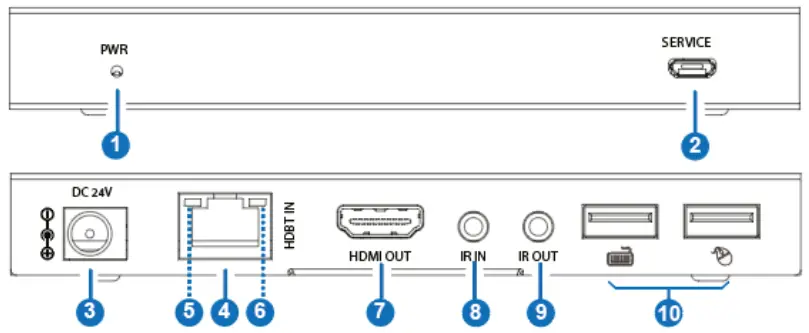
| No. | Name | Function Description |
| 1 | Power LED | The power LED is on when the Receiver is powered on. |
| 2 | SERVICE | Firmware update port. |
| 3 | DC 24V | DC 24V/1A power input port. Note that the extender supports POC function, it means that either Transmitter or Receiver is connected to 24V/1A power supply, the other doesn’t need power supply. |
| 4 | HDBT IN | HDBT input port, connecting to the HDBT OUT port of Transmitter with CAT6 cable. |
| 5 | Link Signal Indicator (Green) | • Illuminating: Transmitter and Receiver are in good connection status. • Flashing: Transmitter and Receiver are in poor connection status. • Dark: Transmitter and Receiver are not connected. |
| 6 | Data Signal Indicator (Yellow) | • Illuminate: HDMI signal with HDCP. • Flash: HDMI signal without HDCP. • Dark: No HDMI signal. |
| 7 | HDMI OUT | HDMI signal output port, connecting to HDMI display device such as TV or monitor. |
| 8 | IR IN | Connect to the IR receiver cable. The IR signal will send to the IR OUT port of the Transmitter. |
| 9 | IR OUT | Connect to the IR blaster cable, the IR signal is from IR IN port of the Transmitter. |
| 10 | USB ports | Two USB-A ports, connecting to keyboard and mouse respectively. |
5.3 IR Pin Definition
IR Receiver and Blaster pins definition is as below:
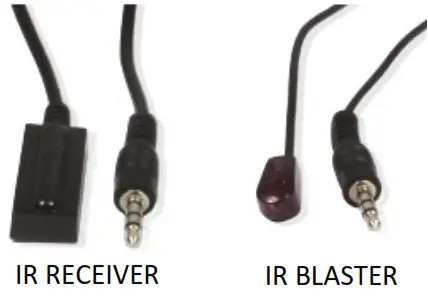
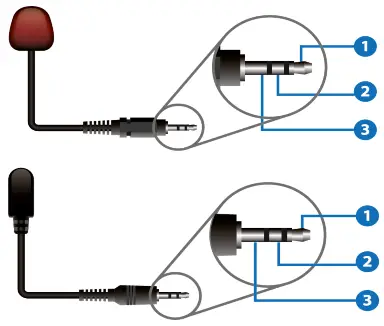 | 1) IR Blaster Signal 2) Power 3) NC |
| 1) IR Signal 2) Power 3) Grounding |
Note:
When the angle between the IR receiver and the remote control is ± 45°, the transmission distance is 0-5 meters;
When the angle between the IR receiver and the remote control is ± 90°, the transmission distance is 0-8 meters.
Application Example
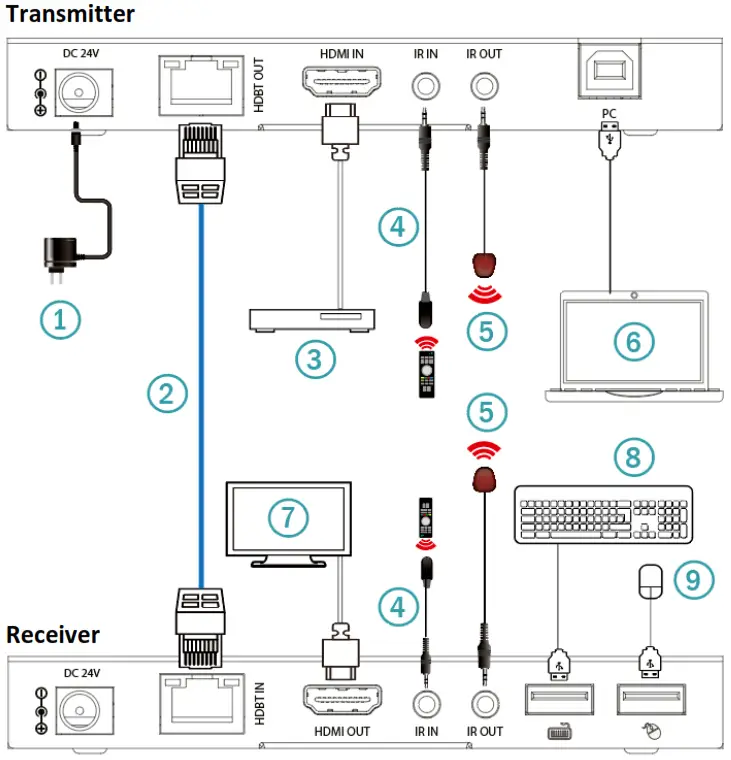
- Power Supply
- CAT6 Cable
- DVD or Blu-ray Player
- IR Receiver
- IR Blaster
- PC
- UHDTV
- Keyboard
- Mouse
Hereby Assmann Electronic GmbH, declares that the Declaration of Conformity is part of the shipping content. If the Declaration of Conformity is missing, you can request it by post under the below mentioned manufacturer address.
www.assmann.com
Assmann Electronic GmbH
Auf dem Schüffel 3
58513 Lüdenscheid
Germany
 ASSMANN Electronic GmbH | Germany