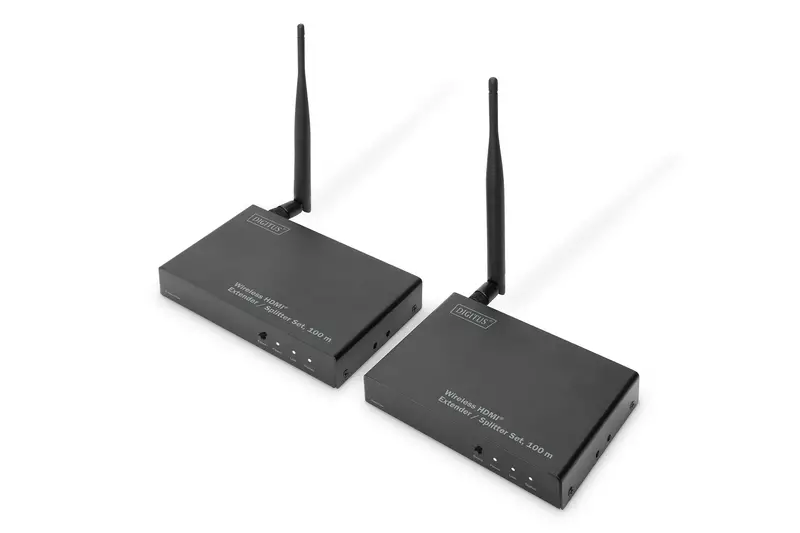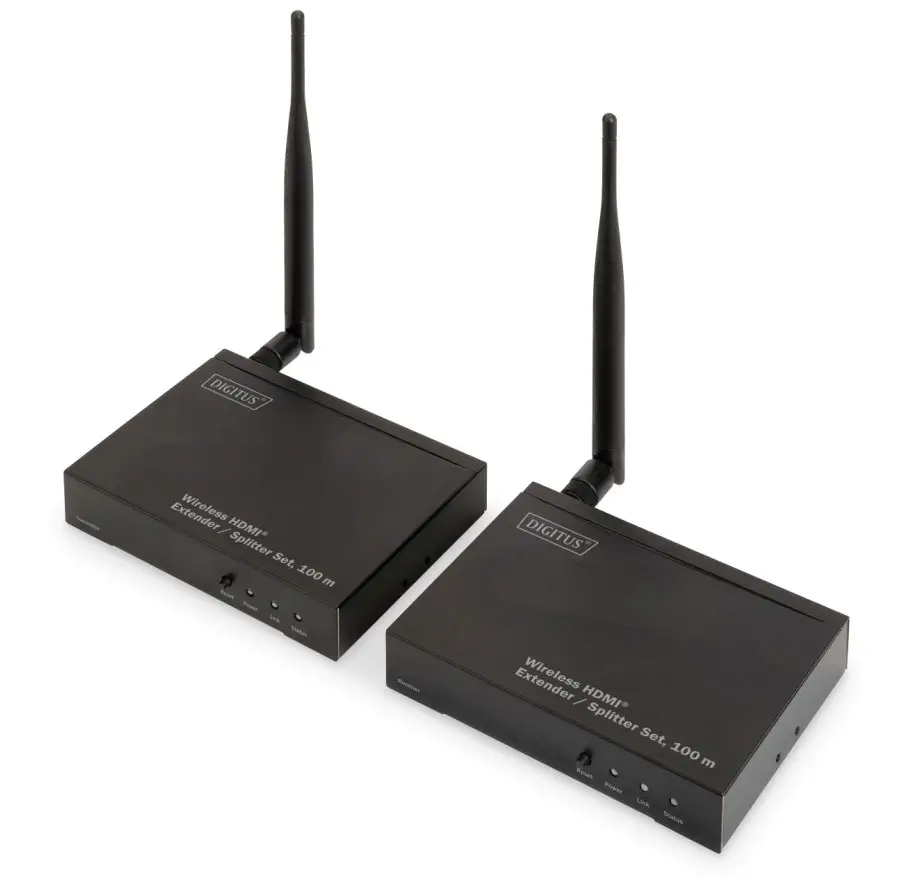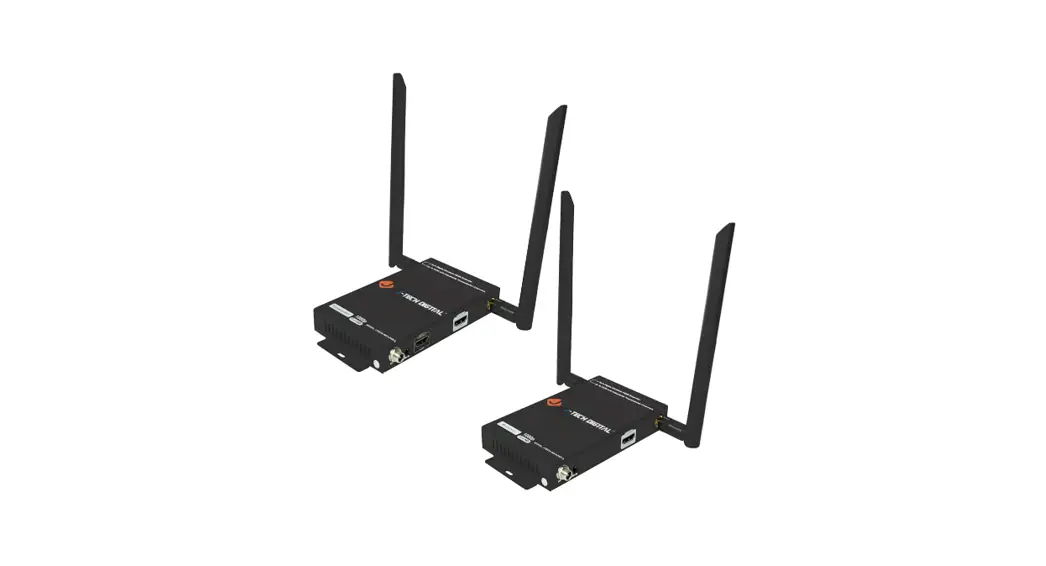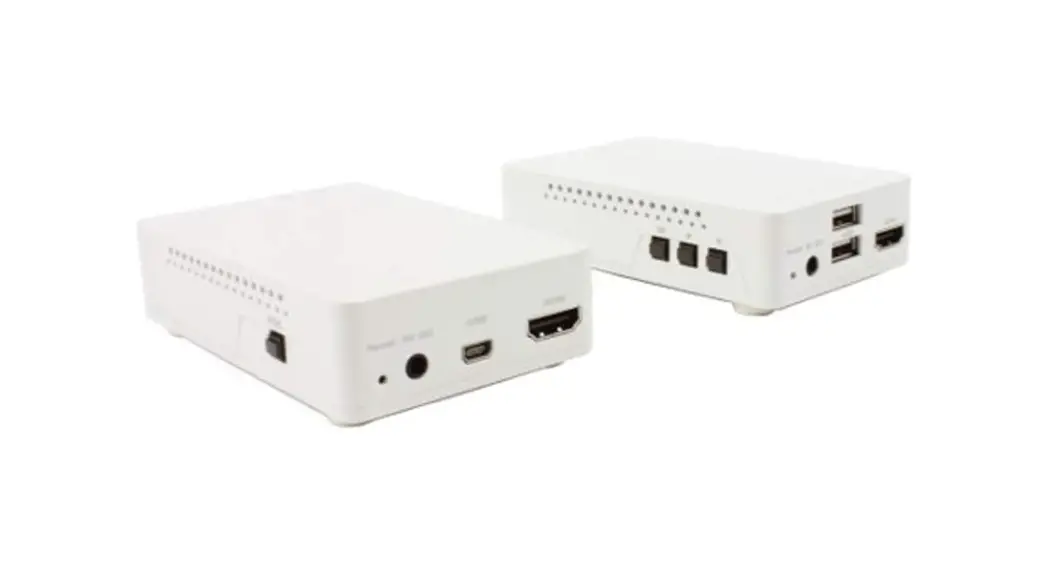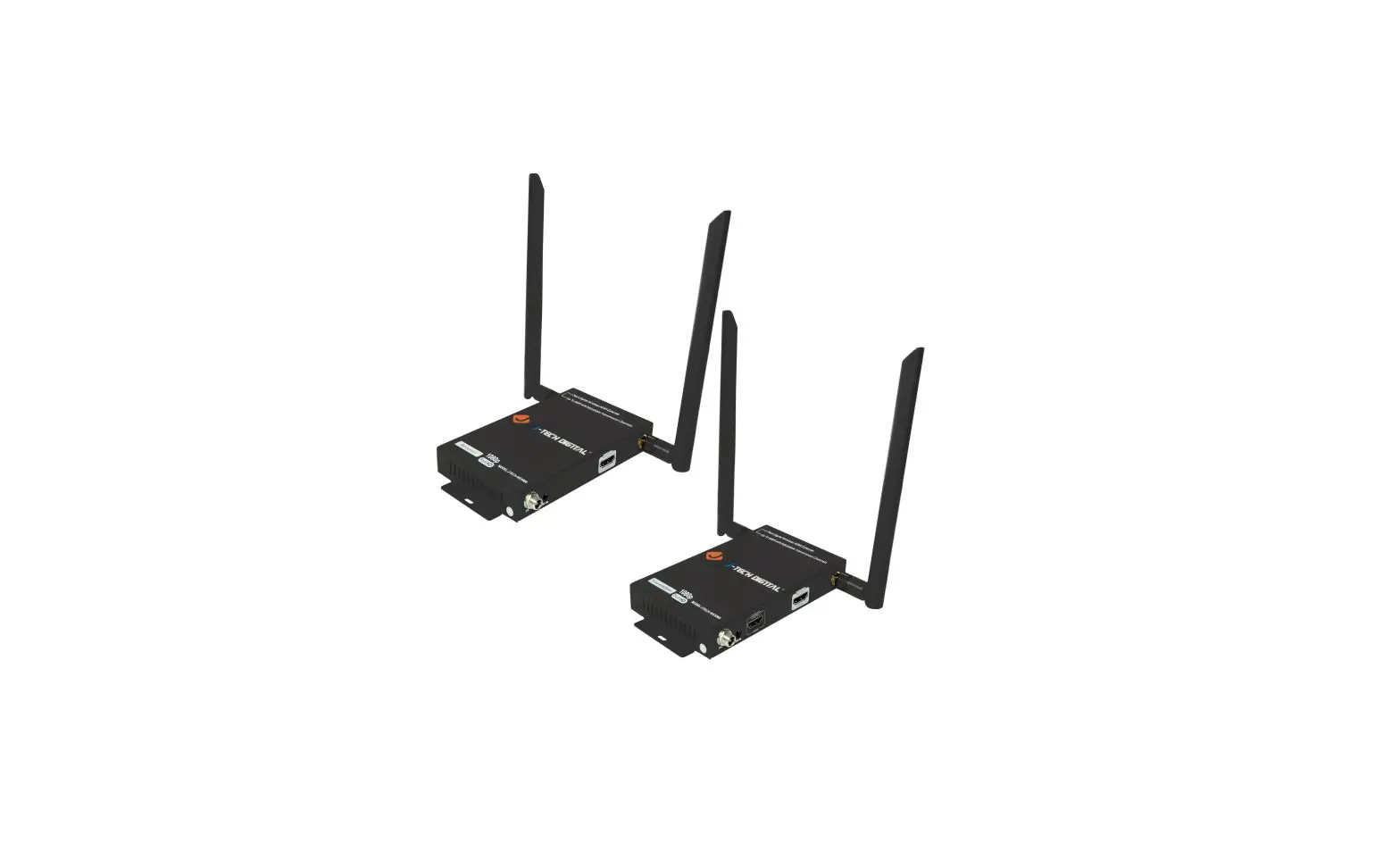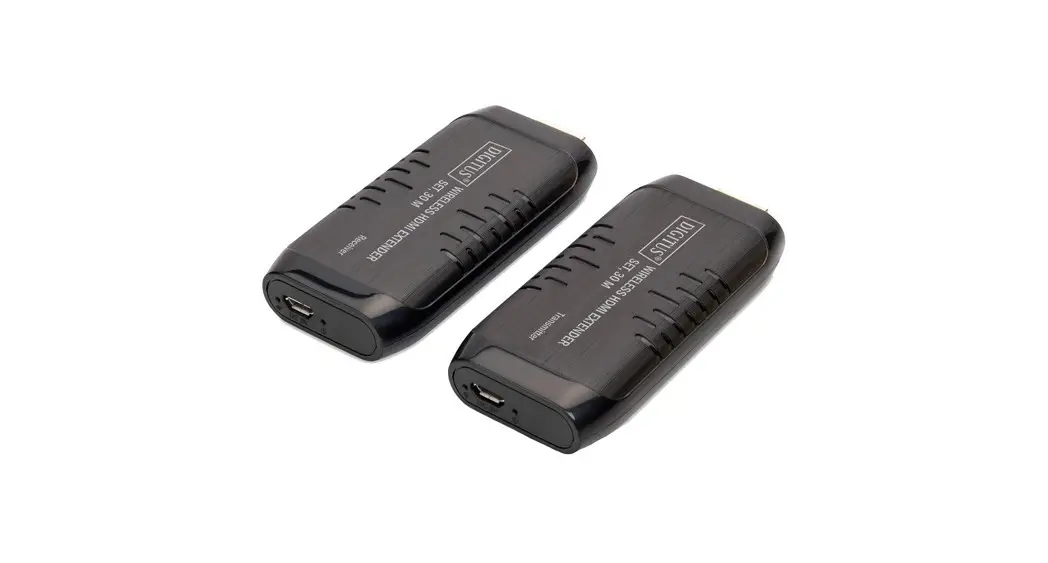

Wireless HDMI® Extender
Set, 4K/30Hz, 30 m
DS-55316
User Manual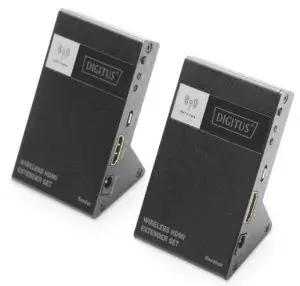
Package Content
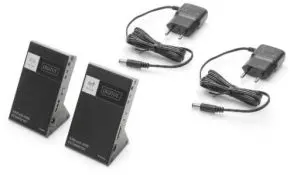
- 2x Power Adapter
(DC 5V/1A) - User Manual
- 1x Sender Unit
- 1x Receiver Unit
Introduction
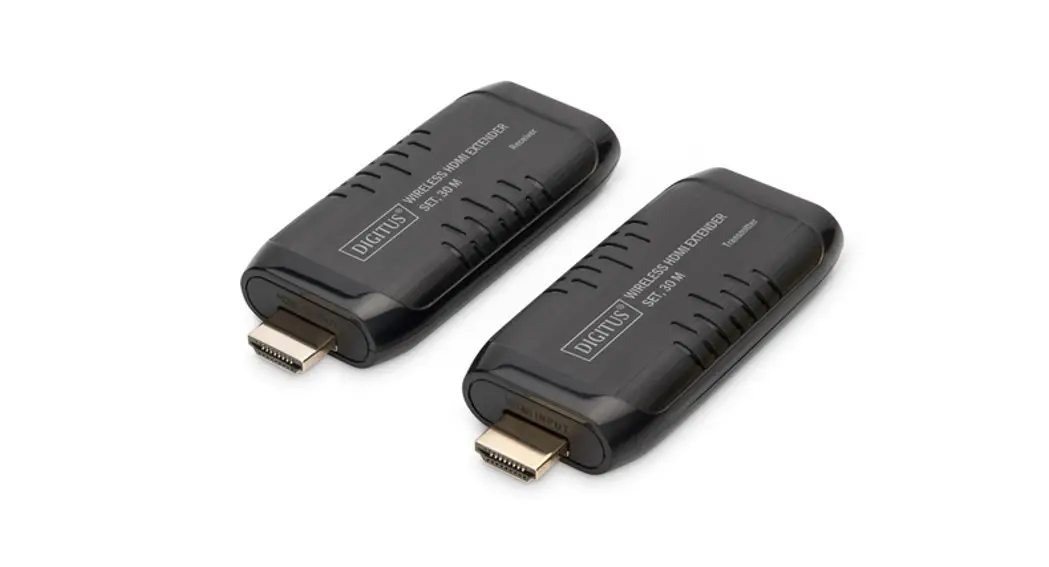
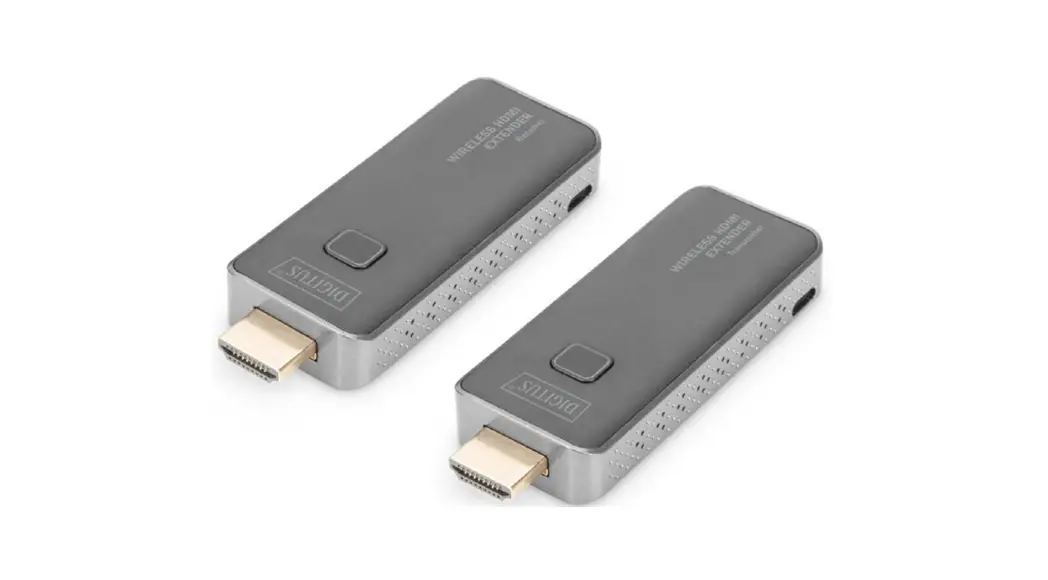
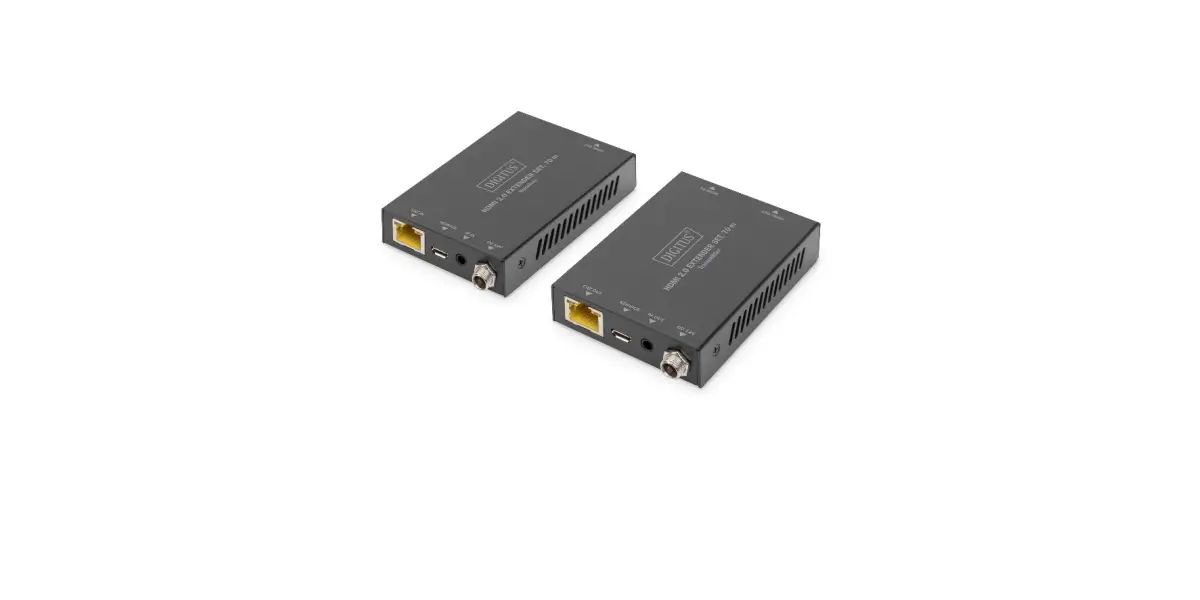
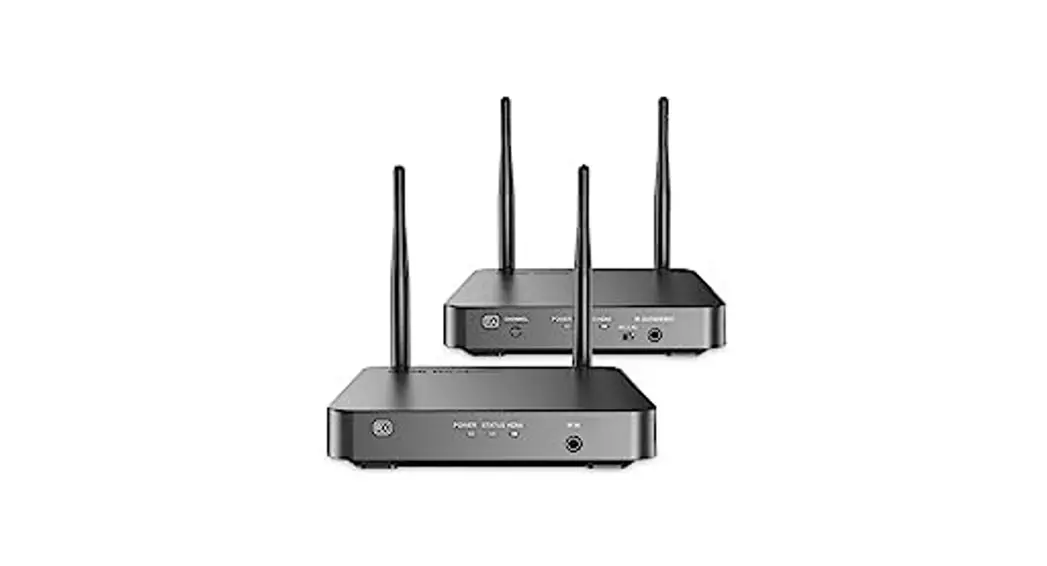
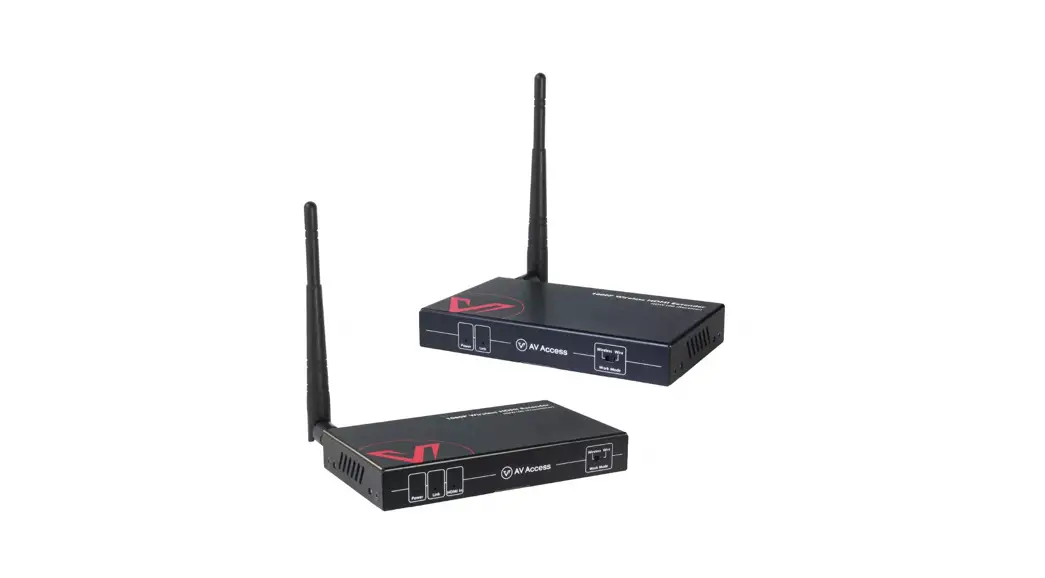
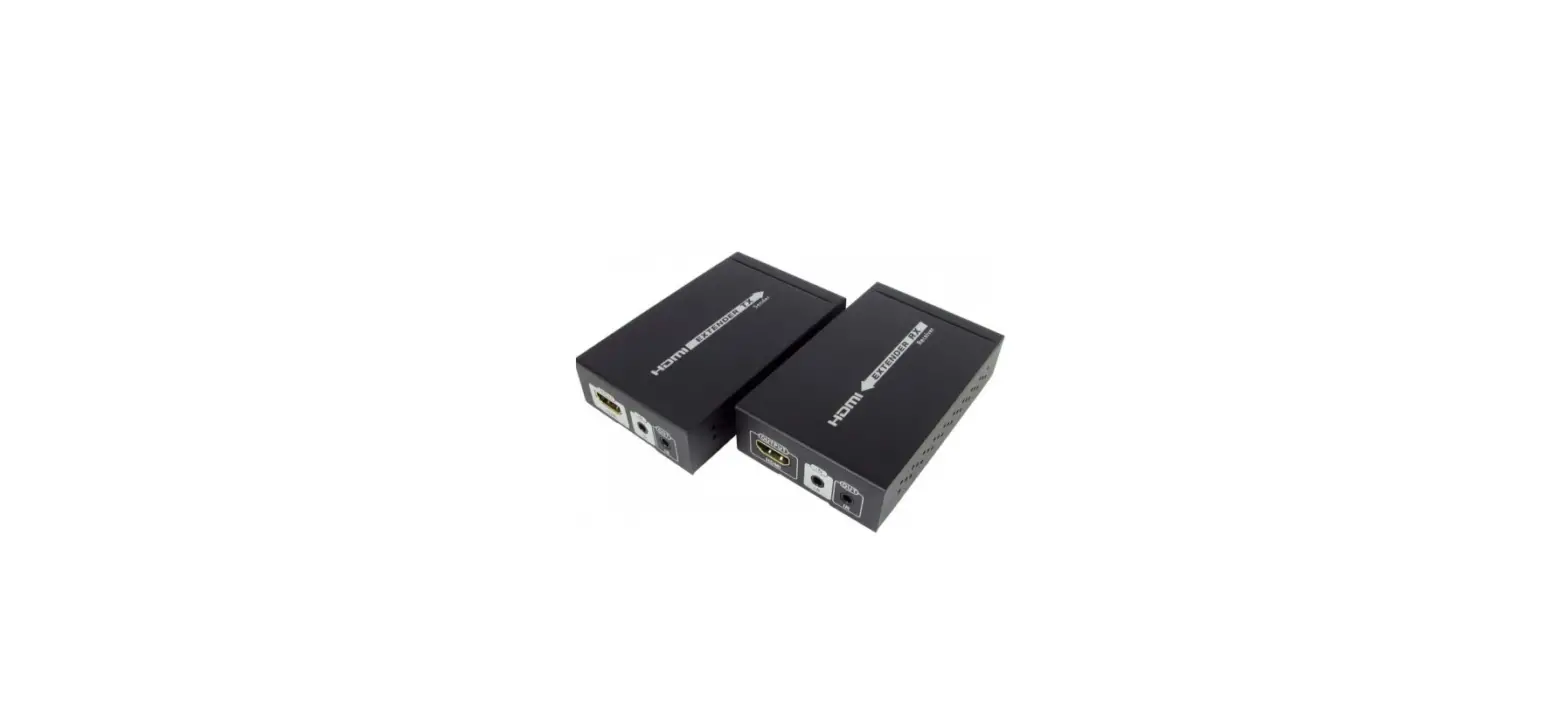
The Wireless HDMI® Extender Set transfers high-resolution HDMI® video and audio signals without a cable at a distance of up to 30 m (unrestricted view). Transmission is uncompressed and without latency, so you can enjoy top-quality audio and video transmission. The extender set is very easy to operate thanks to real Plug & Play: just plug the source and receiver device into the set and you can get started right away. Spare yourself the trouble of moving around HDMI® cables by using this easy-to-operate Wireless HDMI® Extender System from DIGITUS®. Perfect for subsequent, impromptu, or temporary installations. Ideal for films, gaming, or live applications.
Note:
- Transmission distance will be different due to the environment.
- Wall, brick or glass will shorten the signal cover range or cause big signal loss.
Installation Requirement
- HDMI source (PC, notebook, DVD, game console, TV box, etc.)
- HDMI output device (TV, beamer, monitor, etc.)
Important Safety Notice
please read below safety instructions carefully before installation and operation:
- Observe all warnings and notes regarding this device.
- Do not expose the device to rain, moisture, vapors, and liquids.
- Do not insert any objects into the device.
- Never attempt to repair the device yourself or open the housing. The danger of an electric shock!
- Ensure adequate ventilation to prevent overheating damage.
- Turn off the power supply and make sure the immediate surroundings are safe before installation.
- During a thunderstorm, there is a risk of a lightning strike and overvoltage damage to connected electrical devices.
- Do not install this device during a thunderstorm.
- Disconnect the device from the connected electrical devices during a thunderstorm.
- The device is intended for indoor use only.
- If the device needs repair, bring it to a specialist dealer.
- Dust, moisture, vapors, and harsh detergents or solvents can damage the device.
- Disconnect the device from the power supply and connected devices before cleaning.
- Use a lint-free cloth to clean the device.
Features
- Wireless transmission of high-resolution 4K HDMI® over a distance of up to 30 m – without a latency period
- Supports UHD resolutions of up to 4K / 30 Hz
- Transmission of uncompressed, zero-latency UHD video signals
- Transmission is possible at a distance of up to 30 m (unrestricted view)
- 60 G video transmission technology for the most demanding requirements
- Ideal solution for films, gaming, or live applications
- Spare yourself the trouble of repositioning long cables
- Perfect for subsequent, impromptu, or temporary installations Frequency Range & Maximum Transmit Power
Frequency Range & Maximum Transmit Power
| Frequency Range | |
| Channel | 2 channels (CH2, CH3) switch automatically |
| Core Frequency | HR/MRP CH2: 60.48Ghz, HR/MRP CH3: 62.64GHz |
| Range | HR/MRP CH2: 60.16275–60.79725GHz, HR/MRP CH3: 62.32275–62.95725GHz |
| Bandwidth | LRP 92MHz, MRP 865MHz, HRP 1760MHz |
| Transmission Power | LRP 16dBi, MRP/HRP 18dBi |
| Software Version | V1.0 |
| Hardware Version | V1.0 |
Panel Description
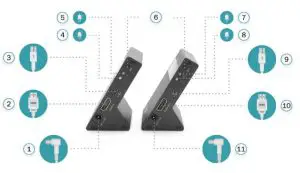
Sender
| 1 | Power input | Connect with 5V1A power adapter |
| 2 | HDMI input | Connect with the HDMI source device |
| 3 | Micro USB | Standby power or Firmware upgrade interface |
| 4 | Data transmission indicator | 1. LED slow blink means the unit has started radio transmission and has not yet found the receiver, the transmitter is in scan mode, searching for a matching receiver; 2. LED fast blink means the transmitter and receiver have been connected well with each other; 3. LED on means the transmitter and receiver have established an audio or video connection, the user can be able to see this transmission happening on the display attached to the receiver. |
| 5 | Power indicator | LED indicator turn on when power on |
| 6 | SET button | Long press 10s, data transmission indicator flashes quickly to indicate successful pairing |
Receiver
| 6 | SET button | Long press 10 seconds, data transmission indicator flashes quickly to indicate successful pairing |
| 7 | Power indicator | LED indicator turn on when power on |
| 8 | Data transmission indicator | 1. LED slow blink means the unit has started radio transmission and has not yet found the transmitter, the receiver is in pairing mode, searching for a matching transmitter; 2. LED fast blink means the transmitter and receiver have been connected well with each other; 3. LED on means the transmitter and receiver have established an audio or video connection, the user can be able to see this transmission happening on the display attached to the receiver. |
| 9 | Micro USB | Standby power or Firmware upgrade interface |
| 10 | HDMI output | Connect with HDMI display device |
| 11 | Power input | Connect with 5V1A power adapter |
Connection
Point to point connection
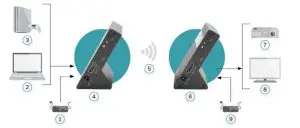
| 1) Power Adapter 2) Notebook 3) Gaming Console 4) Sender Unit 5) 60G wireless transmission over a distance of up to 30 m | 6) Receiver Unit 7) Projector 8) TV 9) Power Adapter |
Note
- . Max 2 kits within a room.
- When the transmitter and the receiver are placed face to face with each other, the transmission distance is up to 30 meters.
- When the transmitter and the receiver are placed freely, the transmission distance is up to 8 meters.
Specifications
| Power supply | DC5W1A |
| Power consumption | Sender <2.5W, Receiver <2.5W |
| HDMI compliance | HDMI1.4 |
| HDCP compliance | HDCP2.2 |
| HDMI resolution | 480i@60Hz, 480P@60Hz, 576i@60Hz, 576P@60Hz, 720P@50/60Hz, 1080i@50/60Hz, 1080P@24/30/60H, 3840×2160@24/30Hz |
| Audio formats Supported | LPCM/DTS/DTS-HD/Dolby True HD 7.1CH/Dolby Digital 5.1CH |
| Maximum transfer rate | 10.2Gbps |
| Input and output TMDS signal | 0.7–1.2Vp-p(TMDS) |
| Input and output DDC signal | 5Vp-p(TfL) |
| Transmission method | 60GHz Wireless transmission |
| Transmission distance | 30 meters 1. when the transmitter and the receiver are placed face to face of each other, the transmission distance is up to 30 meters; 2. when the transmitter and the receiver are placed freely, the transmission distance is up to 8 meters. |
| Latency | zero latency |
| Electrostatic protection of the whole machine | la Contact discharge level 3 |
| lb Air discharge level 3 | |
| Standard: IEC61000-4-2 | |
| Working temperature | -20–60°C |
| Storage temperature | -30–70°C |
| Humidity (no condensation) | 0–90% RH |
| Dimension | 78.9(W) x 45.7(D) x 54.0(H) mm |
| Material | Aluminum alloy material |
| Weight | Sender:120g, Receiver:120g |
Power Adapter Information
| Information published | Value and precision | Unit |
| Manufacturer’s name or trademark, commercial registration number, and address | Mass Power Electronic Ltd No.365, South Dongkeng Road, Dongkeng Town, Dongguan City, 523443, P. R. China | – |
| Model identifier | NBSO5B050100VE | – |
| Input voltage | 5 | V |
| Input AC frequency | 100-240Vac/ 50/60 | Hz |
| Output voltage | 5V | V |
| Output current | 1 | A |
| Output power | 5 | W |
| Average active efficiency | 73.62 | % |
| Efficiency at low load (10 %) | 64.59 | % |
| No-load power consumption | 0.1 | W |
FAQ
Q Transmitter and receiver can’t be connected with each other?
A
- please check if the data transmission indicator light on the product keeps on.
- Restart the receiver, or Long press the SET button (>10 seconds) to reset to factory default.
- Reconnect the HDMI cable.
Q The data transmission LED indicator of the transmitter blink slowly, but no signal output on display/monitor?
A
- Please check if there is an HDMI signal input of sender TX.2)
- Try to connect the signal source directly to the display device to see if there is a signal output from source device or change the signal source, HDMI cables and try again
Q Display not fluent and stable
A
- Please change the position of the sender(TX) and receiver(RX) and make sure devices are within the signal coverage.
- Restart the transmitter or receiver.
- Reconnect the HDMI cable.
- Remove other wireless signal disturbances and reduce the obstacle on the way.
Disclaimer
The product name and brand name may be registered trademarks of related manufacturers. ™ and ® may be omitted from the user manual. The pictures on the user manual are just for reference, The terms HDMI, HDMI HighDefinition Multimedia Interface, and the HDMI logos are trademarks or registered trademarks of HDMI Licensing Administrator, Inc. We reserve the rights to make changes without further notice to a product or system described herein to improve reliability, function, or design. Hereby Assmann Electronic GmbH declares that the Declaration of Conformity is part of the shipping content. If the declaration of Conformity is missing, you can request it by post under the below-mentioned manufacturer address.
www.assmann.com
Assmann Electronic GmbH
Auf dem Schüffel 3
58513 Lüdenscheid
Germany