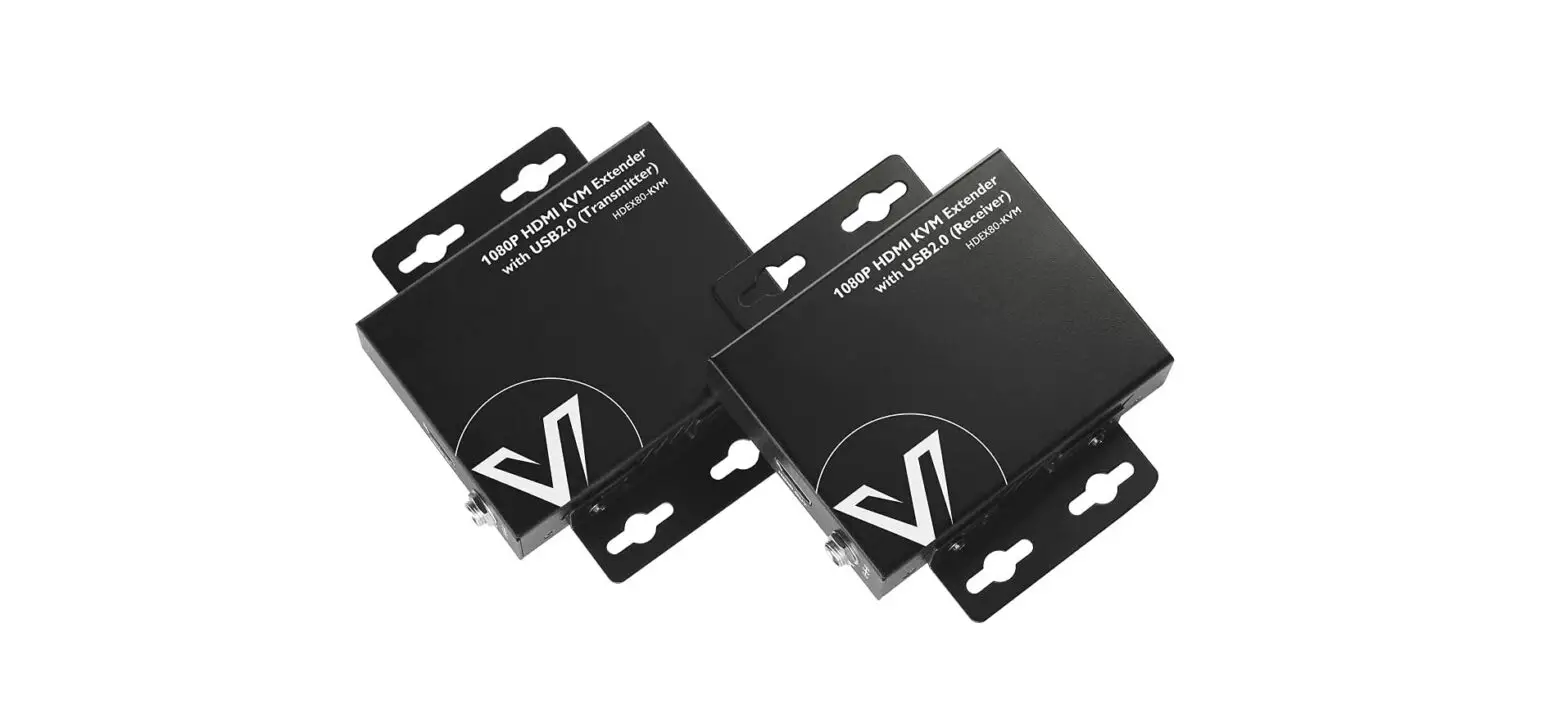
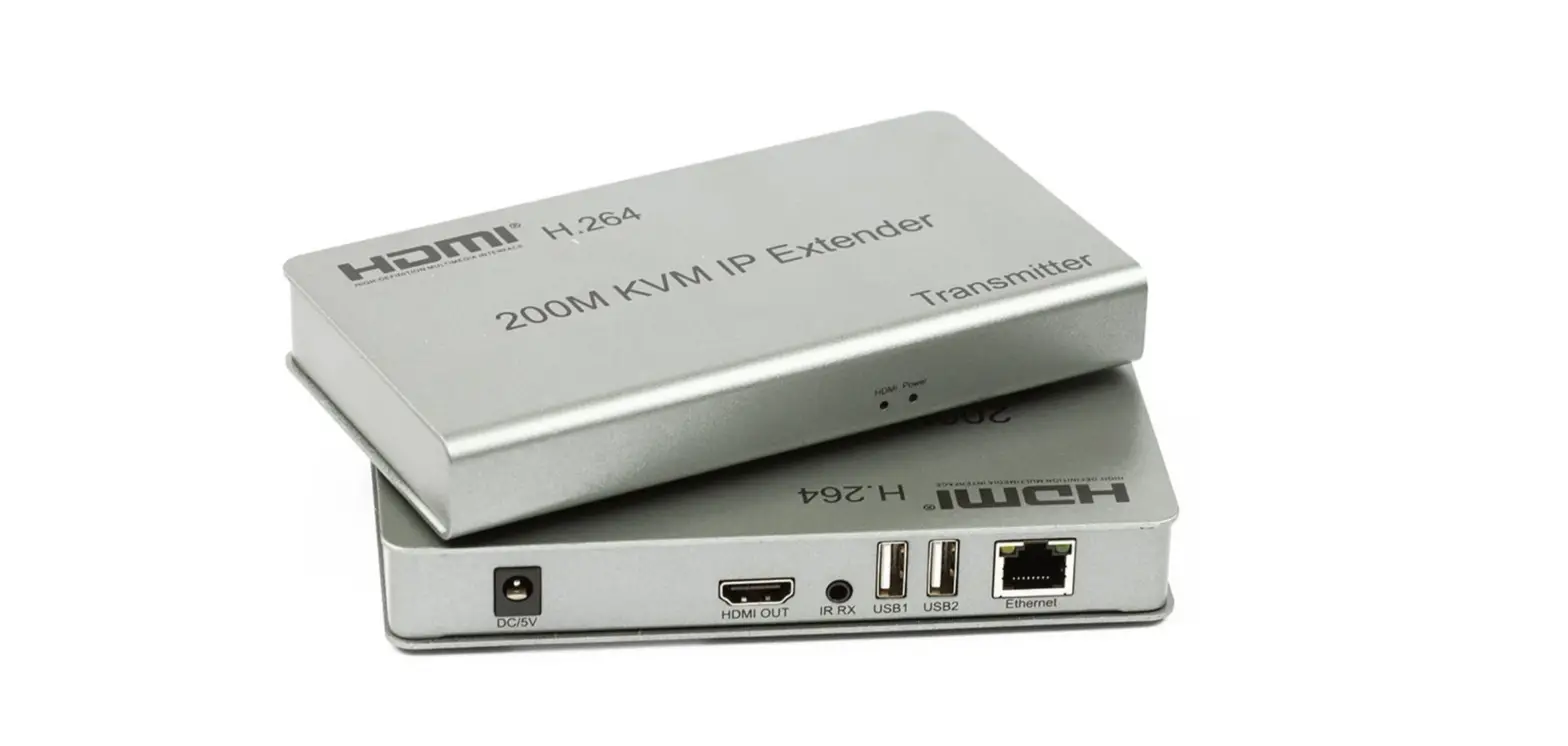
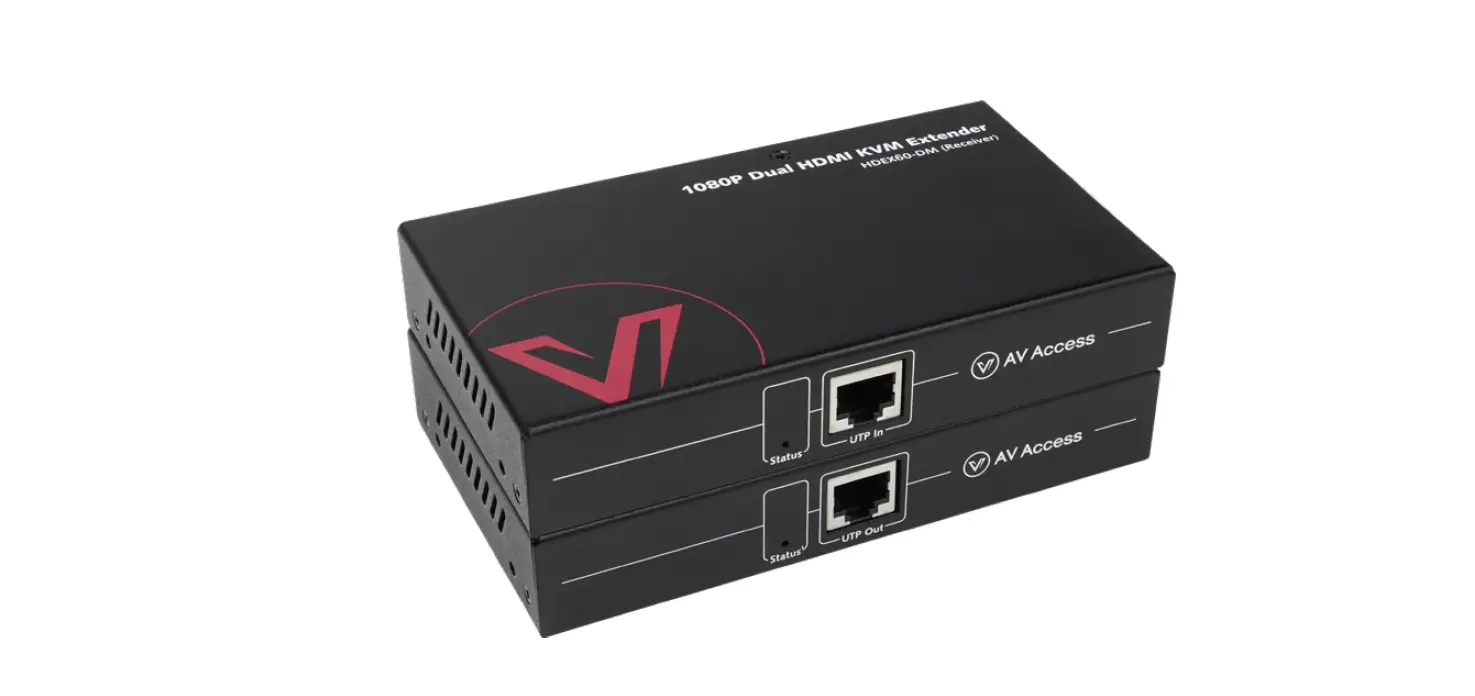
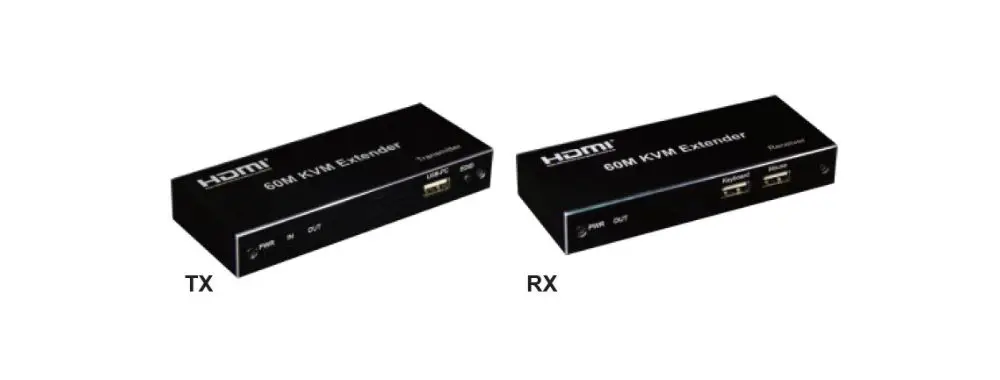
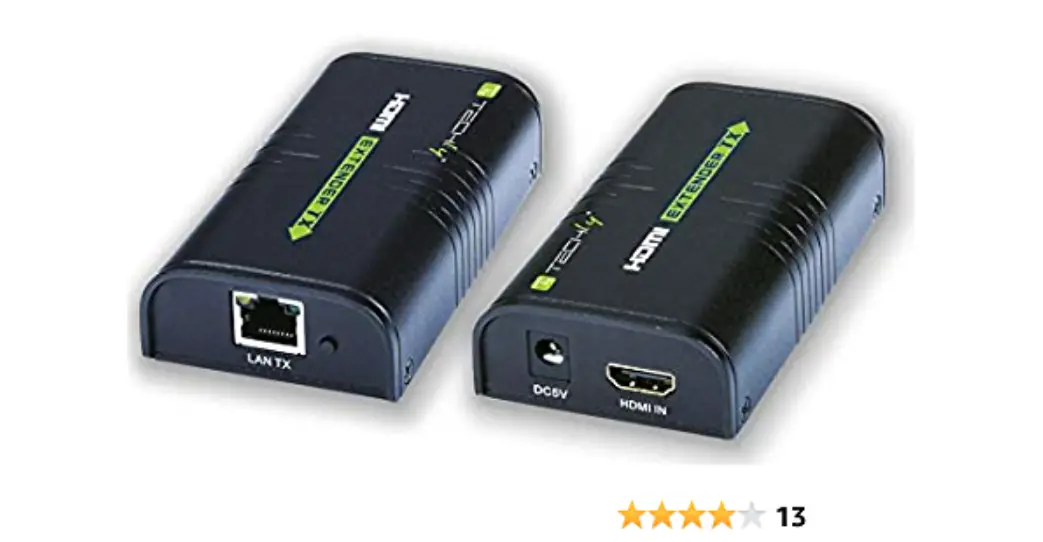
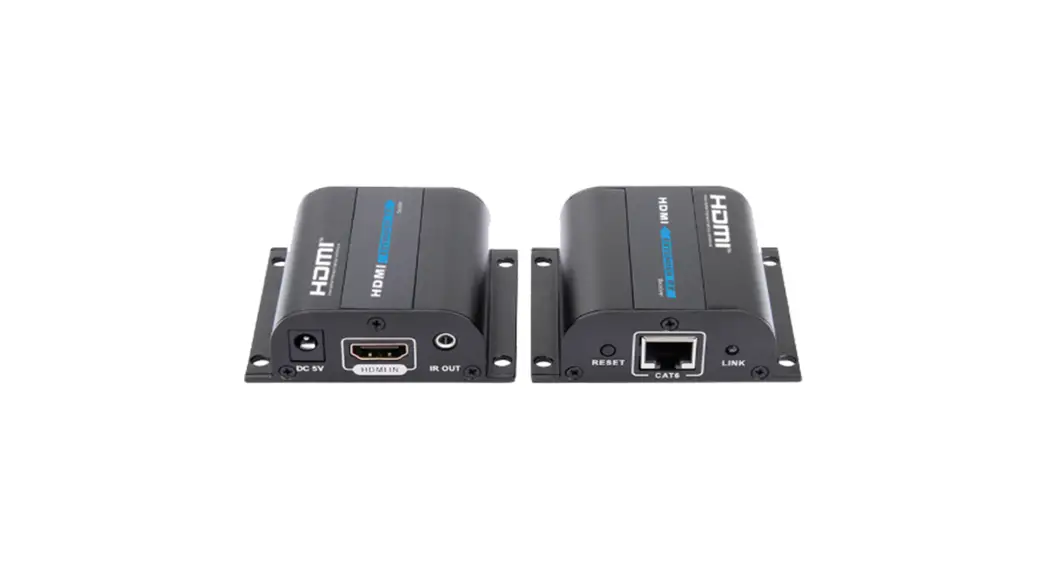
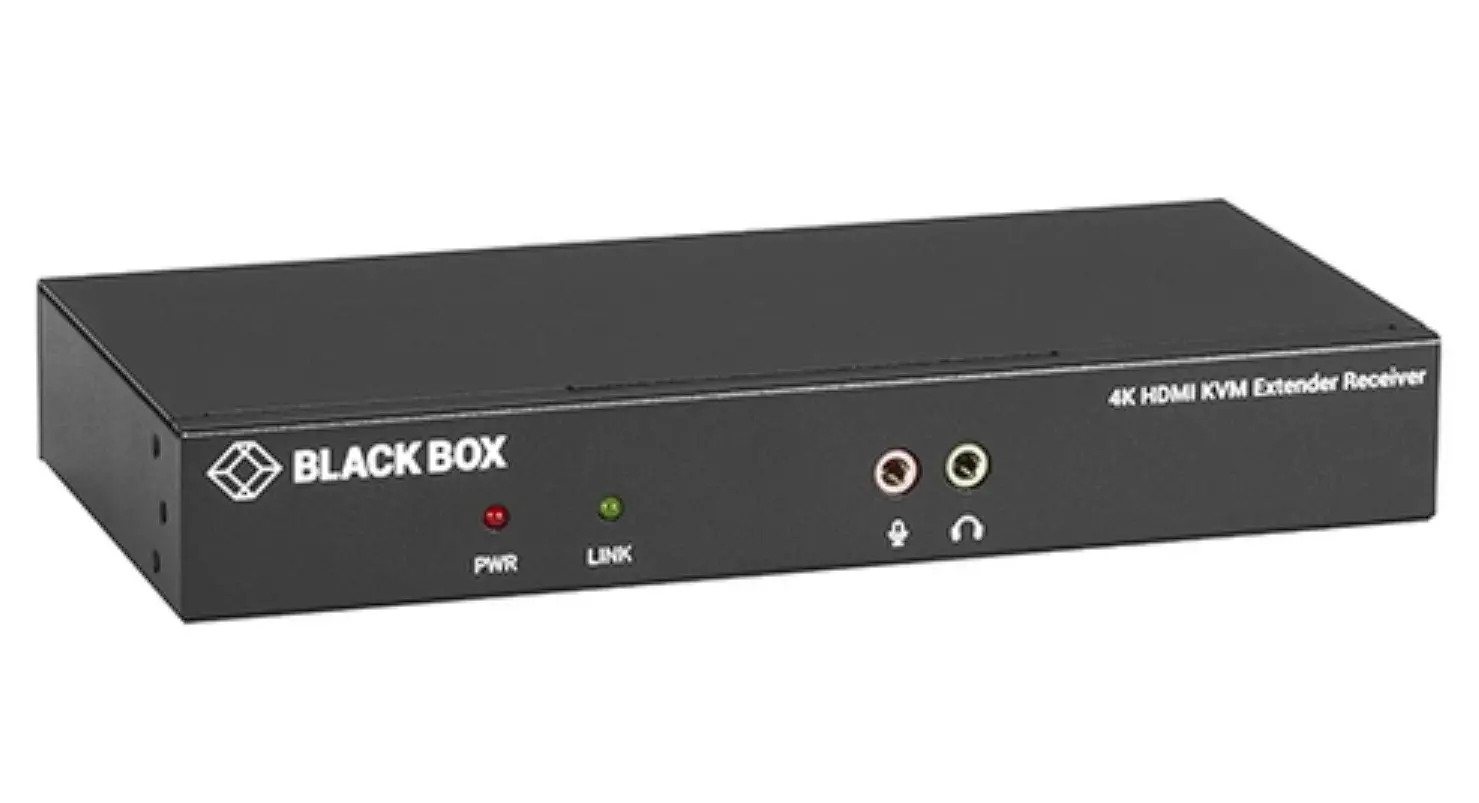
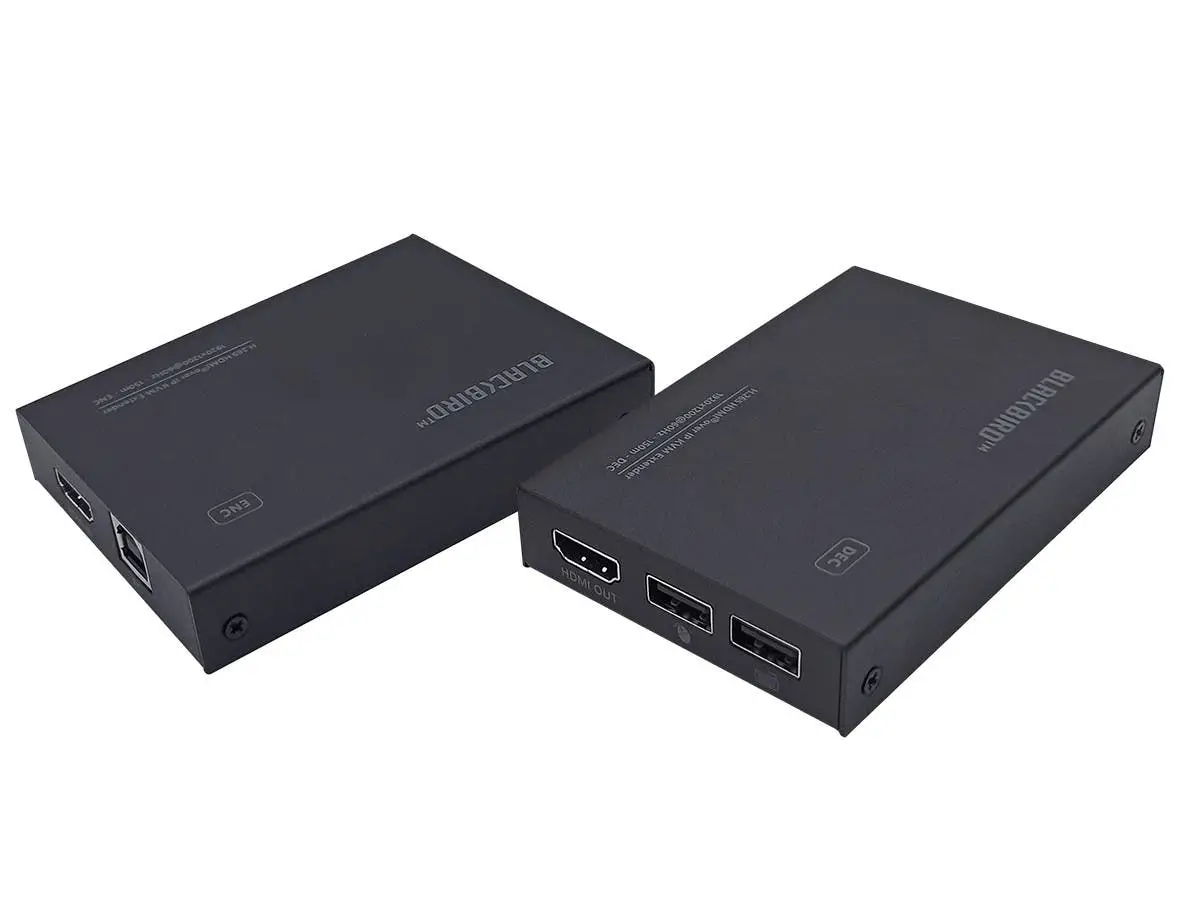
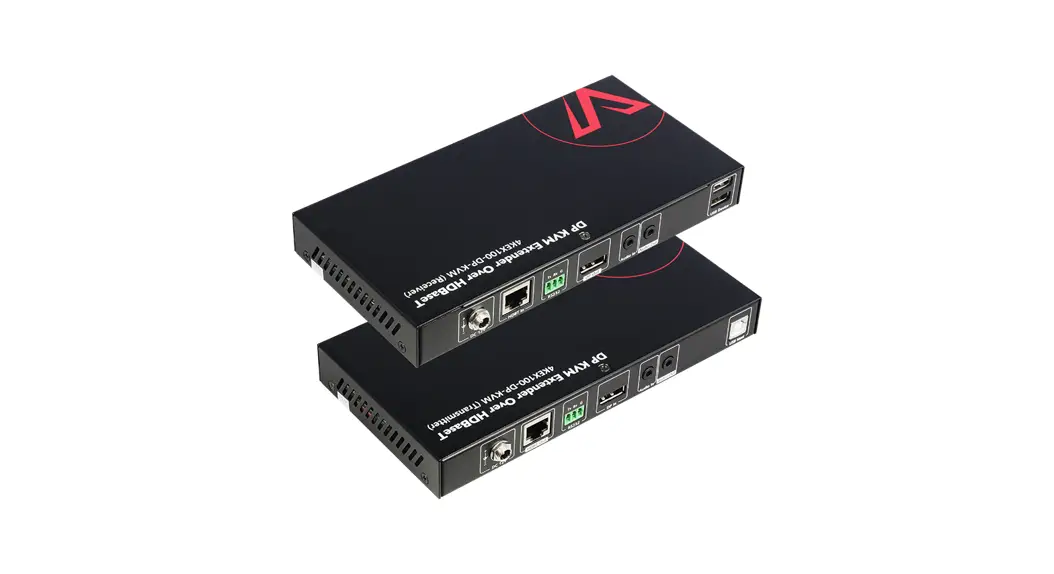
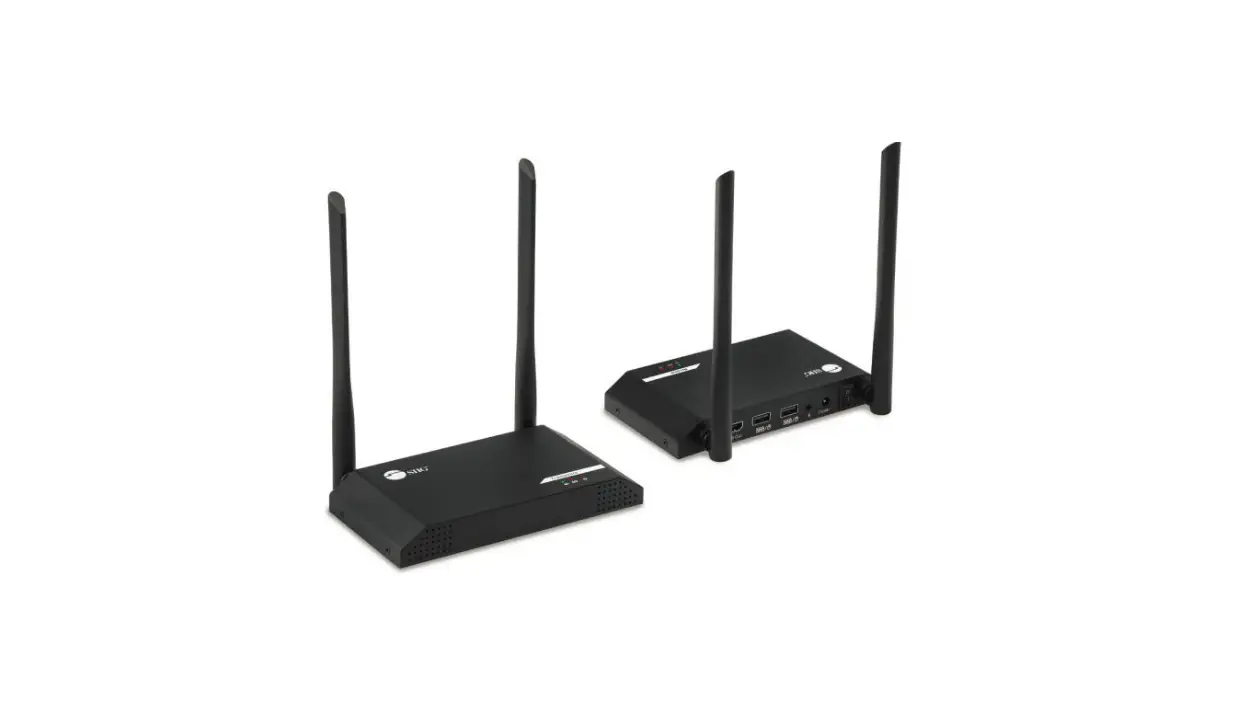
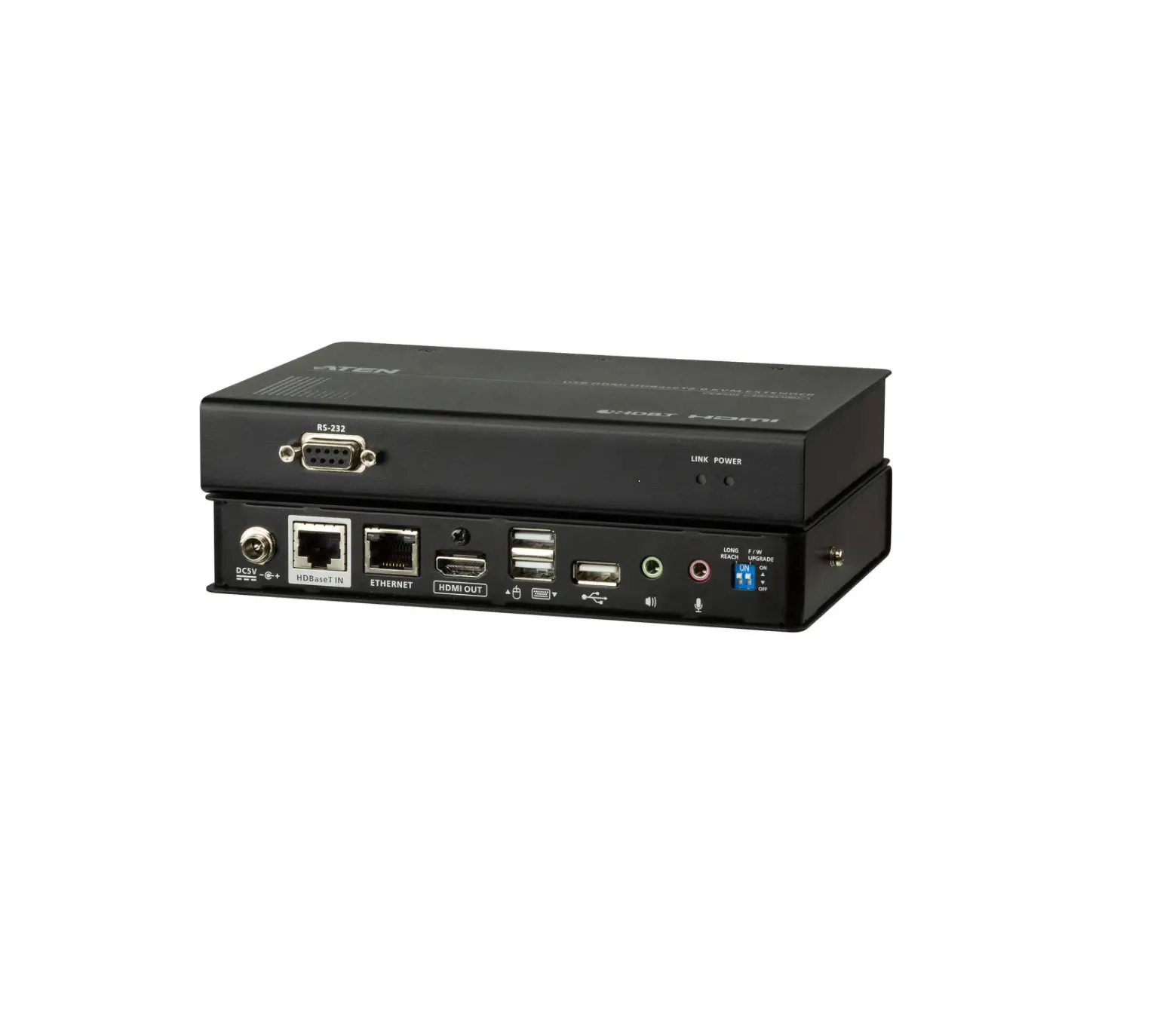
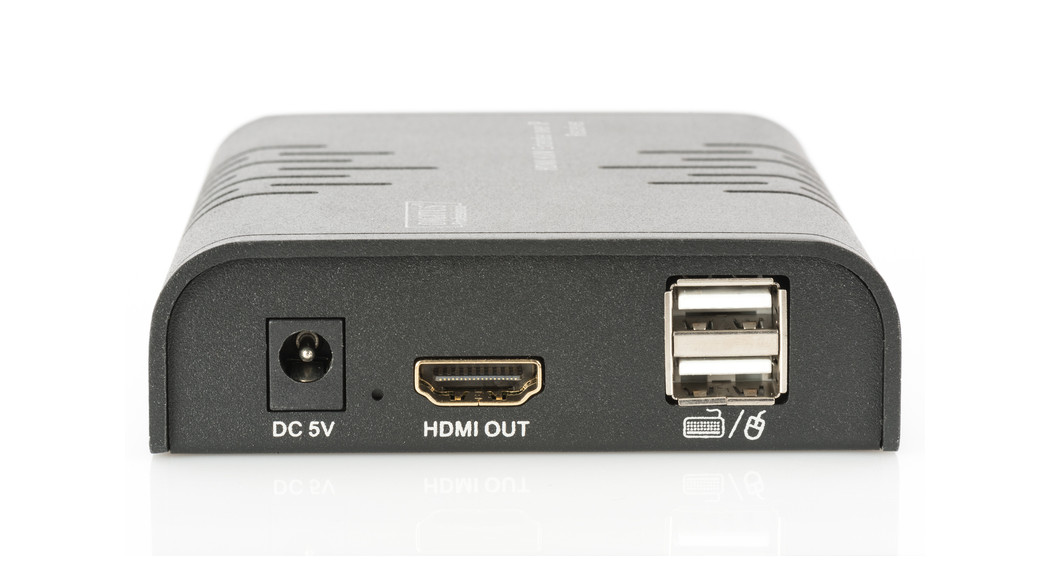
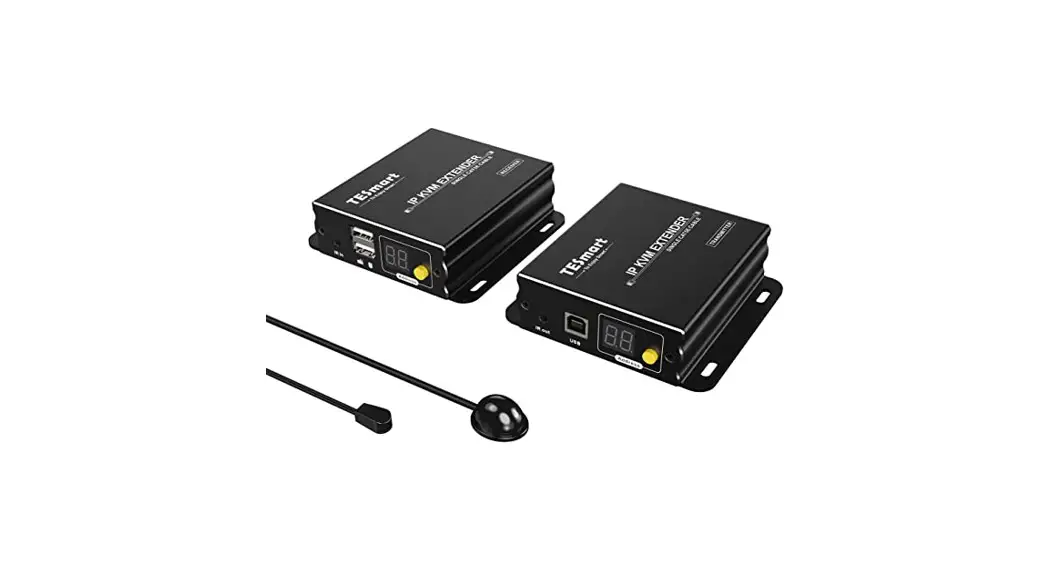
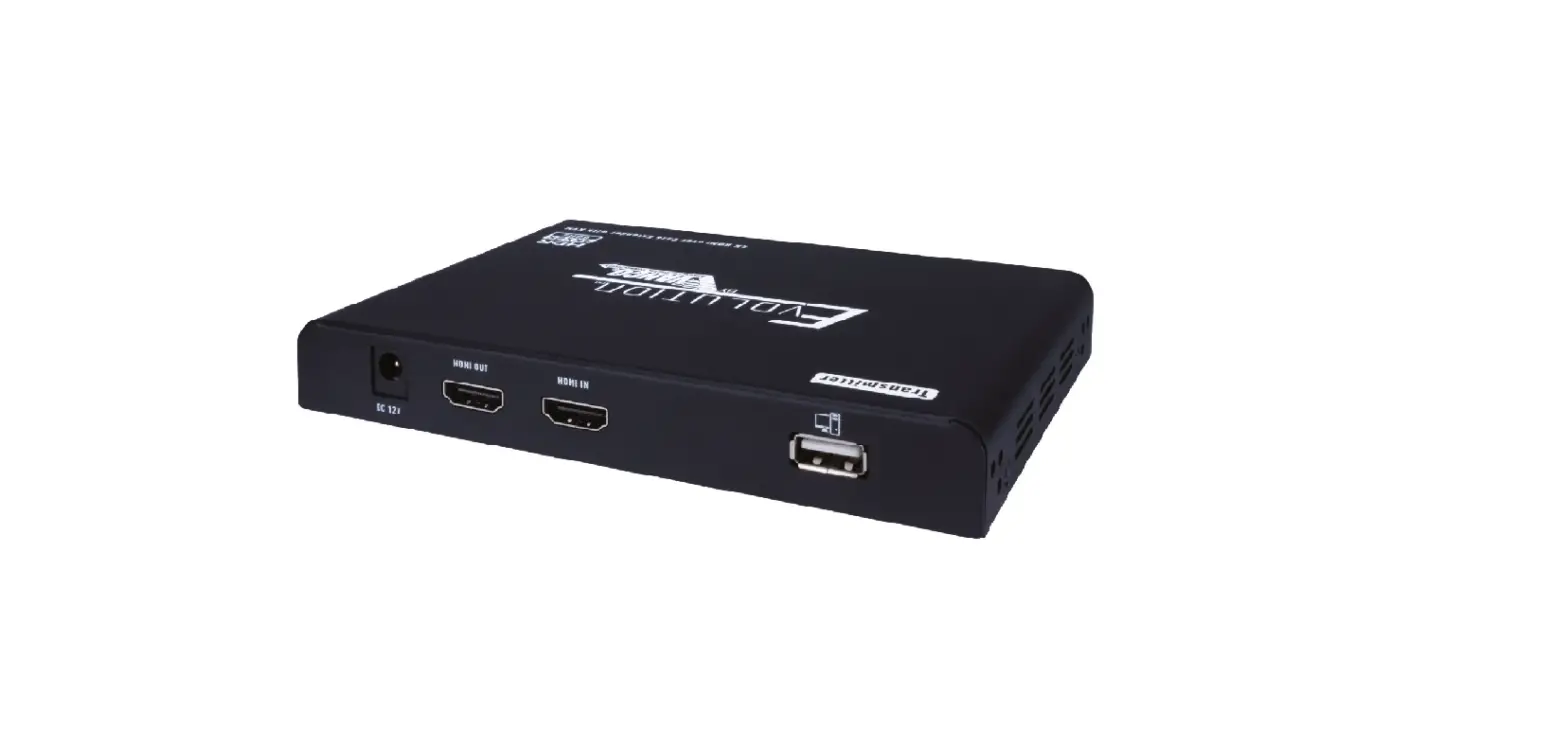
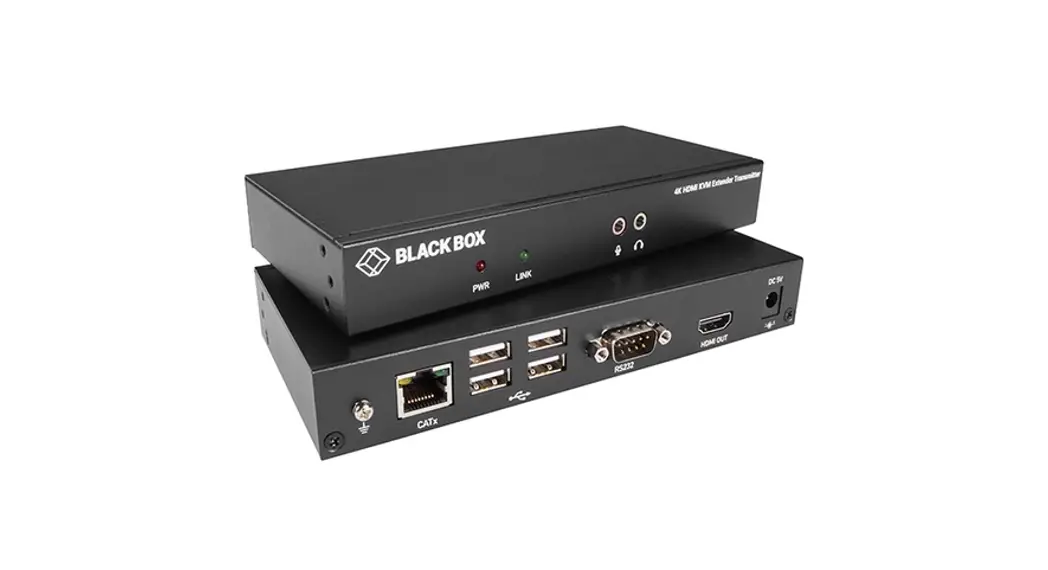
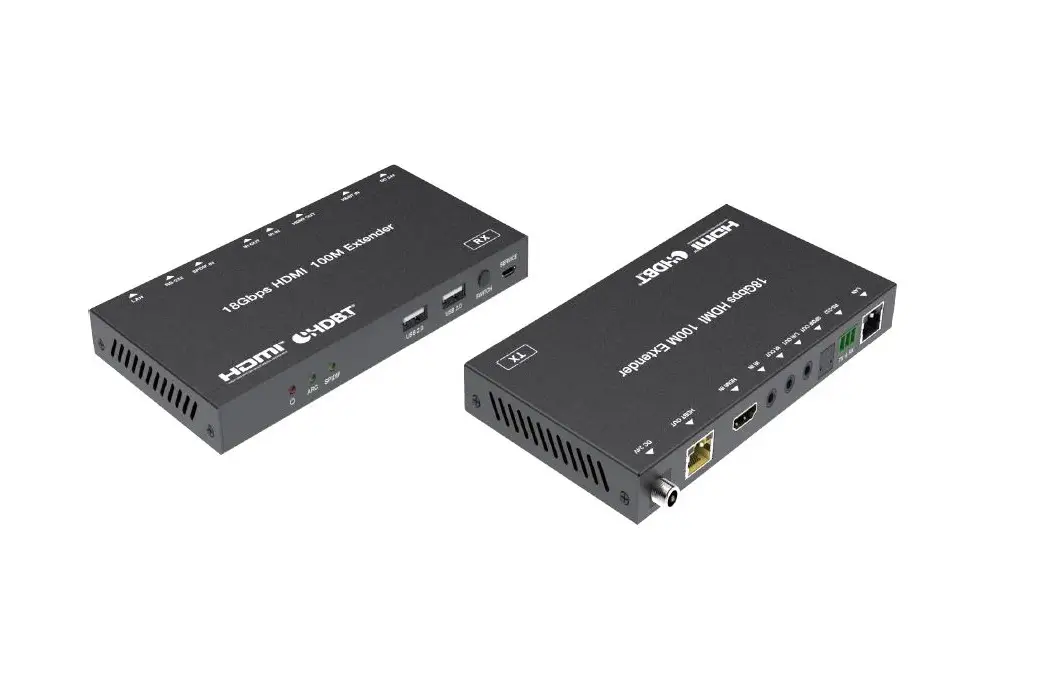
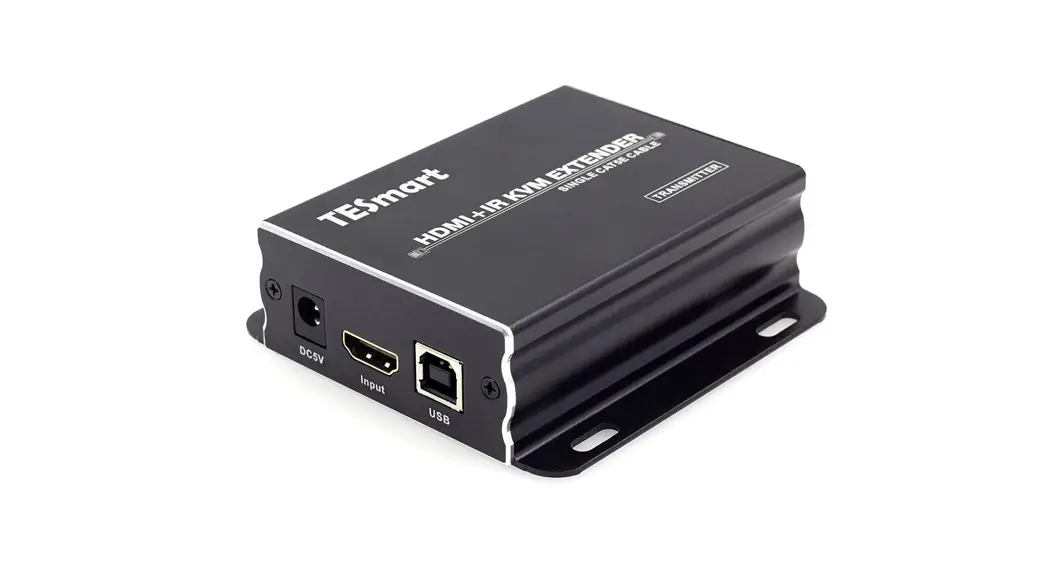
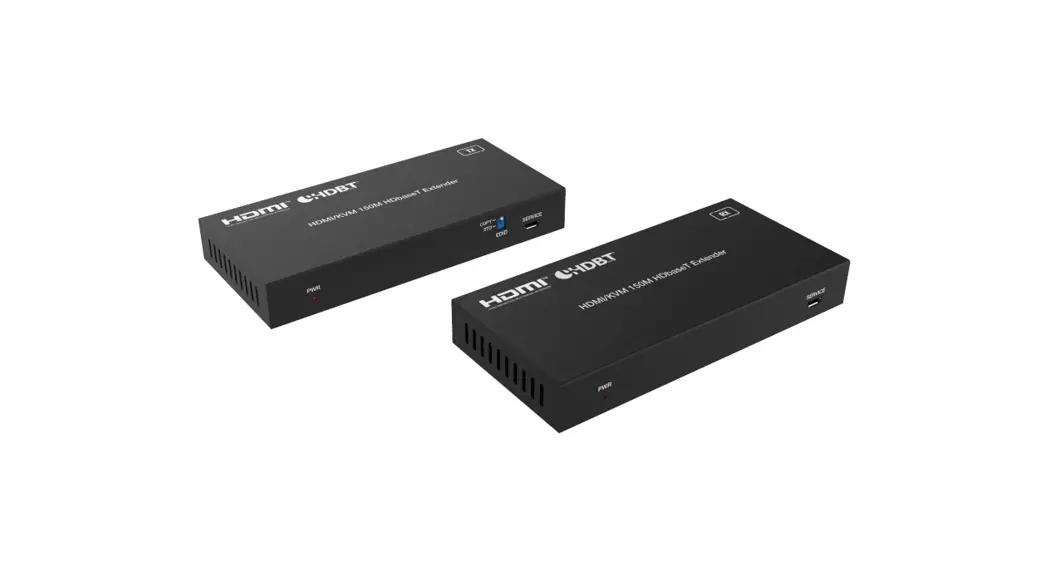
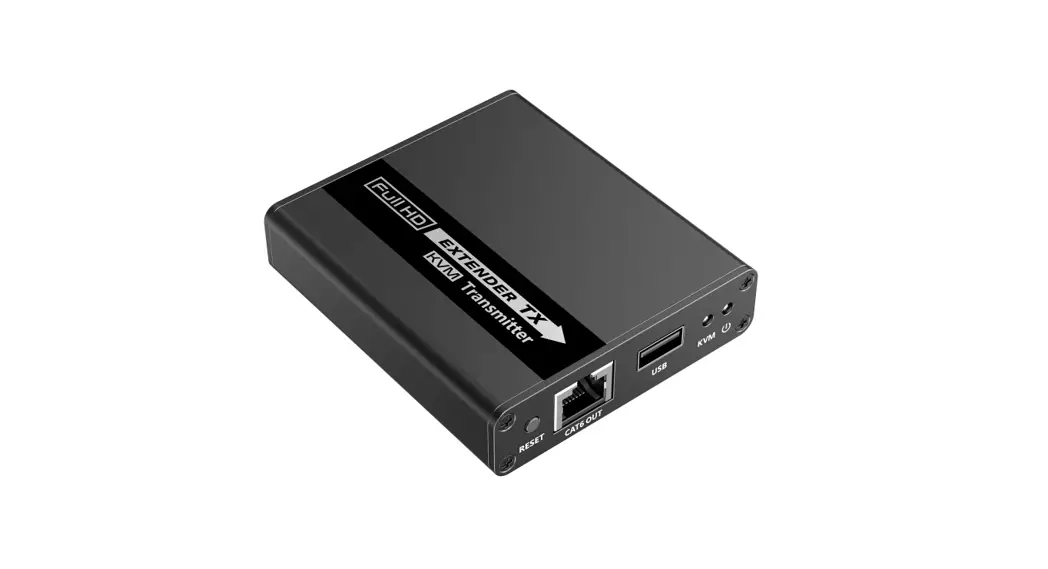
HDEX80-KVM 1080P HDMI KVM Extender
1080P HDMI KVM Extender with USB2.0
HDEX80-KVM
User Manual
Introduction
Introduction
Overview
This product extends full HD HDMI signal up to 80m/260ft via a single Cat X cable, without any video loss and time delay. It supports USB 2.0 pass-through. With USB Host connector in transmitter, and USB Device connectors in receiver, it provides remote source PC control with keyboard and mouse, interactive display operation, data transmission and USB streaming over distances up to 80m/260ft. It has many professional designs which suitable for various application scenario, especially for engineering project usage. Two-way PoE (Power over Ethernet), integrates power into the Cat 5e/6 cable, only one power adapter is needed to either transmitter or receiver.
Features
Extends full HD HDMI signal up to 80m/260ft via a single Cat X cable without signal loss and delay.
Extends high speed USB 2.0 signal (480Mbps) up to 260ft/80m, provides 2xUSB 2.0 ports at display end.
Supports two-way PoE (Power over Ethernet), only one power adapter is needed to either transmitter or receiver.
Auto EDID management automatically adjusts to overcome compatibility issues.
Plug and play, no driver needed.
Package Contents
Before you start the installation of the product, please check the package contents: Transmitter x 1 Receiver x1 Power Adapter (DC 12V 2A) x 1 USB type-A to type-A Cable x 1 Mounting Brackets (with Screws) x 4 User Manual x 1
Panel
Transmitter
1 a2
b 3 c4
No. Name 1 HDMI In
2 DC 12V
3 UTP Out 4 USB (PC) a Power LED
b Status LED
c
USB (PC) LED
Introduction
Description HDMI signal input. Connects to an HDMI source device. Power input. Connects to the power adapter provided. Only one power adapter is needed at transmitter or receiver side. Connect to the receiver via Cat X cable. Connect to a computer. Lights on when the device is powered on. On: HDMI data is being transmitted. Off: No signal. Breathing Status: No USB device is connected. Solid on: USB device is linked. Flashing: USB data is being transmitted.
Receiver
1 a2
b 3 c4
No. Name
Description
1
HDMI Out
HDMI signal output. Connect to an HDMI display device.
Power input. Connect to the power adapter
2 DC 12V
provided. Only one power adapter is needed at transmitter or
receiver side.
3 UTP In
Connect to the transmitter via Cat X cable.
4 USB Device Connect to the USB devices.
a Power LED Lights on when the device is powered on.
b
Status LED
On: HDMI data is being transmitted. Off: No signal.
c
USB Device LED
Breathing Status: No USB device is connected. Solid on: USB devices are linked. Flashing: USB data is being transmitted.
Installation and Application
Installation and Application
Brackets Installation
Note: Before installation, please ensure the device is disconnected from the power source. 1. Attach the installation bracket to the
enclosure using the screws that were provided in the package separately. The bracket height can be adjusted up/down or bracket face up or down. 2. Attach the brackets to the surface you want to hold the unit against using the screws (provided by others).
Application
Power Supply PC
Connect to an
HDMI source 1
device.
Transmitter
6
Connect to the power
supply.
2 Connect to the PC.
Receiver
Connect the transmitter to receiver via a single Cat X cable.
4 Connect to an
HDMI display.
Connect to the USB devices.
5
Display
Keyboard&Mous e
Headset with Built-in Mic
Specifications
Installation requirements: USB devices: With USB2.0 input interfaces, keyboard, mouse, camera,
Mic, mobile HD etc. (Users should insert the power adapter to receiver when connected the hard disk to the USB port) Cat X cables: UTP/STP Cat5e/6/6a cable, which following the standard of IEEE-568B. And the distance of the cable should no more than 80m. One power adapter is needed to be connected to the transmitter/receiver to power both units.
Specifications
Technical Video Signal Type Input/Output Resolution Support Audio Format Supported Max Data Rate
Transmission Distance
HDMI 1.3 with HDCP 1.4 1080P@60/50/30/25Hz; 720P@60/50Hz; 480P@60Hz PCM 2.0 6.75 Gbps HDMI Signal: Up to 260ft/80m via Cat 5e/6 or better cable. USB Signal: Up to 260ft/80m.
General Operating Temperature Storage Temperature Humidity Power Consumption (Maximum) Device Dimensions (W x H x D)
Product Weight
-20°C to 70°C -40°C to 80°C 20% to 90%, non-condensing
6.3 W (Pair)
98.2 mm ×23 mm ×75 mm/ 3.87” x 0.91” x 2.95” Transmitter: 0.22kg/0.48lb Receiver: 0.22kg/0.48lb
Warranty
Warranty
Products are backed by a limited 1-year parts and labor warranty. For the following cases AV Access Technology Limited shall charge for the service(s) claimed for the product if the product is still remediable and the warranty card becomes unenforceable or inapplicable. 1. The original serial number (specified by AV Access Technology Limited)
labeled on the product has been removed, erased, replaced, defaced or is illegible. 2. The warranty has expired. 3. The defects are caused by the fact that the product is repaired, dismantled or altered by anyone that is not from an AV Access Technology Limited authorized service partner. The defects are caused by the fact that the product is used or handled improperly, roughly or not as instructed in the applicable User Guide. 4. The defects are caused by any force majeure including but not limited to accidents, fire, earthquake, lightning, tsunami and war. 5. The service, configuration and gifts promised by salesman only but not covered by normal contract. 6. AV Access Technology Limited preserves the right for interpretation of these cases above and to make changes to them at any time without notice.
Thank you for choosing products from AV Access.
If you have any question, please contact us via the following emails: General Enquiry: [email protected] Customer/Technical Support: [email protected]