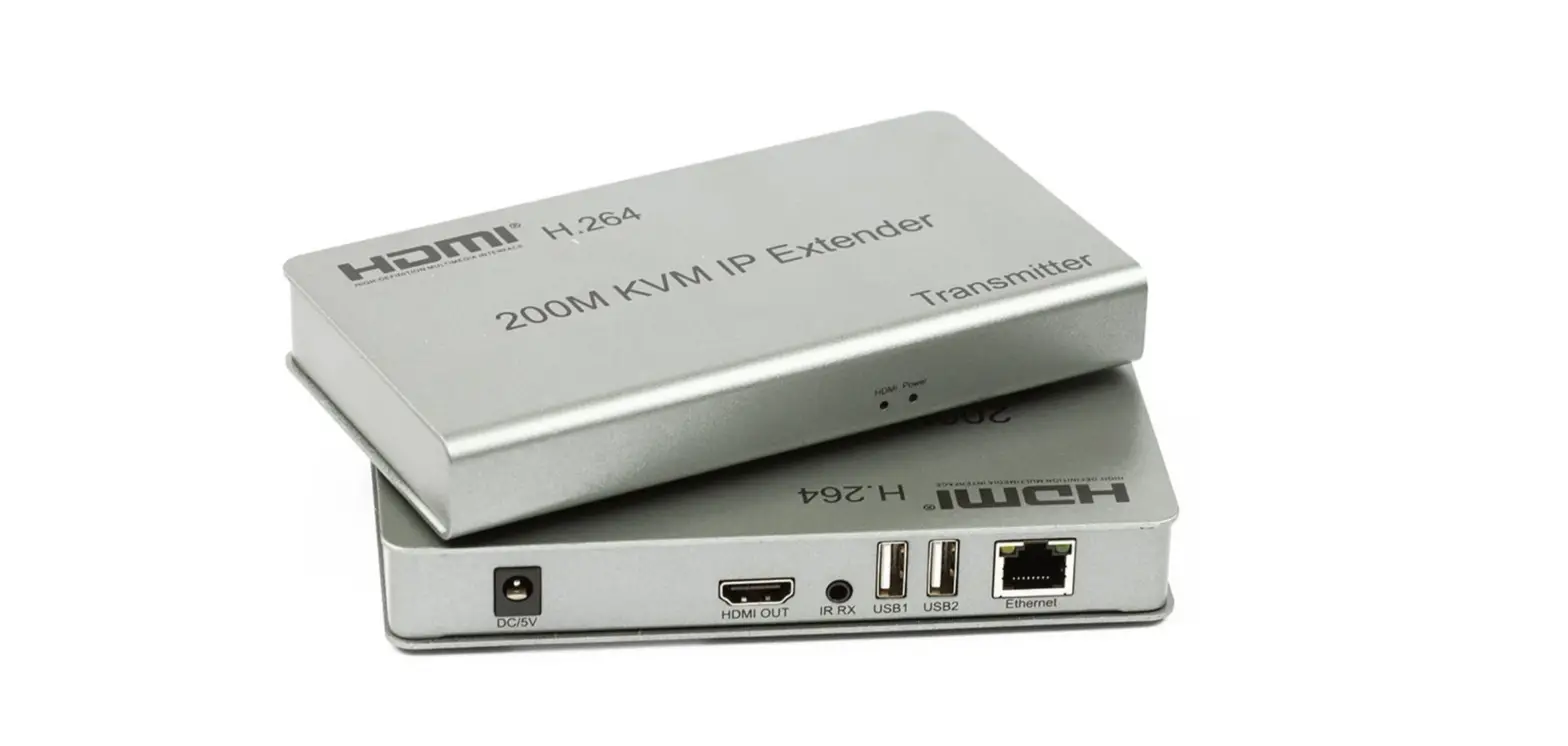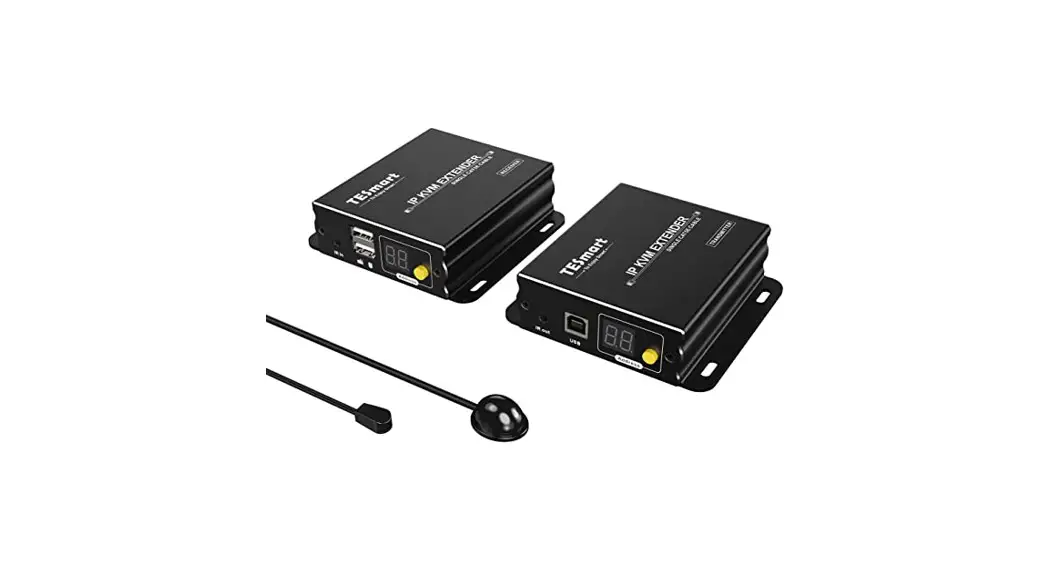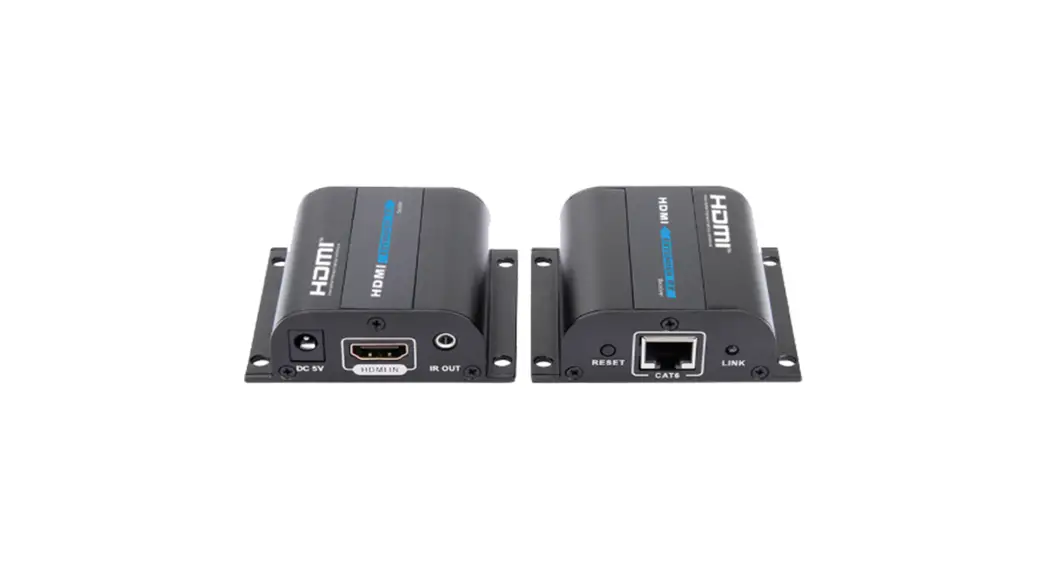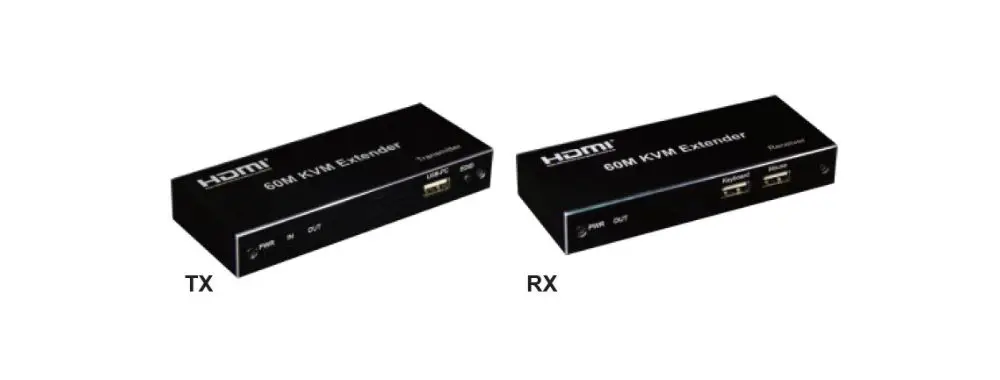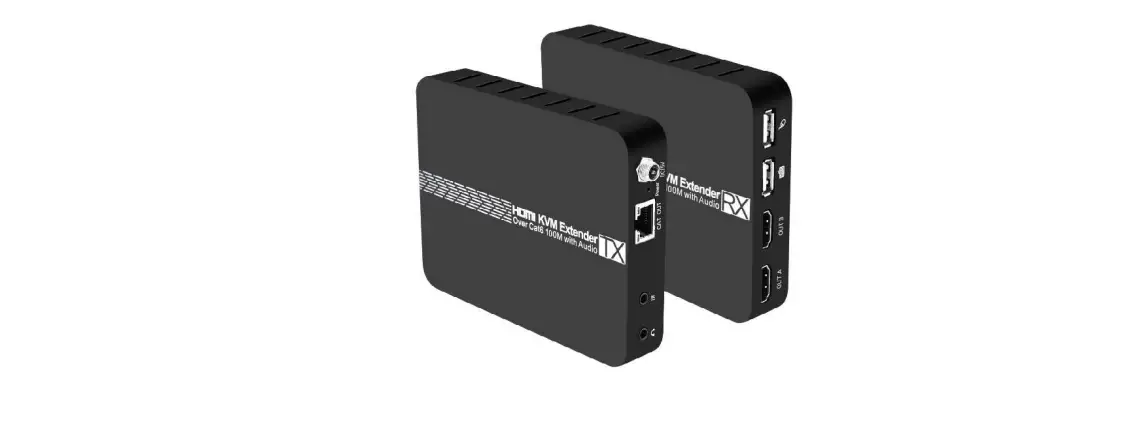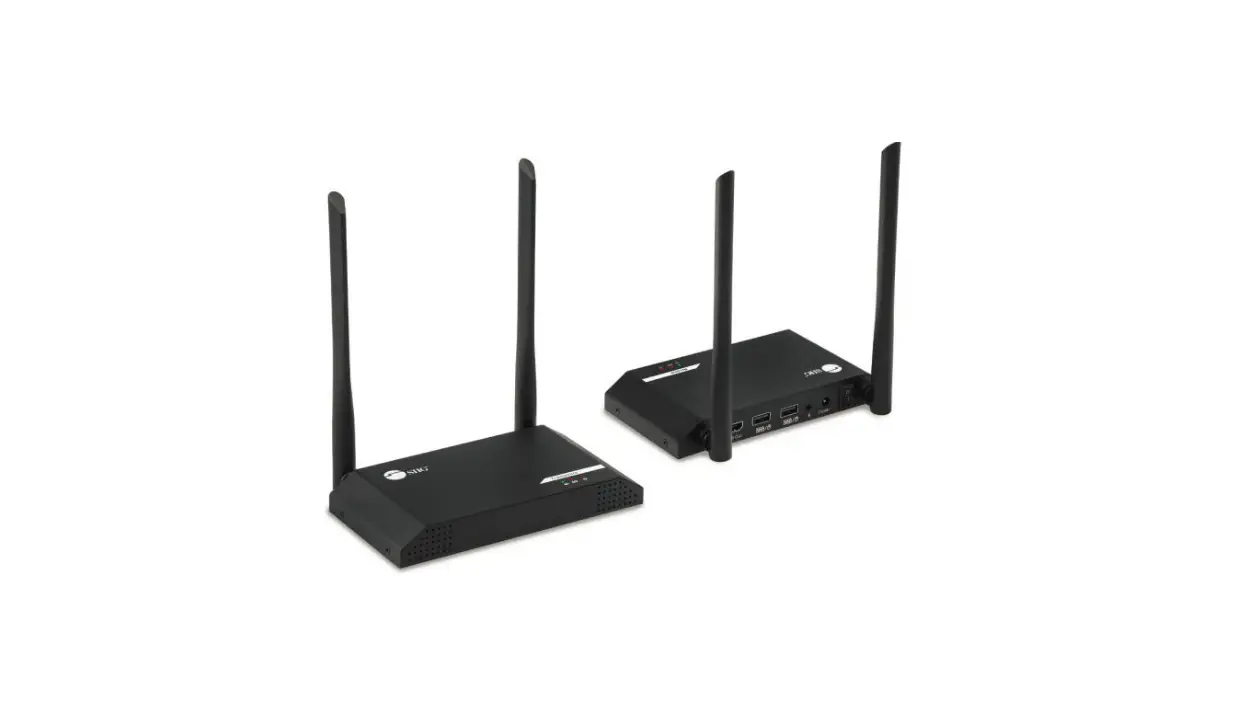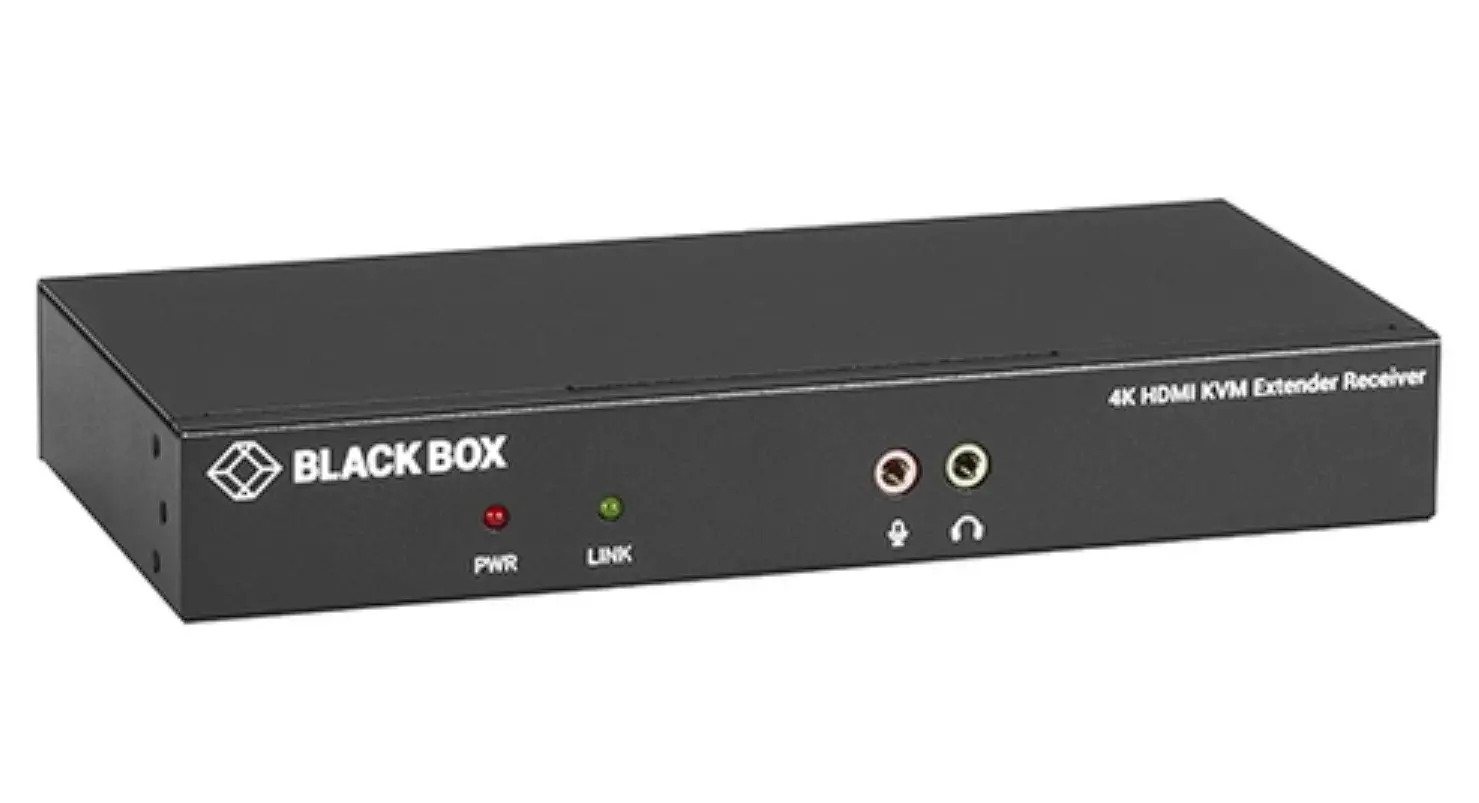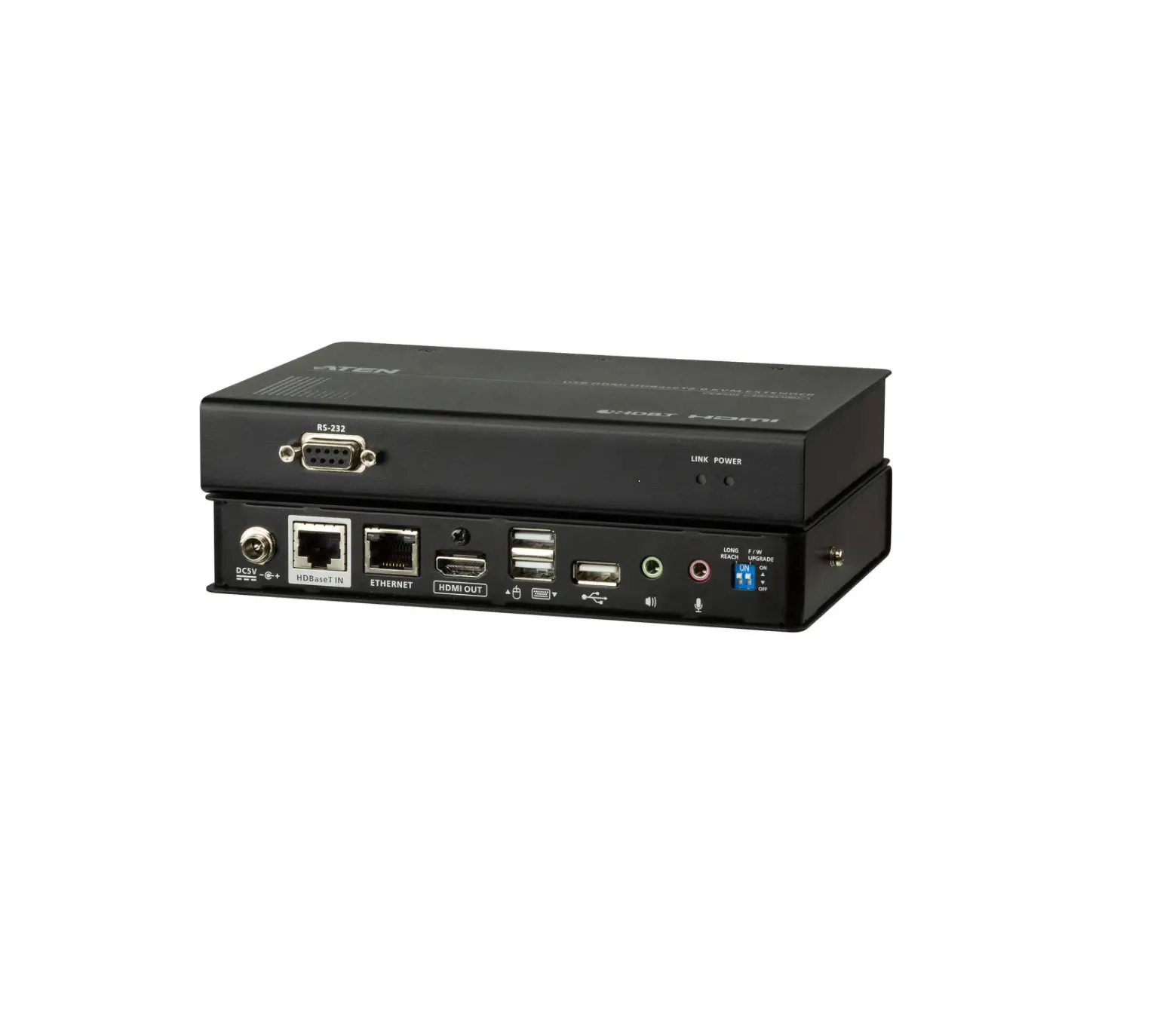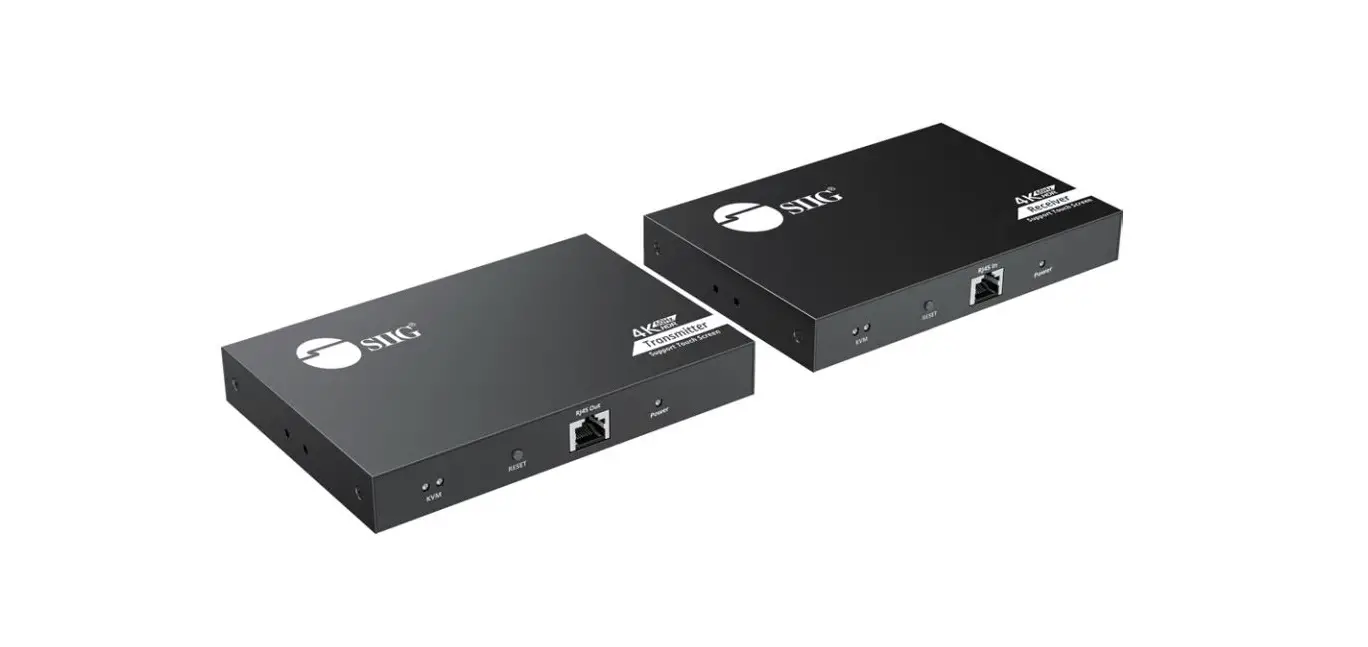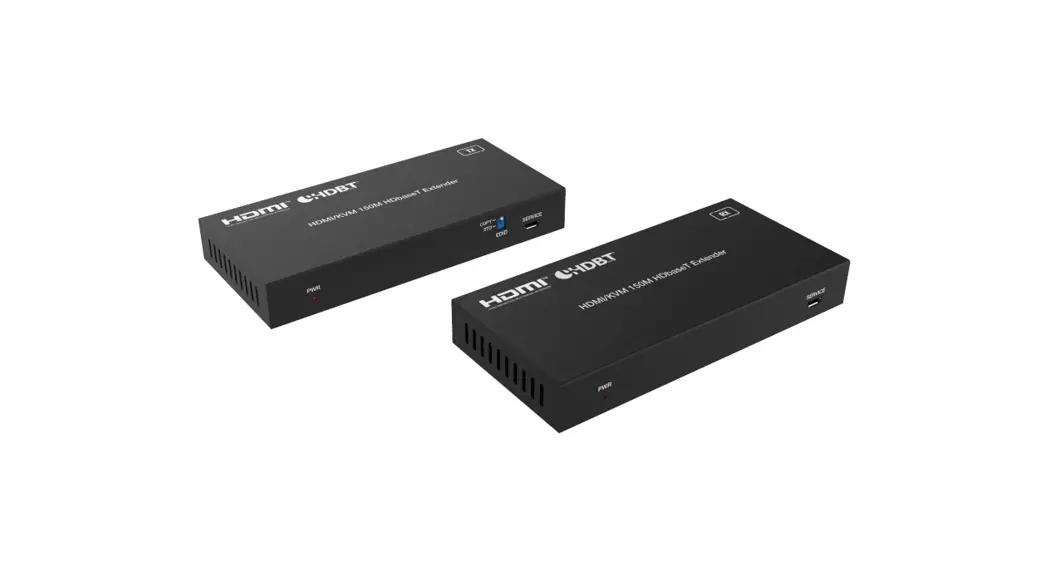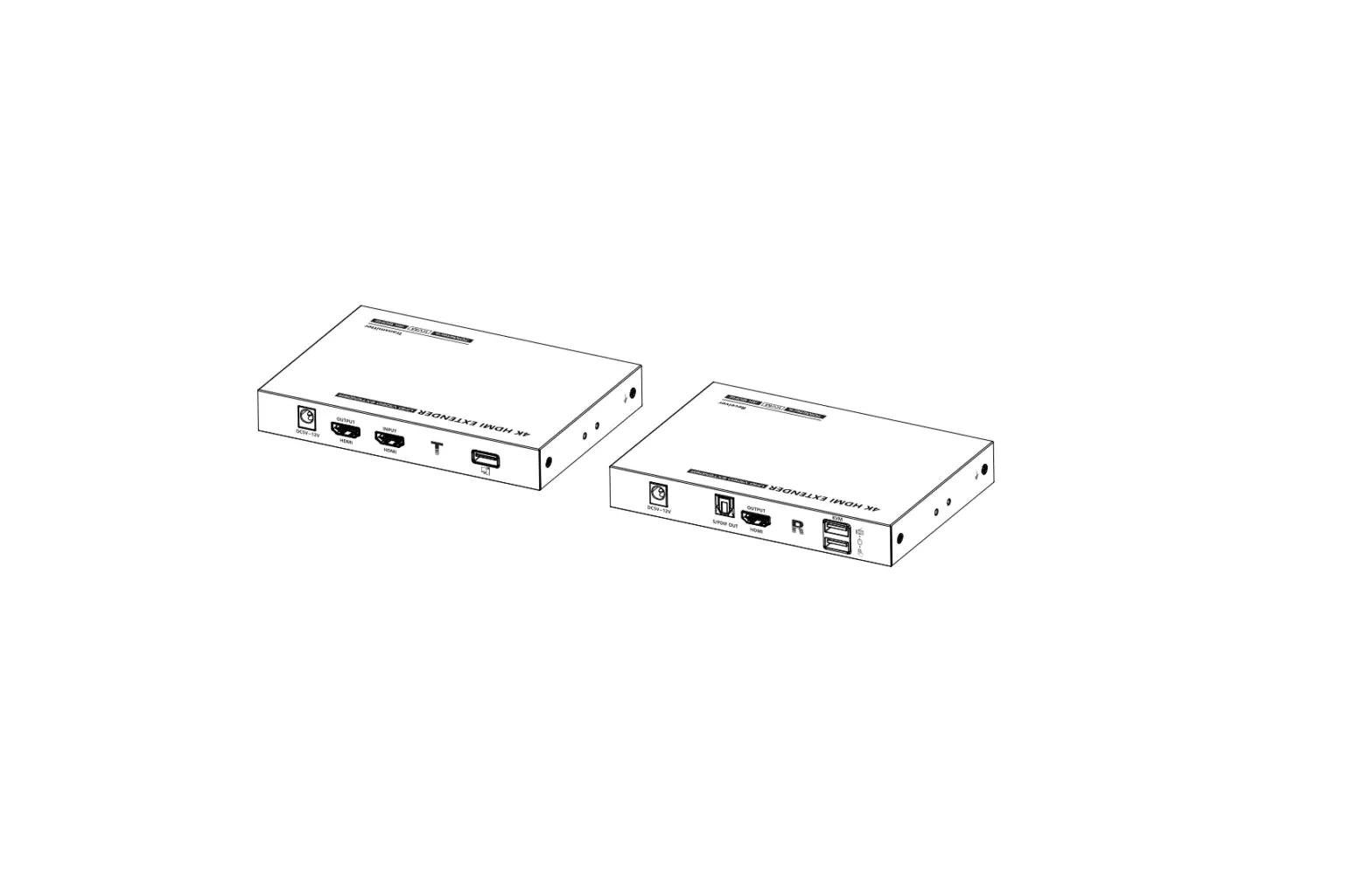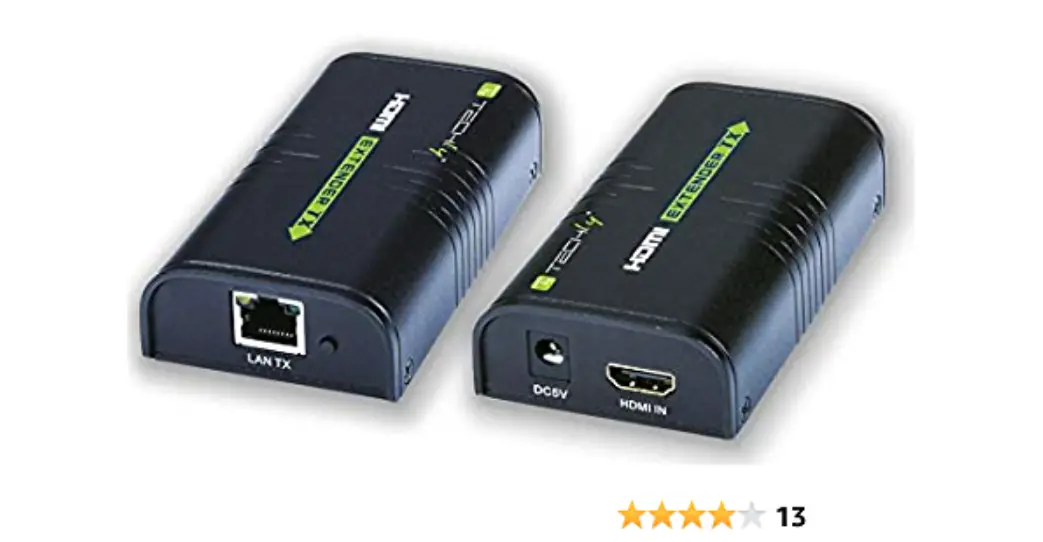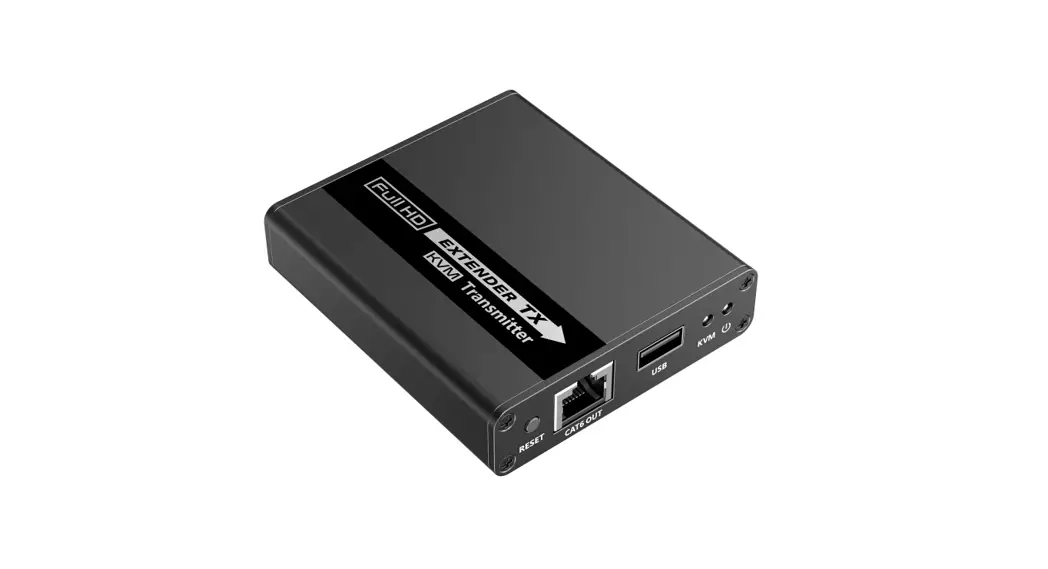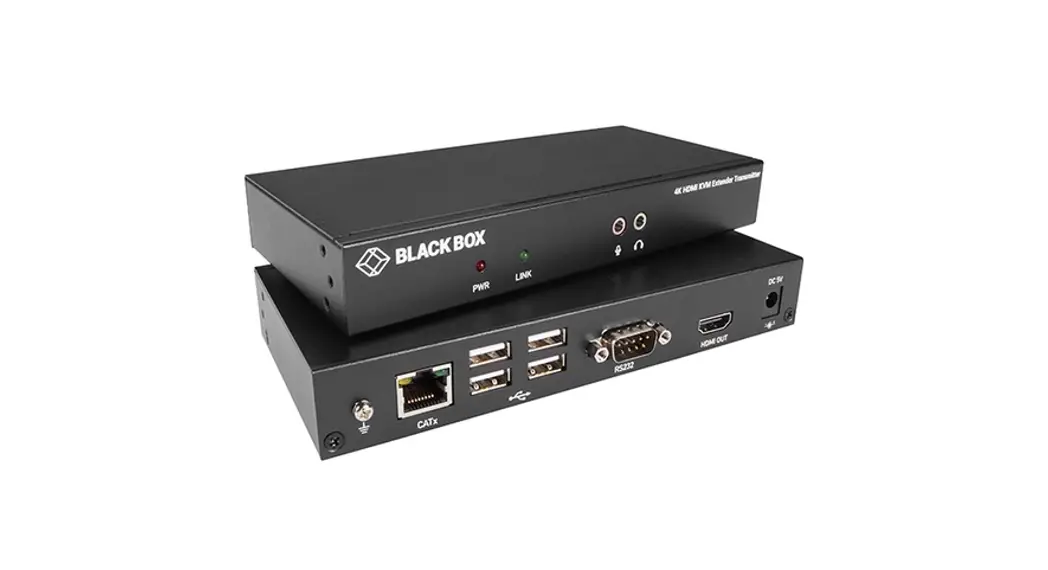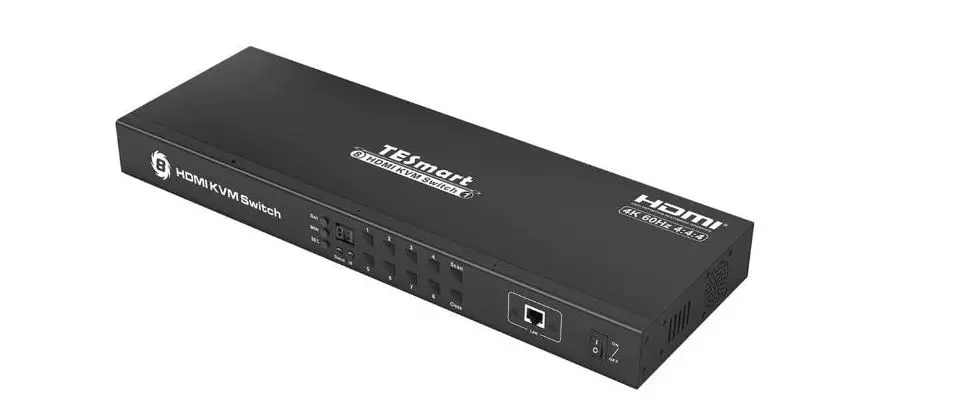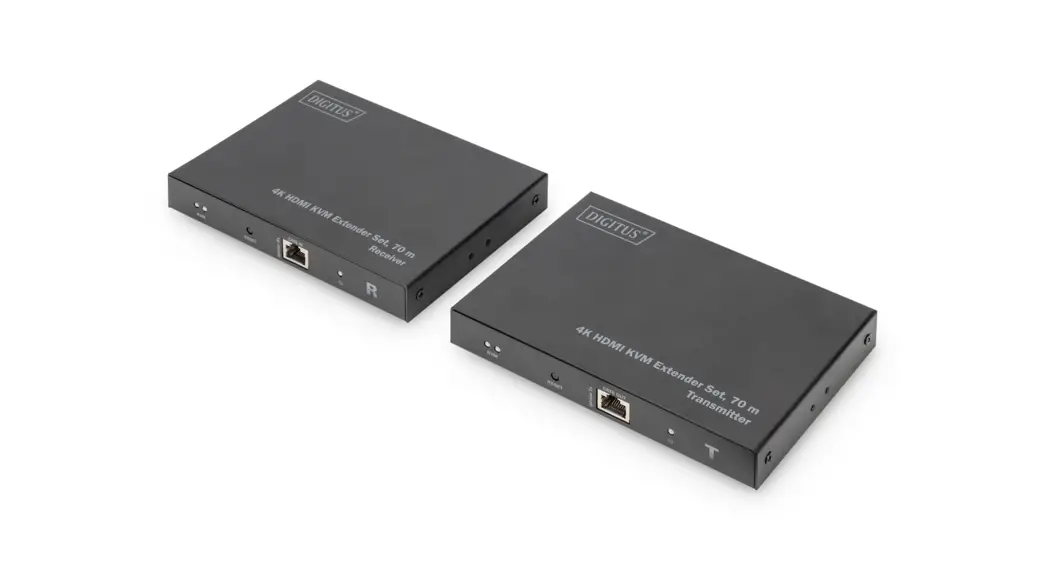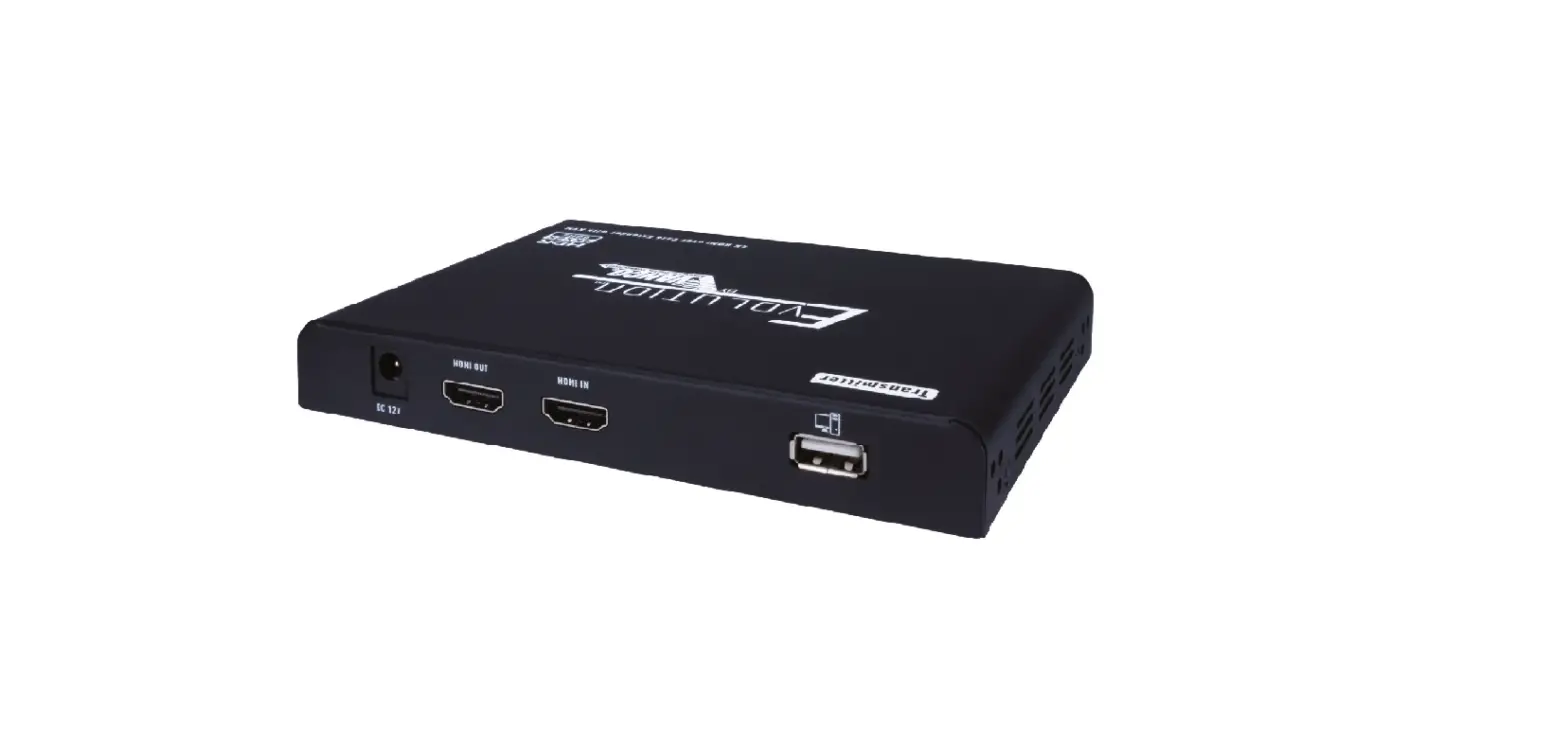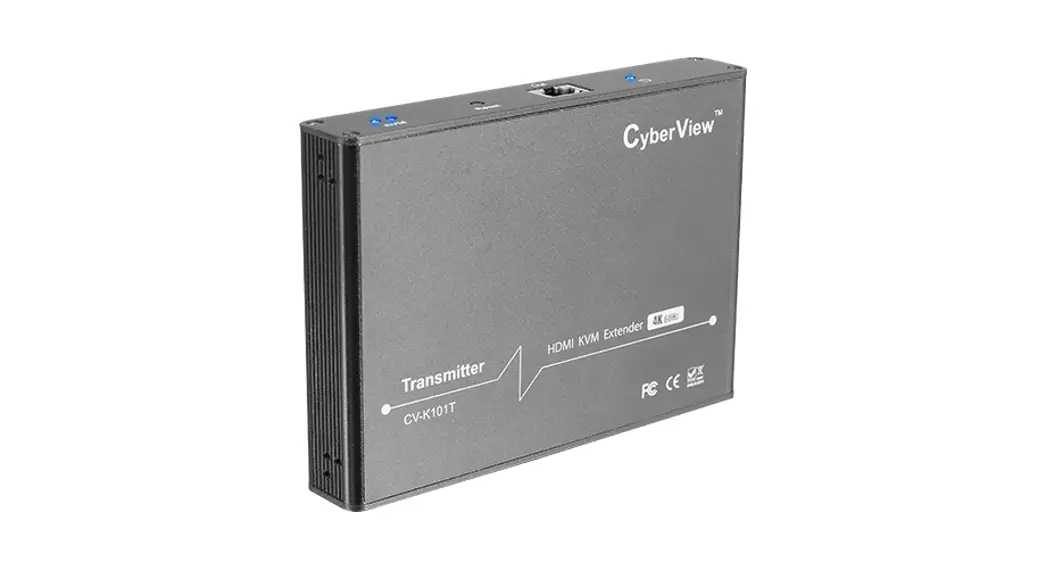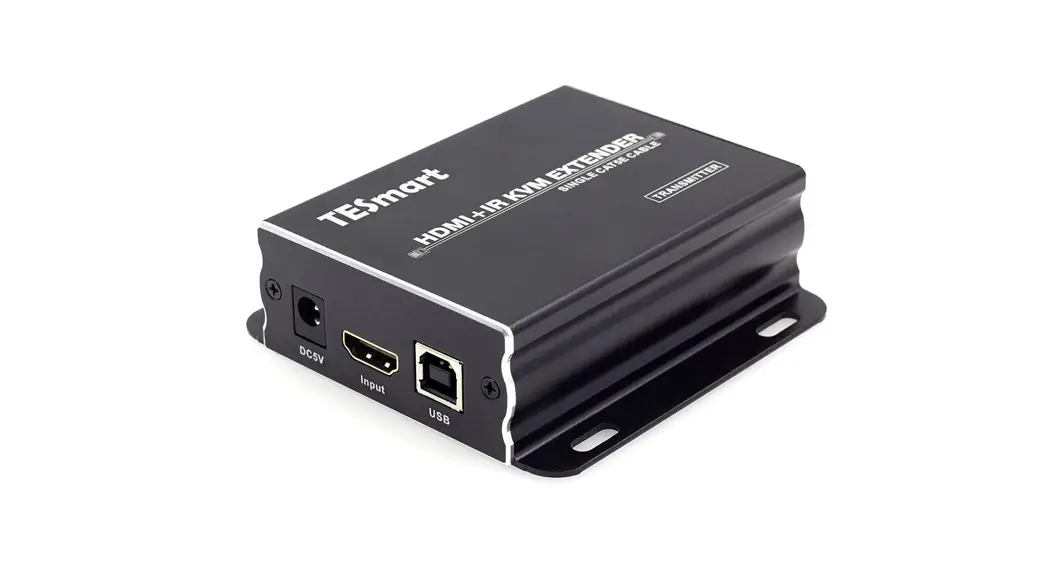

120M HDMI KVM Extender
User Manual
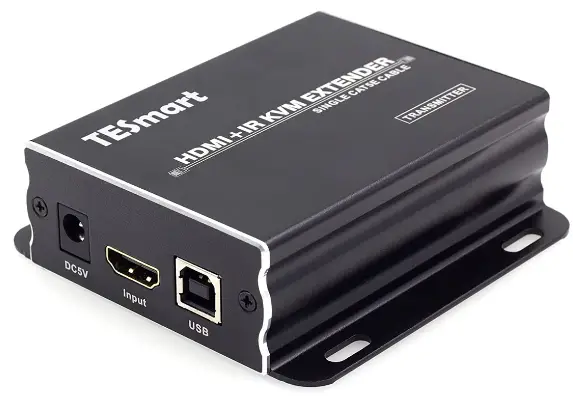
ENJOY THE VIVID WORLD
IR.KVM
Features:
- Extends HDMI, USB and IR over a network switch or a direct
- connection with Cat5E/6 UTP cable up to 120 metres
- Supports resolution up to 1080p Full HD
- HDMI bandwidth up to 2.25Gbps data rate
- Support TMDS equalization and enhancement
- By transmitting keyboard and mouse datas via LAN, it is easy to control PC or other media players remotely
- Via router or network switch, it is available to send datas from up to 16 transmitters to 253 receivers
Packing List:
1* HDMI KVM Extender
2* DC 5V Adapter
1* IR Transmitter
1* IR Receiver
1* User Manual
Panel Description:
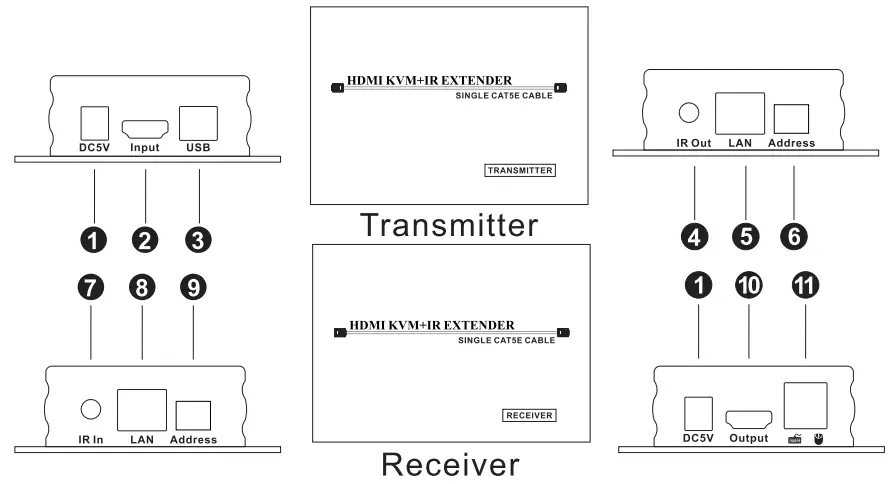
| ID | Name | Description |
| 1 | DC 5V | DC 5V power supply |
| 2 | HDMI input | Connect to HDMI the output of computer |
| 3 | Keyboard and mouse connection port | Connect to USB port of computer by USB type A to USB type B cable |
| 4 | IR transmitter port | Connect to IR transmitter |
| 5 | UTP cable connection port | Connect to the LAN port of Receiver by CAT5e/6 cable |
| 6 | IP Address configuration | Config the IP Address of Transmitter |
| 7 | IR Receiver port | Connect to IR Receiver |
| 8 | UTP cable connection port | Connect to the LAN port of Transimitter by CAT5e/6 cable |
| 9 | IP Address Configuration | CReocnefigethre IP Address of the |
| 10 | HDMI output port | Connect to the HDMI input port of display |
| 11 | keyboard and mouse input | Connect keyboard and mouse |
Connection Diagram :
Set IP address of the transmitter and receivers to the same.
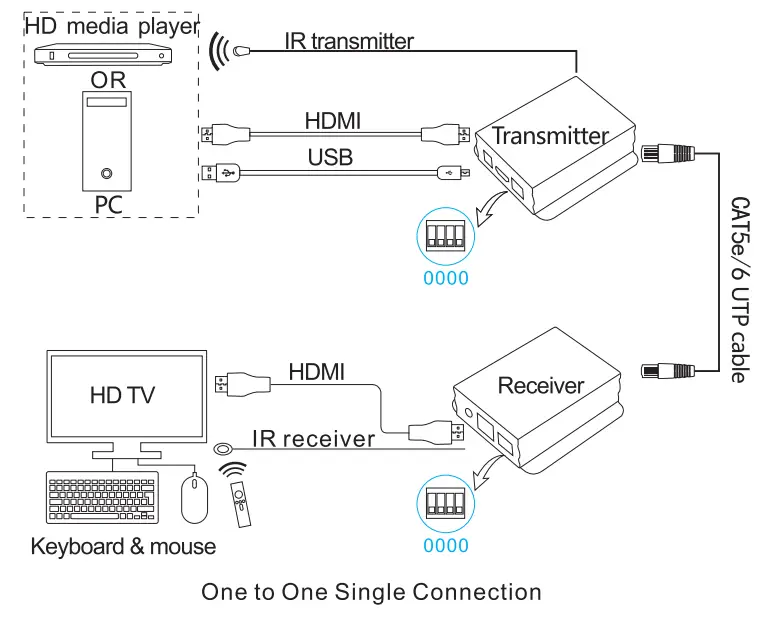 Set IP address of the transmitter and receivers to the same.
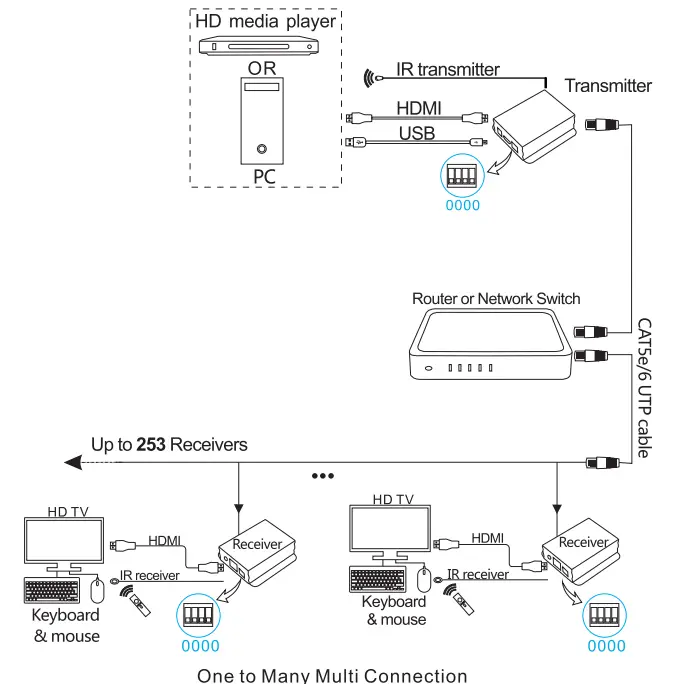 Support up to 16 transmitters (Addr: 0000-1111) in one local area network. Set the receivers’ IP address to the same as the transmitter which the receiver wants to connect to.
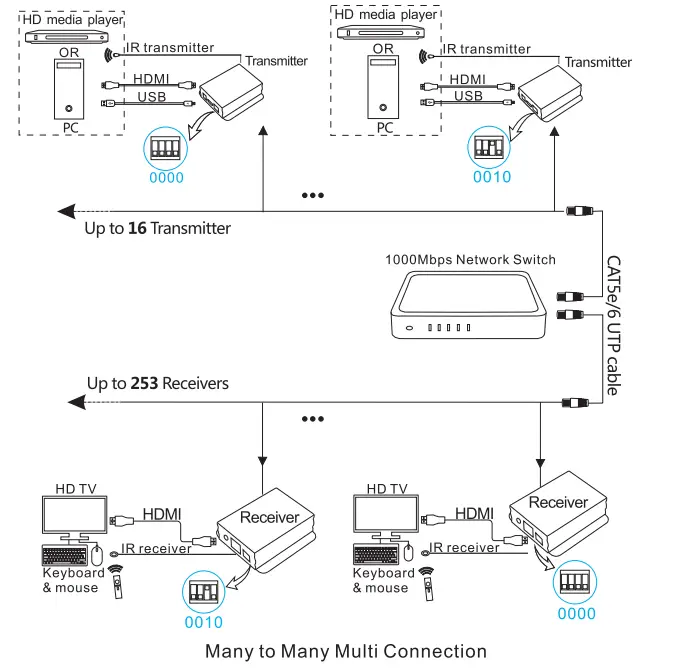
Note: When using multi-connection, the 1000Mbps network switch should support IGMP protocol(Not IGMP snooping)
Warranty Information:
We warrant this product as free of defects in material and workmanship for a period of one (1) year from the date of shipment. If during the period of warranty this product proves defective under normal use, we will repair or replace this product, provided that this product has not been subjected to mechanical, electrical, or other abuse or modifications. If it fails under conditions other than those covered will be repaired at the current price of parts and labor in effect at the time of repair. Such repairs are warranted for six (6) months from the day of reshipment to the buyer.