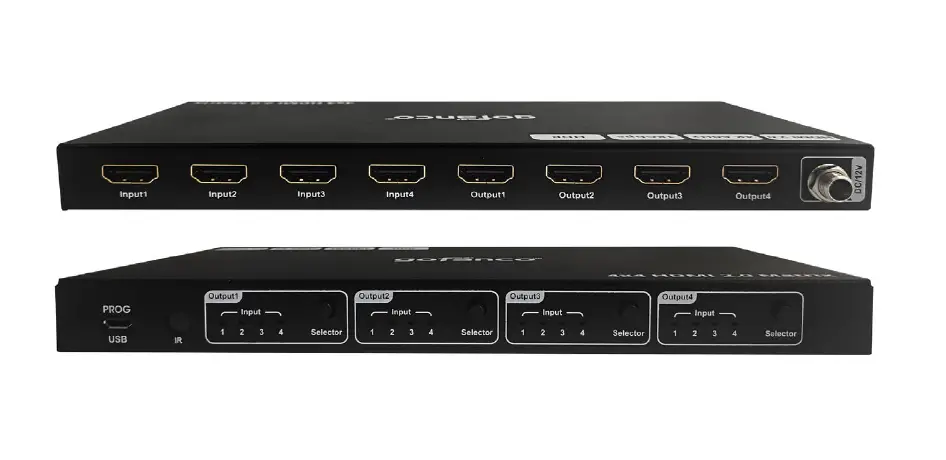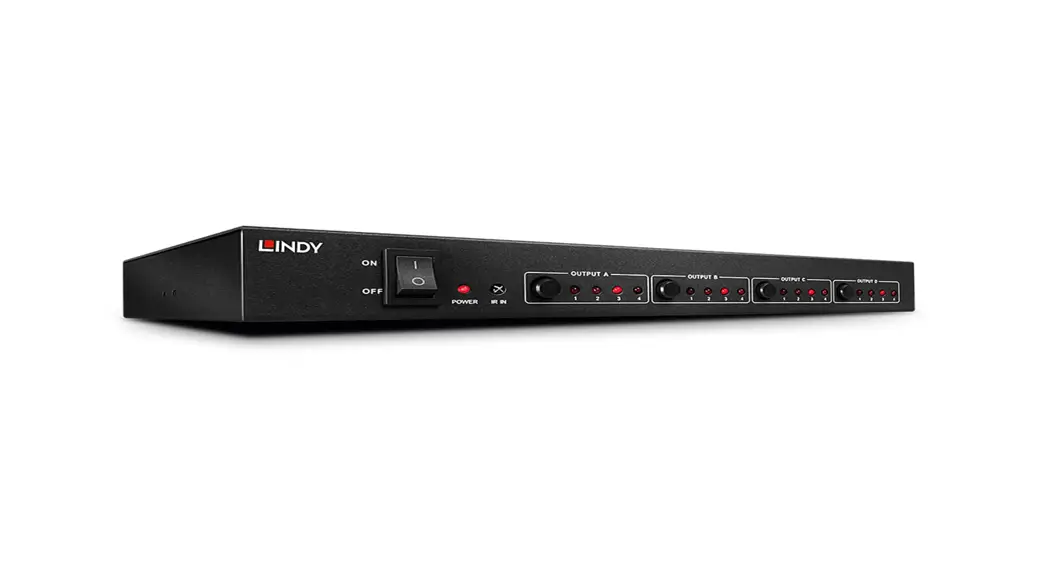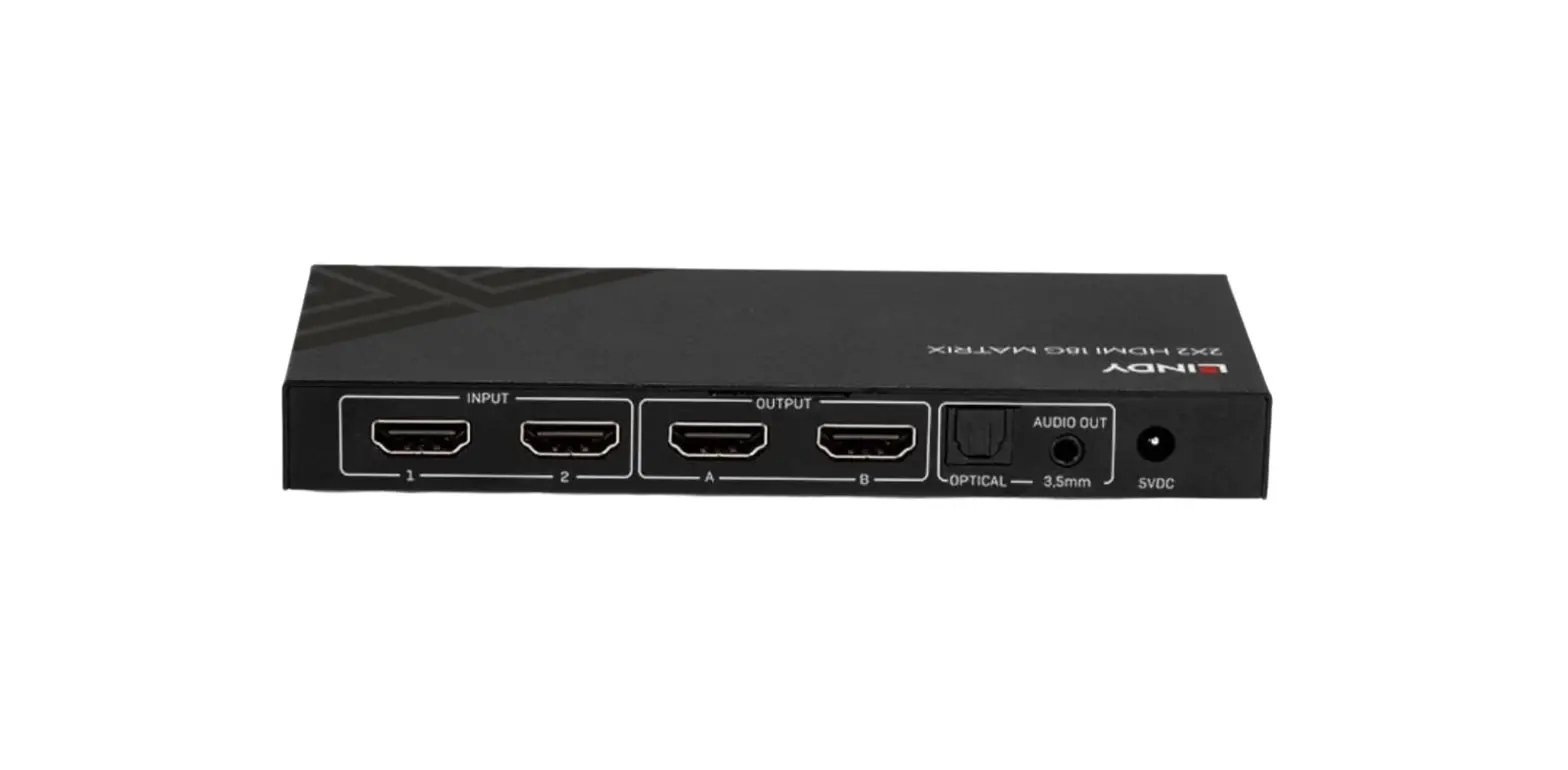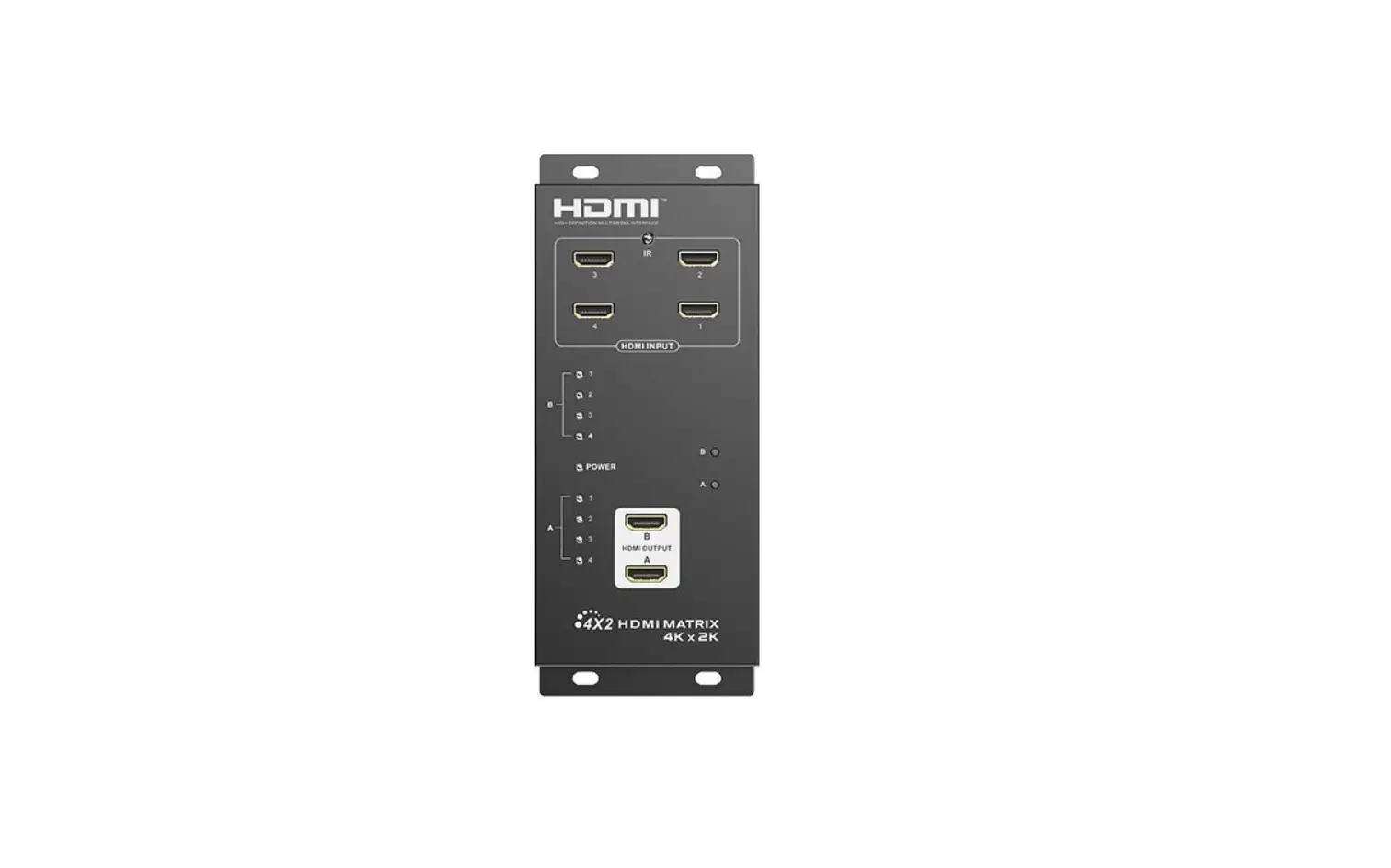
LENKENG LKV422 4×2 HDMI Matrix Switch User Manual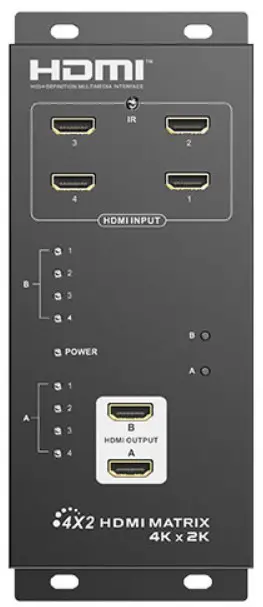
Important Safety Instructions
- To prevent electric shock, please ensure that all devices are properly grounded.
- Do not place this device near or over a radiator or heat register, or where it is exposed to direct sunlight.
- Place the device in a well-ventilated area, do not block any ventilation openings.
- Do not expose this device to rain or place it near water. Any liquid that goes into the device may cause a failure, fire, or electric shock.
- Do not place the device on an uneven or unstable surface. The device may fall resulting in a malfunction.
- Never insert anything metallic into the open parts of this device. This may cause a danger of electric shock.
- The device should be repaired only by a qualified technician.
- If a third-party power supply is used, please ensure that the power supply specifications meet the product requirements
Introduction
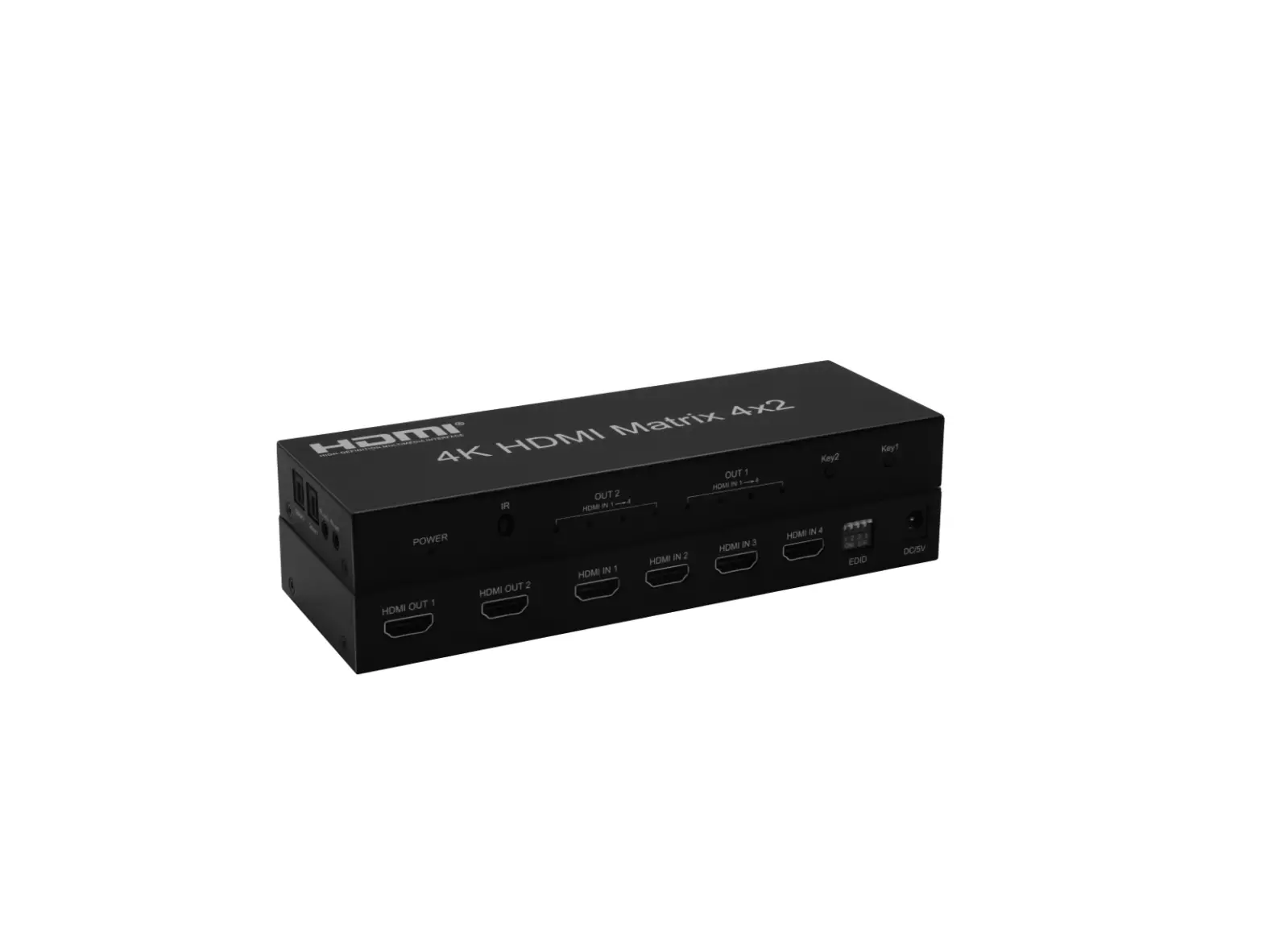
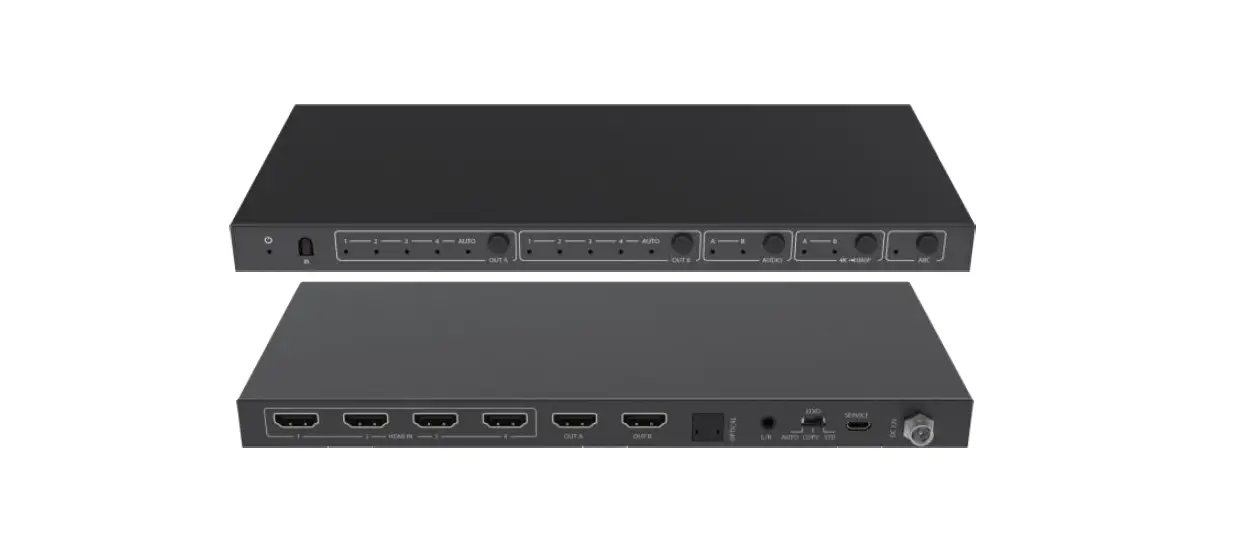
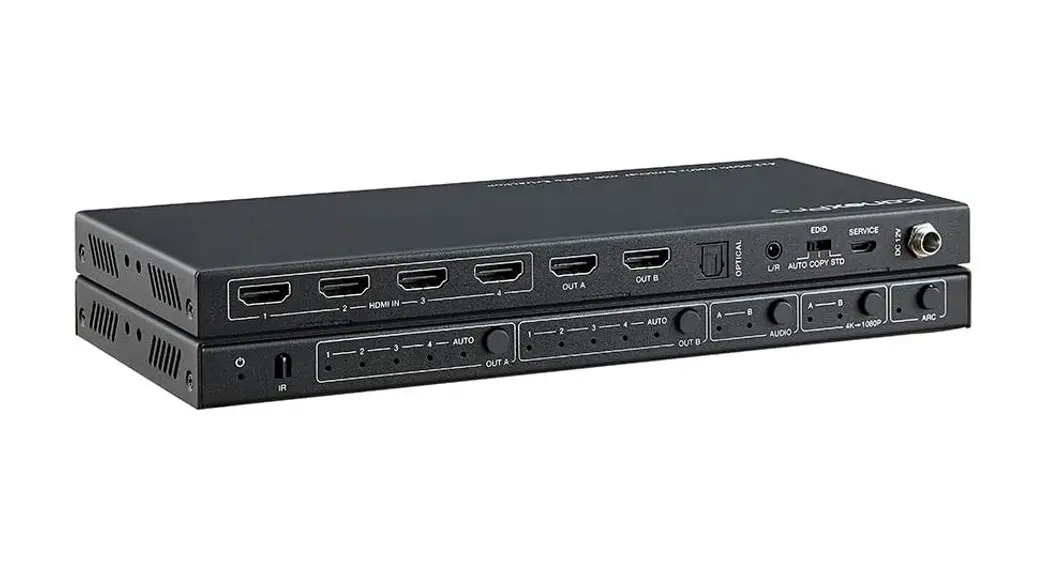
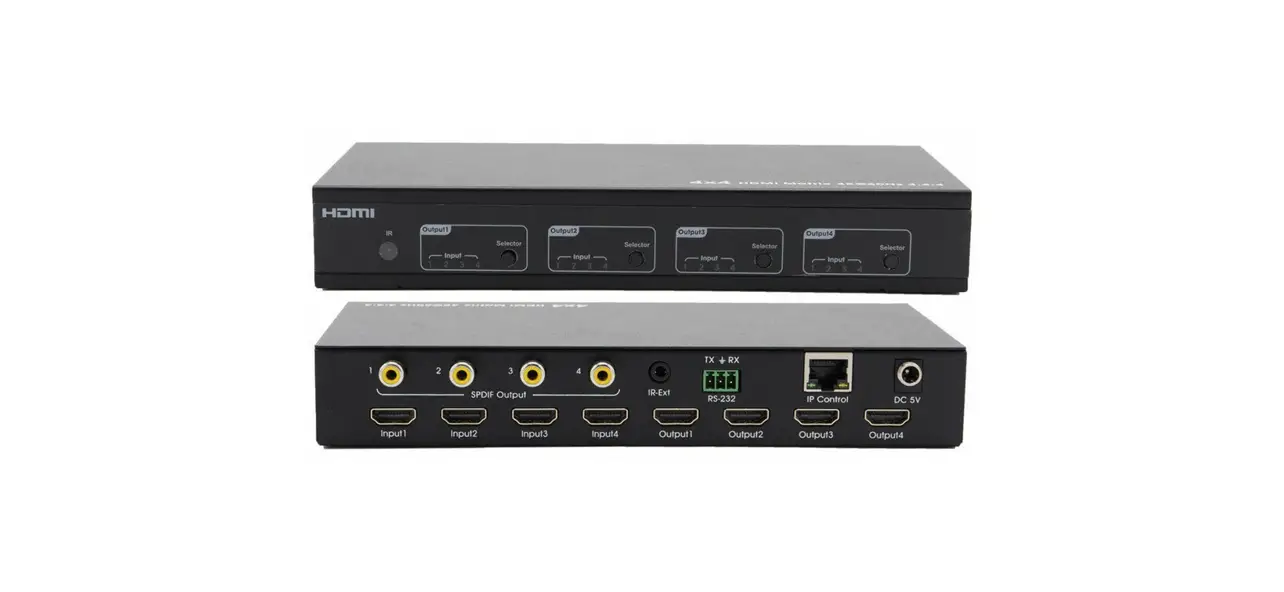
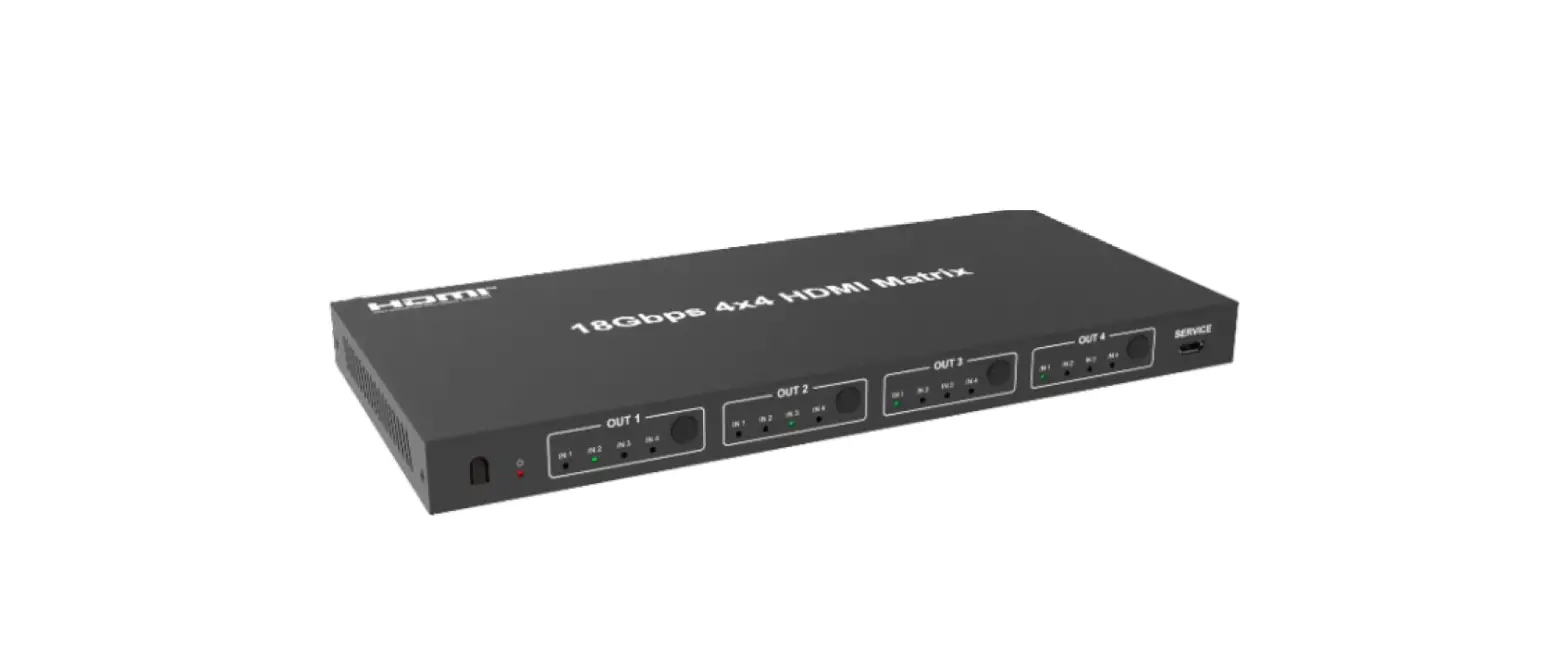
This is a 4-in 2-out HDMI matrix switch, which can switch 4 HDMI input signals to 2 HDMI displays as required. It supports up to 4096×2160@60Hz HDR resolution, with multiple switching methods (IR remote control, buttons, RS-232) to flexibly match input and output devices. HDMI outputs supportauto down-scaling. Additional audio output is supported through the S/PDIF port and stereo jack. This device is a reliable, ultra-high-definition video transmission solution widely used in security monitoring, education and training, exhibition and broadcasting, command center, and other scenarios.
Features
- Support 4 HDMI input and 2 HDMI output
- Support up to 4096×2160@60Hz resolution and is backward compatible
- Support HDR10
- Support multiple switching mode: IR remote control, buttons, RS-232
- Support additional audio output from stereo jack and S/PDIF port
- HDMI outputs support auto down-scaling
- Lightning protection, surge protection, ESD protection
Package Contents
- Matrix switch x1

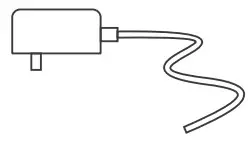
- Power adapter 5V/1A x1

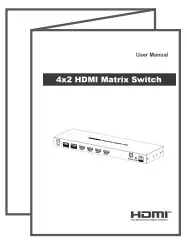
- User manual x1

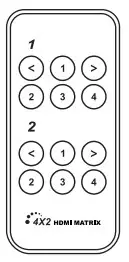
- Remote control x1

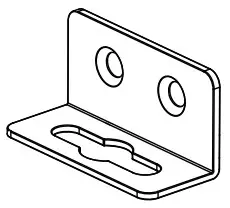
- Mounting ear x2

- Screw x6

- Grounding screw x2

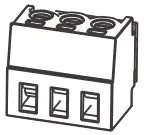
- Terminal block x1



Installation Requirements
- HDMI source device (DVD, game console, PC, etc.)
- HDMI display device (TV, projector, LED screen, etc.)
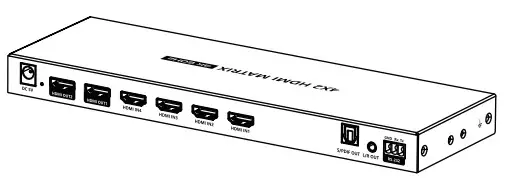
Panel Description
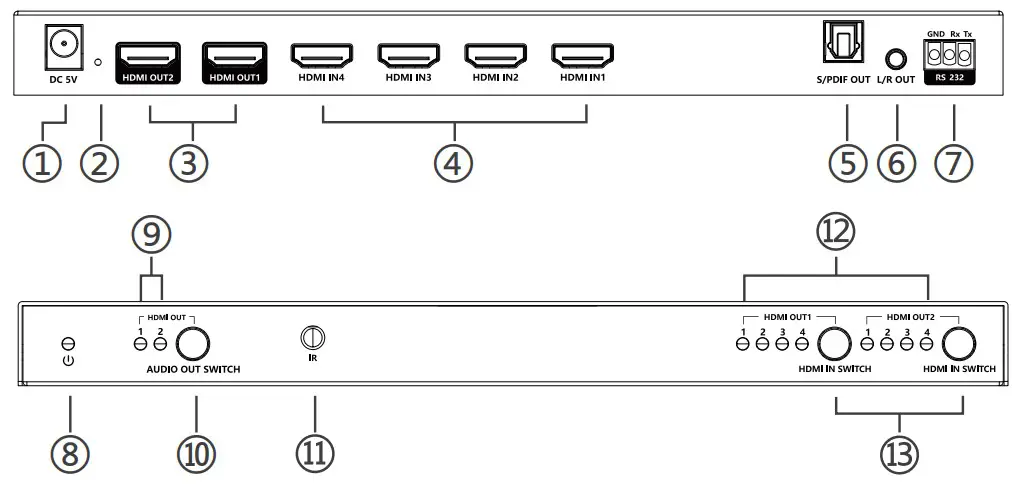
| ① | Power input | Connect with DC 5V/1A power adapter |
| ② | Reset pinhole | Press the pinhole reset button with a straightened paper clip |
| ③ | HDMI output 1,2 | Connect with HDMI display devices |
| ④ | HDMI input 1,2,3,4 | Connect with HDMI source devices |
| ⑤ | S/PDIF out | Connect to the audio device with optical audio cable |
| ⑥ | 3.5mm L/R out | Connect to the audio device with stereo audio cable |
| ⑦ | RS-232 | Used for RS-232 command control |
| ⑧ | Power indicator | The indicator will be solid yellow if there is power |
| ⑨ | Audio output indicator 1,2 | Corresponding to the audio output of HDMI 1, 2 |
| ⑩ | Audio switch | Audio output can be switched between HDMI 1, 2 |
| 11 | IR window | Receive IR signal |
| 12 | HDMI input indicator 1,2,3,4 | Corresponding to HDMI inputs 1,2,3,4 |
| 13 | HDMI outputswitch 1,2 | Choose an output from HDMI inputs 1,2,3,4 |
Remote Control
The remote control is used to switch inputs and outputs.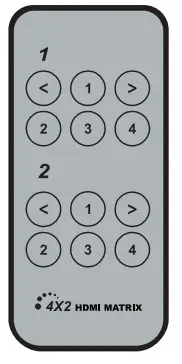
Installation Procedures
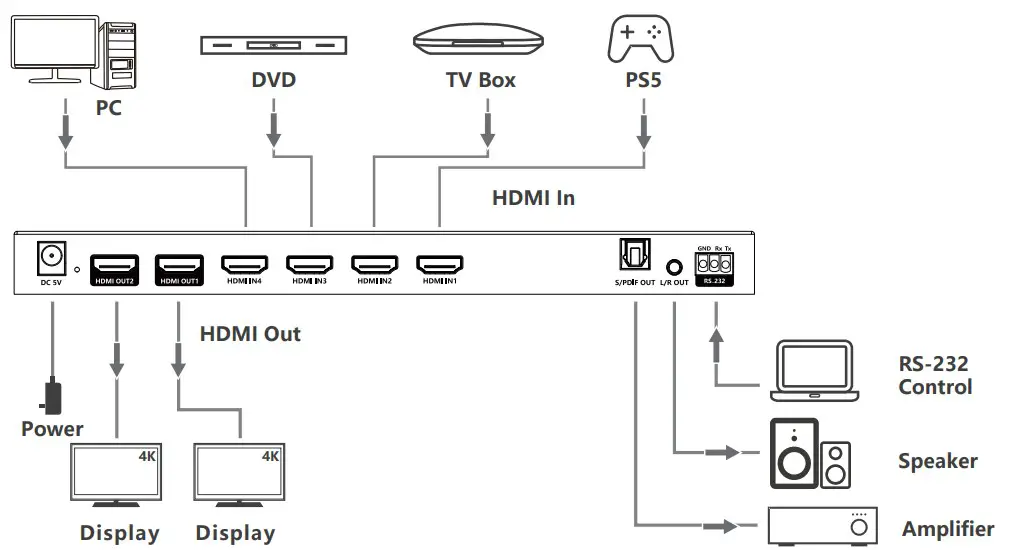
- Connection Diagrams

- Connection Instructions
- Connect the source devices to the HDMI input ports with HDMI cables.
- Connect the display devices to the HDMI output ports with HDMI cables.
- If using RS-232 control, connect the control device to the RS-232 port.
- lf you need to output audio additionally, connect the audio device to the L/R port and/or S/PDIF port with stereo or optical audio cable.
- Power on the devices to get started.
- RS-232 control
- Baud rate: 9600
- Data bits: 8
- Stop bits:
- Parity: none
Operation mode one | / | HDMI1input | HDMI2input | HDMI3input | HDMI4input |
| HDMI1output | PS11R | PS12R | PS13R | PS14R | |
| HDMI2output | PS21R | PS22R | PS23R | PS24R | |
| HDMI1/2output | PA1R | PA2R | PA3R | PA4R | |
Operation mode two | 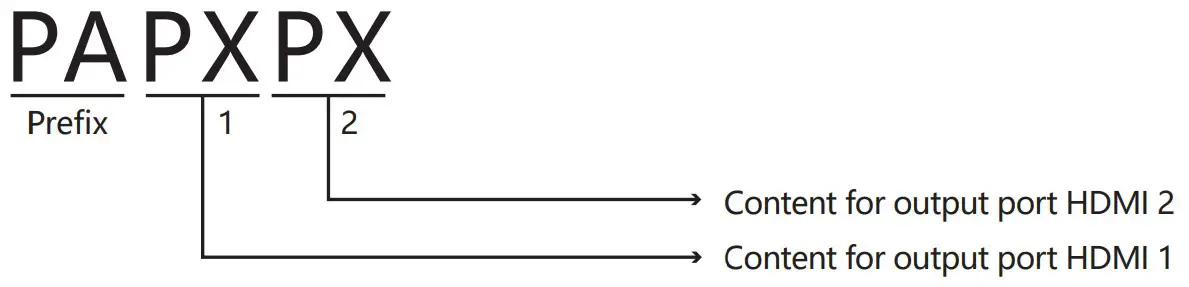 PAPXPXPA is the command prefix, and the “X” of PX can be any number from 1 to 4; P1 represents HDMI 1 source content for output, P2 represents HDMI 2 source content for output.E.g. PAP3P1 represents:Output port HDMI 1 outputs content from input port HDMI 3. Output port HDMI 2 outputs content from input port HDMI 1. PAPXPXPA is the command prefix, and the “X” of PX can be any number from 1 to 4; P1 represents HDMI 1 source content for output, P2 represents HDMI 2 source content for output.E.g. PAP3P1 represents:Output port HDMI 1 outputs content from input port HDMI 3. Output port HDMI 2 outputs content from input port HDMI 1. | ||||
| Return value | PAXXR is the command to read the status of all interfaces; after sending the command, OKPXPX is displayed, where X is 1 to 4; if the command sent is incorrect, ERR appears. | ||||
| Reset | Device restart | ||||
| Recover | Restore device factory setting | ||||
| BaudXX | Set baud rate value: 9600 (default), 19200 | ||||
FAQ
Q: No video or audio signal output on the displays?
A:
- Make sure the matrix switch is powered on and all the cables are connected properly.
- Please check and make sure the input channel of displays are correct.
Q: Picture quality is not fluent and stable?
A:
- Please check and make sure all HDMI cables are connected firmly.
- Try to connect the source device to display device directly, or change to another source device for a try to see the picture quality if is improved.
- Please use high quality HDMI cable for 4K signal.
Specification
| Items | Description |
| HDMI version | HDMI 2.0(HDR, YUV444) |
| Compatible with HDCP 2.2, HDCP 1.4 | |
| HDMI interface | 4 HDMI input, 2 HDMI output |
| Transmission rate | 18Gbps |
| Resolutions | 480i@60Hz, 480p@60Hz, 576i@50Hz, 576p@50Hz,720p@50/60Hz, 1080i@50/60Hz, 1080p@50/60Hz,3840×2160@24/25/30/50/60Hz,4096×2160@24/25/30/50/60Hz |
| Audio format | LPCM7.1/DTS-HD/DTS-Audio/Dolby Digital plus/ Dolby TrueHD 7.1/Dolby Digital 7.1CH/Dolby Atmos |
| RS-232 | 3 Pin (GND/Rx/Tx), Baud rate 9600 |
| Voltage | DC 5V/1A |
| Power consumption | <4W |
| Working temperature | -20℃~60℃ |
| Storage temperature | -30℃~70℃ |
| Humidity | 0~90%RH (No Condensation) |
| Housing | Iron |
| Color | Black |
| Weight | 375g |
| Dimensions | 250.0(L) x 80.0(W) x 21.0(H) mm |
Protection | ESD protection1a Contact discharge level 2 (±4KV) 1b Air discharge level 3 (±8KV)Implementation of the standard: IEC61000-4-2 |
| Lightning protection, Surge protection |
Disclaimer
The product name and brand name may be registered trademark of related manufactures. ™ and ® may be omitted on the user manual. The pictures in this user manual are just for reference. The terms HDMI, HDMI
High-Definition Multimedia Interface, and the HDMI Logo are trademarks or registered trademarks of HDMI Licensing Administrator, Inc. We reserve the rights to make changes without further notice to a productor system described herein to improve reliability, function or design.