
User Manual
HDMI SWITCH
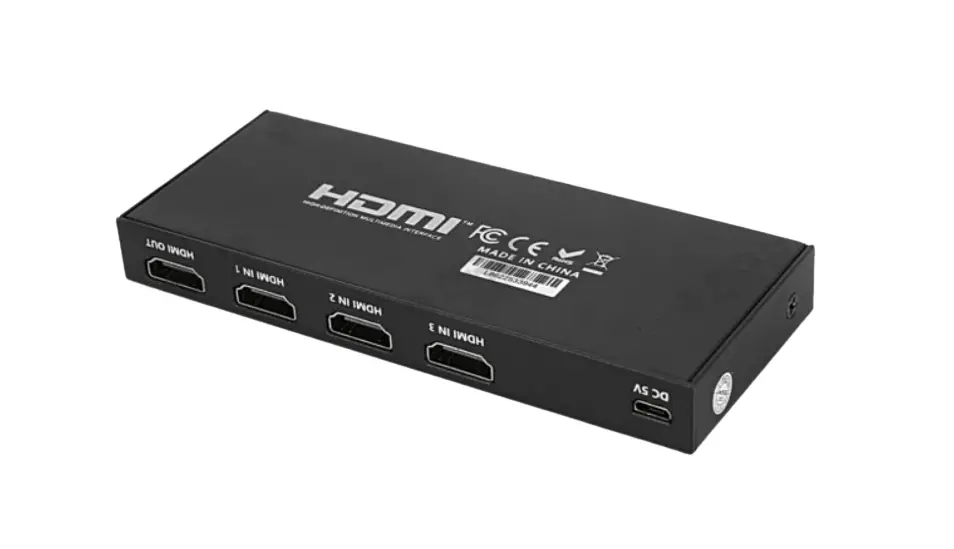
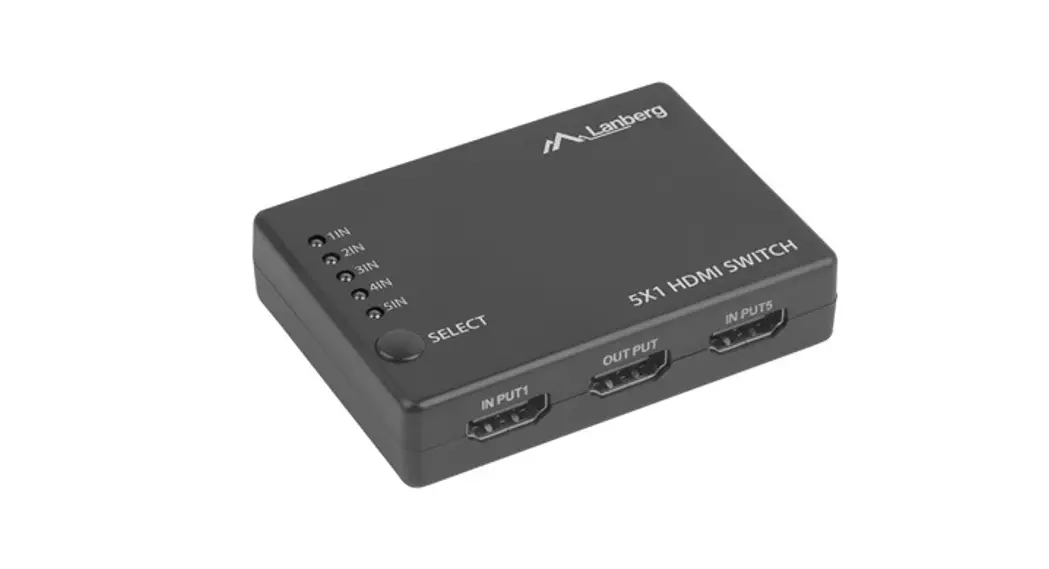
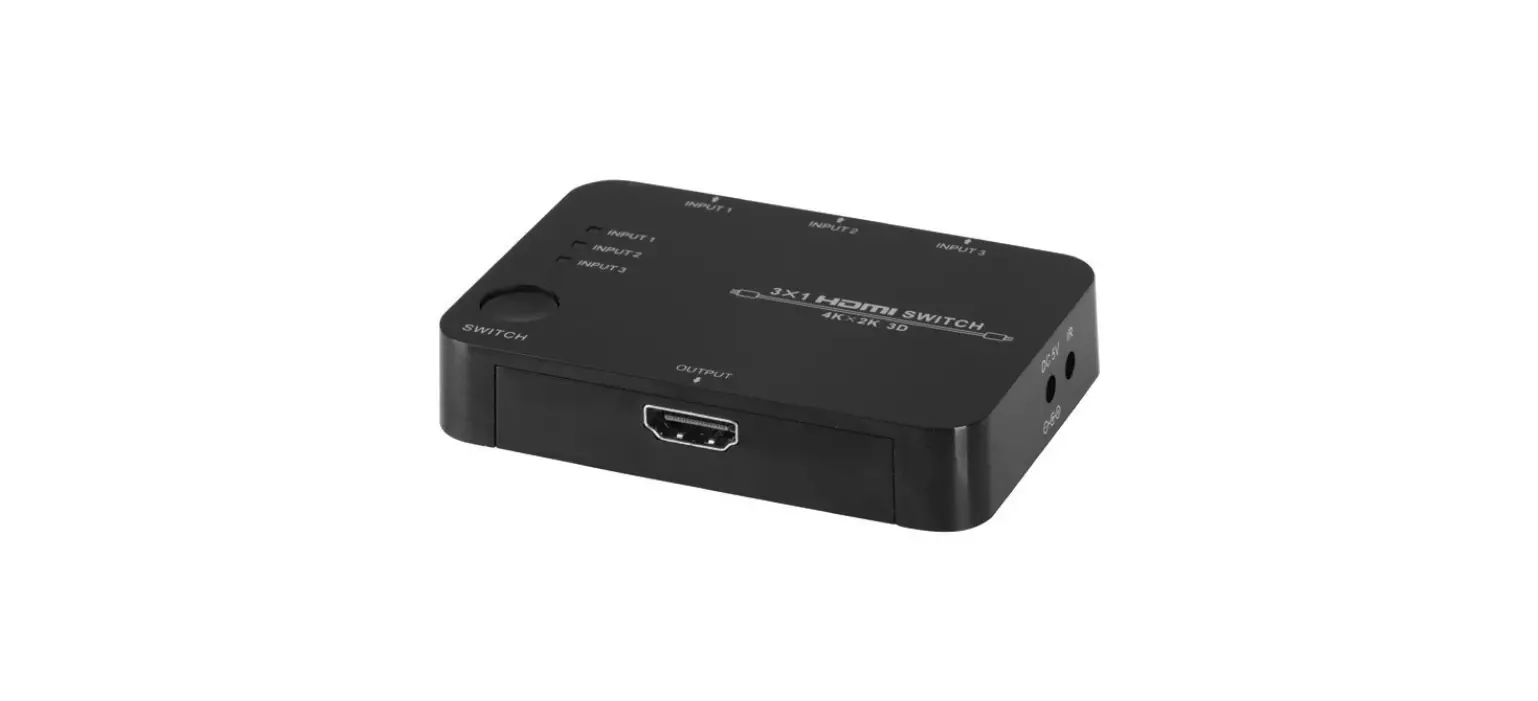
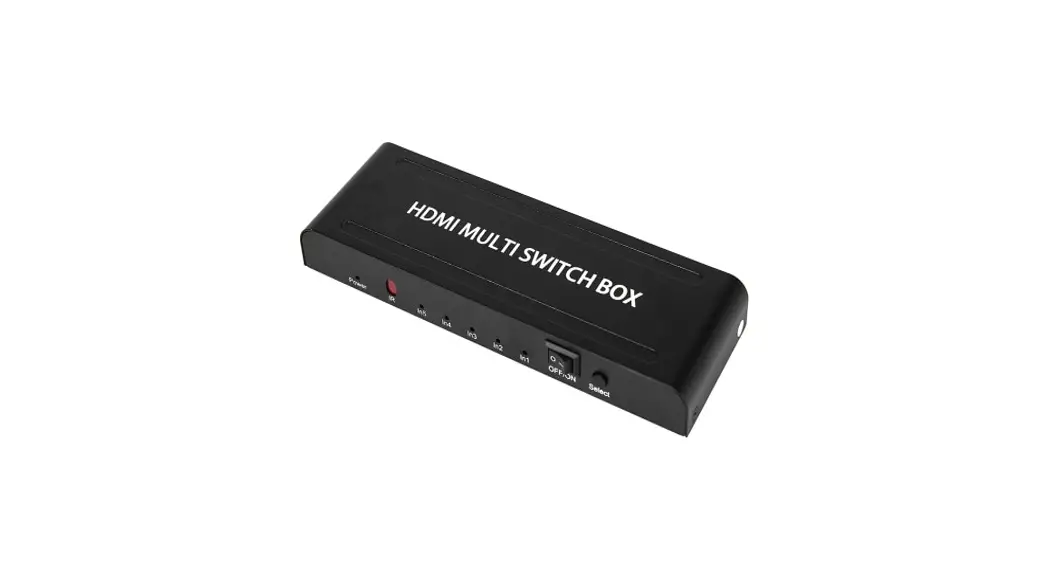
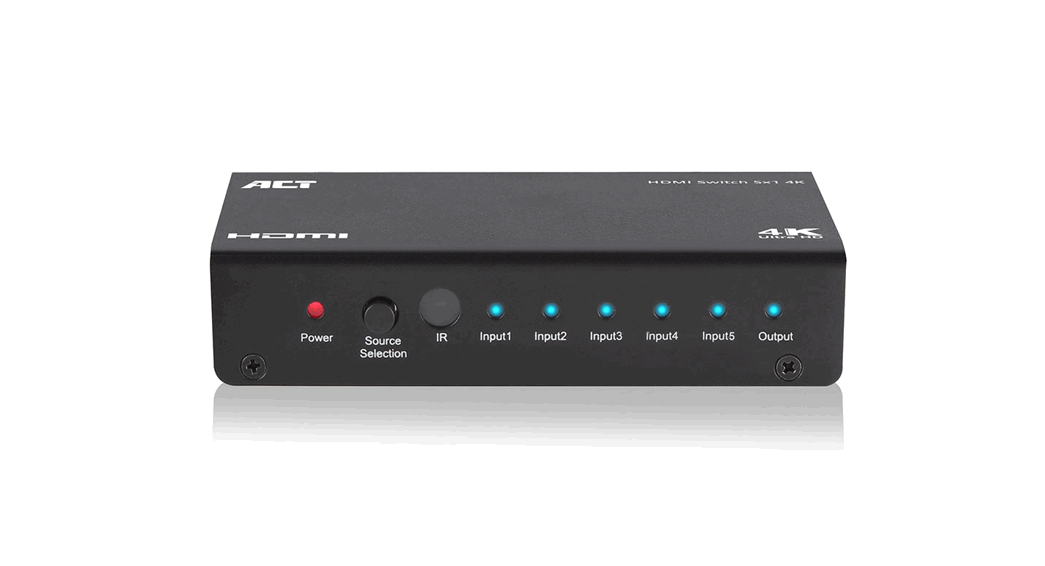
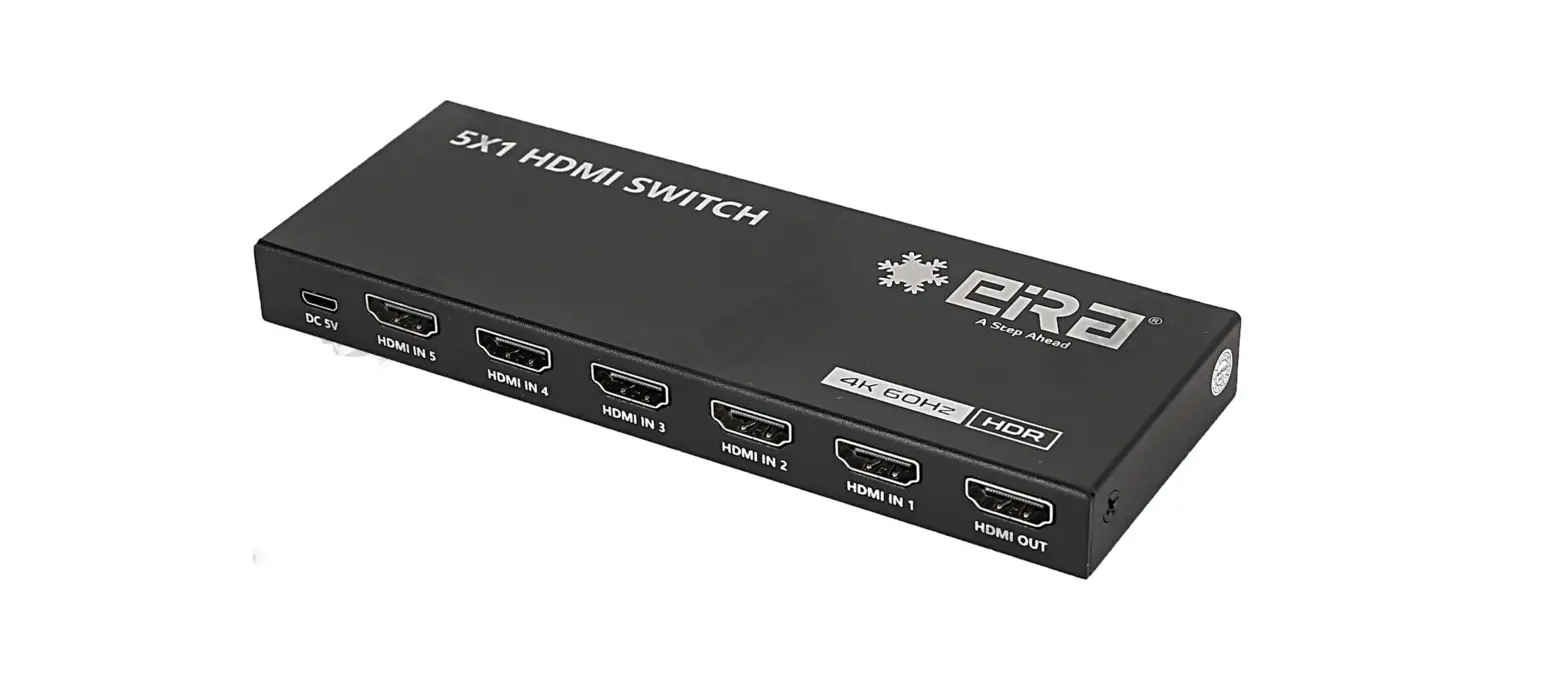
HDMI SWITCH 5×1 (4K60Hz)

ER2655SW
Thank you for purchasing this product. For optimum performance and safety, please read the instructions carefully and keep the manual for future reference.
Safety Notices
Please read below safety instructions carefully before installation and operation:
Please pay attention to all the warnings and hints on this device.
Do not expose this device to rain, moisture and liquid.
Do not put any stuff into the device.
The device should be repaired only by a qualified technician.
Make sure good ventilation openings to avoid device overheating damage.
Shut off power and make sure environment is safe before installation.
Do not plug-in/out the connected cables when it is in using.
Make sure the specification matched if using 3rd party DC adapters.
Introduction
This 5 x 1 switch routes 5 different sources at resolution of up to 4Kx2K@60Hz UHD to the display. The switch has 5 HDMI inputs, which makes this unit ideal for simultaneous connection of multiple HDMI device, such as TV, Set top box, DVD, etc. In addition, this switch supports IR control, thus it is easy and flexible to control the input signal as you need. It is perfect for security system, medium entertainment, conference exhibition center and digital monitoring system, etc.
Package Contents


Switch x1 Remote control x1


Micro USB cable x1 DC5V1A x1 User manual x1
Installation Requirement
- HDMI source device (computer graphics card, DVD, game console, monitoring equipment, etc.)
- HDMI display device like SDTV, HDTV, and projector with HDMI port.
- HDMI cable: HDMI 2.0 standard cable.
Features
- Switch easily among any 5 HDMI sources
- Support resolution up to ultra HD 4Kx2K@60Hz
- Support highest bandwidth up to 18Gpbs
- Support HDR
- Support HDMI 3D
- Support IR control
- Plug and play, easy to use
- Power-off memory
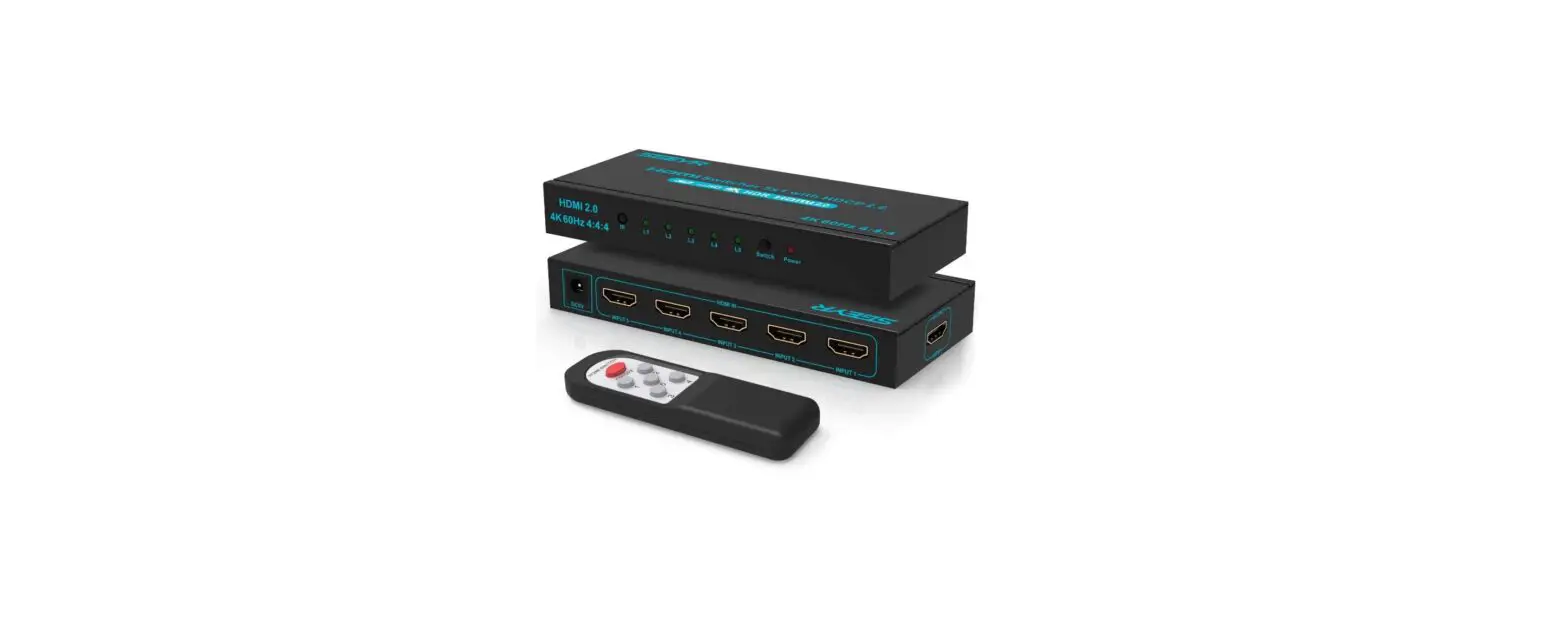
Panel Description
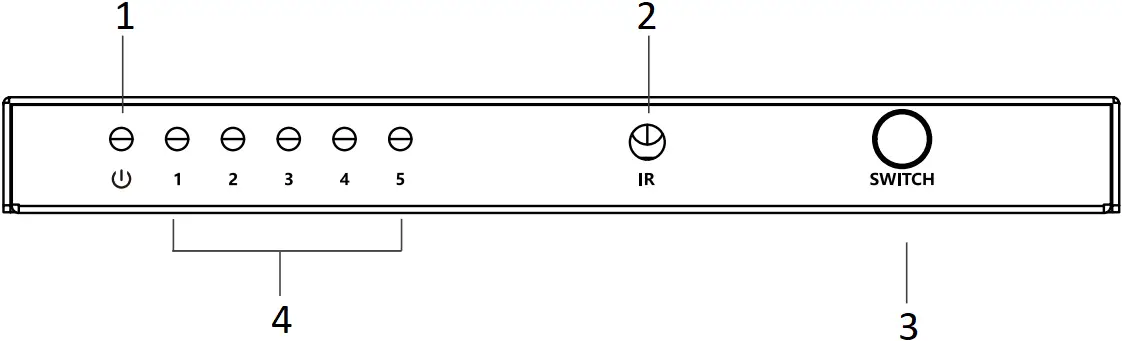
- Power LED
- IR Window
- SWITCH
- Signal Indicator LED
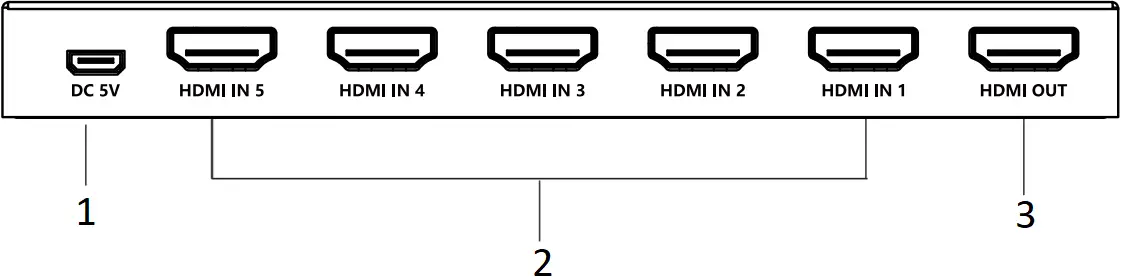
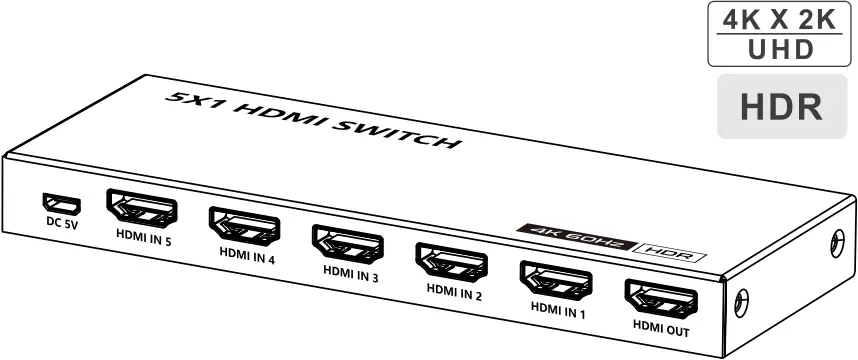
- Power Input
- HDMI Input
- HDMI Output
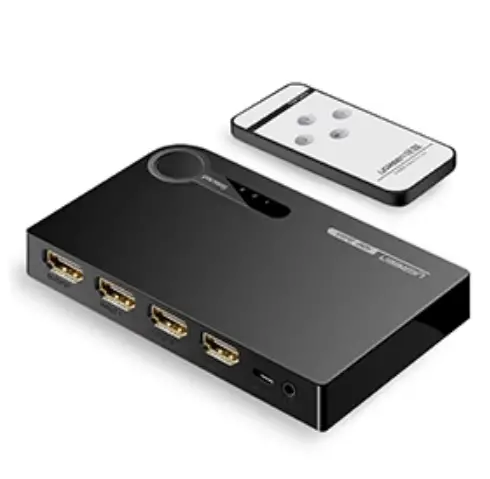
Remote Control

“<” and “>” button, to choose channel forward or backward.
“1-5” number buttons,to choose any source device as you need
Installation and Connection
1. Connection
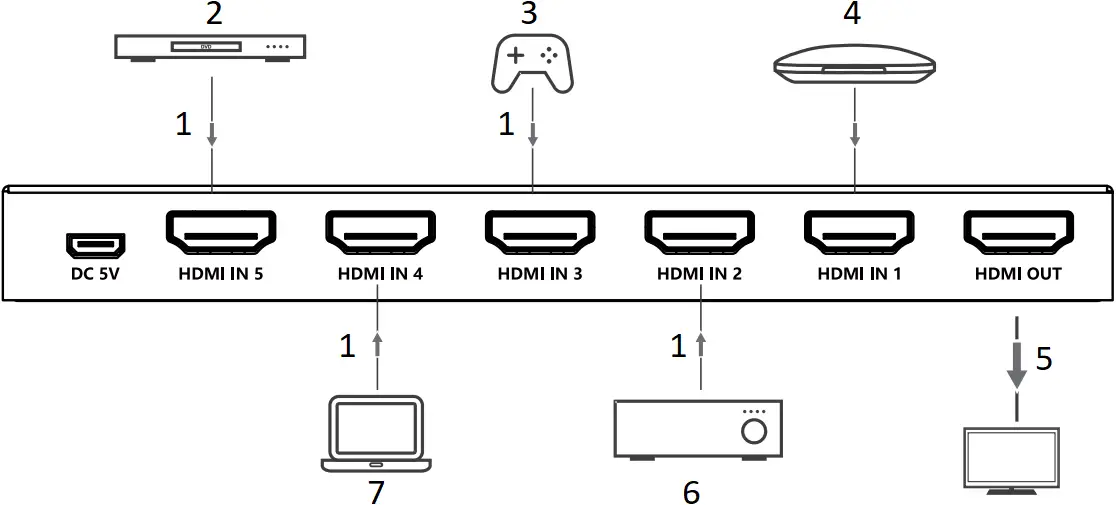
- HDMI cable
- DVD
- Game Console
- TV Box
- Display
- Media Center
- Laptop
Connection instruction
- Connect source devices and HDMI inputs of the device with HDMI 2.0 cable.
- Connect display device and HDMI output of the device with HDMI 2.0 cable.
- Plug the power supply into the device to get started.
Note: You can switch the signal source by pressing the SWITCH button or use the remote control.
FAQ
Q: No image output?
A: 1) Check the power supply and make sure the power light is on.
2) Check if the HDMI cables connected well.
3) Check and make sure the TV has been set up to the right channel.
4) While connect with PC or laptop via HDMI, please make sure the output mode is mirror or extend.
Q: Display is unstable, splash screen, snowflakes or audio stuck?
A: 1) Check and make sure all connections are good and correct.
2) Try to directly connect HDMI source to display, if it is the same, please change the source device.
3) Use high-quality HDMI 2.0 cable for transmitting 4Kx2K UHD signal.
4) Make sure your HDMI cable length matches the product specification.
Specification
| Items | Specifications |
| Input ports | 5 x HDMI |
| Output ports | 1 x HDMI |
| Power indicator led | 1 x LED |
| Signal indicator led | 5 x LED |
| HDMI version | Compatible with HDMI 1.4, HDMI 2.0 |
| HDCP version | Compatible with HDCP 1.4, HDCP 2.2 |
| Video format supported | Support 12 bit full HD video, 3D video and 4Kx2K@30/60Hz ultra HD video |
| I/O TMDS signal | 0.7~1.2Vp-p |
| I/O DDC signal | 5Vp-p |
| Audio format supported | Support standard audio and DSD (Direct Stream Digital) and HD (HBR) audio |
| HDMI resolution | 480i, 480p, 576i, 576p, 720p, 1080i, 1080p, 1920×1200, 3840x 2160@24/25/30/50/60Hz, 4096×2160@24/25/30/50/60Hz |
| HDMI length | 4K@60Hz HDMI input length≤2m, HDMI output length≤3m 1080p@60Hz HDMI input length ≤5m, HDMI output lengths≤5m |
| HDR | Support |
| Working temperature | 0°C~60°C |
| Power supply | DC5V1A |
| Power consumption | <3.5W |
| Dimension | 160(L)x60(W)x16.5(H) mm |
| Weight | 226g |
| Color | Black |
Disclaimer
The product name and brand name may be registered trademark of related manufacturers. ™ and ® may be omitted on the user manual. The pictures on the user manual are just for reference, and there may be some slight difference with the real products.
We reserve the rights to make changes without further notice to a product or system described herein to improve reliability, function or design.