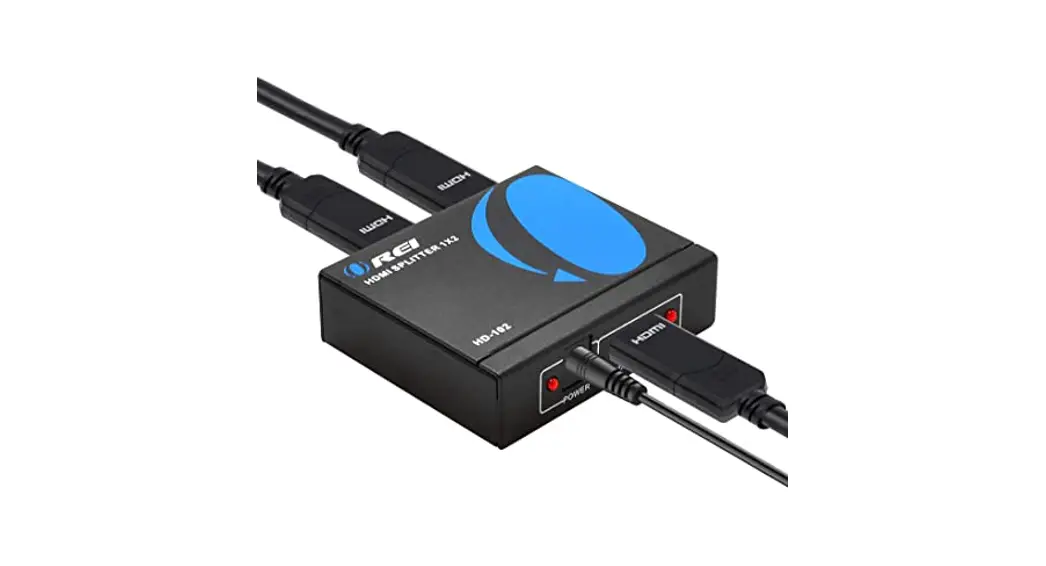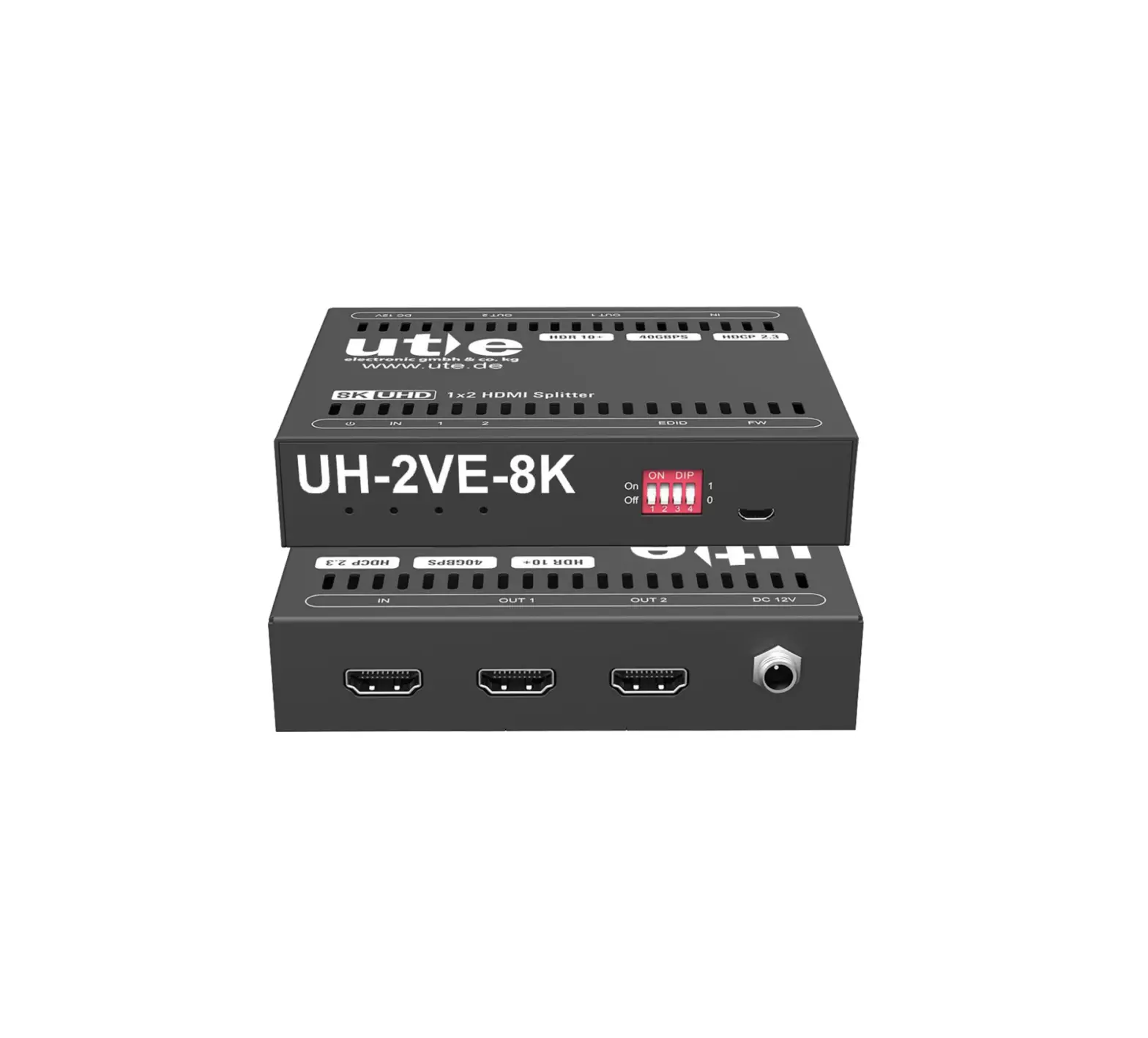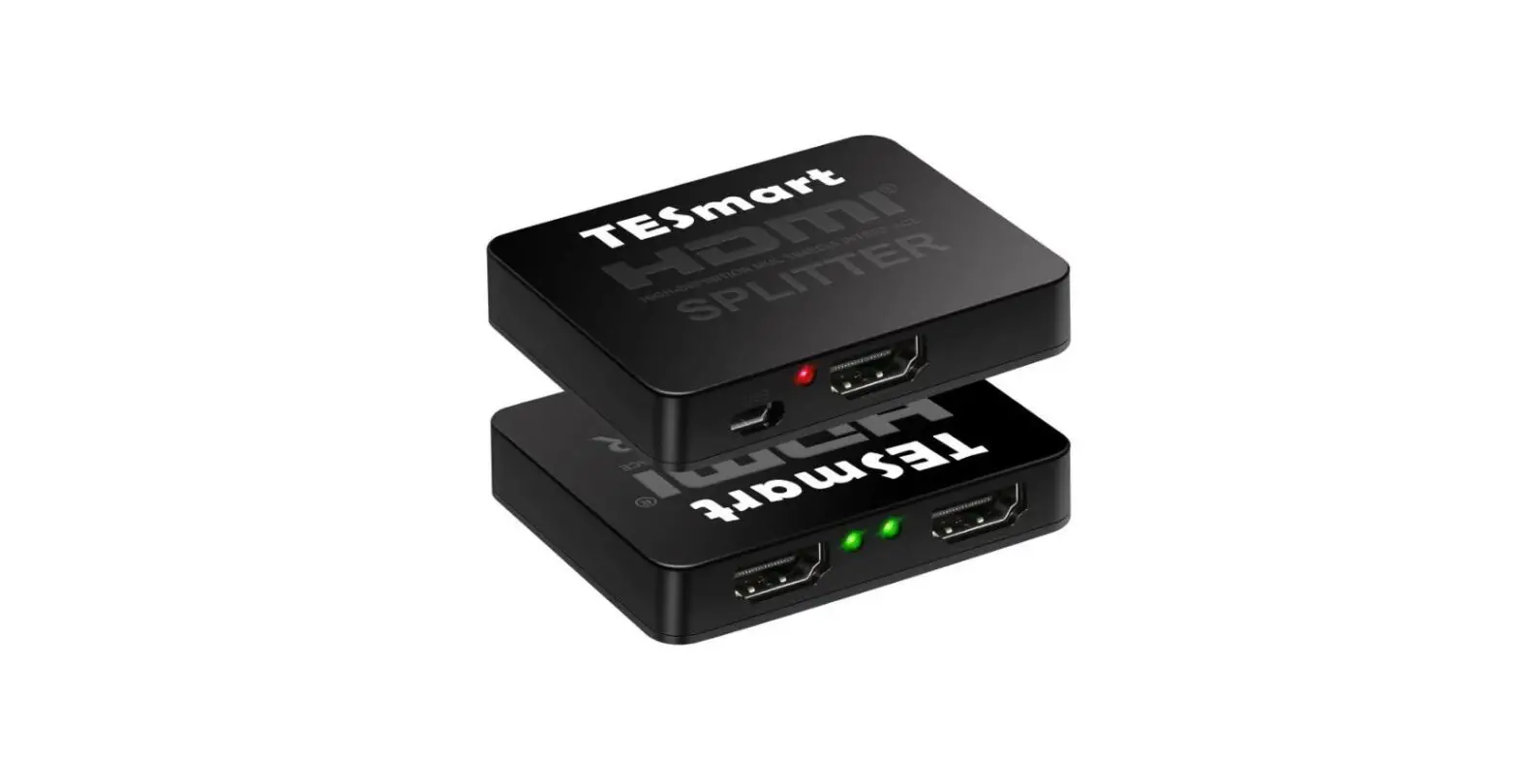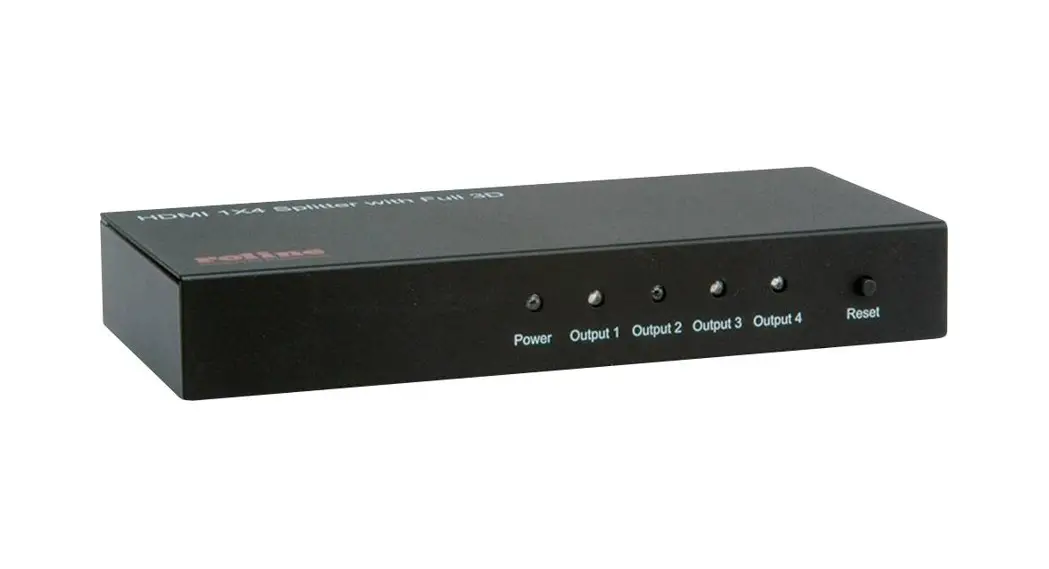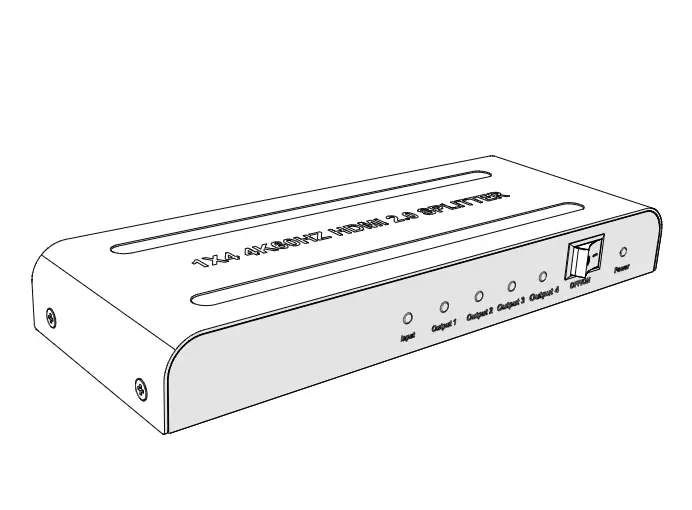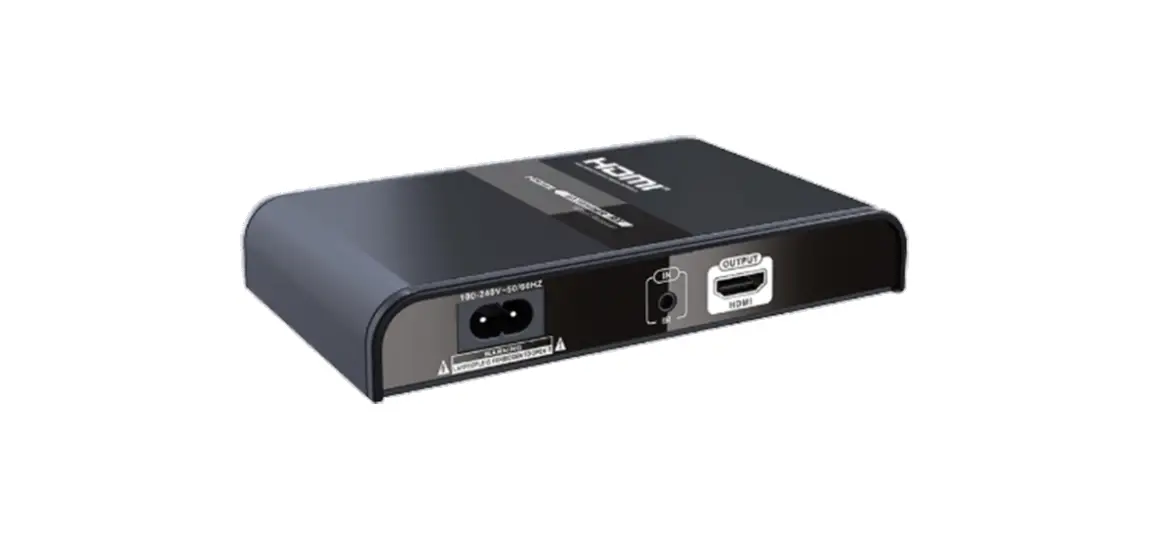

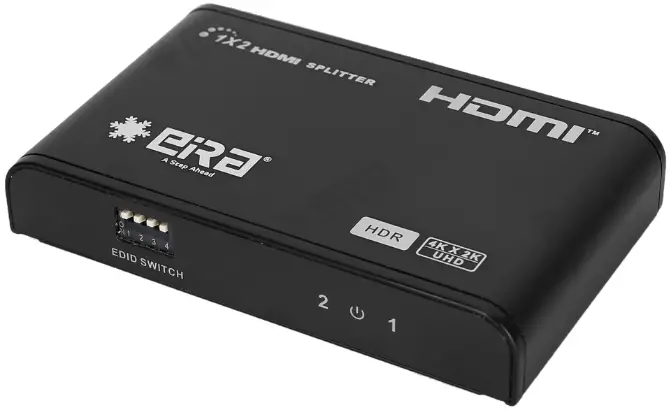

HDMI SPLITTER
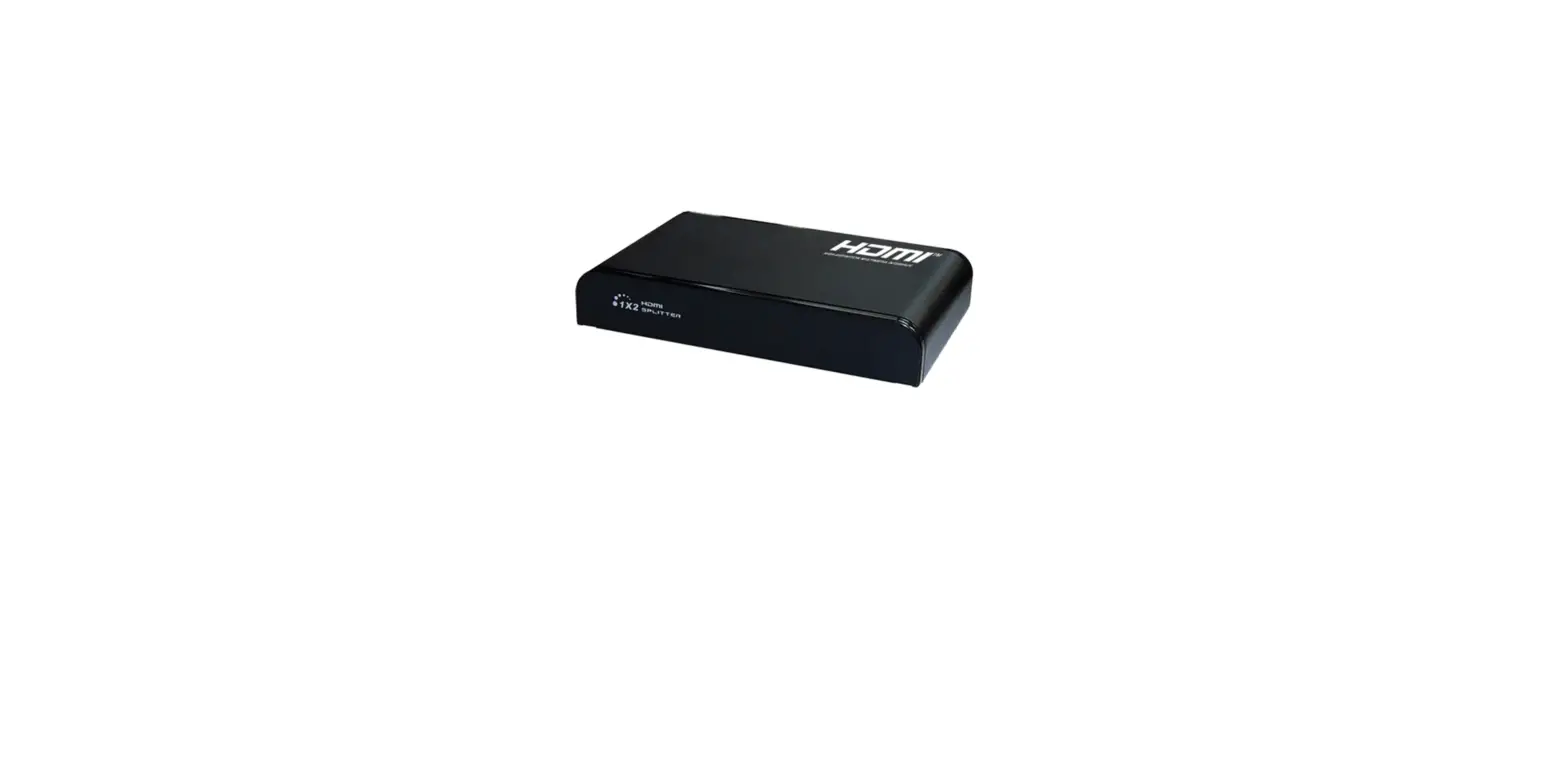
HDMI SPLITTER 1×2 (4K60 Hz)
User Manual4K X 2K UHD
HDR
R2642SP
IMPORTANT SAFETY INSTRUCTIONS
Please read below safety instructions carefully before installation and operation꞉
- Please pay attention to all the warnings and hints on this device.
- Do not expose this unit to rain, moisture and liquid.
- Do not put any stuff into the device.
- Do not repaire the device or open the enclosure without professional person guidance to avoid electronic shock.
- Make sure good ventilation openings to avoid product overheating damage.
- Shut off power and make sure environment is safe before installation.
- Use DC5V only. Make sure the specification matched if using 3rd party DC adapters.
Introduction
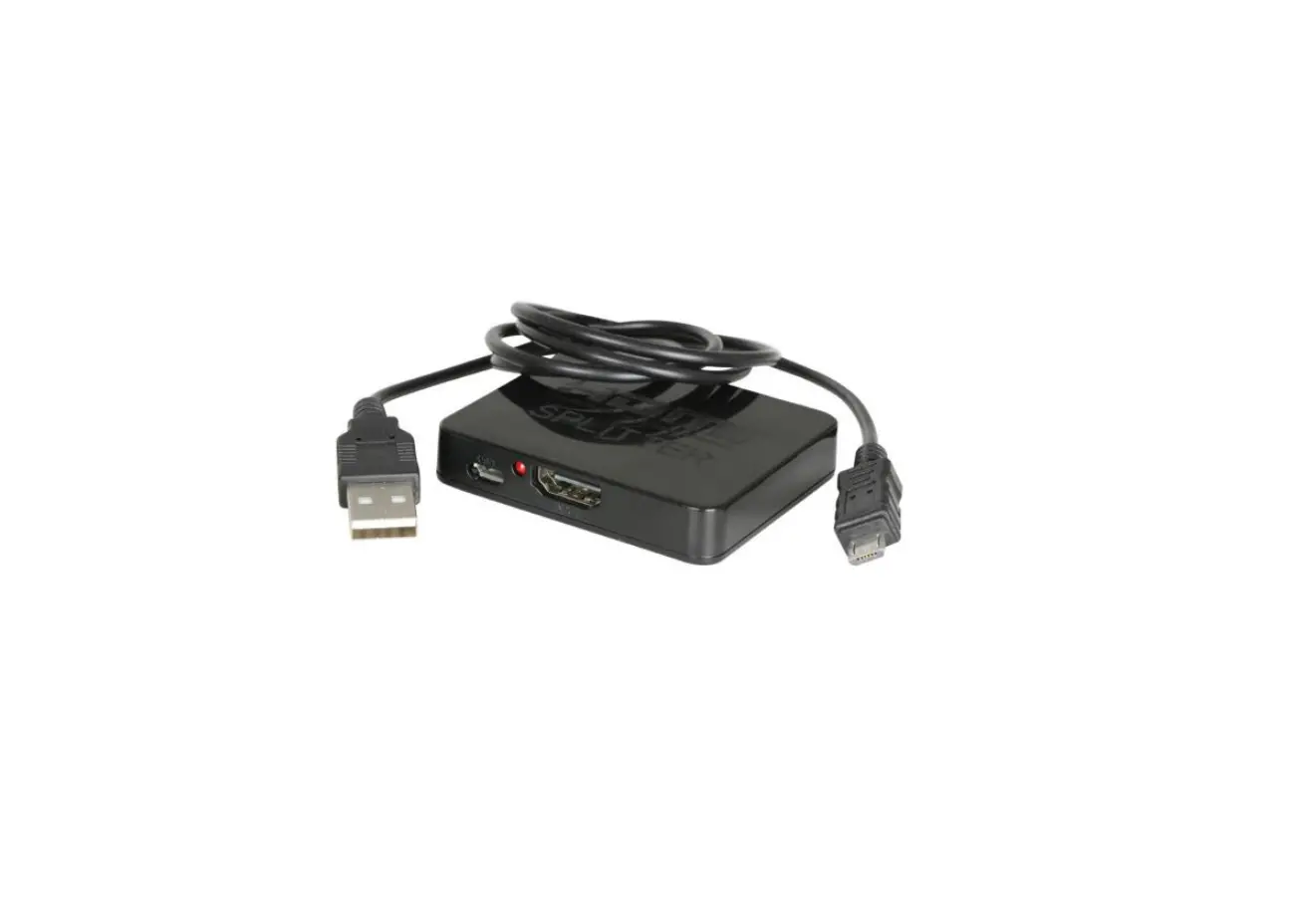
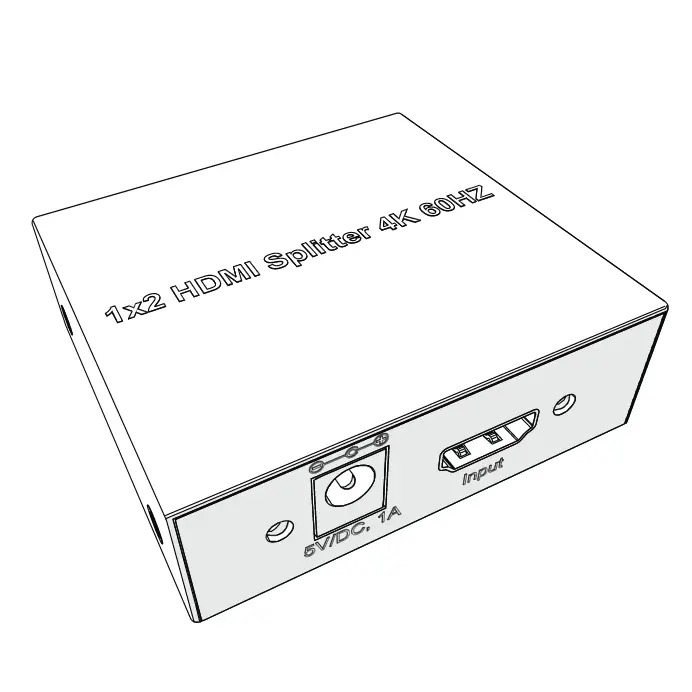
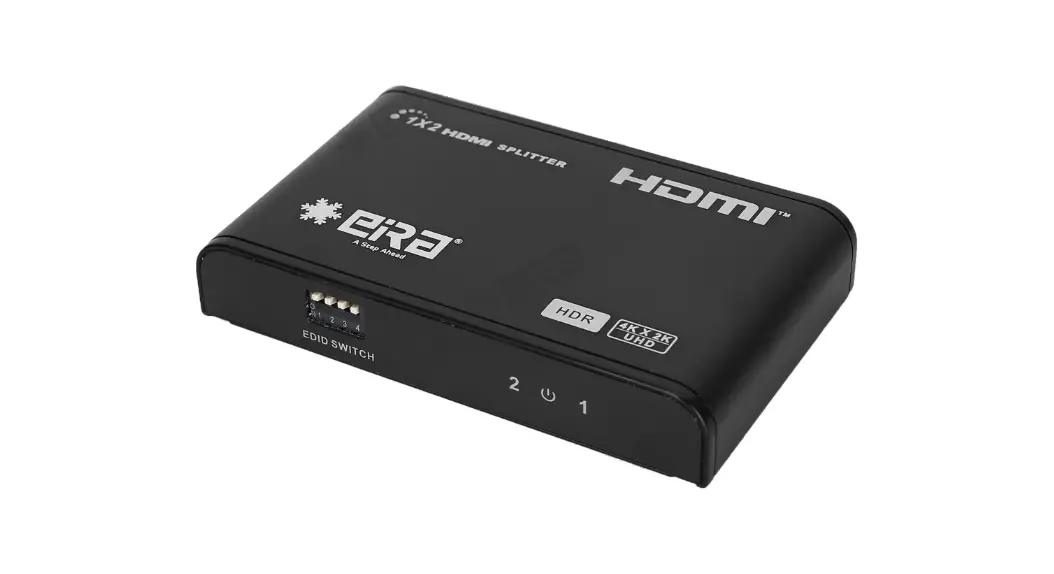
1×2 HDMI splitter distributes 1 HDMI source to 2 HDMI displays simultaneously. Apply for STB, DVD, Media Player, Laptop, D-VHS and other HD-Player devices. It’s compatible with HDMI 3D and 4Kx2K.
Features
- Distribute 1 HDMI source to 2 HDMI displays
- Support ultra HD resolution 4K×2K@60Hz
- Support HDMI 3D
- Support YUV 4꞉4꞉4
- Support HDR
- HDMI 2.0 and HDCP2.2 compliant
- Low power consumption
- Support configures the video resolution automatically according to the capabilities of each connected monitor, allows simultaneous mixed 4K and 1080p display outputs
- Plug and play
Package Contents
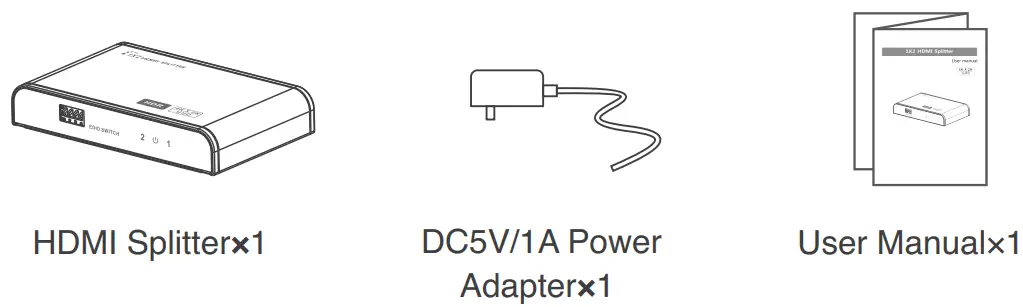
Installation Requirement
- Source꞉ HDMI video source, such as DVD, PS3, STB, PC, Etc.
- Display꞉ HDTV, projector or other display with HDMI port
- HDMI cable꞉ HDMI 2.0 standard cable (can support 4Kx2K@60Hz)
Panel Description
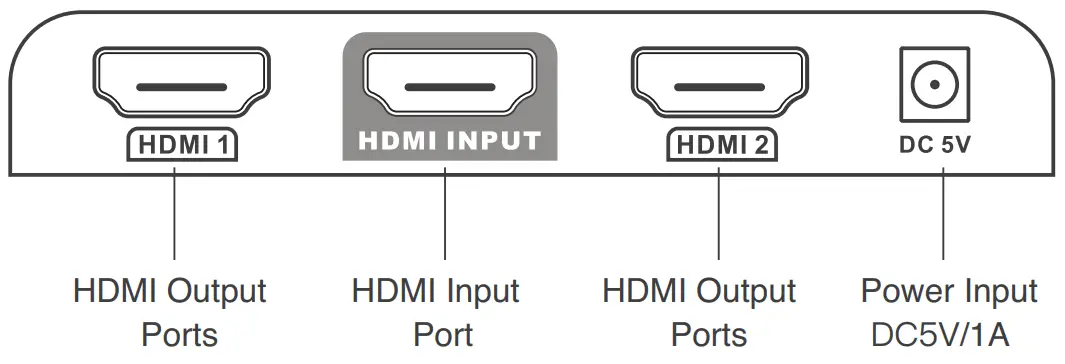
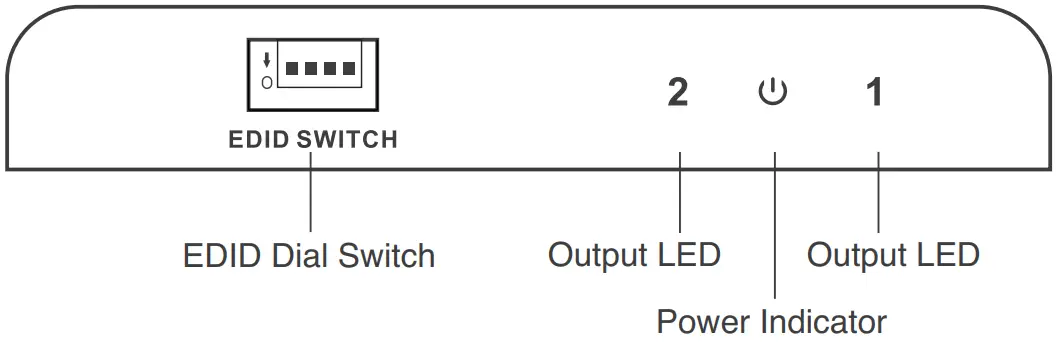
Installation and Connection
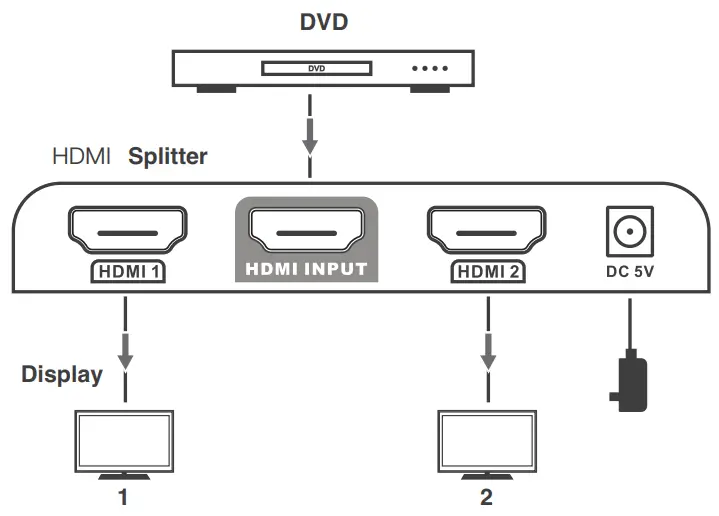
- Connection

- Connection instruction
- Connect the HDMI video source output port to the splitter input port by HDMI cable
- Connect the splitter output port to HDMI display by HDMI cable
- Set the TV input to right HDMI channel
- Power on the splitter(Power indicator led will light on)
- Operation
- Before output HDMI signal, the splitter will read EDID information of connected TVs and send it back to HDMI source part to let it determine the output mode
- Indicator led shows the working status
- The splitter is build-in 16 kinds of EDID that can be selected by 4 switch codes, corresponding as following
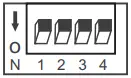 Switch up for “1”
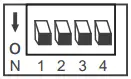 Switch down for “0”
| Switch Status | 1 | 2 | 3 | 4 | EDID information |
| 0 | 0 | 0 | 0 | 4k@60Hz 2CH | |
| 1 | 0 | 0 | 0 | 4k@60Hz 7.1 CH | |
| 0 | 1 | 0 | 0 | 4k@30Hz 2CH | |
| 1 | 1 | 0 | 0 | 4k@30Hz 7.1 CH | |
| 0 | 0 | 1 | 0 | 1080p@60Hz 2CH | |
| 1 | 0 | 1 | 0 | 1080p@60Hz 7.1 CH | |
| 0 | 1 | 1 | 0 | 1080i@60Hz 2CH | |
| 1 | 1 | 1 | 0 | 1080i@60Hz 7.1CH | |
| 0 | 0 | 0 | 1 | 1080p@50Hz 2CH | |
| 1 | 0 | 0 | 1 | 1080P@50Hz 7.1 CH | |
| 0 | 1 | 0 | 1 | 4K@30Hz HDR | |
| 1 | 1 | 0 | 1 | 4K@60Hz HDR | |
| 0 | 0 | 1 | 1 | Copy once | |
| 1 | 0 | 1 | 1 | MIX1 | |
| 0 | 1 | 1 | 1 | MIX2 | |
| 1 | 1 | 1 | 1 | MIX3 |
[NOTE]
Copy Once Read the EDID of the first connected output only
MIX 1 Lowest format of audio, and lowest format of video
MIX 2 Highest format of audio, and compose down scaling of video
MIX 3 Lowest format of audio, and compose down scaling of video
FAQ
– A꞉ 1) Check the power supply of splitter, make sure the power light is on.
– 2) Check if the HDMI cables connected well.
– 3) Check and make sure the TV has been set up to the right channel.
– 4) While connect with PC or notebook via HDMI, please make sure the output mode is mirror or extend.
– A꞉ 1) Check and make sure all connections are good and correct.
– 2) Try to directly connect HDMI source to display, if it is the same, please change the source device.
– 3) Use high-quality HDMI 2.0 cable for transmitting 4K×2K UHD signal.
– A꞉ 1) Check and make sure the input sources are 4K×2K@60Hz UHD signal.
– 2) Check and make sure the TV is support 4K×2K@60Hz resolution.
– 3) Check if the HDMI cables are compliant HDMI2.0 standard.
– A꞉ 1) Check and make sure the input sources are support HDR effect.
– 2) Check and make sure the TV is support HDR effect image.
Specification
| Items | Specifications |
| Input ports | 1 x HDMI |
| Output ports | 2 x HDMI |
| Power indicator led | 1 xLED |
| Signal indicator led | 2 xLED |
| HDMI Version | Compatible with HDM11.4,HDMI2.0 |
| HDCP Version | Compatible with HDCP1.4,HDCP2.2 |
| HDMI Resolution | 480i/480p/576i/576p/720p/1080i/1080p/ 4Kx2K@24/25/30/60Hz |
| Frequency Range | 25MHz∼594MHz |
| Video form | Support 3D video and 4Kx2K@30/60Hz ultra HD video |
| Input and output TMDS signal | 0.7∼1.2Vp-p(TMDS) |
| Input and output DDC signal | 5Vp-p(TTL) |
| Audio | Support standard audio and DSD Direct Stream Digital and HD(HBR) audio |
| HDR | Support |
| EDID management | Support smart EDID management, available to display different resolution monitors at the same time |
| Working temperature | 0°C 60°C |
| Power supply | DC5V/1A |
| Power consumption | <2.5W |
| Dimension | 96mm(L)x59mm(W)x16.8mm(H) |
| Weight | 100g |
| Color | Black |
Disclaimer
The product name and brand name may be registered trademark of related manufactures. ™ and ® may be omitted on the user manual. The pictures in this user manual are just for reference. The terms HDMI, HDMI High-Definition Multimedia Interface, and the HDMI Logo are trademarks or registered trademarks of HDMI Licensing Administrator, Inc. We reserve the rights to make changes without further notice to a product or system described herein to improve reliability, function or design.