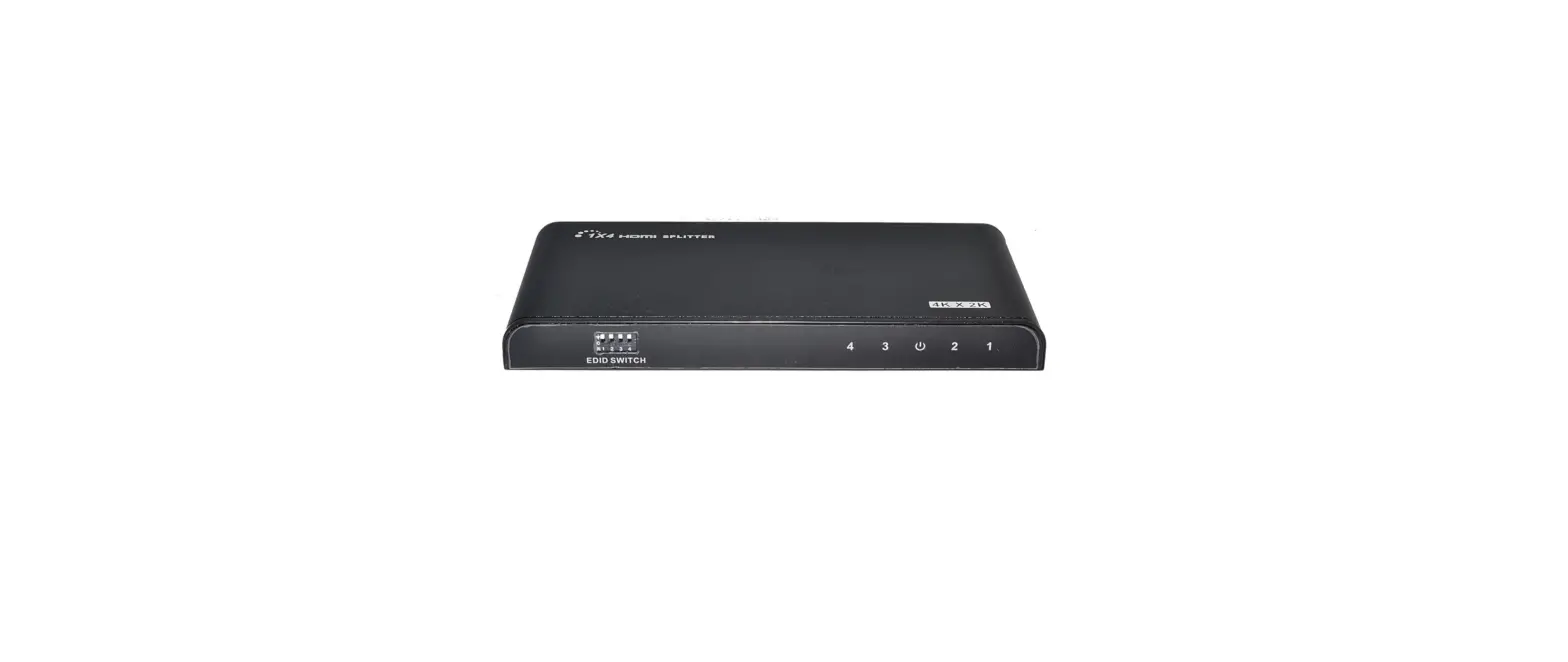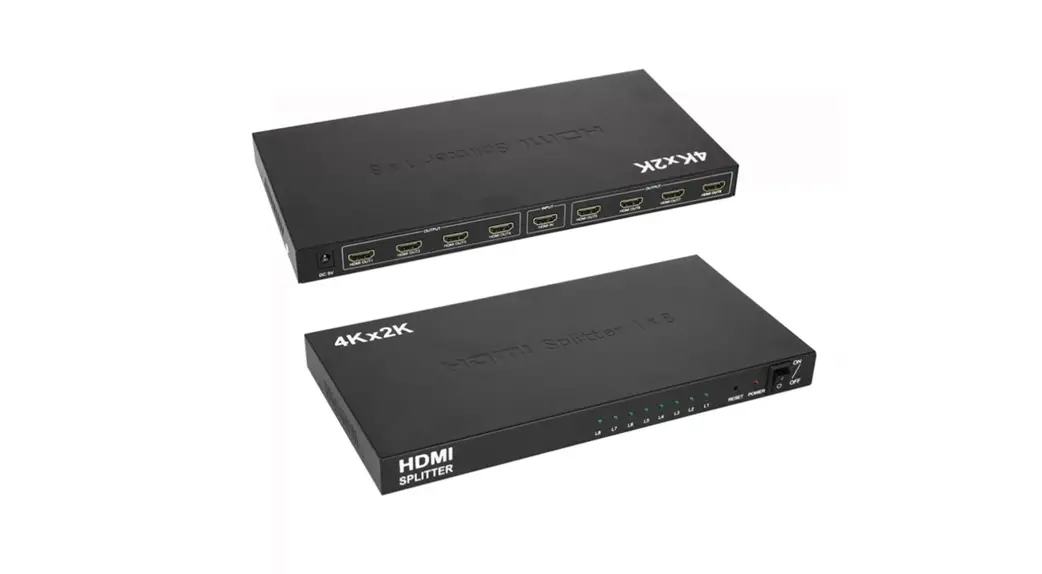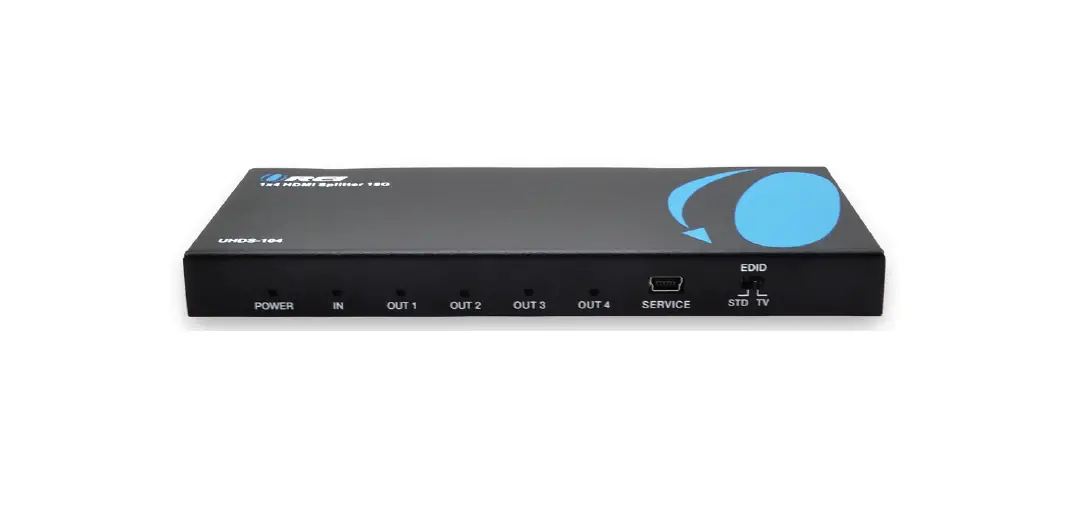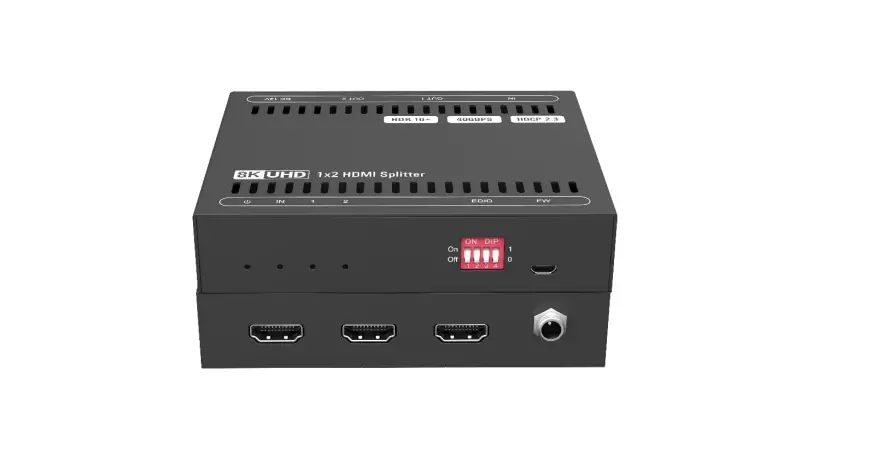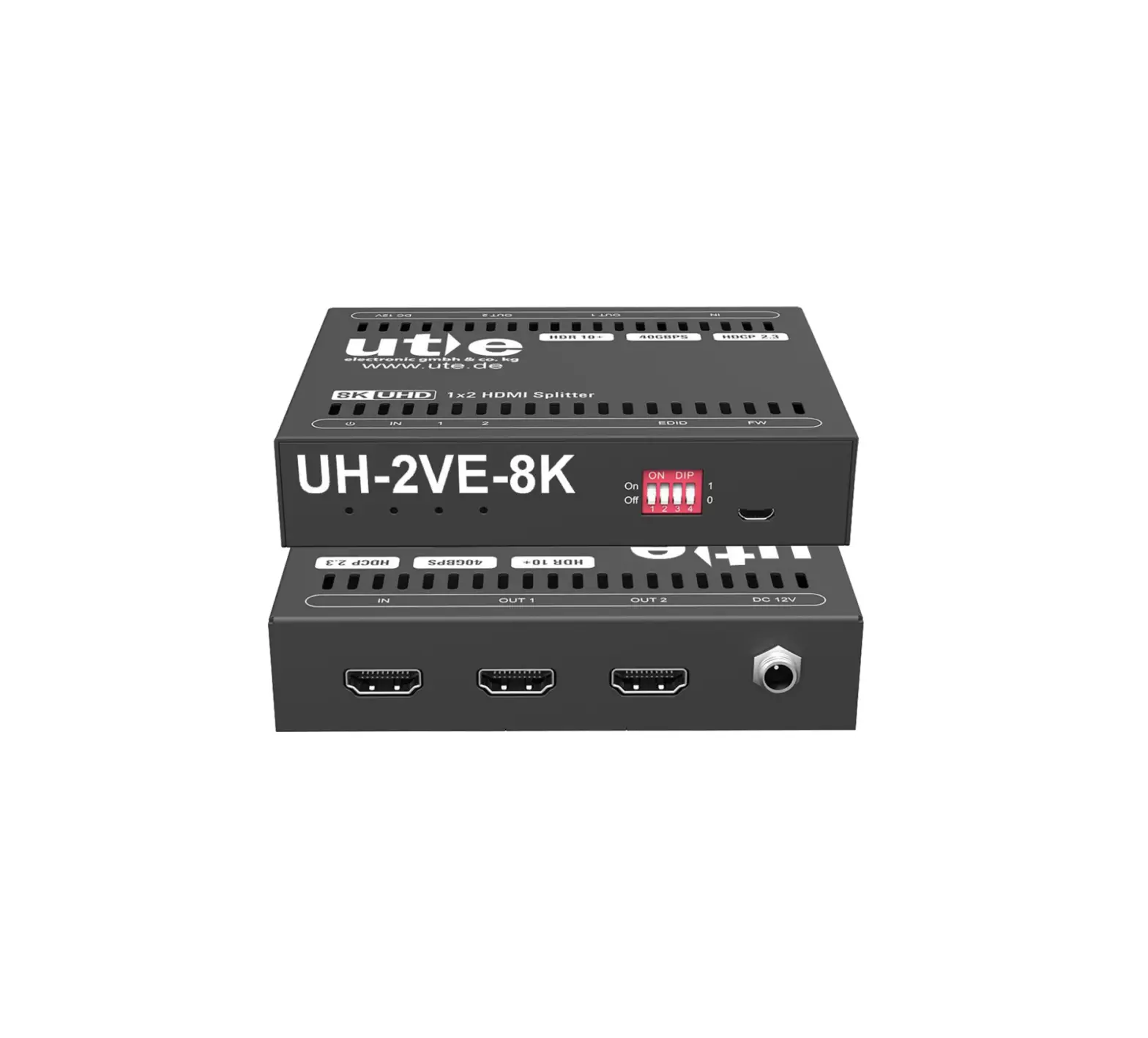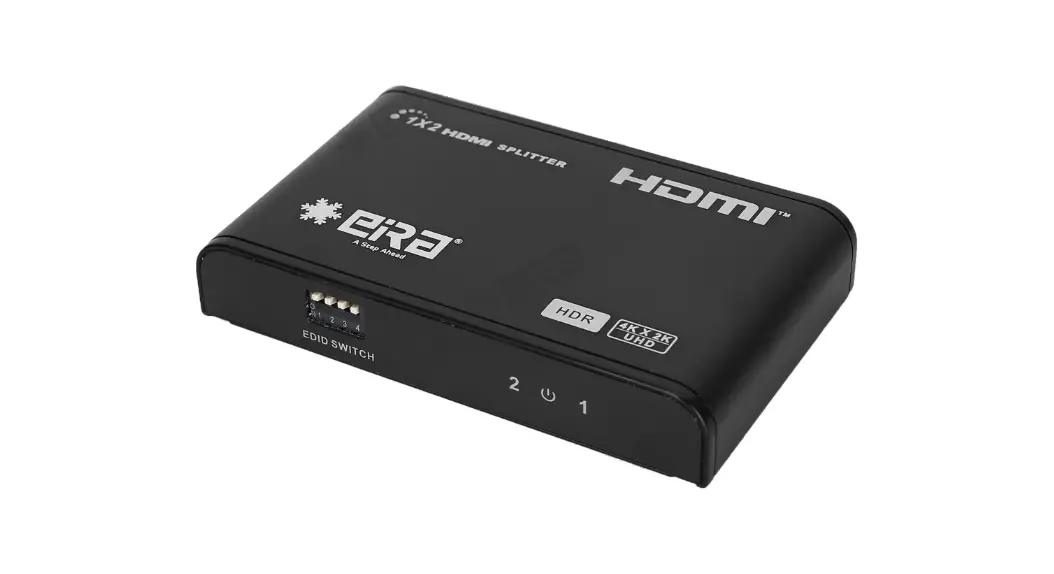

HDMI Splitter
1 x 2
User Manual
VER:1.1
INTRODUCTION
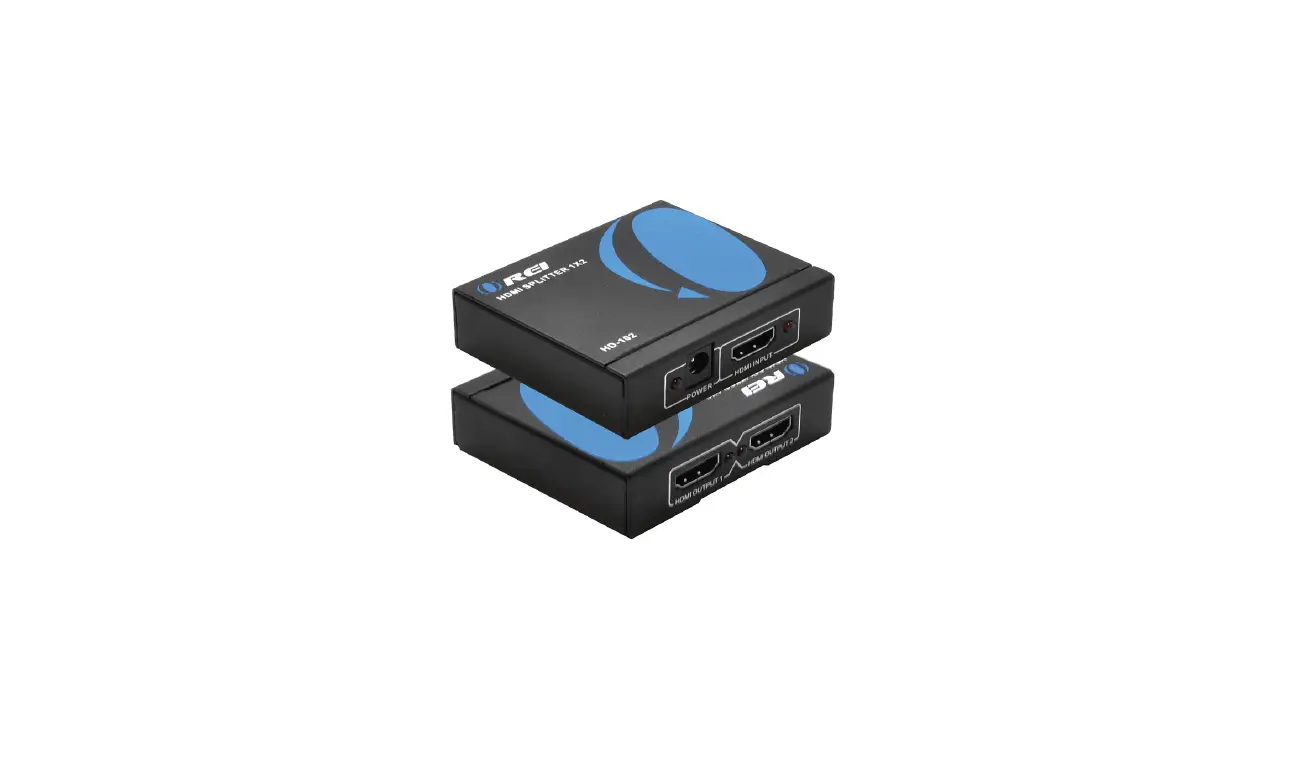
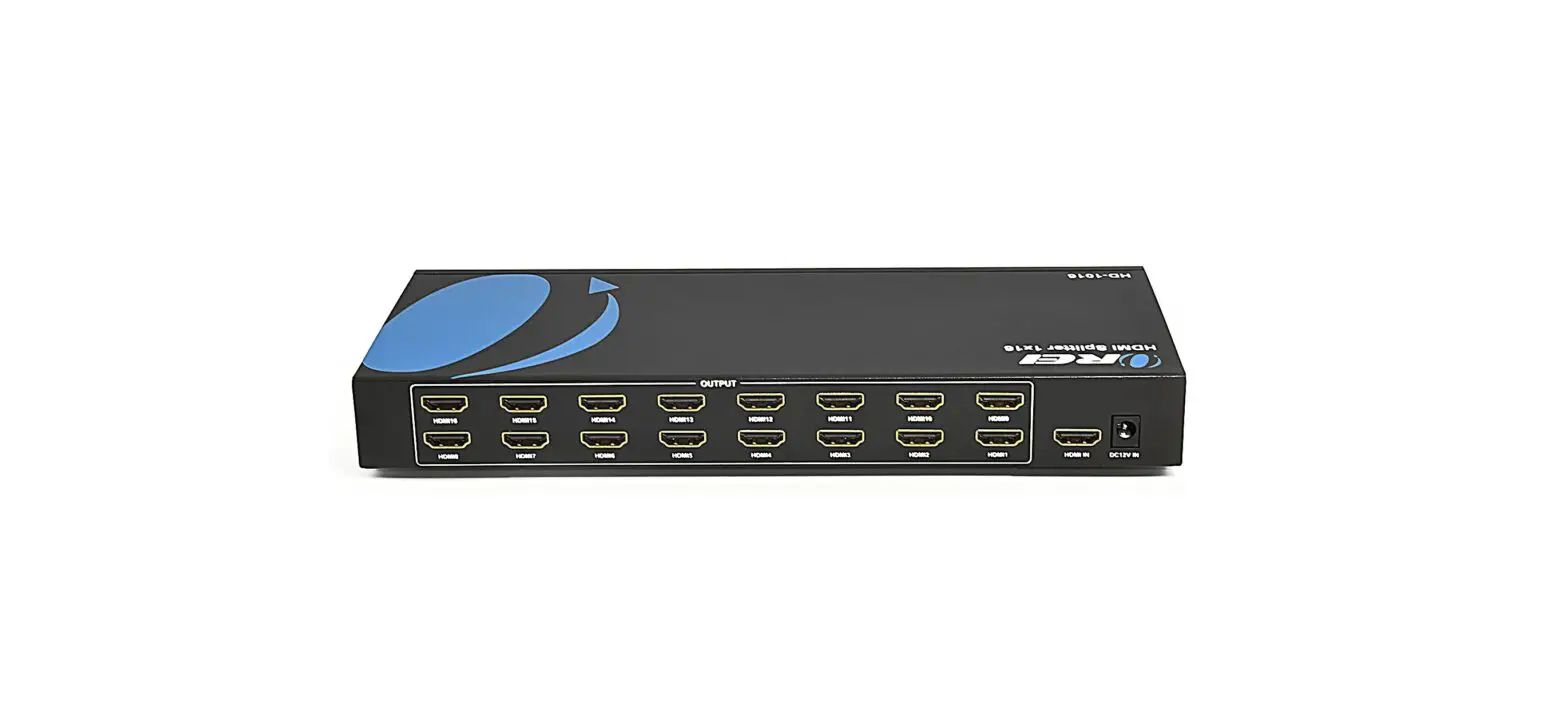
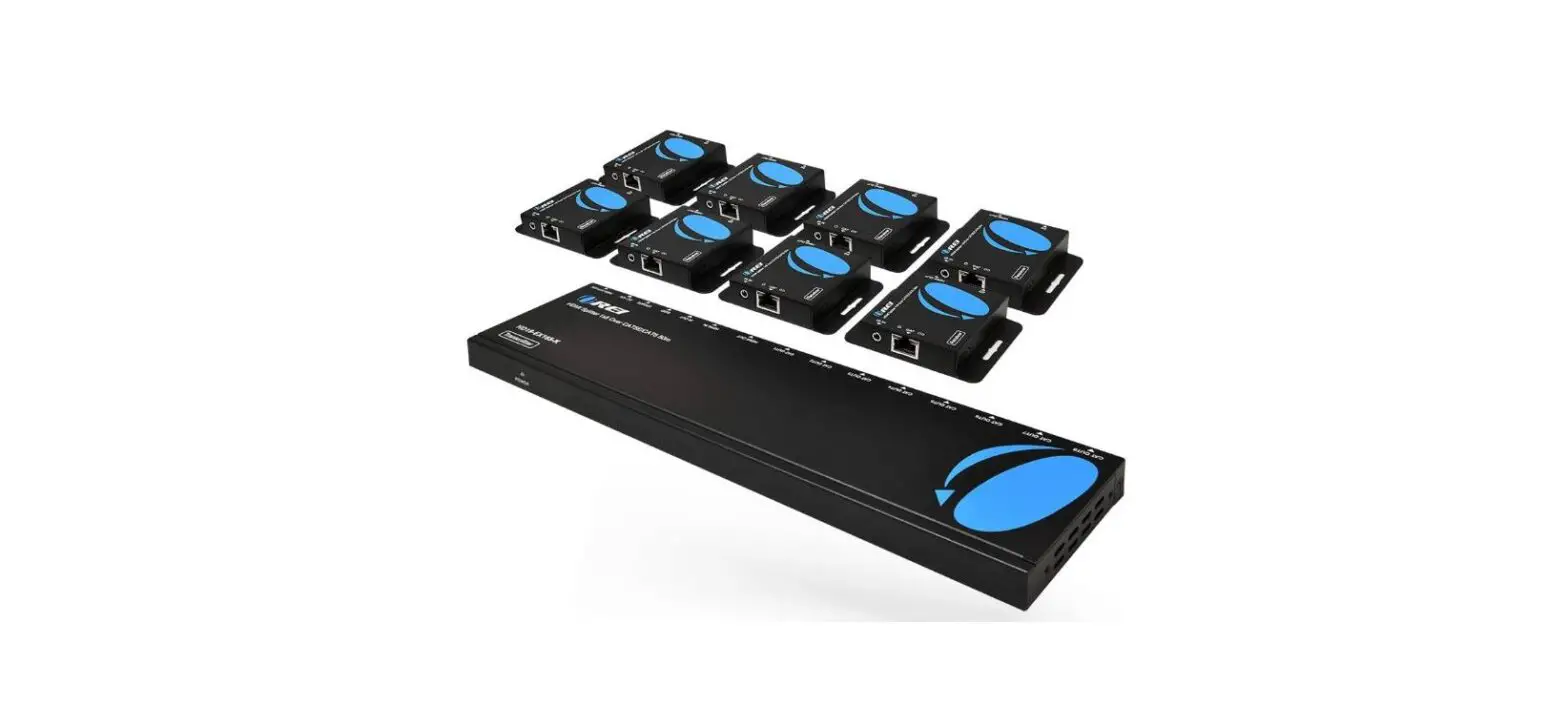
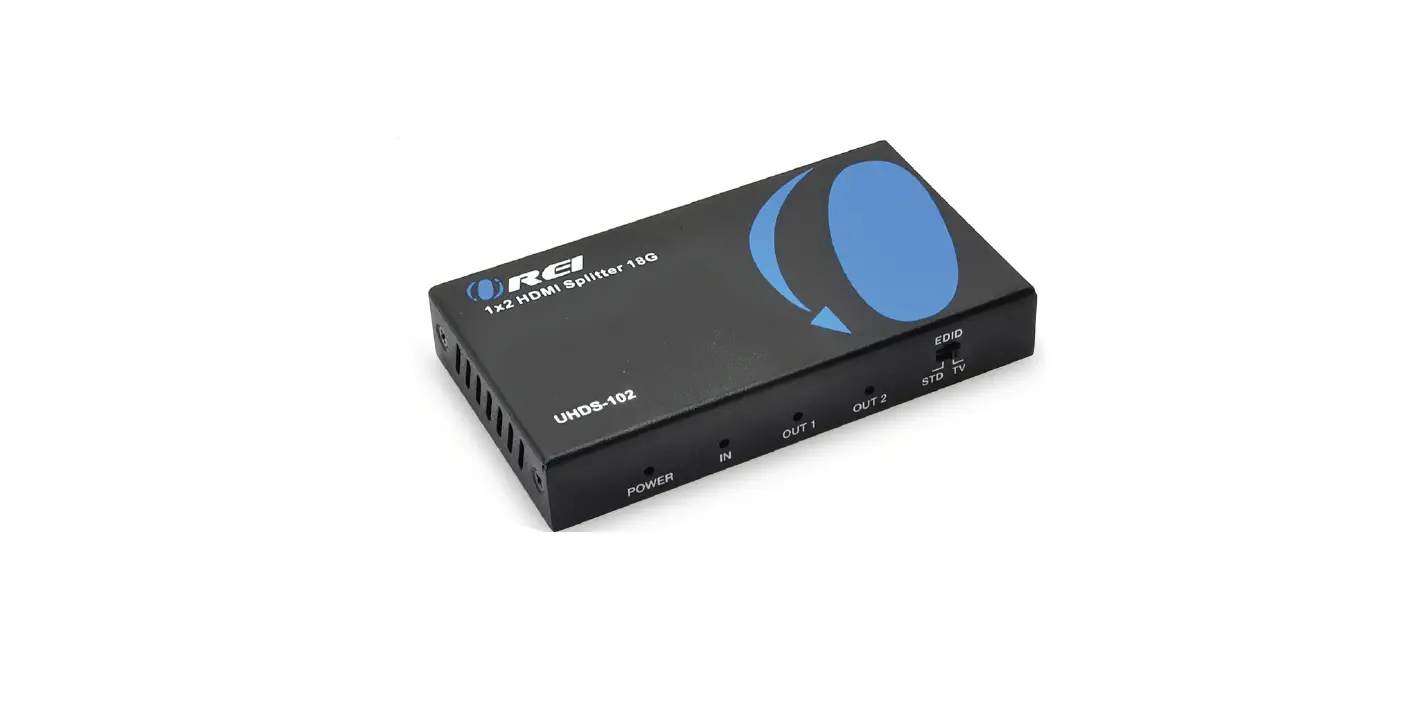
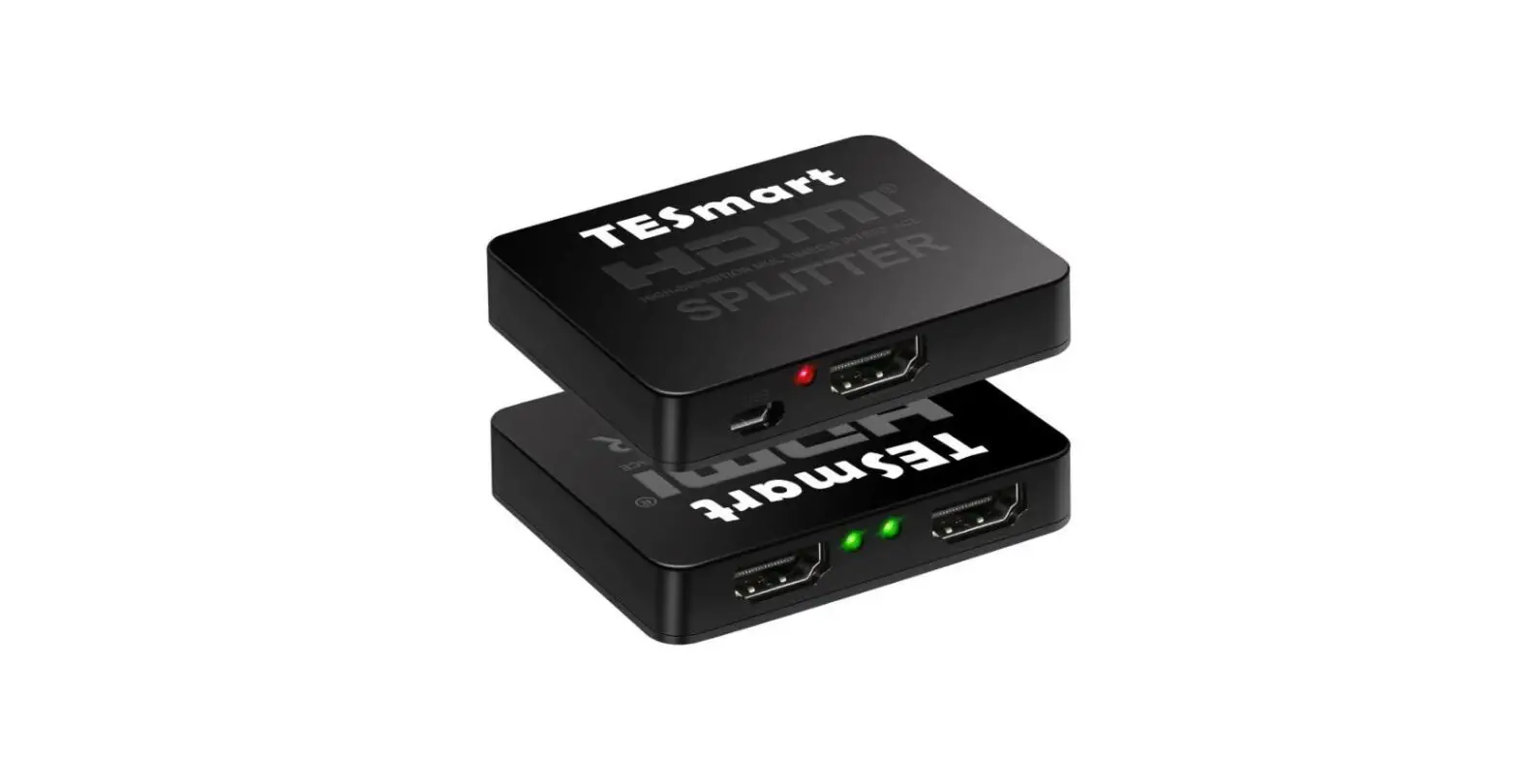
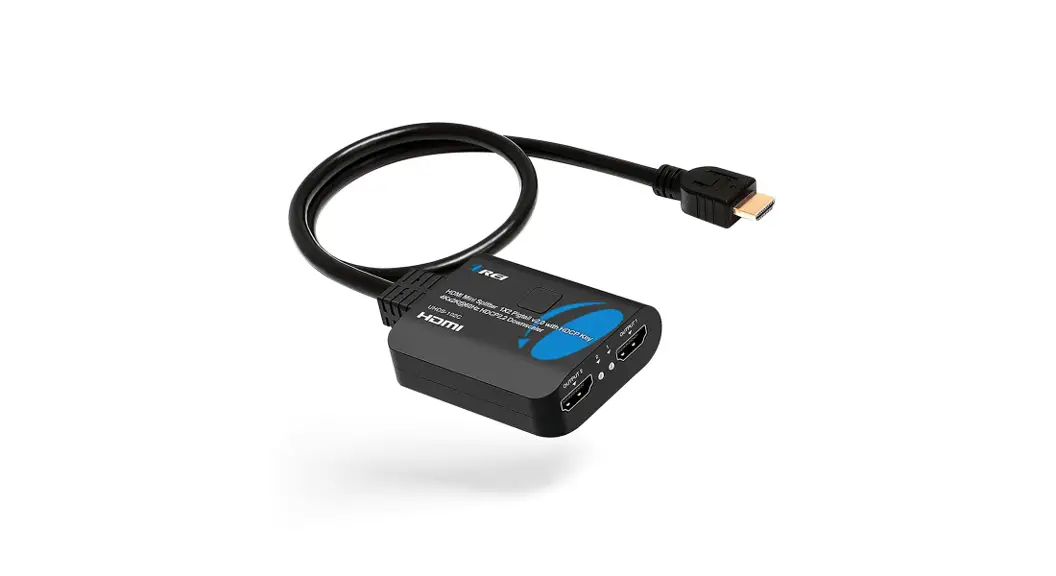
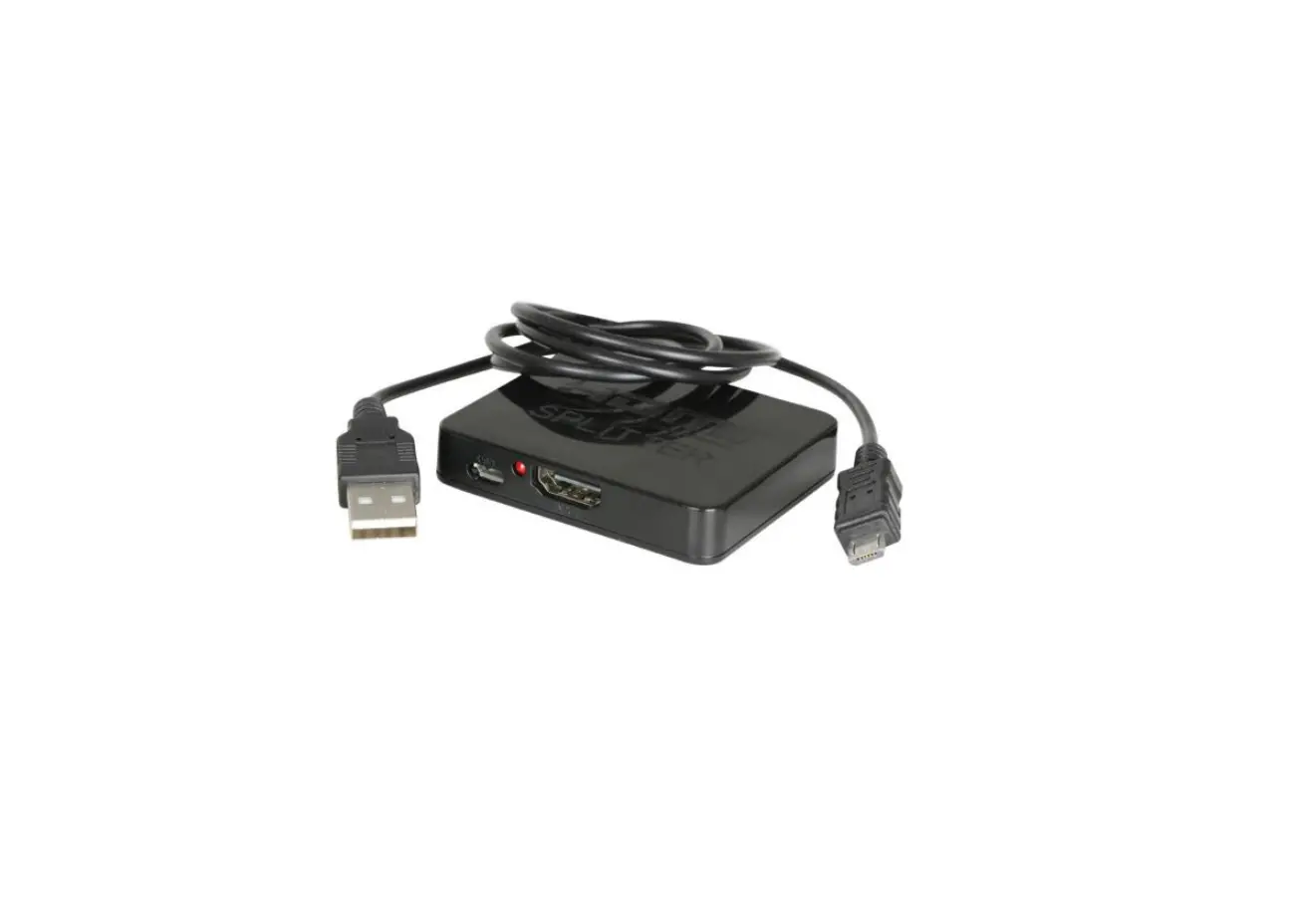
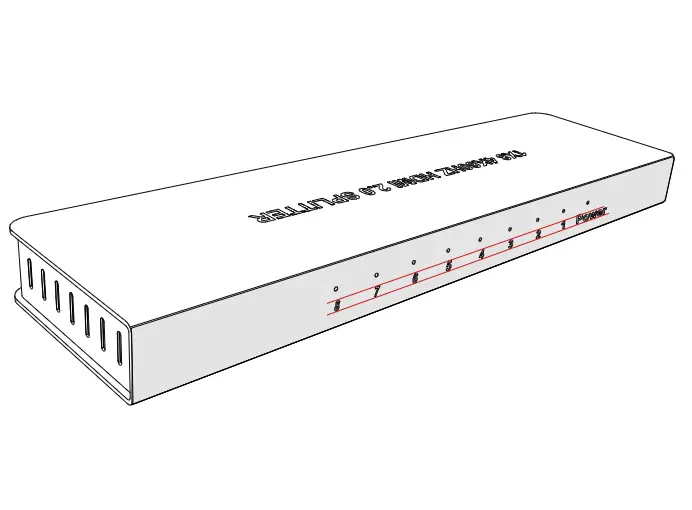
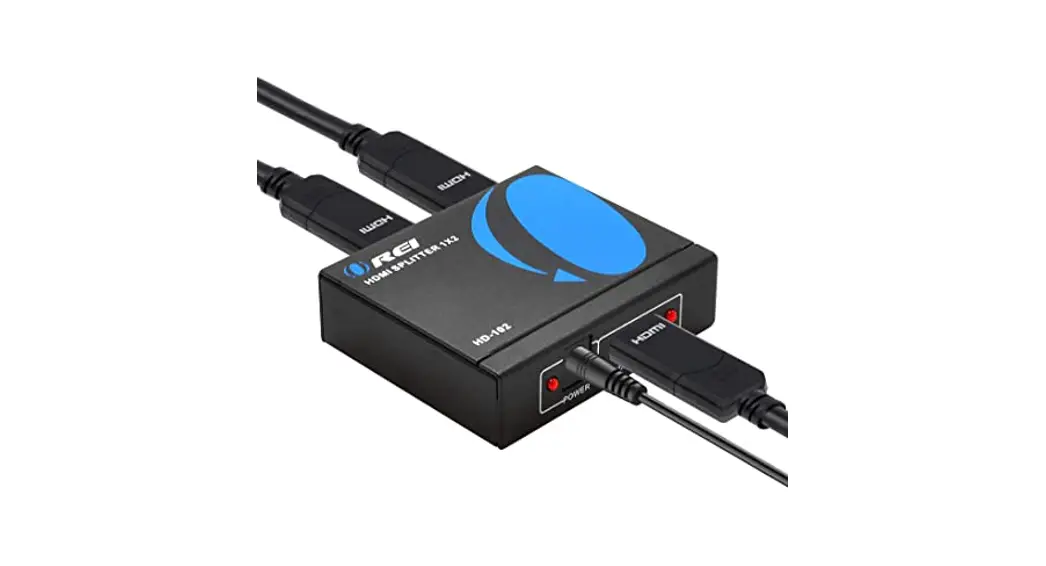
1 × 2 HDMI splitter distributes 1 HDMI source to 2 HDMI displays simultaneously. It offers HD video solutions for super markets; shopping malls; HDTV, STB, DVD, projector factories; data control centers; information distribution; conference room presentations; education and training; corporation showrooms; home theaters, etc.
SPECIFICATIONS:
| Input Video Signal | 0.5 -1.0 volts p-p |
| Input DDC Signal | 5 volts p-p (TTL) |
| Max Single Link Range | 1920X1080, 1080P |
| Resolutions DTV/HDTV | 480p/576i/576p/720p/1080i/1080P, 4K60(4:2:0) |
| HDMI Version | HDMI 1.4 |
| Operating Frequency | Up to 225MHz |
| EIDI Duration | 4 seconds |
| Power supply | DC 5V |
CONNECTION
a ) . Connect the input source and output displays to the HDMI Splitter . *Please refer to the Connection Image.
b ) . Connect the DC 5V power supply to the splitter. Please kindly note that power supply with higher voltage may damage the splitter.
c) . When input source and output displays are connected and turned on, the corresponding LED will light. Attention: In order to protect the splitter and your devices, please make sure the splitter is powered off before you attach in or extract video source and displays. Please insert and extract HDMI cables gently.
INTERFACE
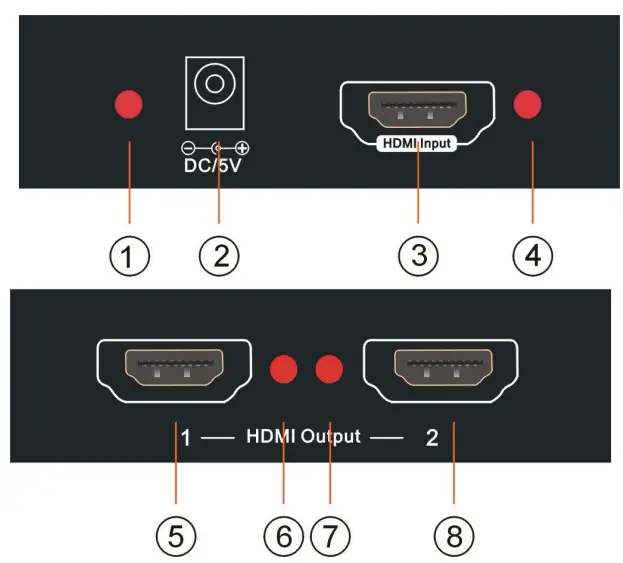
- Power LED
- HDMI Input
- HDMI1 Output
- LED of HDMI2 Output
- Power Supply Socket
- LED of HDMI Input
- LED of HDMI1 Output
- HDMI2 Output
BOX CONTENTS:
| Item | Qty | Remark | |
| HDMI splitter I x 2 | 1 PCS | ||
| Power | 1 PCS | DC5V/1 A | |
| User Manual | 1 PCS | en |
FAQ
– Firstly, check if the LED lights, if the power supply is in good condition and well connected. Secondly, make sure all cables are in good condition and well connected. Thirdly, make sure the length of the cables is within the maximum supported length of
this splitter. Lastly, please try to connect the input source to the display directly to see if it display normally.
– The splitter will display at the lower one to both displays.
CONNECTION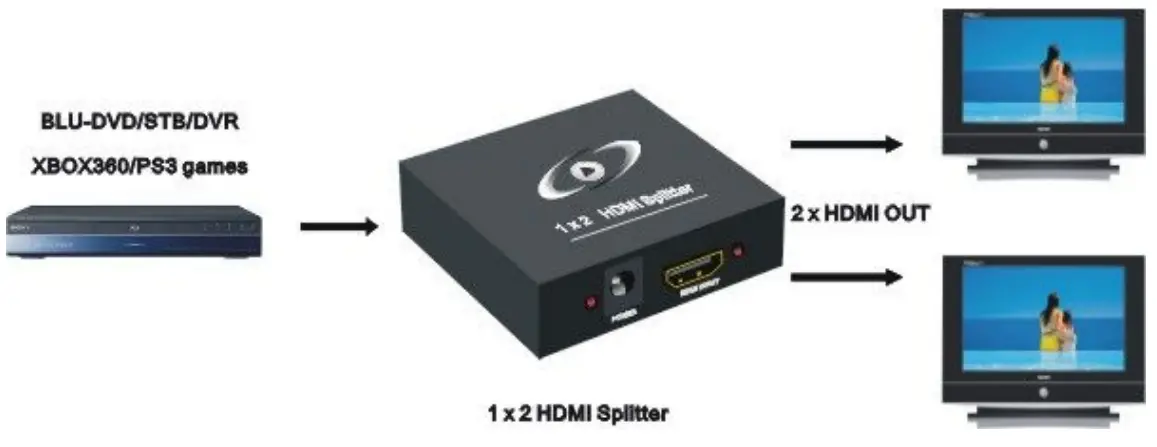
VER:1.1