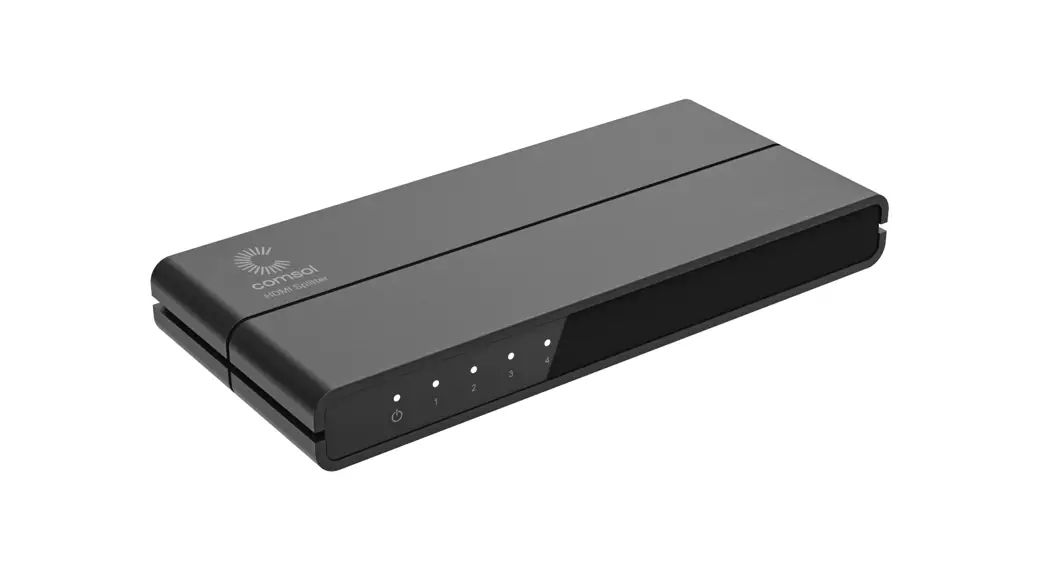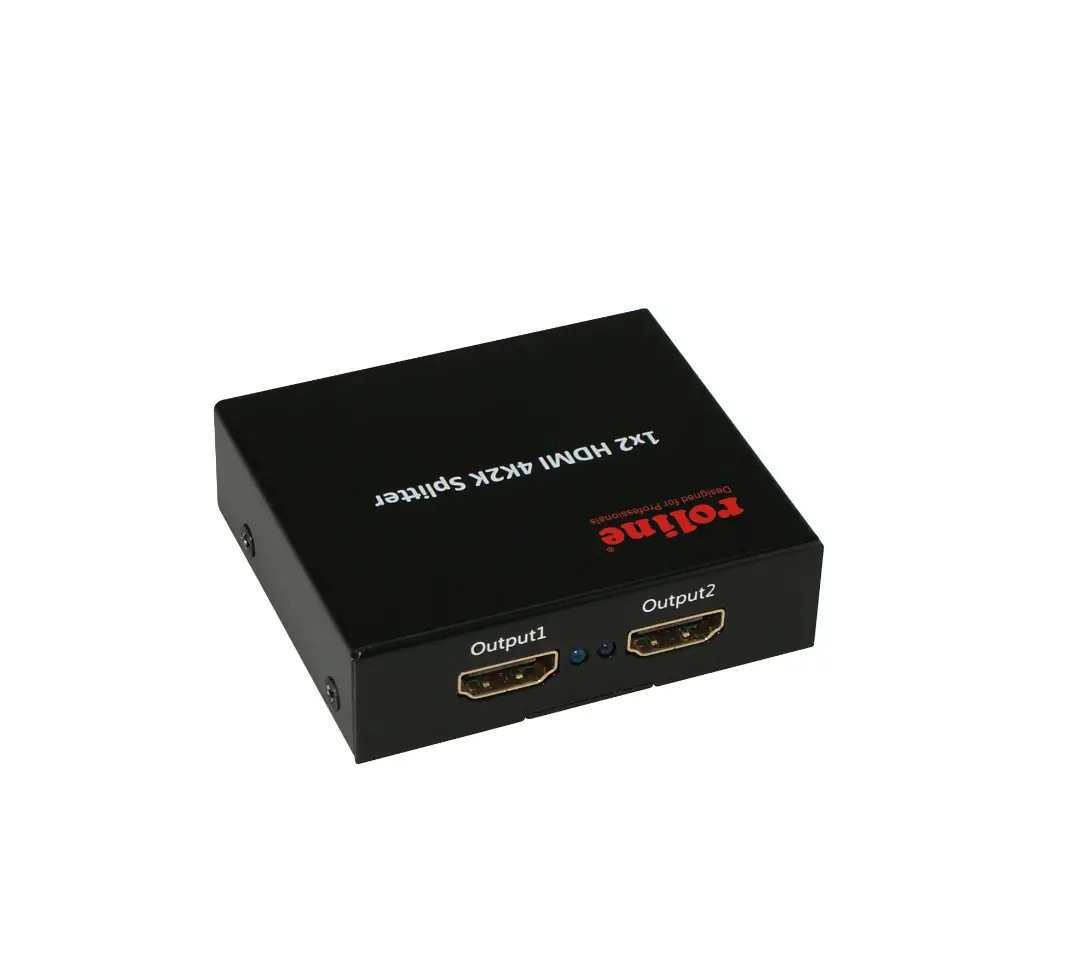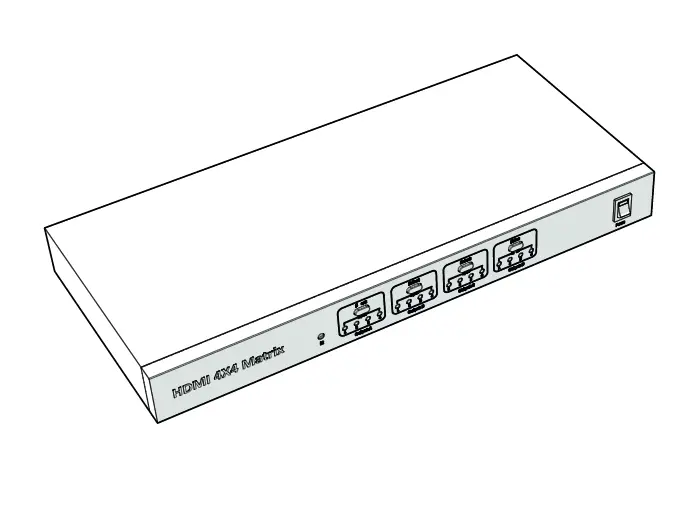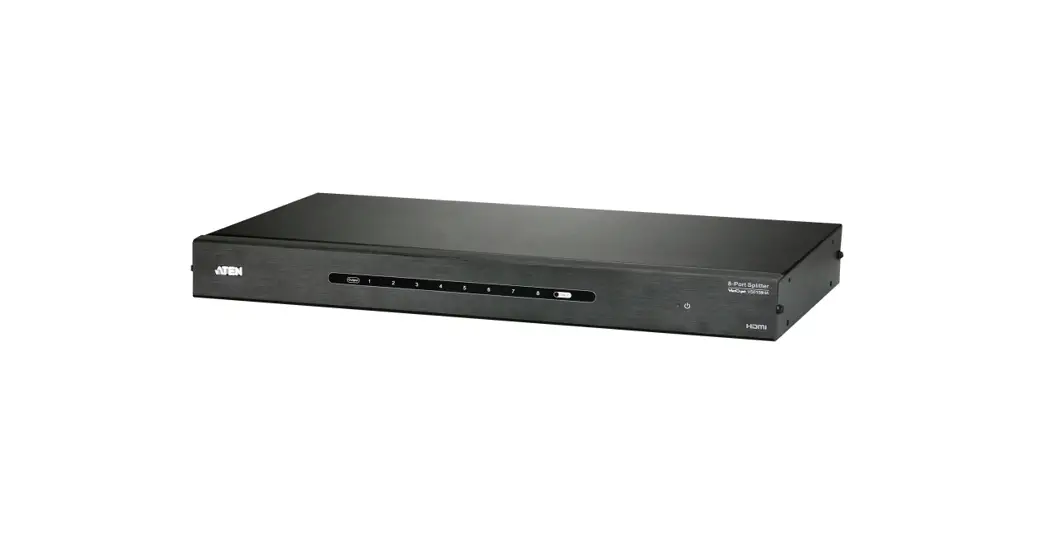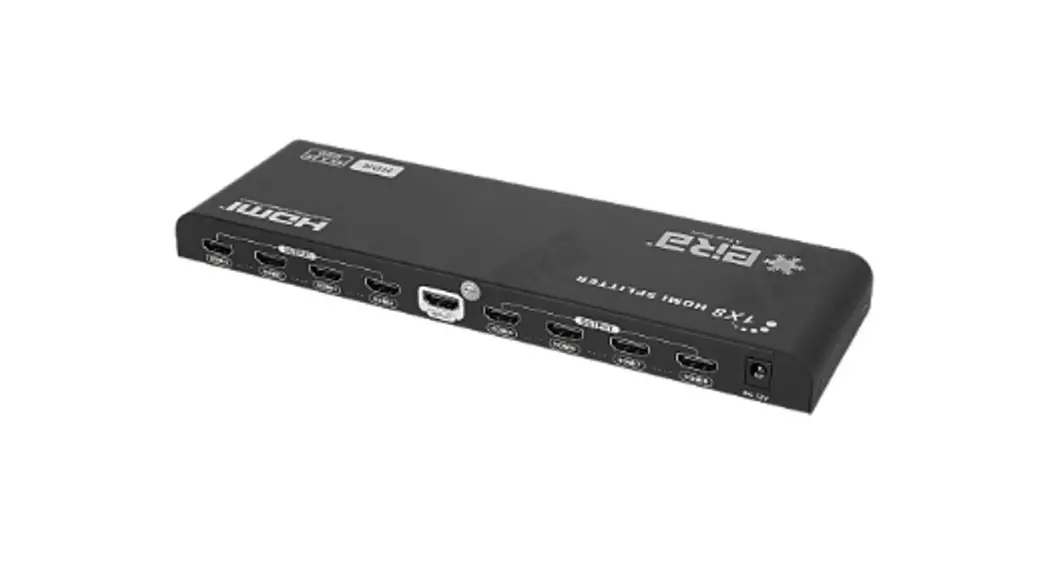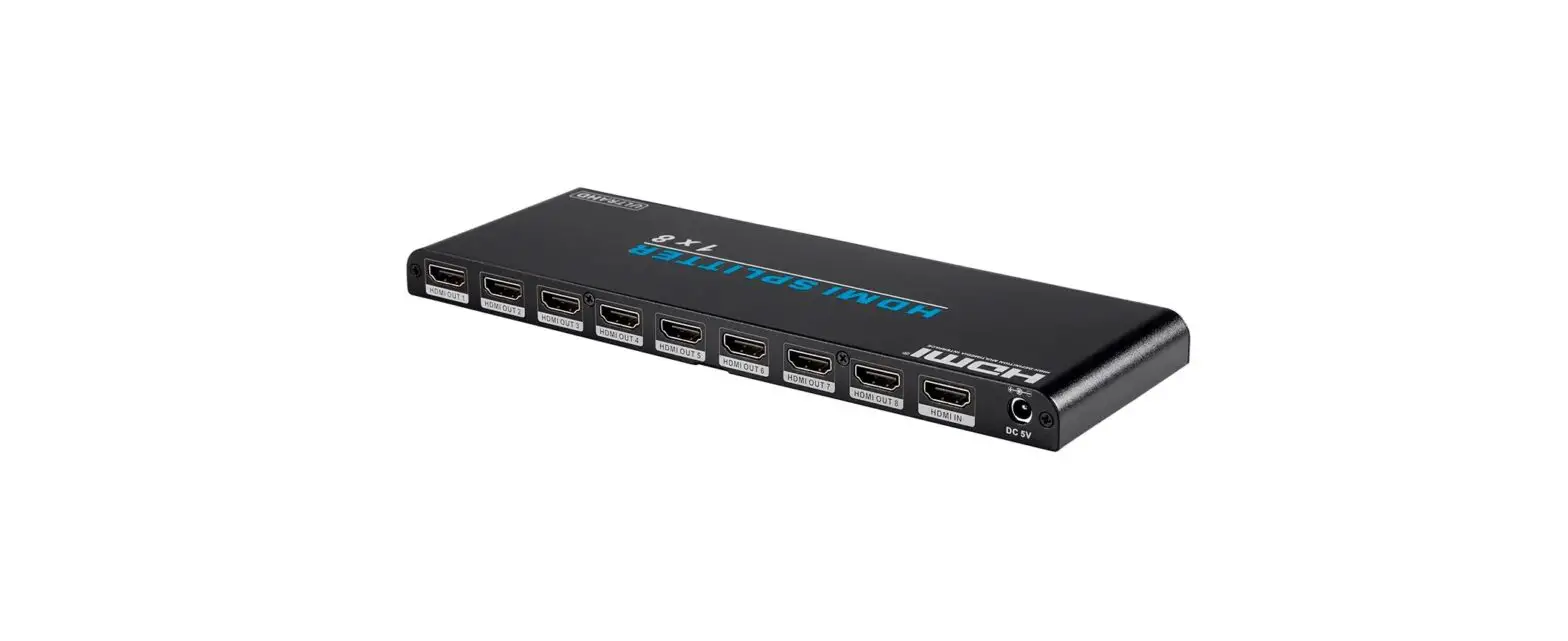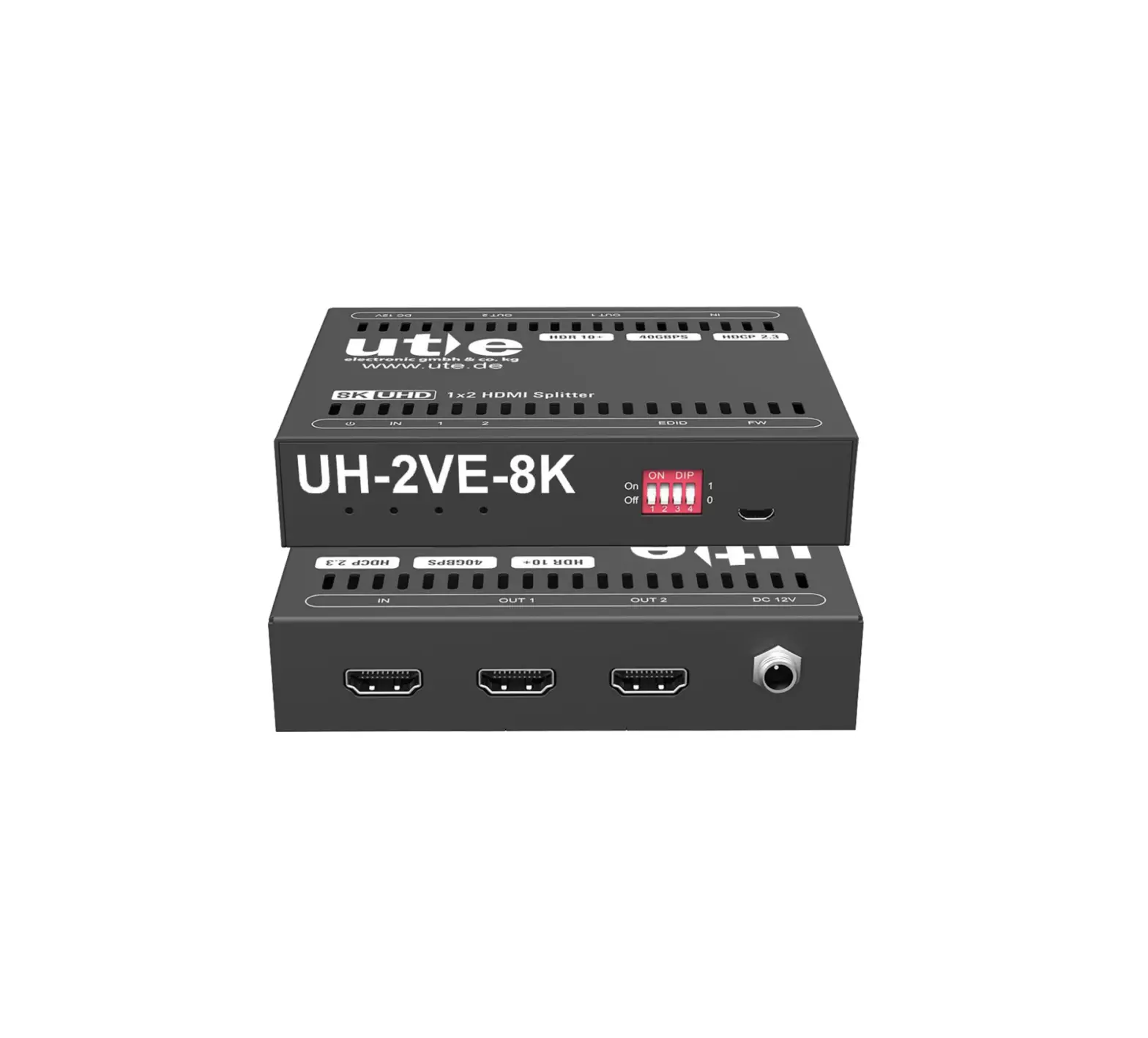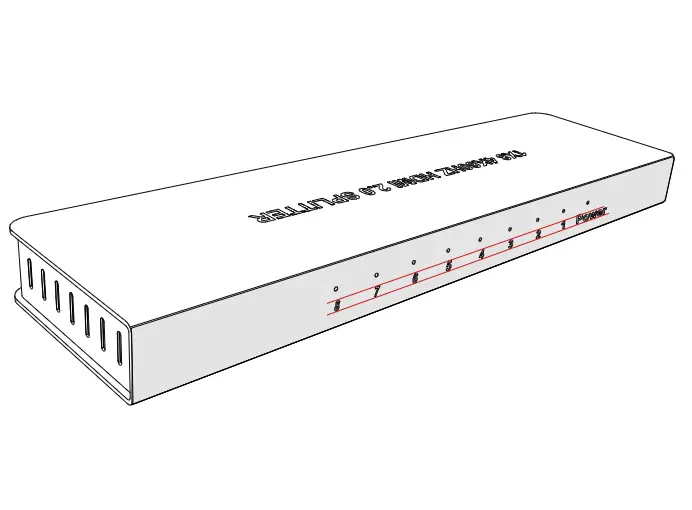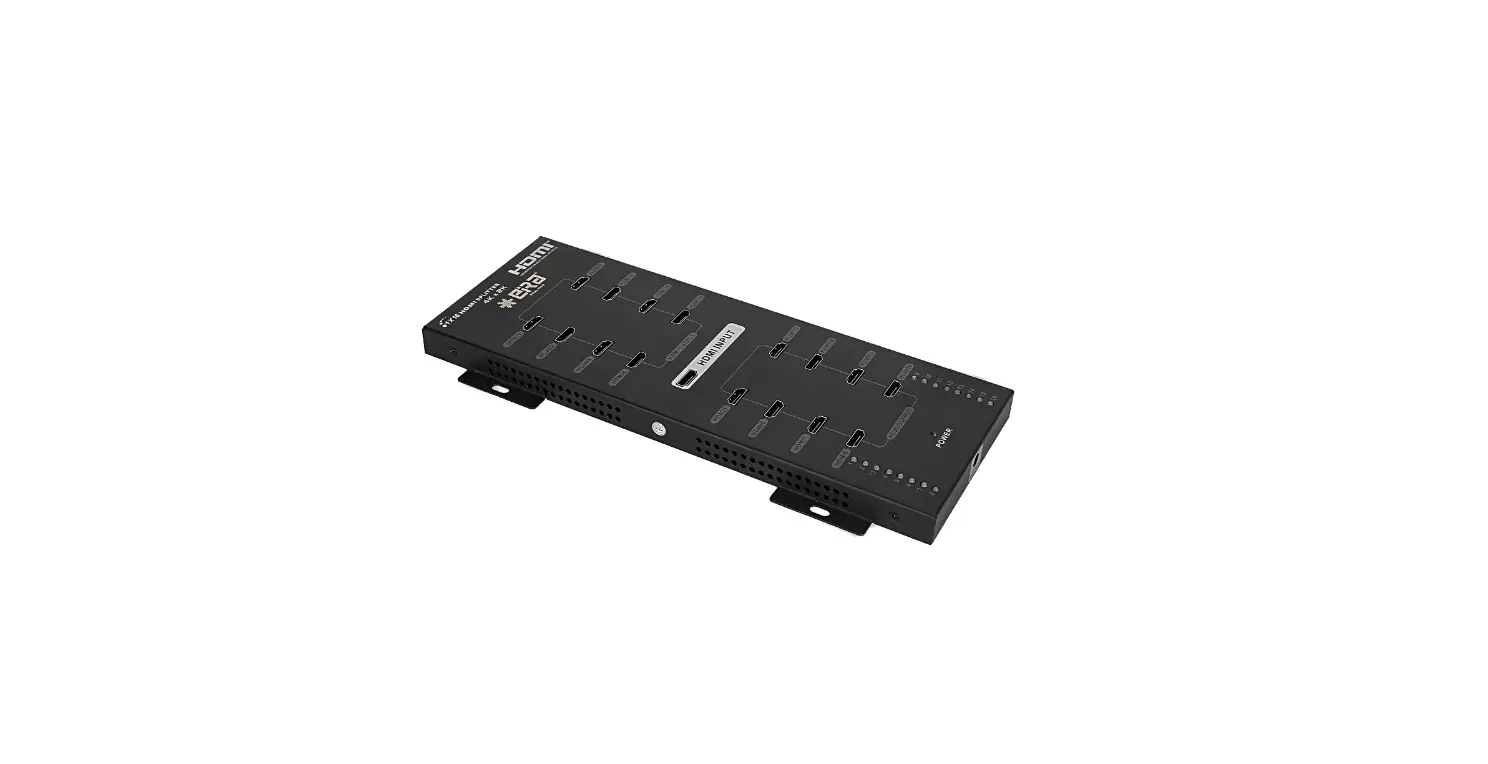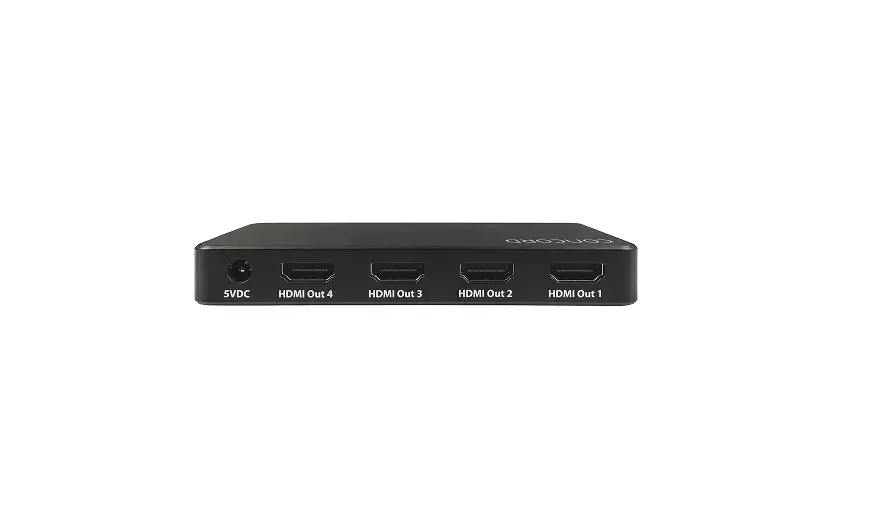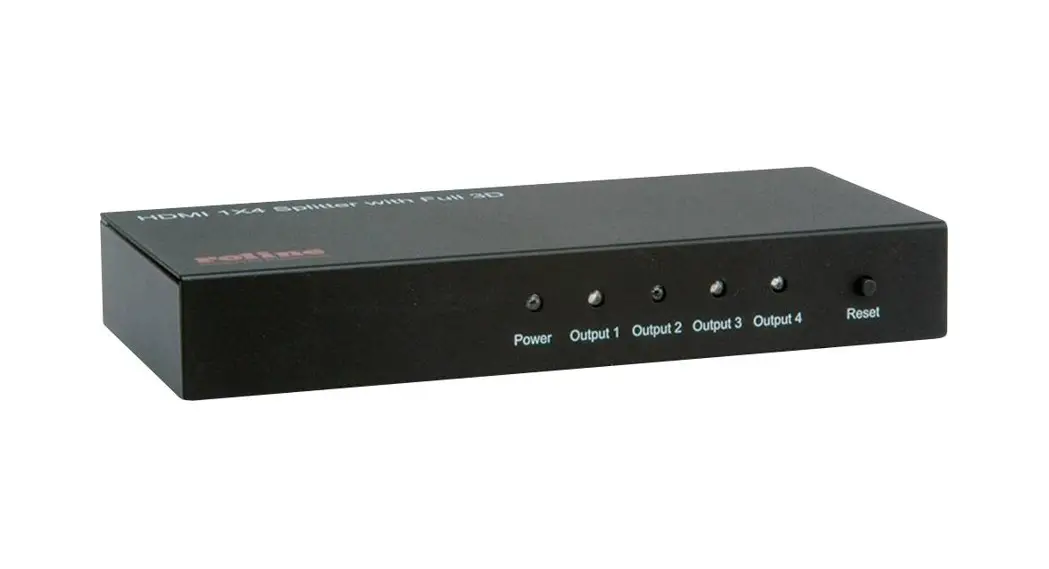
 HDMI Splitter, 4-way
14.01.3553
USER MANUAL
14.01.3553 HDMI Splitter
DEAR CUSTOMER
Thank you for purchasing this product. For optimum performance and safety, please read these instructions carefully before connecting, operating or adjusting this product. Please keep this manual for future reference.
INTRODUCTION
This HDMI Splitter distributes the input of the HDMI signal into the four identical outputs simultaneously. It supports full 3D format. Its video amplifier bandwidth can be up to 3.4 Gpbs/340MHz.
FEATURES
- One HDMI input, four HDMI outputs
- Supports Full 3D
- Supports highest video resolution 1080p
- Supports 340MHz/3.4Gbps per channel (10.2Gbps all channel) bandwidth
- Supports 12bit per channel (36bit all channel) deep color
- Supports HDCP 1.3
- Supports uncompressed audio such as LPCM
- Supports compressed audio such as DTS Digital, Dolby Digital (including DTSHD and Dolby True HD).
SPECIFICATIONS
| Signal Inputs/Output | |
| Input DDC Signal | 5 volts p-p (TTL) |
| Maximum Single Link Range | 4Kx2K |
| Output Video | HDMI (with full 3D) |
| Operating Frequency | |
| Vertical Frequency Range | 50/60Hz |
| Video Amplifier Bandwidth | 3.4Gbps/340MHz |
| Resolutions (HDTV) | |
| Interlaced (50&60Hz) | 480i,576i,1080i |
| Progressive (50&60Hz) | 480p,576p,720p,1080p,4Kx2K |
| Mechanical | |
| Size(L-W-H) | 157×70×23mm |
| Weight (Net) | 265g |
| Power Requirement | |
| External Power Supply | 5V DC@ 3A |
| Power consumption (Max) | 12W |
Note: Specifications are subject to change without notice.
PACKAGE CONTENTS
Before attempting to use this unit, please check the packaging and make sure the following items are contained in the shipping carton:
- Main unit
- 5V DC Power Supply
- User Manual
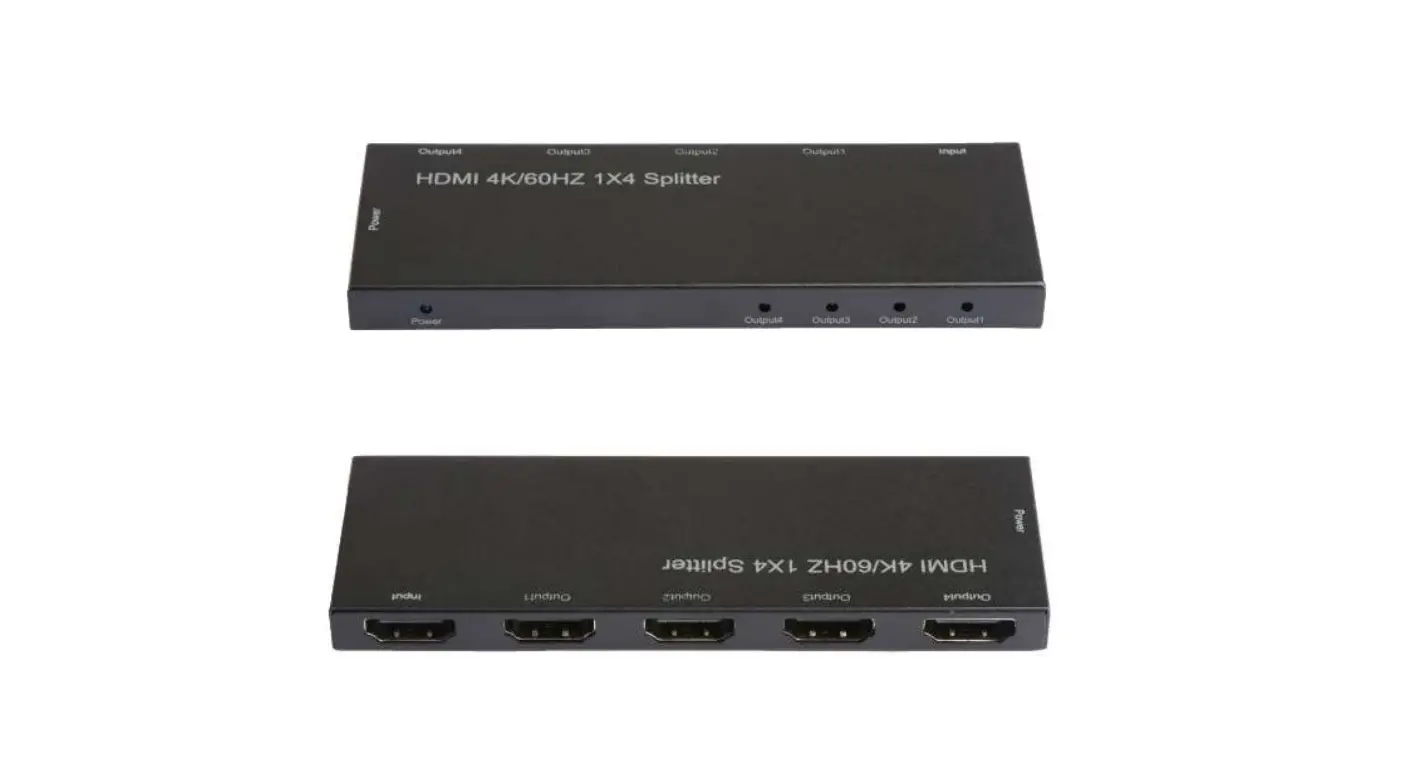
PANEL DESCRIPTIONS
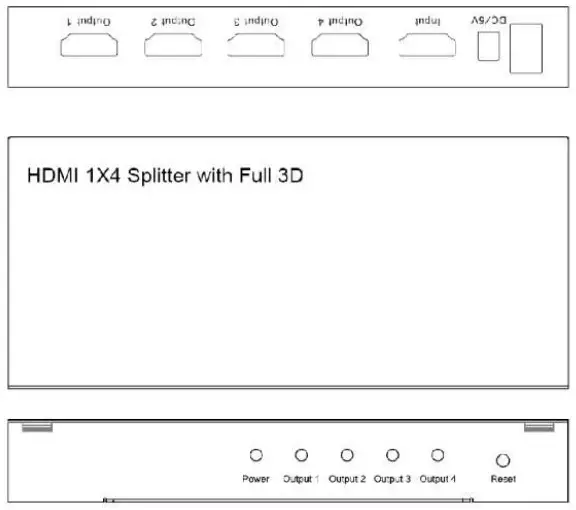
CONNECTION AND OPERATION
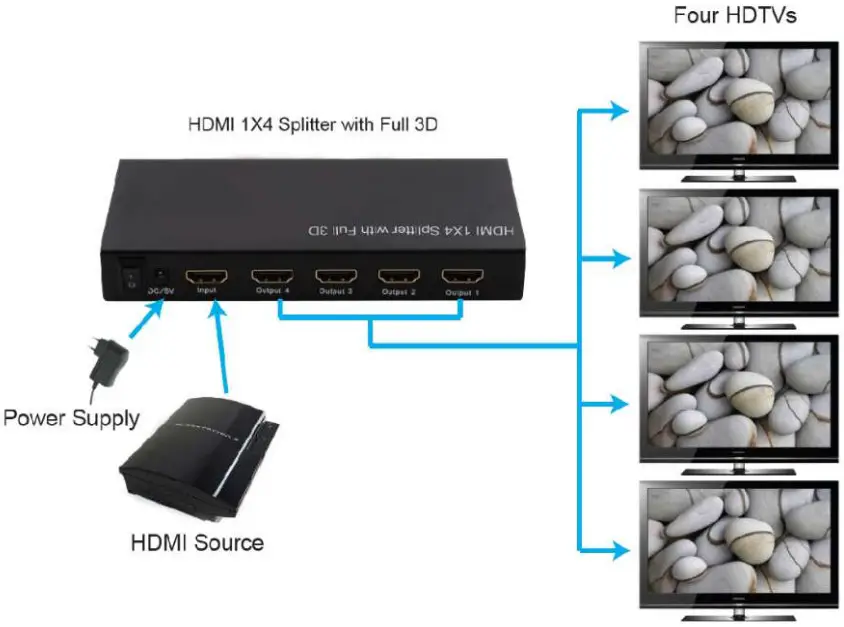
- Connect the HDMI input source and output devices into the HDMI Splitter.
(HDMI cables are optional)
*please refer to the connection diagram section. - Insert the DC side of 5v power supply into it and then connect the AC side of the power supply into the wall outlet.
- Turn on the power.
Attention: Insert / Extract cable gently.
CONNECTION DIAGRAM