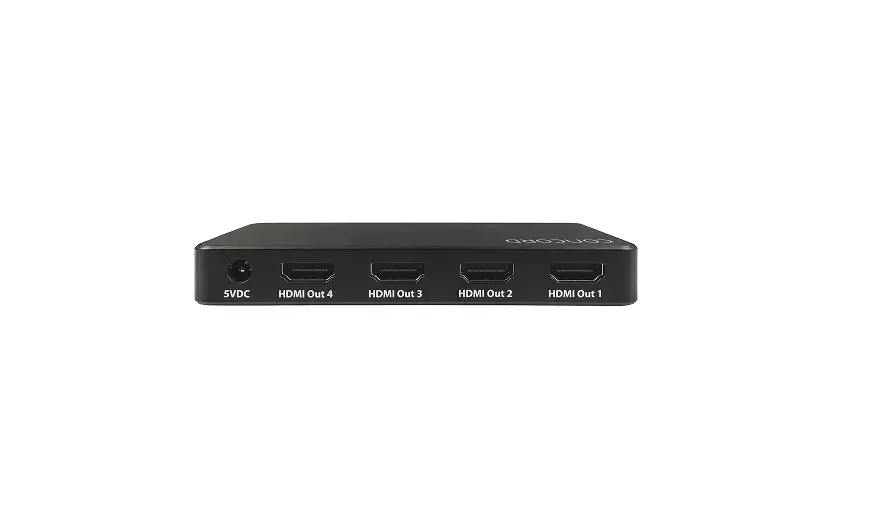

CSP4WH20B4K-A
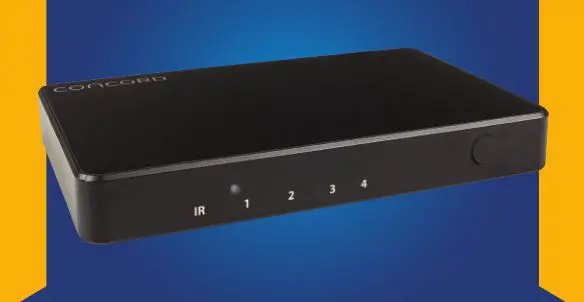
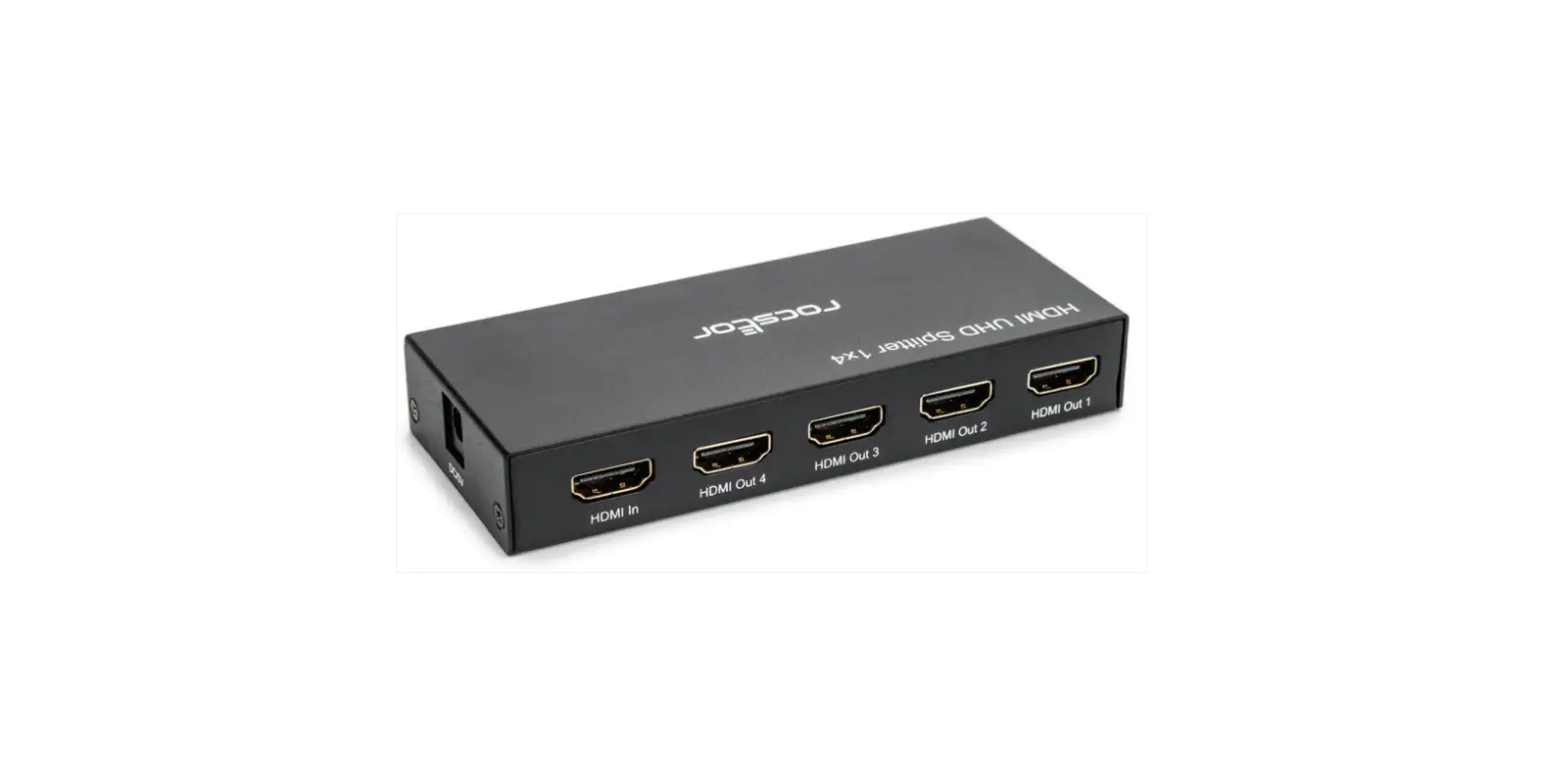
4-Way HDMI Splitter
4K Ultra High Definition
Box Contents:
1 x 4-Way 4K HDMI Splitter
1 x Mains Power Adaptor
Product Diagram:

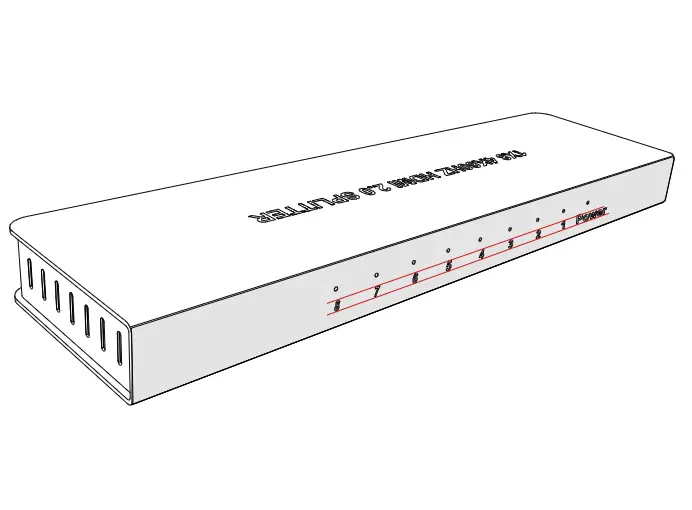
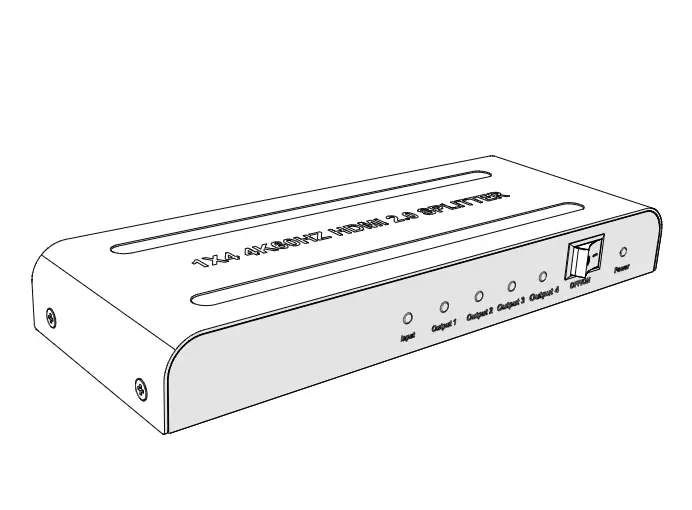
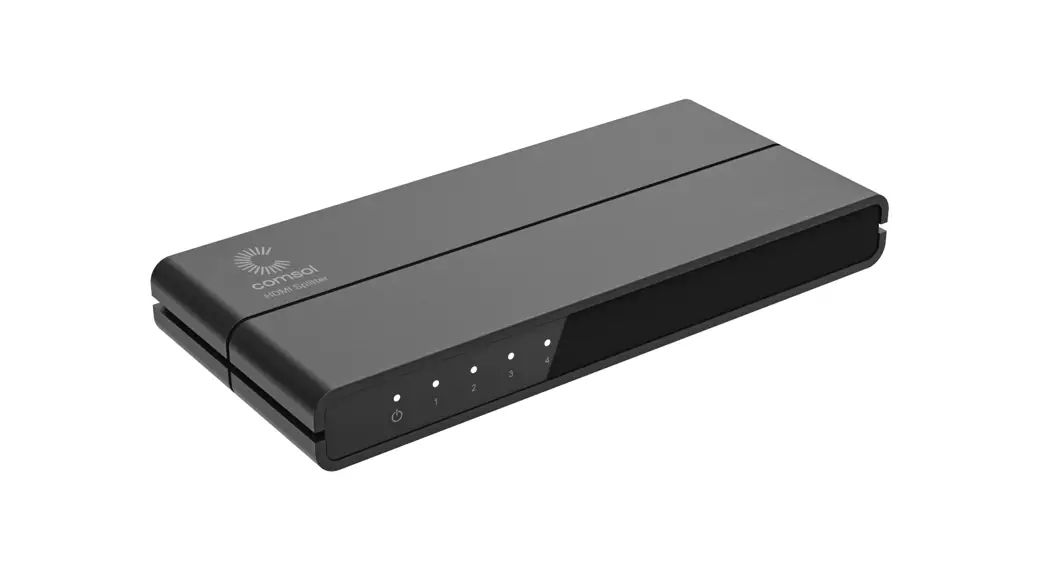
| # | Feature | Description |
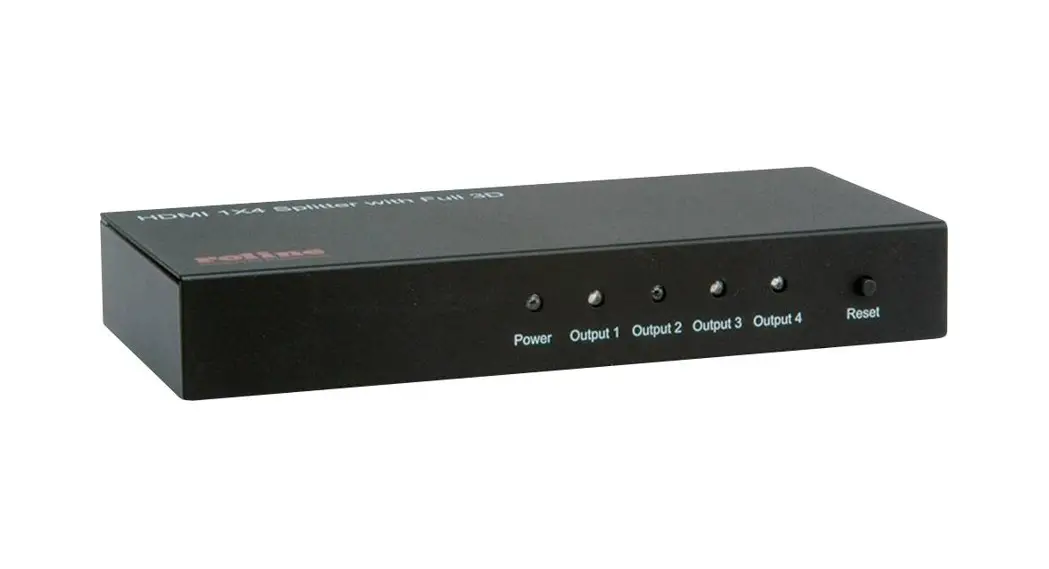
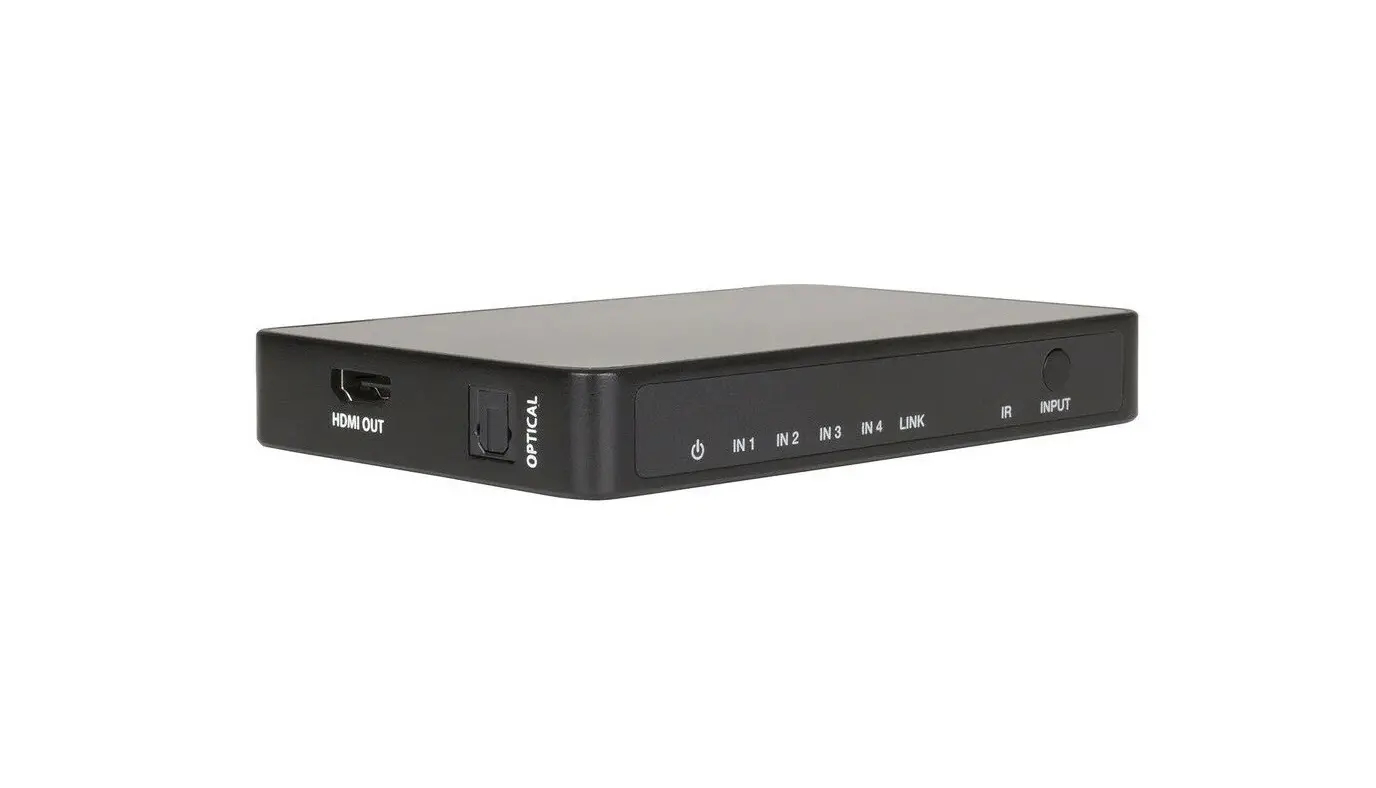
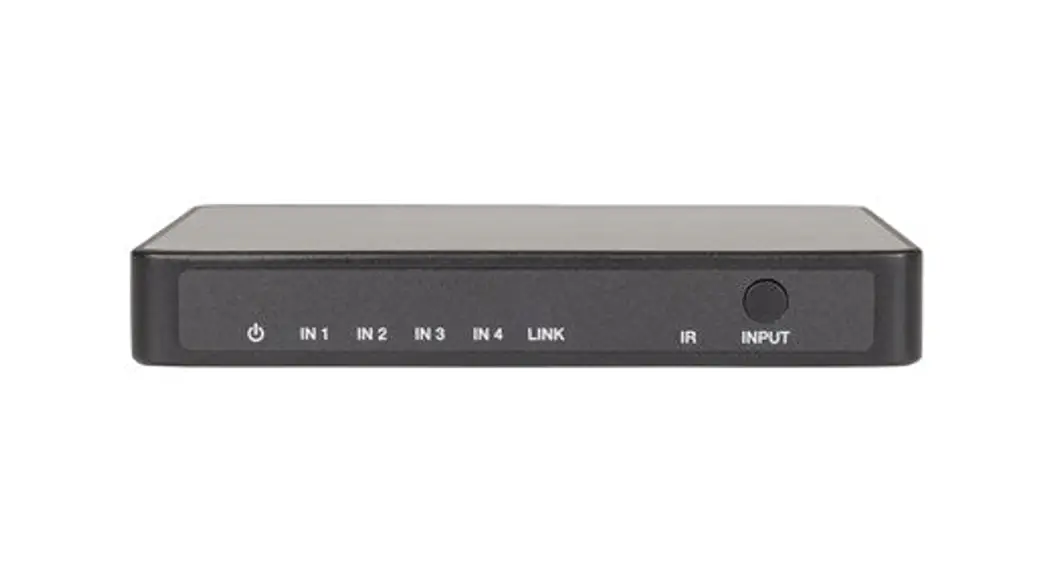
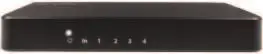
| 1 | Power LED Indicator | Displays the power status |
| 2 | HDMI Input LED Indicator | Displays the status of the HDMI input when connected |
| 3 | HDMI Output LED Indicators (1-4) | Displays the status of the four HDMI outputs when connected |
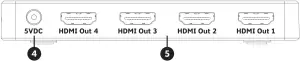
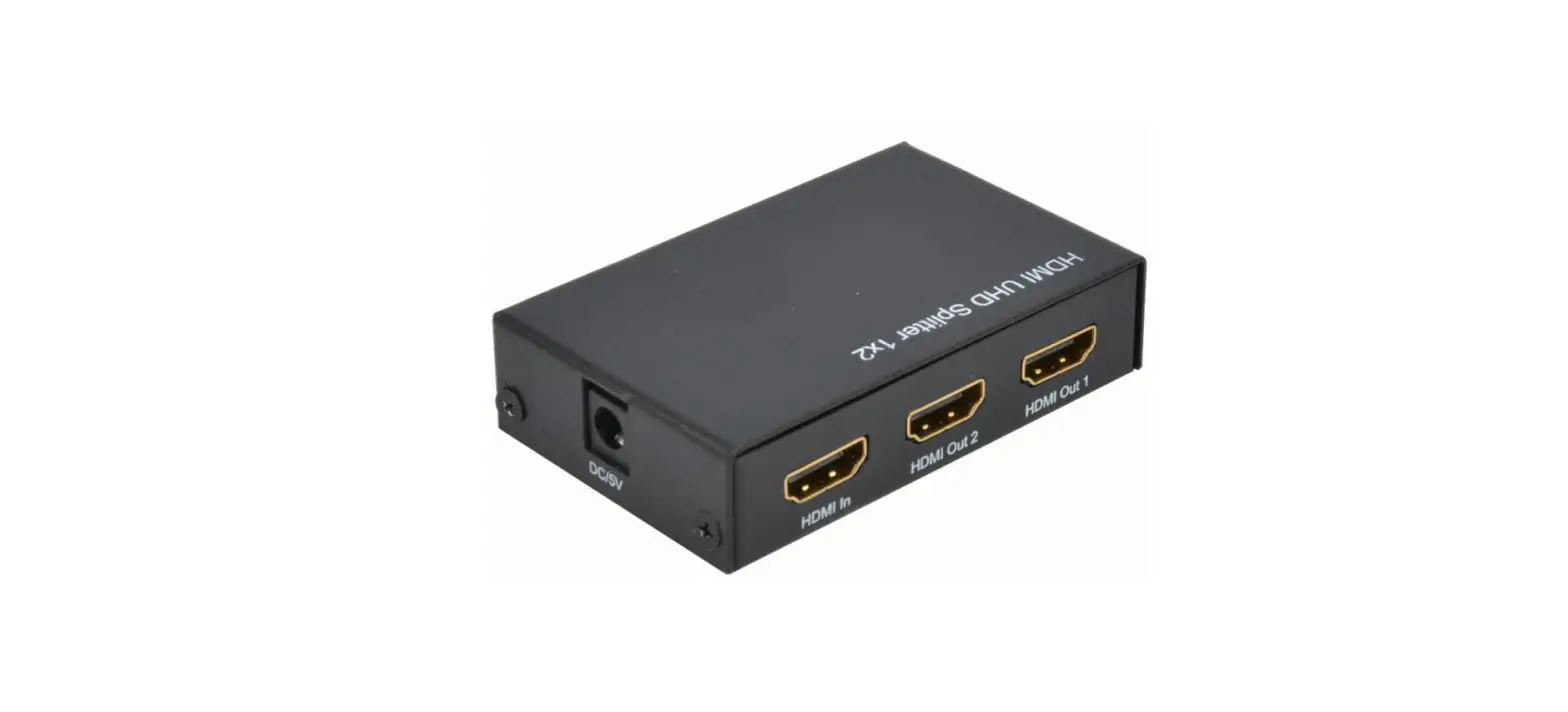
| # | Feature | Description |
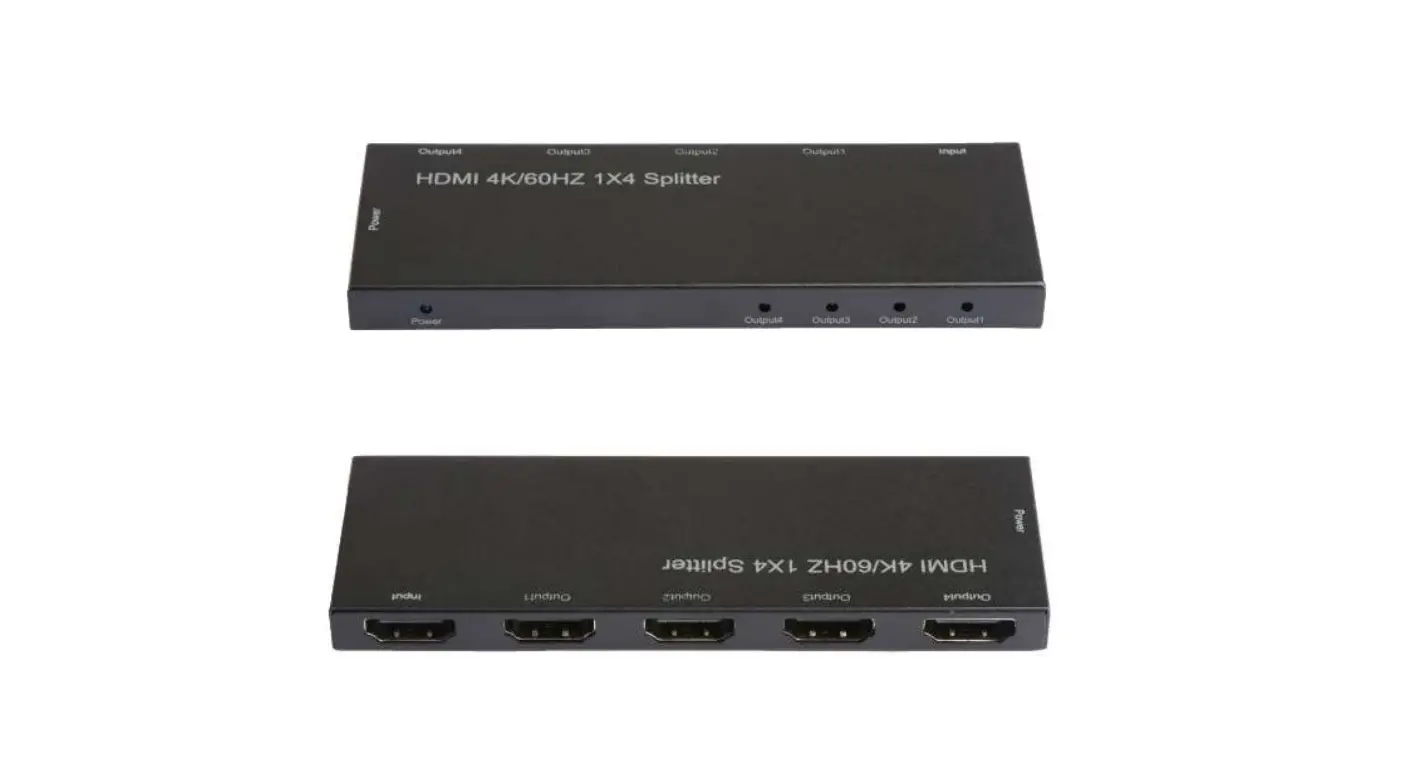
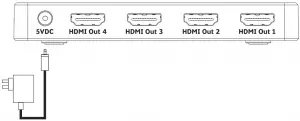
| 4 | DC Power Socket | Connect to the 5VDC mains power adaptor. |
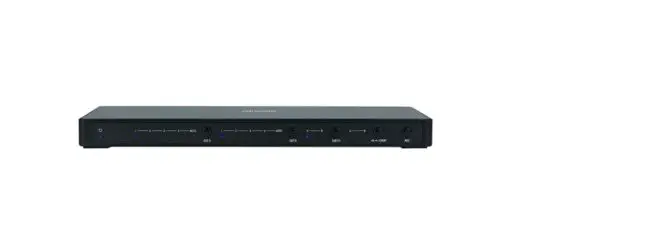
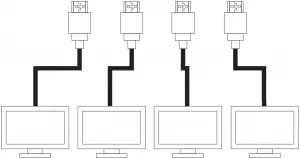
| 5 | HDMI Outputs (1-4) | Connect four TV’s or monitors for split display. |
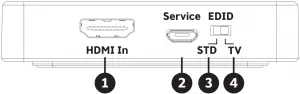
| # | Feature | Description |
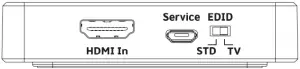
| 1 | HDMI Input | Connect to the HDMI source device. |
| 2 | Service USB Port | Firmware Upgrade Only (Not Required) |
| 3 | EDID STD Switch | Switch to use the devices own EDID settings, the video will output to 1080p @ 60Hz and audio to LPCM 2 Channel. |
| 4 | EDD TV Switch | Switch to read the EDID settings of the display device connected to HDMI Output 1 up to 4K x 2K |
Connection Diagram:
Operation:
- Connect the DC plug of the mains power adaptor to the power socket of the splitter. Plug in the mains power adaptor to a 240VAC wall socket and turn it on.
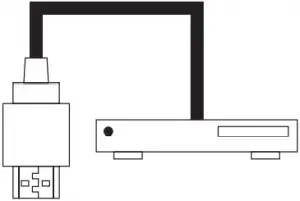
- Connect a HDMI cable (not included) from your device such as Pay TV, DVD players or media players to the HDMI input of the splitter.
- Connect HDMI cables (not included) from the four HDMI outputs of the splitter to four TV’s or Monitor’s HDMI inputs.
Troubleshooting:
| Problem | Solution |
| No Video Output | Check to see if your source device and TV’s/monitors are all switched on. |
| Check to see if the mains power adaptor is connected properly and switched on. | |
| Check to see your source device and monitors/TV’s resolution and frequency matches the supported resolution of the HDMI splitter. | |
| Check to see if your HDMI cables are faulty. | |
| Reconnect all the HDMI cables on the inputs and outputs. |
Safety:
- Do not open or repair the device without professional assistance to avoid electrical shock.
- Do not expose this unit to water, moisture or any liquid.
- Position the unit in a well ventilated area to prevent the unit from overheating.
- Only use the supplied 5VDC, 1A power adaptor. If you use any third party power supplies, ensure the voltage is the same to prevent the unit from damage.
Features:
- Up to 4K x 2K Resolution
- High-Dynamic-Range (HDR Video)
- EDID Data Transmission
- HDCP, 3D & CEC Bypass
Specifications:
Inputs: 1 x HDMI
Outputs: 4 x HDMI
HDMI: 2.0b
HDCP: 2.2, 1.4
HDR: 10
Resolution: 4K (3840 x 2160) @ 60/50/30Hz
1080p (1920 x 1080) @ 120/60/30Hz
1080i (1920 x 1080) @ 50/60Hz
720p (1280 x 720) @ 50/60Hz
480p (640 x 480) @ 60/50Hz
480i (640 x 480) @ 60/50Hz
Video Bandwidth: 18Gbps
Audio: LPCM 2/5.1/7.1CH, Dolby Digital, DTS
5.1, Dolby Digital+, Dolby TrueHD,
DTS-HD Master Audio, Dolby Atmos, DTS:X
Colour Depth: 10-bit
Power Supply: 5VDC, 1A
Power Consumption: 200mA (Max)
Dimensions: 163(W) x 63(D) x 16(H)mm
Distributed by:
Electus Distribution Pty. Ltd
320 Victoria Rd, Rydalmere
NSW 2116 Australia
Ph: 1300 762 627
Int’l: +61 2 8832 3200
Fax: 1300 738 500