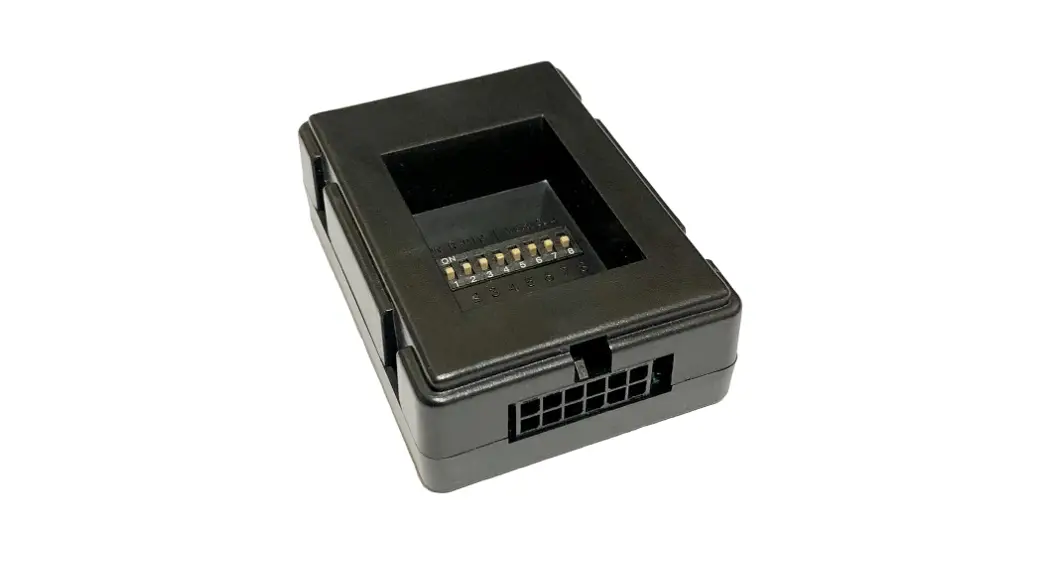
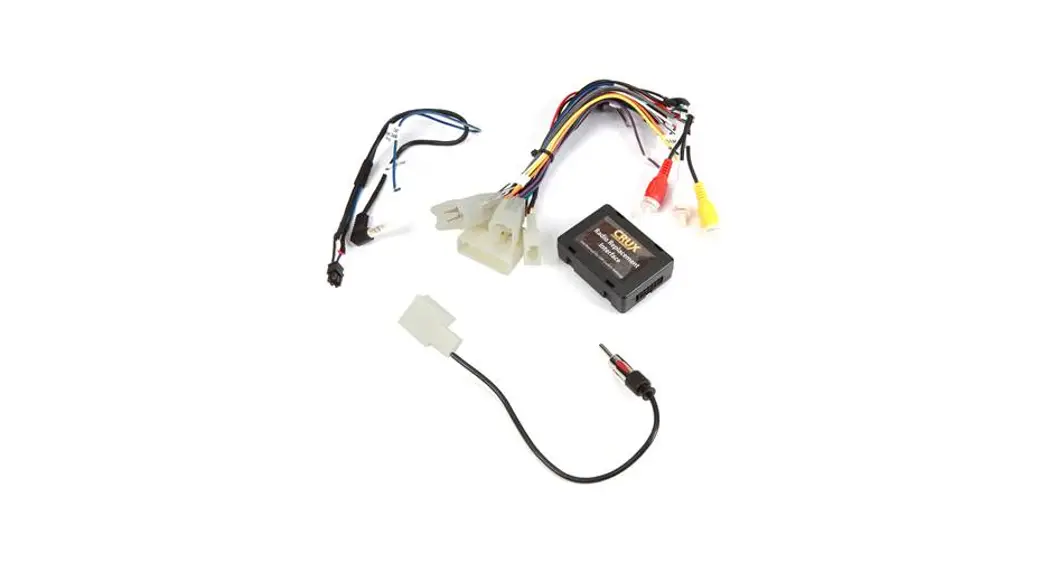
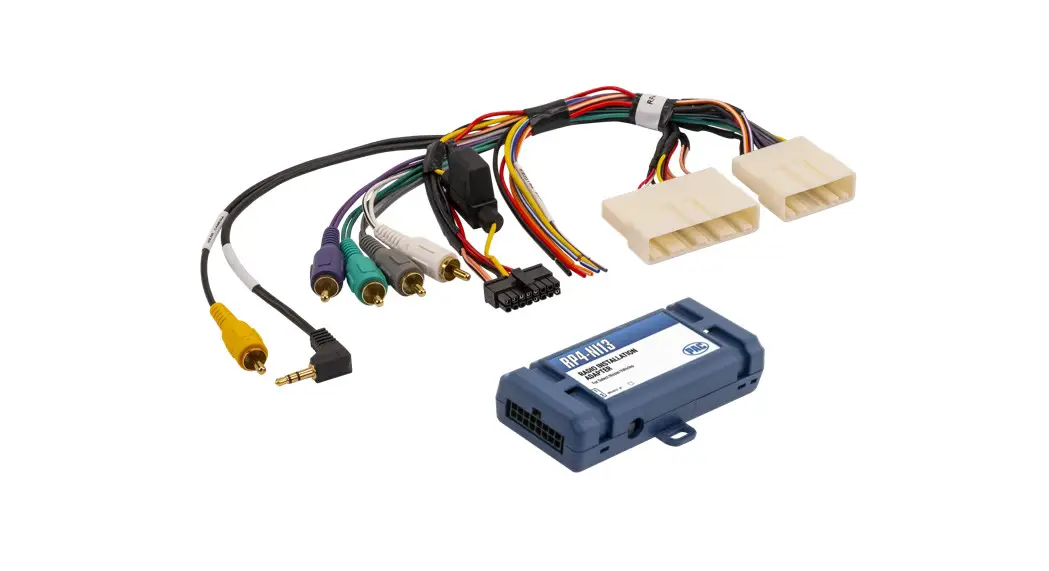
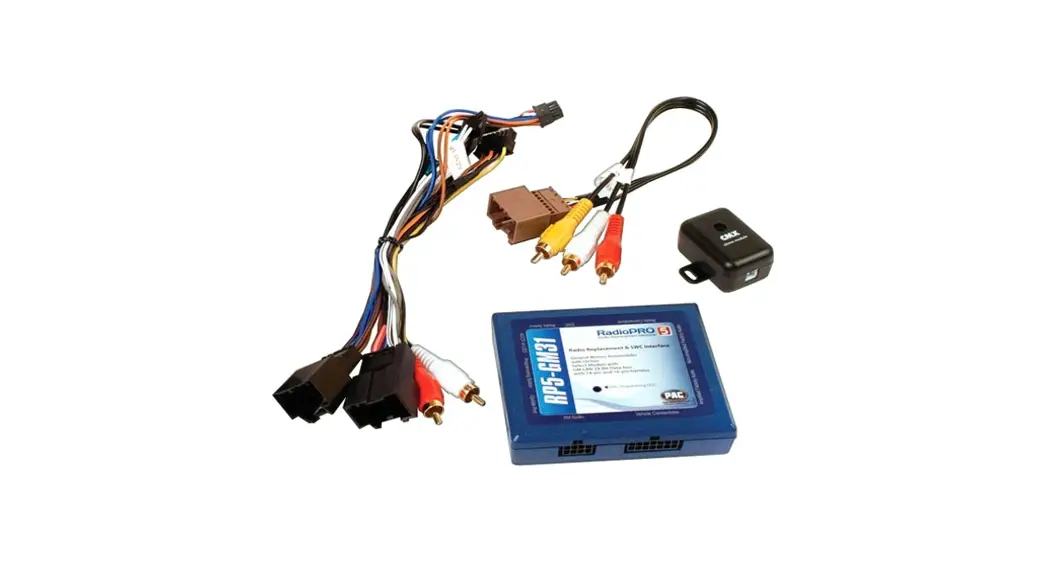
SOOGM-15 OnStar Radio Replacement Interface Module
Product Information:
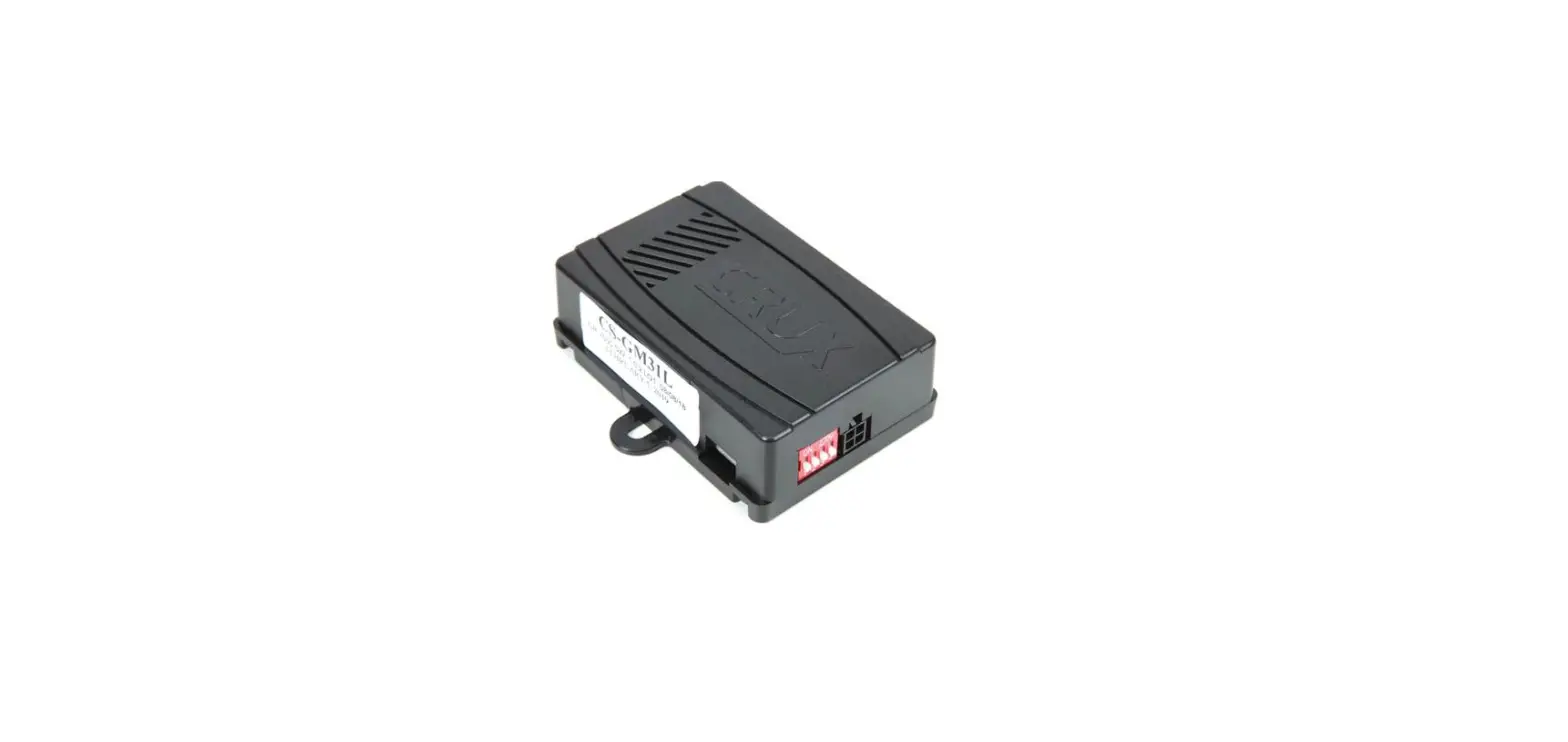
The SOOGM-15 is an interfacing solution designed for radio
replacement with OnStar & SWC retention in GM Class II
vehicles. It retains factory features in select GM Class II Data
Bus vehicles while functioning with an aftermarket radio. It
supports Bose, non-Bose, and Y-91 audio systems, and retains OnStar
and chime functions. The product comes with EIA color-coded wiring
for easy installation.
Product Features:
- Retains factory features in select GM Class II Data Bus
vehicles while functioning with an aftermarket radio. - Pre-programmed to retain factory Steering Wheel Controls.
- Supports Bose, non-Bose, and Y-91 audio systems.
- Retains OnStar and chime functions.
- EIA color coded wiring for easy installation.
Notes:
- The Front and Rear fading are not retained on Y-91 Bose
System. - The OnStar volume output is defaulted to low gain.
- Does not retain rear seat volume controls.
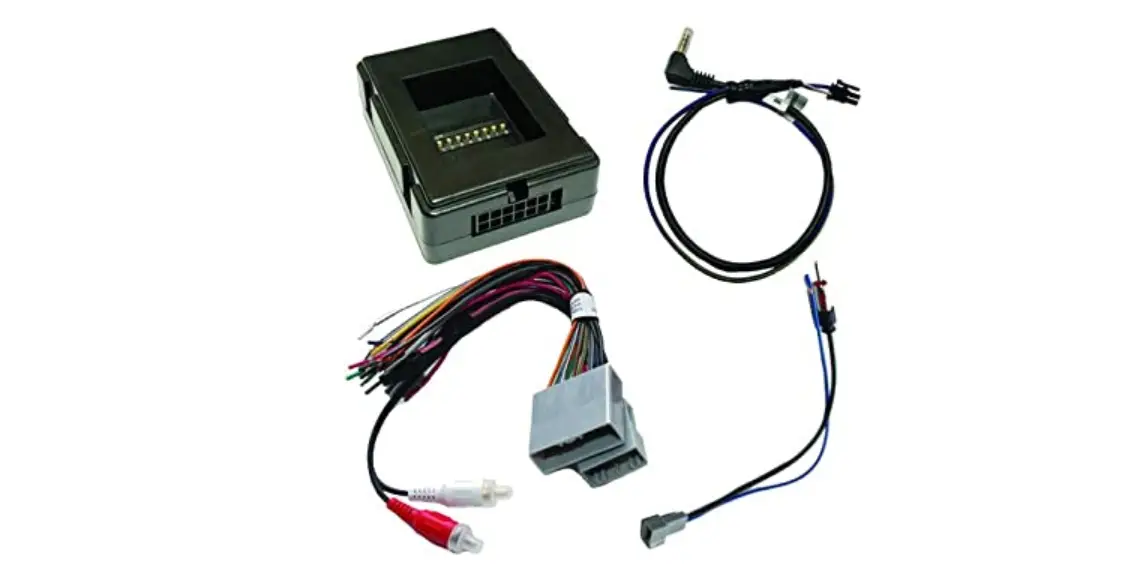
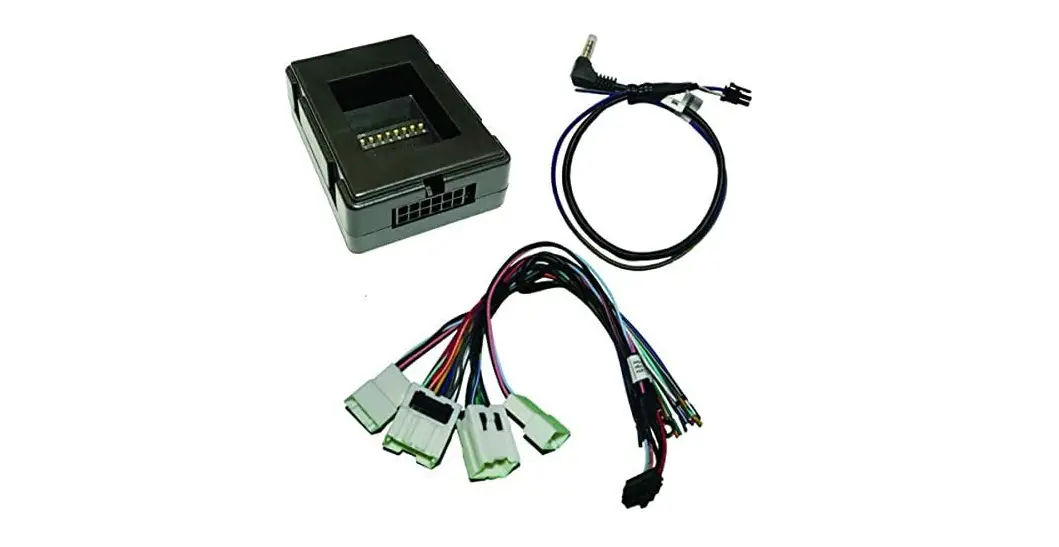
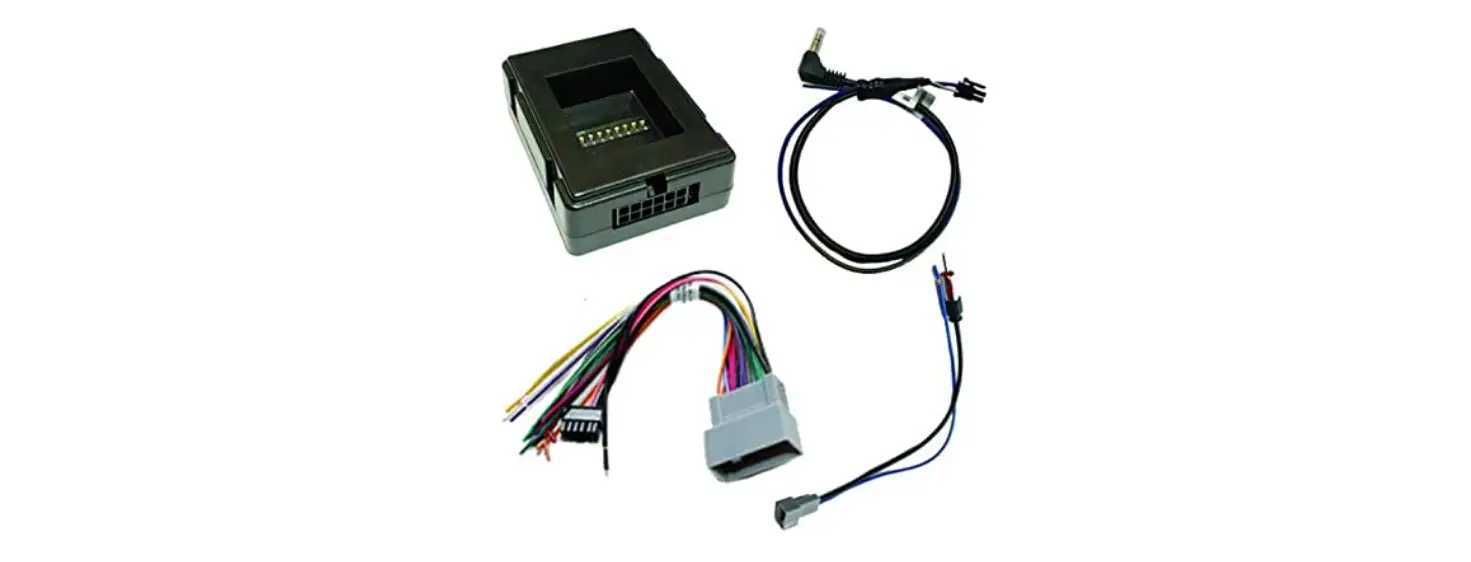
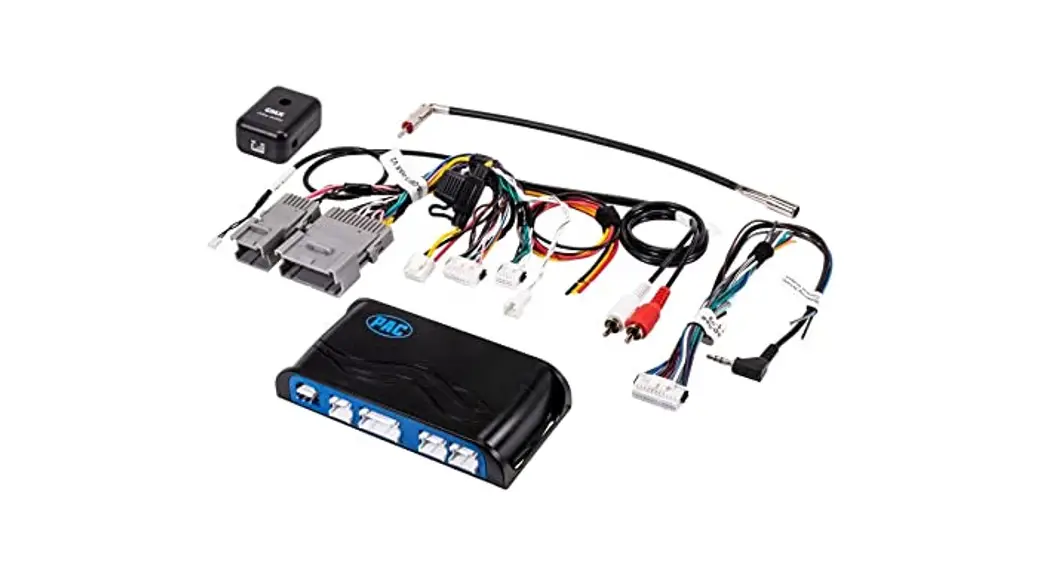
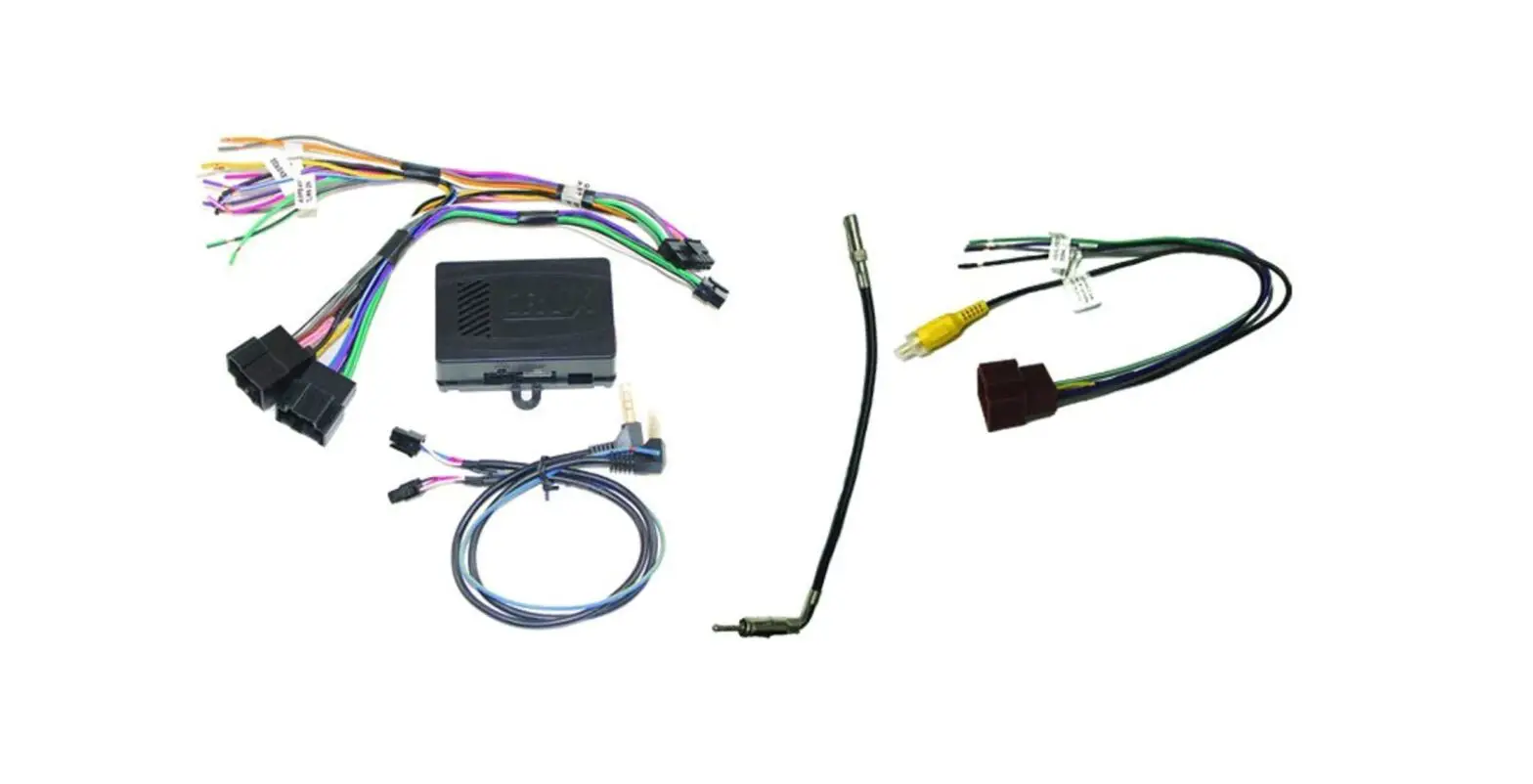
Parts Included:
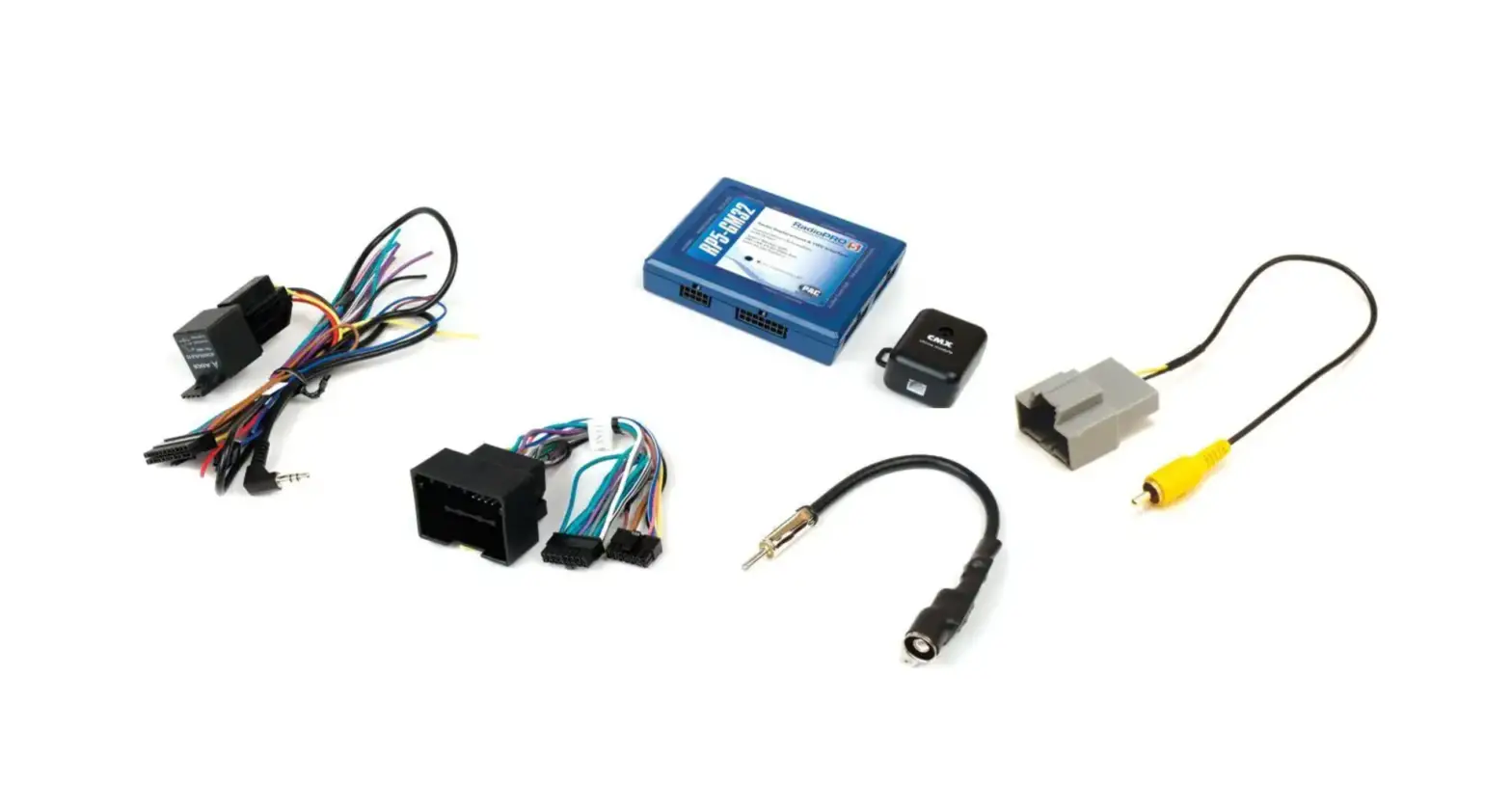
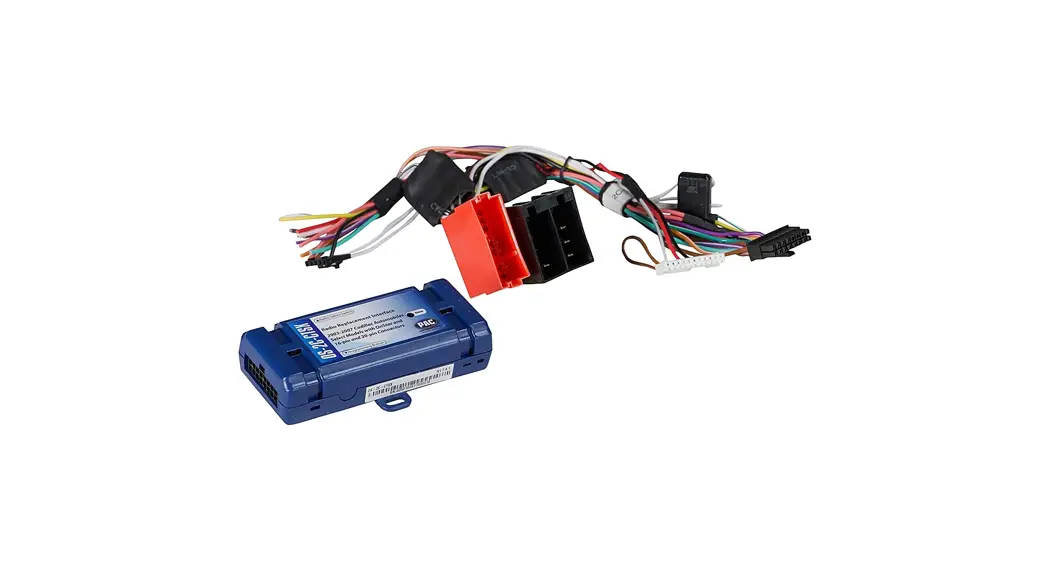
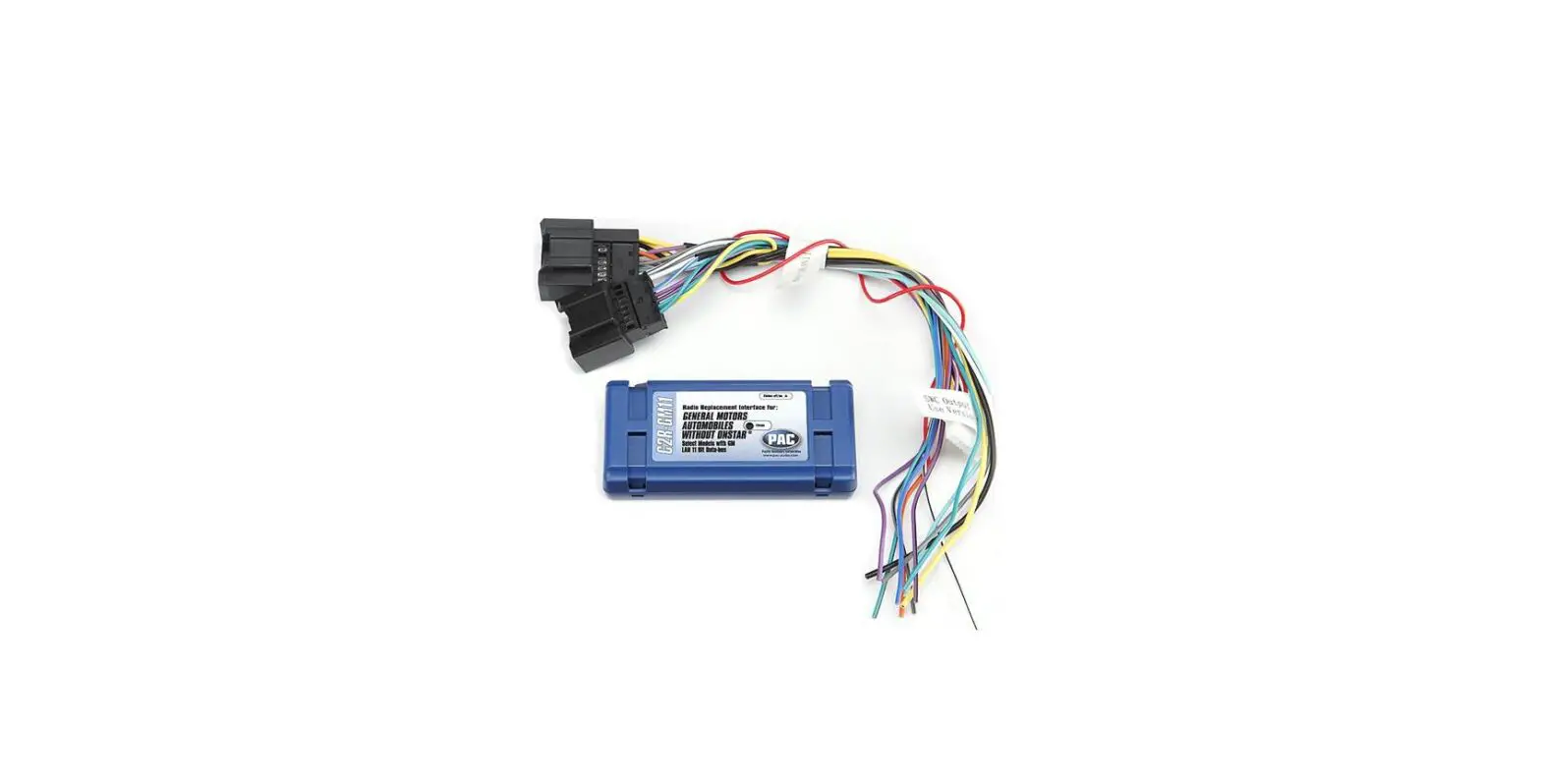
- SOOGM-15 Module
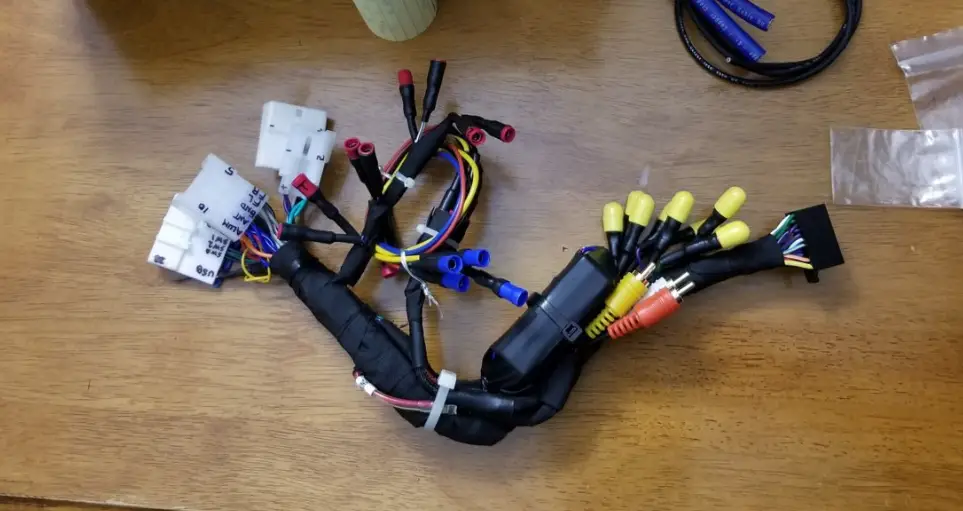
- SOOGM-15 Harness
- SWC Cable
- Antenna Adapter
Installation Diagram:
Product Usage Instructions:
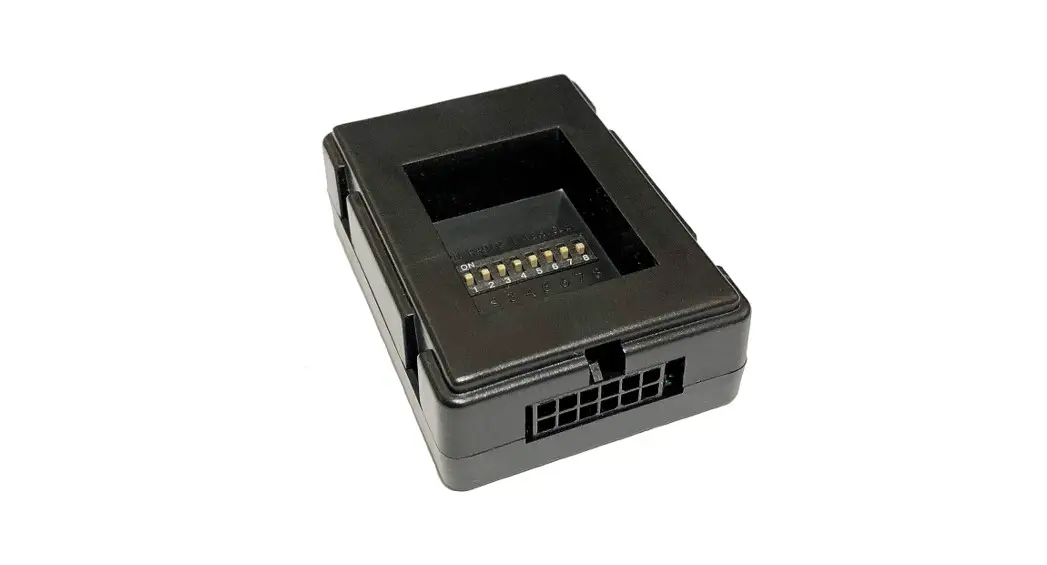
DIP Switch Settings:
To set the DIP switch settings on the SOOGM-15 module, follow
the table below based on your aftermarket radio brand:
| RADIO BRAND | DIP# |
|---|---|
| Atoto, Dual, Fahrenheit, Jensen, Pioneer, Power Acoustik, Soundstream | OFF OFF ON ON |
| Blaupunkt, Most off-brand Radio | OFF OFF ON ON |
| Alpine | OFF OFF OFF OFF |
| Clarion | OFF ON ON OFF |
| Kenwood | OFF ON ON ON |
| JVC | OFF ON OFF ON |
| Boss, Old Sony | OFF ON OFF OFF |
| New Sony | OFF OFF ON OFF |
SWC Module DIP Switch:
Set the DIP switch on the SWC module according to the desired
settings. Refer to the DIP SWITCH SETTINGS section for specific
instructions.
3.5MM SWC Cable:
Plug in the 3.5mm to 4-Pin SWC cable to the SWC module or use
the Blue/Yellow wire for JVC and Kenwood radios.
For aftermarket radios that have wires for SWC connections, cut
off the 3.5mm plug on the Crux SWC Cable and connect the SWC wires
as follows:
- RED to SWC Key 1
- WHITE to SWC Key 2
- SHIELD to SWC Ground
Selecting the Audio System:
If the vehicle is equipped with an amplified audio system, the
SOOGM-15 has a built-in audio level adapter that outputs the proper
audio level from the aftermarket radio to the factory amplifier. To
use this feature, plug in the male 8-pin connector on the SOOGM-15
harness to the GRAY female 8-pin connector on the SOOGM-15 module.
The module is also labeled Bose and Non Bose to avoid
confusion.
If the vehicle is NOT equipped with a factory amplified system,
plug in the male 8-pin connector to the BLACK female 8-pin
connector on the SOOGM-15 module.
INTERFACING SOLUTIONS
R
+
RADIO REPLACEMENT
SWC RETENTION
SOOGM-15
Radio Replacement with OnStar & SWC Retention for GM Class II Vehicles
PRODUCT FEATURES:
– Retains factory features in select GM Class II Data Bus vehicles while functioning with an aftermarket radio. – Pre-programmed to retain factory Steering Wheel Controls. – Supports Bose, non-Bose and Y-91 audio systems. – Retains OnStar and chime functions. – EIA color coded wiring for easy installation.
NOTES:
1. The Front and Rear fading are not retained on Y-91 Bose System. 2. The OnStar volume output is defaulted to low gain. 3. Does not retain rear seat volume controls.
PARTS INCLUDED:
SOOGM-15 Module
INSTALLATION DIAGRAM:
Reverse Gear
Parking Brake
Illumination (+) Amplifier Turn-on
+12V Constant +12V ACC Ground
Right Front (+) Right Front (-) Left Front (+)
Left Front (-) Right Rear (+) Right Rear (-)
Left Rear (+) Left Rear (-)
Purple/White
Yellow/Black
Orange Blue/ White
Yellow Red
Black Gray Gray/Black White White/Black Violet Violet/Black Green Green/Black
SOOGM-15 Harness
SWC Cable
AFTERMARKET RADIO
Antenna Adapter
TO FACTORY HARNESS
24-Pin Connector
BOSE NON BOSE
10-Pin Connector
Cap or insulate if not being used
To aftermaket radio SWC wire or
3.5mm port
JVC/Kenwood (Blue / Yellow)
SWC DIP SWC
ON
123 4
8-Pin Connector
Chime Volume Adjustment
4-Pin Connector
3.5MM SWC CABLE
Plug in the 3.5MM SWC cable to the 4-pin port on the module. See “DIP SWITCH SETTINGS” section.
1 of 3
Crux Interfacing Solutions · Chatsworth, CA 91311 phone: (818) 609-9299 · fax: (818) 996-8188 · www.cruxinterfacing.com
rev.113020
INTERFACING SOLUTIONS
R
+
RADIO REPLACEMENT
SWC RETENTION
SOOGM-15
Radio Replacement with OnStar & SWC Retention for GM Class II Vehicles
DIP SWITCH SETTINGS:
RADIO BRAND:
DIP#:
1
2
3
4
Atoto, Dual, Fahrenheit, Jensen,
OFF OFF ON ON
Pioneer, Power Acoustik, Soundstream OFF OFF ON ON
Blaupunkt, Most off-brand Radio
OFF OFF ON ON
Alpine
OFF OFF OFF OFF
Clarion
OFF ON ON OFF
Kenwood
OFF ON ON ON
JVC
OFF ON OFF ON
Boss, Old Sony
OFF ON OFF OFF
New Sony
OFF OFF ON OFF
SWC MODULE DIP SWITCH
ON
1 2 3 4
NOTE: For Atoto, Blaupunkt, Dual, Farenheit, Power Acoustik, Soundstream, and most off-brand radios, check the aftermarket radio’s manual to see if the SWC buttons need to be programmed.
3.5MM SWC CABLE Plug in the 3.5MM to 4-Pin SWC cable to the SWC module or use the Blue/Yellow wire for JVC and Kenwood.
For aftermarket radios that have wires for SWC connections, cut off the 3.5mm plug on the Crux SWC Cable and connect the SWC wires as follows:
Note that there are some radios that only have SWC1 and SWC2, in this case “shield” does not need to be connected.
RED to SWC Key 1 WHITE to SWC Key 2 SHIELD to SWC Ground
SELECTING THE AUDIO SYSTEM:
If the vehicle is equipped with an amplified audio system, the SOOGM-15 has a built-in audio level adaptor that outputs the proper audio level from the aftermarket radio to the factory amplifier. To use this feature, plug in the male 8-pin connector on the SOOGM-15 harness to the GRAY female 8-pin connector on the SOOGM-15 module. The module is also labeled “Bose” and “Non Bose” to avoid confusion. (see picture below)
If the vehicle is NOT equipped with a factory amplified system, plug in the male 8-pin connector to the BLACK
female 8-pin on the SOOGM-15 module.
BOSE
(Amplified) Connection
Non-BOSE
(Non-Amplified) Connection
CHIME VOLUME ADJUSTMENT:
The SOOGM-15 has a potentiometer to adjust the chime volume. It is set at half way by default. To adjust the volume, simply use a suitable screw driver and turn the potentiometer clockwise to increase the volume and counter-clockwise to decrease the volume.
Chime Volume Adjustment
2 of 3
Crux Interfacing Solutions · Chatsworth, CA 91311 phone: (818) 609-9299 · fax: (818) 996-8188 · www.cruxinterfacing.com
rev.113020
INTERFACING SOLUTIONS
R
+
RADIO REPLACEMENT
SWC RETENTION
SOOGM-15
Radio Replacement with OnStar & SWC Retention for GM Class II Vehicles
ONSTAR VOLUME ADJUSTMENT:
To adjust the OnStar volume, turn on OnStar and adjust the volume using the Steering Wheel Control volume adjustment. Once it is set, the SOOGM-15 will memorize this level.
VEHICLE APPLICATIONS:
BUICK 2004-2005 2005-2007 2004-2007 2003-2007 2005-2007
CADILLAC 2004-2006
Century LaCrosse Rainier Rendezvous Terraza
Escalade
CHEVROLET
2003-2006 2000-2005 2004-2011 2004-2007 2000-2005 2001-2003 2000-2005 2003-2004 2003-2006 2007 2003-2006 2003-2006 2003-2006 2002-2009 2005-2008 2003-2005
Avalanche Cavalier Colorado Express Impala
Malibu
Monte Carlo
S-10 Silverado Silverado Classic SSR
Suburban
Tahoe Trailblazer Uplander
Venture
GMC
2004-2011 2002-2009 2003-2007 2003-2006 2007 2003-2006
Canyon Envoy Savana Sierra
Sierra Classic Yukon
HUMMER 2003-2007 H2 2005-2010 H3
ISUZU 2003-2008
Ascender
OLDSMOBILE
2001-2004 2002-2004 2000-2004
Alero
Bravada Silhouette
PONTIAC
2001-2005 2001-2005 2004-2008 2000-2006 2000-2005
Aztec Grand Am Grand Prix Montana Sunfire
SAAB 2005-2008 9-7X
SATURN 2005-2007
Relay
NOTE: – Does not retain rear seat volume controls.
3 of 3
Crux Interfacing Solutions · Chatsworth, CA 91311 phone: (818) 609-9299 · fax: (818) 996-8188 · www.cruxinterfacing.com
rev.113020
 CRUX Interfacing Solutions