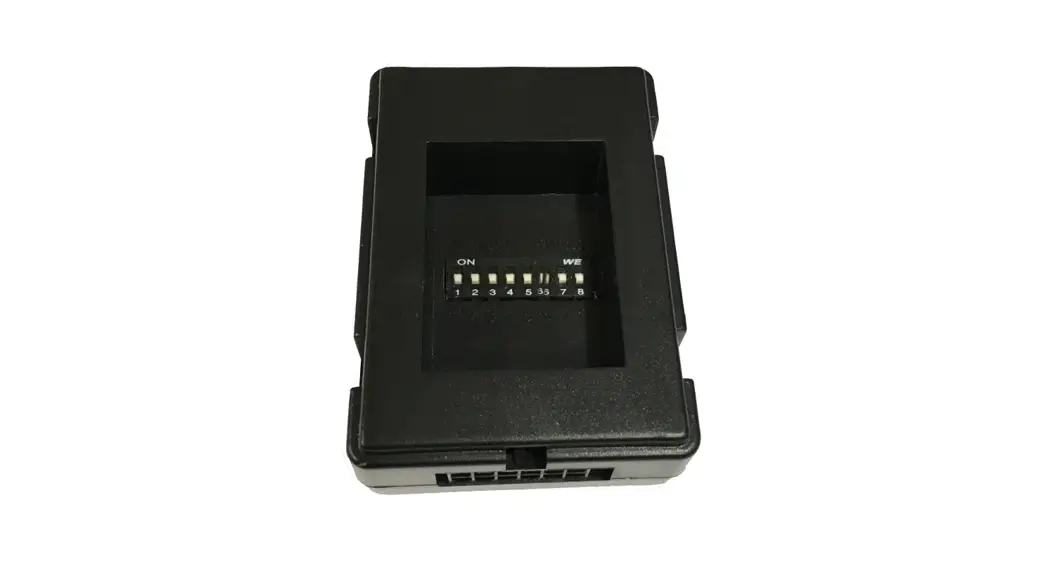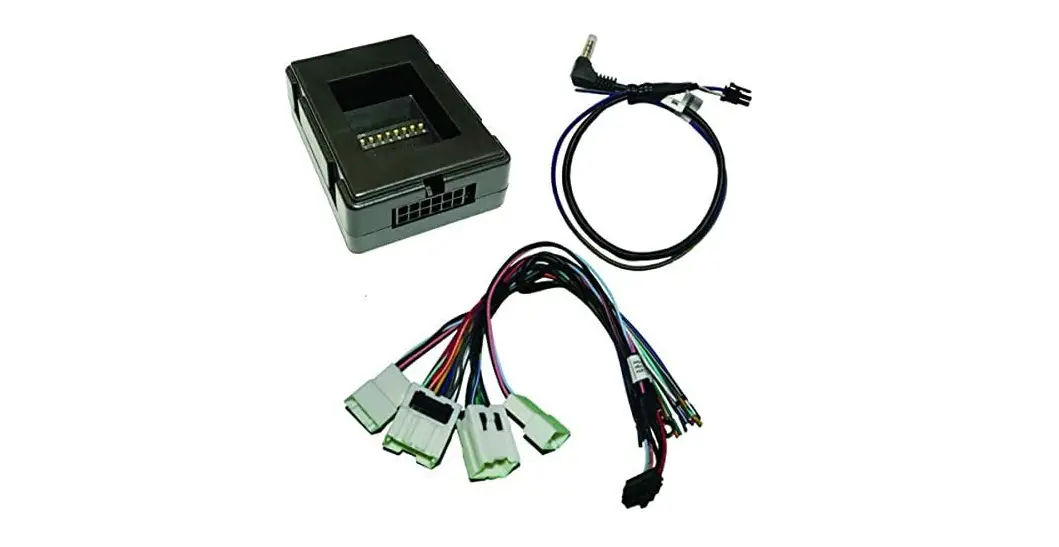
CRUX SWRNS-63T Radio Replacement Interface Owner’s Manual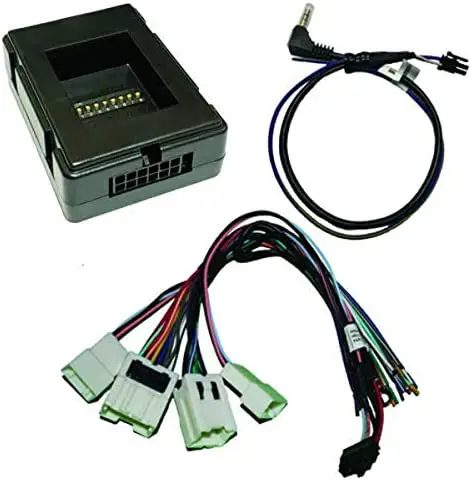
PRODUCT FEATURES
- Retains factory features in select Nissan vehicles while functioning with an aftermarket radio.
- Pre-programmed to retain steering wheel controls.
- Supports Bose amplified and non-amplified systems.
- EIA color coded wiring for easy installation.
PARTS INCLUDED
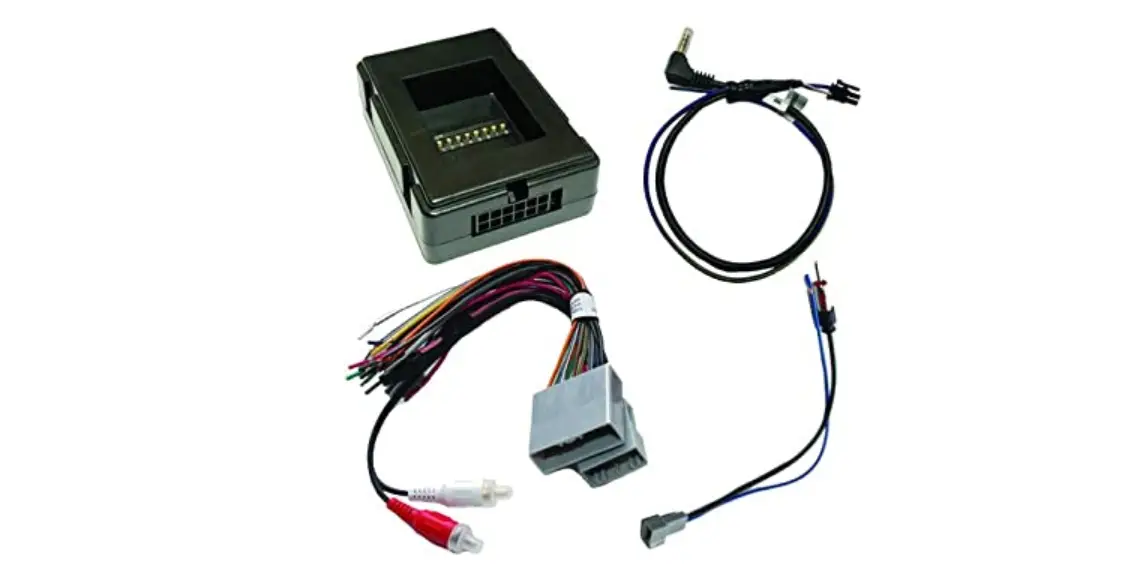
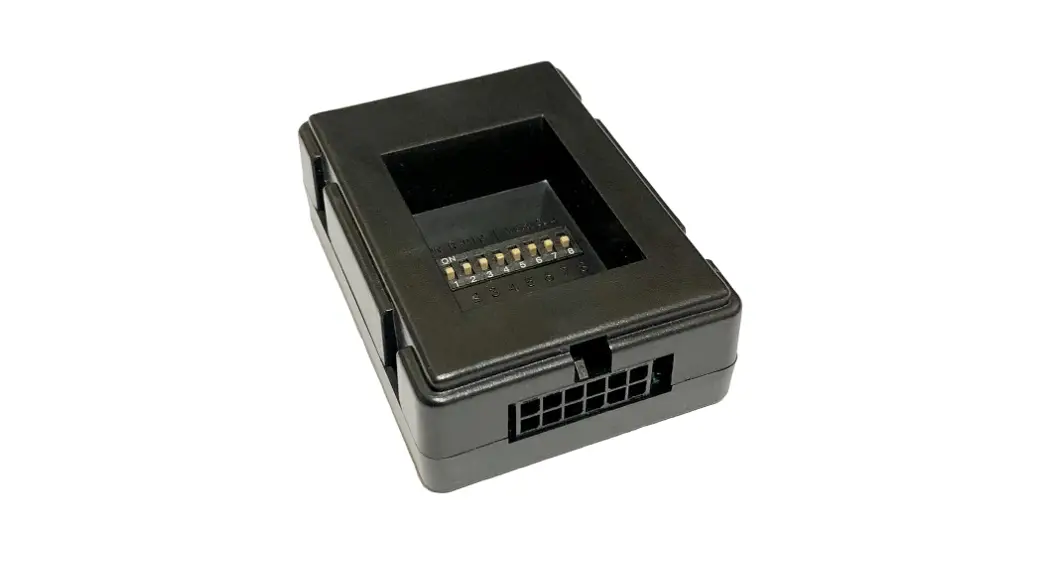
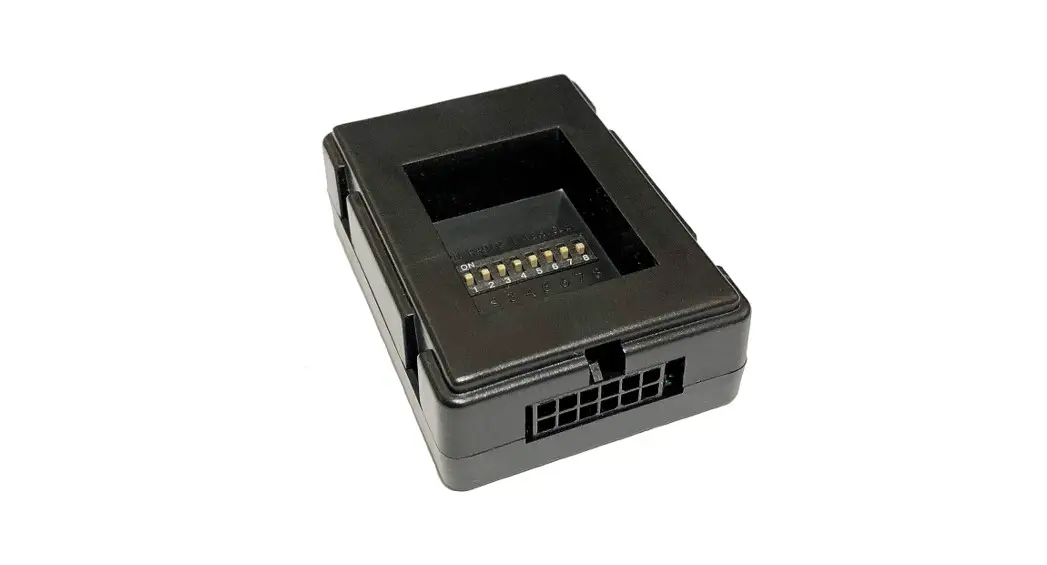
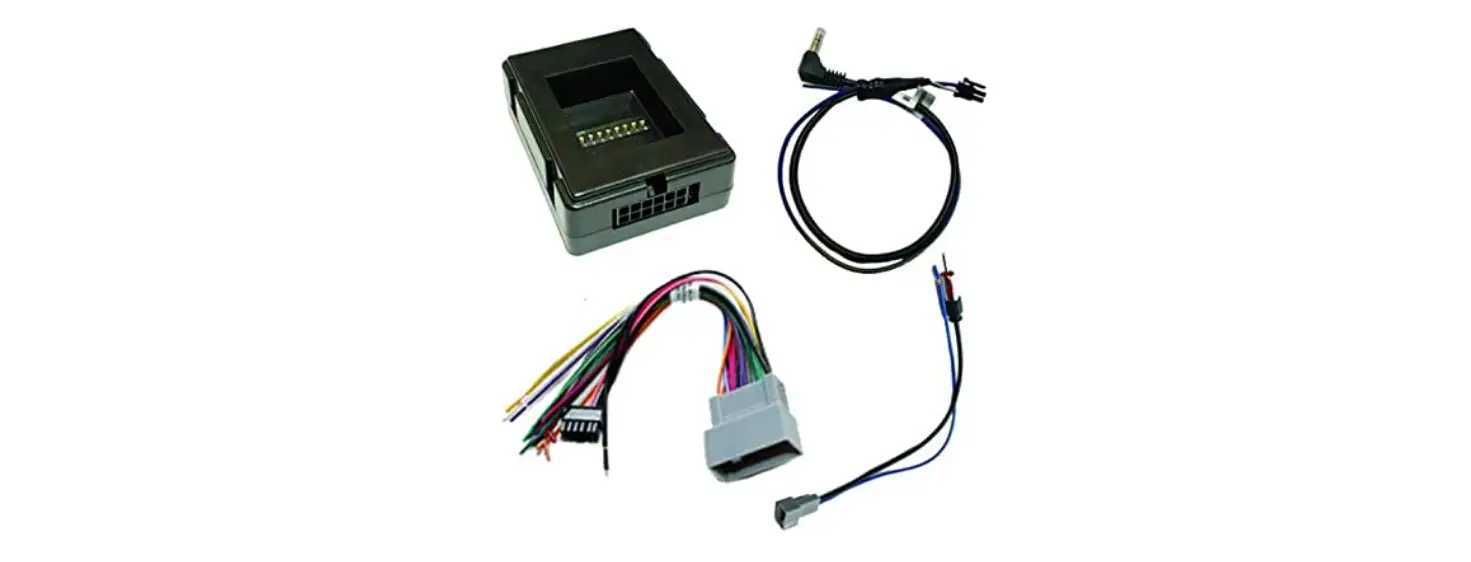
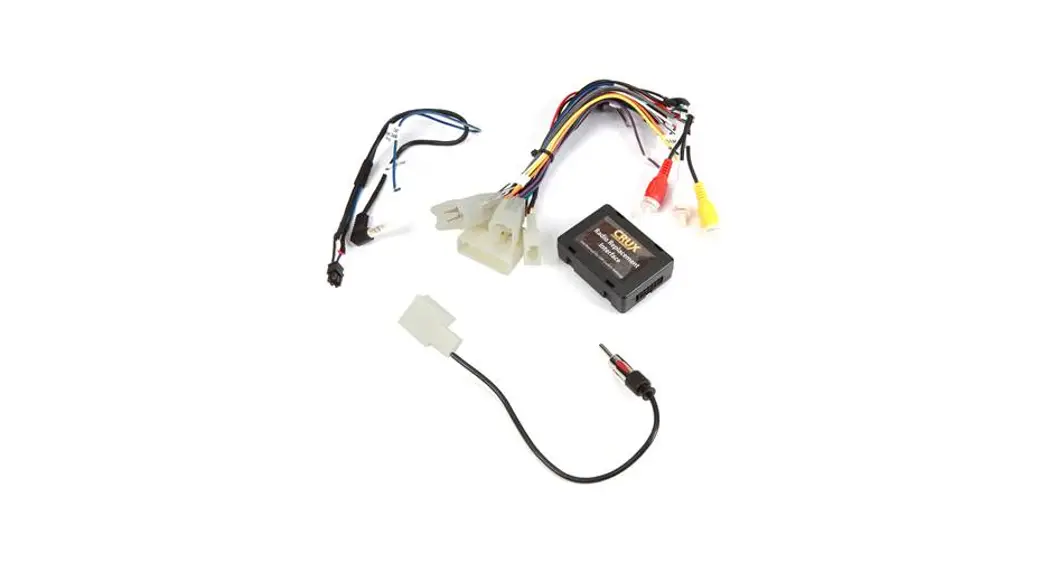
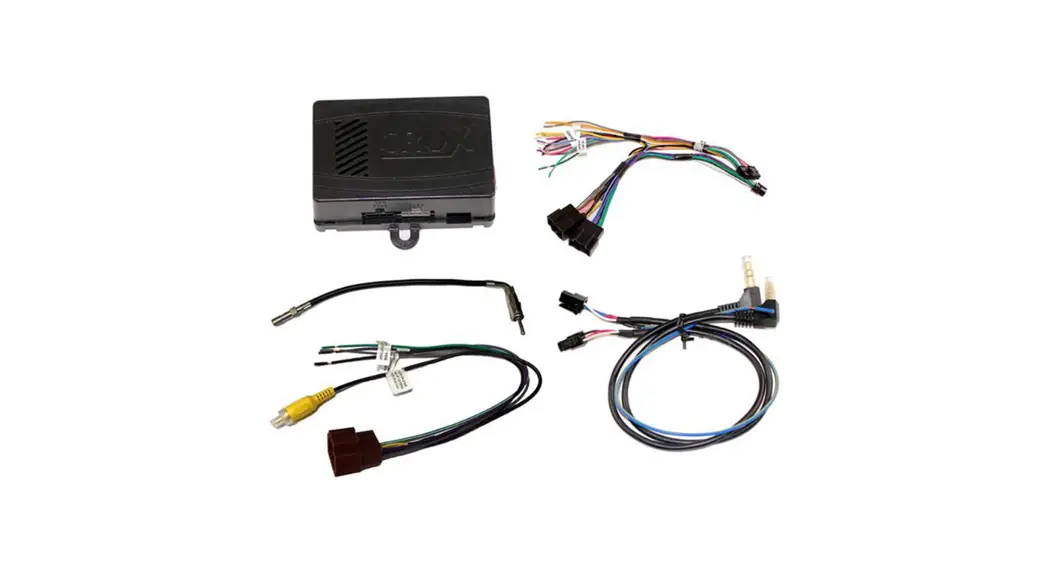
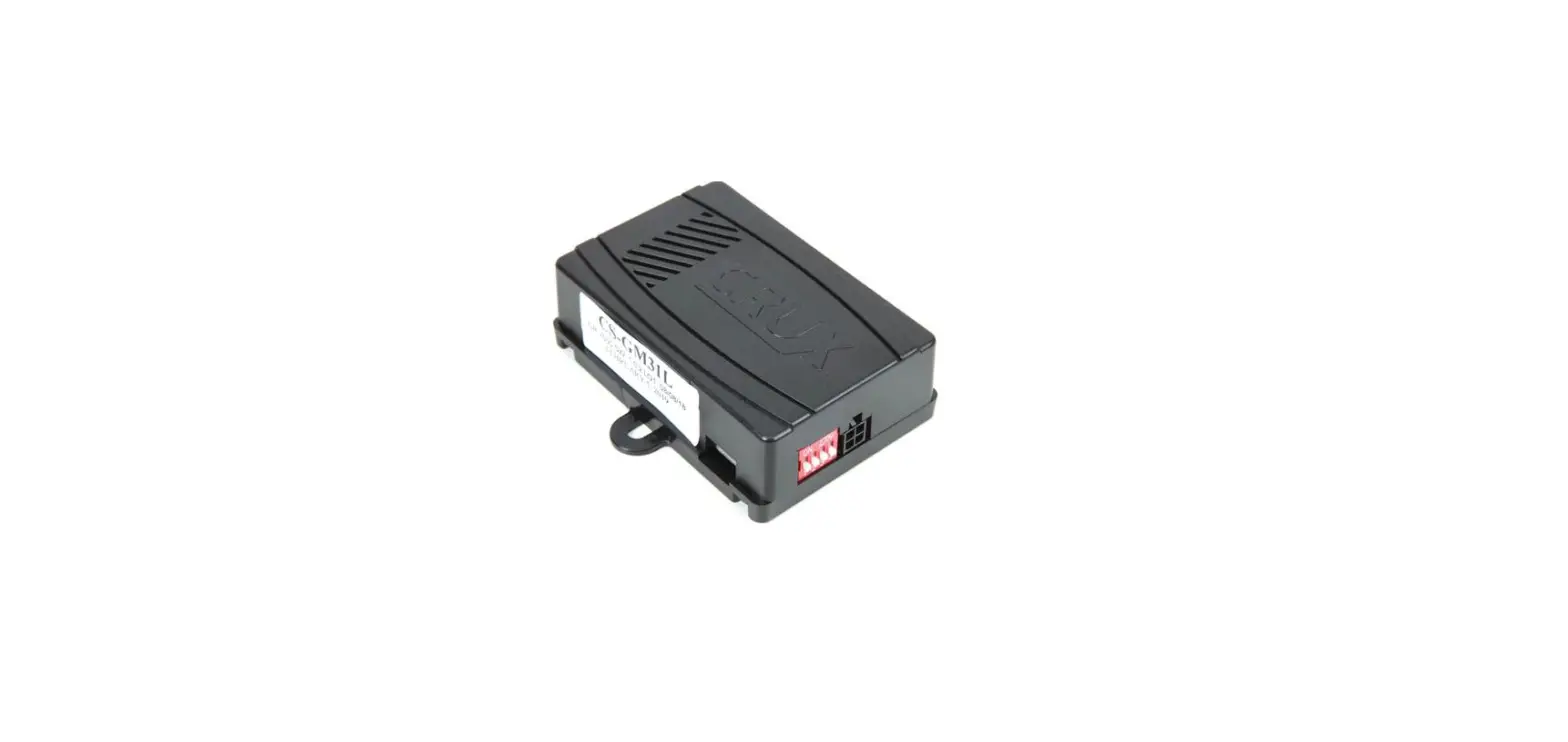
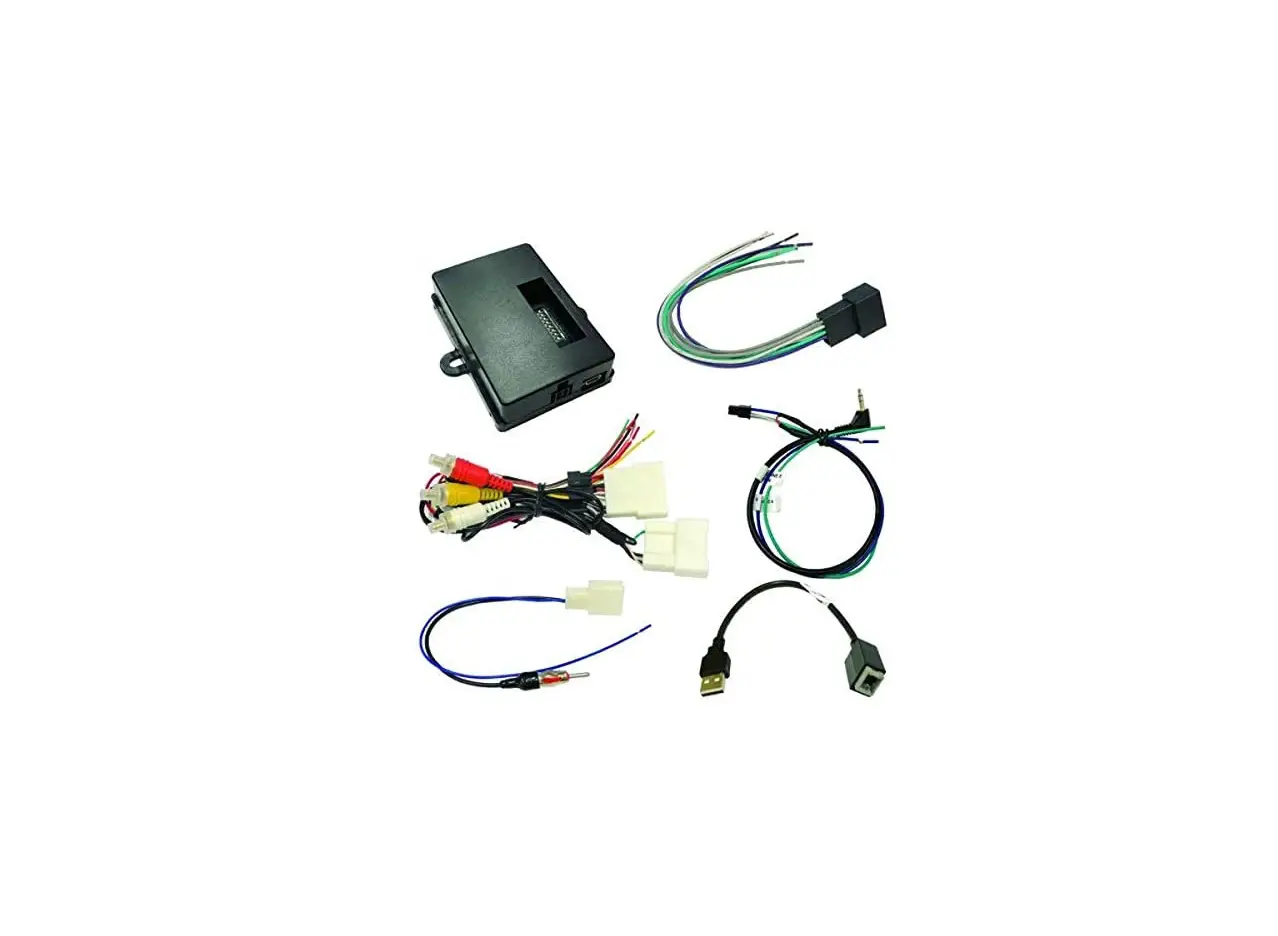
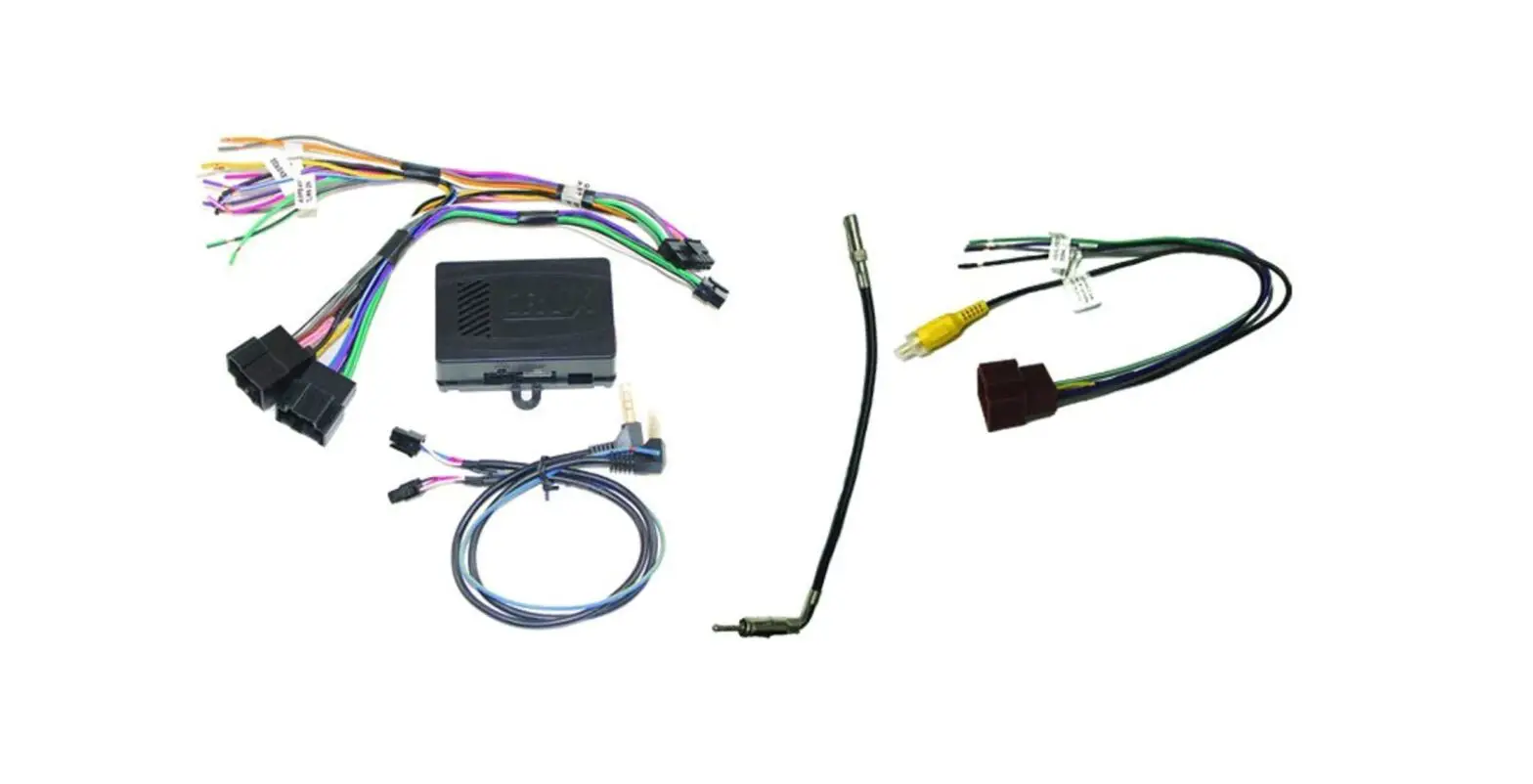
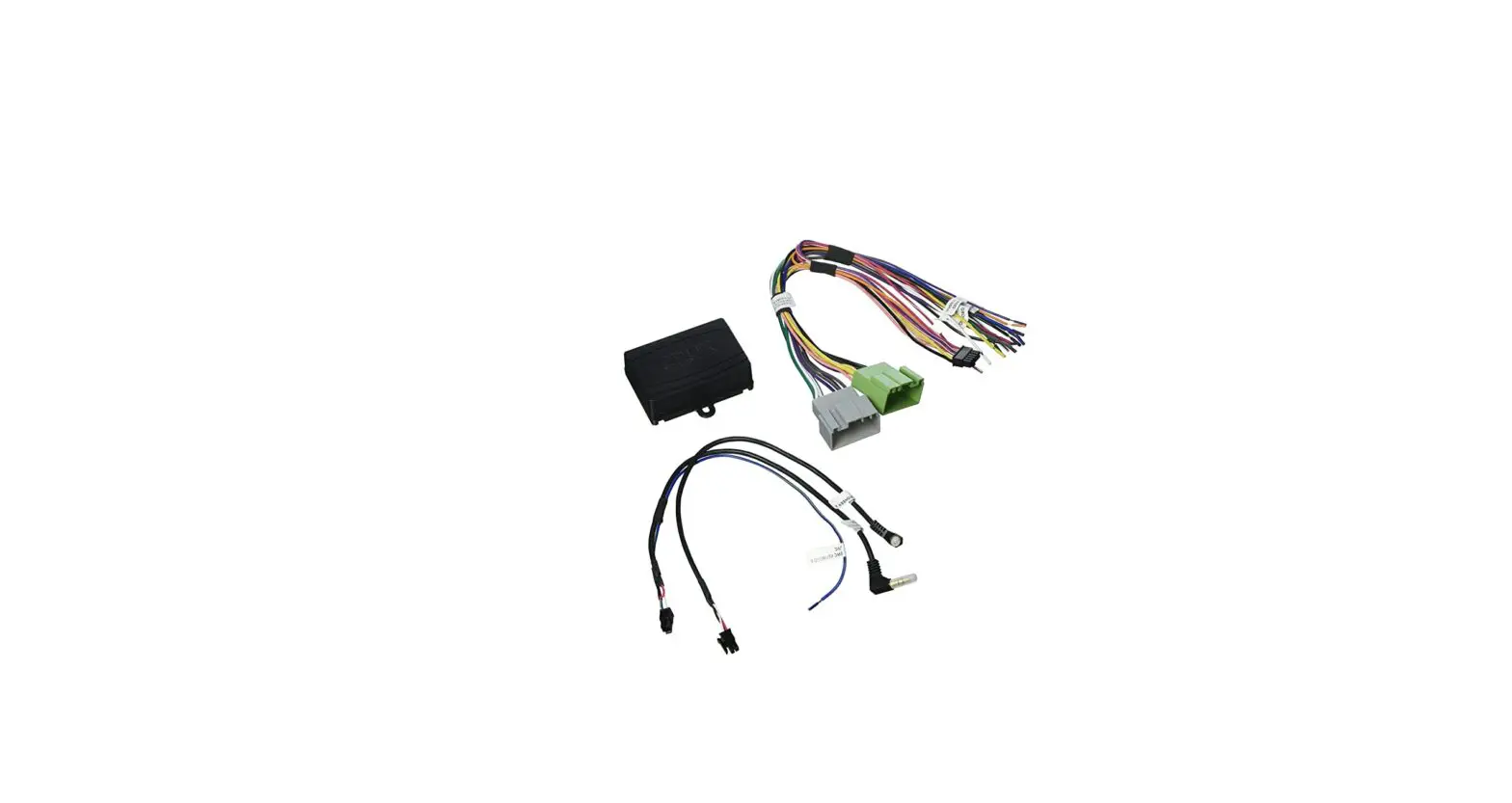
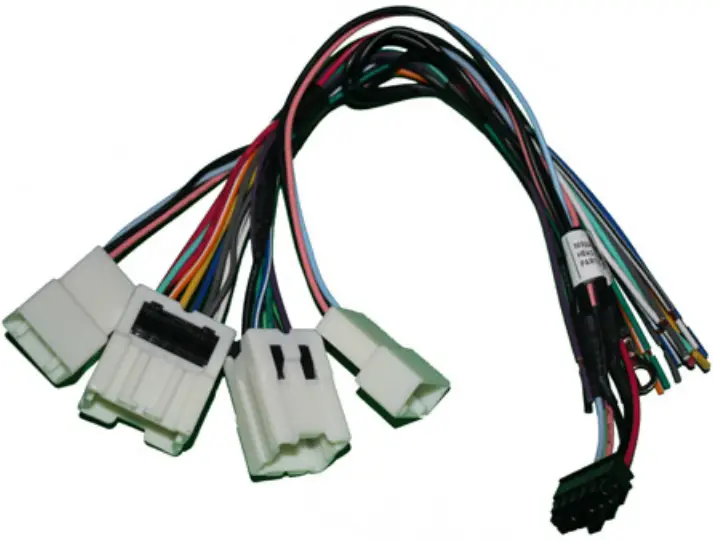
- SWRNS-63T Module

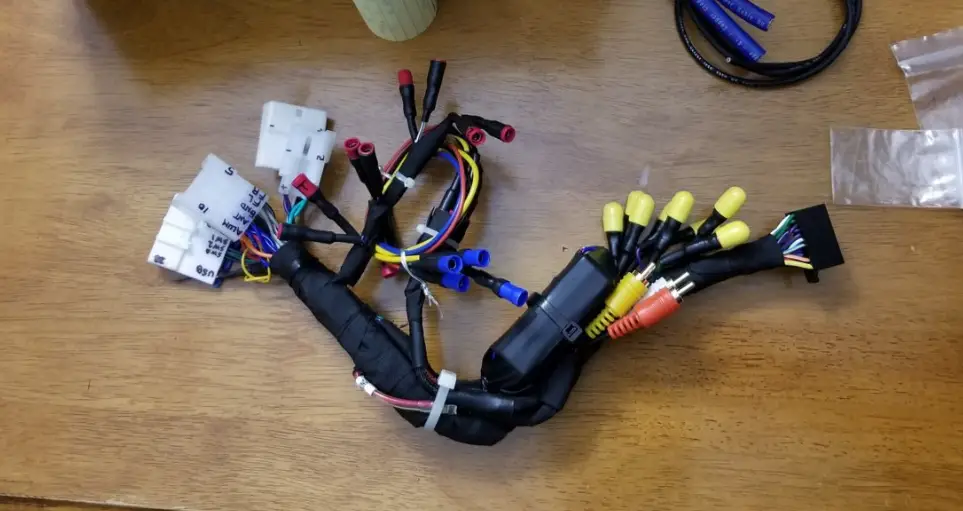
- SWRNS-63T Harness

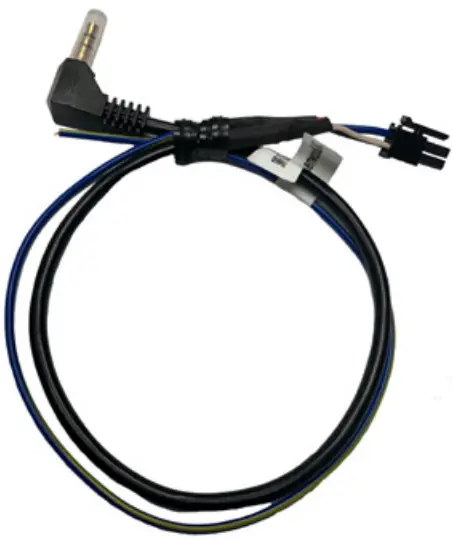
- SWC Cable

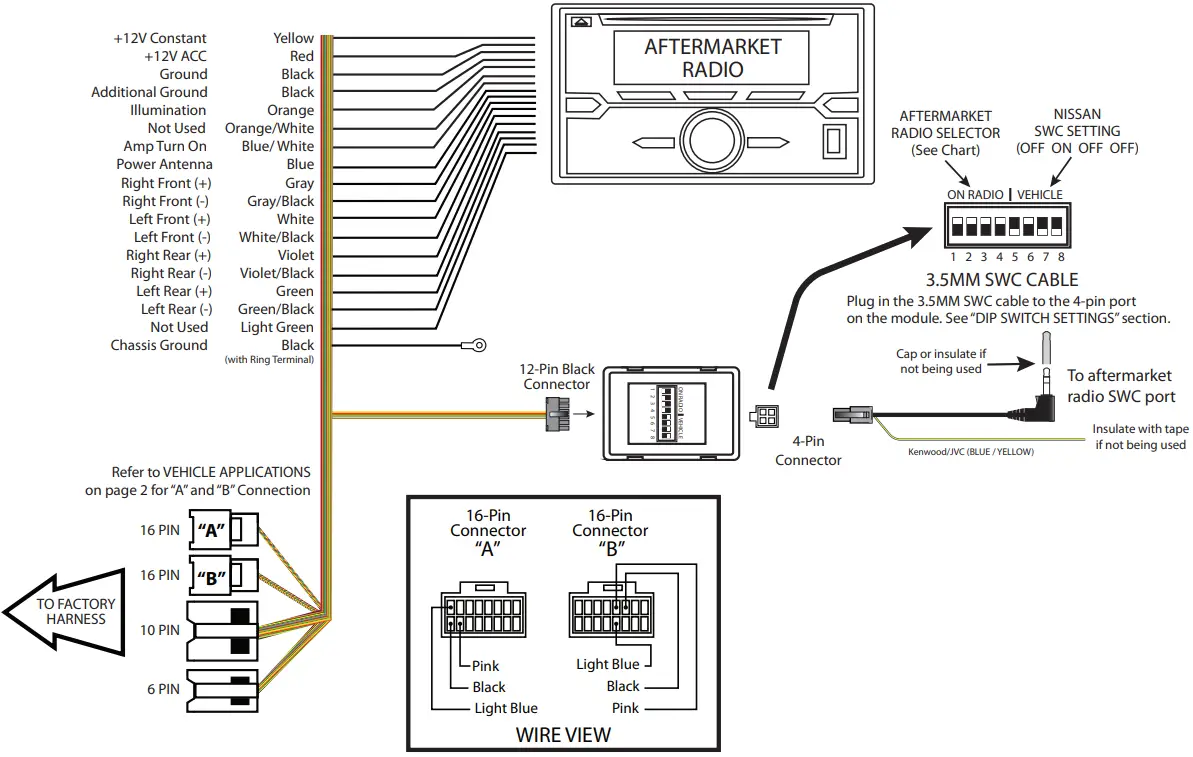
INSTALLATION DIAGRAM
LED TROUBLESHOOTING ON MODULE
| LED LIGHT | LED MODULE FEEDBACK | |
| BLUE LED OFF | NO POWER | CHECK VOLTAGE |
| RED LED FLASHES | WHEN PRESSING SWC BUTTOND | |
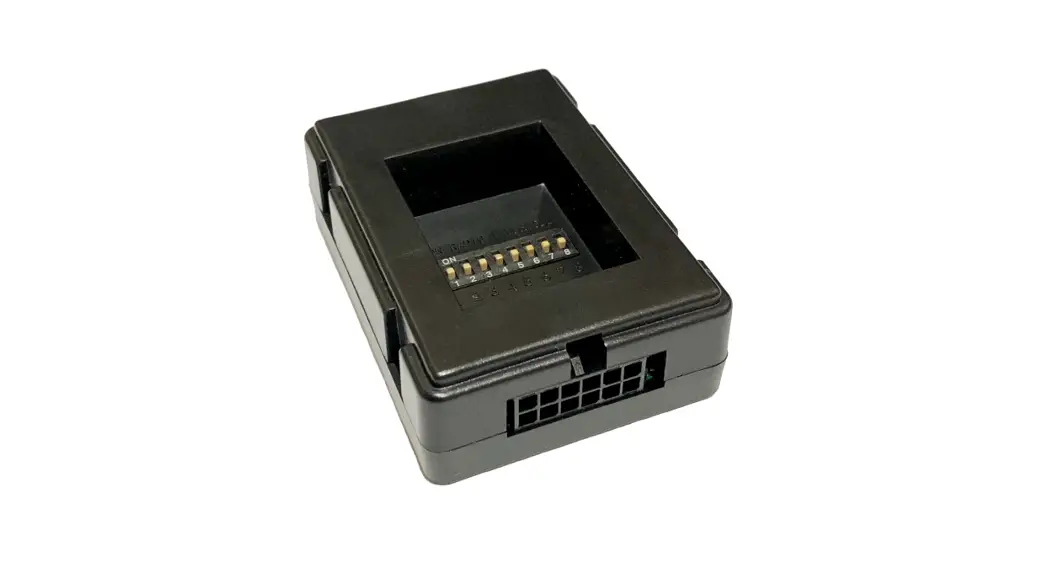
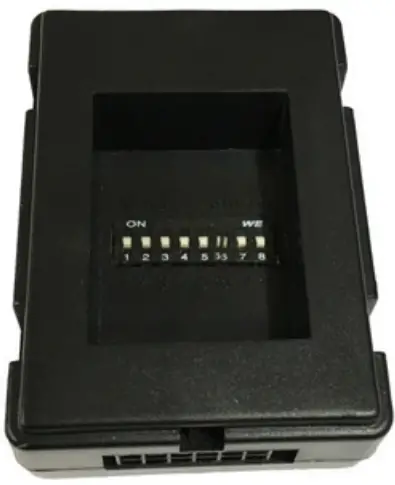
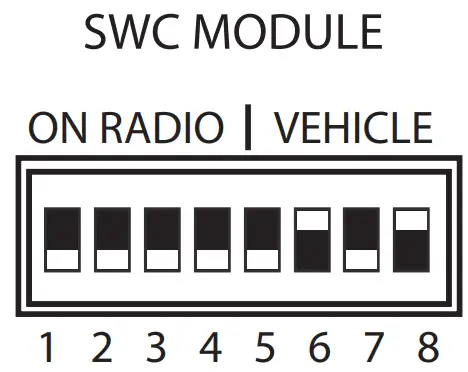
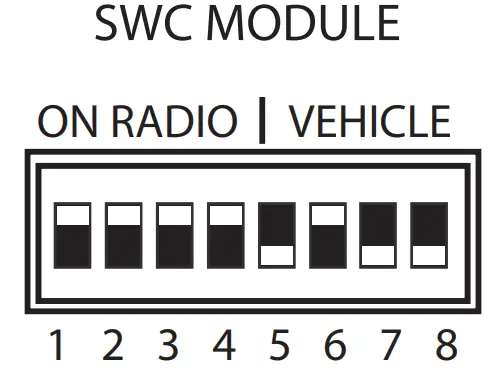
DIP SWITCH SETTINGS
AFTERMARKET RADIO DIP SWITCH SETTINGS
| RADIO BRAND | DIP | 1 | 2 | 3 | 4 |
| Atoto, Dual, Farenheit, Jensen, Pioneer | OFF | OFF | ON | ON | |
| Power Acoustik, Soundstream | OFF | OFF | ON | ON | |
| Blaupunkt, Most o-brand Radios | OFF | OFF | ON | ON | |
| Alpine | OFF | OFF | OF | OFF | |
| Clarion | OFF | OFF | ON | OFF | |
| Kenwood | OFF | ON | ON | ON | |
| JVC | OFF | ON | OFF | ON | |
| Boss, Old Sony | OFF | ON | OFF | OF | |
| New Sony | OFF | OFF | ON | OF |
NOTE: For Dual, , Power , , and most -brand radios, check the aftermarket radio’s manual to see if the SWC buttons need to be programmed.
NISSAN STEERING WHEEL CONTROL DIP SWITCH SETTING
| DIP | 5 | 6 | 7 | 8 |
| Nissan | OFF | ON | OFF | OFF |
3.5MM SWC CABLE
Plug in the 3.5MM to 4-Pin SWC cable to the SWC module.
NOTE: Insulate the Blue/Yellow wire or the 3.5mm plug if not being used.
For aftermarket radios that have wires for SWC connections, cut off the 3.5mm plug on the Crux SWC Cable and connect the SWC wires as follows:
Note that there are some radios that only have SWC1 and SWC2, in this case “shield” does not need to be connected.
VEHICLE APPLICATIONS
NISSAN
Using Connector “A” (see installation diagram)
- 2005 – 2006 Altima
- 2006 Maxima
- 2005 – 2006 Frontier
- 2005 – 2006 Pathfinder
- 2005 – 2006 Xterra
Using Connector “B” (see installation diagram)
- 2007 – 2011 Frontier
- 2009 – 2010 Titan
- 2007 – 2010 Xterra
NOTE: Analog Signal Output provided may not cover all model/year listed.
QR Code
- Crux Interfacing Solutions
- 21541 Nordhoff St., Unit C, Chatsworth, CA 91311 phone: (818) 609-9299
- fax: (818) 996-8188
- www.cruxinterfacing.com

 CRUX Interfacing Solutions