
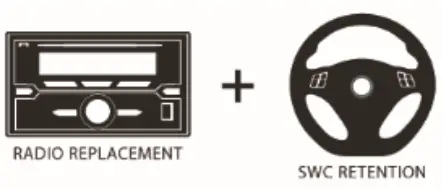
 SWRGM-49
Radio Replacement with SWC Retention for
GM LAN 29 Bit Vehicles 2006 – 2015
SWRGM-49 Radio Replacement with SWC Retention
Product Features
- Retains factory features in select GM LAN 29 Bit vehicles while functioning with an aftermarket radio.
- Pre-programmed to retain factory Steering Wheel Controls.
- iPhone Voice Recognition (VR) feature from SWC on select radios.
- Supports Pick Up/End Call, Pick up and Toggle between 1st and 2 incoming call, AVRCP Track, Seek.
- Supports Bose, non-Bose and Y-91 audio systems.
- Retains chime functions.
- Provides Factory Rear Seat Entertainment Activation. Requires Cable #CRUX2333A (sold separately).
- Retains factory back-up camera.
- EIA color coded wiring for easy installation.
Vehicle Applications
| BUICK | |
| 2008-2015 | Enclave |
| 2006-2011 | Lucerne |
| CADILLAC | |
| 2006-2011 | DTS |
| 2007-2014 | Escalade |
| 2007-2009 | SRX |
| CHEVROLET | |
| 2007-2013 | Avalanche* |
| 2007-2008 | Equinox |
| 2008-2013 | Express Van** |
| 2006-2013 | Impala / Impala SS |
| 2006-2007 2007-2013 | Monte Carlo |
| 2007-2013 | Silverado 1500-3500 Pickup* |
| 2007-2014 | Suburban* |
| 2007-2014 | Tahoe* |
| 2009-2015 | Traverse |
| GMC | |
| 2007-2015 | Acadia |
| 2008-2013 | Savana** |
| 2007-2013 | Sierra 1500-3500 Pickup* |
| 2007-2014 | Yukon* |
| HUMMER | |
| 2008-2009 | H2 |
| PONTIAC | |
| 2007-2009 | Torrent |
| SATURN | |
| 2007-2010 2008-2009 | Outlook |
| 2008-2009 | Vue |
| SUZUKI | |
| 2007-2008 | XL7 |
Notes
- *NOT compatible with 2012-Up SUVs/Trucks that are equipped with factory-installed Navigation radios.
- **NOT compatible with Express and Savana vans that are powered by a diesel engine.
- Supports Rear Entertainment System with special order harness #CJA2333A (sold separately).
- DOES NOT support ONSTAR.
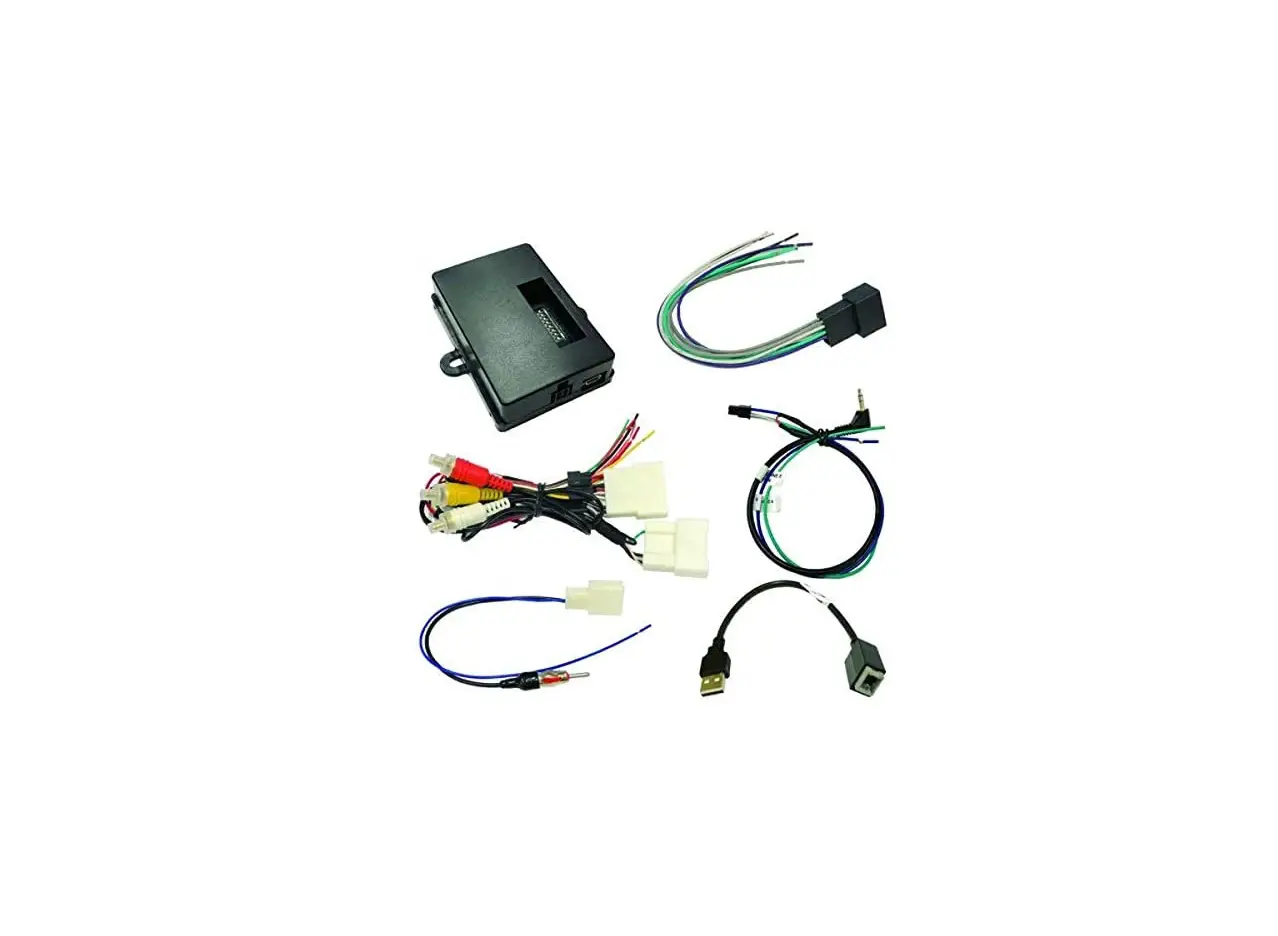
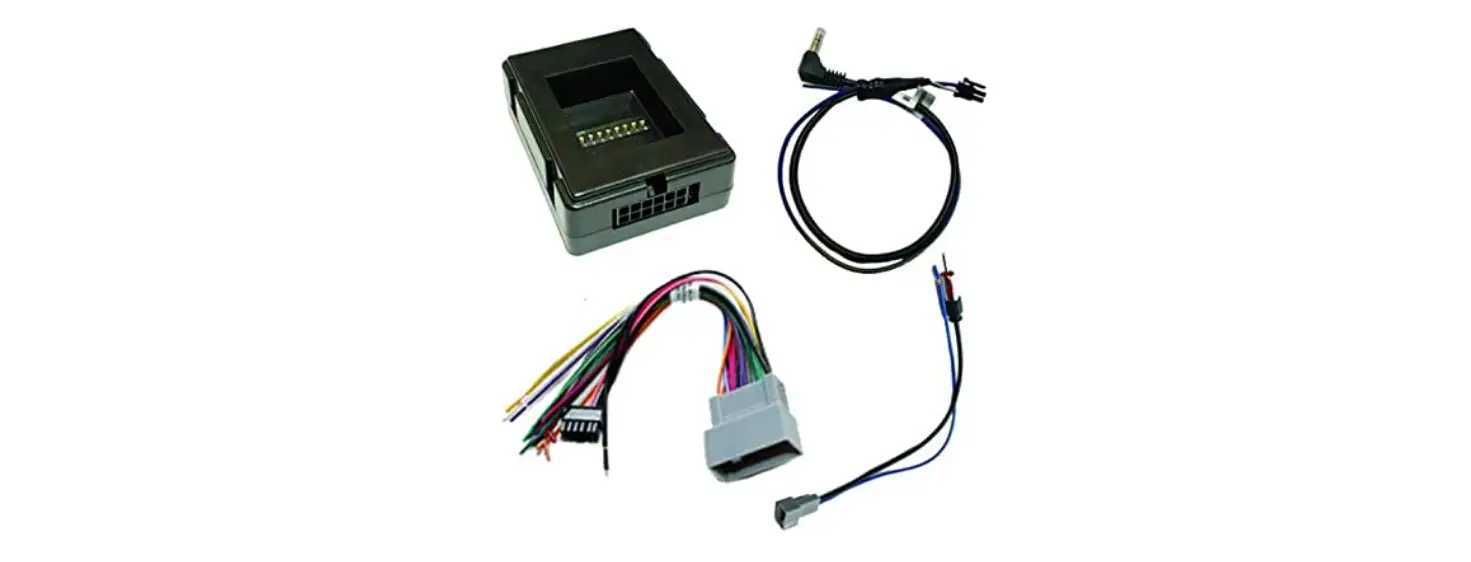
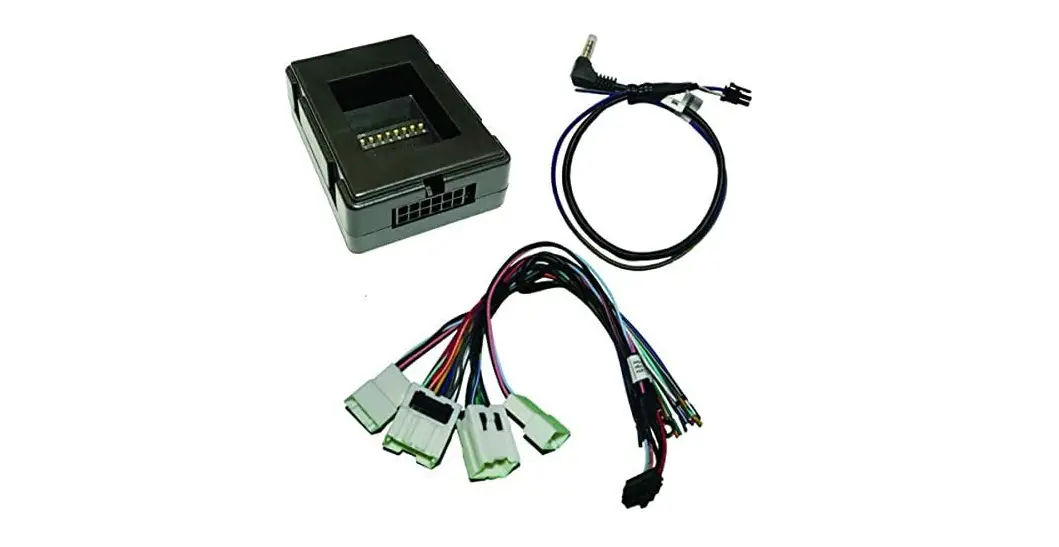
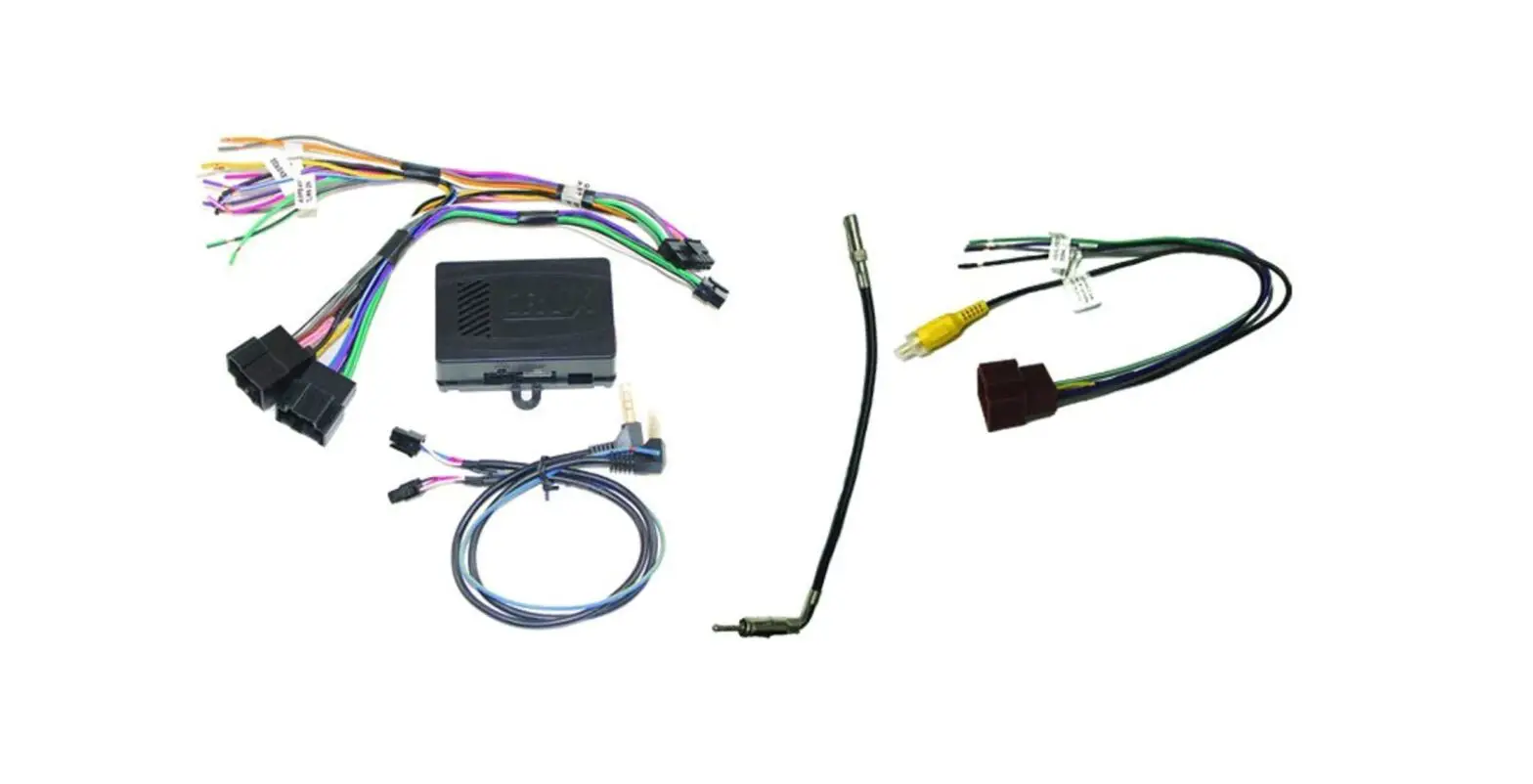
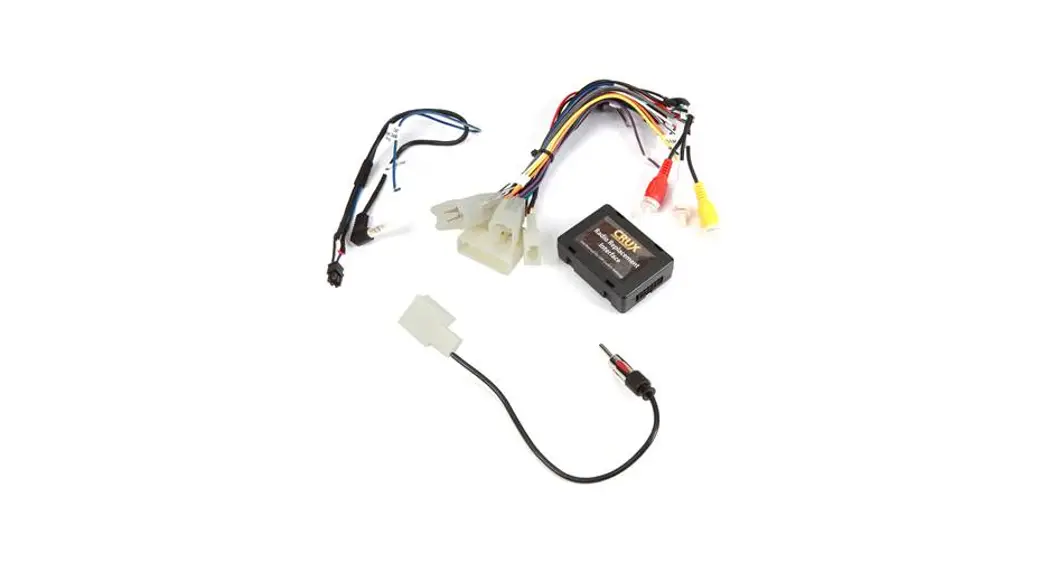
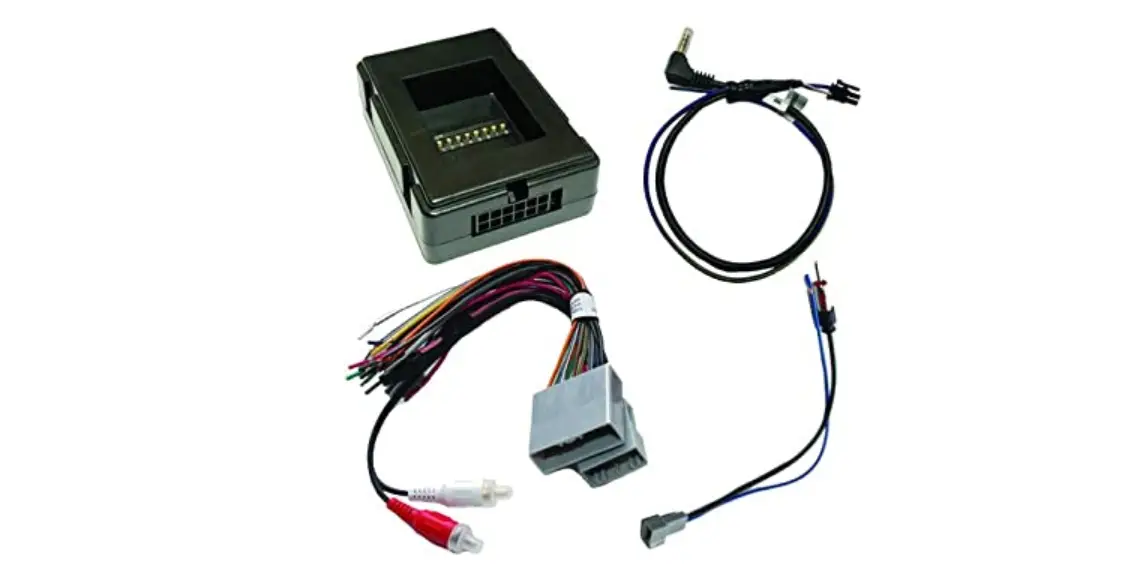
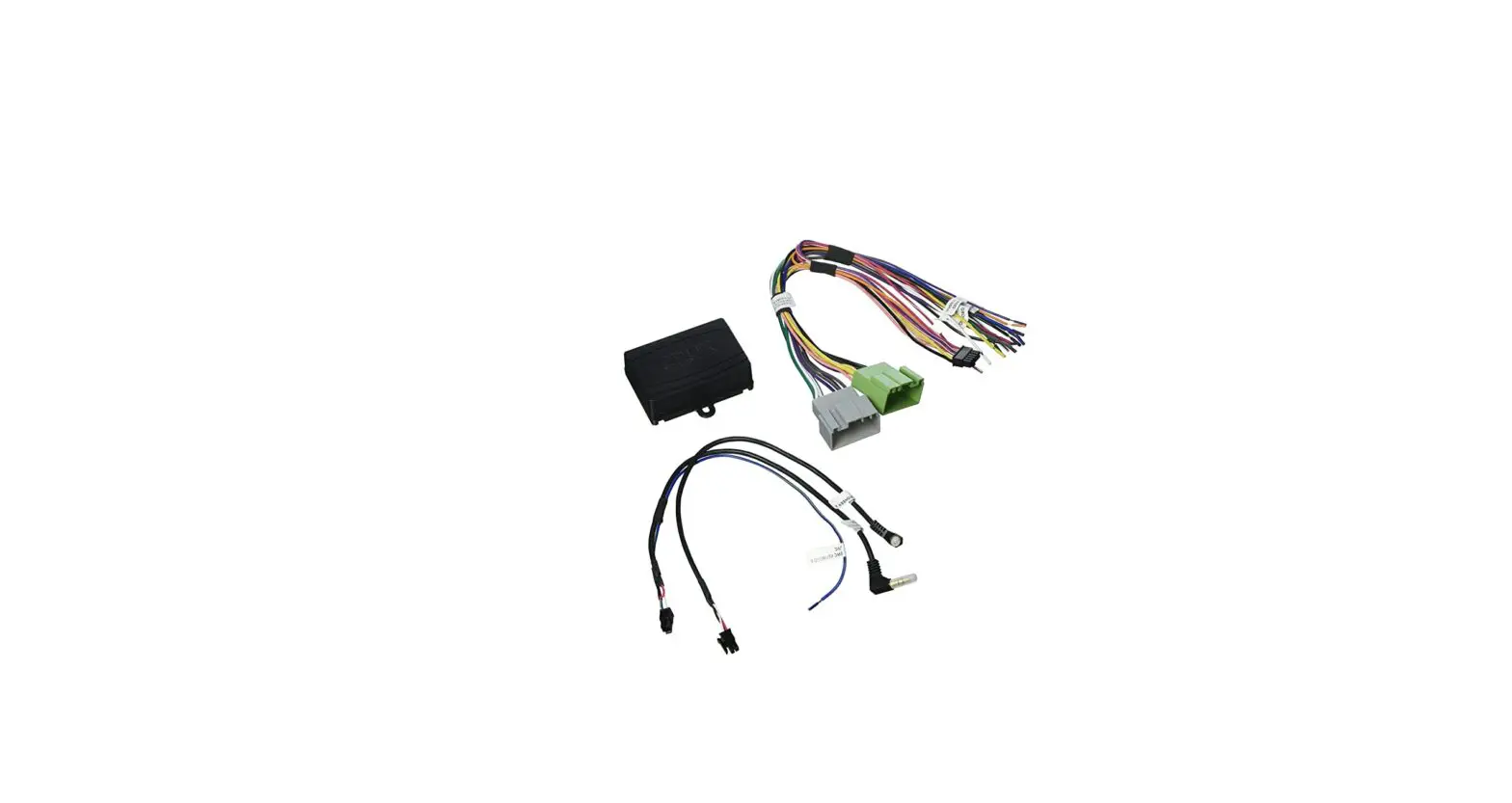
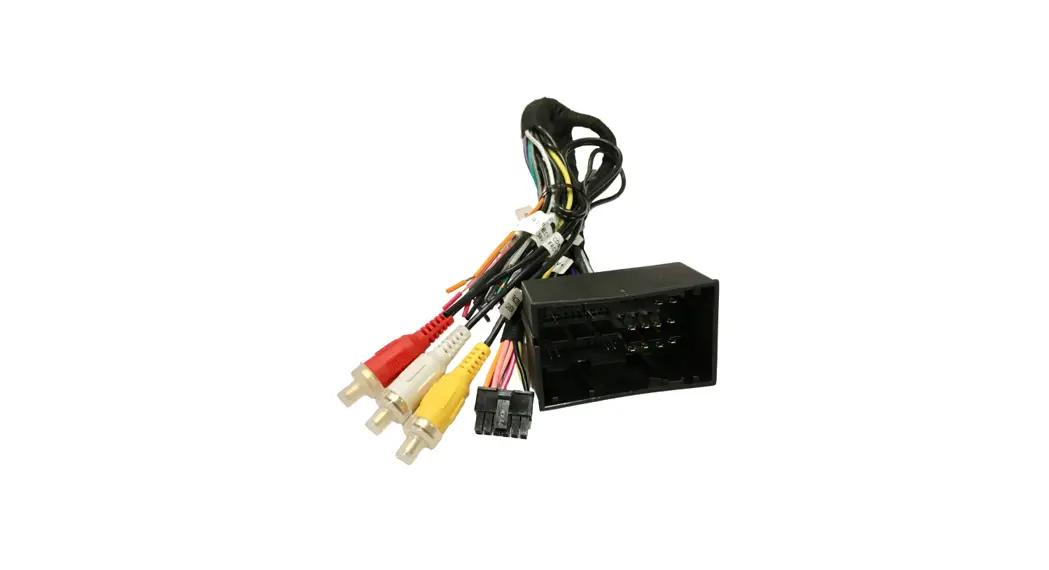
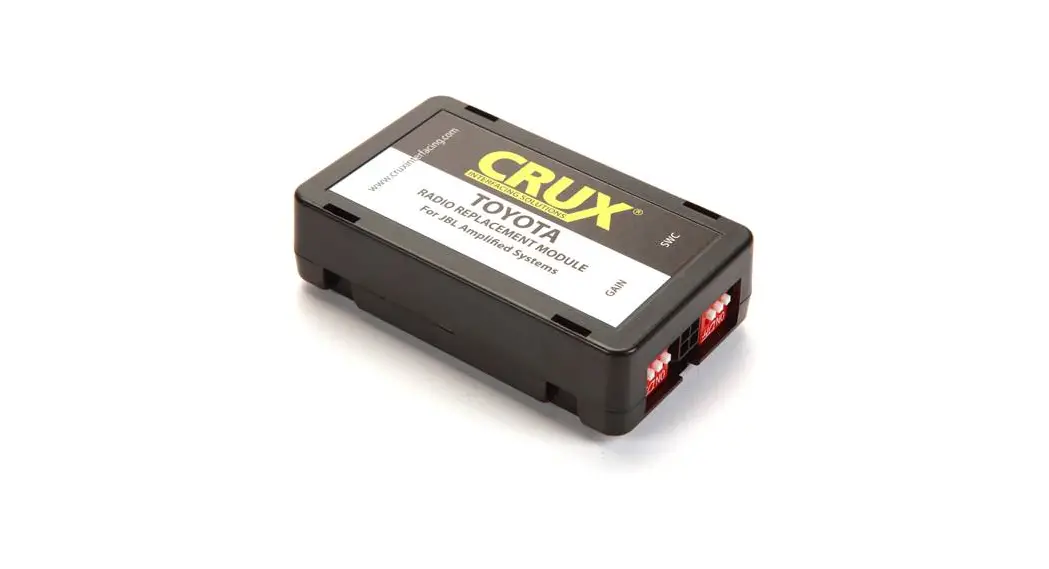
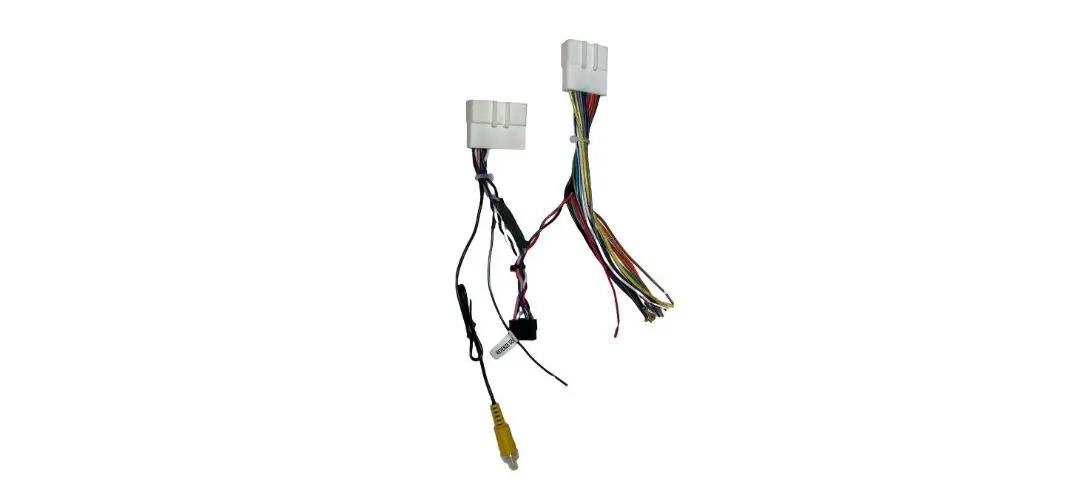
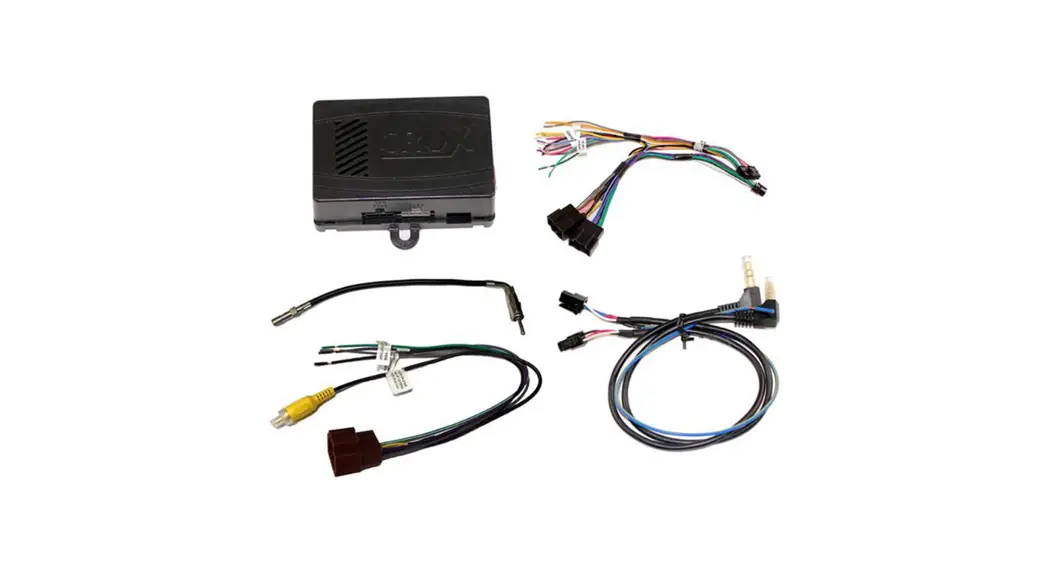
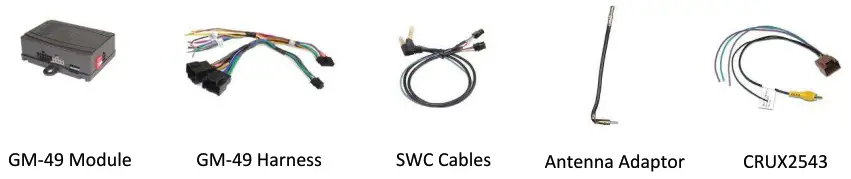
Parts Included
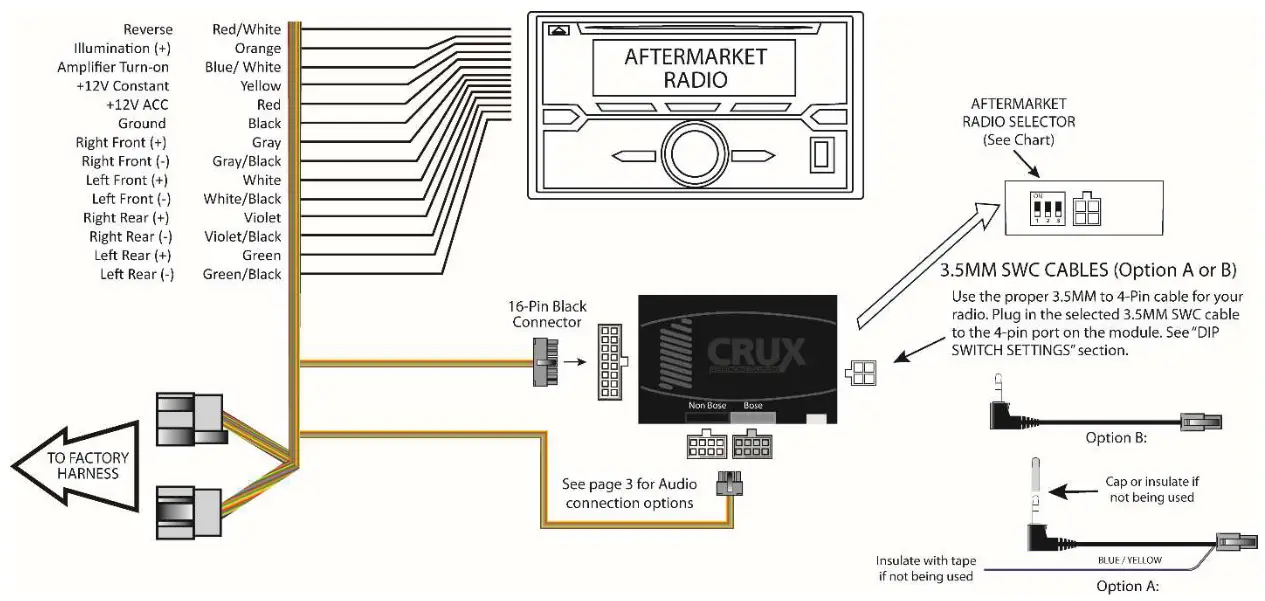
Installation Diagram
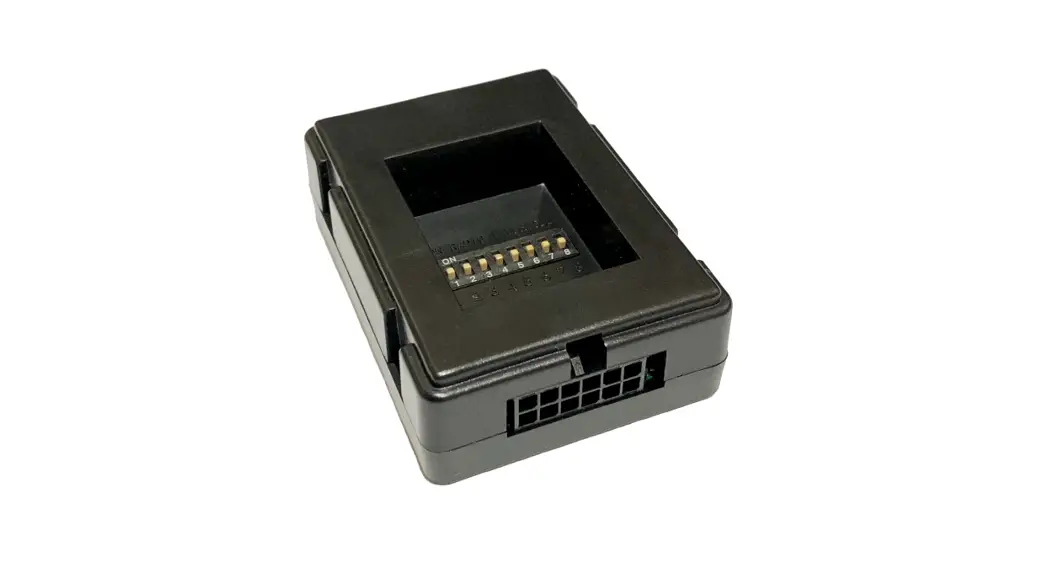
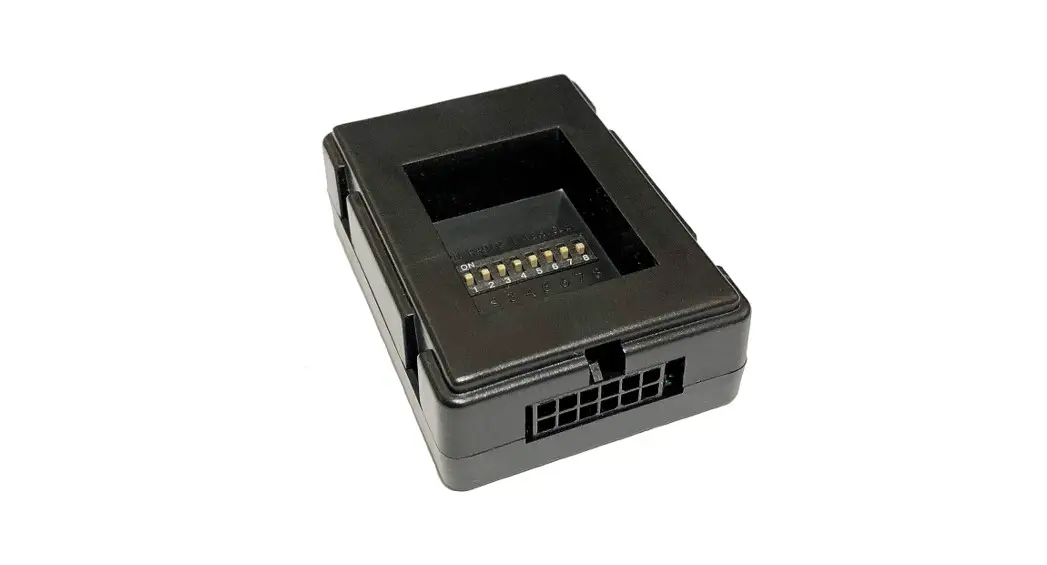
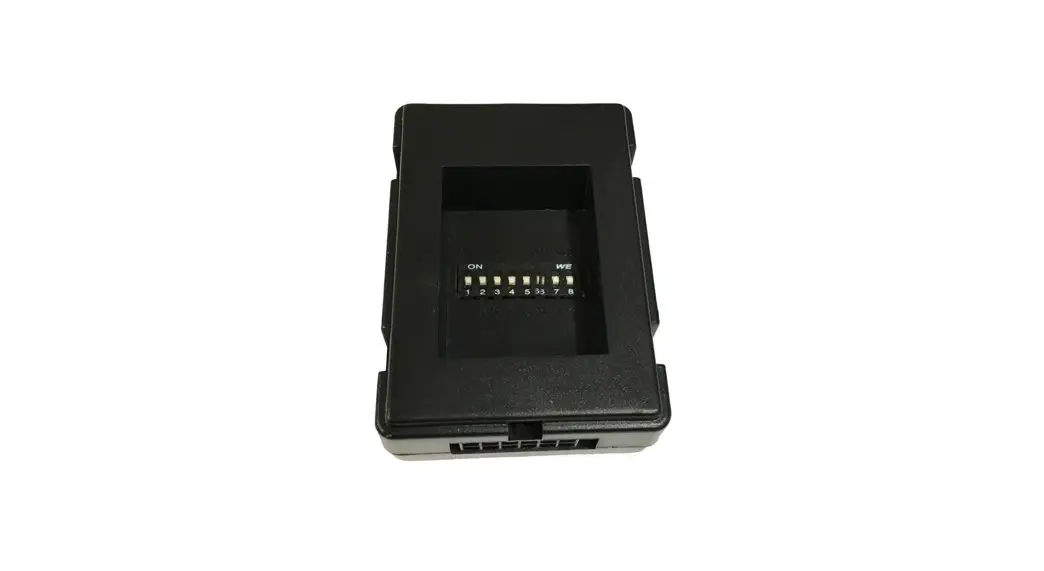
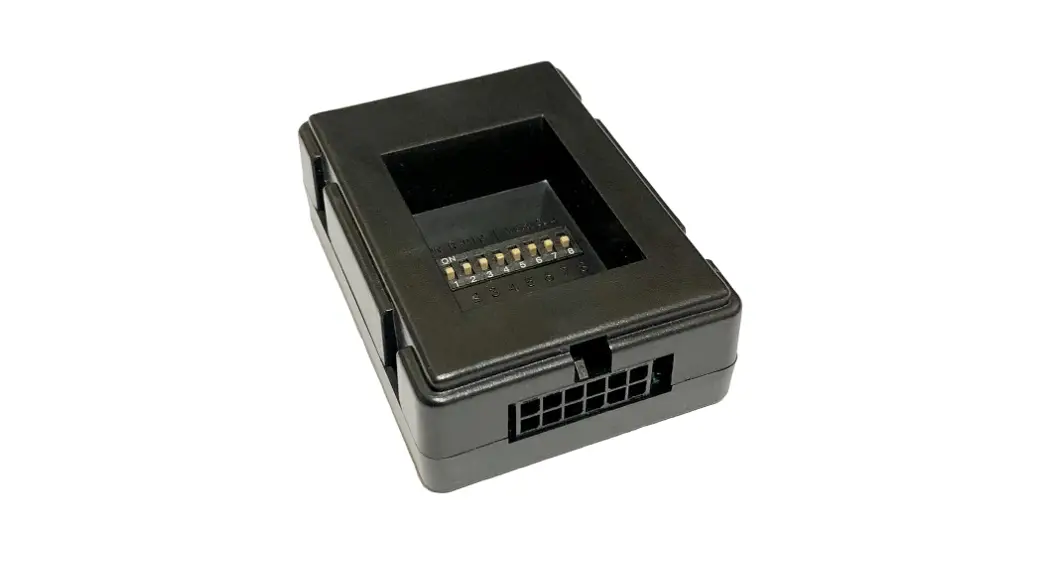
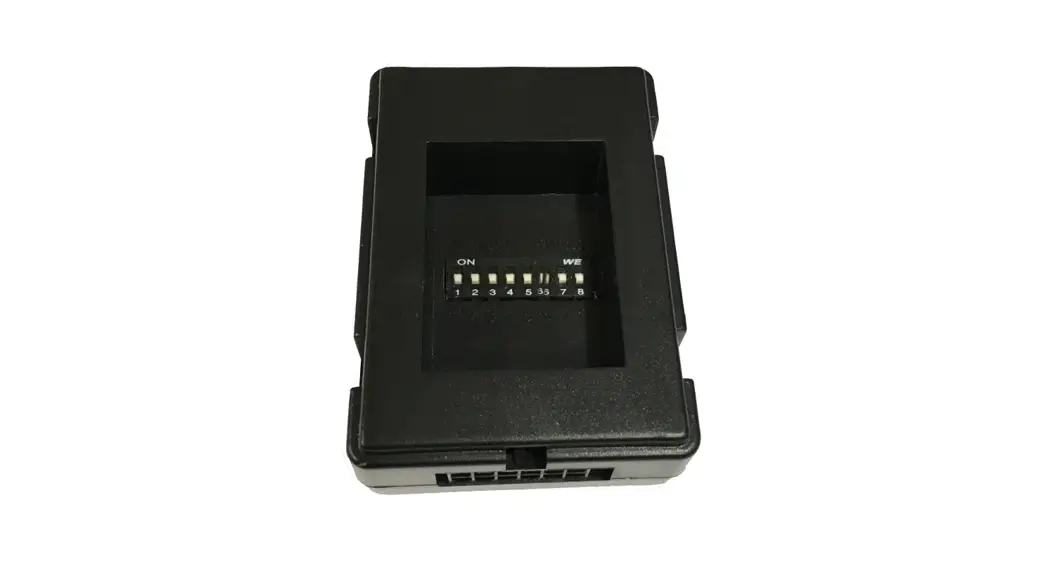
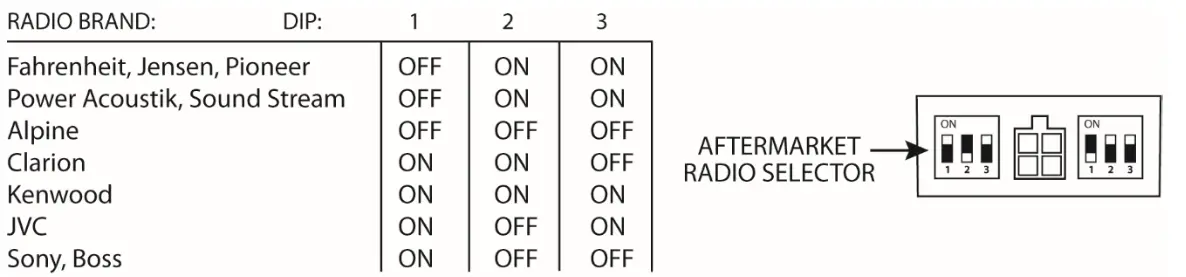
DIP Switch Settings
SETTING THE AFTERMARKET RADIO BRAND
With the key in the off position, set the DIP switches to the corresponding radio listed below.
3.5MM SWC CABLE
The SWRGM-49 Module allows for both types of connections:
OPTION A is used for ALPINE, CLARION, JVC, and KENWOOD units (Blue/Yellow wire is attached)
OPTION B is used for BOSS, DUAL, FAHRENHEIT, JENSEN, POWER ACOUSTIK, PIONEER, SONY and SOUND STREAM units.
NOTE: Cap or insulate the 3.5mm plug or Blue/Yellow wire if not being used.
Selecting the Audio System
If the vehicle is equipped with a Bose system, the SWRGM-49 has a built-in Bose adaptor that allows the proper audio input gain from the aftermarket radio to the Bose amplifier. To use this feature, plug in the male 8-pin connector on the harness to the GRAY female 8-pin connector on the GM-49 module. The module is also labeled Bose and Non Bose to a oid onfusion. (see piture below)
If the vehicle is NOT equipped with a Bose system, plug in the male 8-pin connector to the BLACK female 8-pin on the GM-49 module. 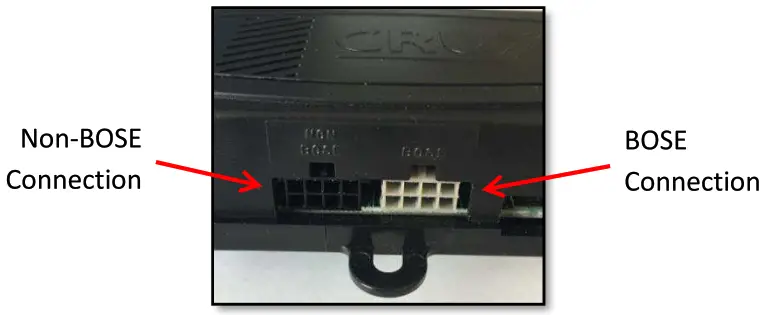
CHIME VOLUME ADJUSTMENT
The SWRGM-49 has a potentiometer to adjust the chime volume. It is set at half way by default. To adjust the volume, simply use a suitable screw driver and turn the potentiometer clockwise to increase the volume and counter-clockwise to decrease the volume.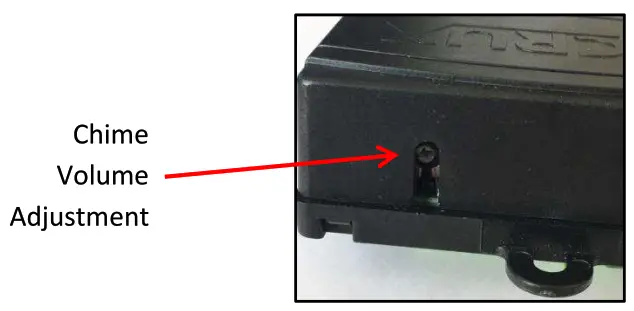
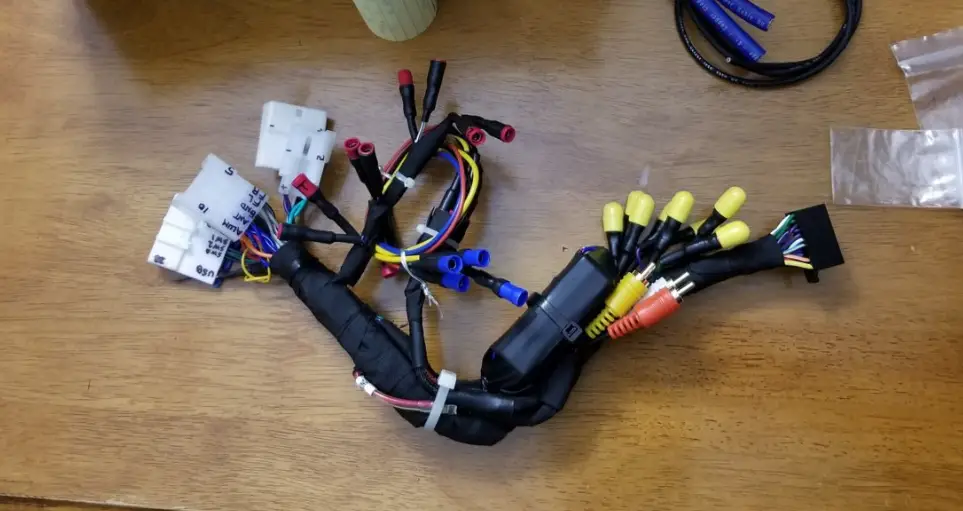
Backup Camera Connection
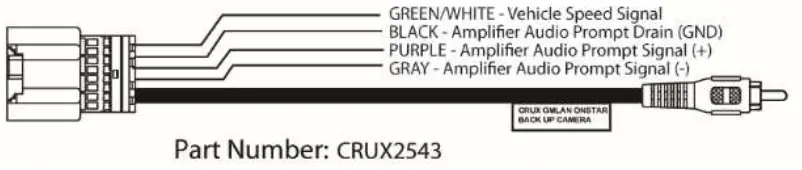
You can retain use of the factory backup camera by using the CRUX2543 harness provided in the kit. See below for connection instructions.
(Note: Loose wires may not be needed in the installation.)
BACK-UP CAMERA CONNECTION
- Connect the back-up camera 16-Pin connector to the vehicles 16-Pin factory connector.
- Connect the yellow video RCA to the new aftermarket radio reverse camera input.
- Test the video feed before installing the radio back into the dashboard. (Radio may need to be set prior to testing)
 STEERING WHEEL CONTROL BUTTON FUNCTIONS
| SWC Button | SHORT PRESS | LONG PRESS |
| PIONEER VOL + VOL – Arrow Up ▲ Arrow Down ▼ SRCE ►I Voice | Step Increment Step Decrement Preset Up Preset Down Source Tune Pick Up Call | Continuous VOL + Continuous VOL – Seek Up End Call Power On/Off Mute On/Off Activate VR/Deactivate VR |
| SWC Button | SHORT PRESS | LONG PRESS |
| ALPINE VOL + VOL – Arrow Up ▲ Arrow Down ▼ SRCE ►I Voice *NOTE: | Step Increment Step Decrement Seek Up Seek Down Source Preset Pick Up Call To Deactivate VR = Say “CANCEL” | Continuous VOL + Continuous VOL – None End Call None ATT On/Off Activate VR*/Deactivate VR* BT Mode Active: Voice = Toggle between 1st and 2nd Call |
| SWC Button | SHORT PRESS | LONG PRESS |
| CLARION VOL + VOL – Arrow Up ▲ Arrow Down ▼ SRCE ►I Voice | Step Increment Step Decrement Preset Up Preset Source None Pick Up Call | Continuous VOL + Continuous VOL – Seek Up End Call Power On/Off Mute On/Off Mute On/Off |
| SWC Button | SHORT PRESS | LONG PRESS |
| JVC VOL + VOL – Arrow Up ▲ Arrow Down ▼ SRCE ►I Voice NOTE: | Step Increment Step Decrement Seek Up Seek Down Source Preset Pick Up Call To Deactivate VR = Say “CANCEL” | Continuous VOL + Continuous VOL – M-Seek Up End Call None Mute On/Off Activate VR |
| SWC Button | SHORT PRESS | LONG PRESS |
| KENWOOD VOL + VOL – Arrow Up ▲ Arrow Down ▼ SRCE ►I Voice NOTE: | Step Increment Step Decrement Seek Up Seek Down Source Preset Pick Up Call / Call History On/Off To Deactivate VR = Say “CANCEL” | Continuous VOL + Continuous VOL – None End Call / Deactivate VR None ATT On/Off Activate VR |
BOSS Radio SWC Programming
SWC Radio Wiring connection
SWC Key1 (Brown-wire) connect to Female 3.5 mm Jack – Brown wire
SWC Key2 (White-wire) connect to Female 3.5 mm Jack – Brown/White wire
SWC GND (Black-Wire) connect to Radio Negative wire (Black)
Programming the Radio
Press: [SETTING] > [STEER] > [RESET] > [High Z]
Press the Steering Wheel Control (SWC) buttons set the values as listed below:
Vol – [ 4.07]
Vol + [ 3.66]
Seek – [ 3.37]
Seek + [ 2.98]
Mode [1.39]
OFF Hook [ 0.00]
The Value in the bracket [X.XX] will vary and will be used as parameter for each assigned function.
Press: [Assign] > [4.07] > [Vol-], then the [4.07] will be replaced with [ Vol-]
With [Assign] highlighted:
Press: [3.66] > [Vol+], then the [3.66] will be replaced with [Vol+]
Press: [3.37] > [Seek-], then the [3.37] will be replaced with [Seek-]
Press: [2.98] > [Seek+], then the [2.98] will be replaced with [Seek+]
Press: [1.39] > [Mode], then the [1.39] will be replaced with [Mode]
Press: [0.00] > [Call], then the [0.00] will be replaced with [Call]
Press: [Enter] for Save the setting and Exit

Crux Interfacing Solutions
6860 Canby Avenue, Suite 116,
Reseda, CA 91335
www.cruxinterfacing.com
tel. #: (818) 609-9299
fax #: (818) 996-8188
 Ready to Serve Manuals - rsmanuals.com