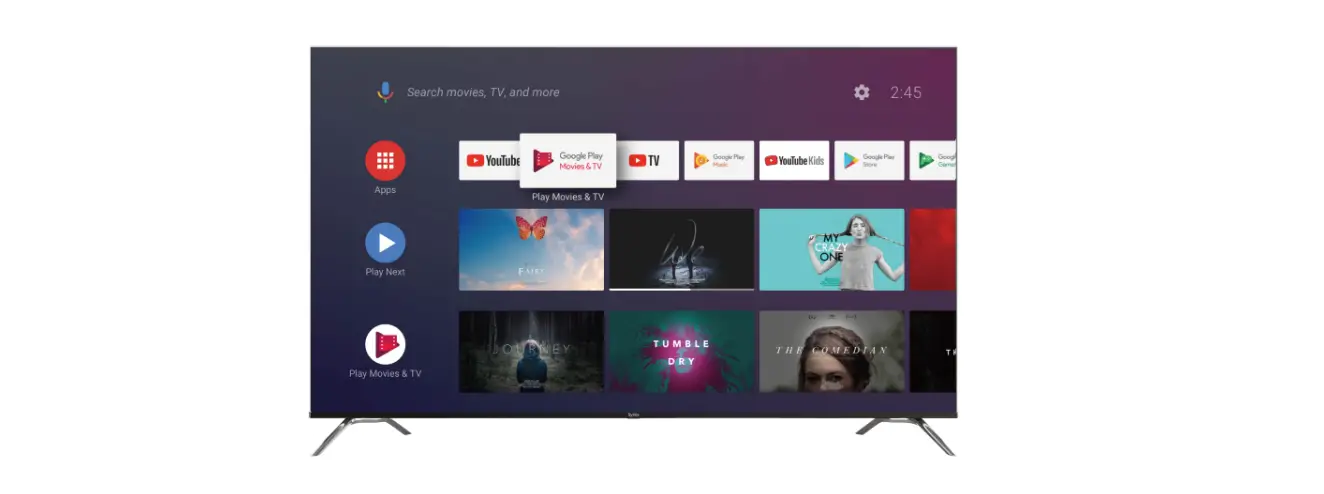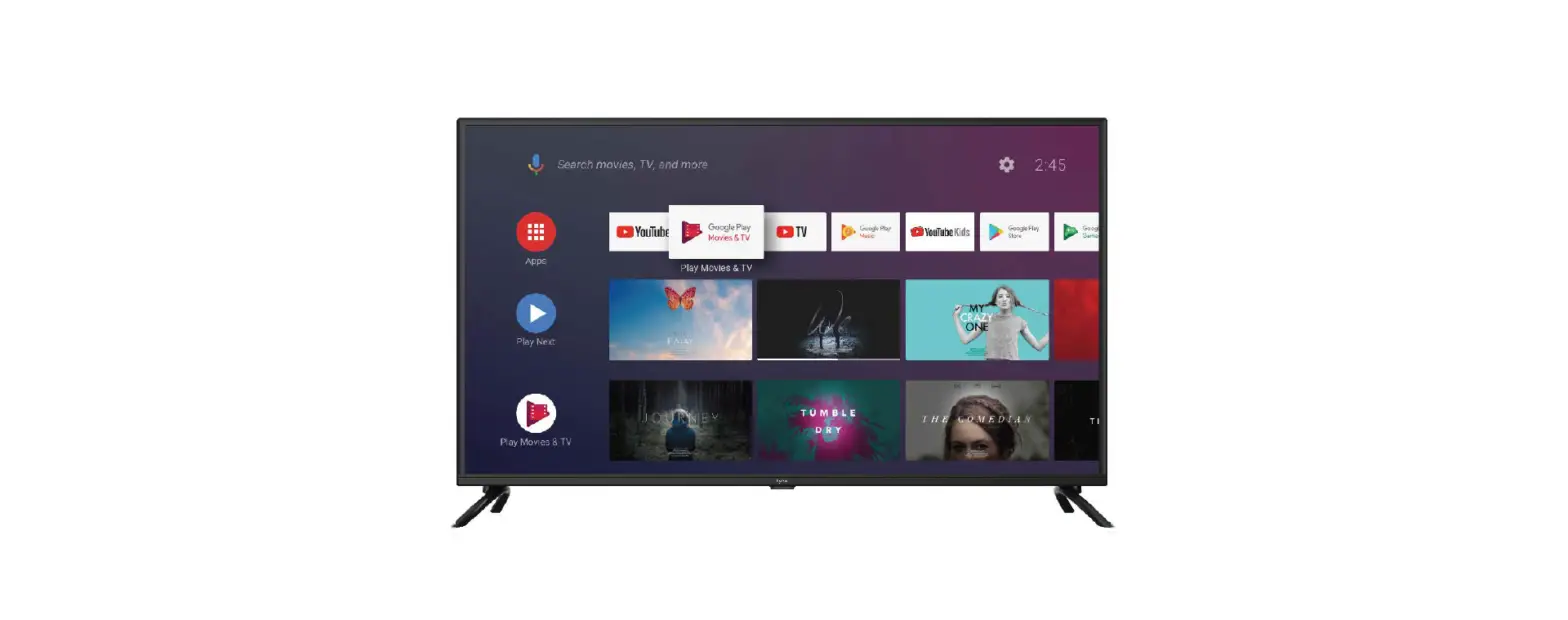
 QUICK START GUIDE
Android TV 32A1S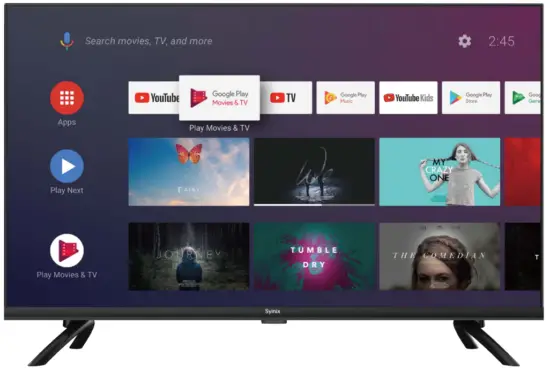
Design and specifications are subject to change without prior notice.
All OSD images shown in this user manual are for illustrative purposes only and may differ from the actual product based on the model.
SyMix reserves the right to anal explanation.
Design In Japan
Packaging including
The items below should be included in the box:
- 1 x 32 TV Set
- 2 x Base Stands
- 4 x Screws (04×18)
- 1 x Remote Control
- 2 x MA Batteries
- 1 x Mini AV Cable
- 1 x Warranty Card
- 1 x Quick Start Guide
- 1 x User Manual
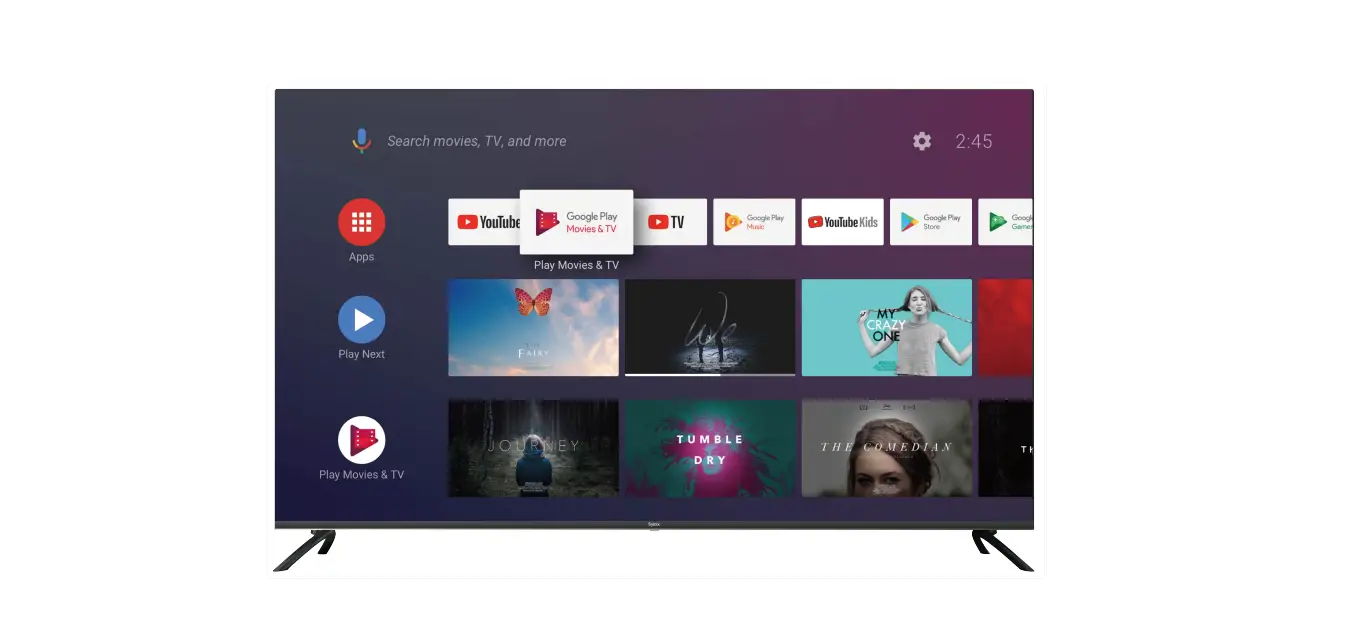
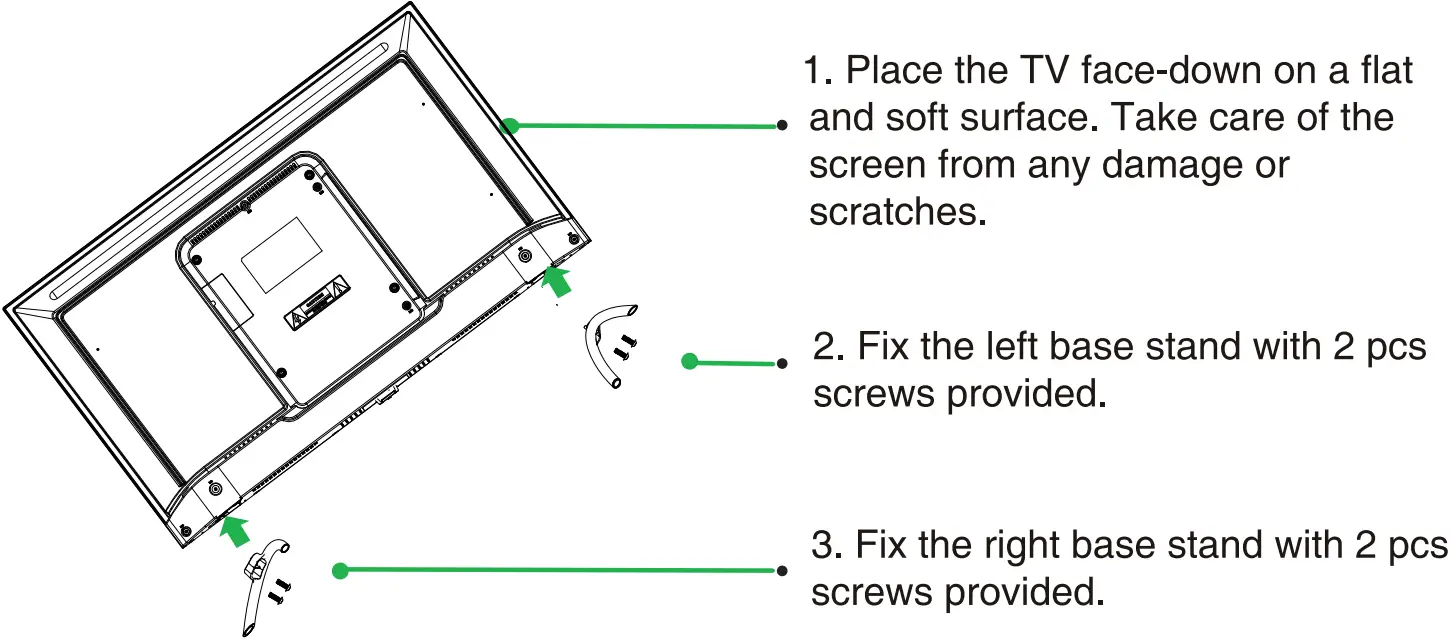
Installing the Stands
Front&Back Views
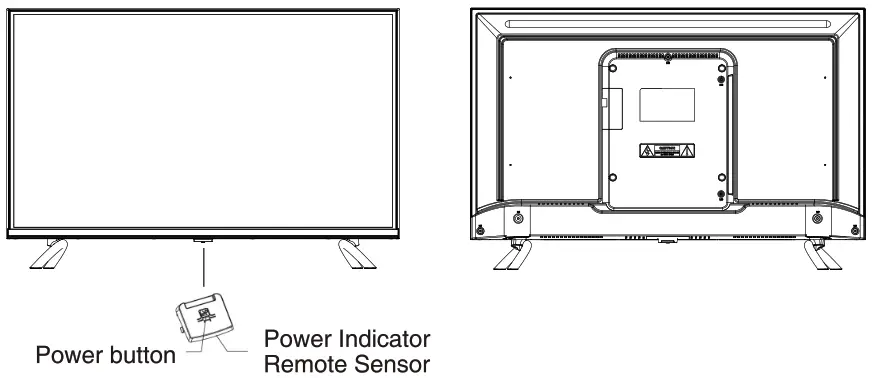
 : Press to turn the TV’s power on-off:
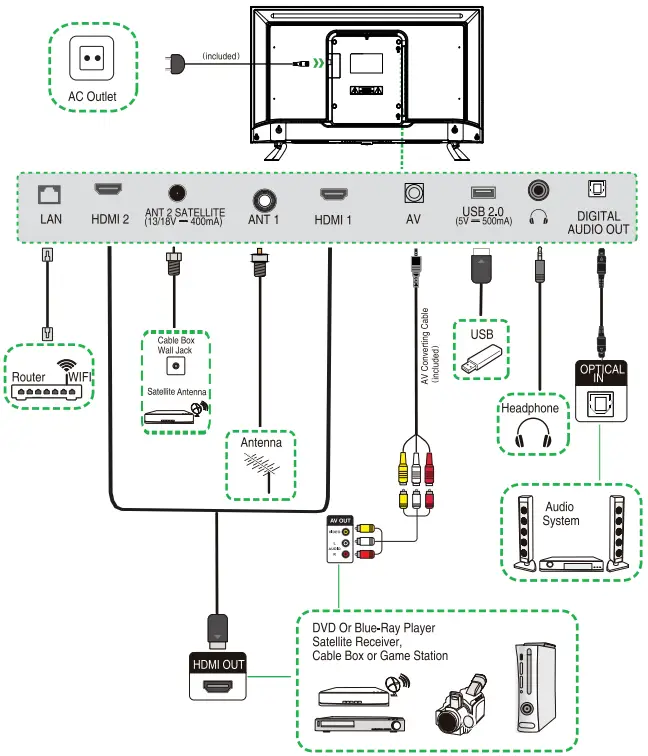
Connecting to your TV
Connect the power cable to the TV, then plug the power cord into the AC outlet.
Remote Control
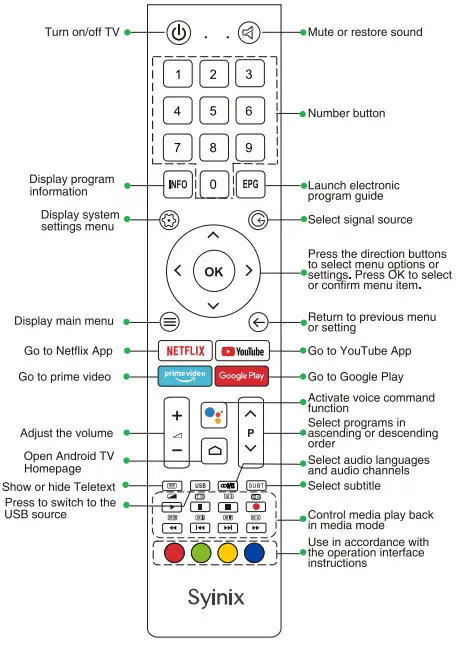
Remote Control Set-Up:
- Remove the battery compartment cover.
- Insert 2xAAA batteries with correct polarity (+/-) as indicated.
- Replace the cover.