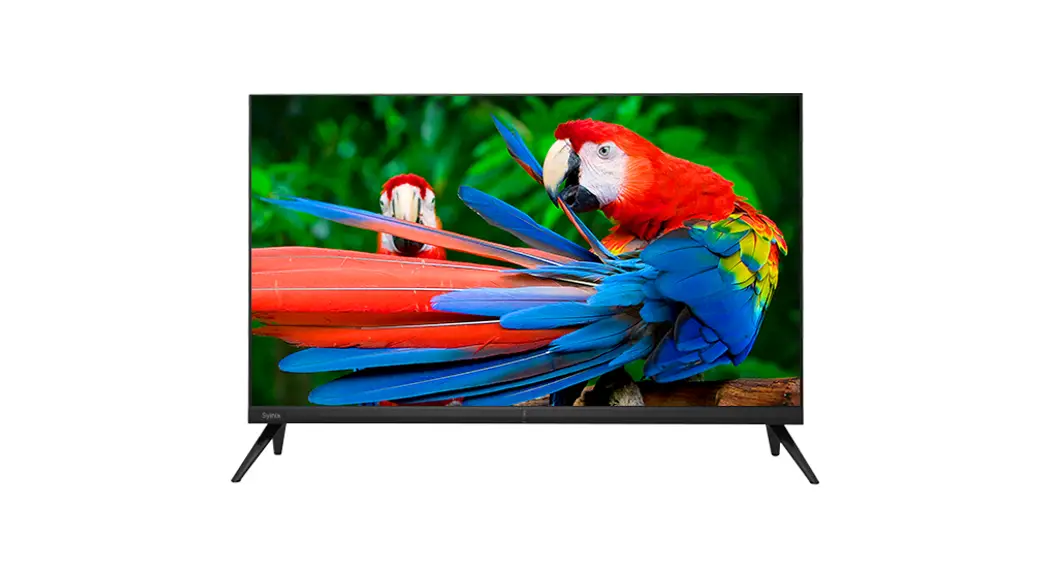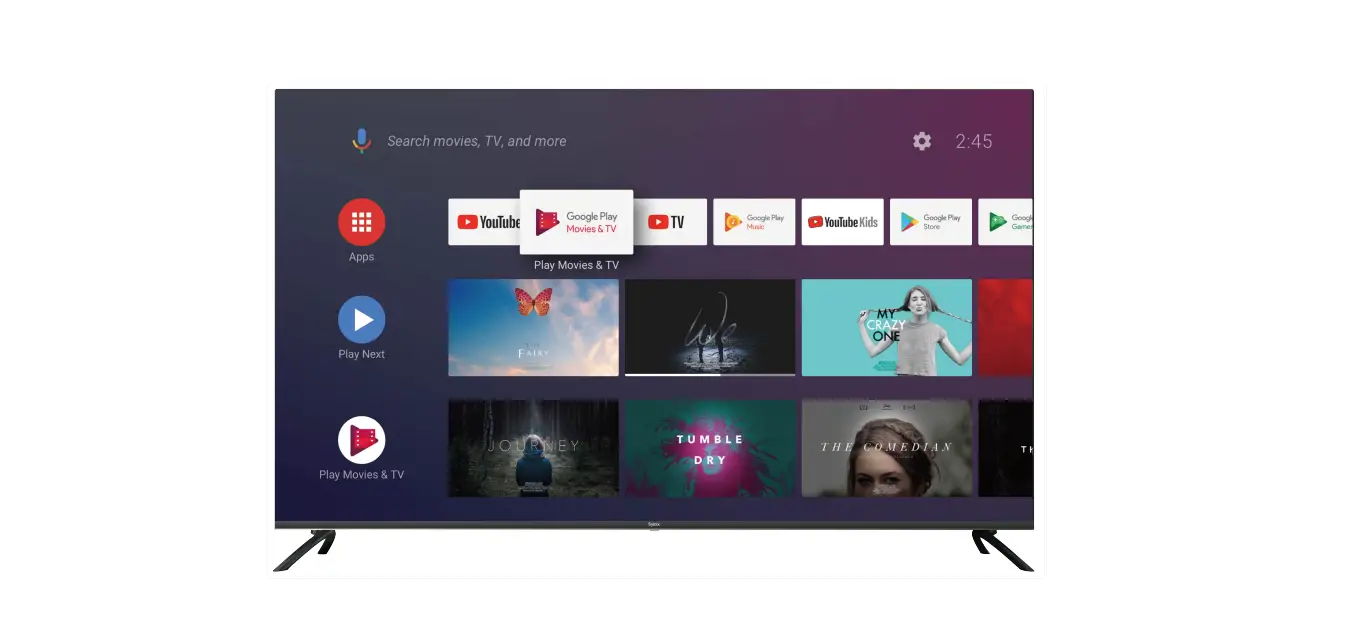

Syinix 58a1s 58-inch 4k Android Smart Tv User Guide

Syinix 58a1s 58-inch 4k Android Smart Tv User Guide

Syinix-logo

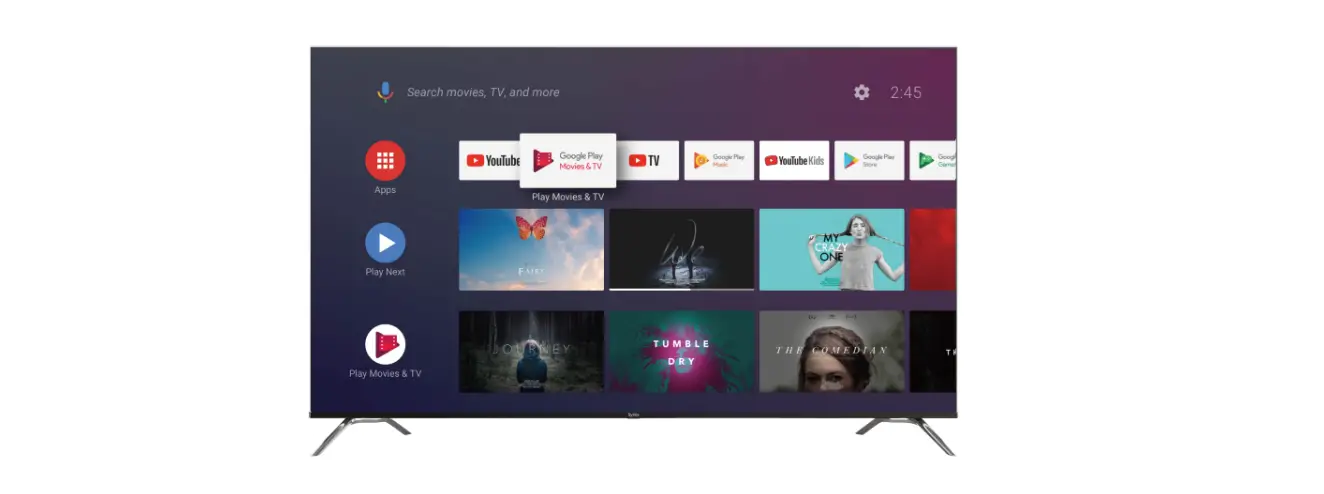
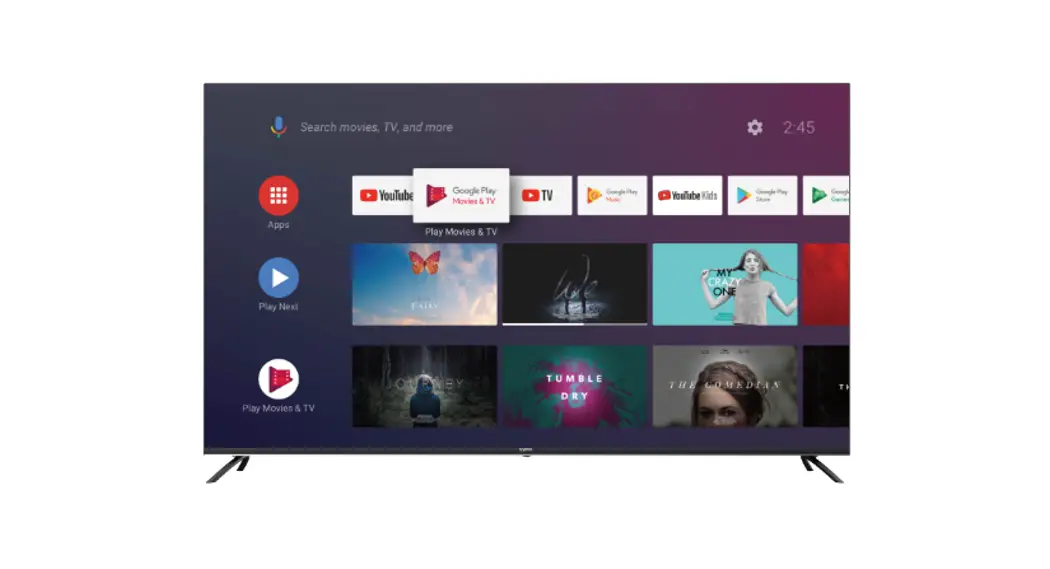
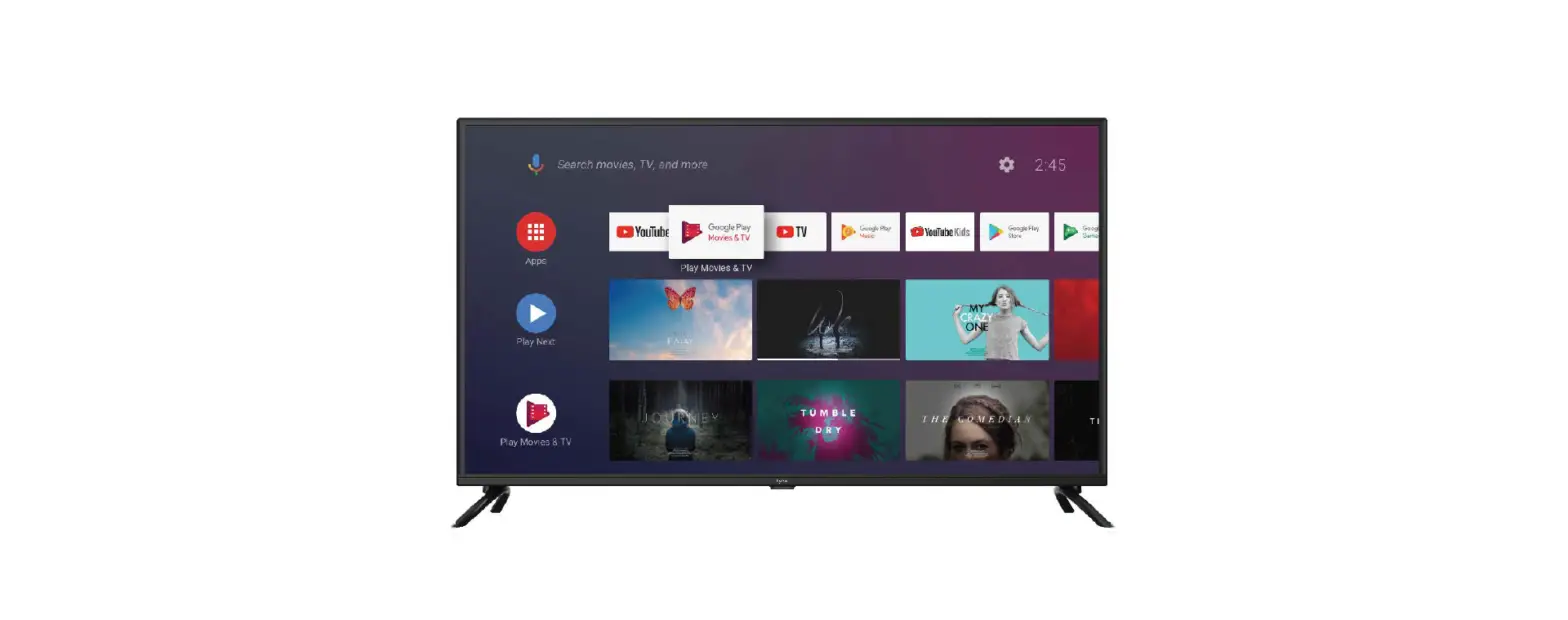
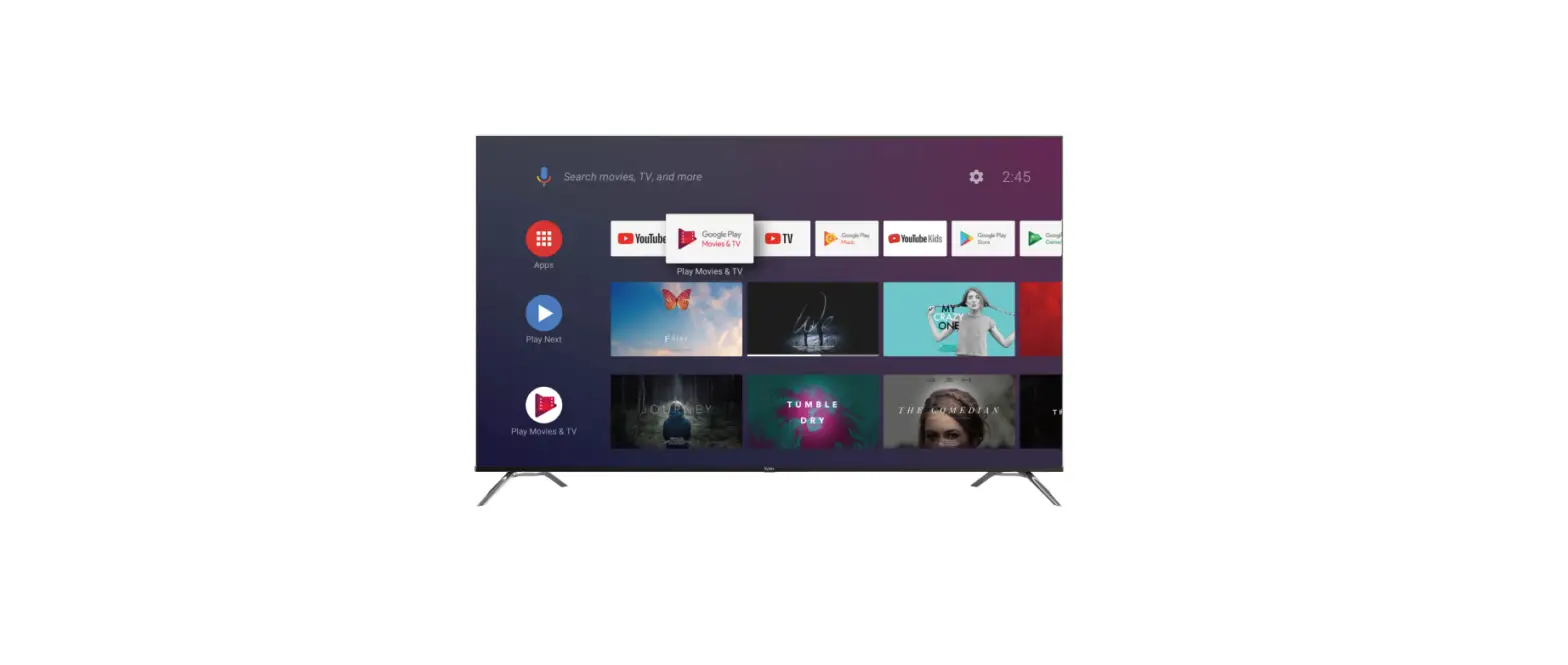
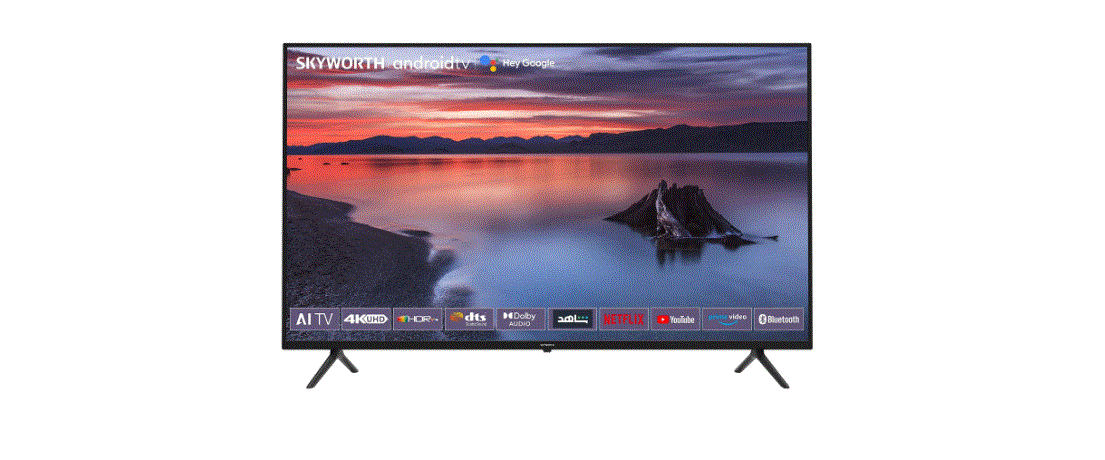
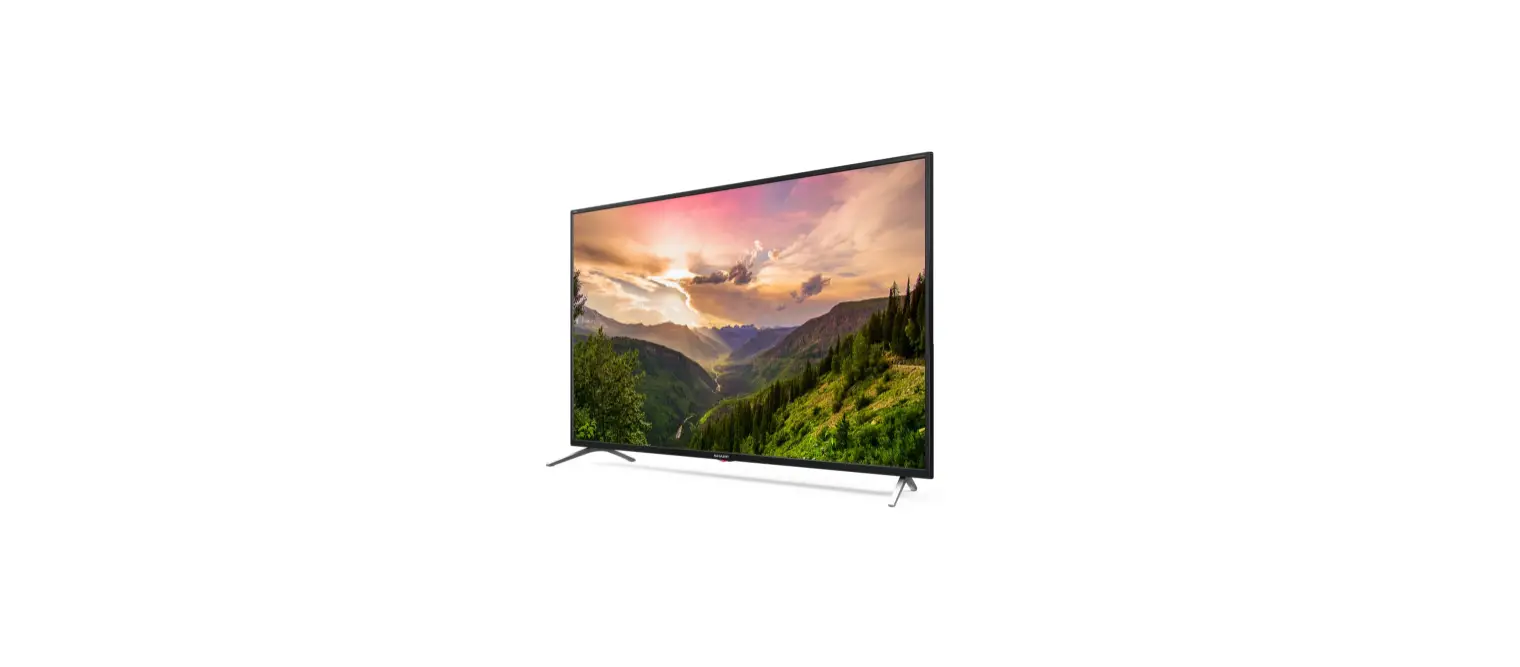
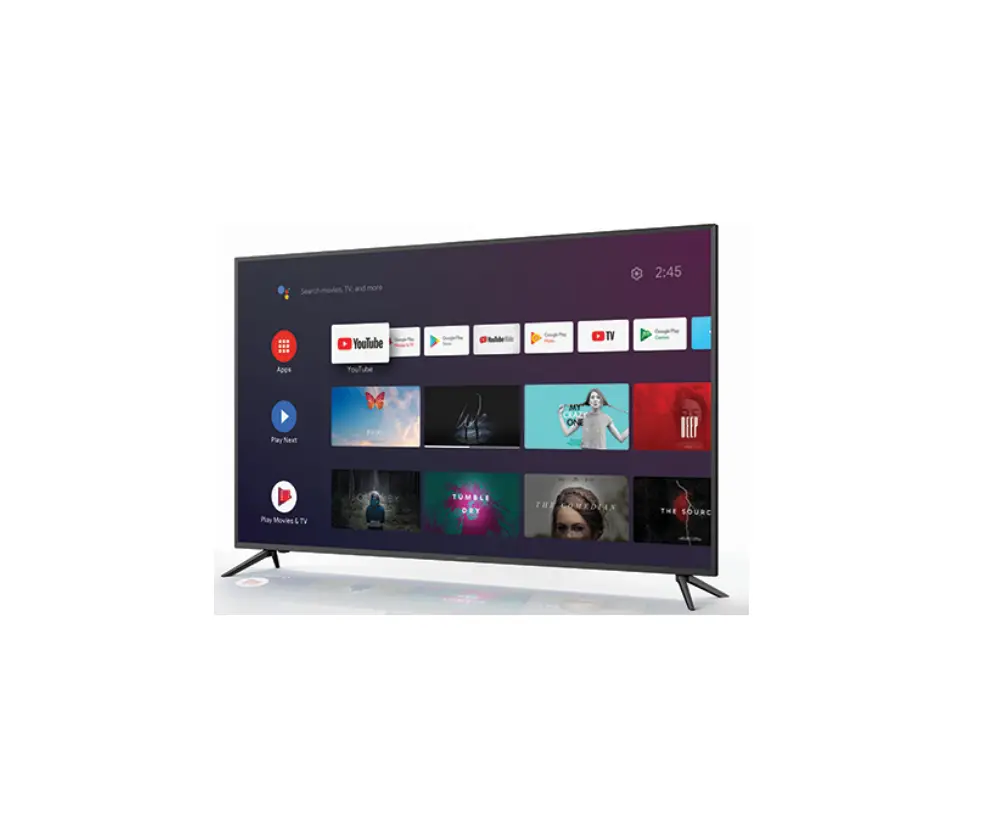
Syinix 58A1S 58-Inch 4K Android Smart TV
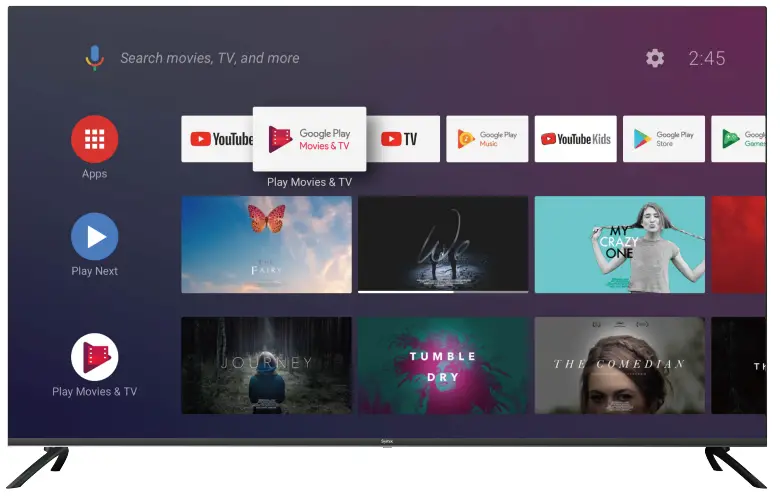
Showing 3 of 3 media items

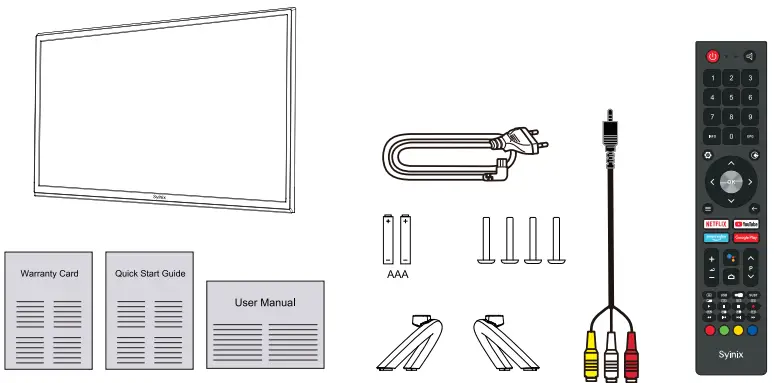
Packaging including

Syinix 58A1S 58-Inch 4K Android Smart TV-fig2

The items bebw should be included in the box:

  • 1 x 58″ TV Set
  • 2 x Base Stands
  • 4x Screws( M4 x 20)
  • 1 x Remote Control
  • 2x AAA Batteries
  • 1x Mini AV Cable
  • 1x Power Cord
  • 1x Warranty Card
  • 1 x Quick Start Guide
  • 1x User Manual

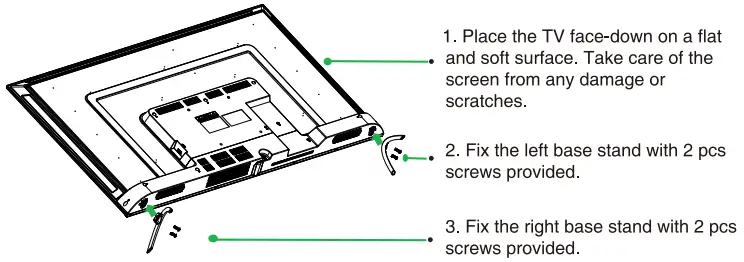
Installing the Stands

Syinix 58A1S 58-Inch 4K Android Smart TV-fig3

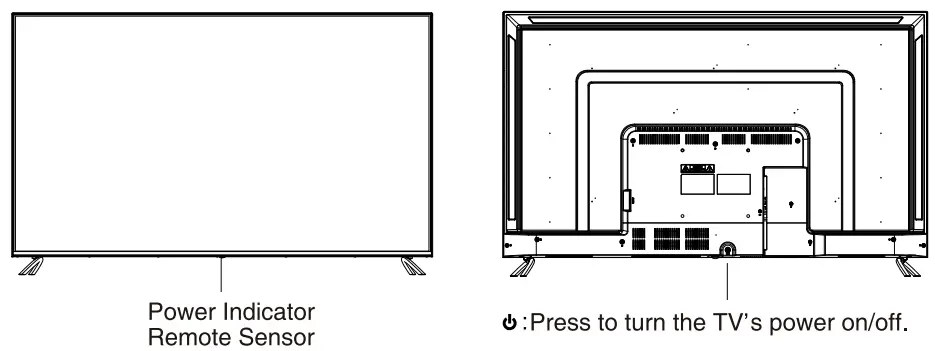
Front&Back Views

Syinix 58A1S 58-Inch 4K Android Smart TV-fig4

Connecting to your TV

Connect the power cable to the TV, then plug the power cord to the AC outlet.
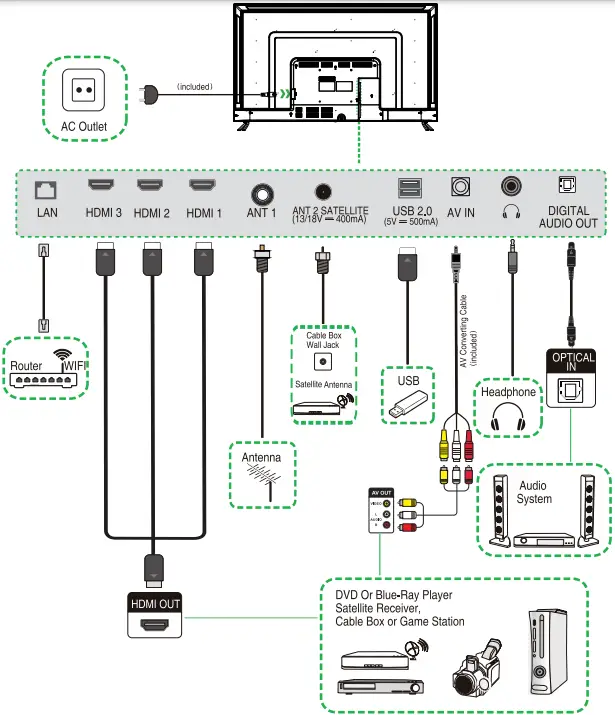
Syinix 58A1S 58-Inch 4K Android Smart TV-fig5

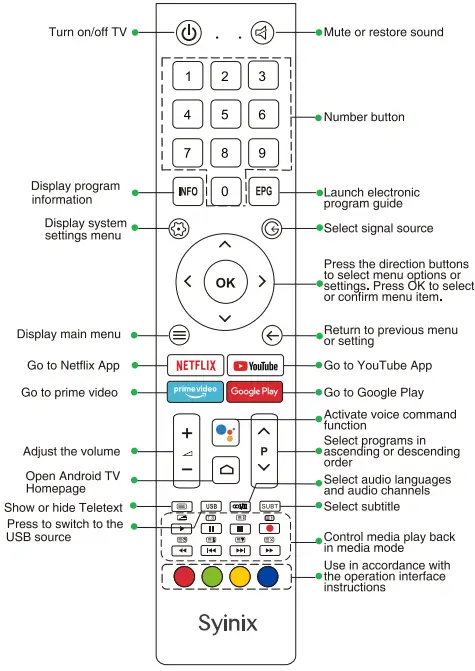
Remote Control

Syinix 58A1S 58-Inch 4K Android Smart TV-fig6

Remote Control Set Up:

  1. Remove the battery compartment cover.
  2. Insert 2xAAA batteries with corect polarity (+-) as indicated,
  3. Replace the cover.

    Syinix 58A1S 58-Inch 4K Android Smart TV-fig7

Documents / Resouces

Download manual
Here you can download full pdf version of manual, it may contain additional safety instructions, warranty information, FCC rules, etc.


Related Manuals